Oracle NetSuite Connector
Integrate Oracle NetSuite with spreadsheets, data warehouses, or BI tools to build up a reliable reporting system for efficient decision-making. Get an all-in-one solution to gather, transform, understand and automate your Oracle NetSuite data without any hassle.



How to set up your Oracle NetSuite integration
Analyze your Oracle NetSuite data easier
Collect data on a scheduled basis and blend it with information exported from other applications.

Manage and create new columns, apply filters, and perform other data transformations before loading it into the destination.

Get analysis-ready data with Coupler.io and build dashboards using Data Studio or other BI tools in minutes.

Schedule the refresh of your Oracle NetSuite data and build triggered automation sequences using incoming and outgoing webhooks.

Integrate Oracle NetSuite with these destinations


What data you can export from Oracle NetSuite?
-
ObjectsSelect standard or custom record types from NetSuite.
-
SuiteQLMake a custom request in the SuiteQL language and export data from NetSuite.
-
AccountGeneral ledger accounts in your chart of accounts, including types, numbers, and hierarchy
-
Accounting BookAccounting books for multi-book accounting configurations and mappings
-
Accounting PeriodFiscal accounting periods with open or closed status and date ranges
-
Advanced Intercompany Journal EntryAdvanced intercompany journal entries for multi-subsidiary eliminations and adjustments
-
Assembly ItemAssembly items that combine components into finished goods for manufacturing
-
Billing AccountSuiteBilling accounts linking customers to subscription billing profiles
-
Billing Revenue EventBilling revenue events that trigger revenue recognition from billing activity
-
Billing ScheduleBilling schedules defining how and when customers are invoiced over time
-
BinWarehouse bin locations used to track inventory placement within locations
-
Budget CategoryBudget categories for organizing and reporting budget data
-
Budget Exchange RateExchange rates used to convert amounts in multi-currency budgets
-
Budget ImportBudget import records for loading budget data from external files
-
Calendar EventCalendar events with attendees, dates, and related CRM records
-
Cash RefundCash refund transactions returning funds to customers for cash sales
-
Cash SaleCash sale transactions for immediate-payment sales without invoicing
-
CheckCheck payment transactions including payee, amount, and account details
-
ClassificationClass segment values for departmental or business unit reporting
-
Consolidated Exchange RateConsolidated exchange rates for multi-subsidiary financial reporting
-
ContactContact records with communication details and links to customers and partners
-
Contact RoleContact role definitions used when linking contacts to customers or partners
-
Cost CategoryCost categories for classifying project, manufacturing, or expense costs
-
Credit Card ChargeCredit card charge transactions recording corporate card expenses
-
Credit Card RefundCredit card refund transactions reversing prior card charges
-
Credit MemoCredit memos reducing amounts owed by customers for returns or adjustments
-
CurrencyCurrency definitions with symbols, exchange rate settings, and precision
-
Currency RateCurrency exchange rates between currencies for transaction conversion
-
DepartmentDepartment segment values for organizational reporting and transaction tagging
-
DepositCustomer deposit transactions recording advance payments received
-
Deposit ApplicationDeposit applications applying customer deposits to invoices
-
Description ItemDescription line items used on transactions for non-inventory text lines
-
Discount ItemDiscount items applying percentage or fixed discounts on transactions
-
Download ItemDownloadable items for digital goods sold through NetSuite
-
Email TemplateEmail templates used for automated and manual customer communications
-
EmployeeEmployee records with personal, job, and payroll-related information
-
Entity GroupEntity groups bundling customers, vendors, or employees for shared settings
-
Expense CategoryExpense categories classifying lines on expense reports
-
Expense ReportEmployee expense reports with line items, approvals, and reimbursement status
-
Gift Certificate ItemGift certificate items for prepaid gift card products
-
GL Numbering SequenceGL audit numbering sequences controlling journal entry number assignment
-
Impact SubcategoryImpact subcategories for sustainability or ESG impact tracking
-
Intercompany Journal EntryIntercompany journal entries posting transactions between subsidiaries
-
Inventory ItemInventory items tracked with quantities, costing, and stock levels
-
Inventory NumberInventory numbers including lot and serial number tracking details
-
InvoiceCustomer invoices with line items, tax, payment terms, and open balance
-
Item FulfillmentItem fulfillment records shipping goods against sales orders
-
Item GroupItem groups bundling multiple items sold together as a single line
-
Item ReceiptItem receipt records receiving purchased or transferred inventory
-
Job StatusProject job status values defining stages in the project lifecycle
-
Job TypeProject job type classifications for grouping and reporting jobs
-
Journal EntryGeneral ledger journal entries with debits, credits, and posting accounts
-
Kit ItemKit items grouping component items sold as a bundle without assembly
-
LocationLocation records for warehouses, stores, and facilities used in inventory and accounting
-
Lot Numbered Assembly ItemLot-numbered assembly items tracked by production lot for manufacturing
-
Lot Numbered Inventory ItemLot-numbered inventory items with lot tracking for traceability
-
Markup ItemMarkup items adding percentage or fixed markups on transaction lines
-
MessageInternal messages and notes attached to records and transactions
-
NexusTax nexus definitions determining tax obligations by jurisdiction
-
Non-Inventory Purchase ItemNon-inventory items purchased for internal use, not for resale
-
Non-Inventory Resale ItemNon-inventory items purchased for resale without quantity tracking
-
Non-Inventory Sale ItemNon-inventory items sold without maintaining stock quantities
-
Other Charge Purchase ItemOther charge items purchased and expensed on vendor transactions
-
Other Charge Resale ItemOther charge items purchased for resale on sales transactions
-
Other Charge Sale ItemOther charge items sold as additional fees on customer transactions
-
Other NameOther name records for entities that are not customers, vendors, or employees
-
Other Name CategoryCategories classifying other name entity records
-
Payment ItemPayment line items recording payment amounts applied on transactions
-
Payment MethodPayment methods such as cash, check, and card used on transactions
-
Phone CallPhone call activity records with participants, dates, and related entities
-
Price LevelPrice levels defining pricing tiers for items across customer segments
-
Pricing GroupPricing groups combining customers or items for shared pricing rules
-
Purchase OrderPurchase orders with vendors, line items, quantities, and receiving status
-
Return AuthorizationReturn authorizations authorizing customer returns of sold items
-
Revenue Recognition Field MappingRevenue recognition field mappings linking source fields to rev rec rules
-
Revenue Recognition ScheduleRevenue recognition schedules defining how revenue is recognized over time
-
Revenue Recognition TemplateRevenue recognition templates applying standard rev rec rules to transactions
-
Sales OrderSales orders with customers, items, quantities, pricing, and fulfillment status
-
Sales Tax ItemSales tax items calculating tax amounts on taxable transaction lines
-
Serialized Assembly ItemSerialized assembly items tracked by unique serial numbers
-
Serialized Inventory ItemSerialized inventory items with per-unit serial number tracking
-
Service Purchase ItemService items purchased from vendors for internal consumption
-
Service Resale ItemService items purchased for resale to customers
-
Service Sale ItemService items sold to customers without inventory tracking
-
Ship ItemShipping items defining shipping methods and charges on sales transactions
-
Site CategoryWebsite catalog categories for organizing items in SuiteCommerce storefronts
-
Statistical Journal EntryStatistical journal entries posting non-monetary statistical amounts
-
Subscription TermSubscription term definitions for billing frequency and contract duration
-
SubsidiarySubsidiary records for multi-entity companies in NetSuite OneWorld
-
Subtotal ItemSubtotal line items grouping and summarizing amounts on transaction forms
-
TaskTask activity records with assignees, due dates, and related CRM or project records
-
Tax AccountTax control accounts linking tax codes to general ledger posting accounts
-
Tax GroupTax groups combining multiple tax codes into a single rate on transactions
-
Tax ScheduleTax schedules defining effective tax rates over date ranges
-
Tax TypeTax type classifications distinguishing sales, purchase, and other tax categories
-
TermPayment terms defining due dates and early payment discounts for transactions
-
Units TypeUnits of measure types and conversion rates for inventory and sale quantities
-
VendorVendor records with payment details, addresses, and purchase history
-
Vendor BillVendor bills recording payables from suppliers with line items and due dates
-
Vendor CategoryVendor categories for classifying and reporting on suppliers
-
Vendor CreditVendor credits reducing amounts owed to suppliers
-
Vendor PaymentVendor payments applying funds to open vendor bills and payables
-
Vendor Return AuthorizationVendor return authorizations for returning goods to suppliers
-
Vendor Subsidiary RelationshipVendor subsidiary relationships defining vendor access per subsidiary
Coupler.io made it easy to create dashboards and reports from different data sources. The sync is reliable and the user experience is amazing.

Take your reporting to the next level
 Sign Up with Google
 Sign Up with MICROSOFT
 SIGN UP WITH EMAIL
By signing up to Coupler.io, you agree to our Privacy Policy and Terms of Use.
Use Coupler.io dashboards templates
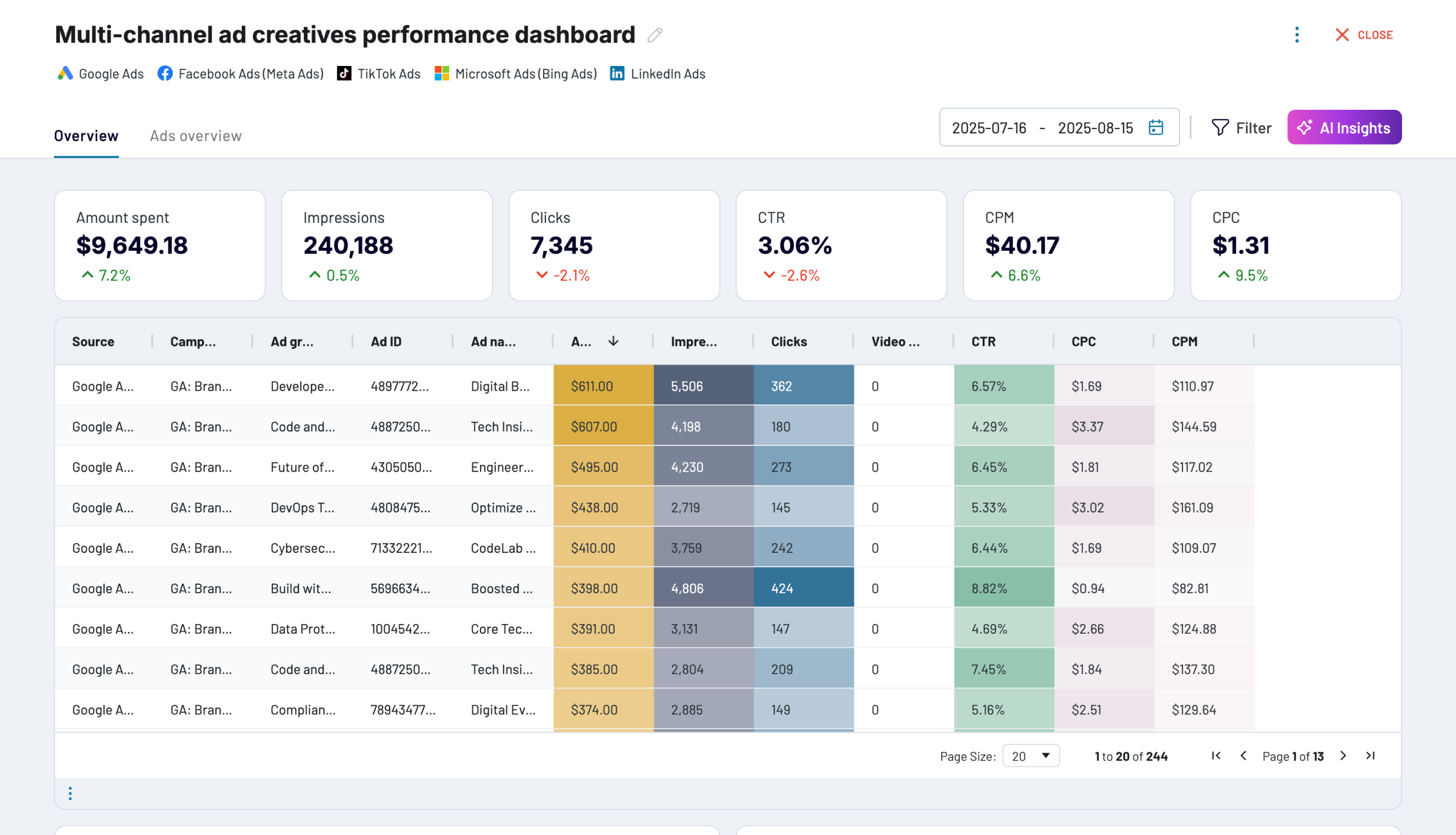
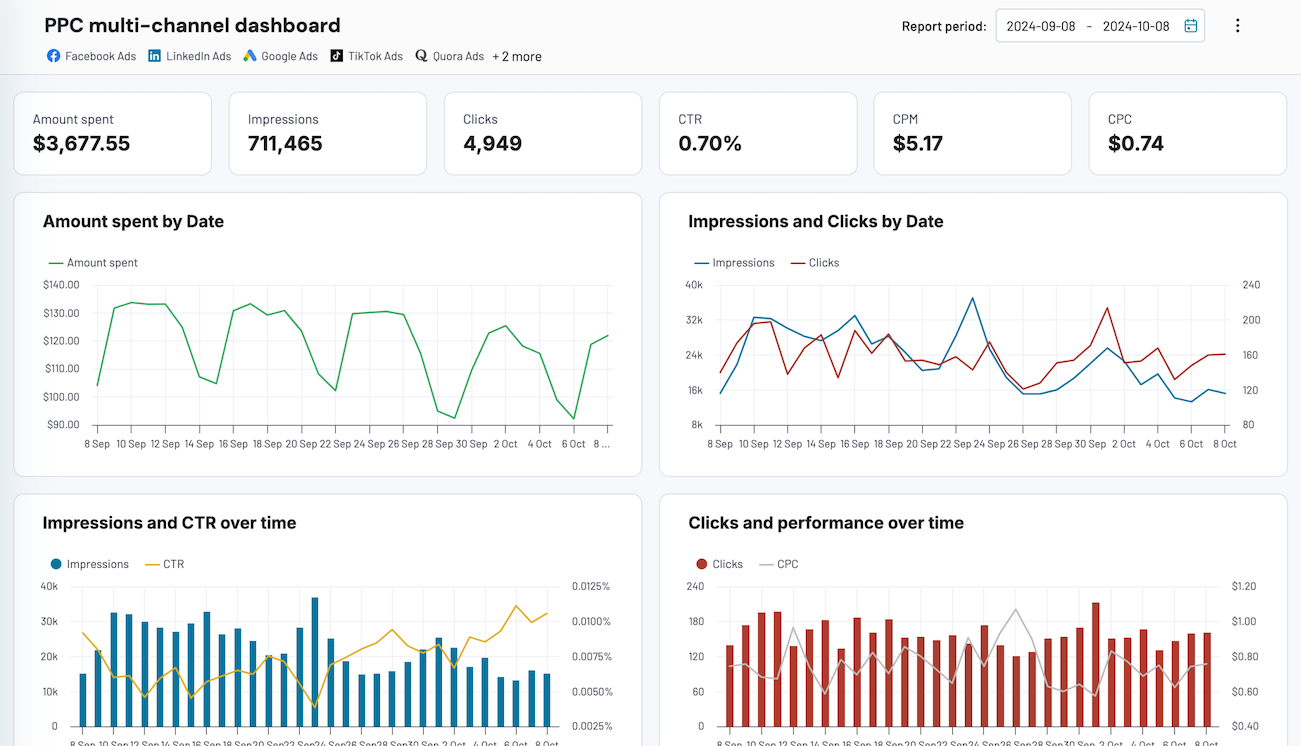
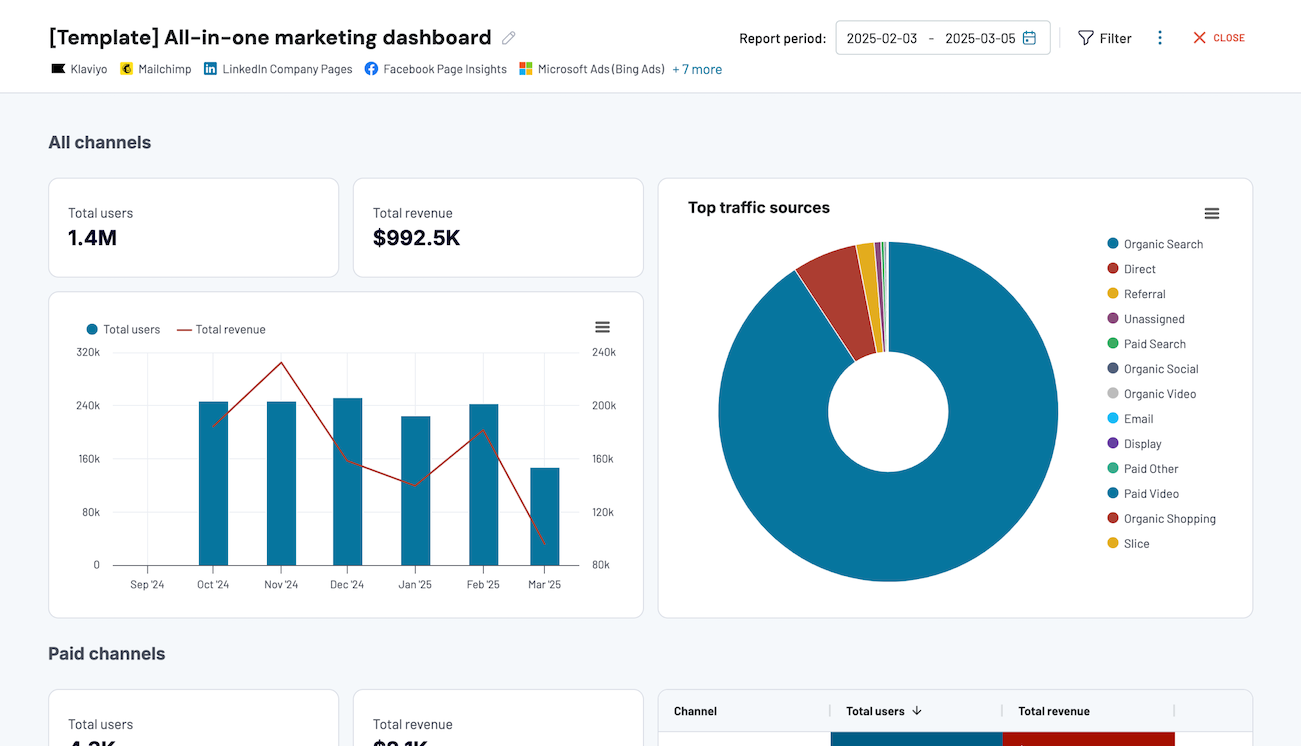
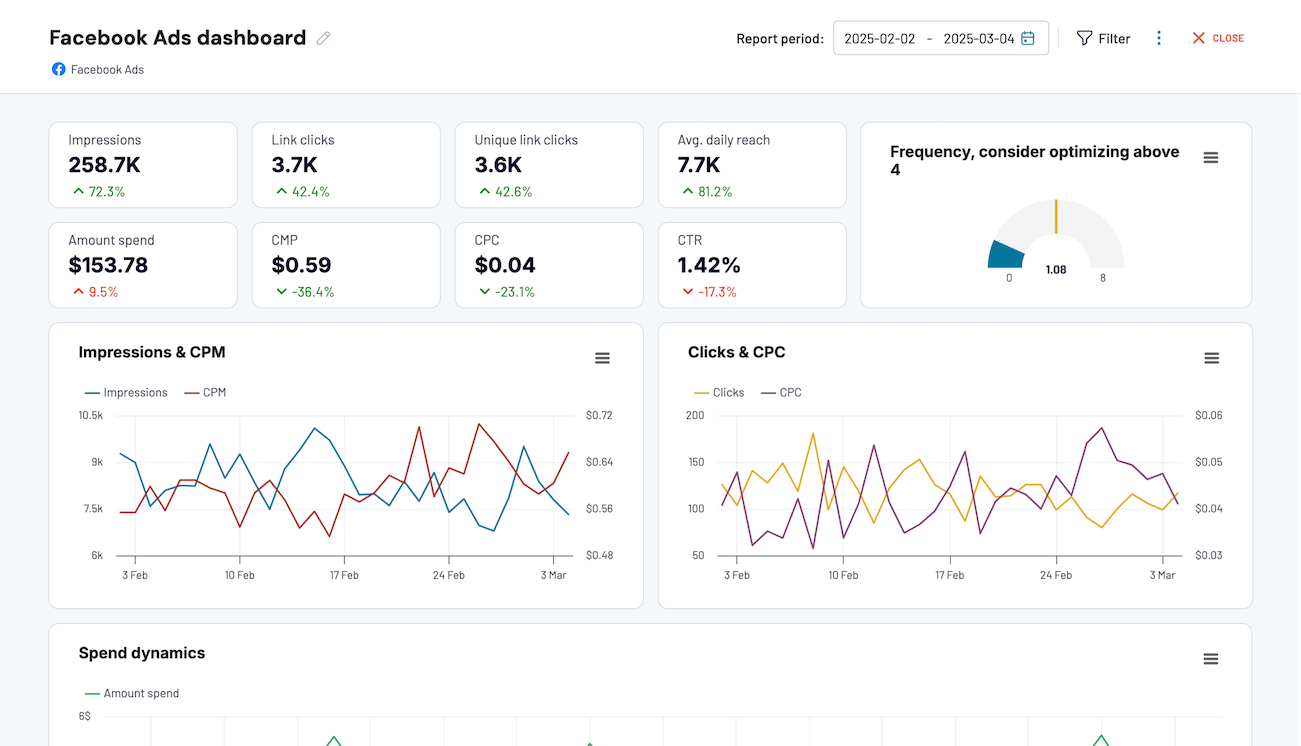
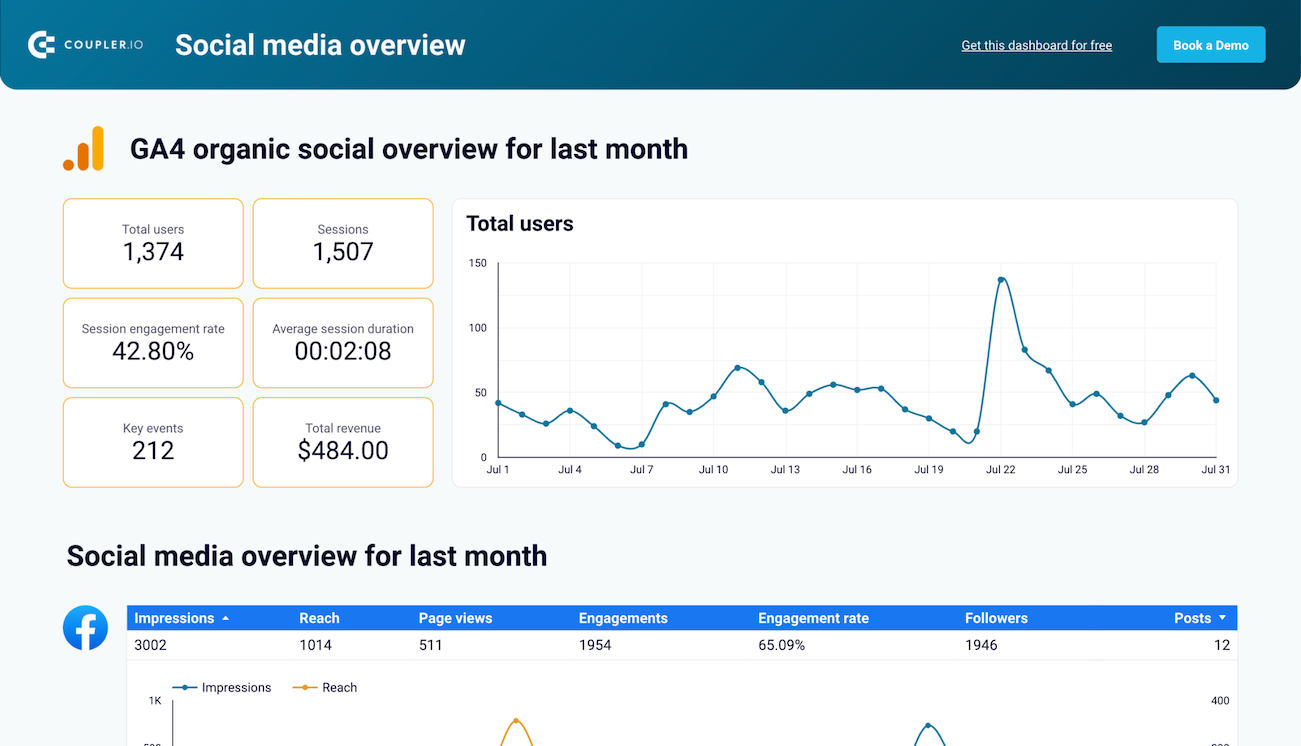
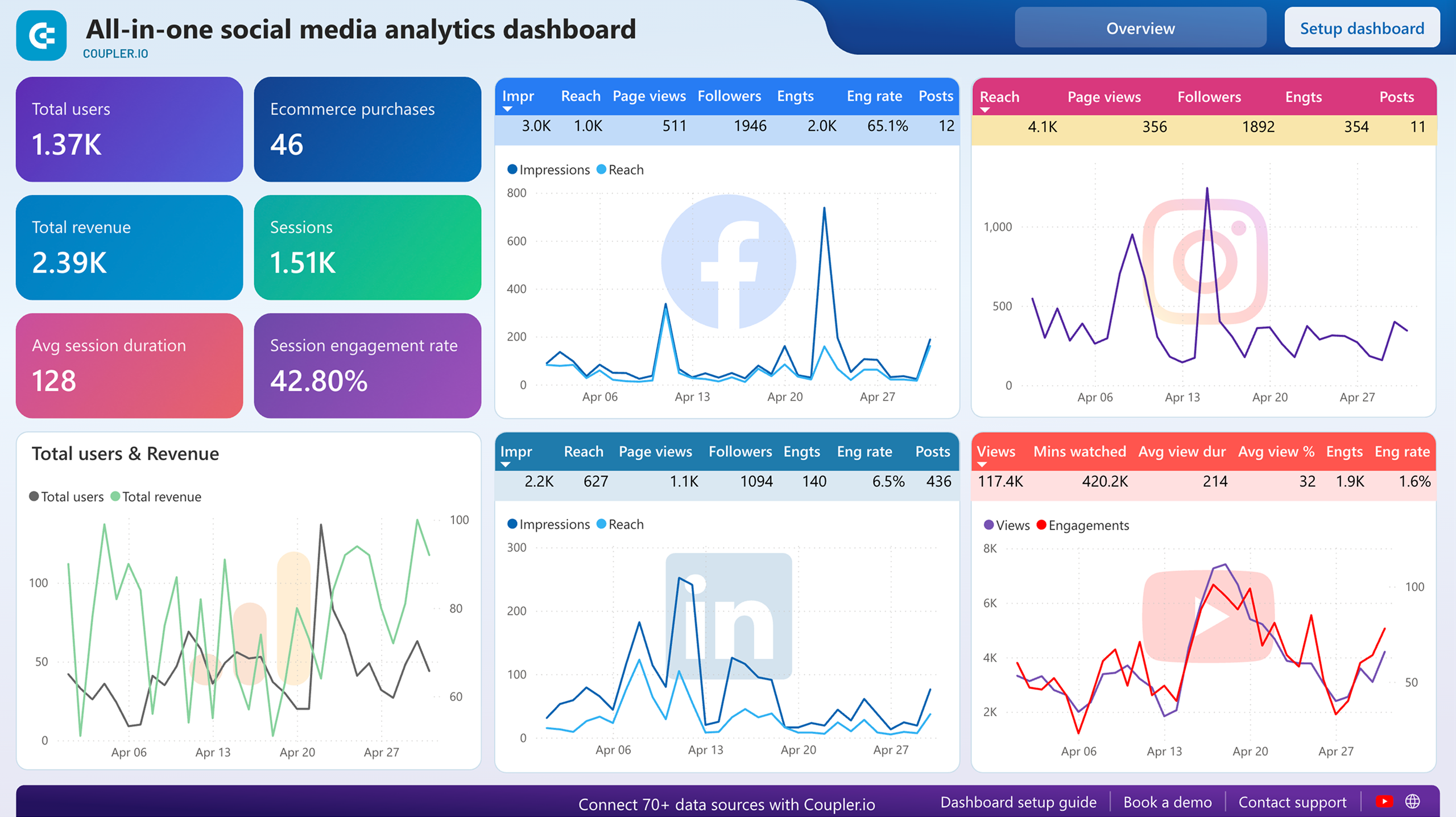
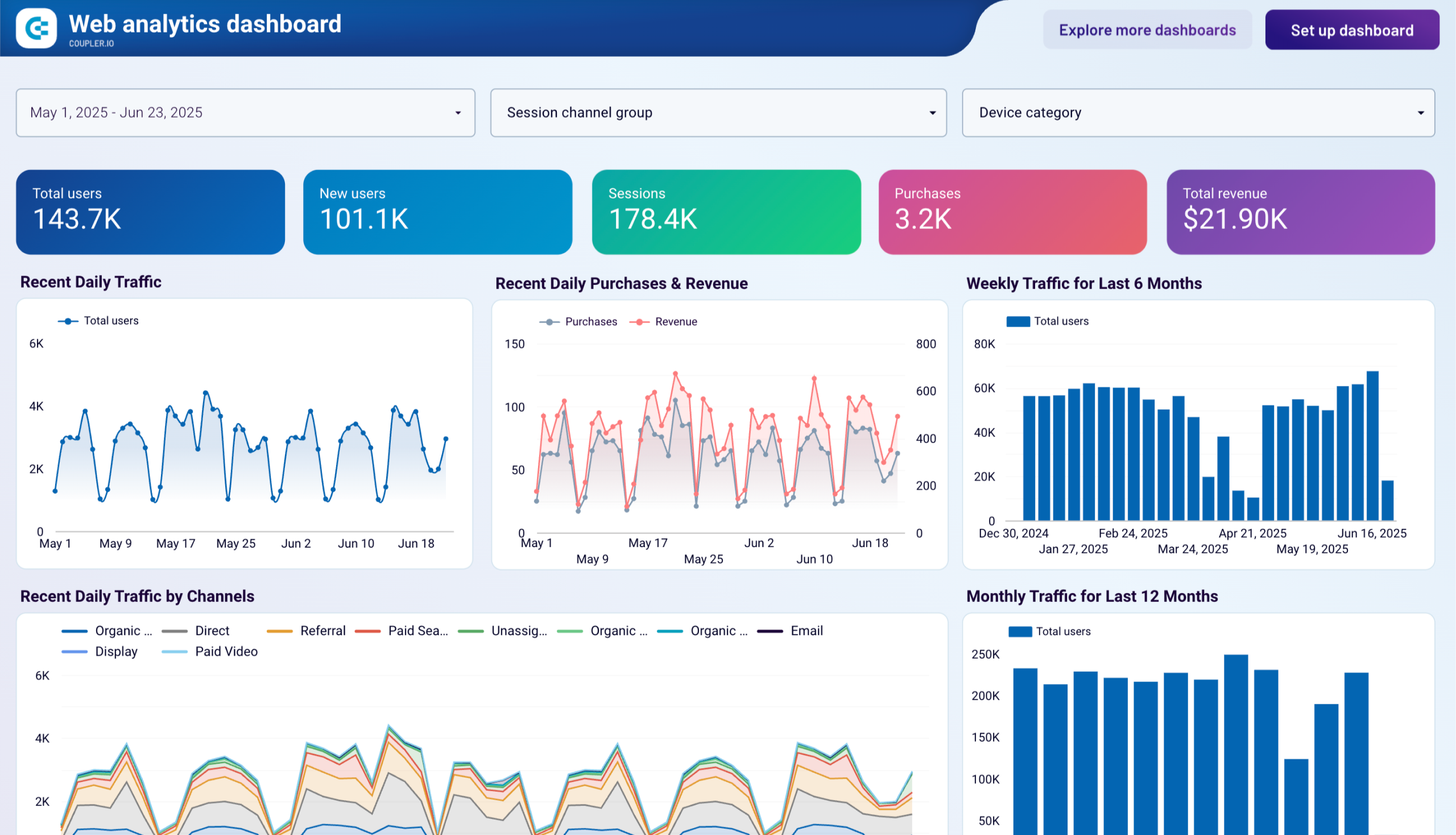
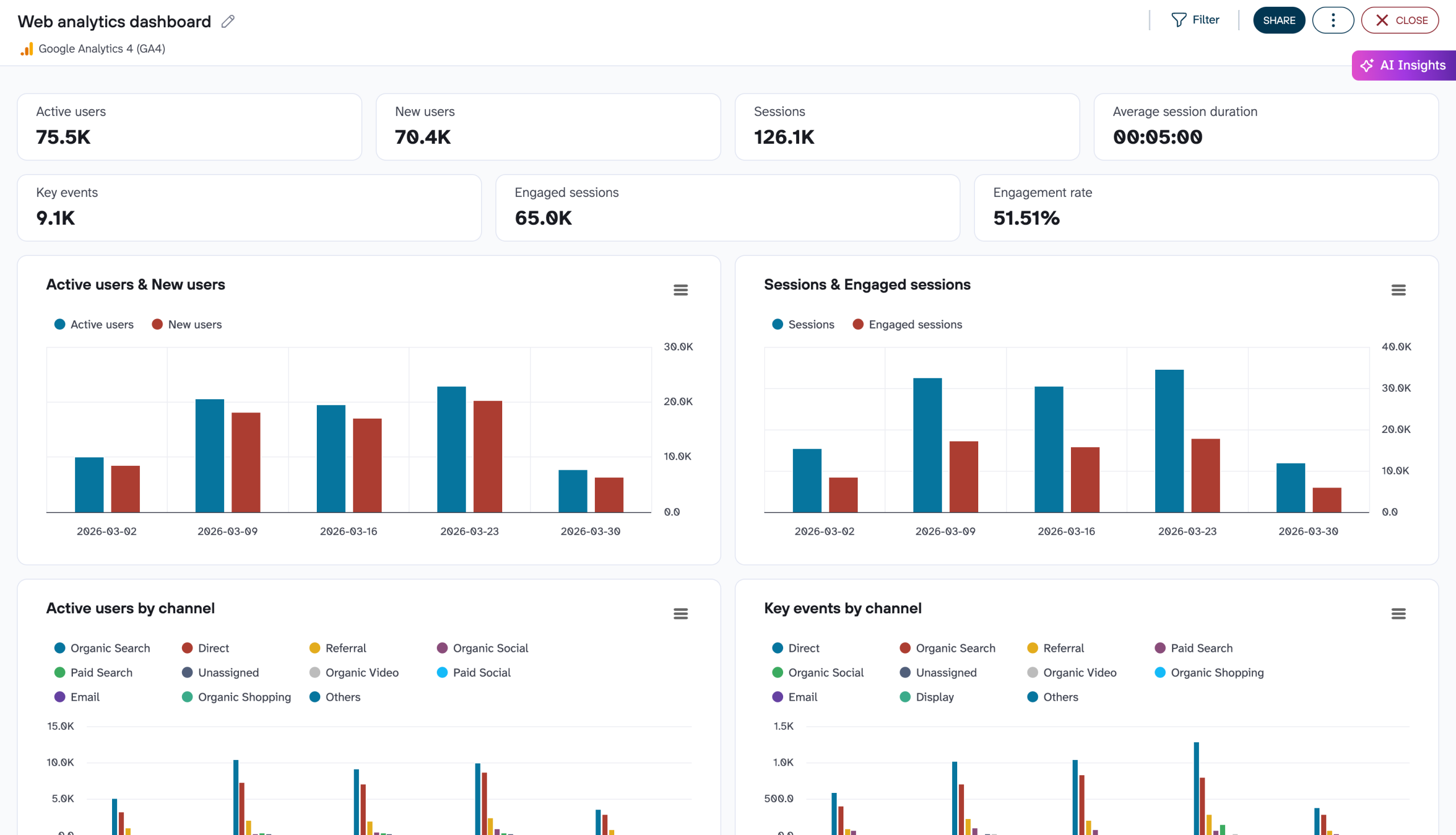
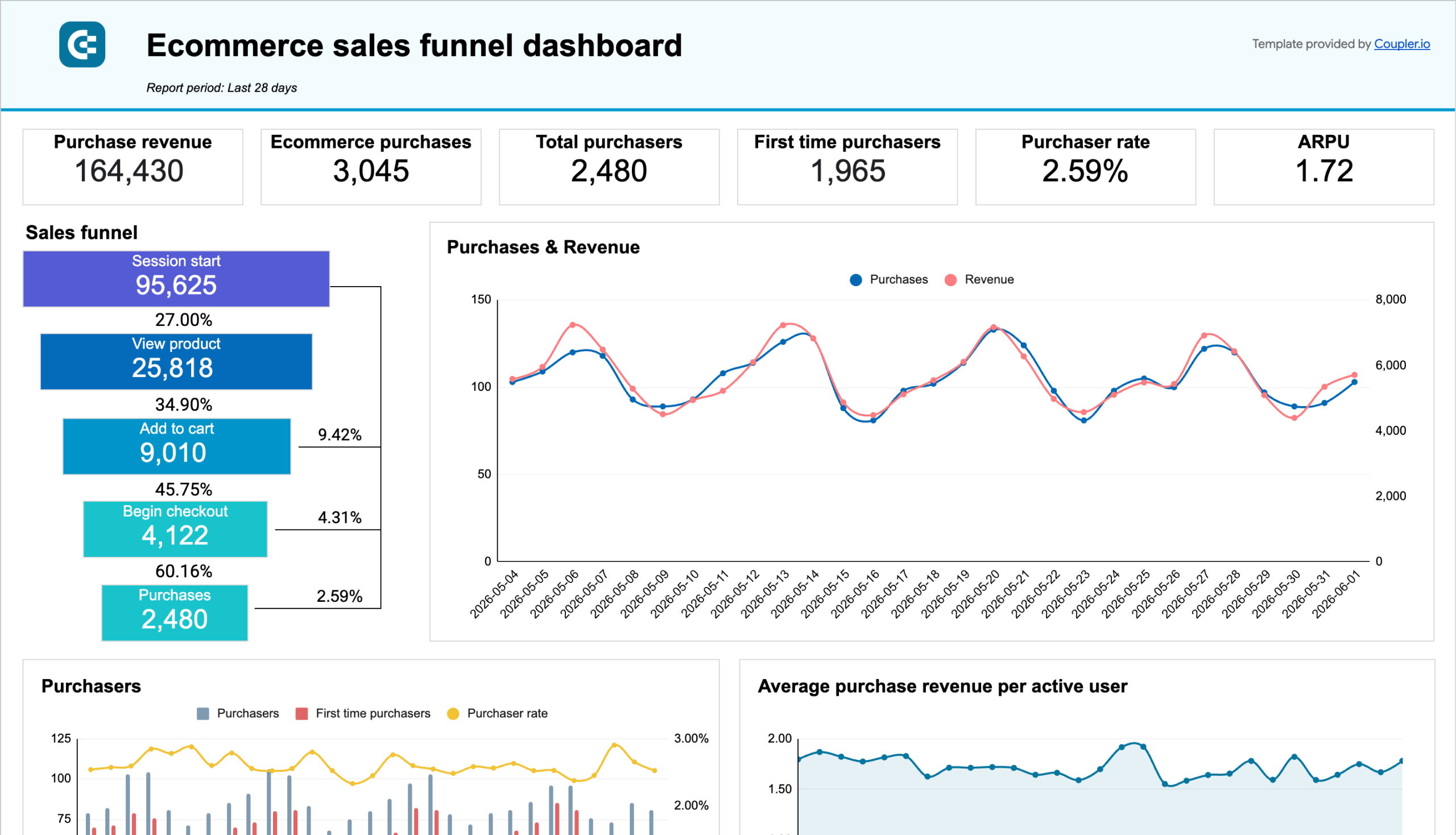
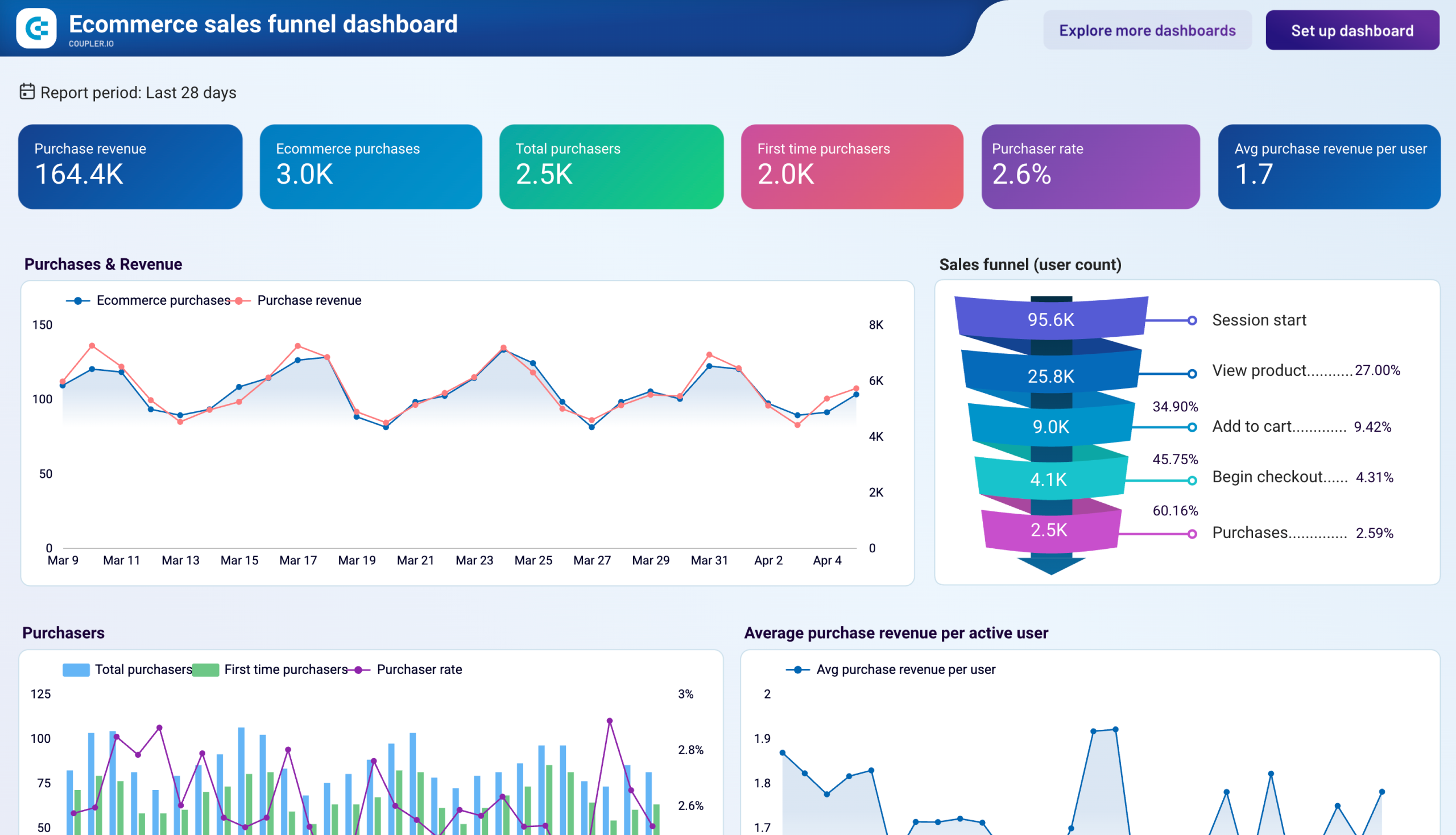
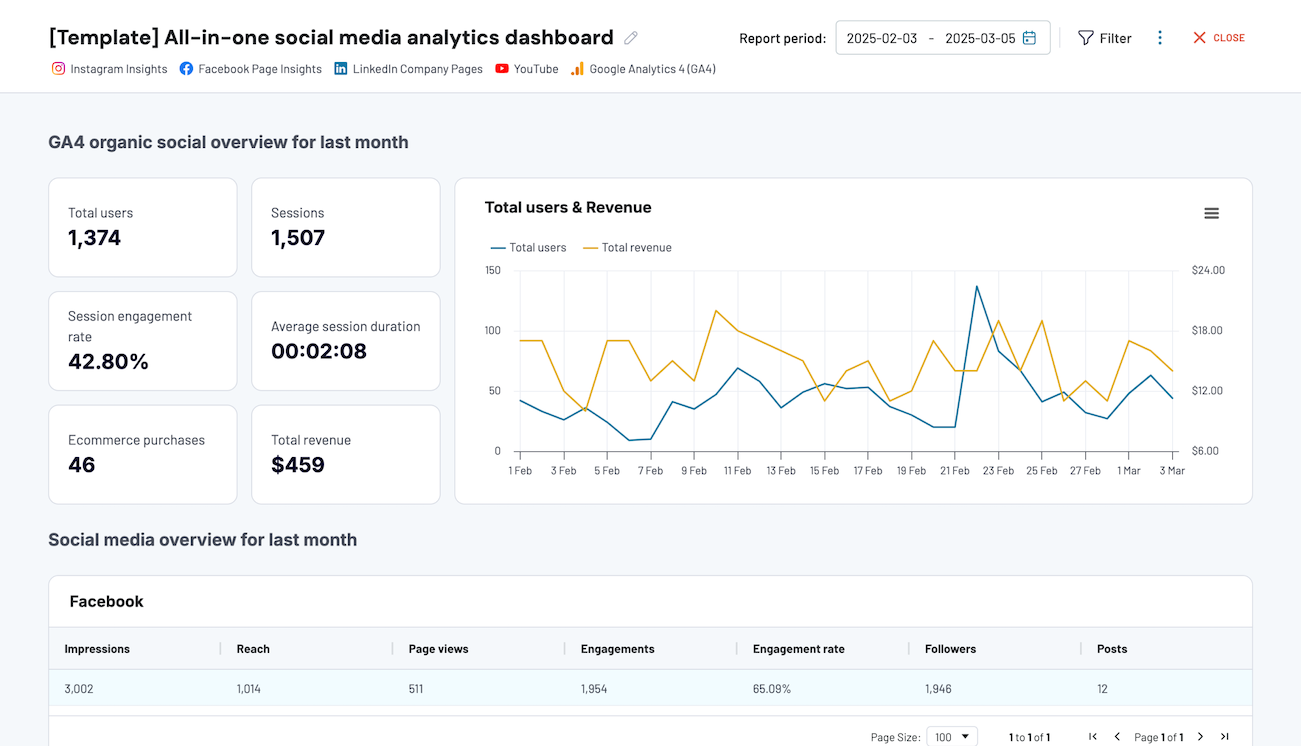
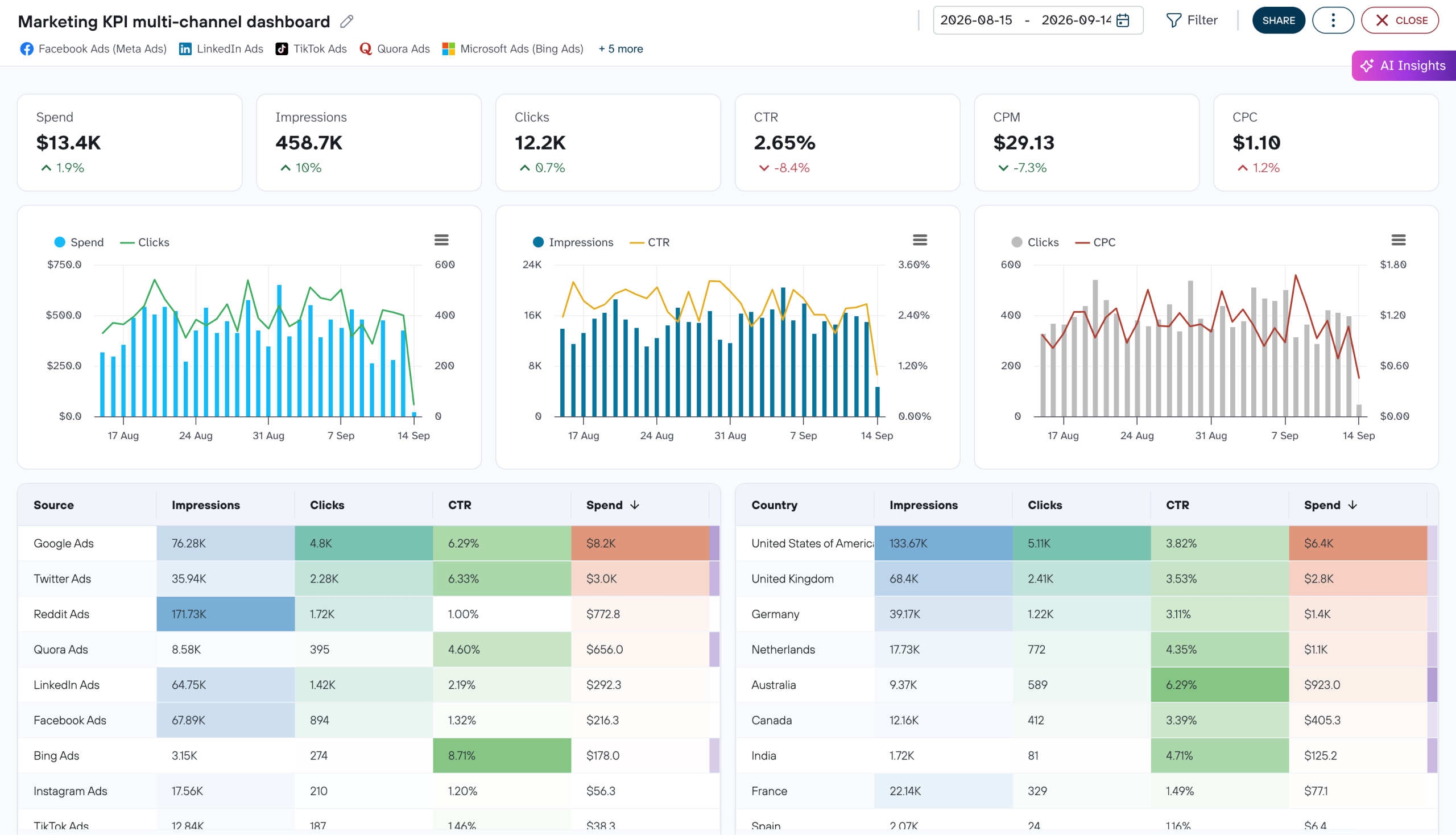
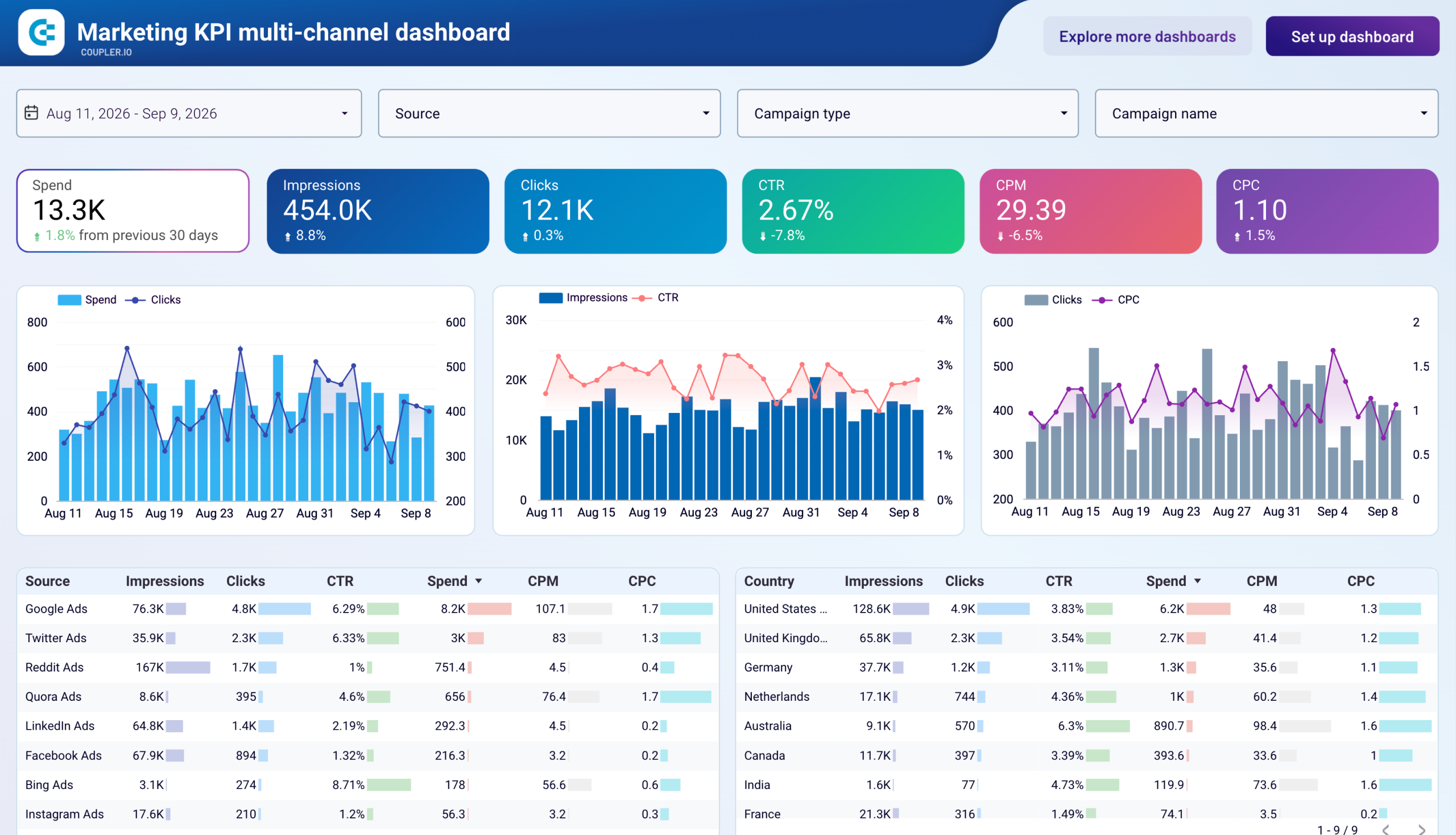
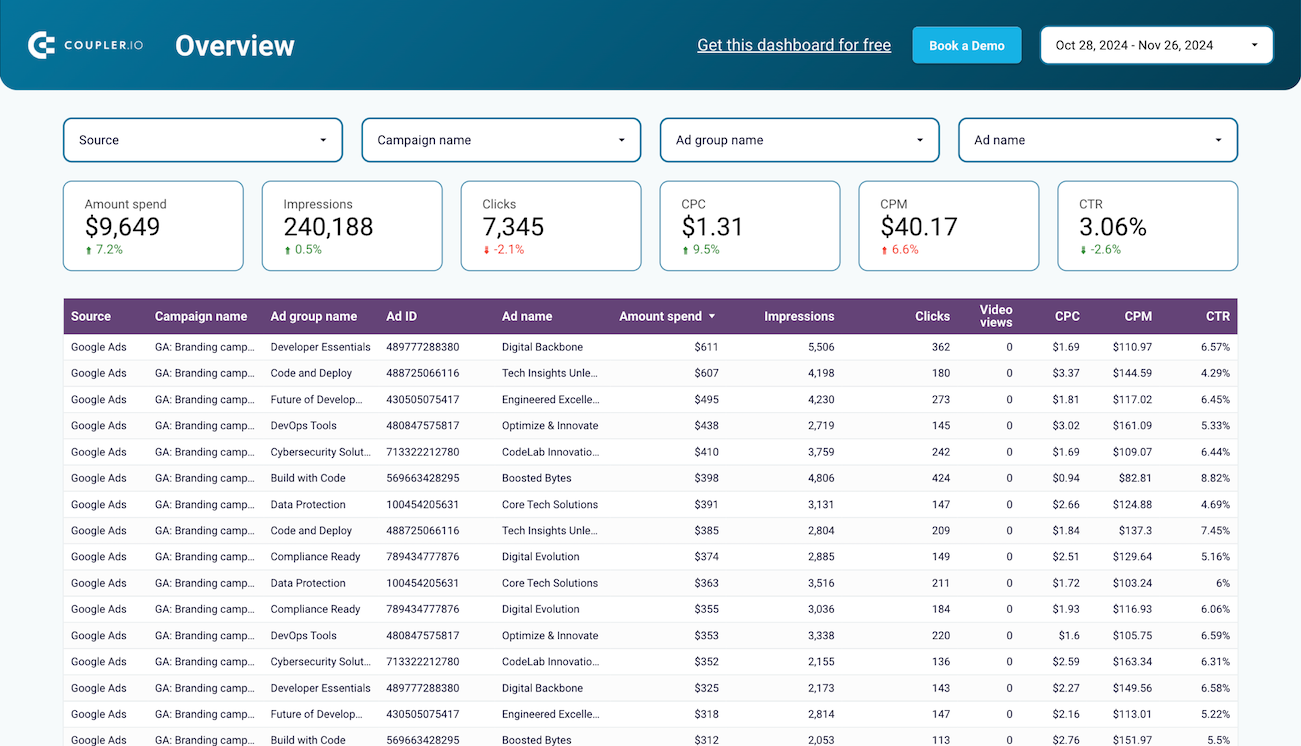
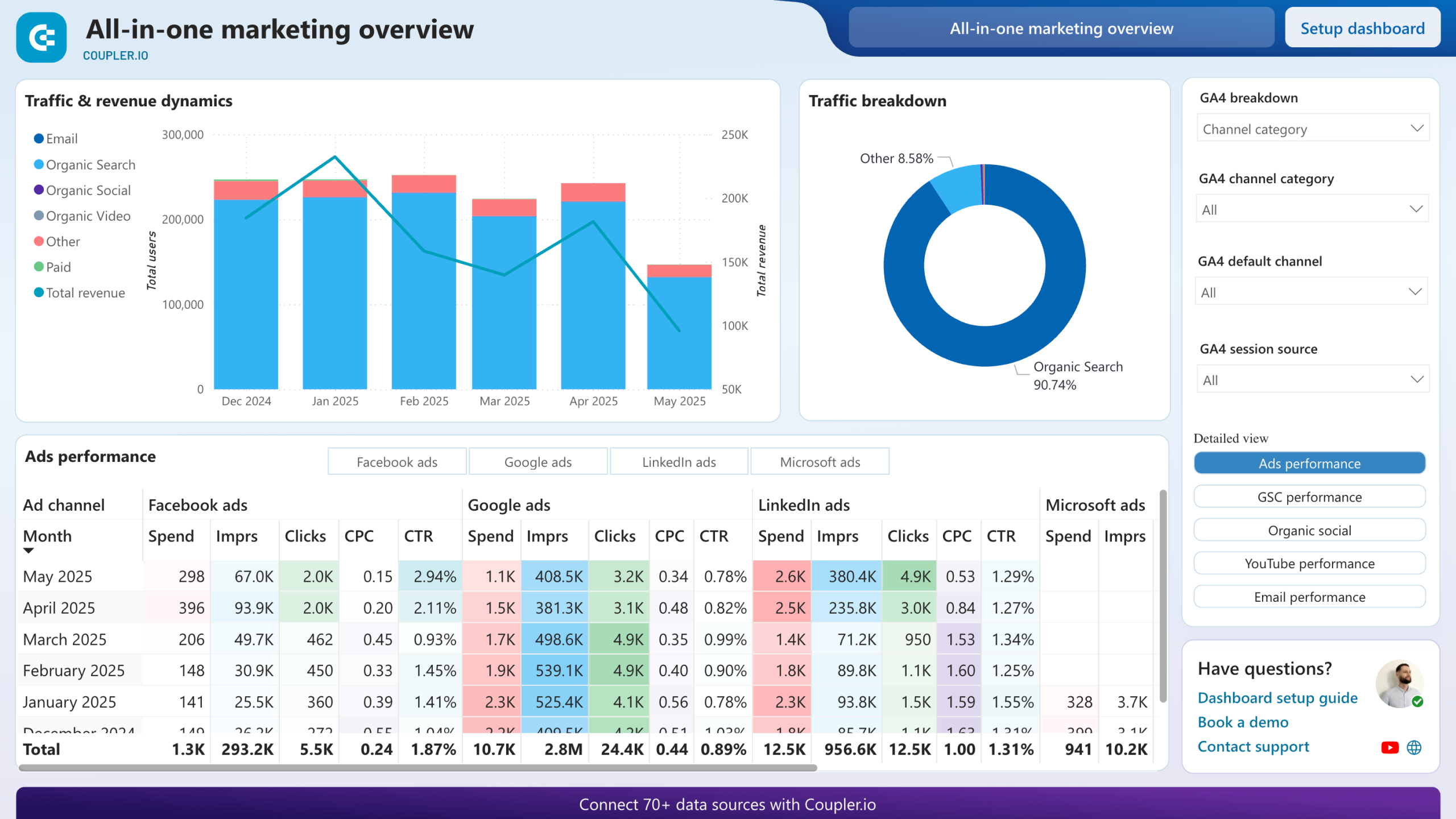
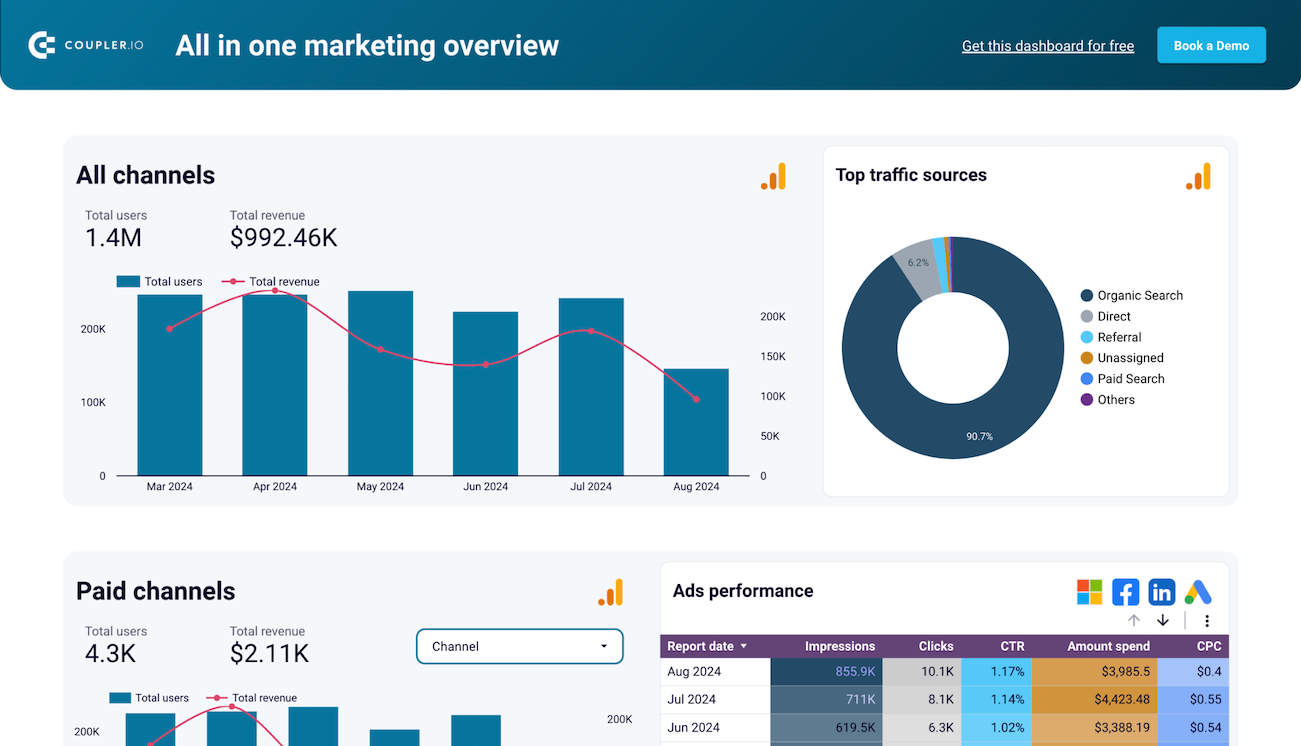
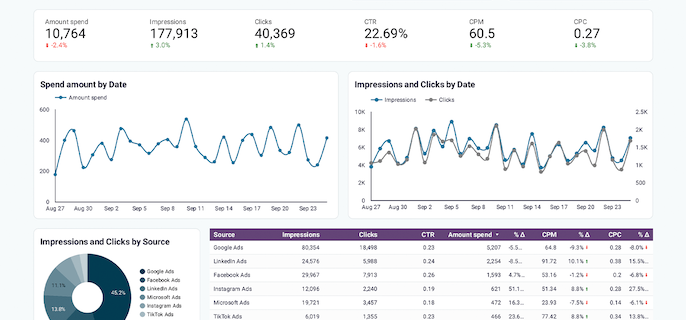
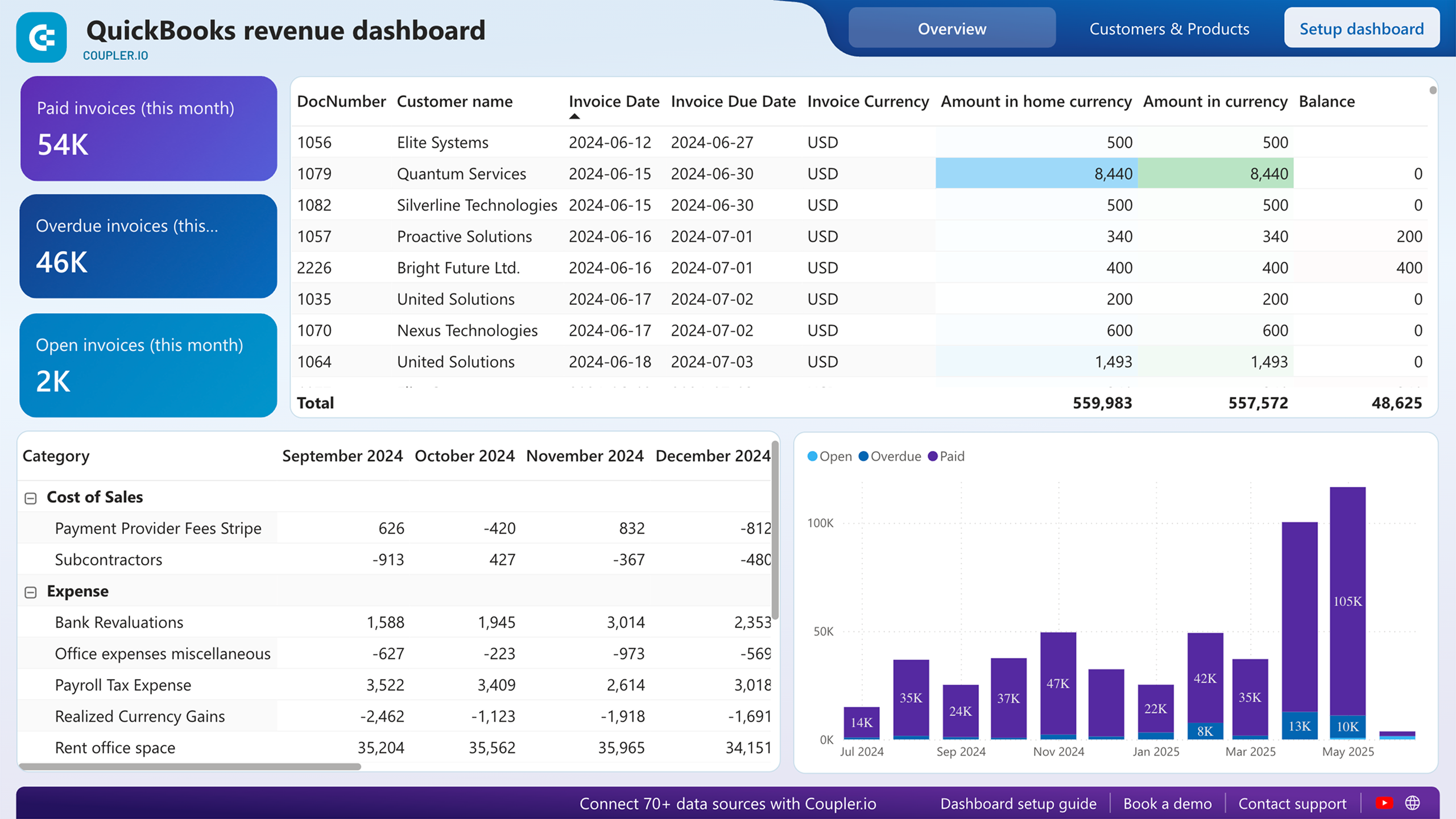
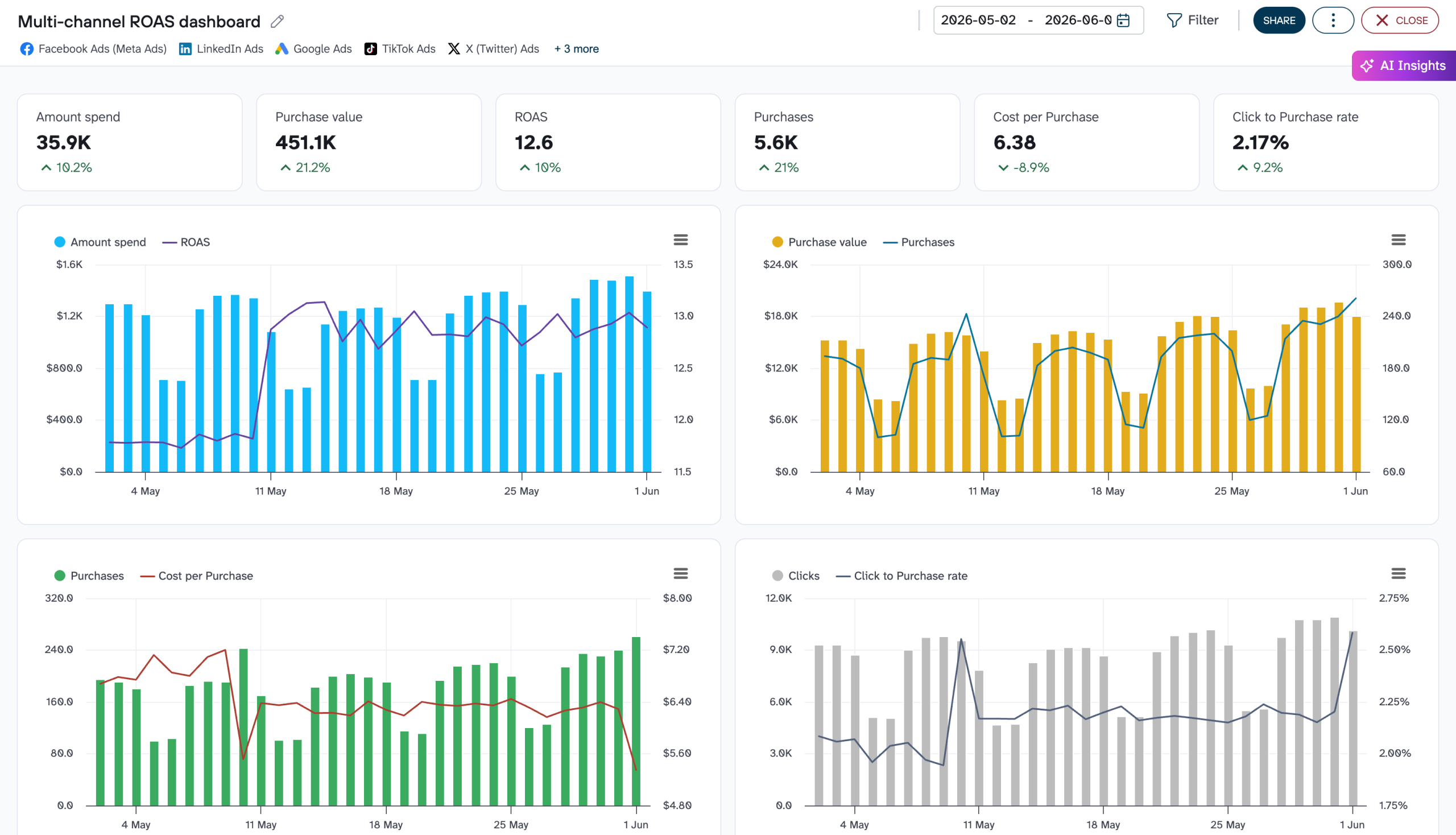
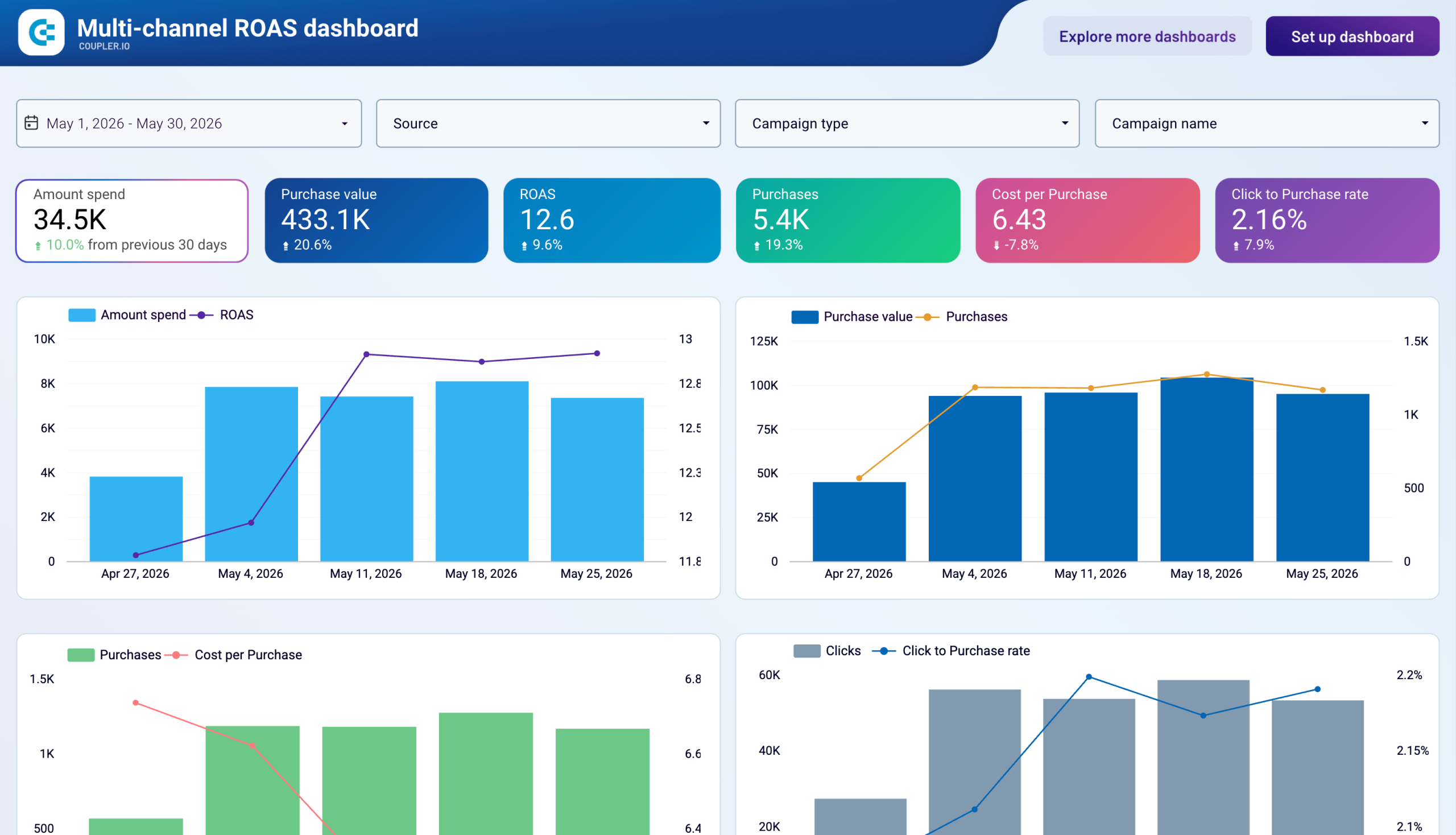
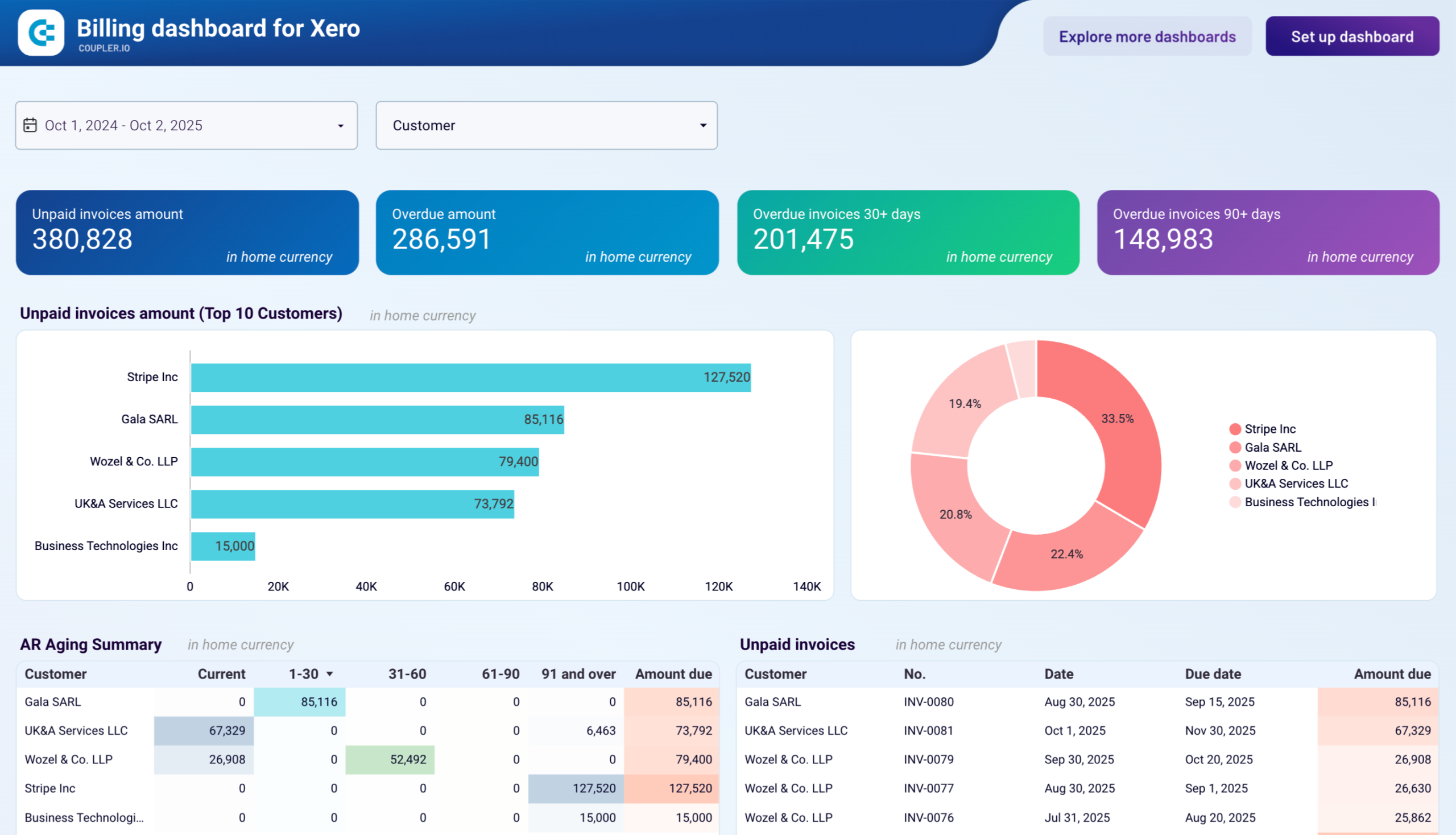
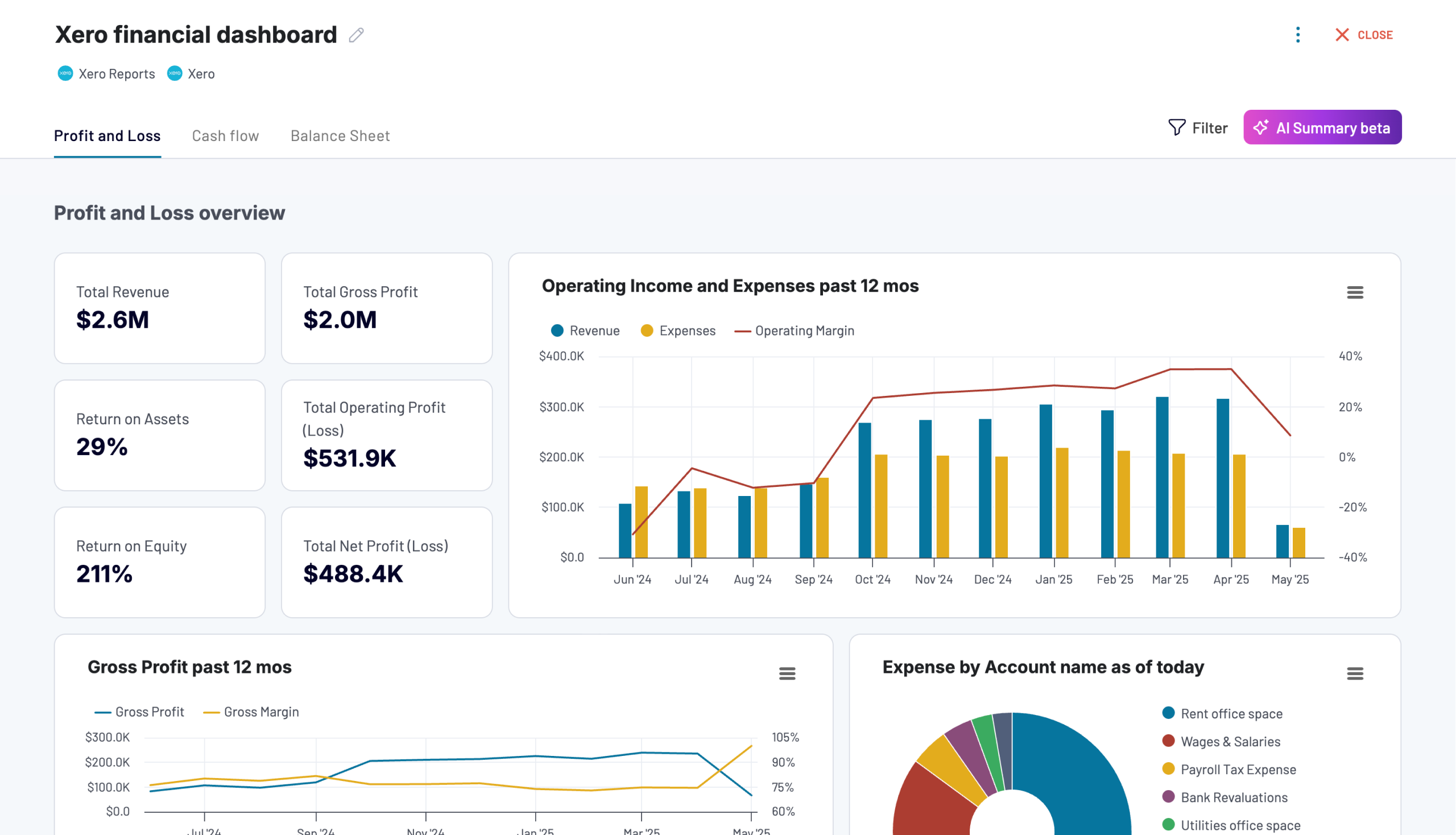
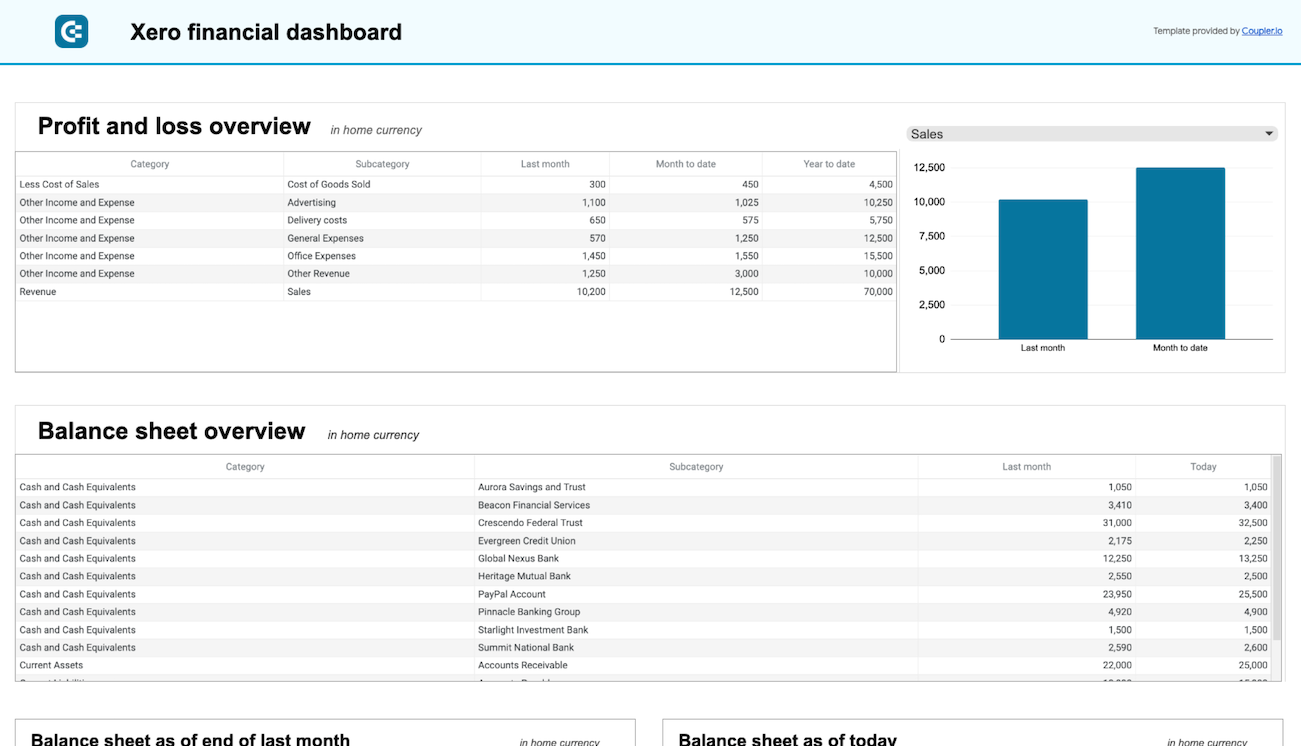
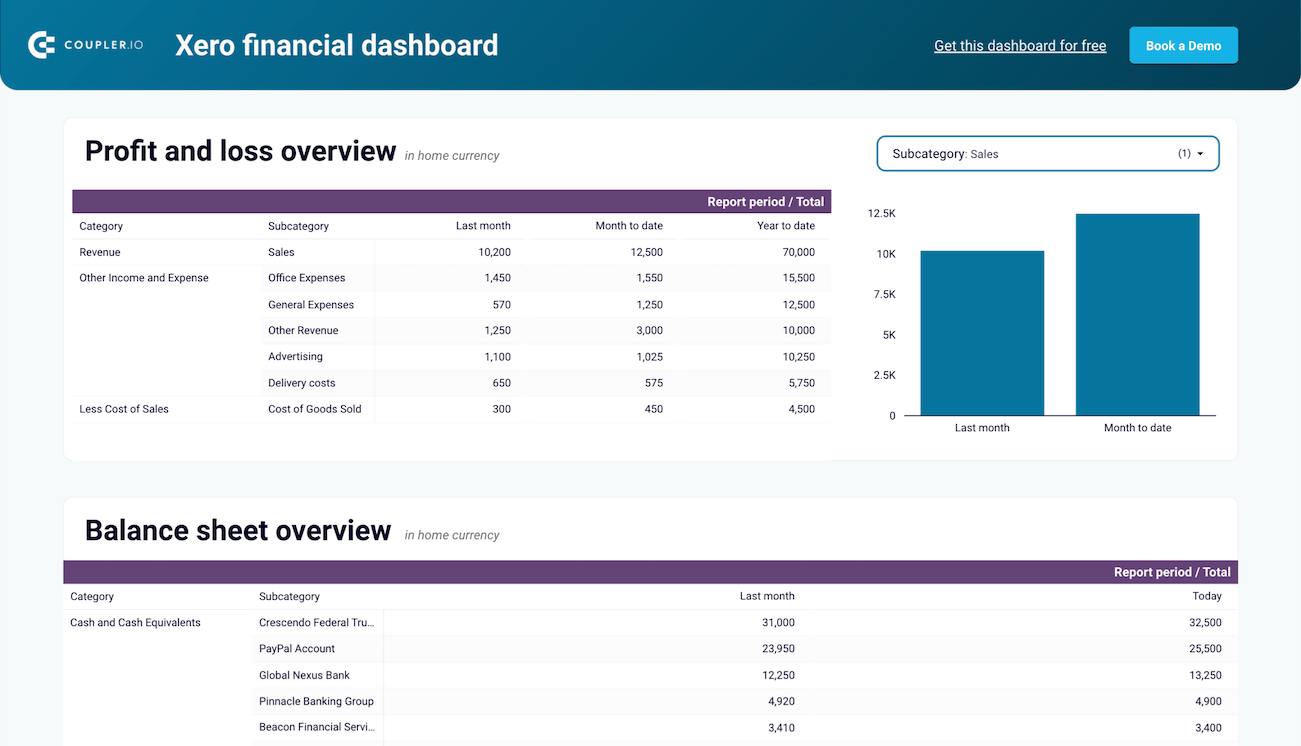
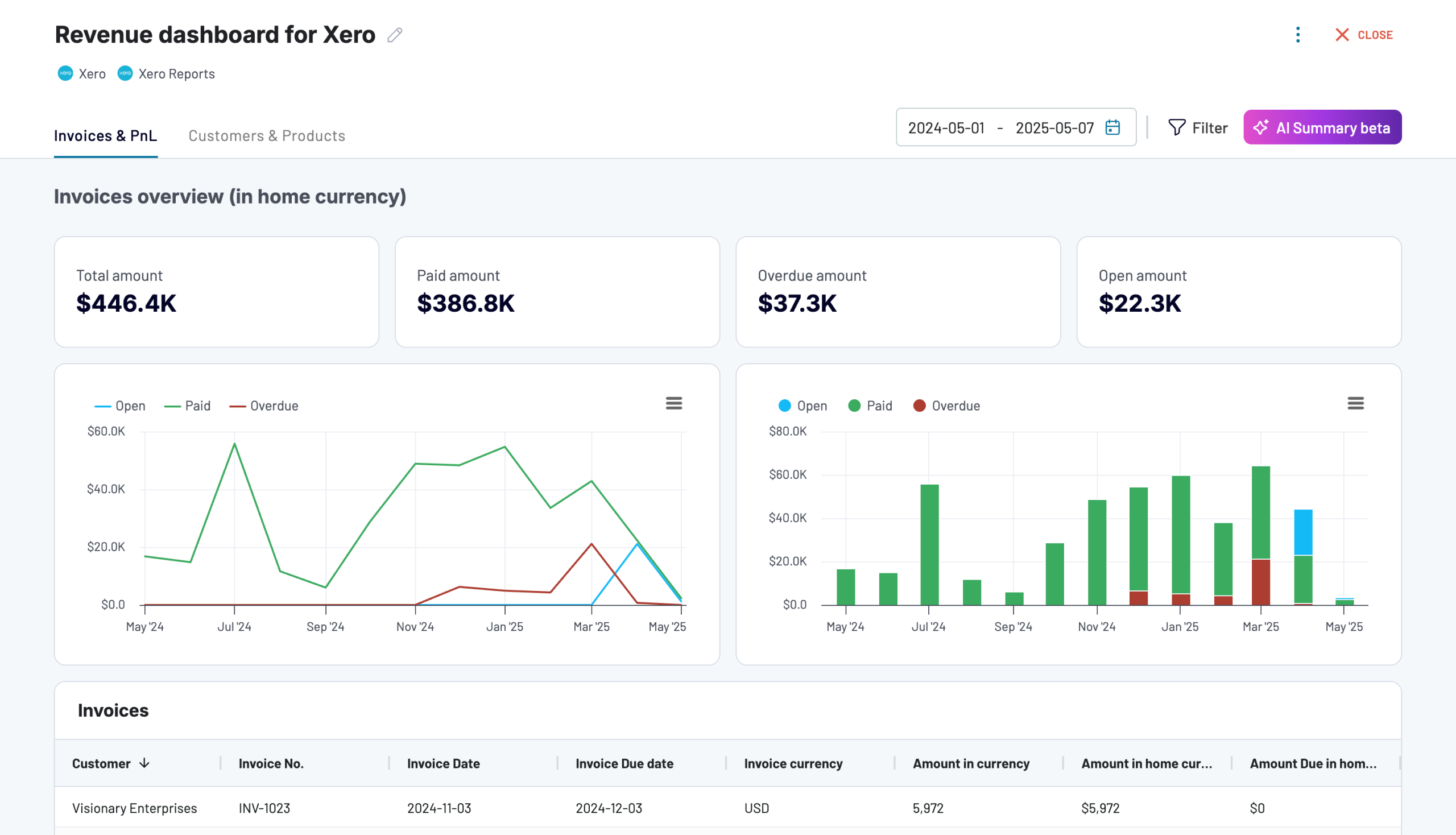
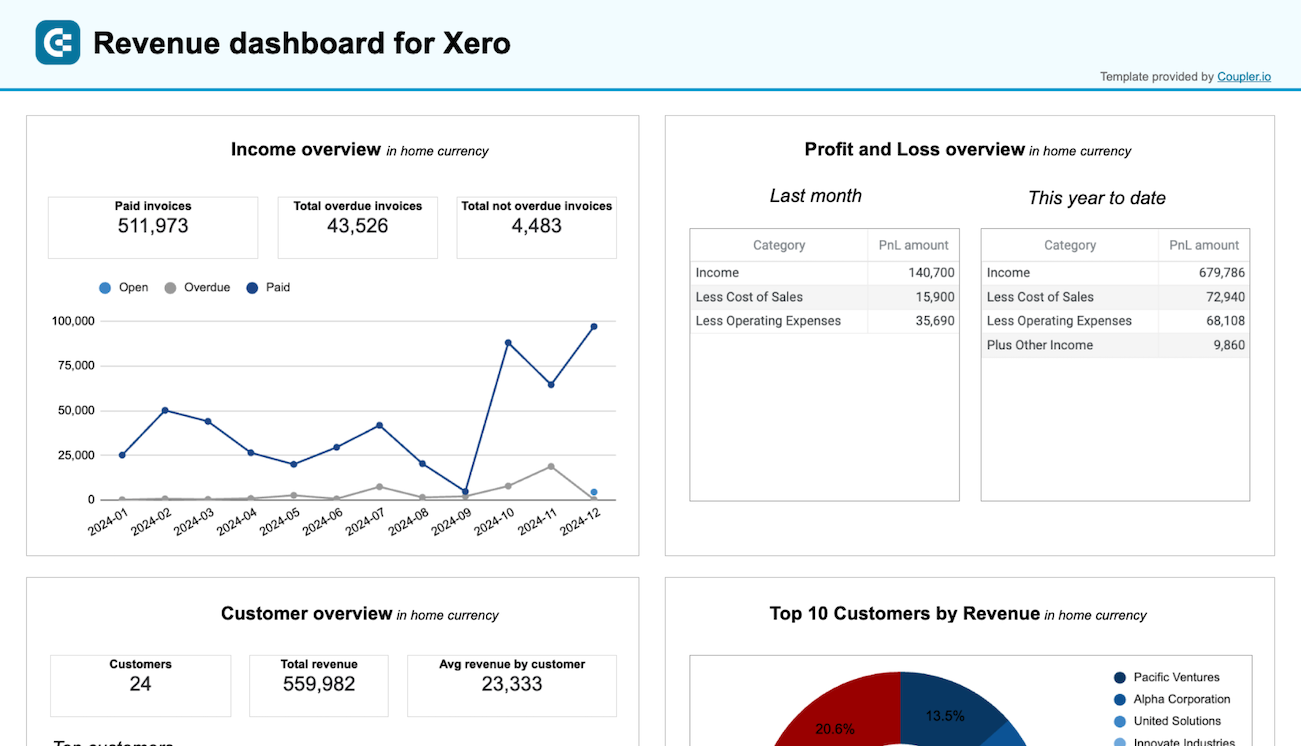
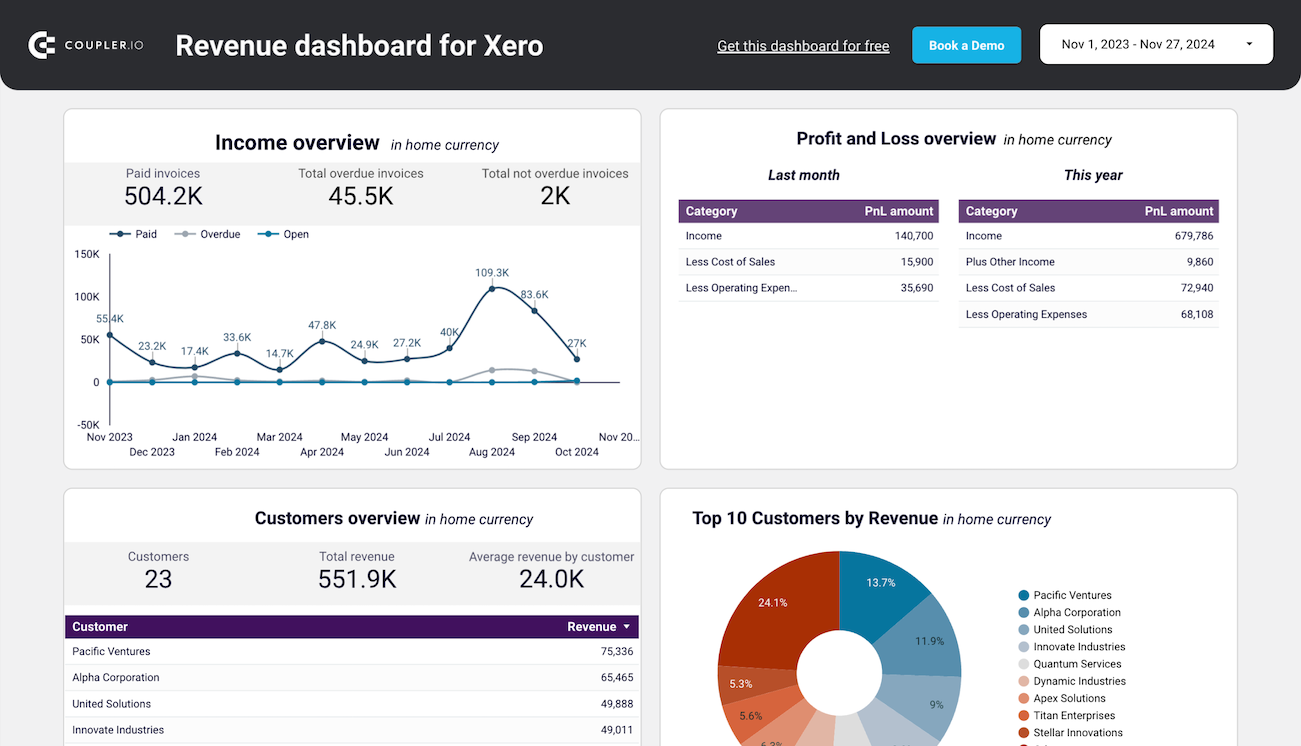
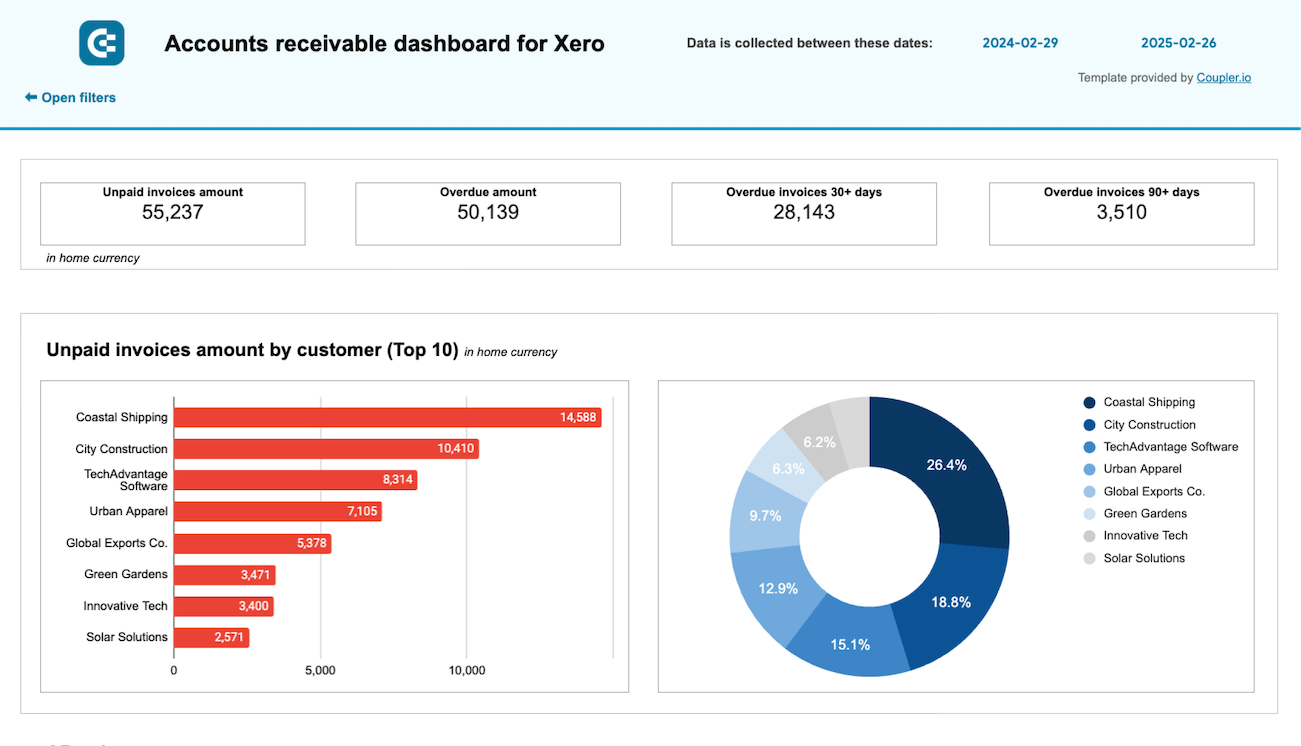
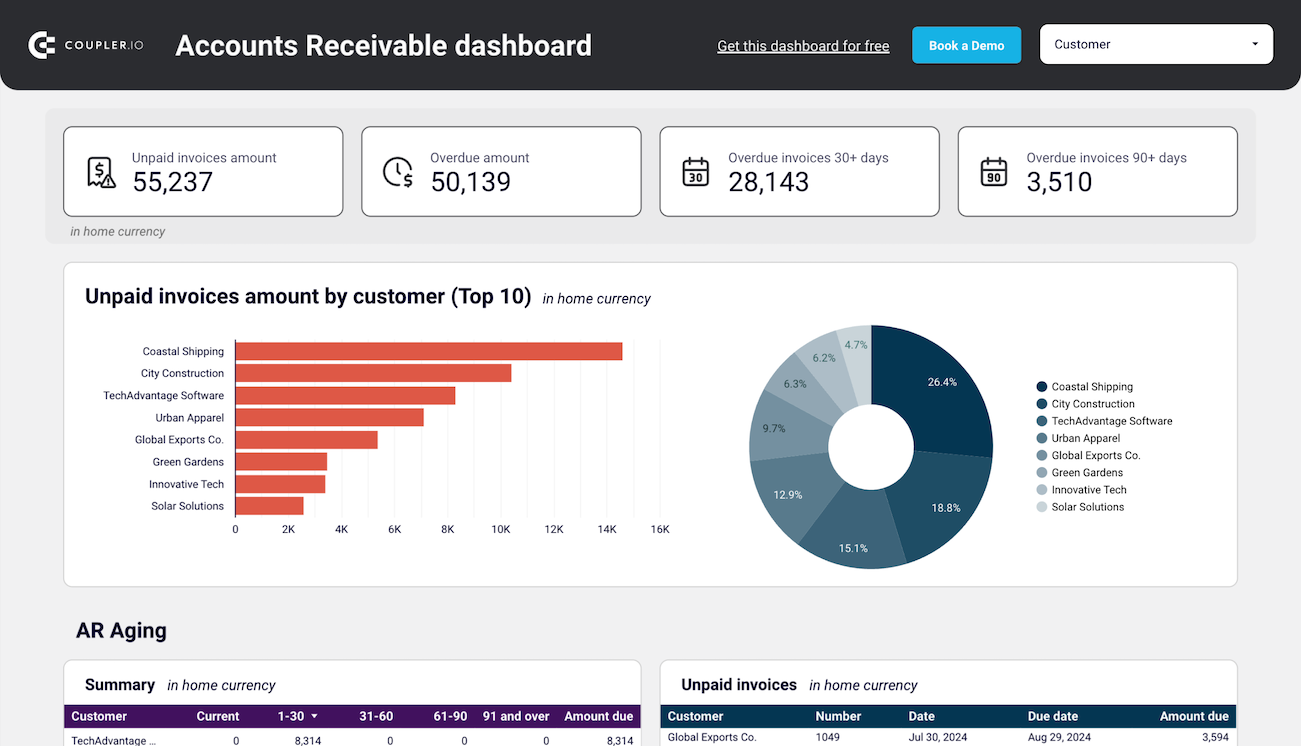
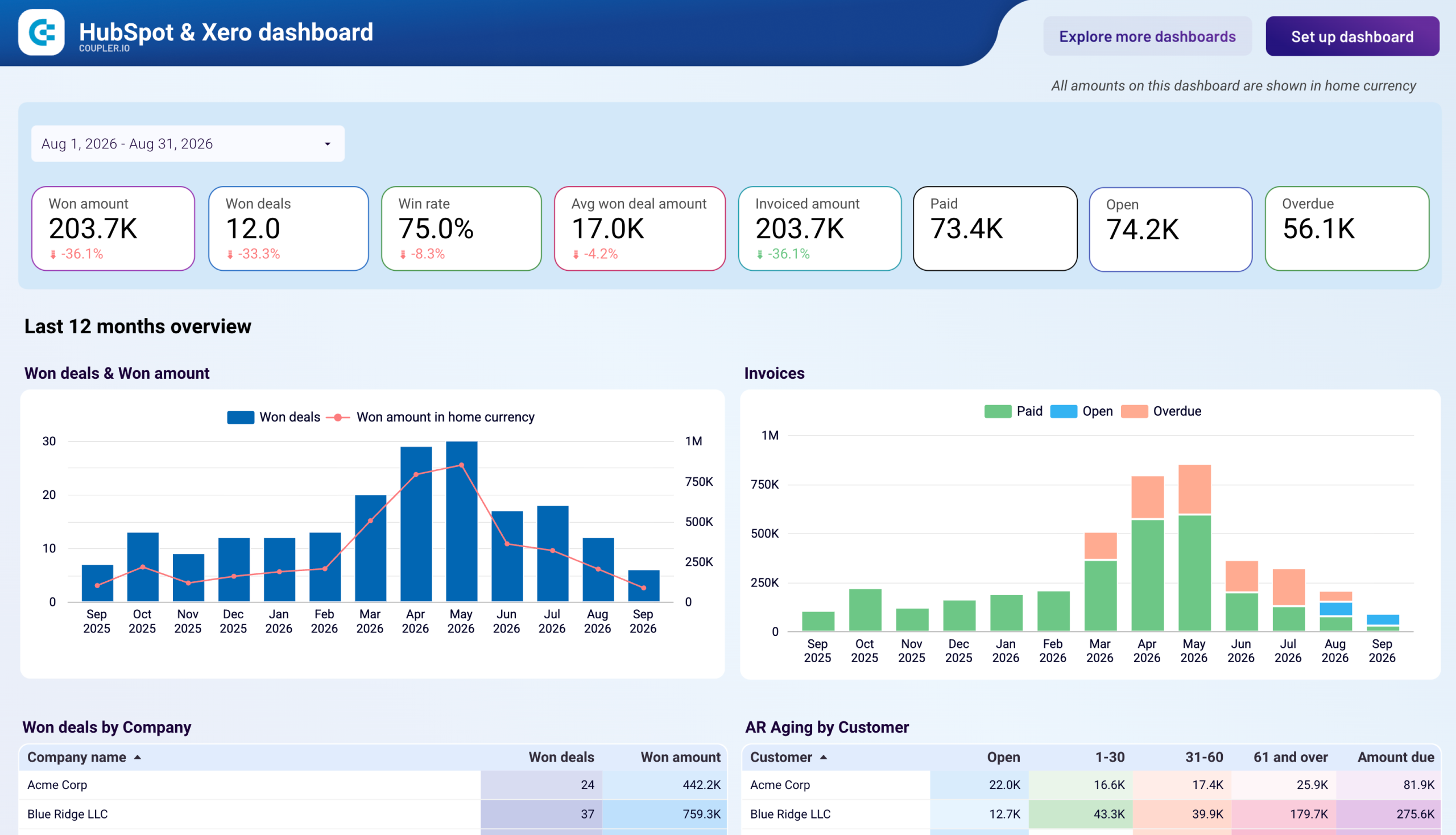
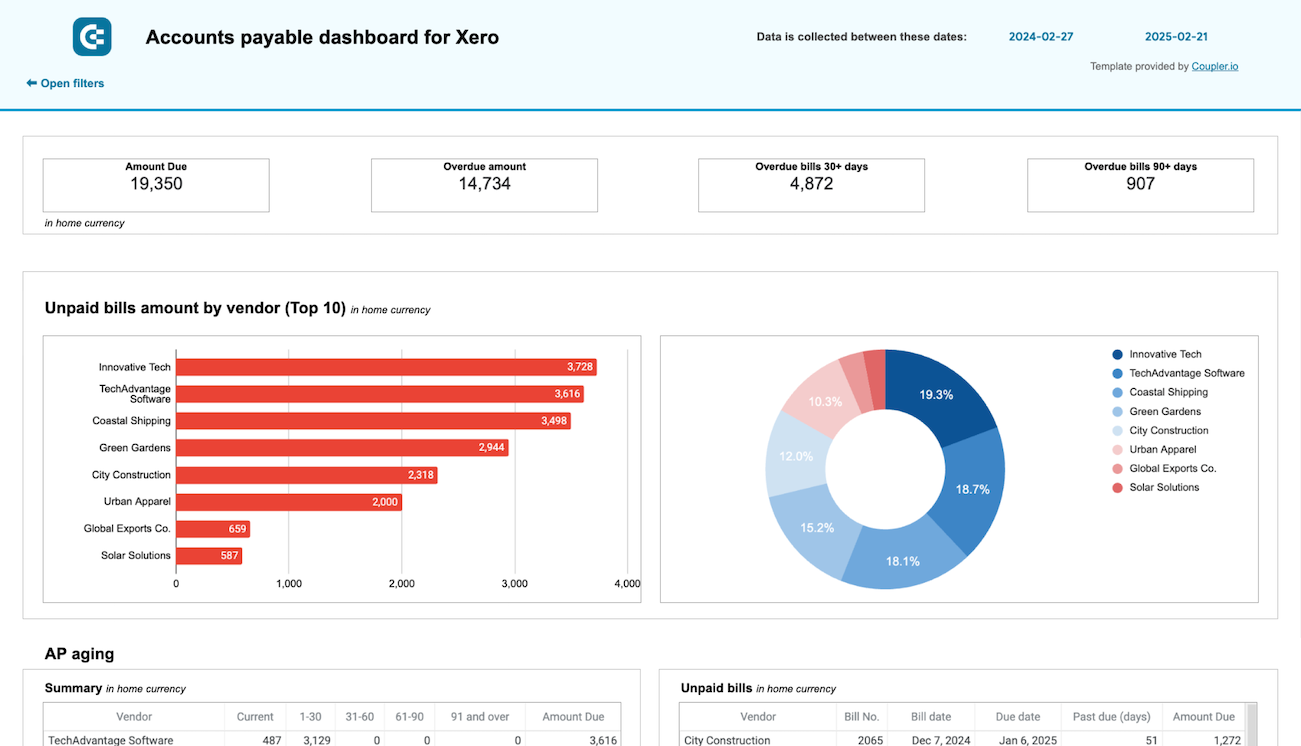
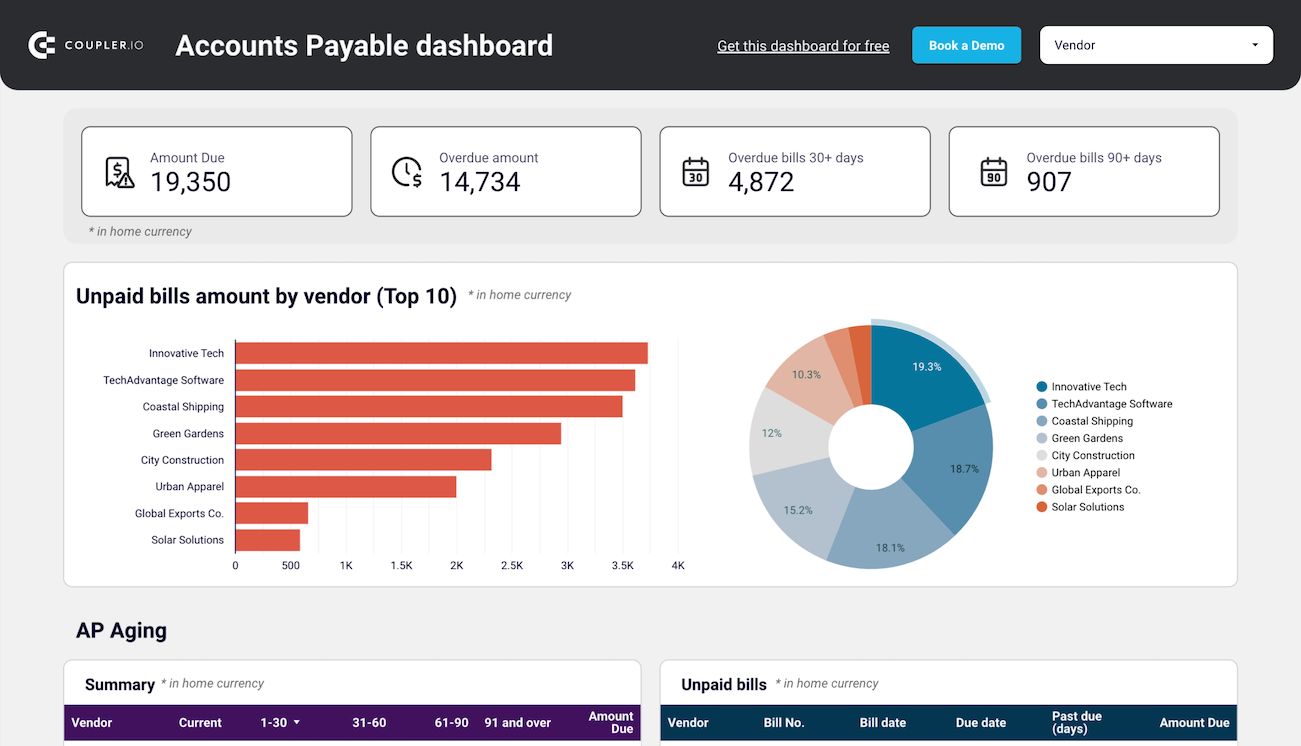
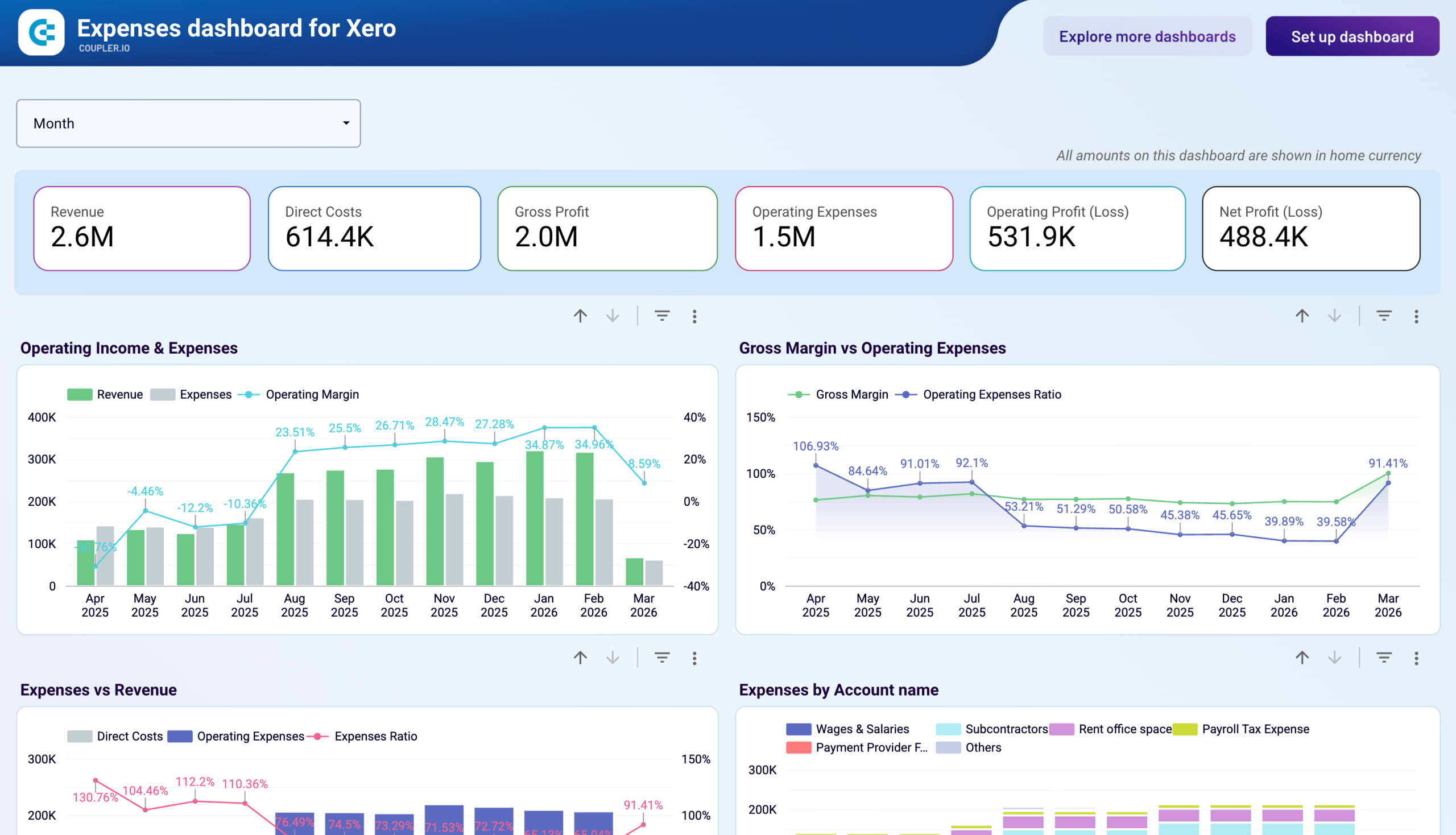
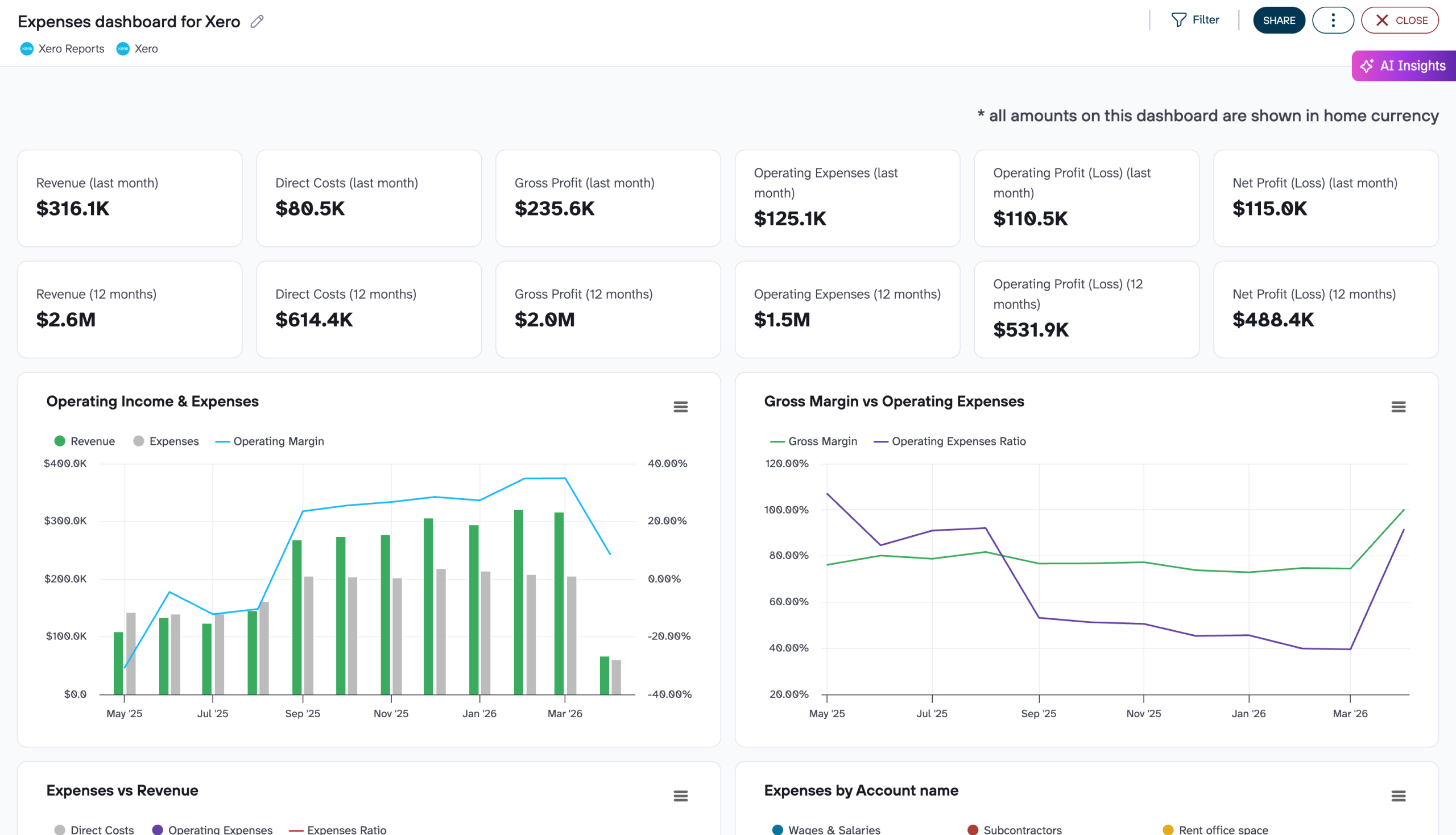
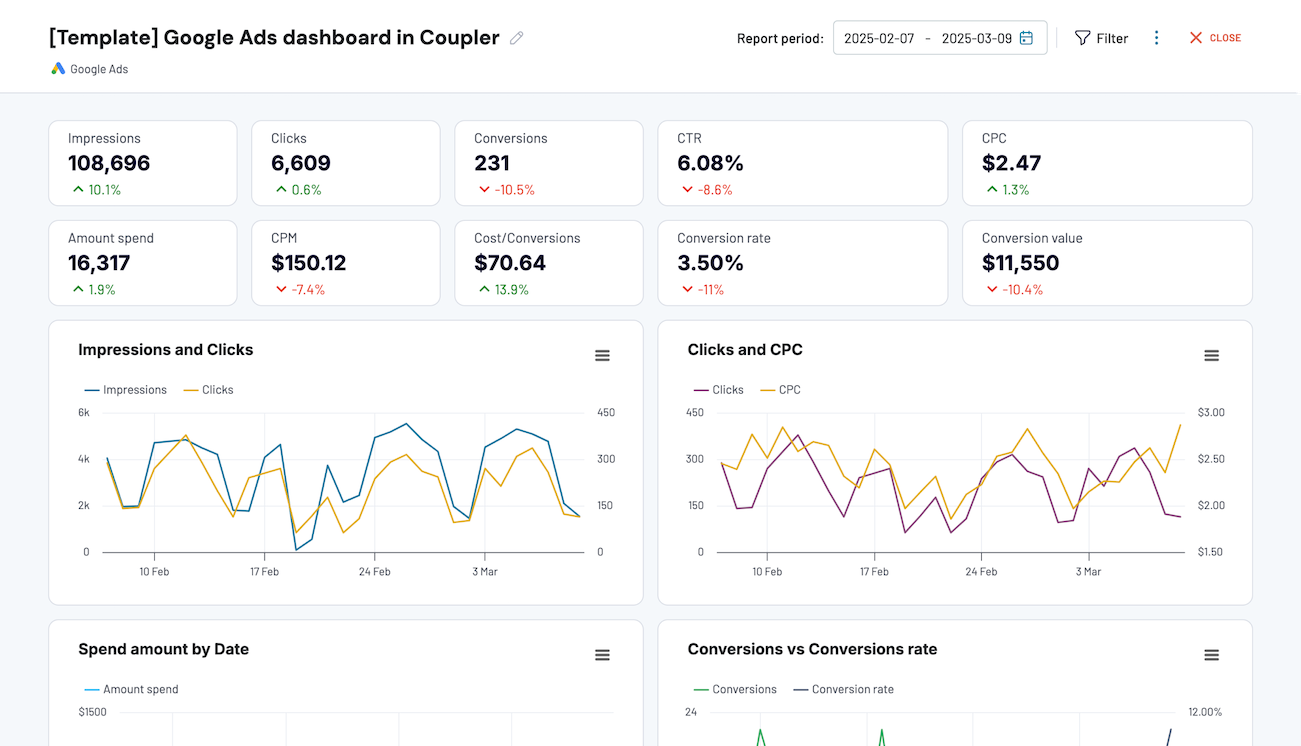
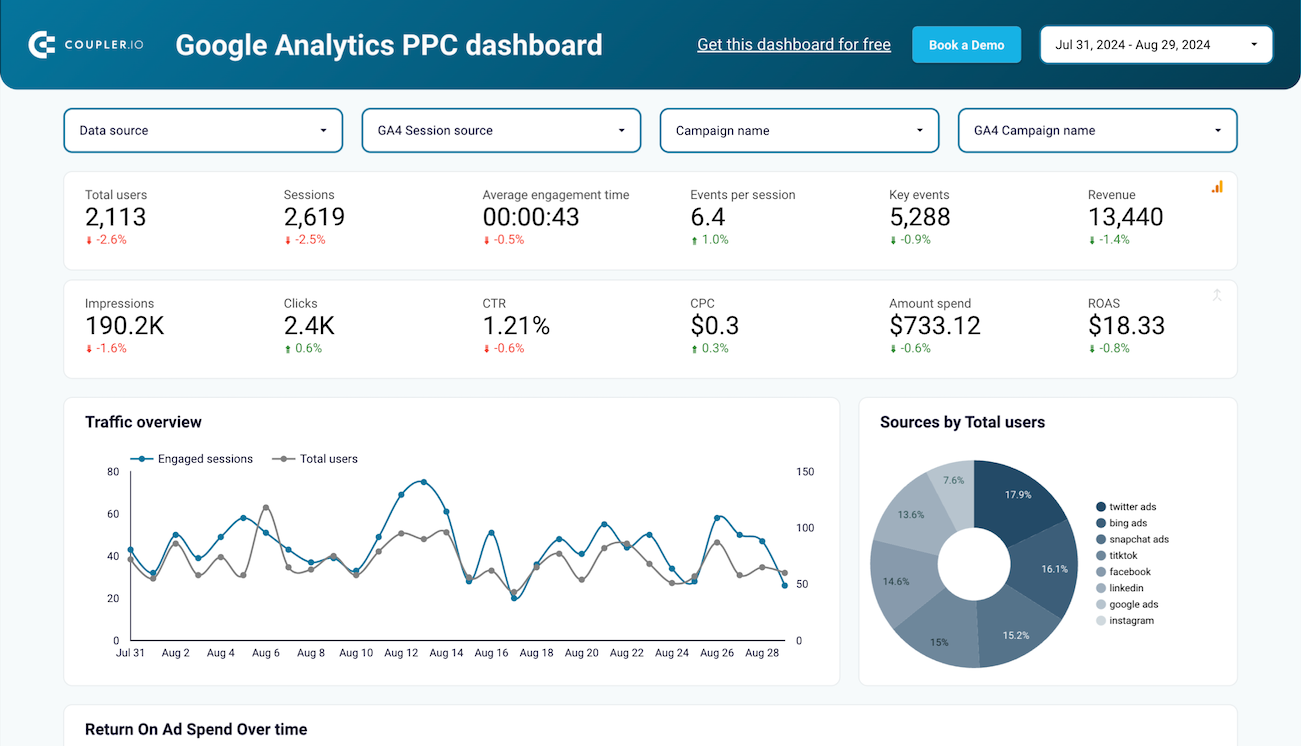
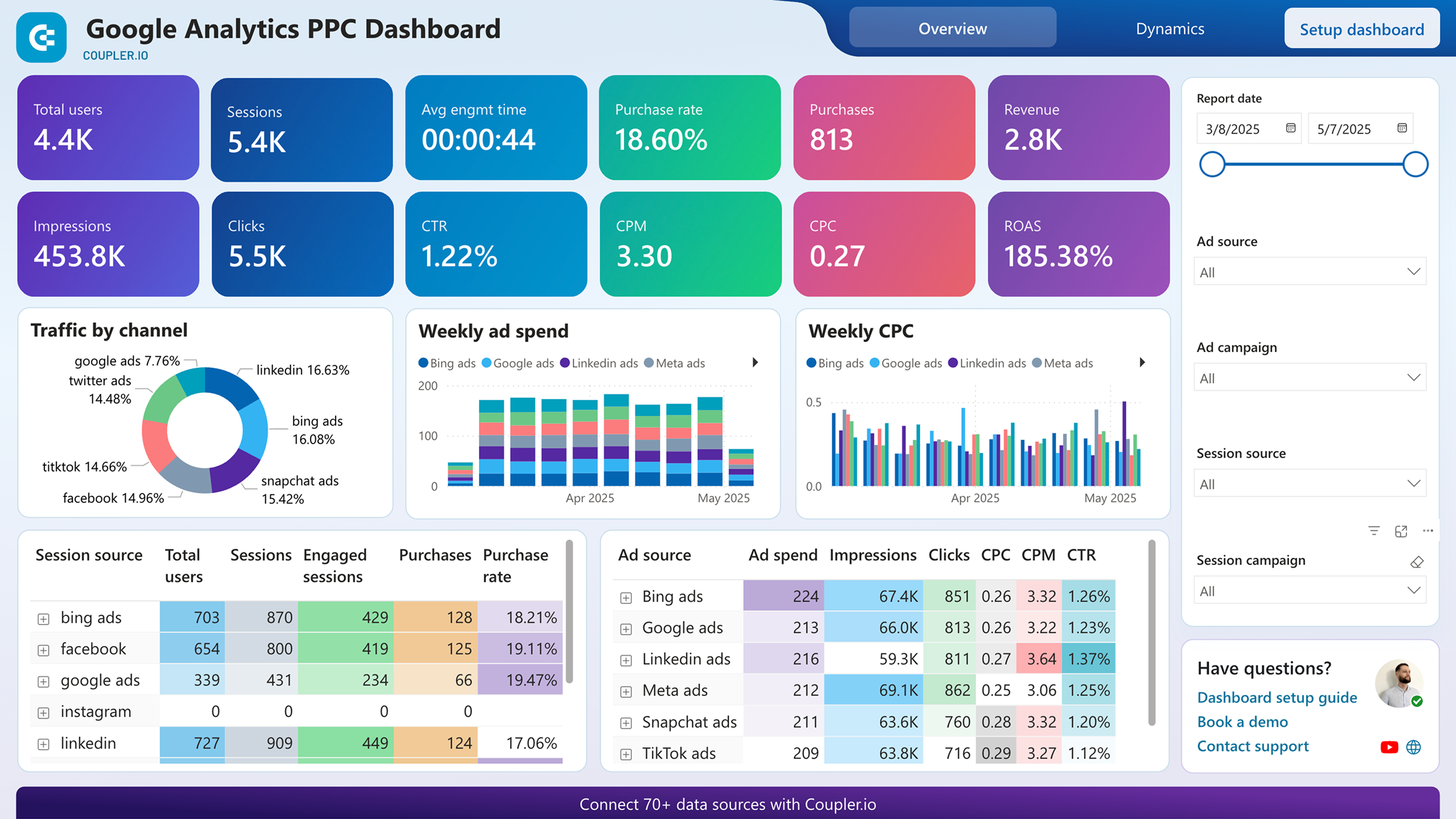
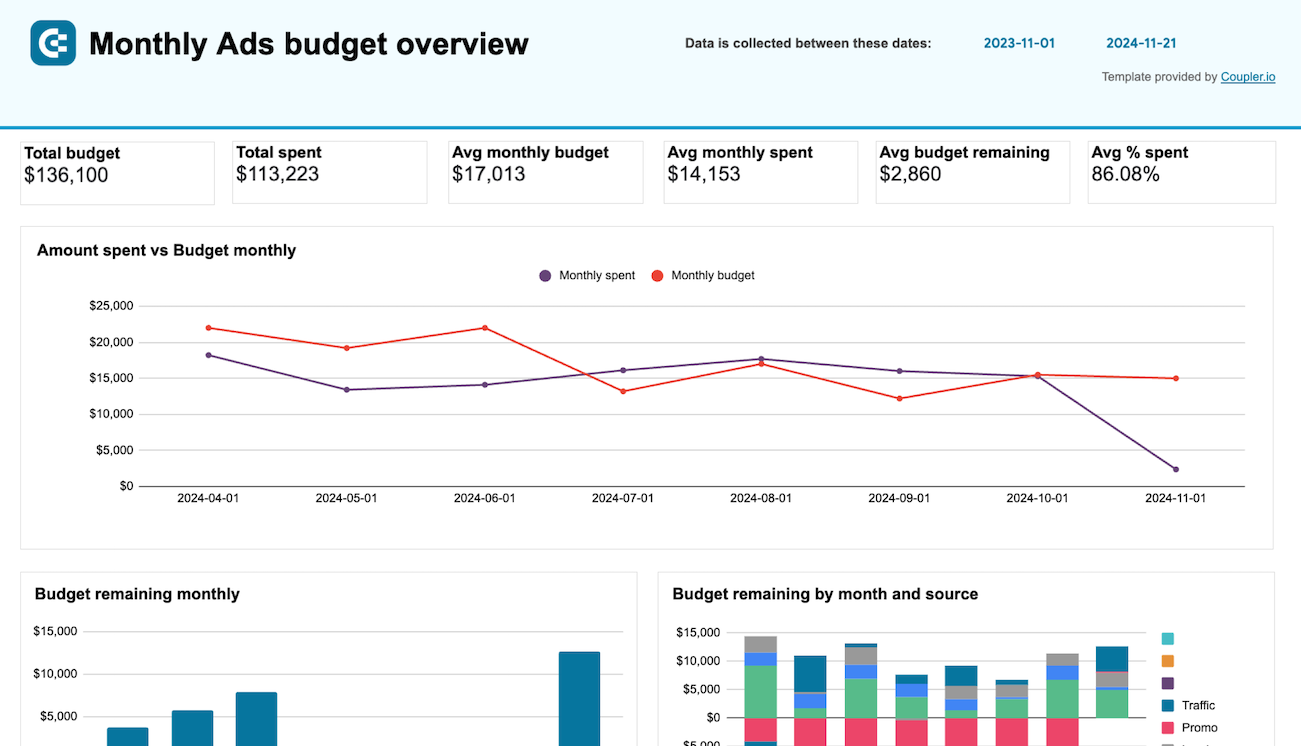
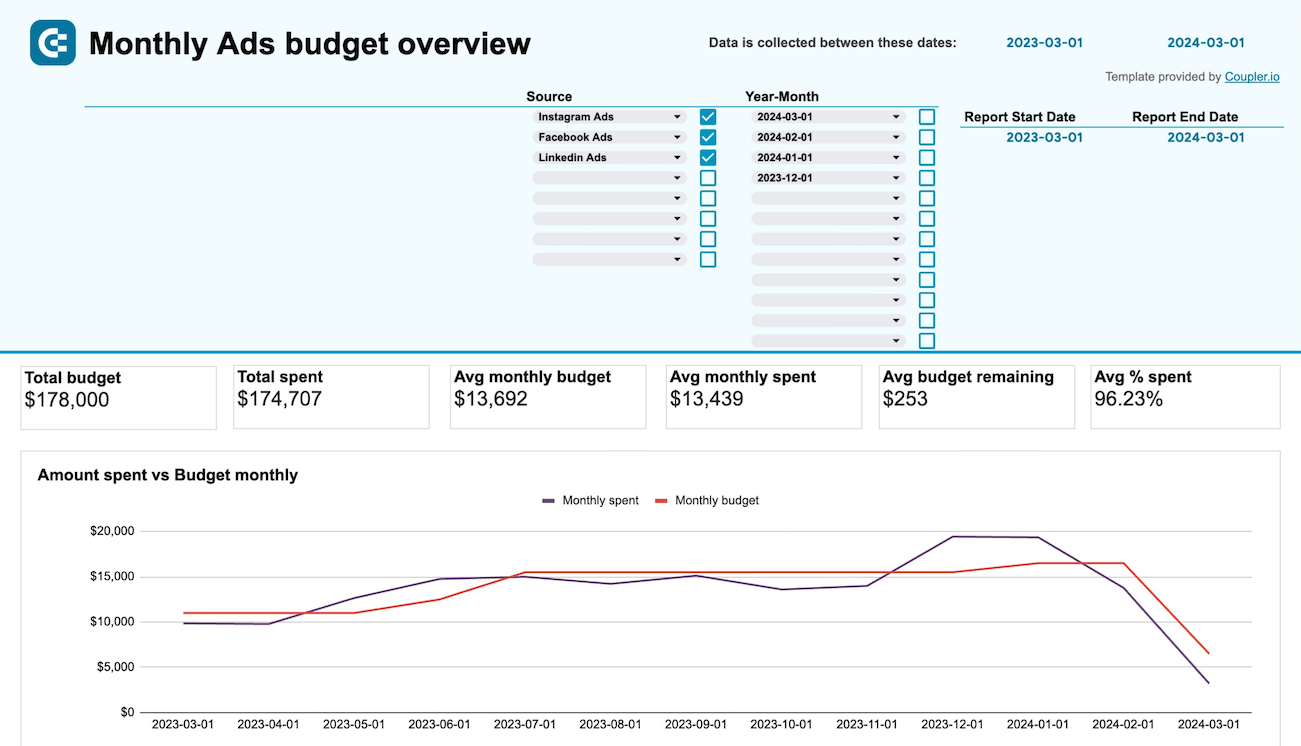
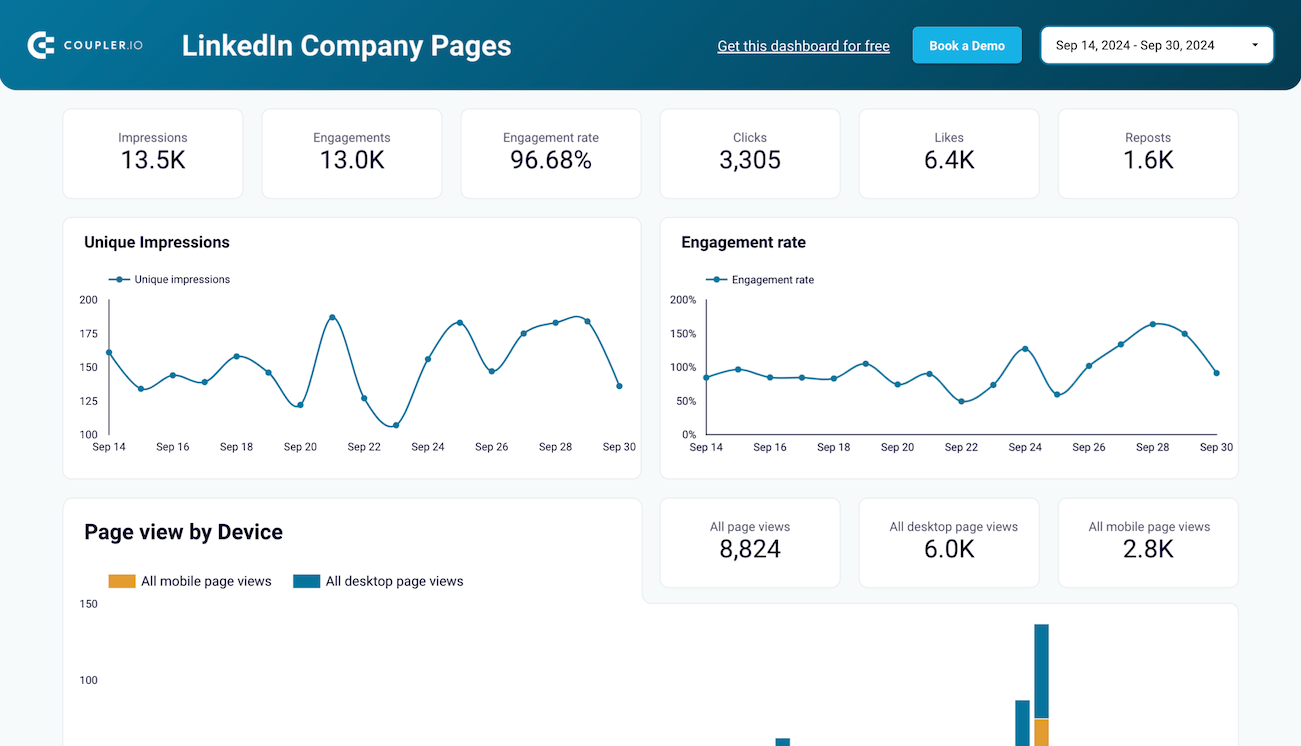
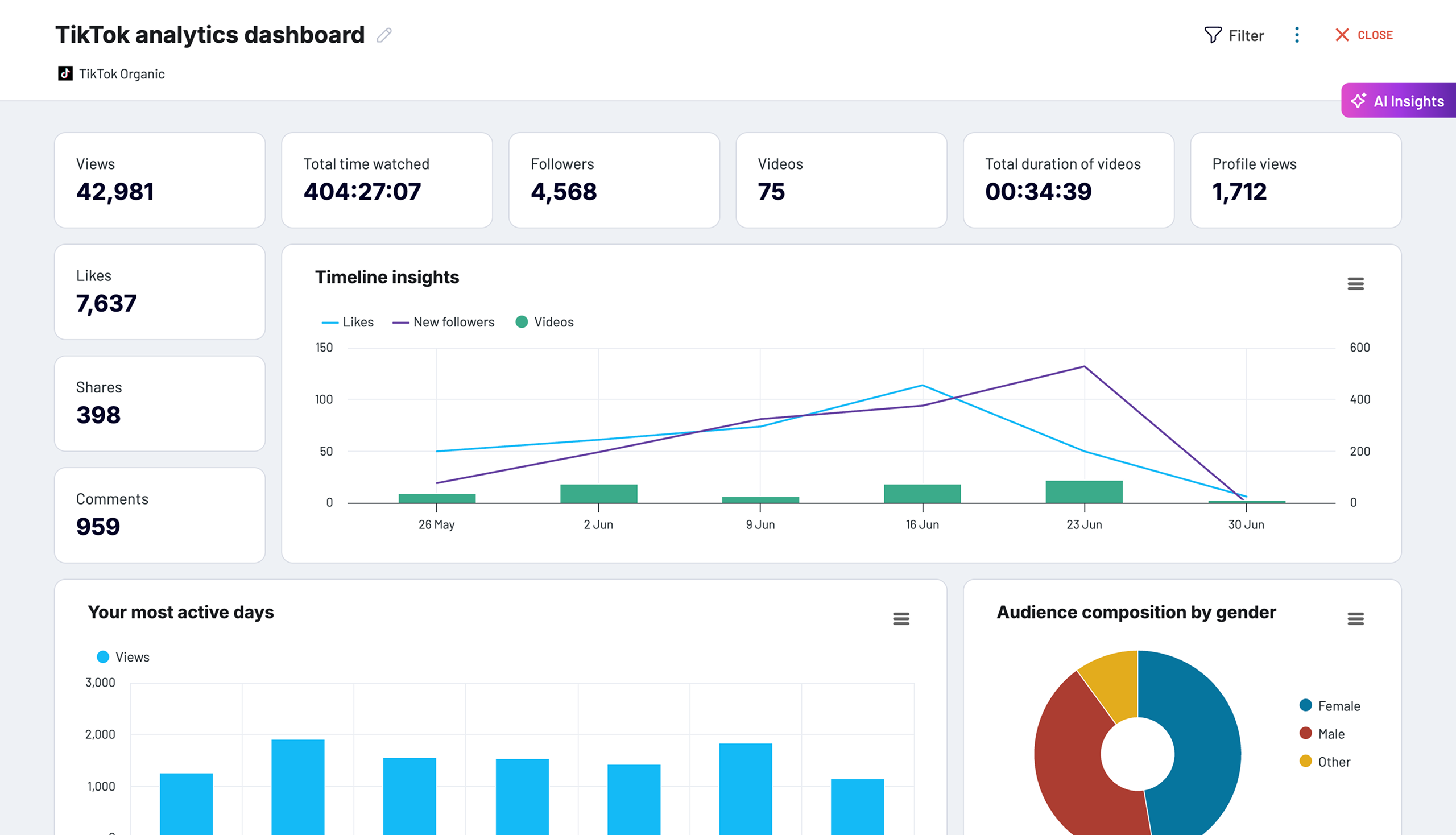
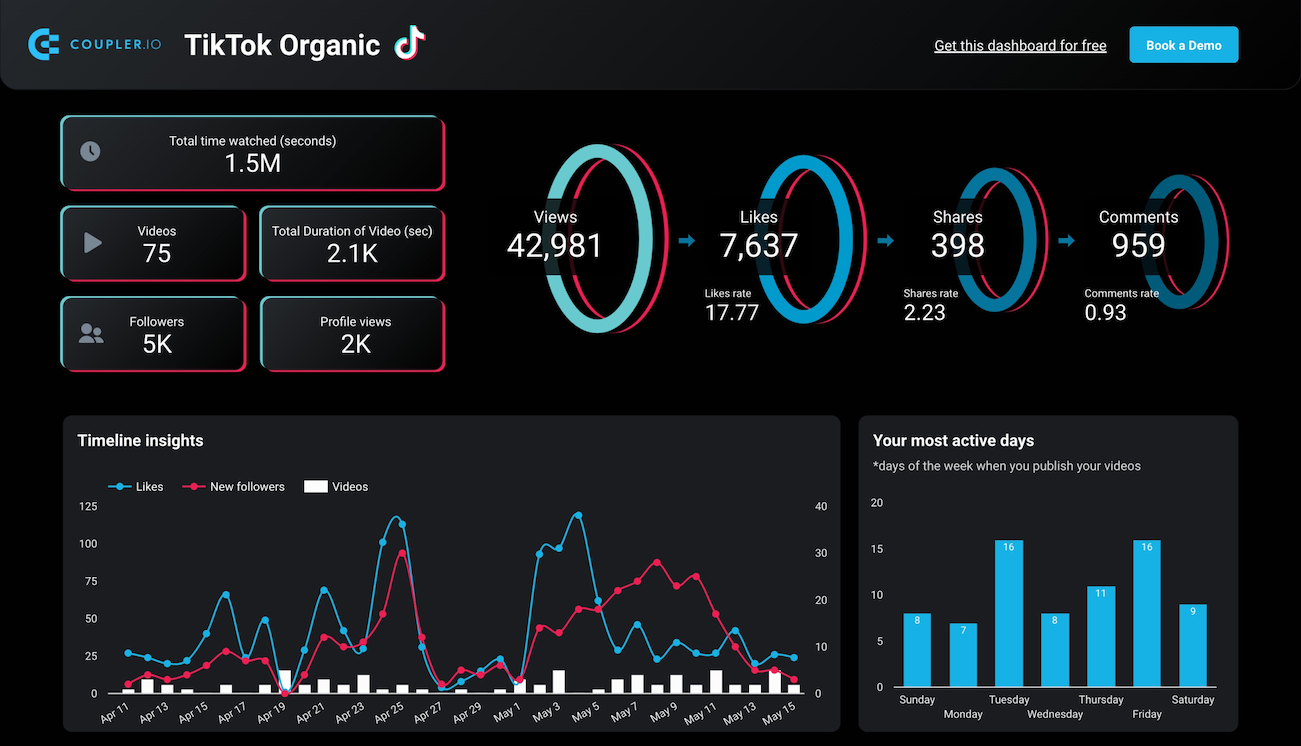
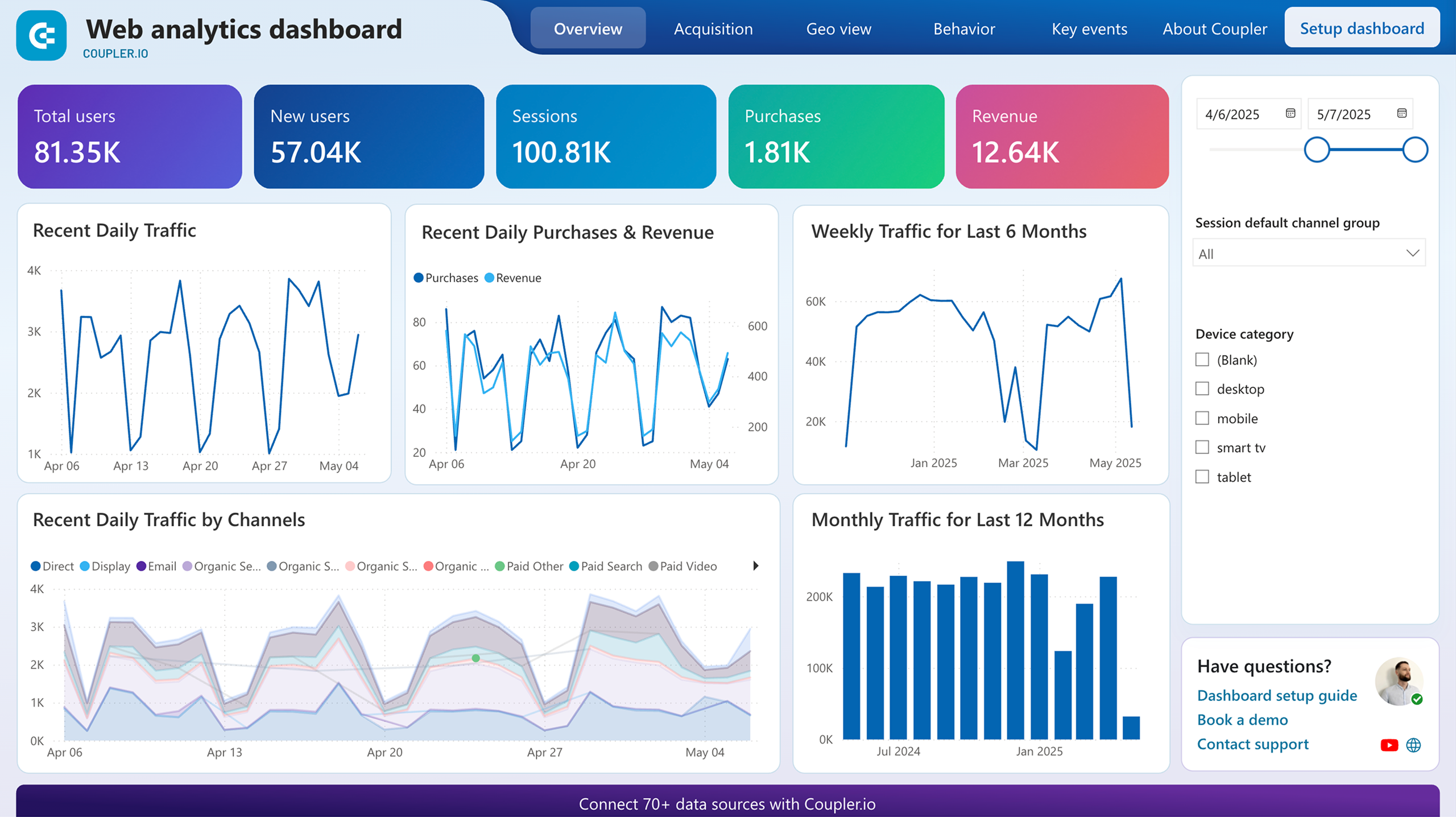
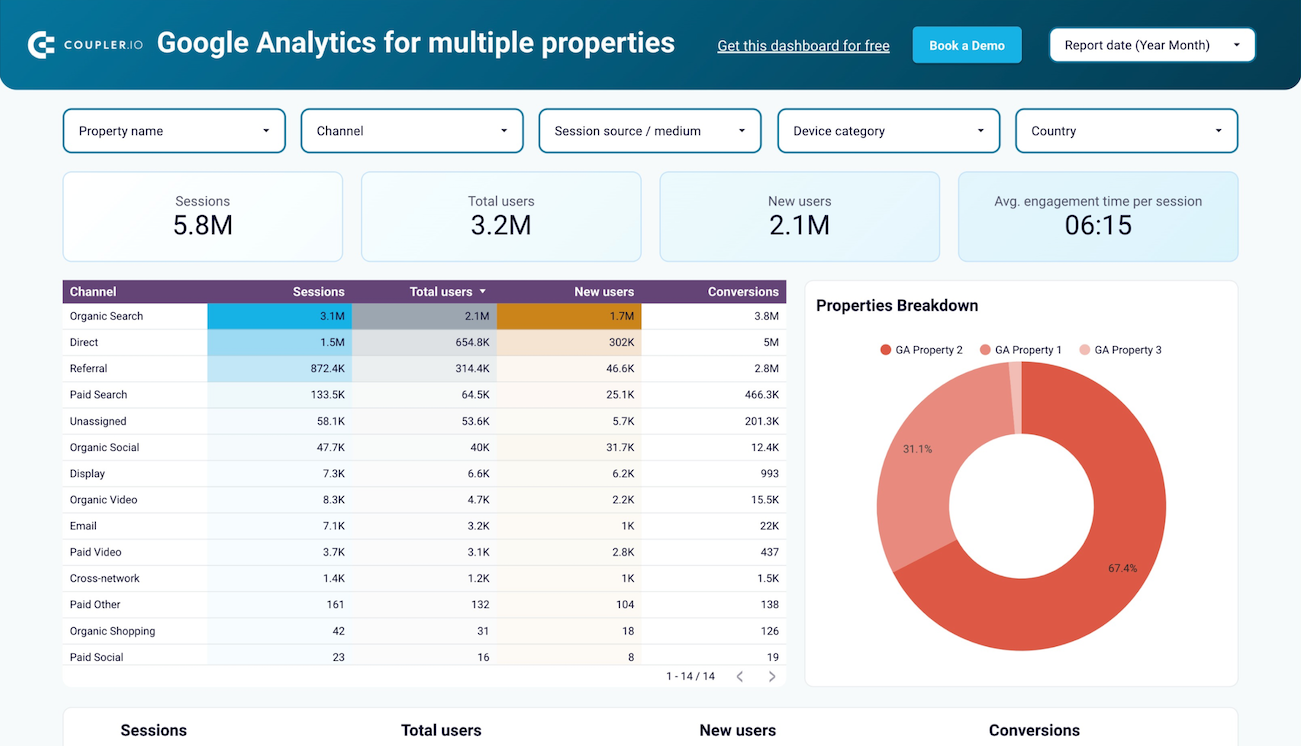
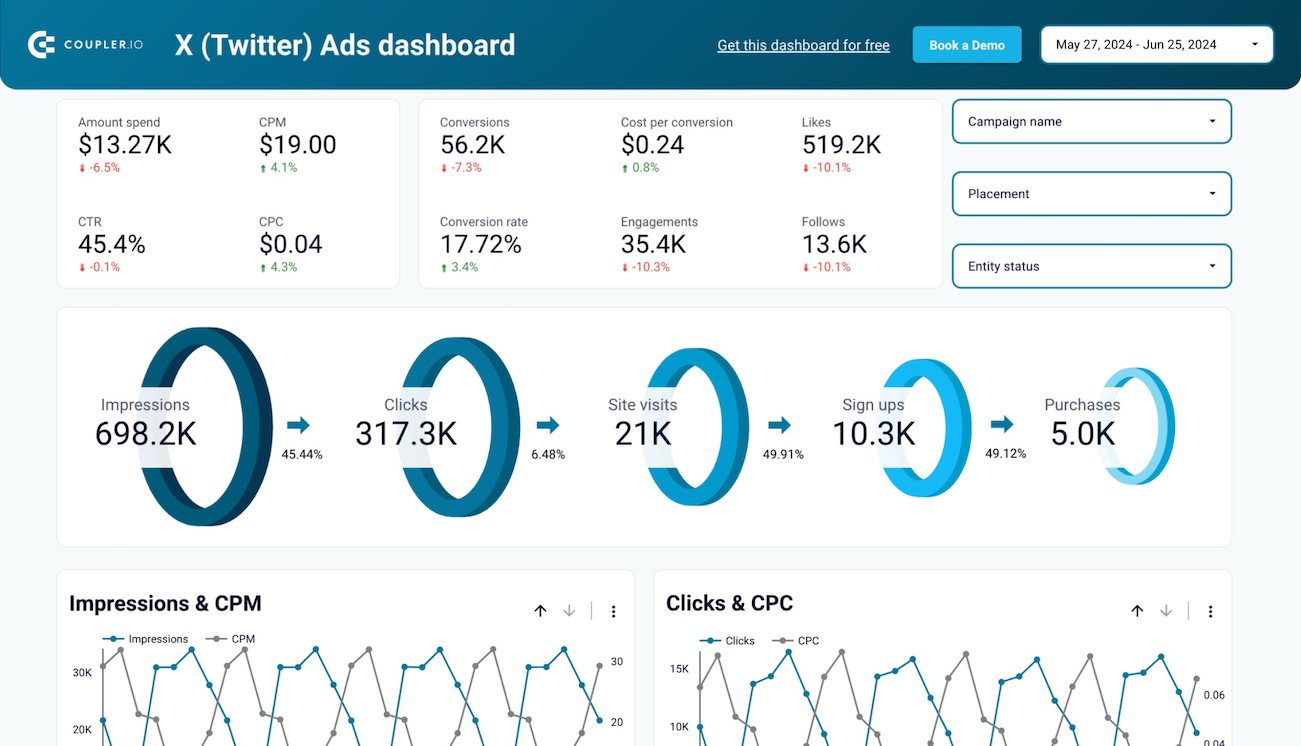
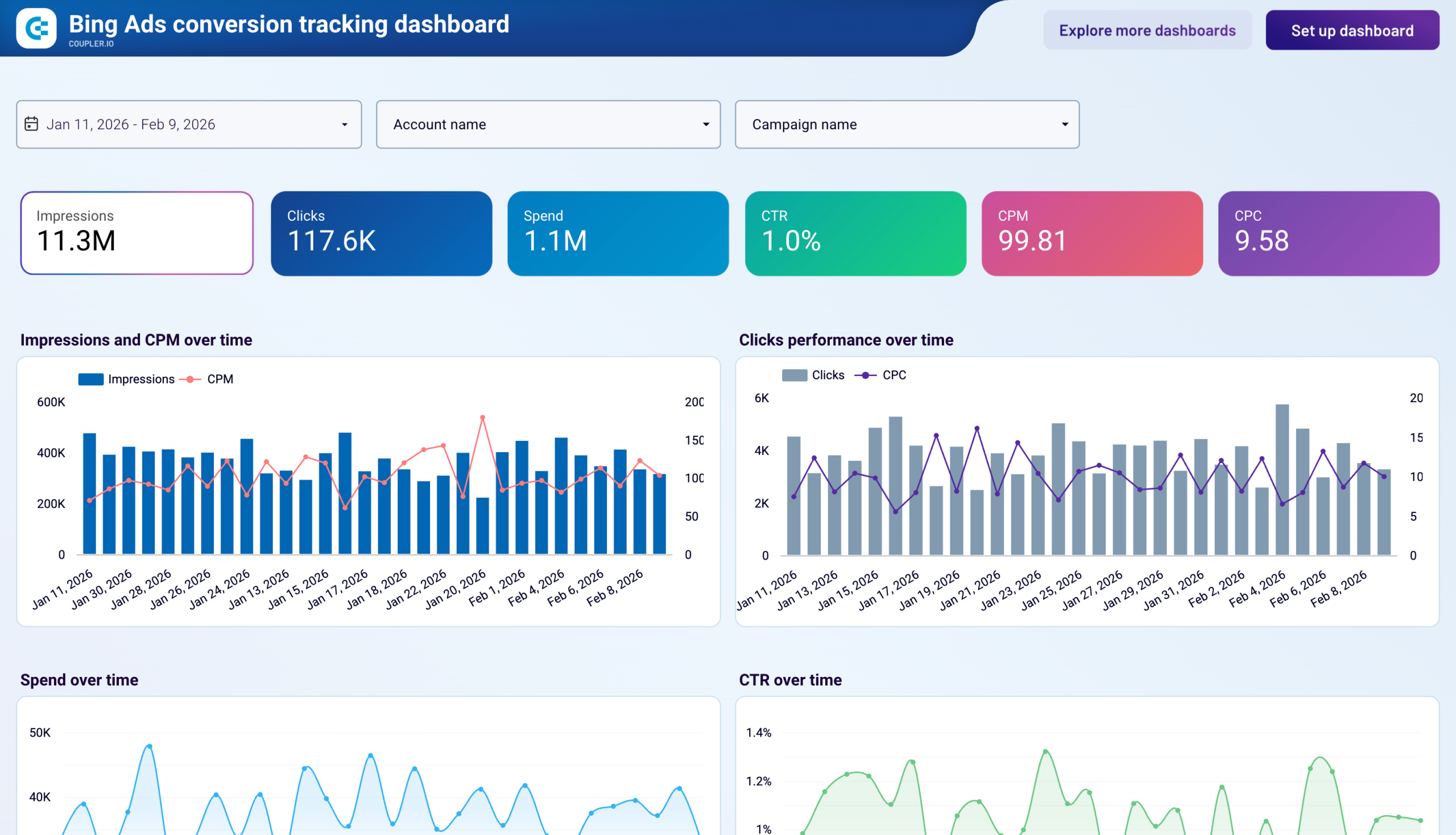
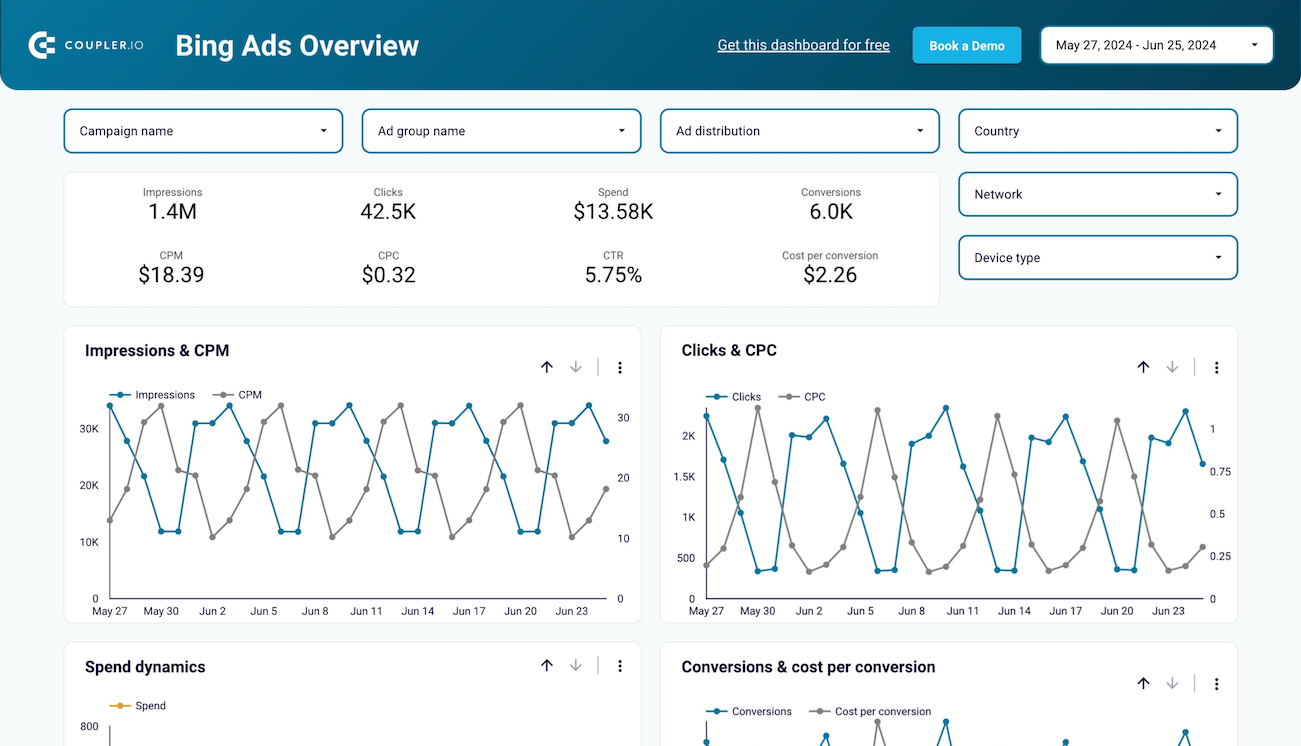
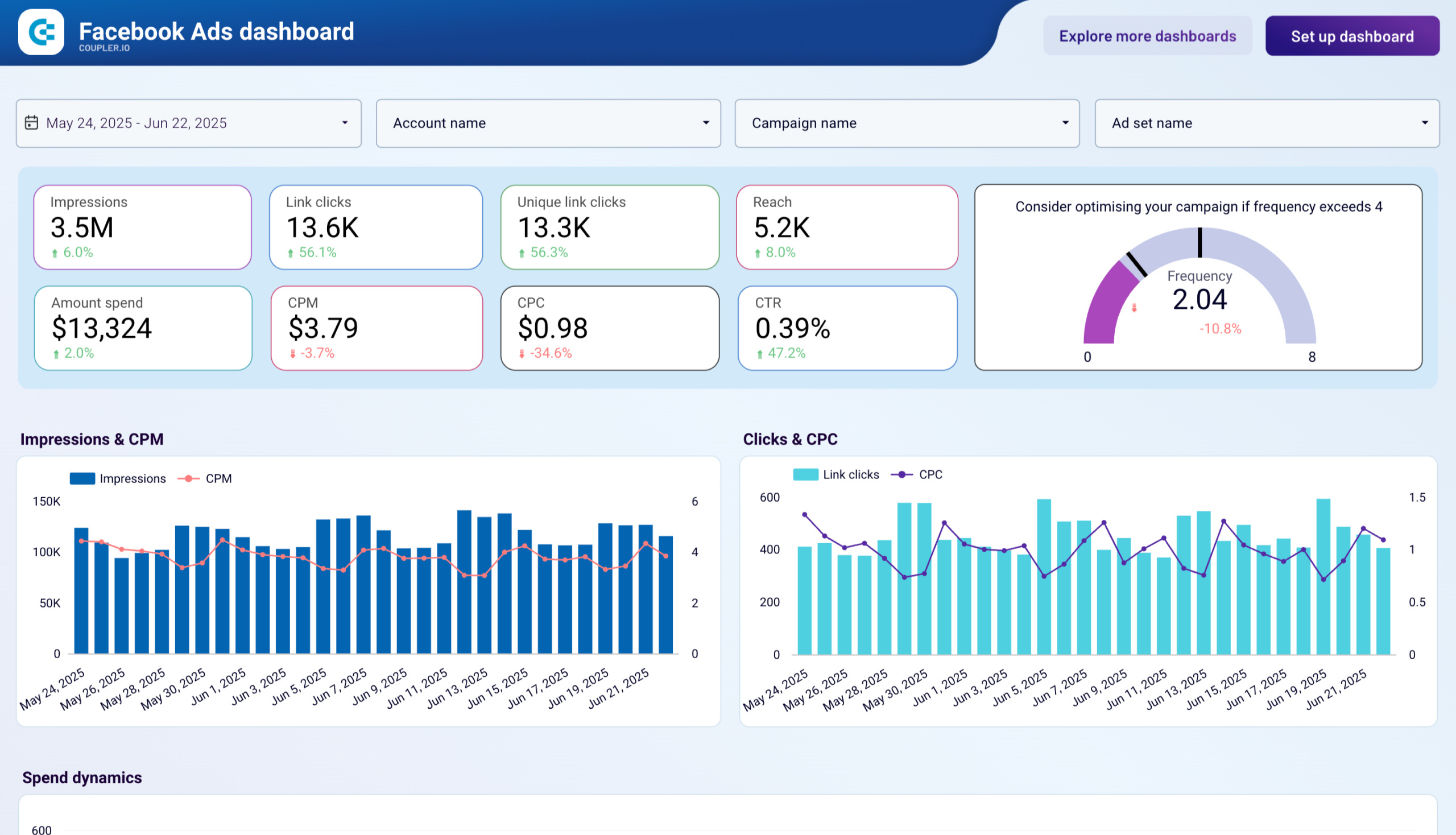
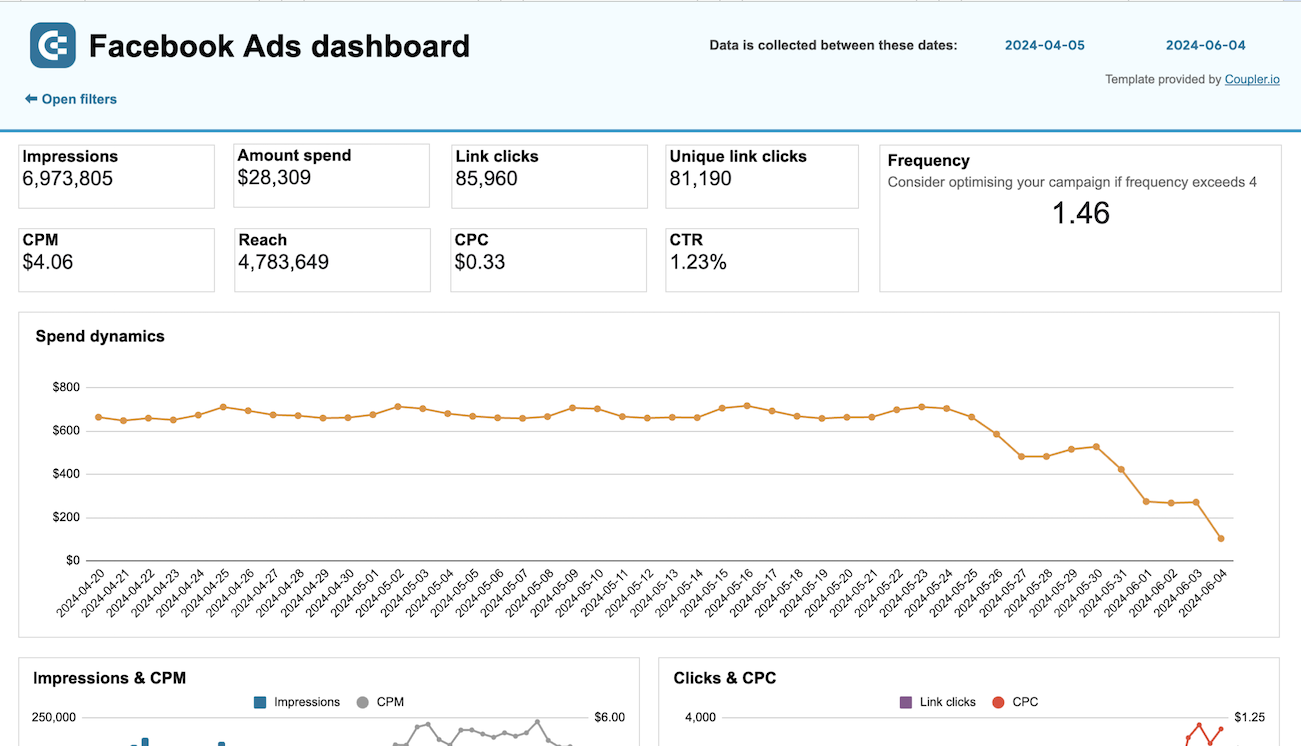
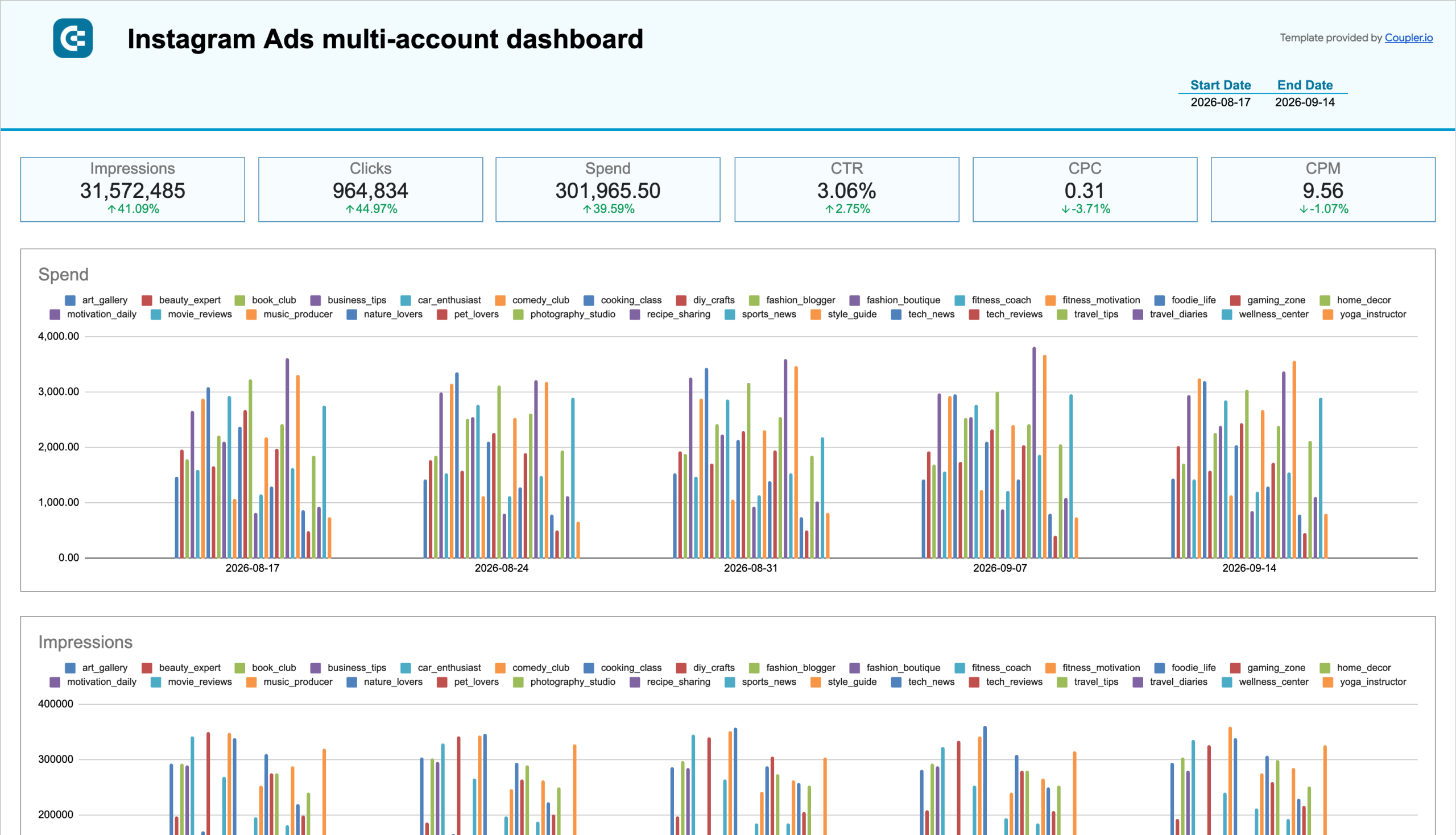
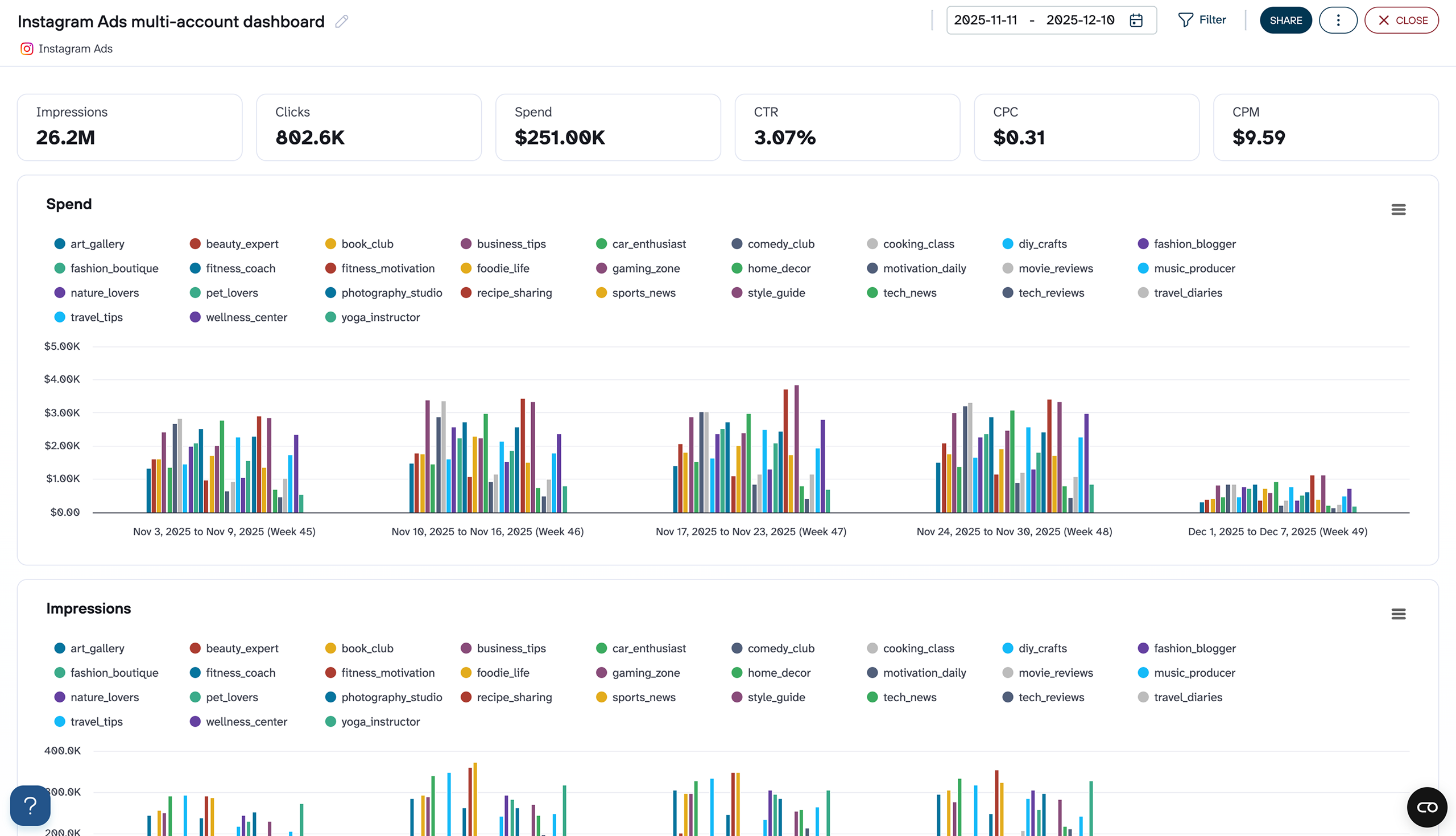
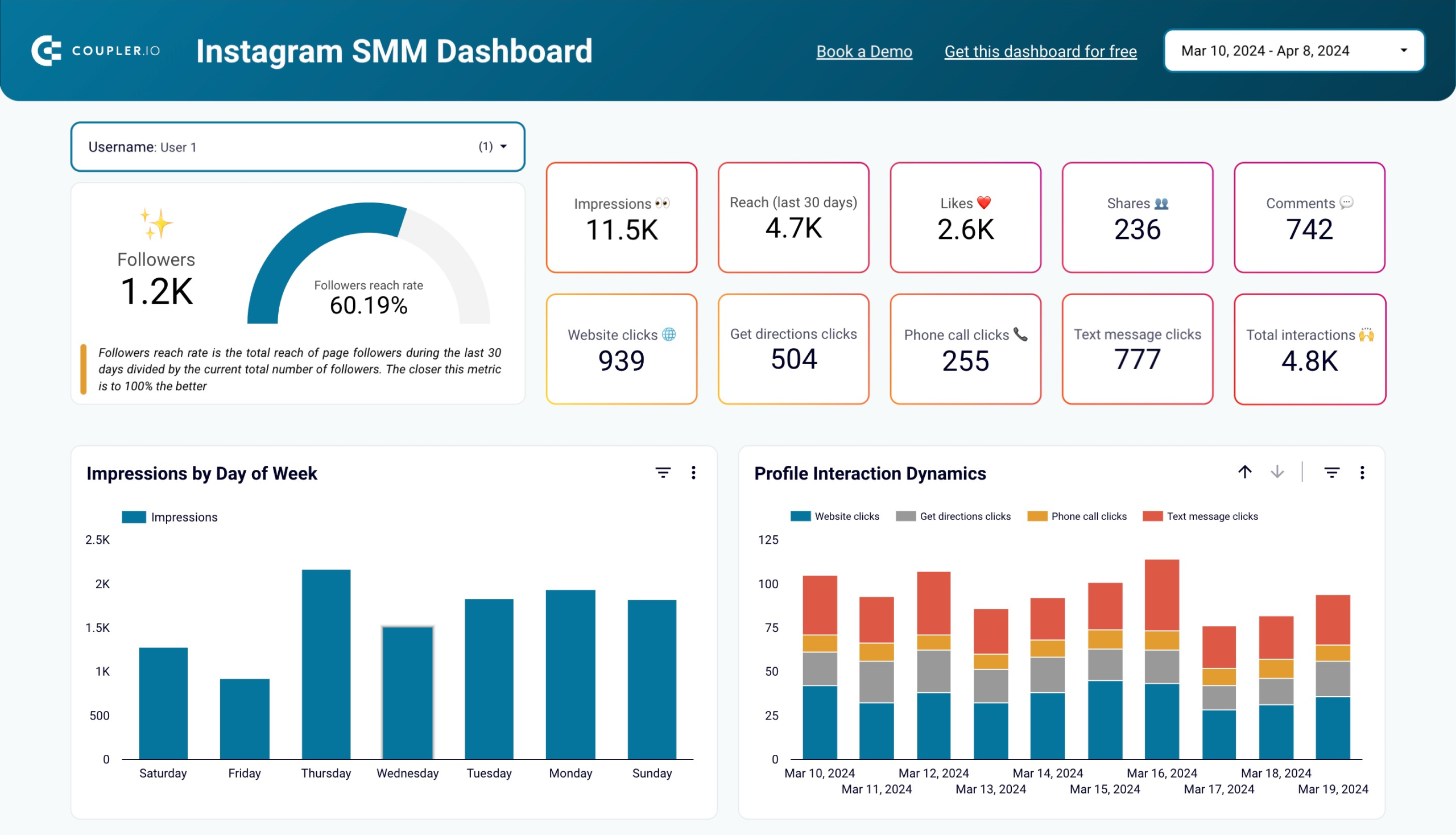
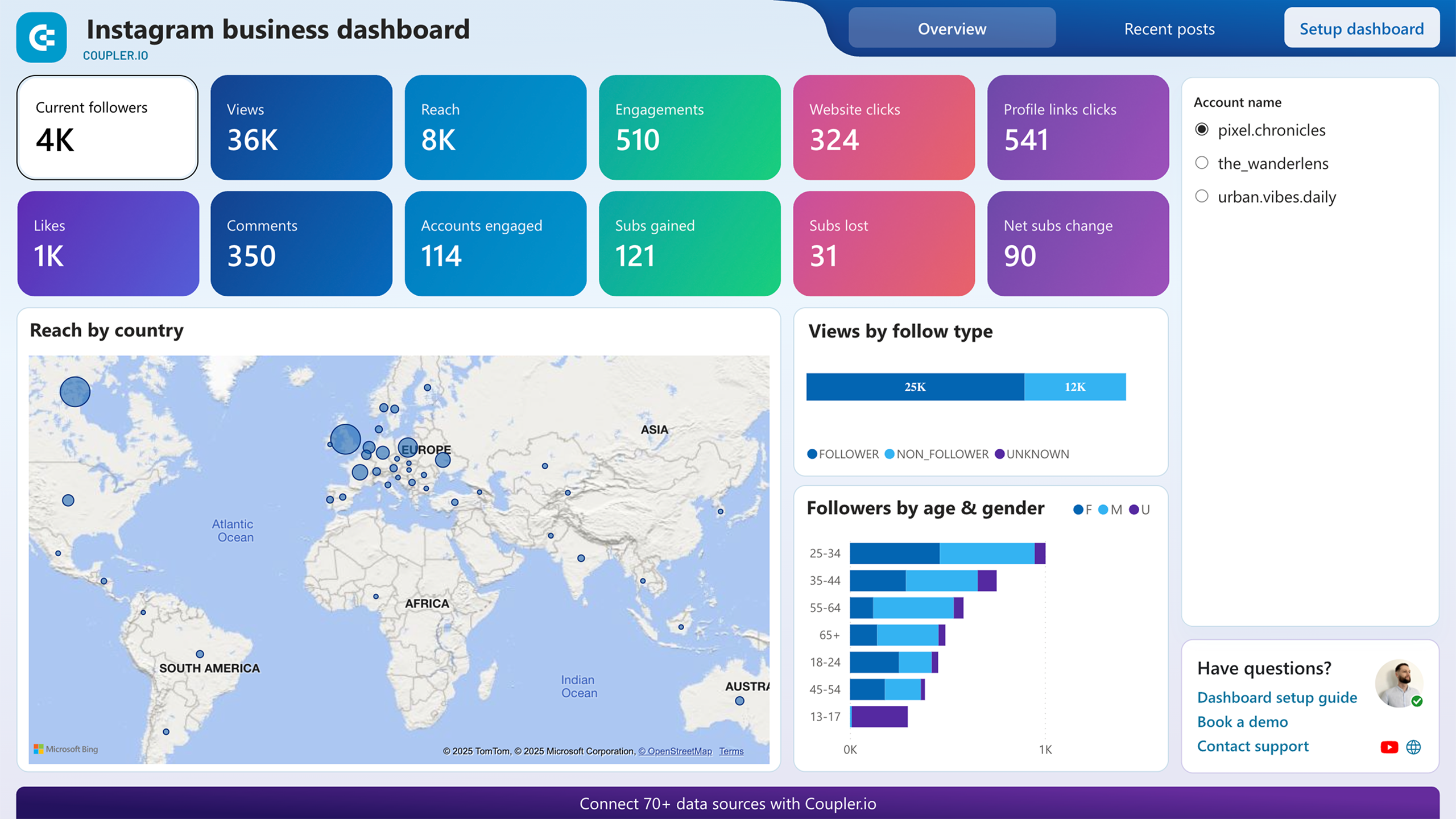
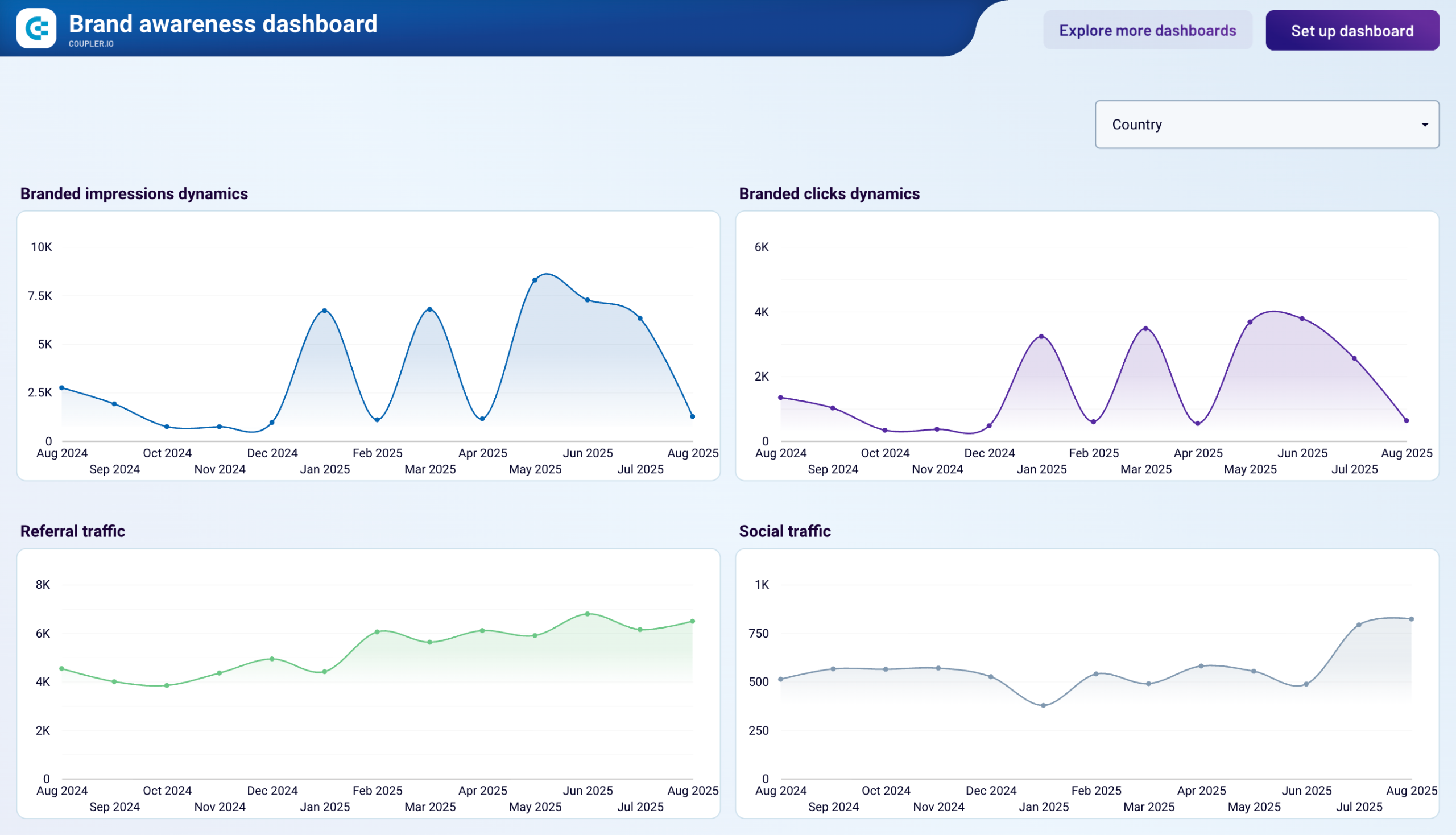
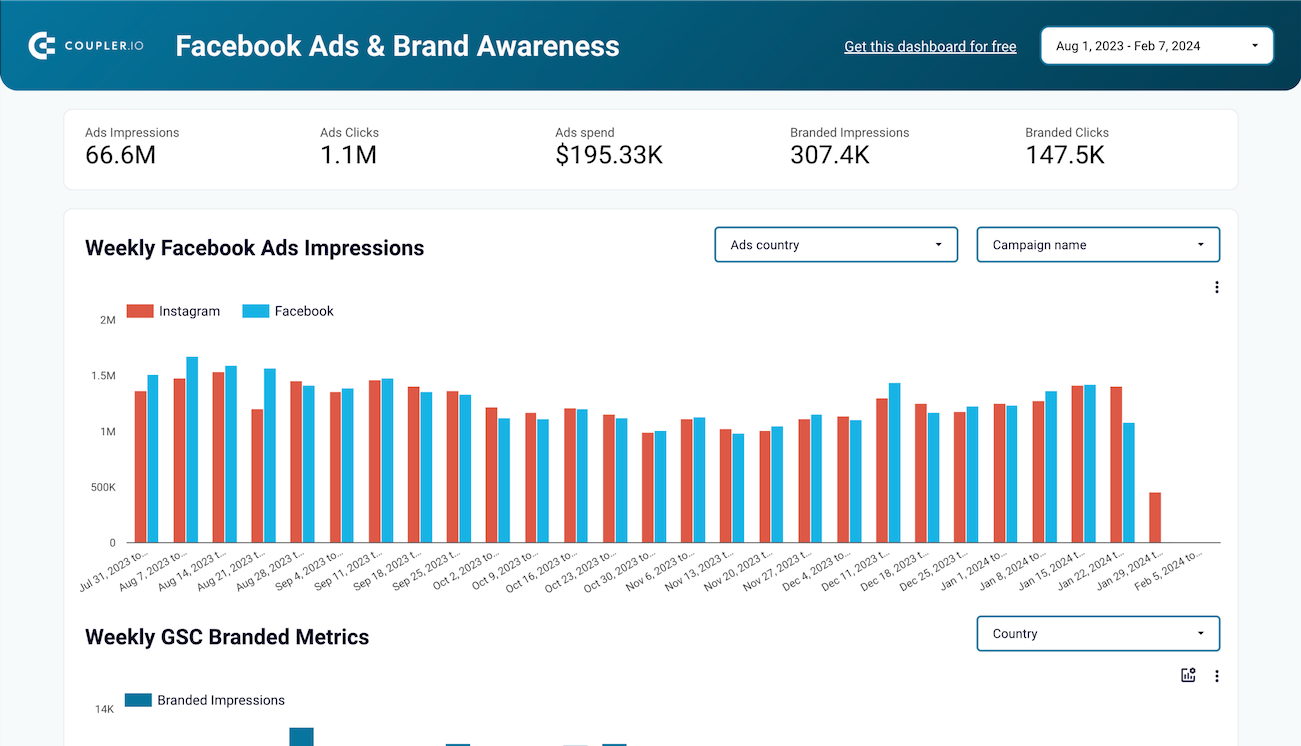
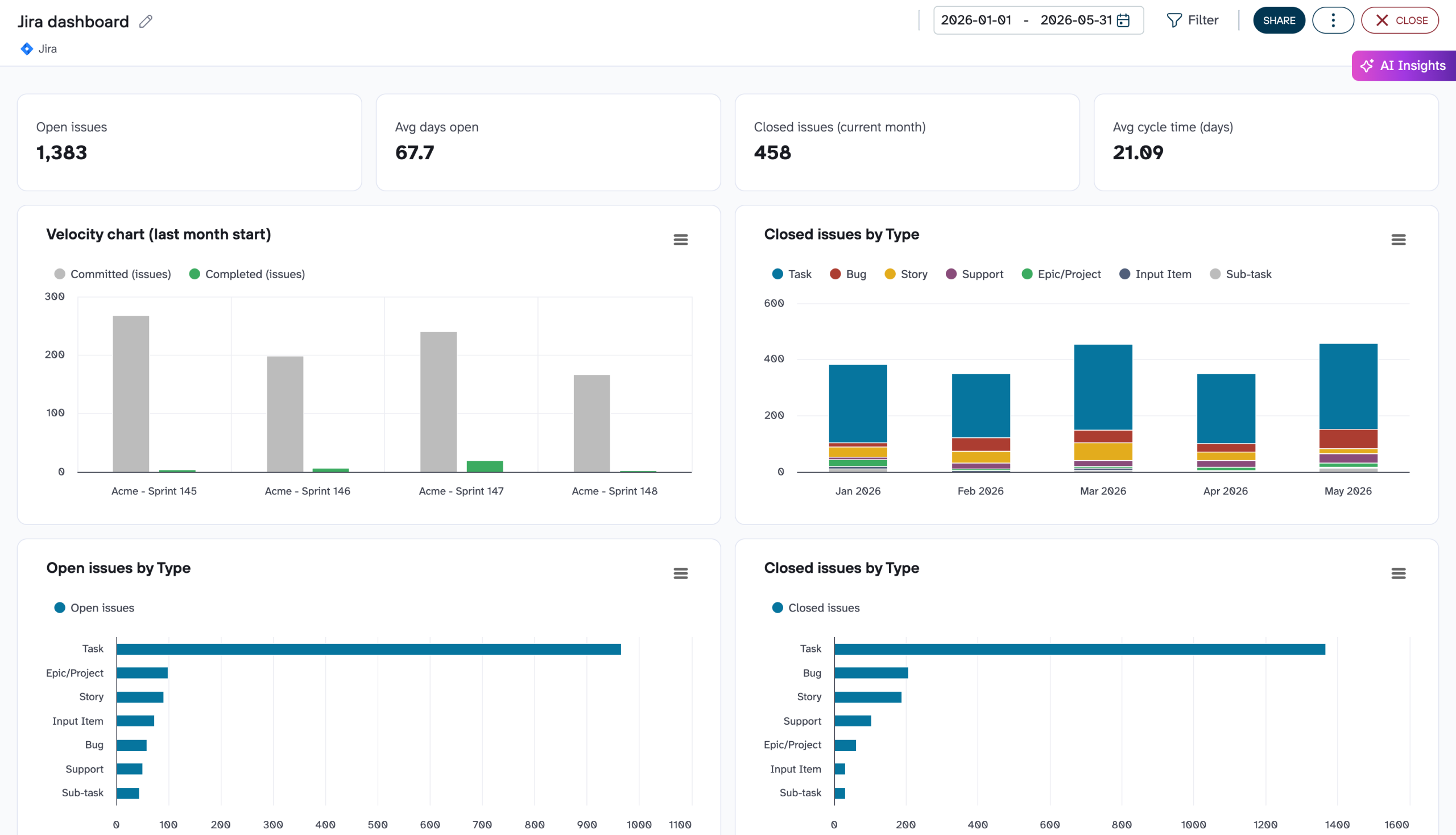
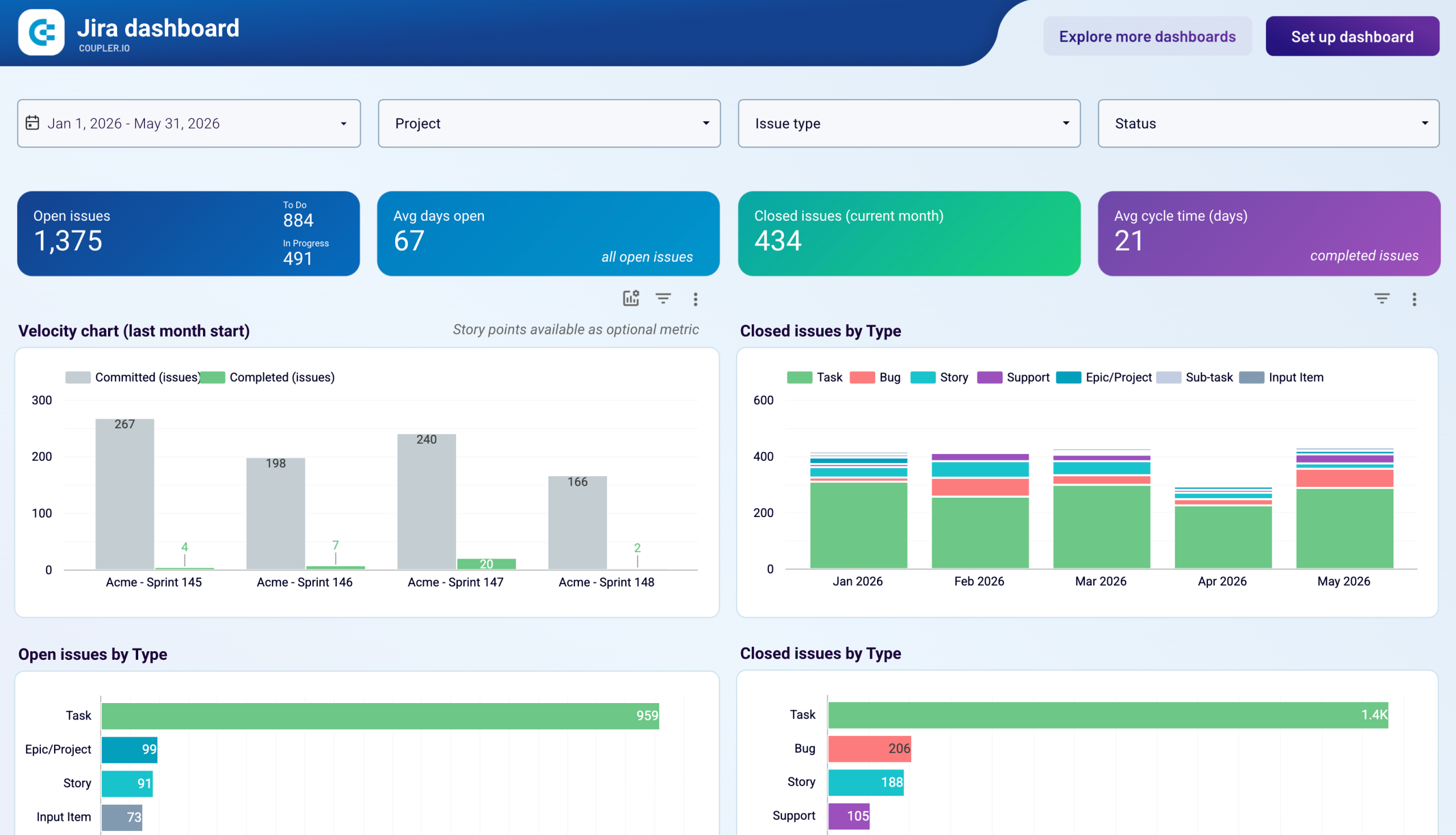
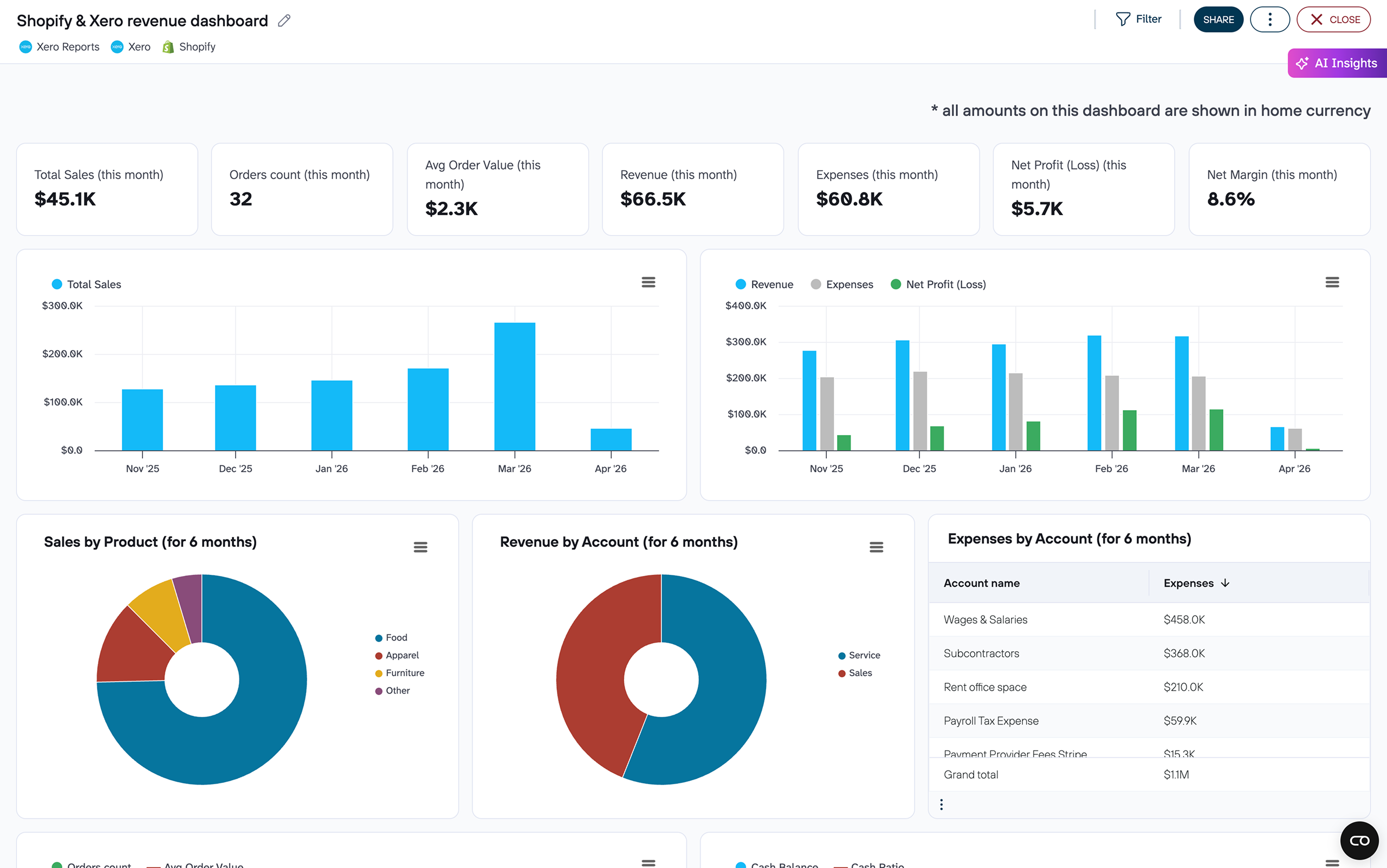
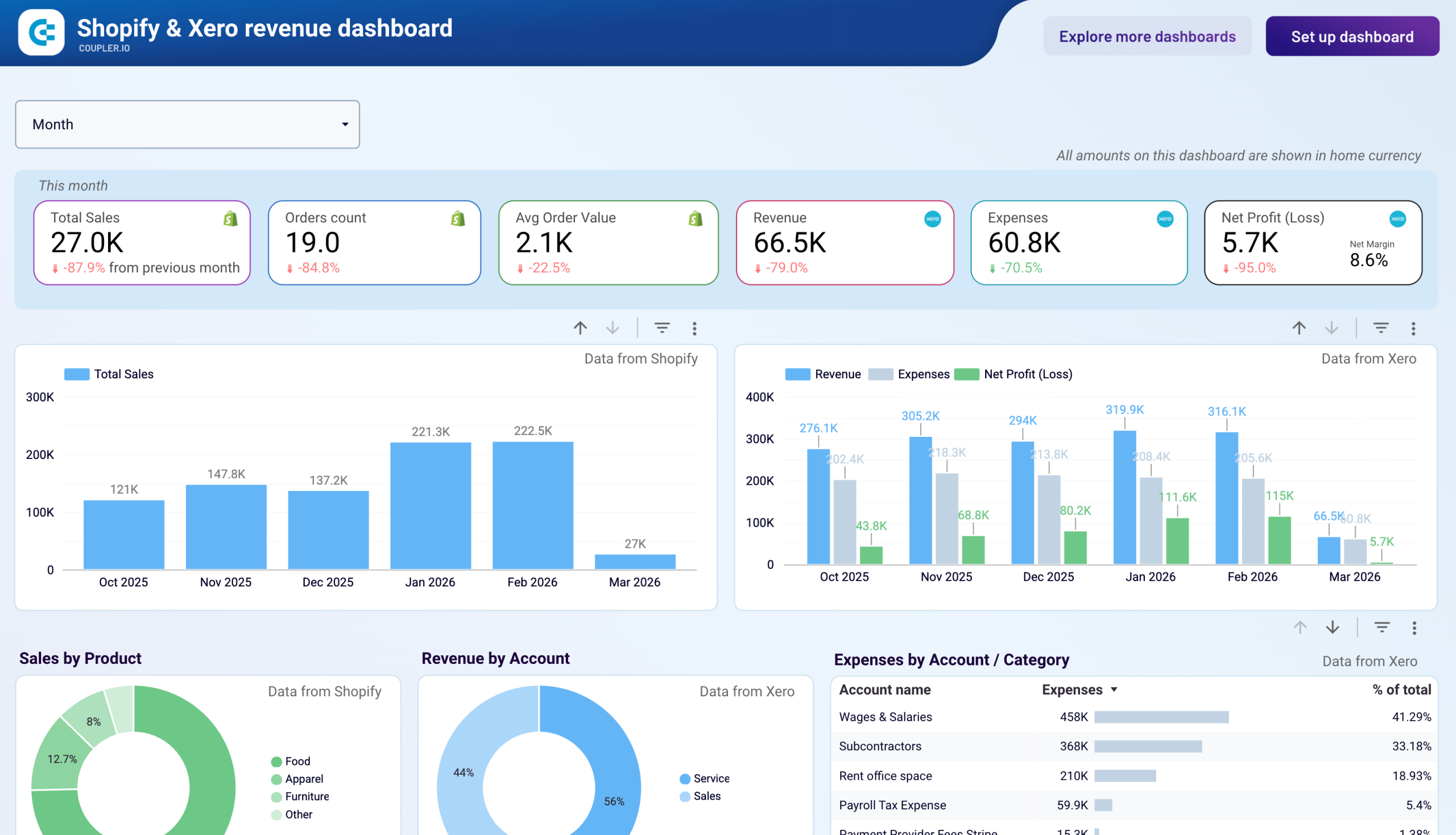
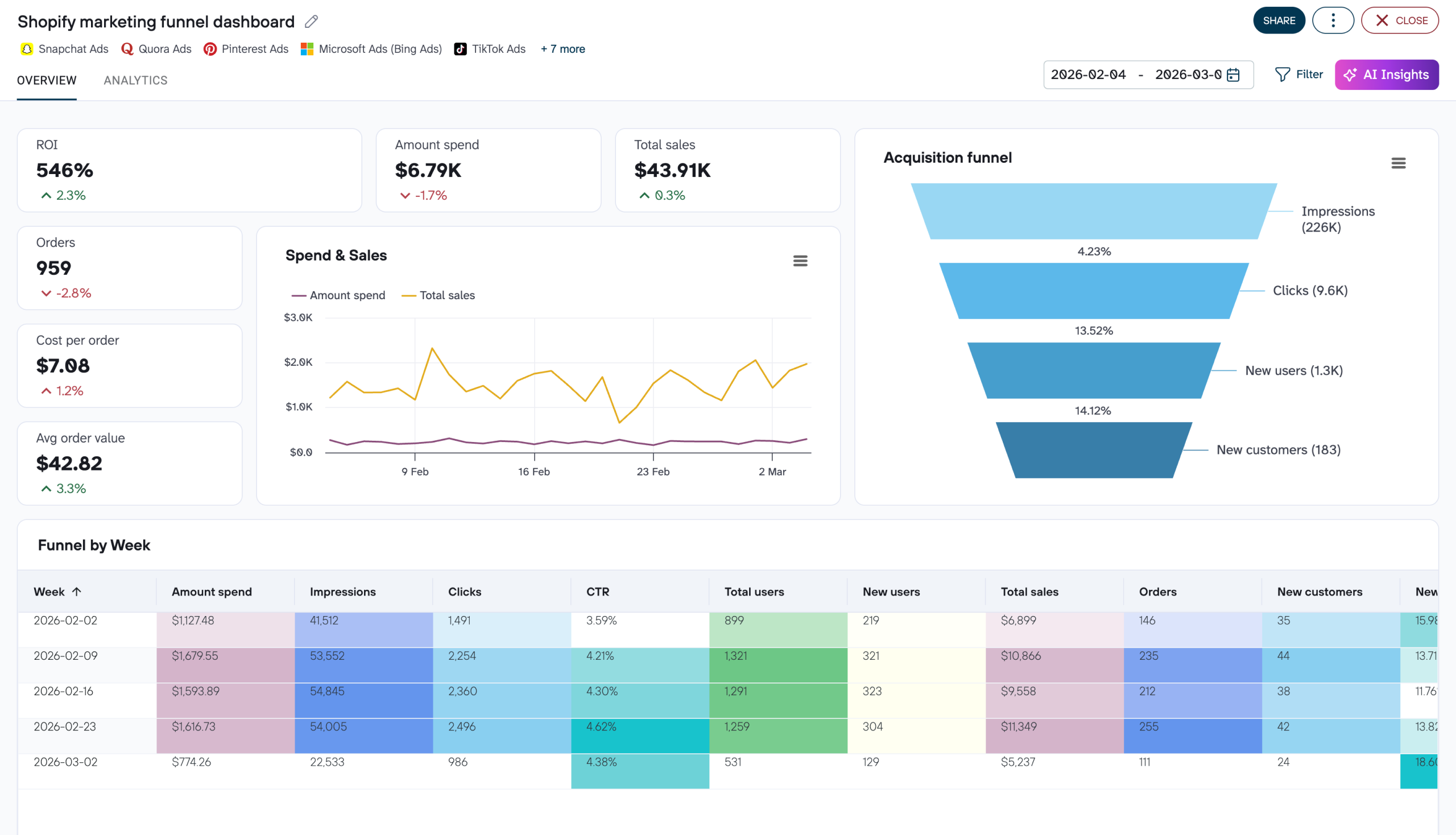
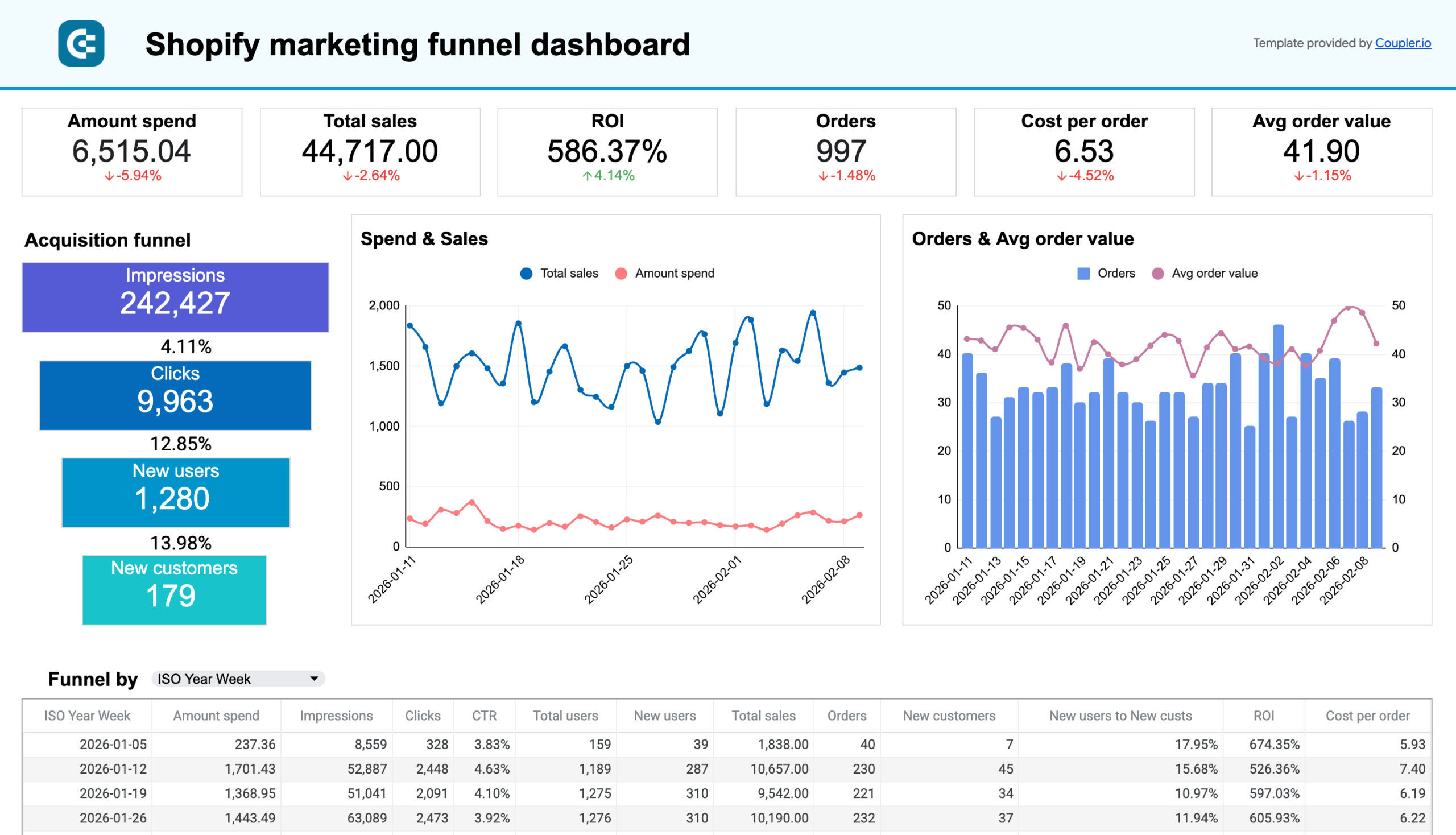
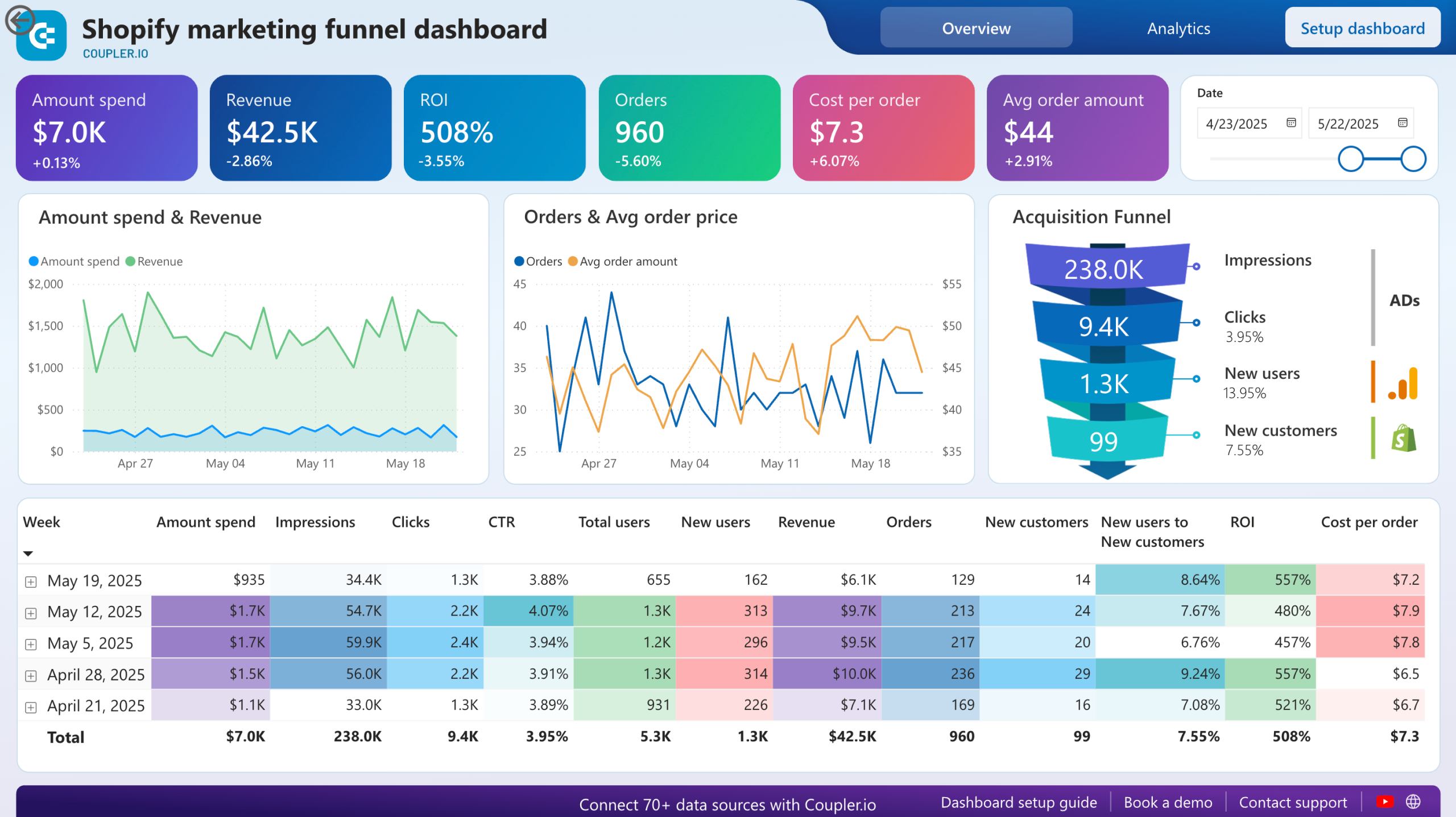
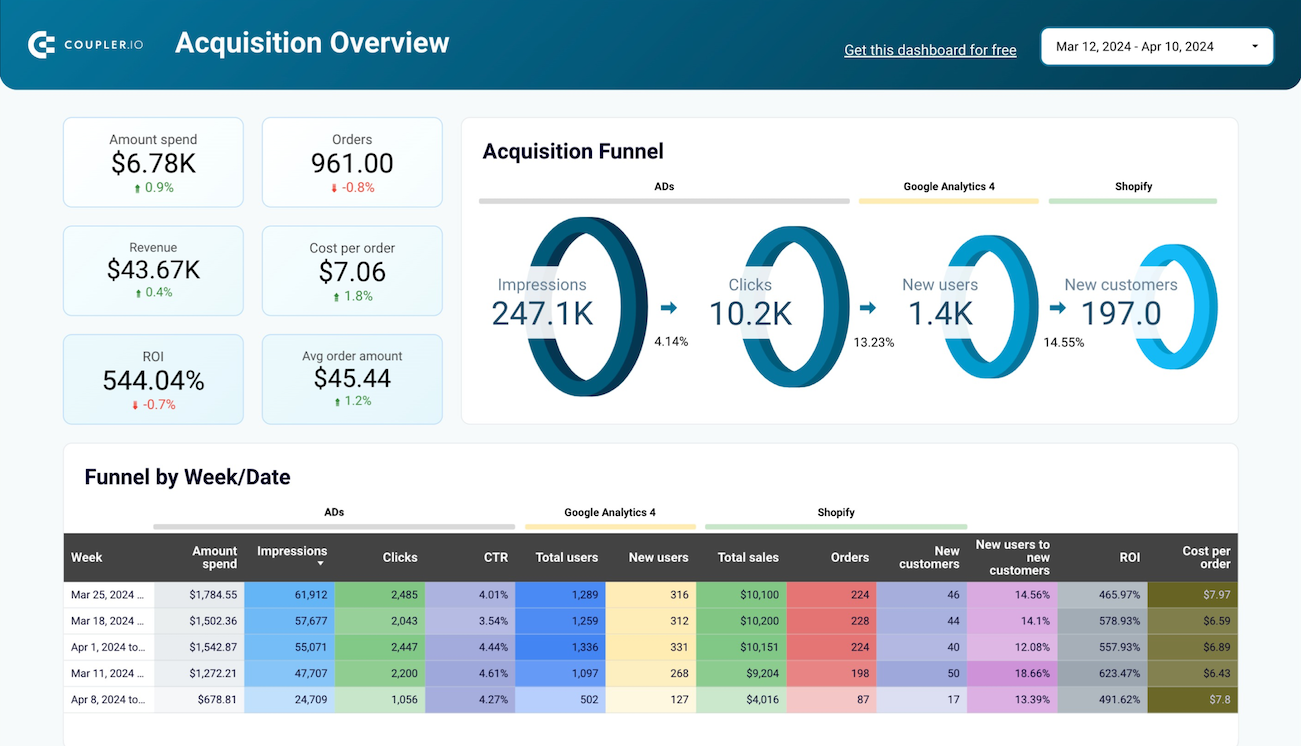
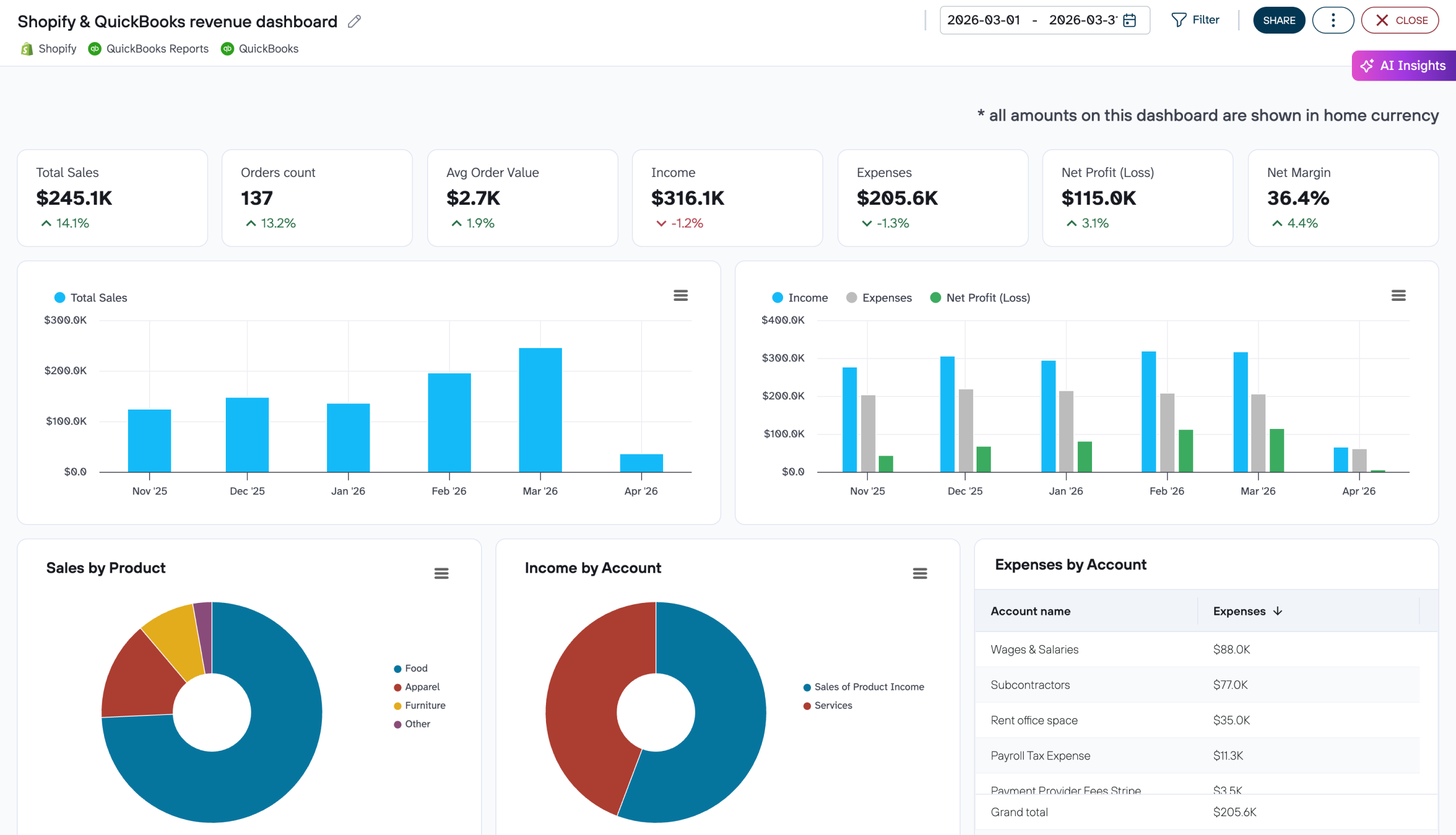
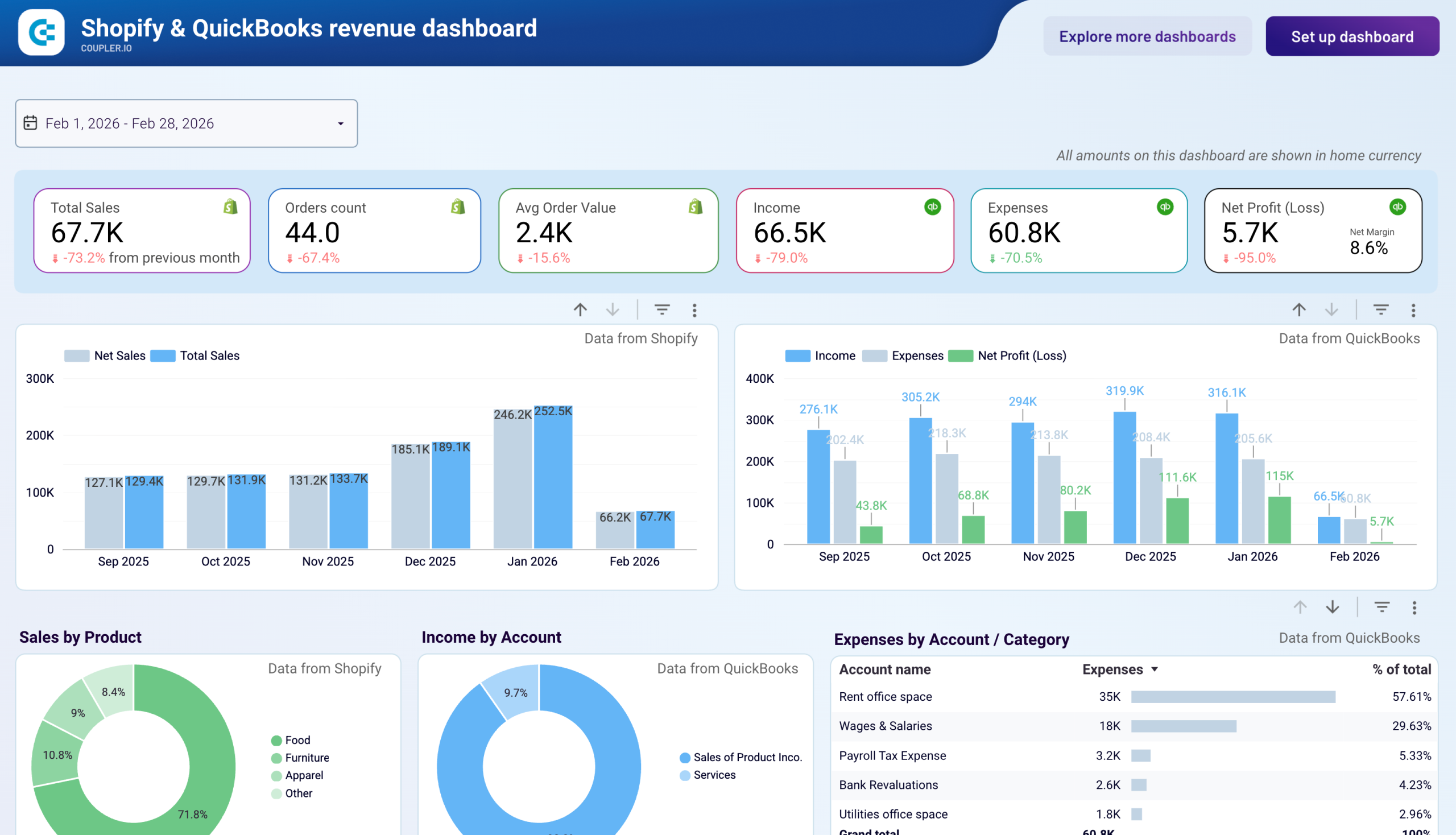
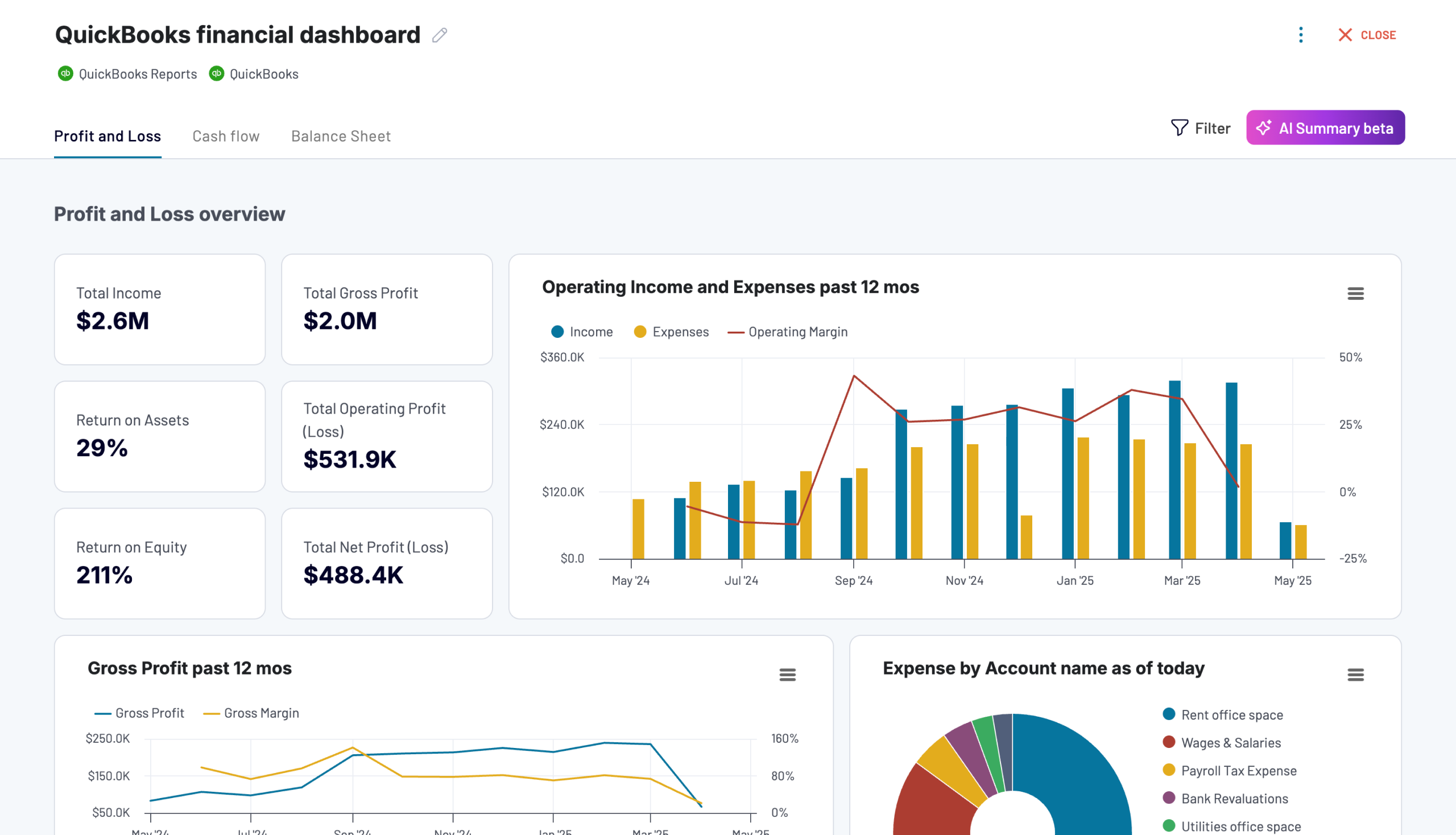
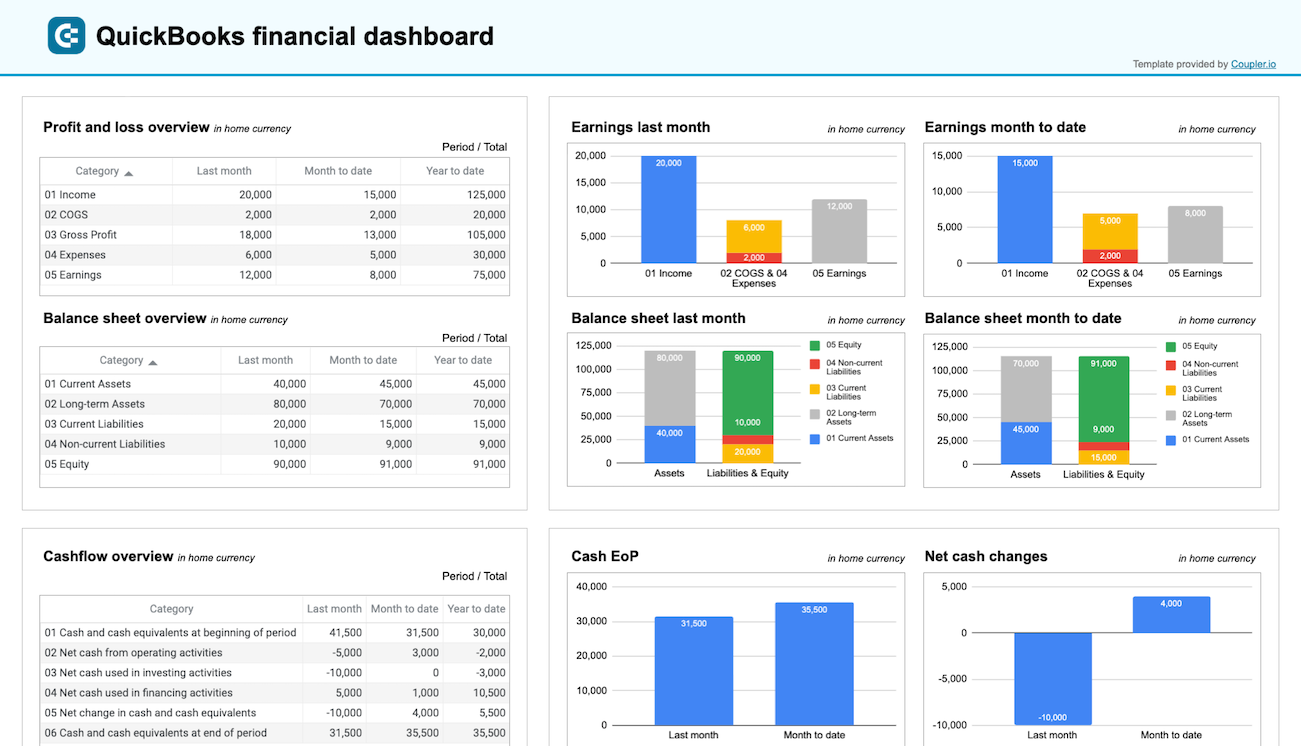
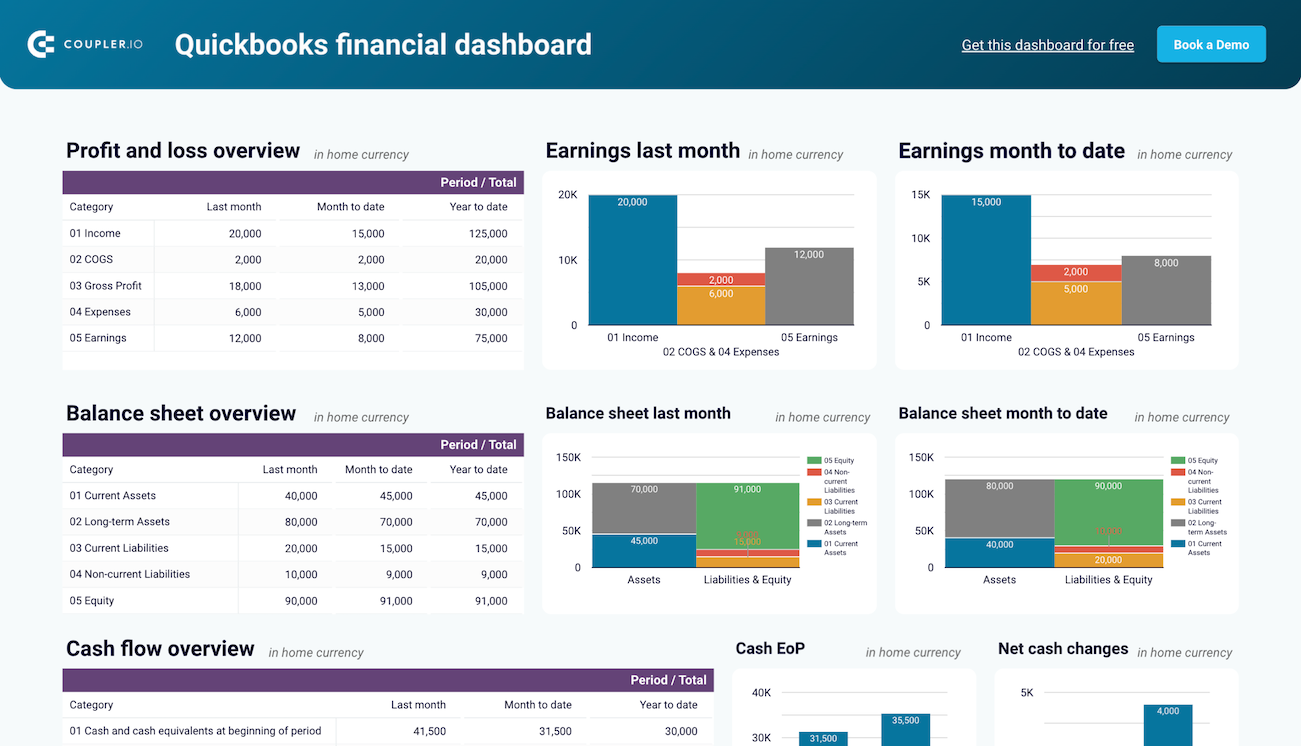
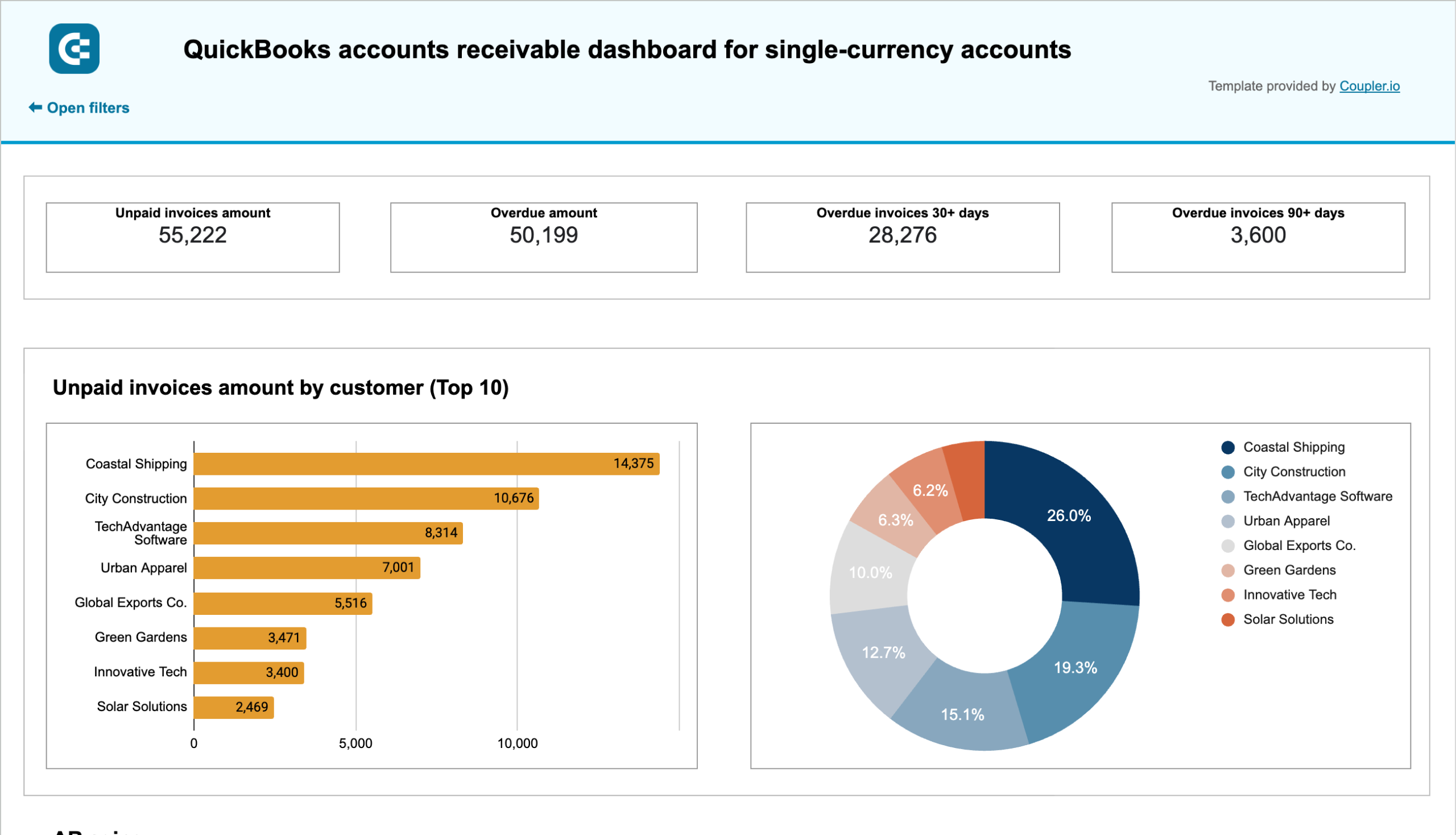
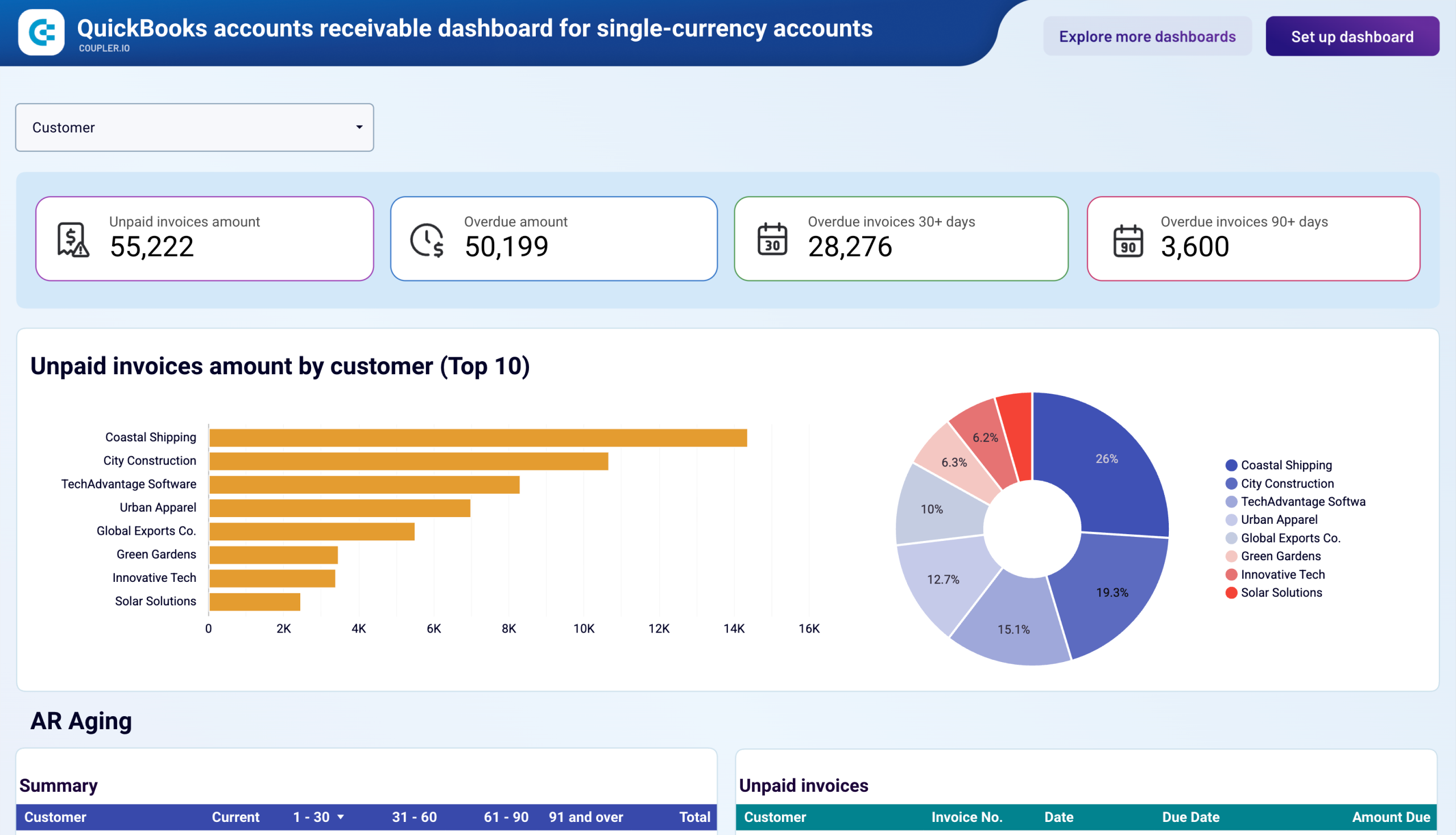
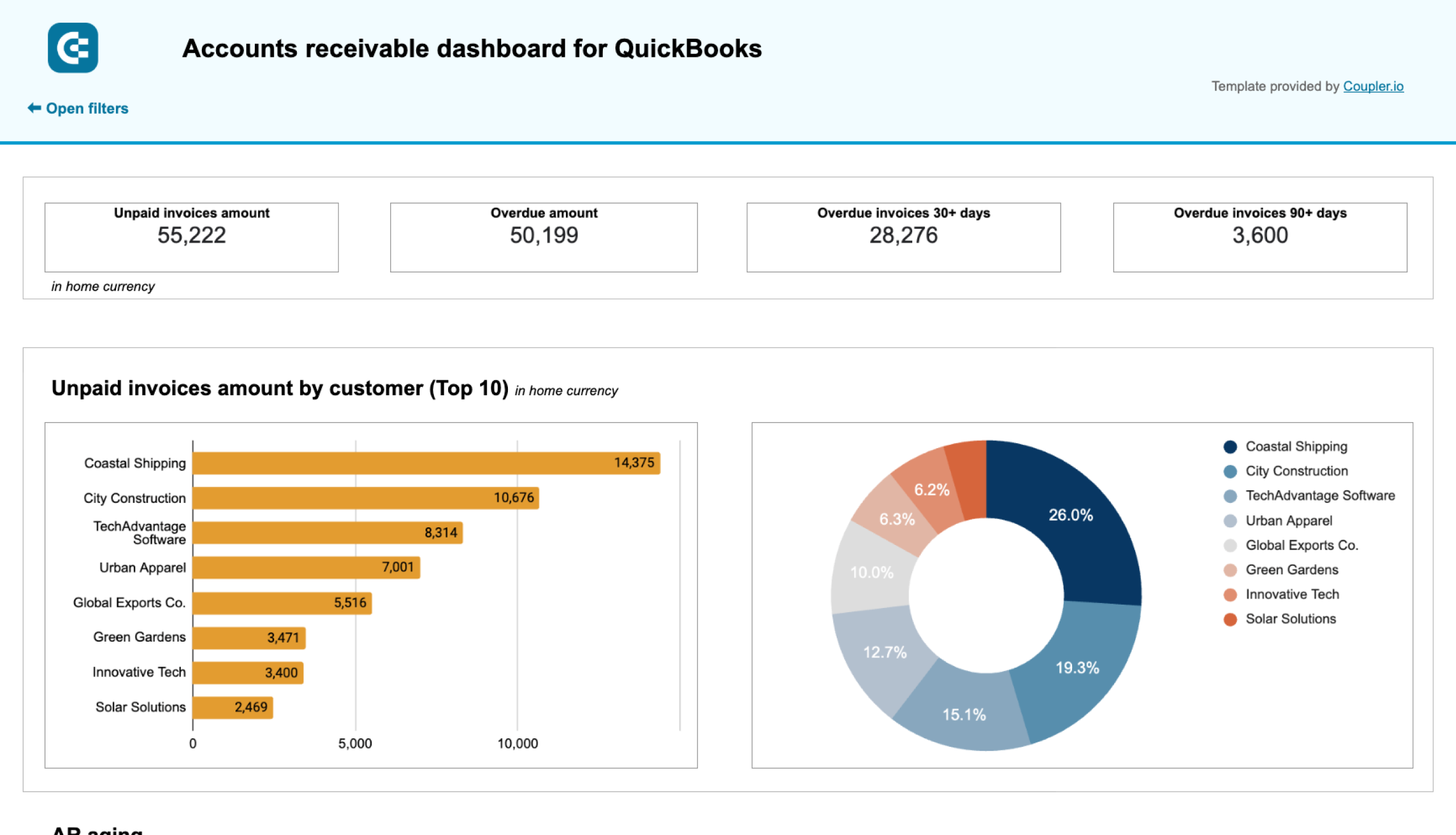
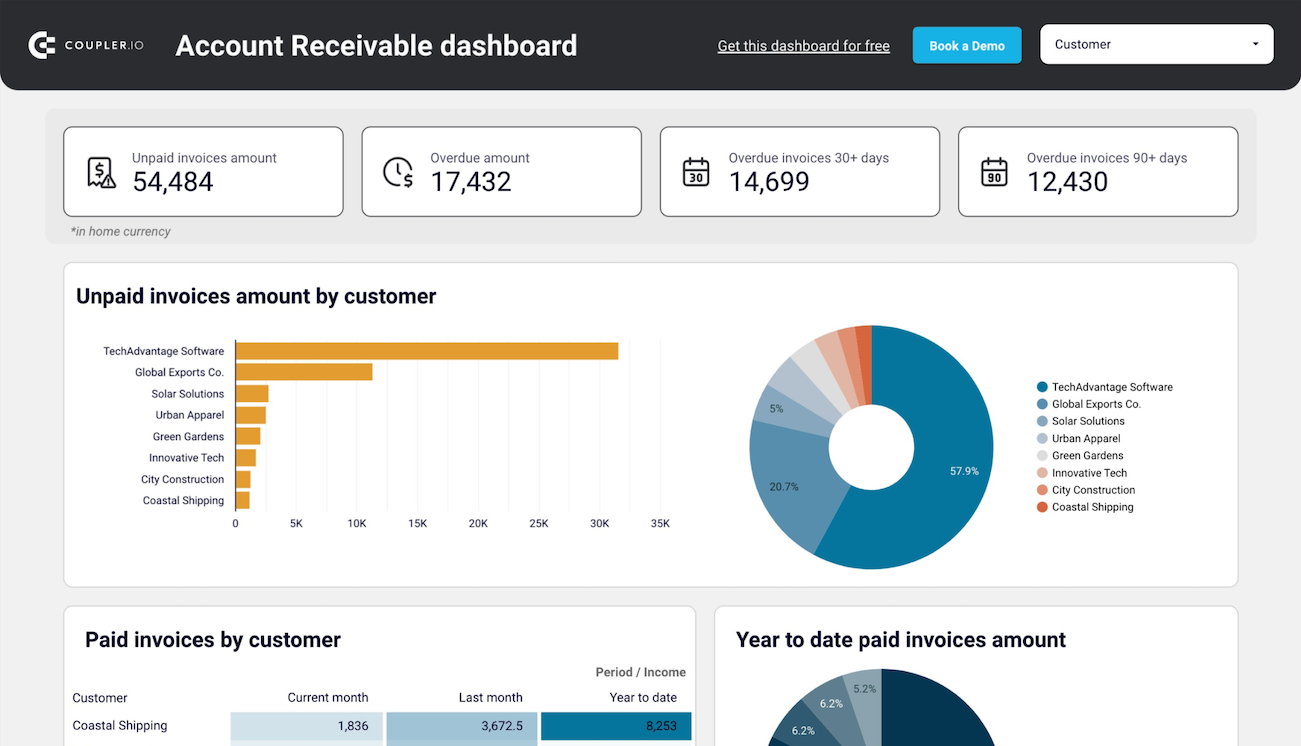
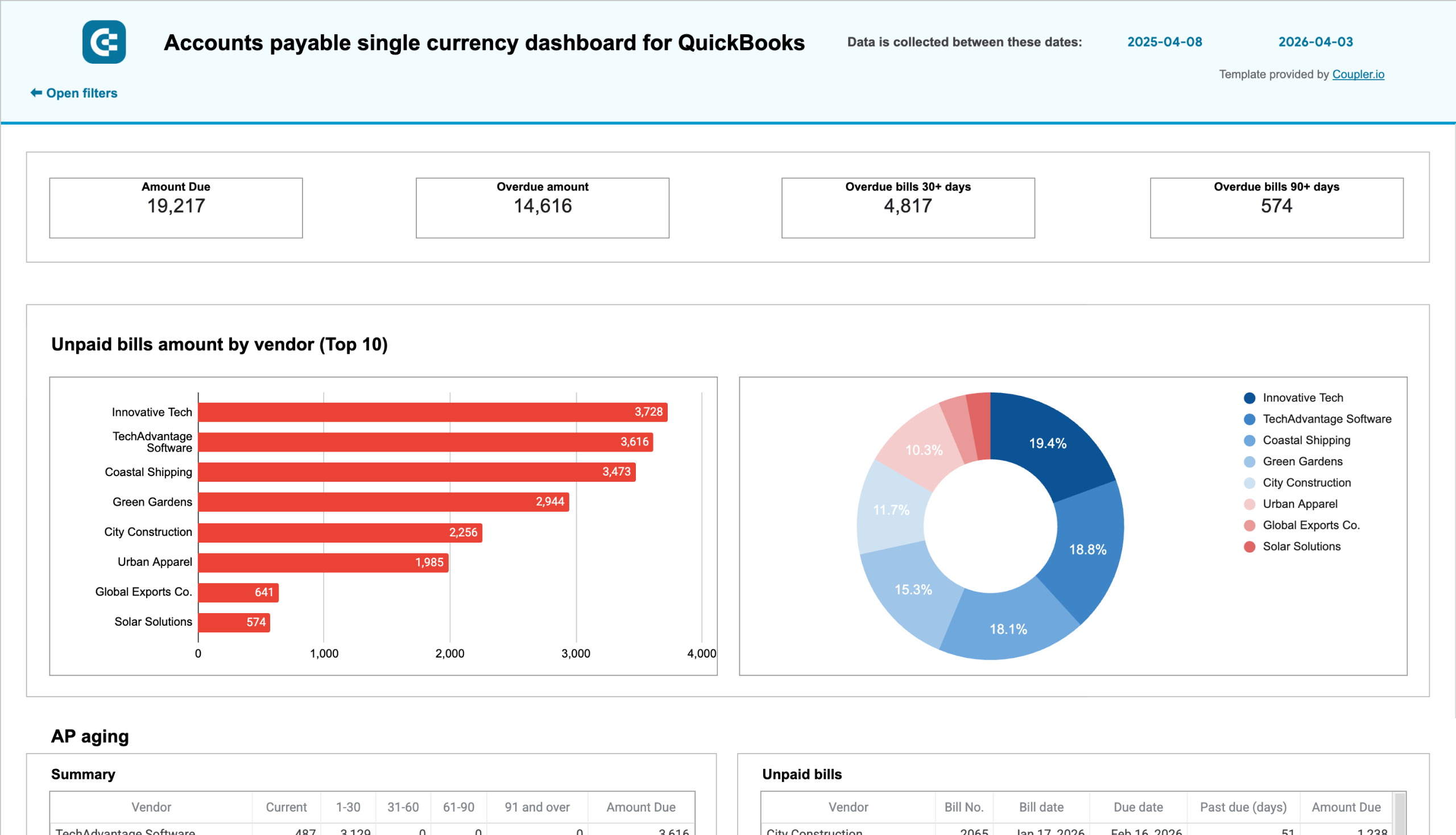
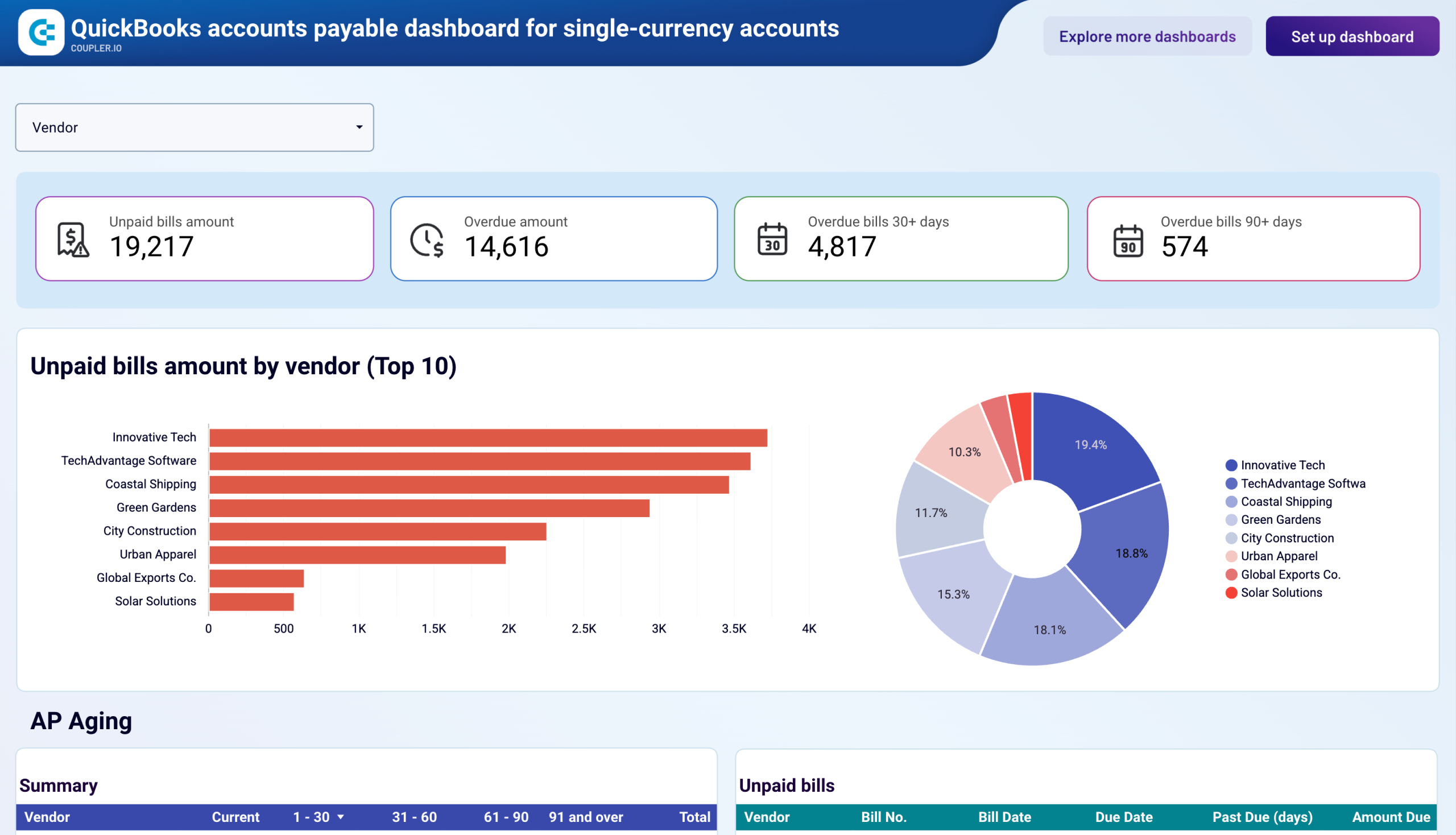
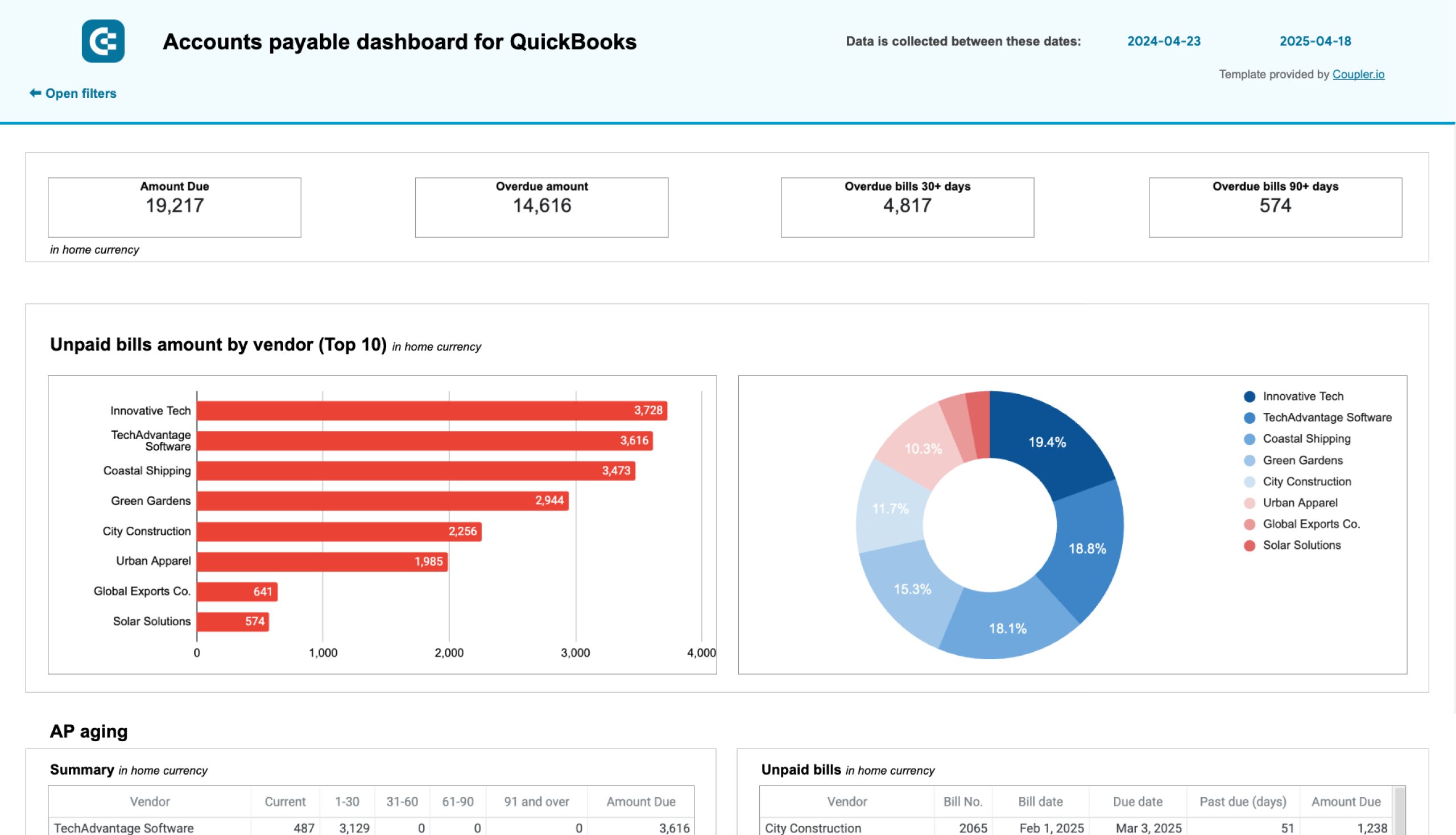
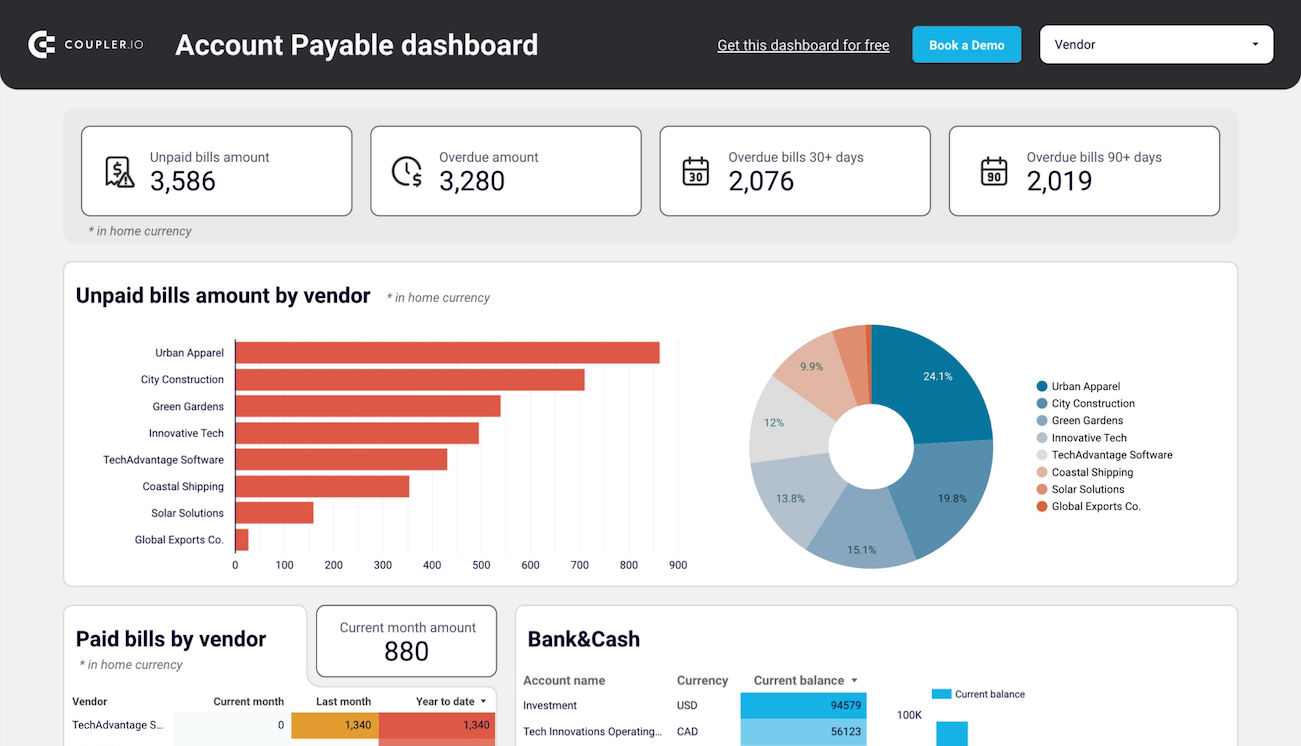
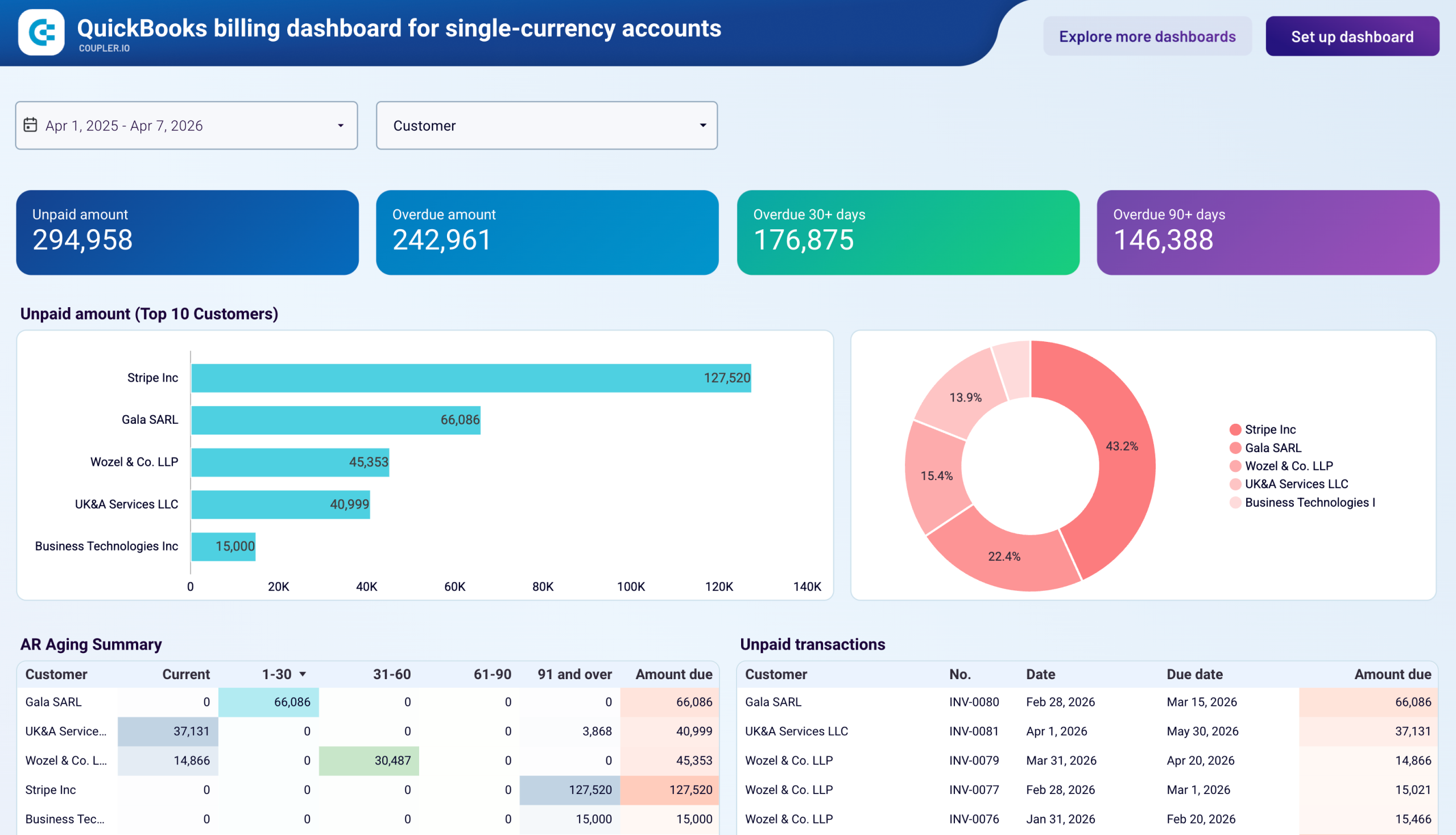
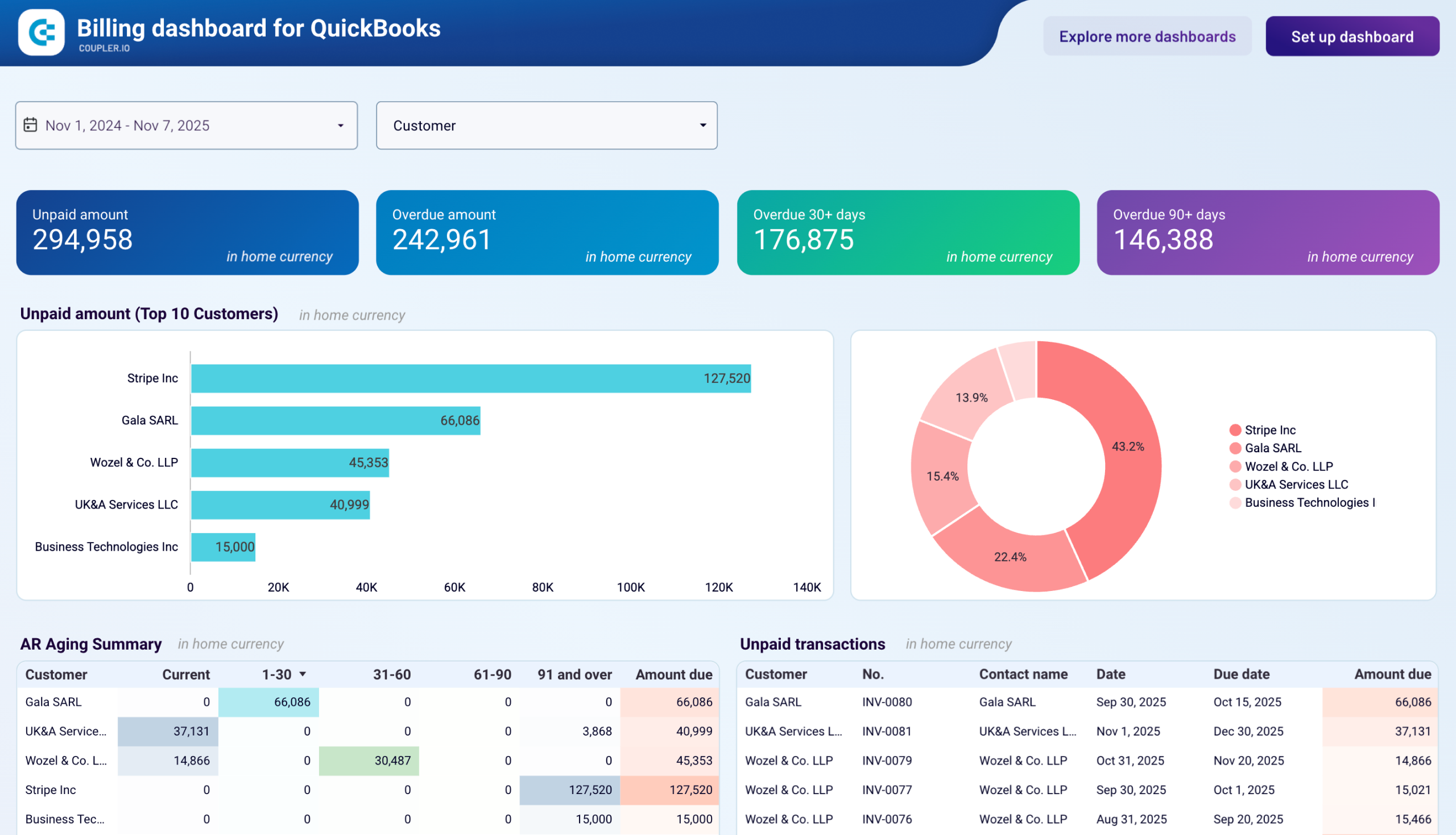
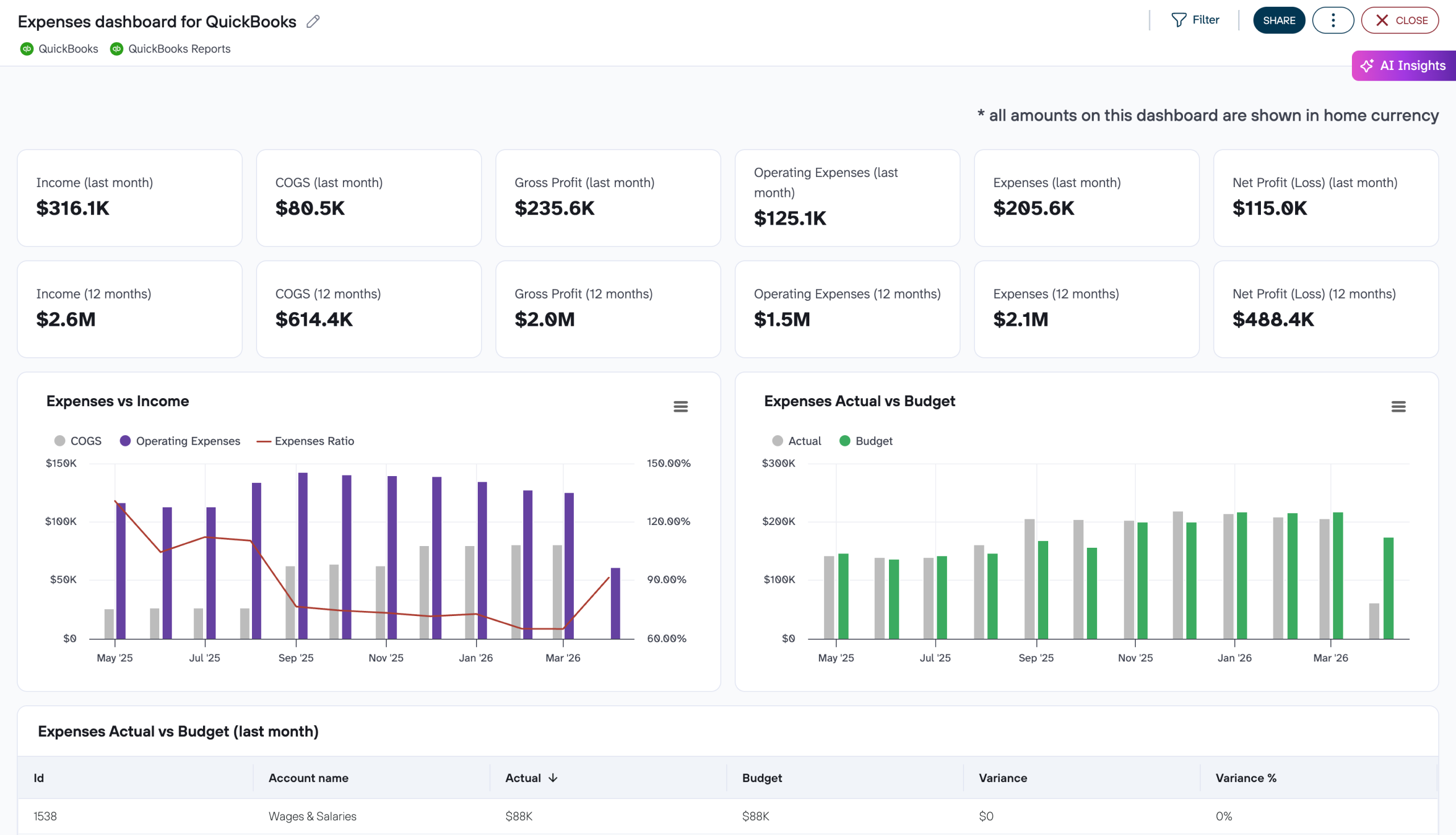
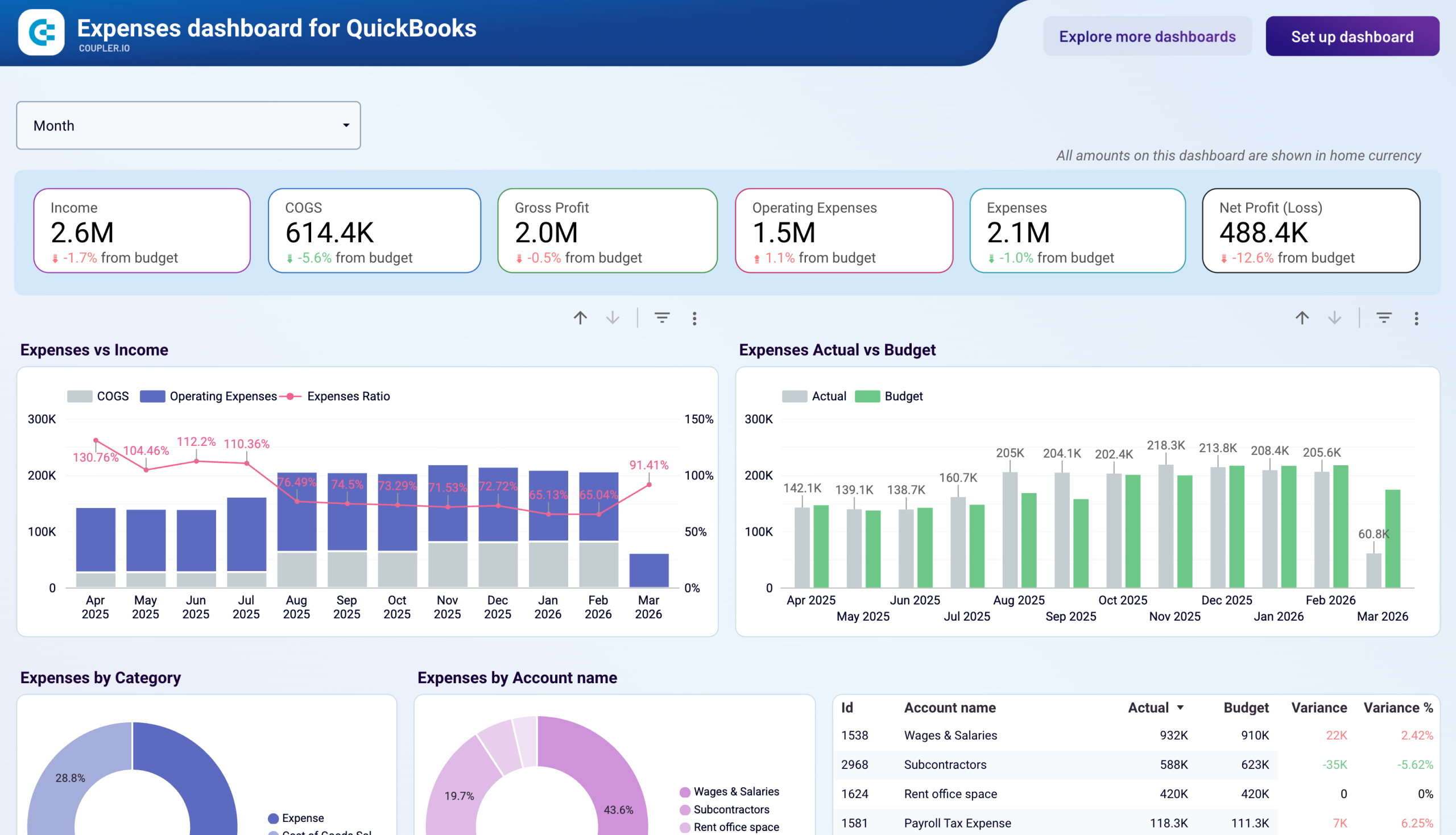
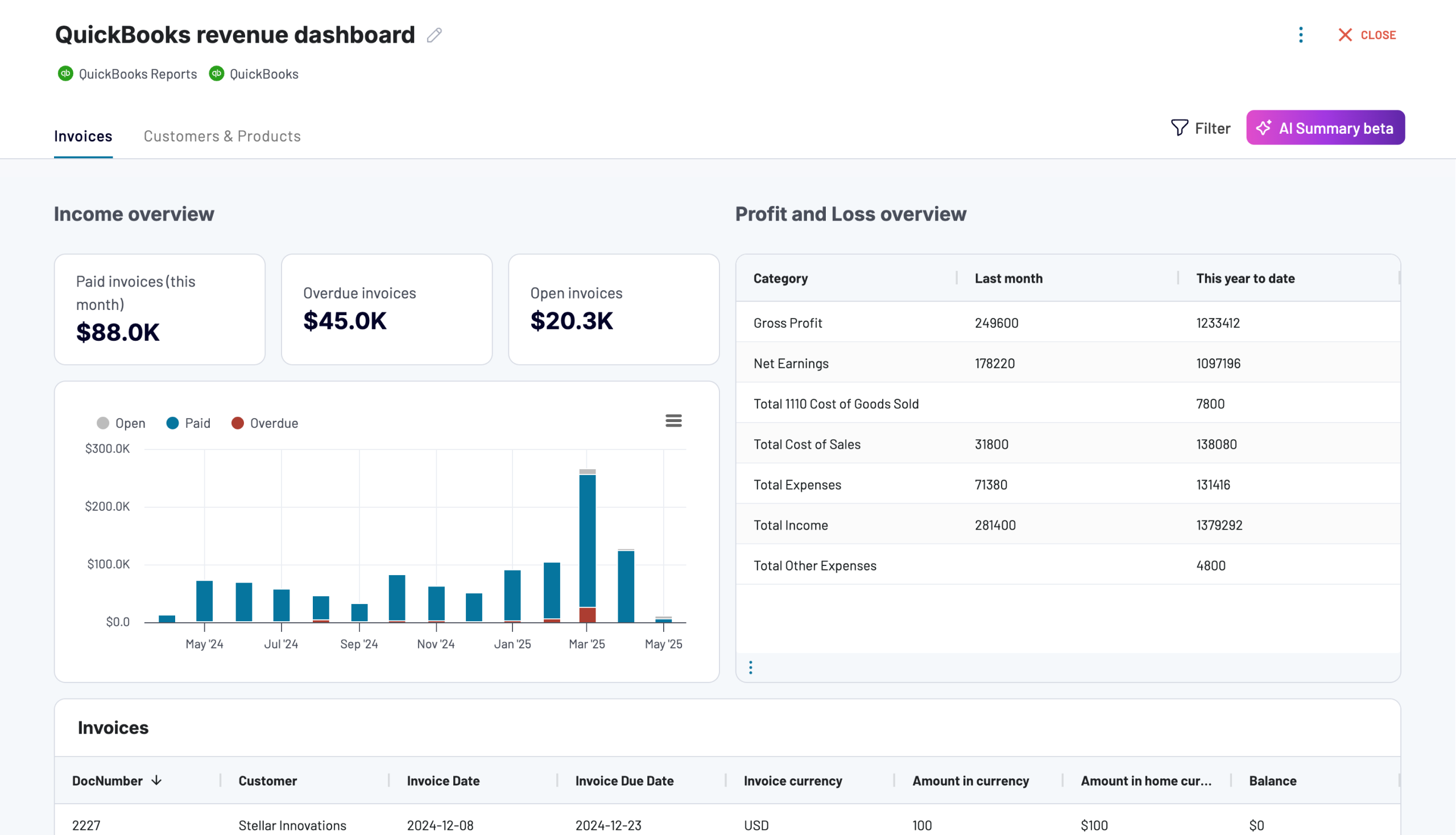
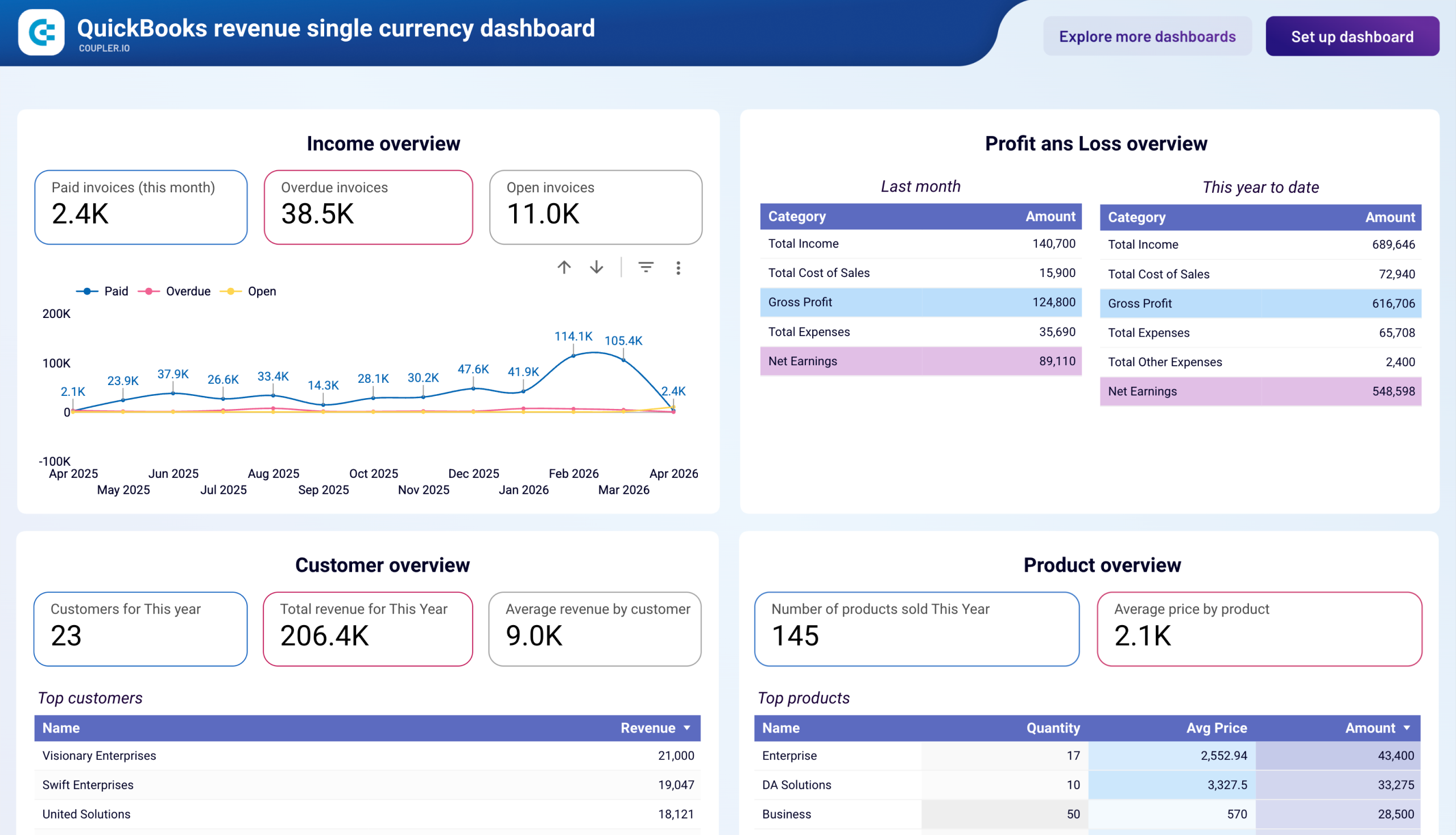
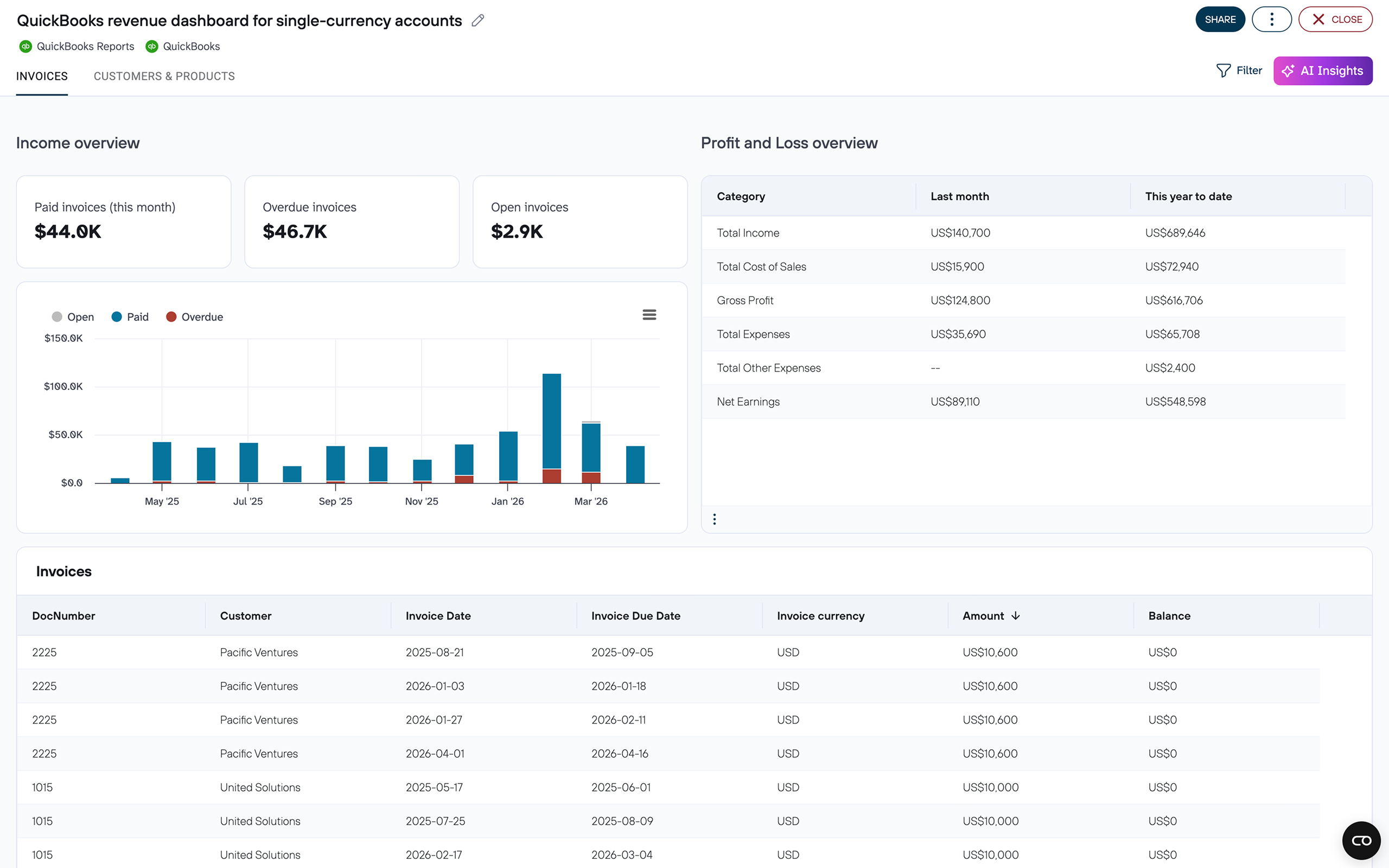
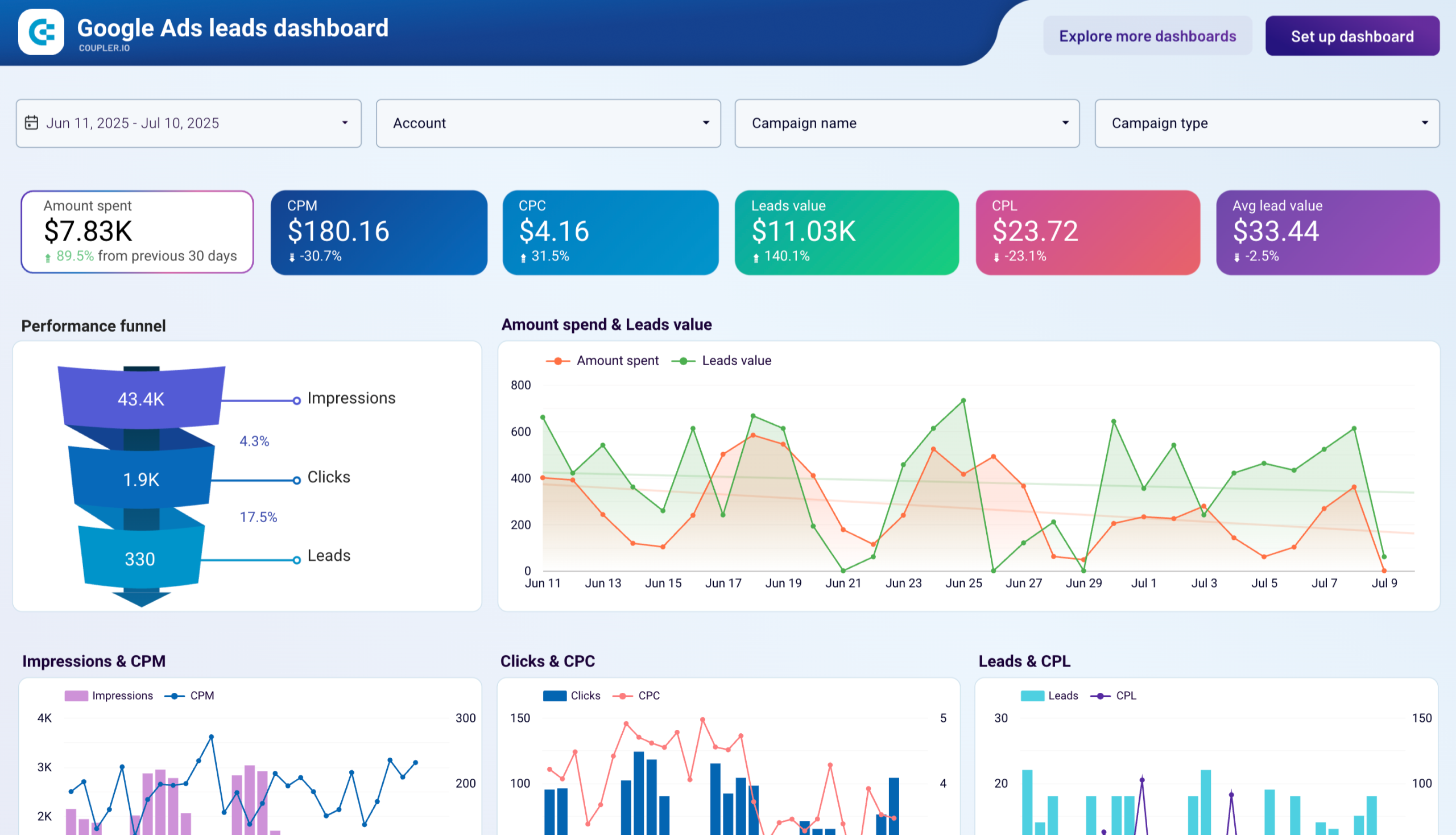
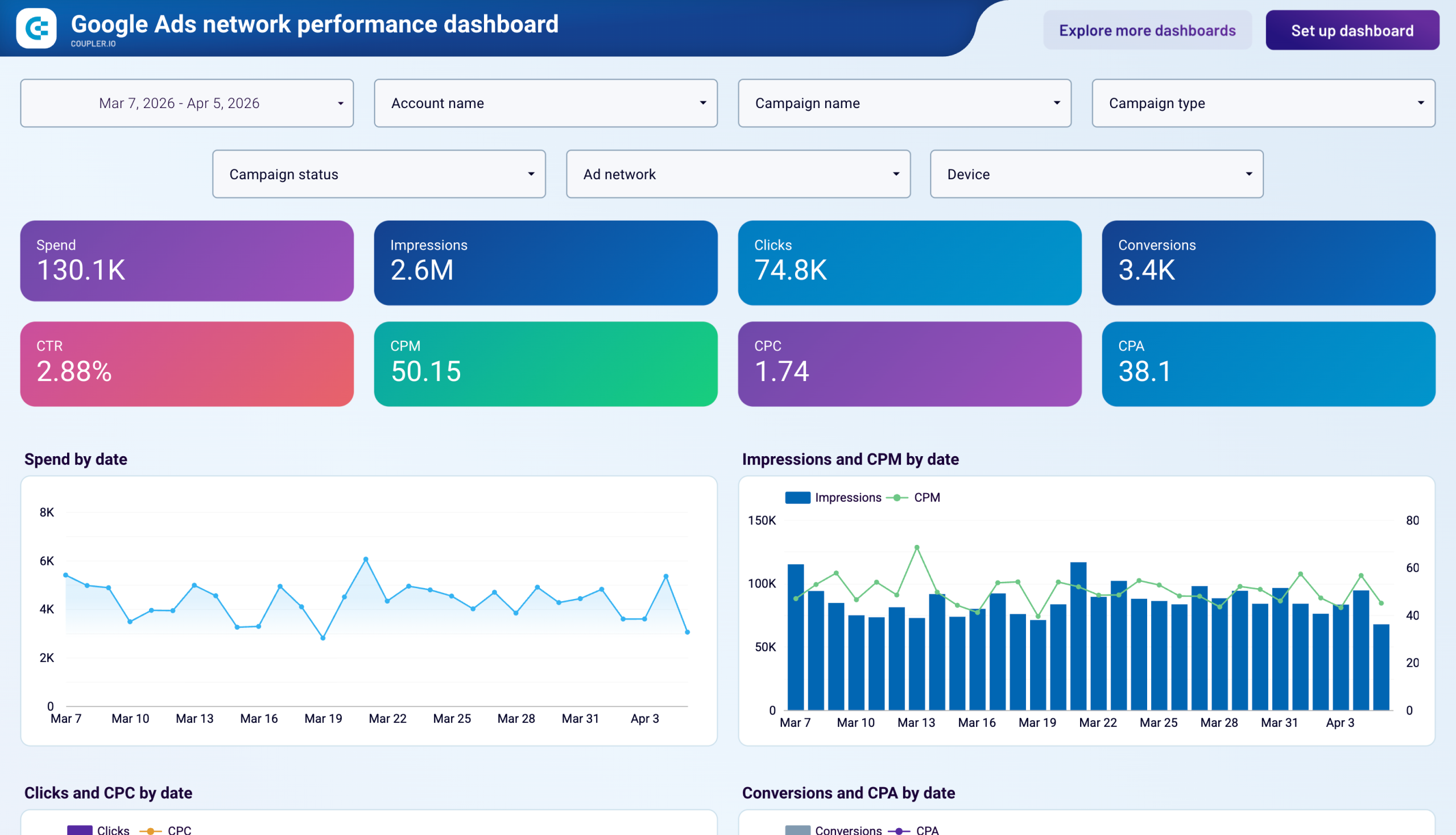
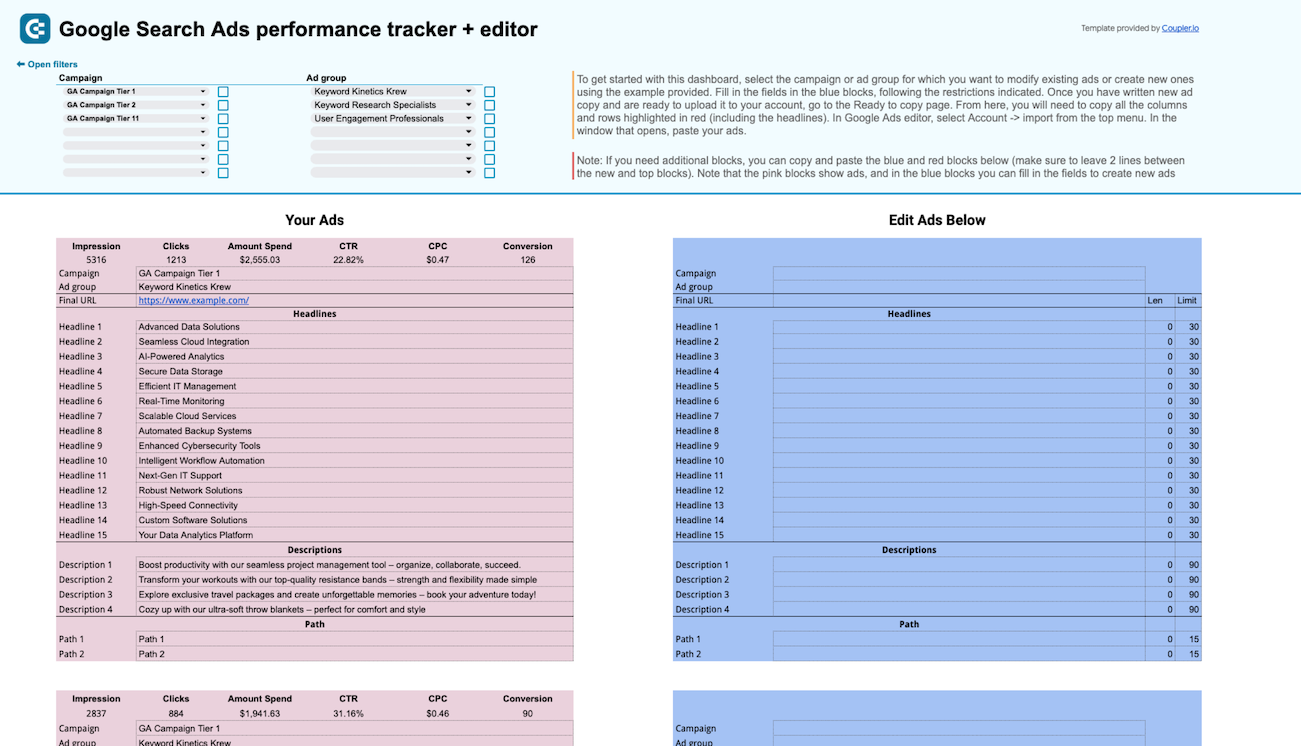
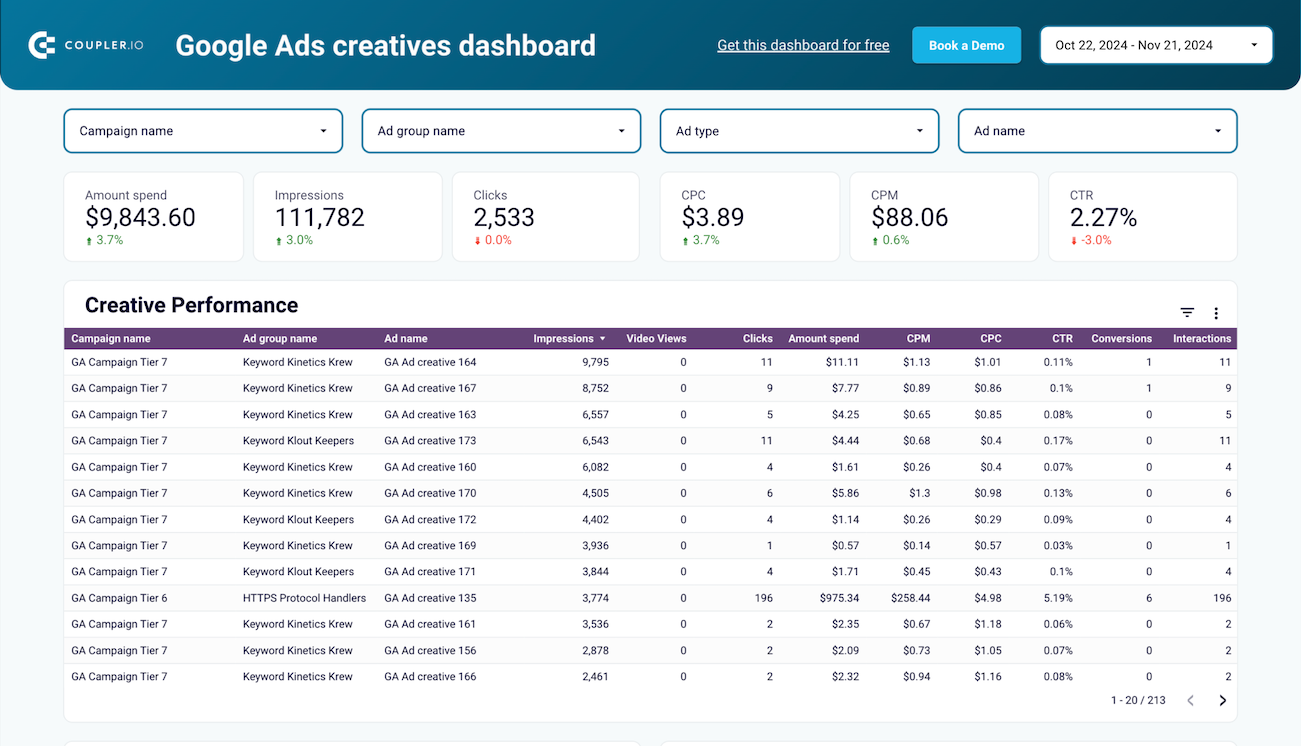
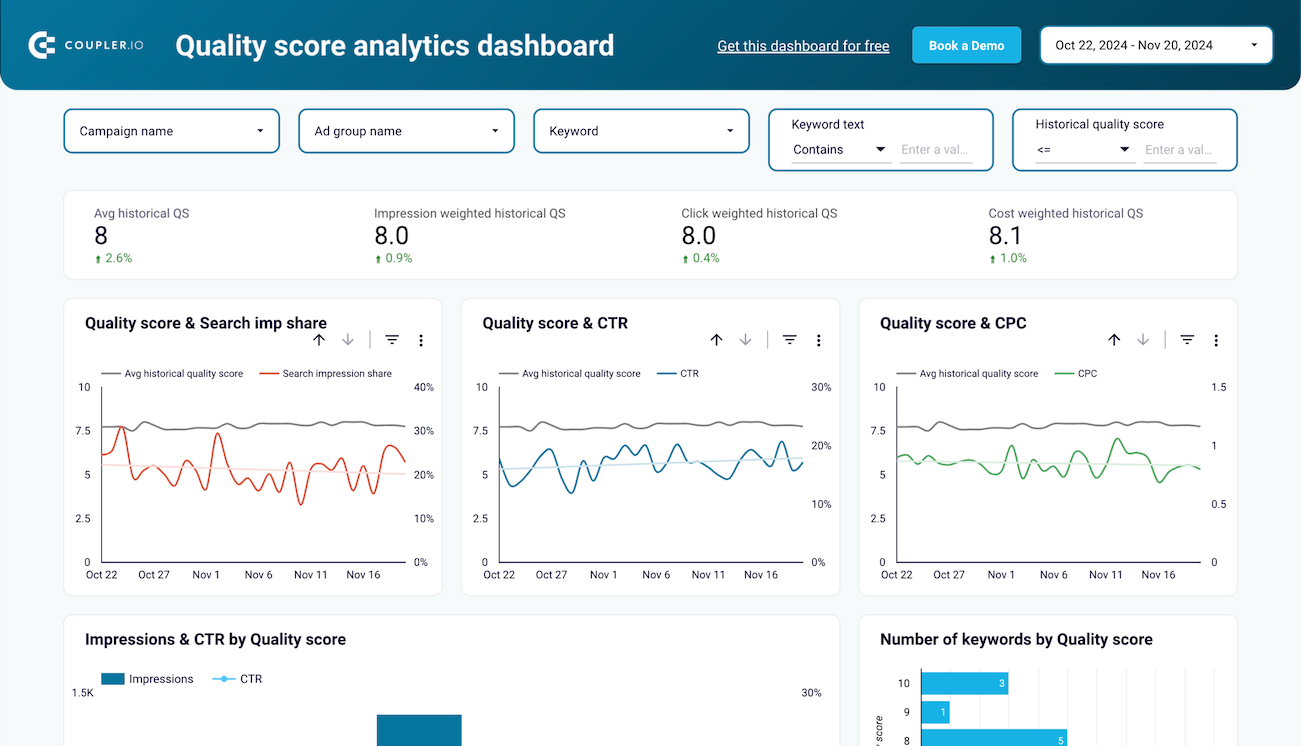
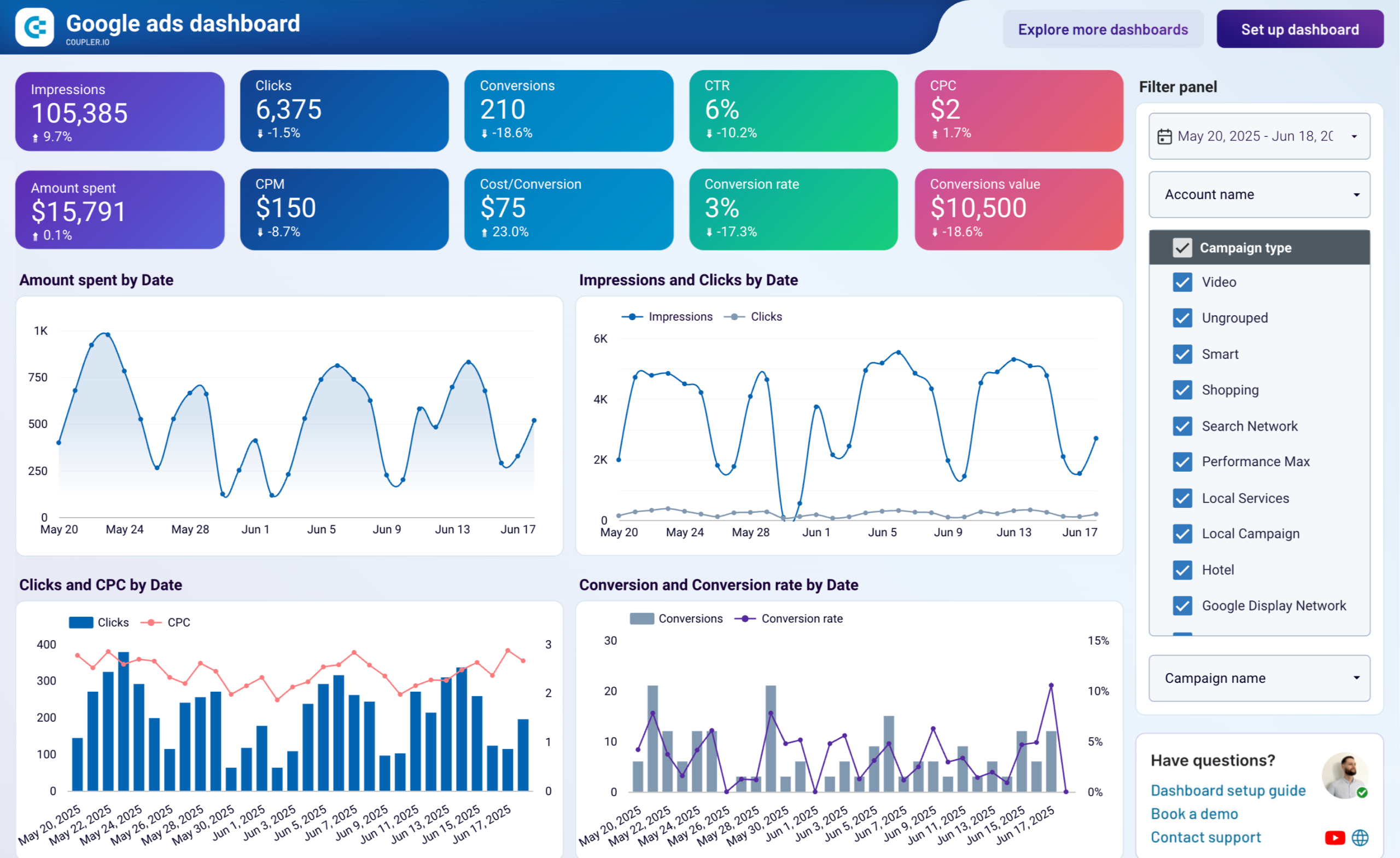
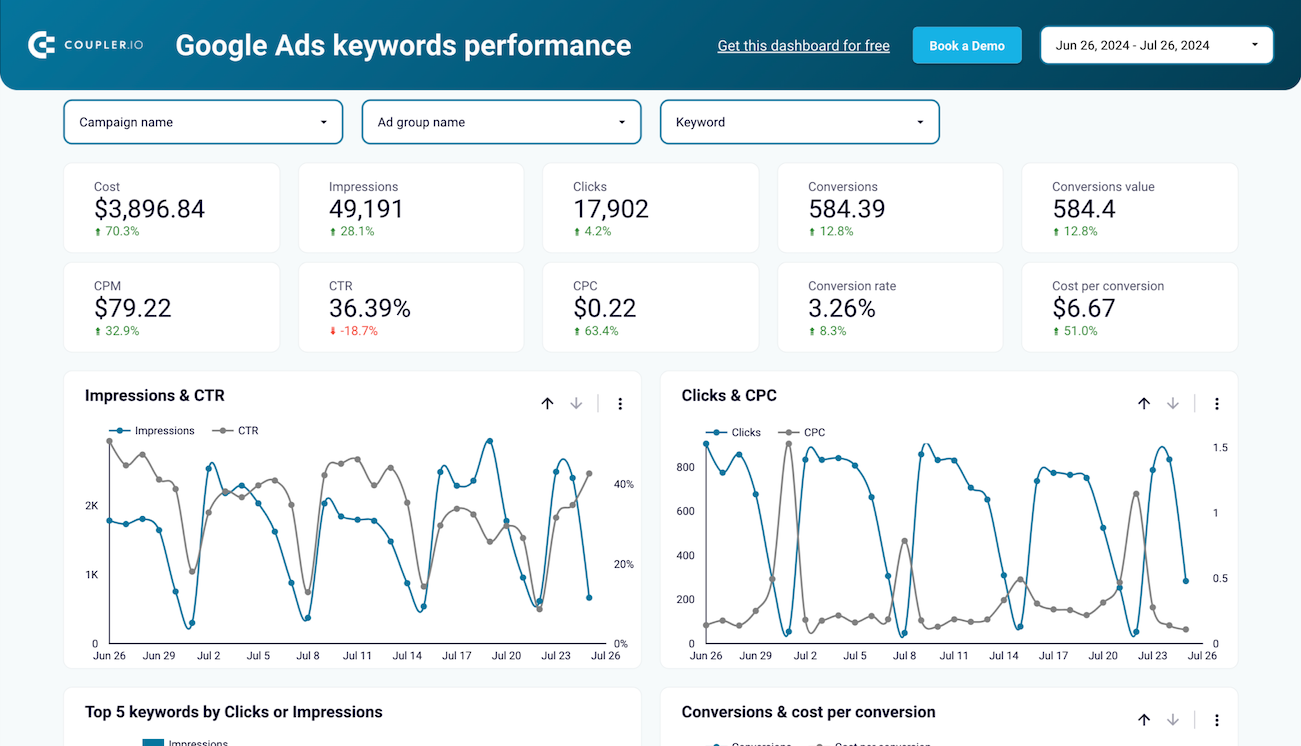
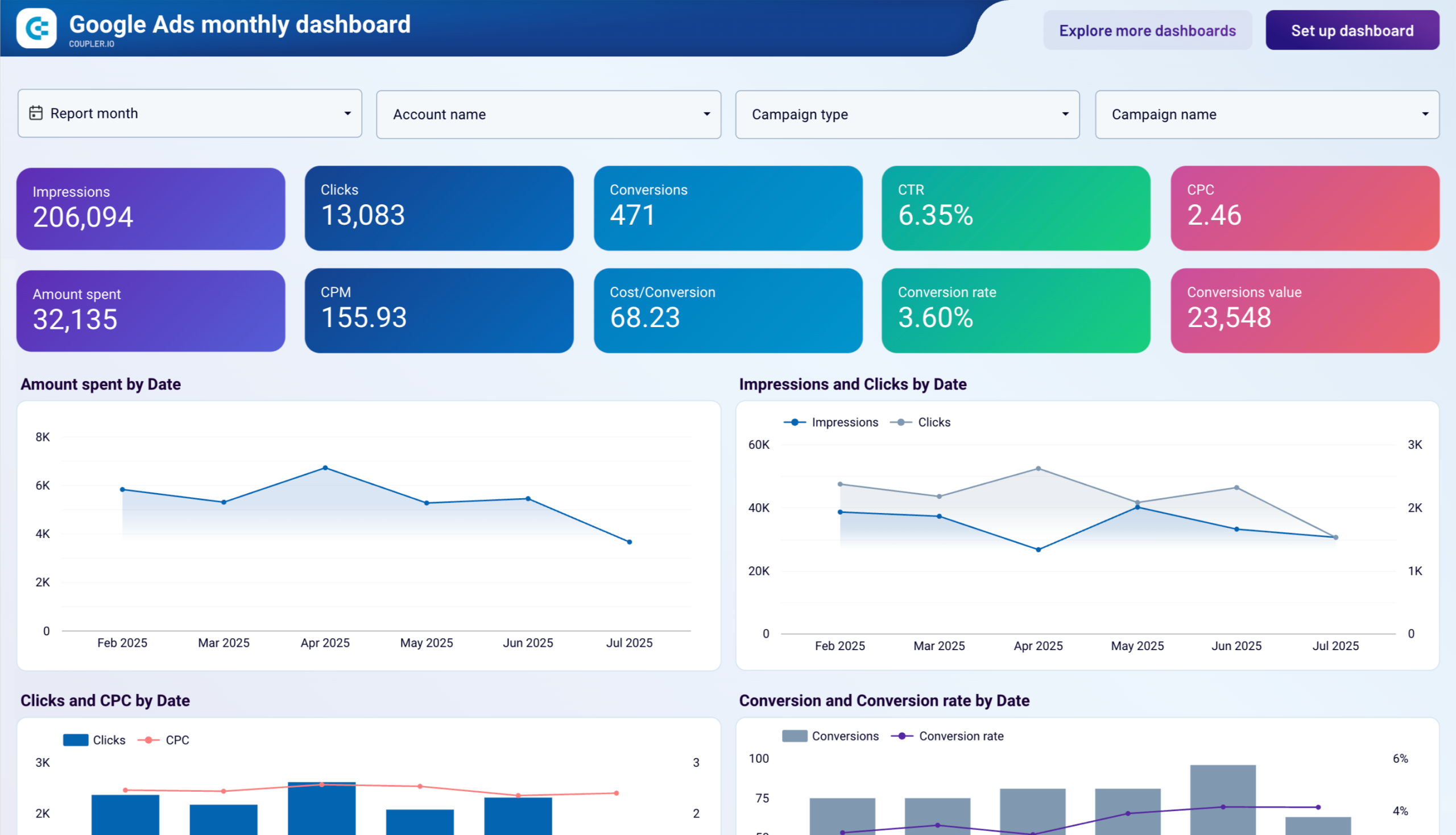
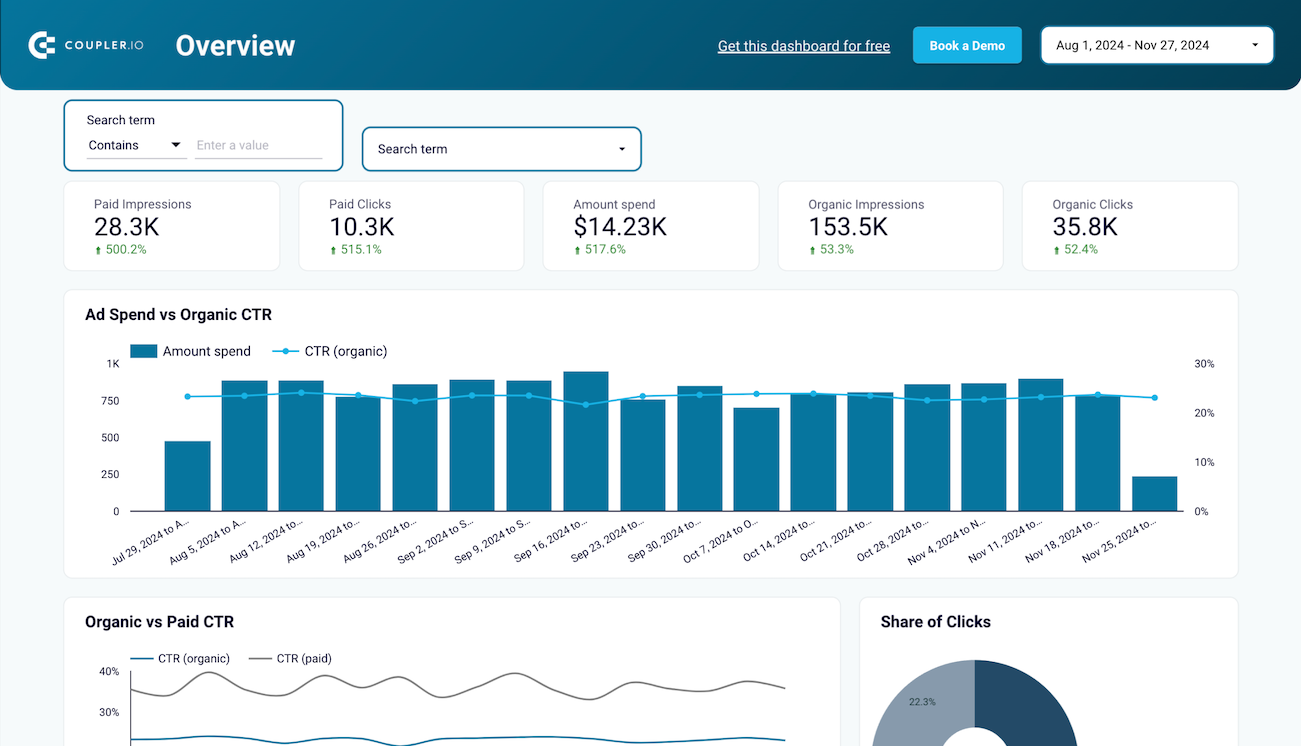
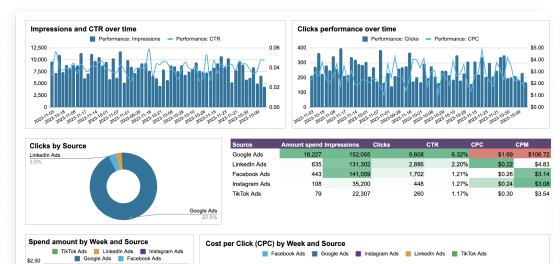
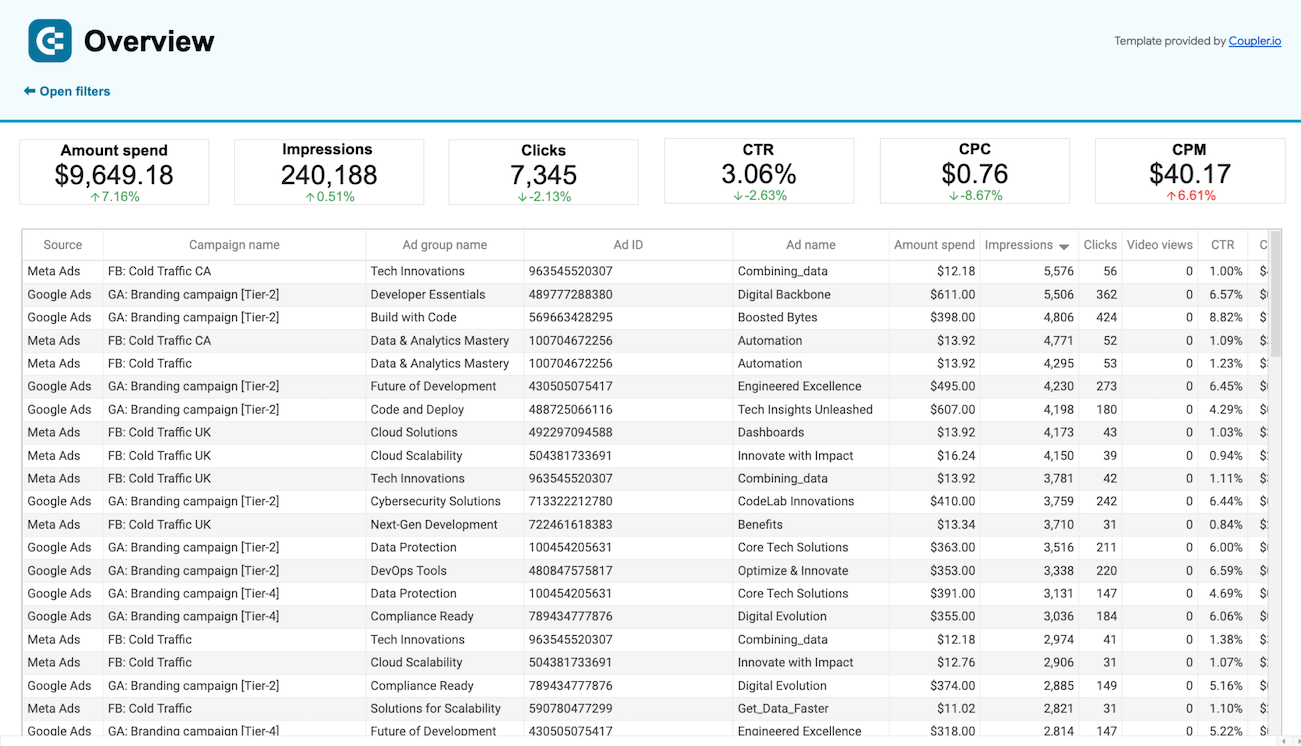
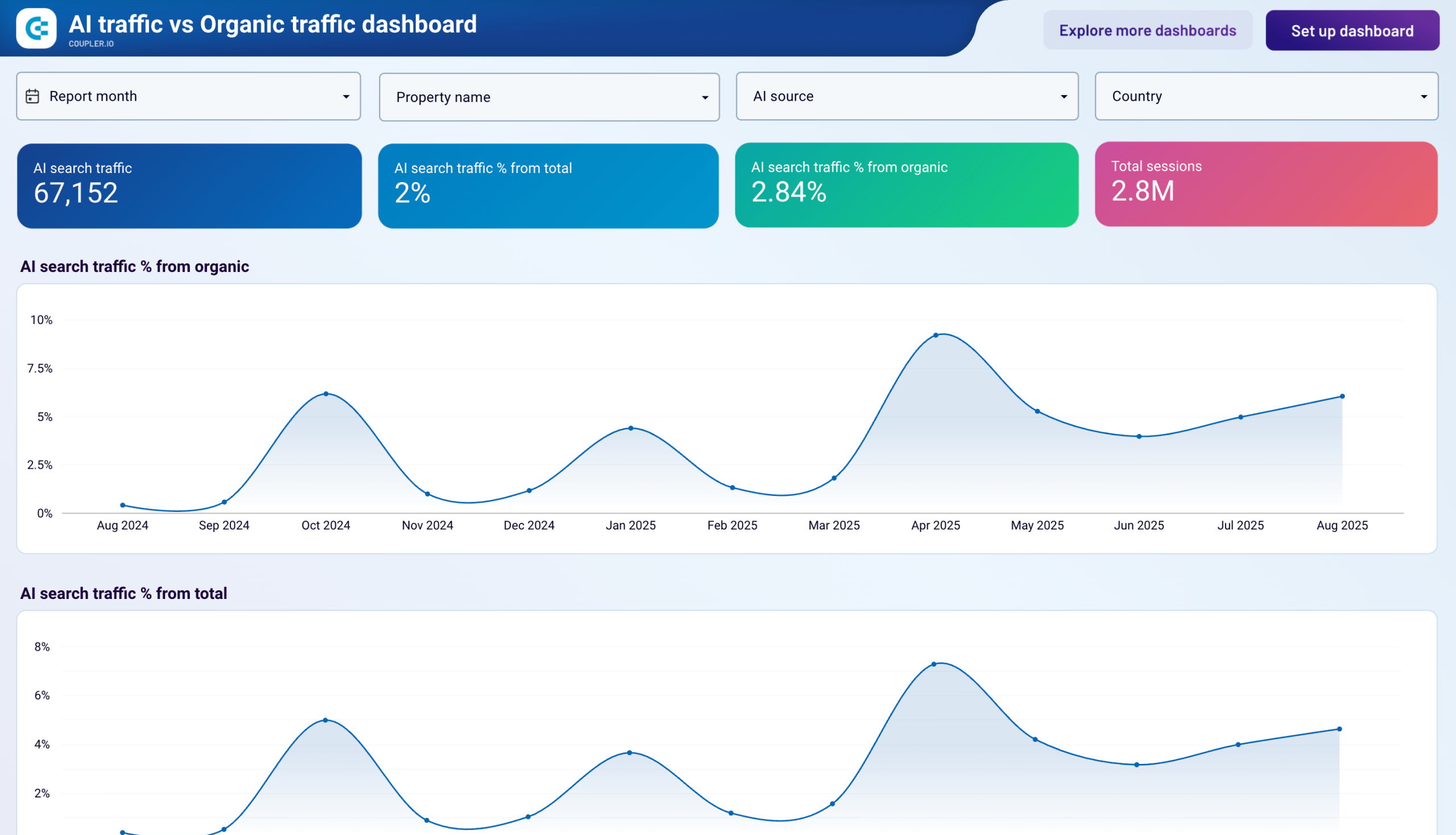
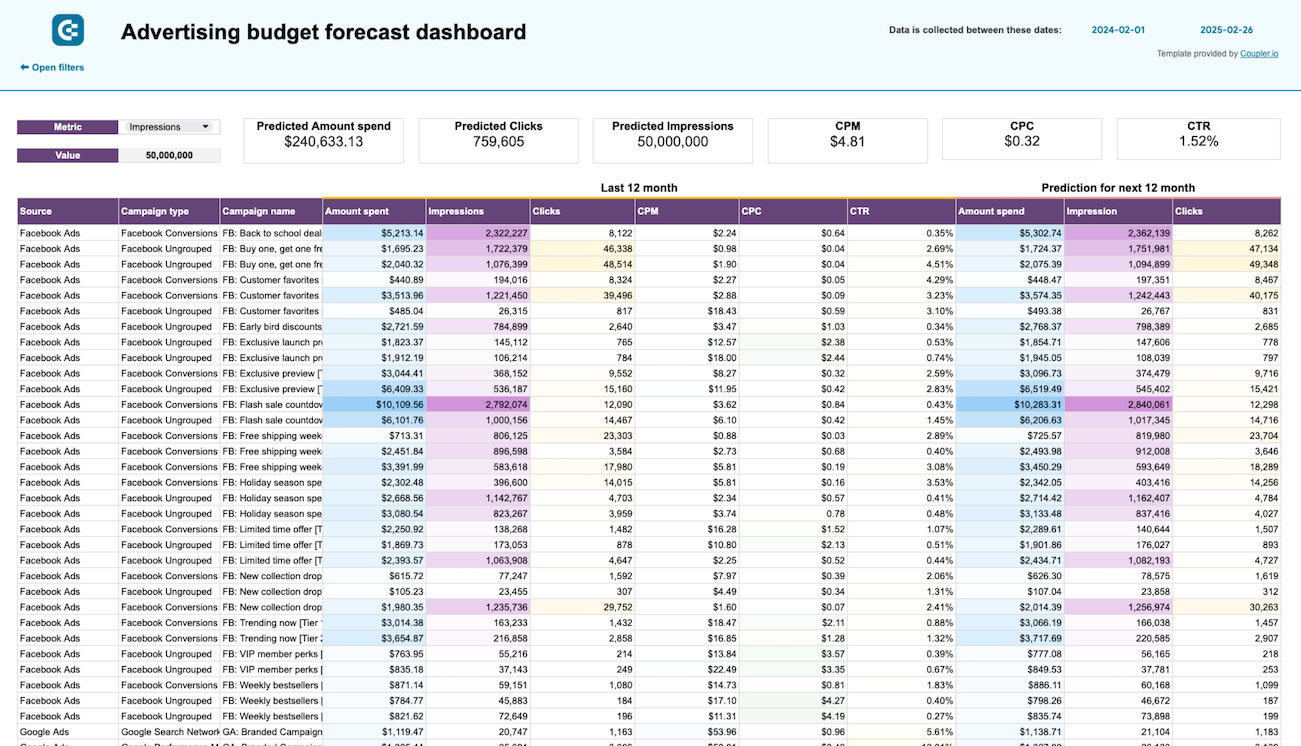
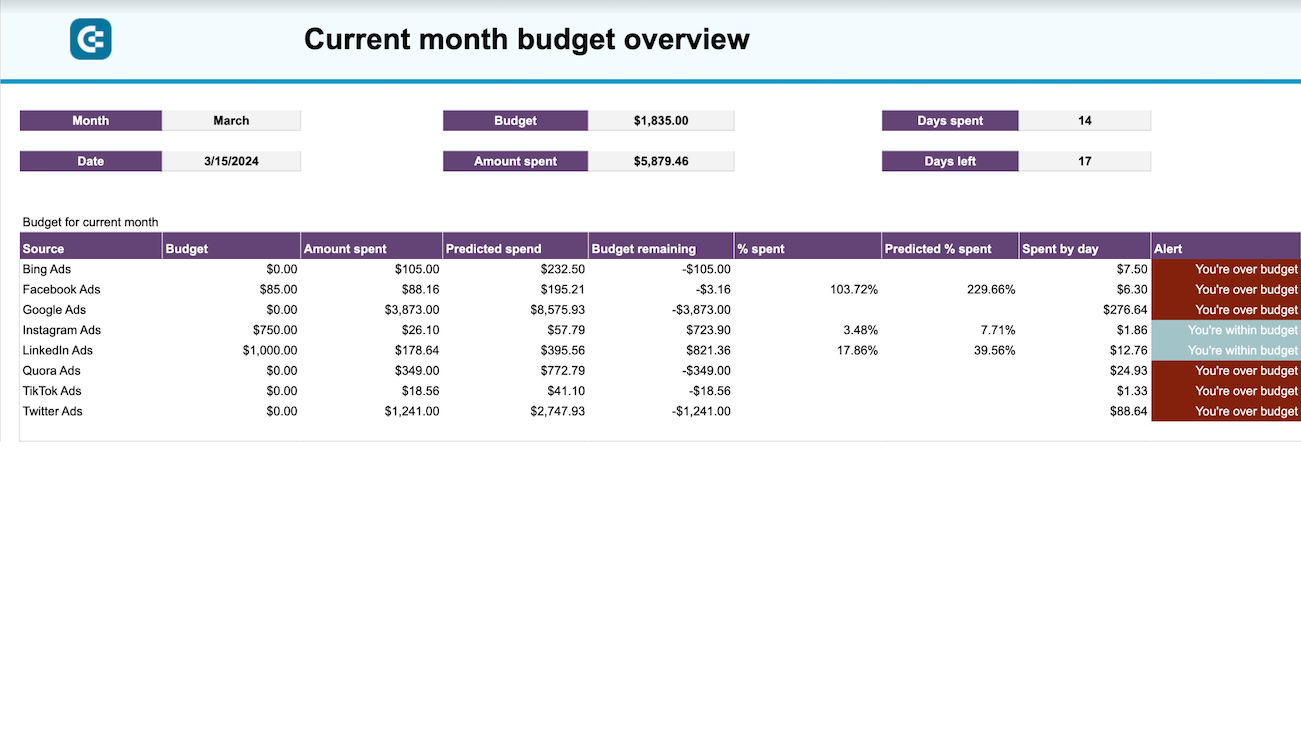
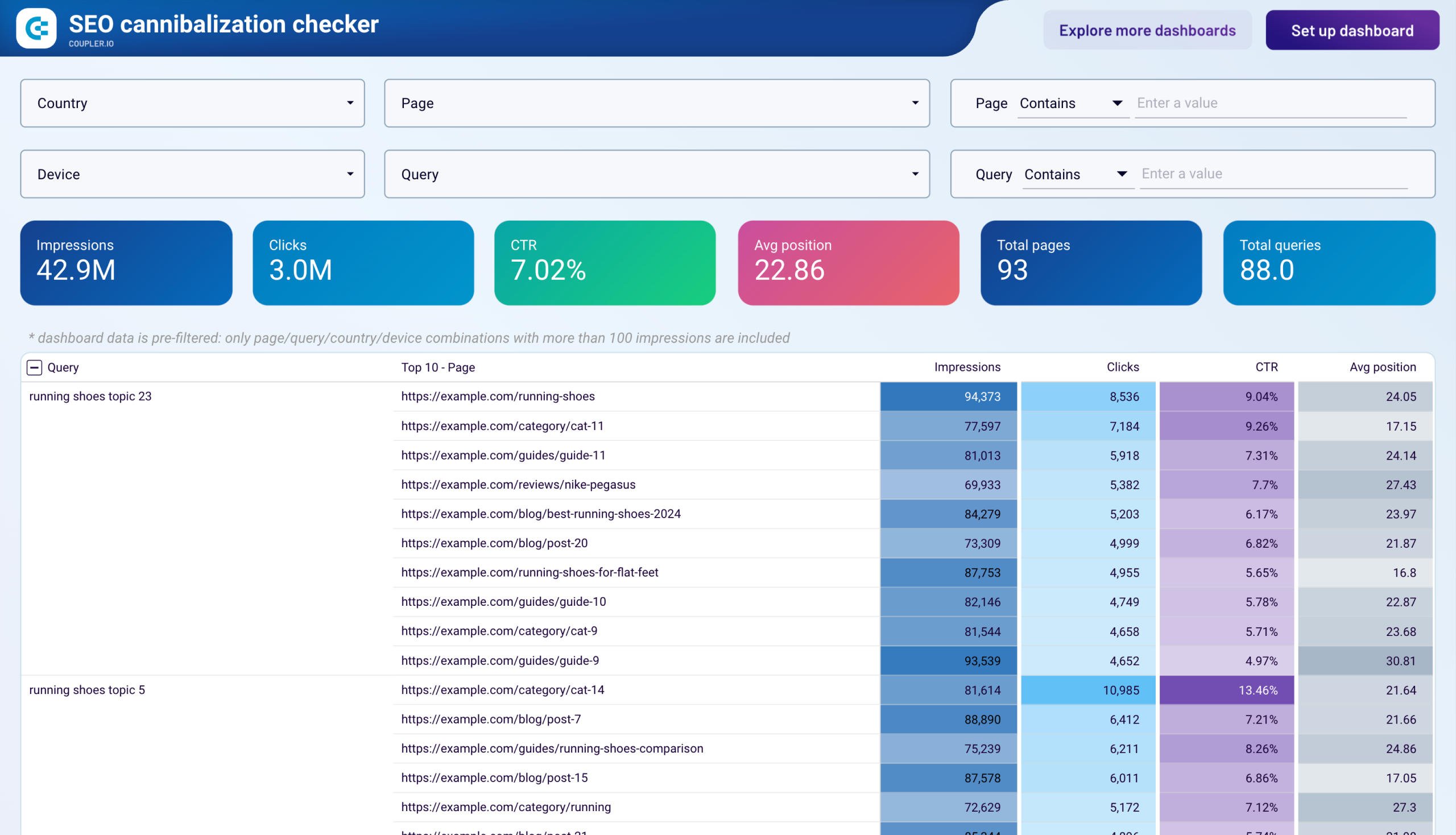
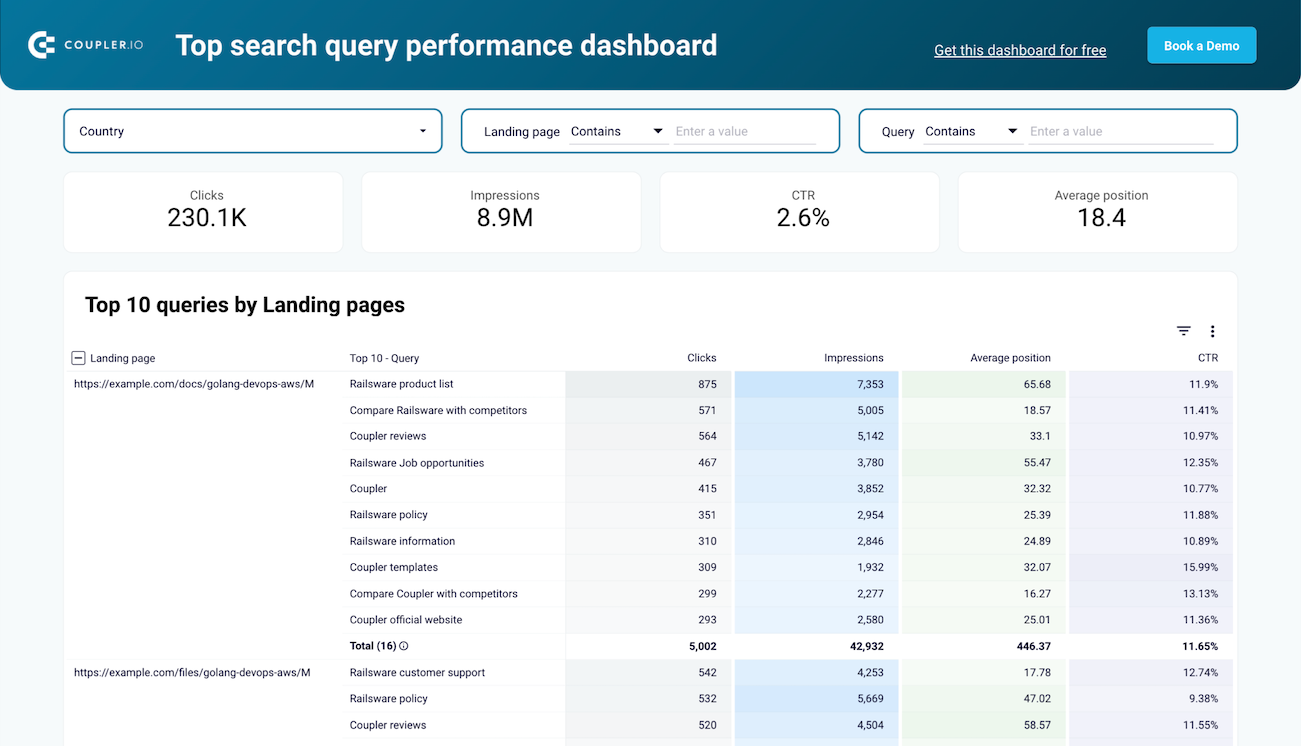
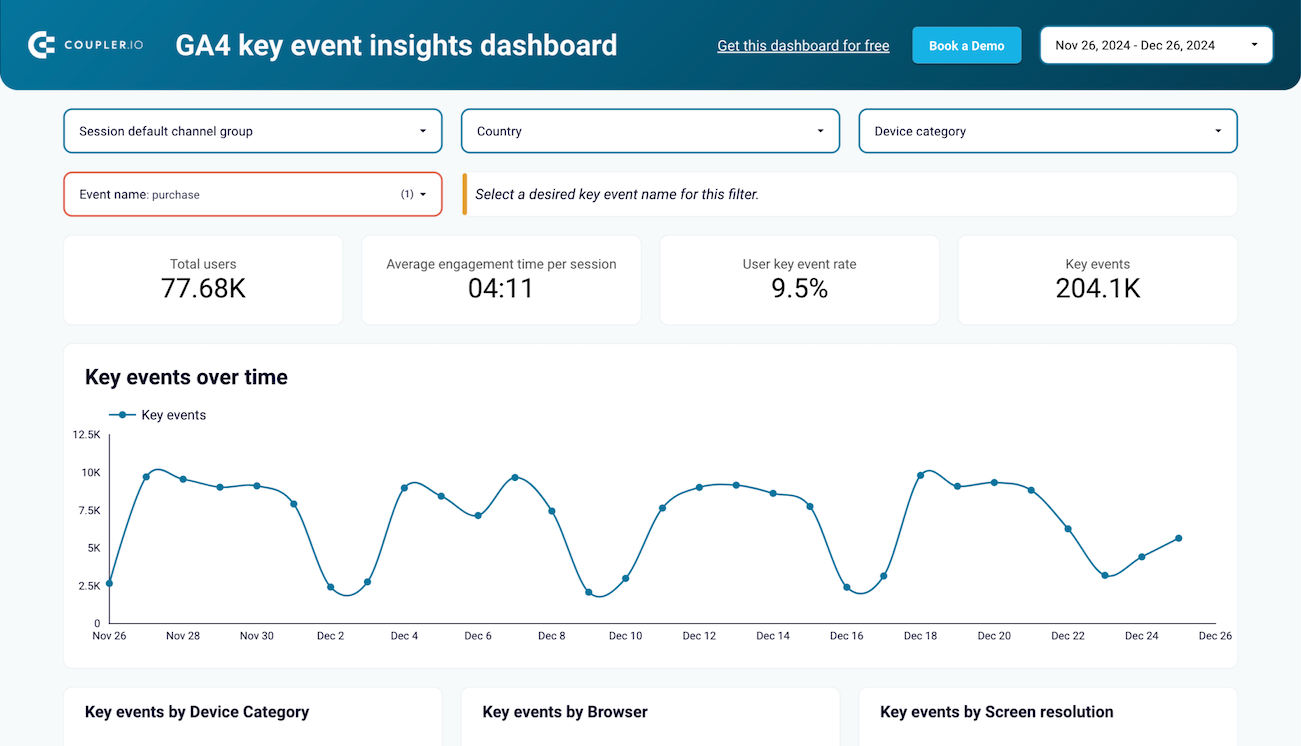
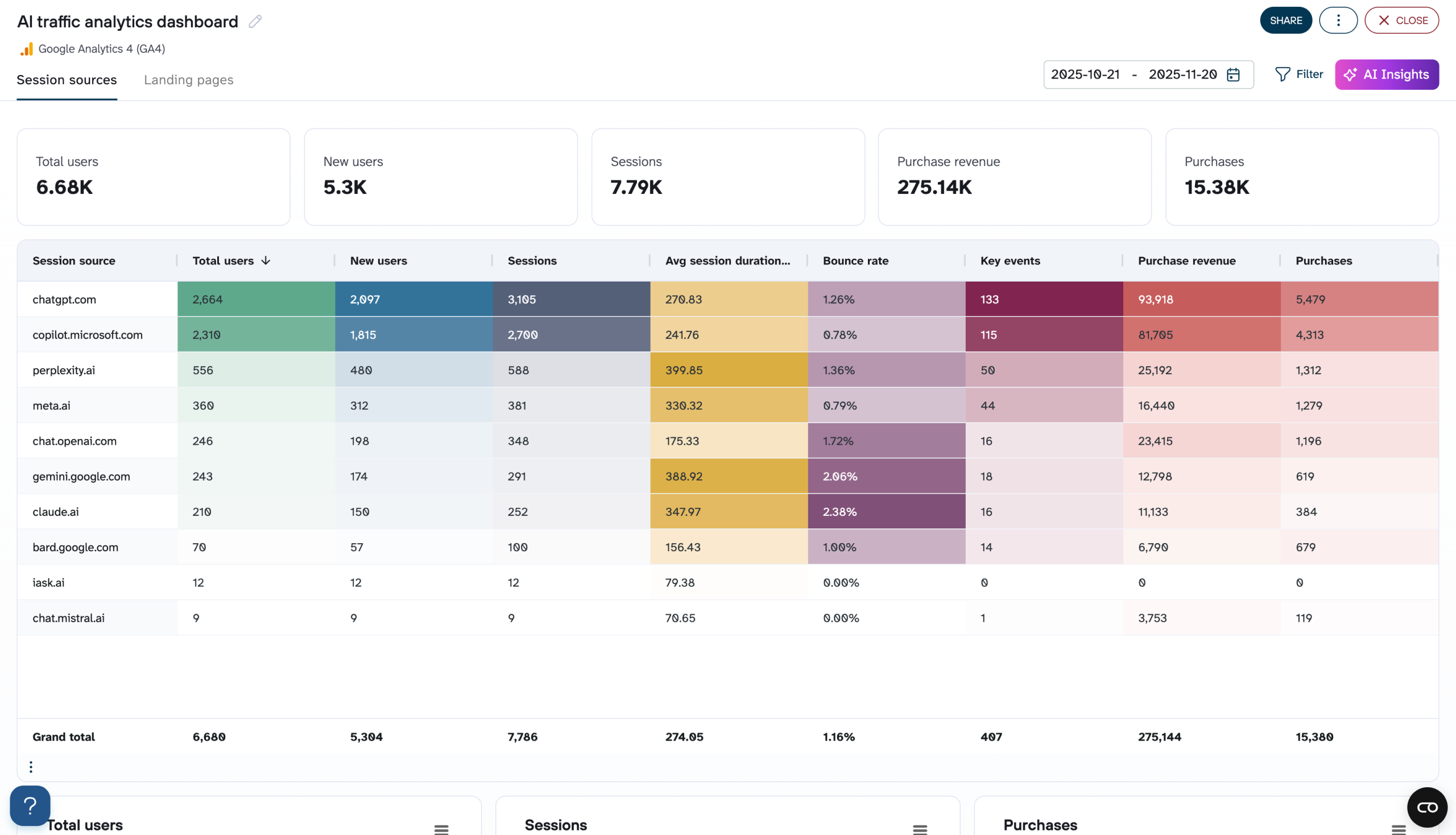
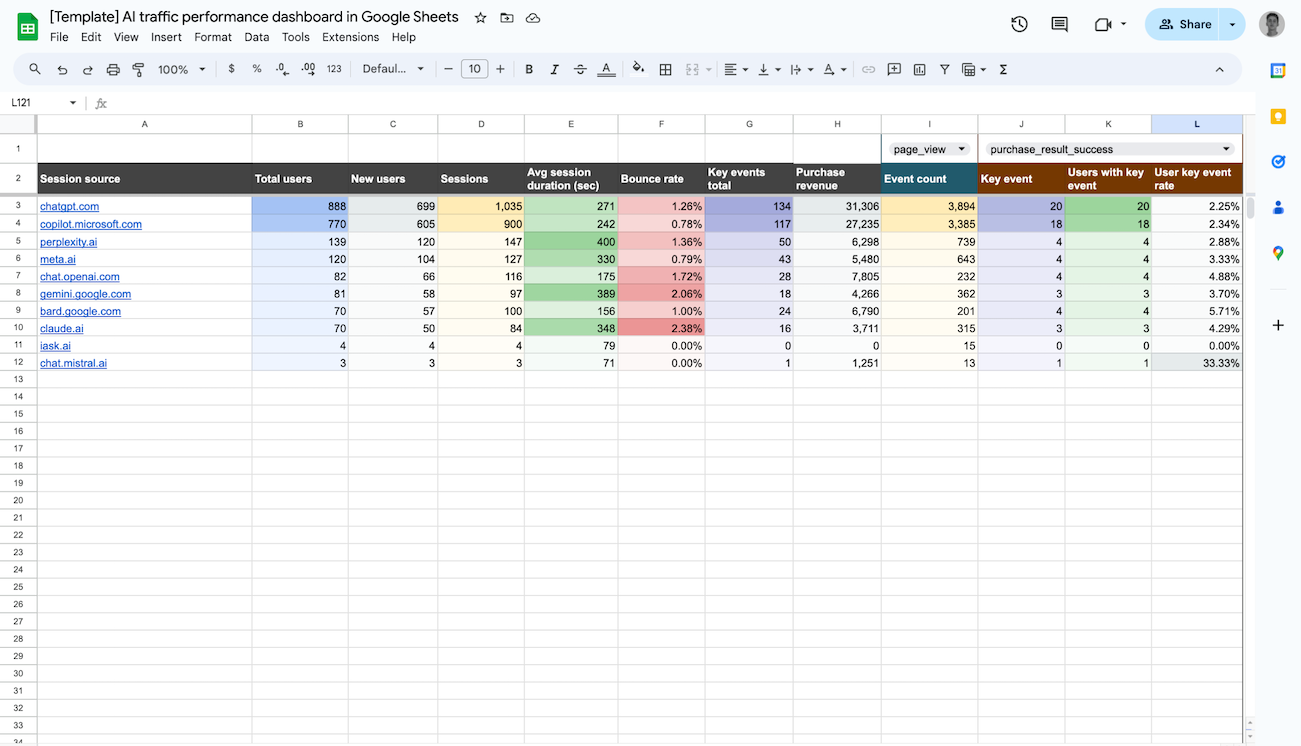
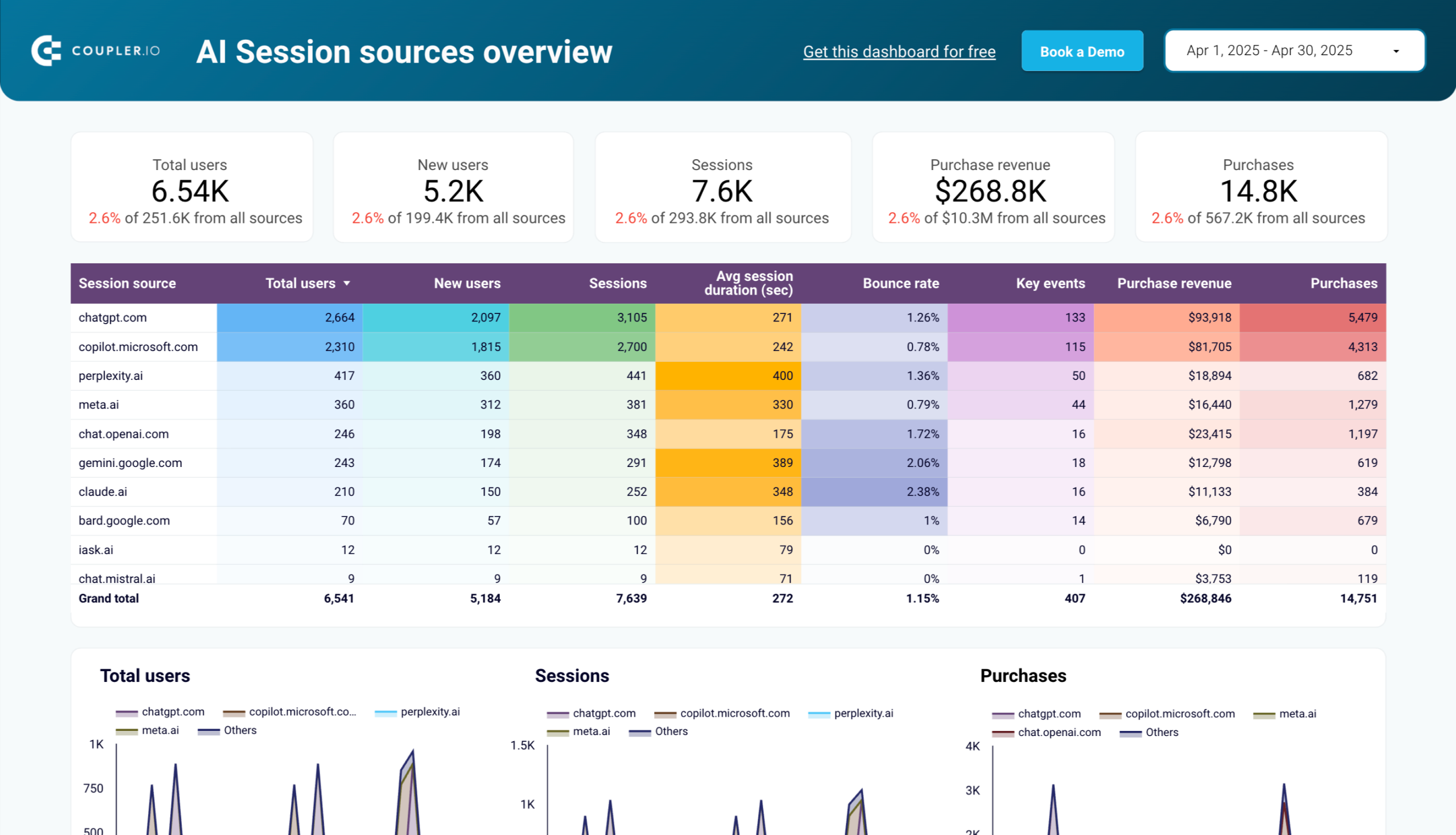
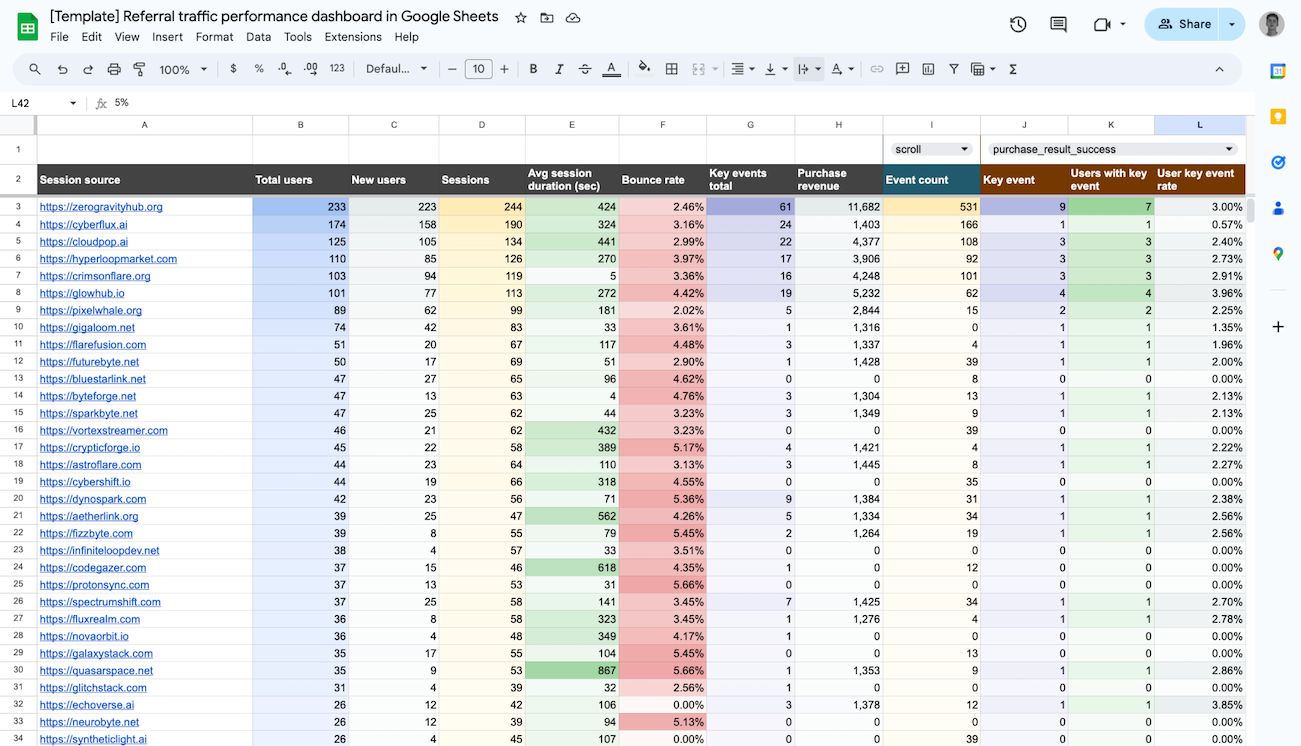
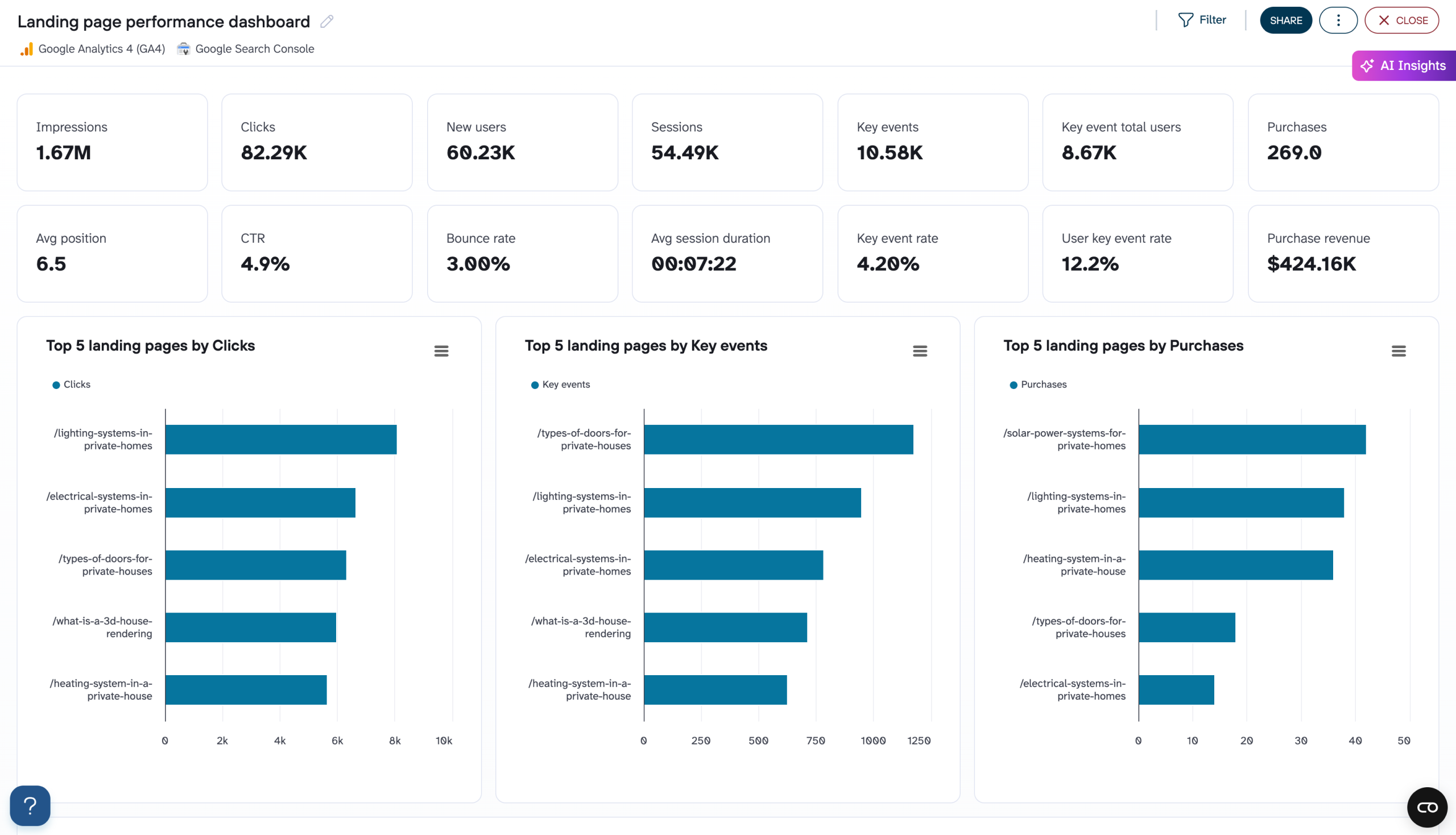
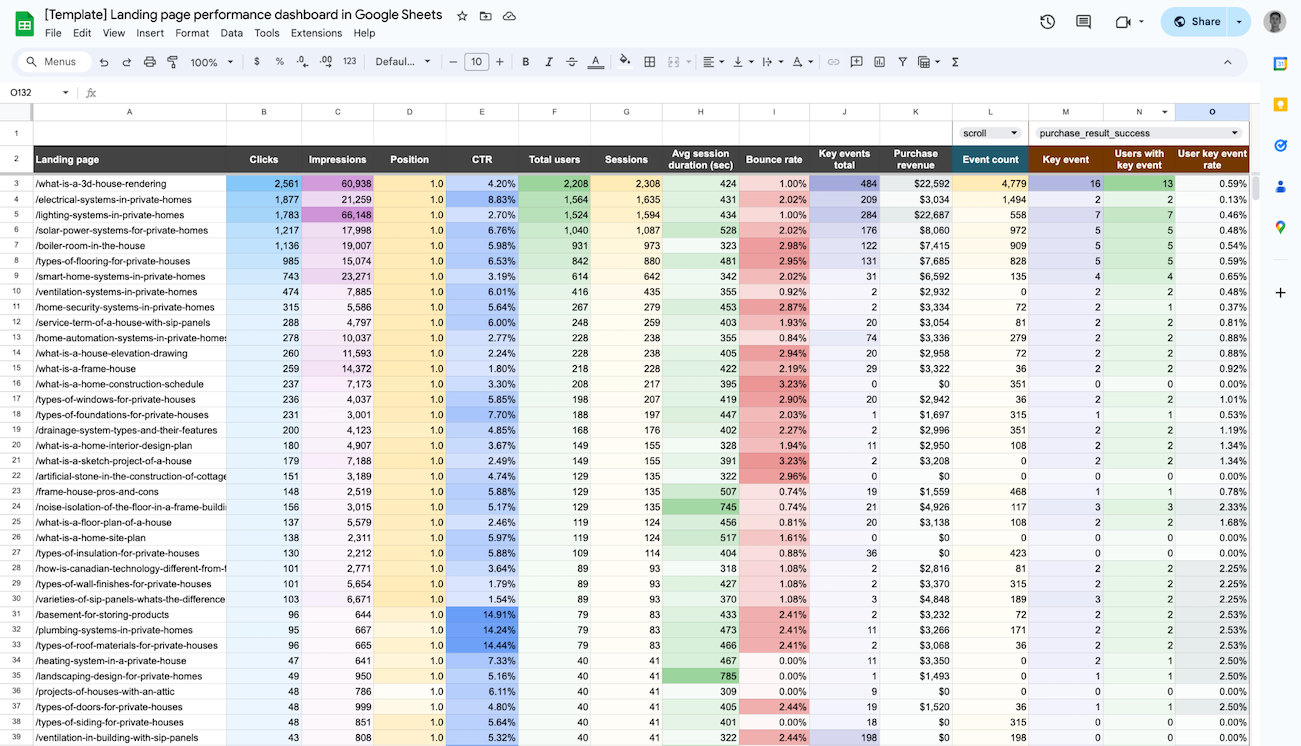
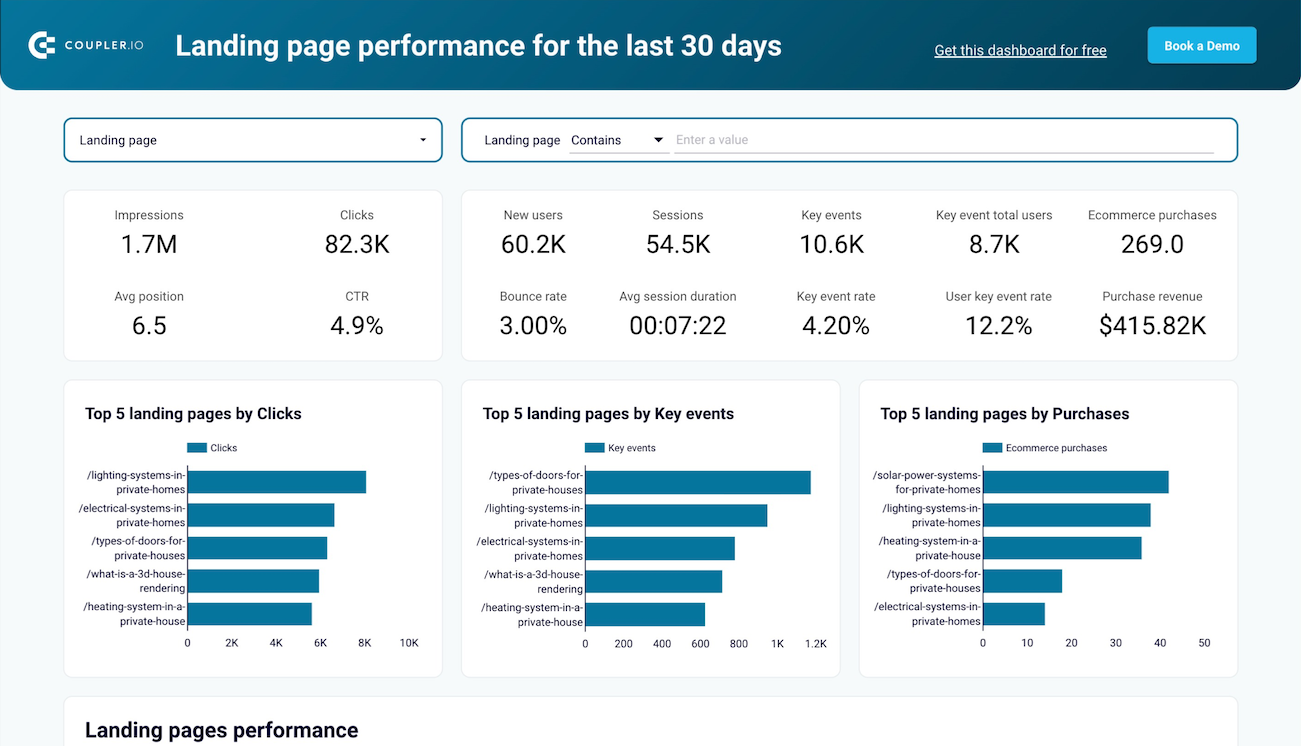
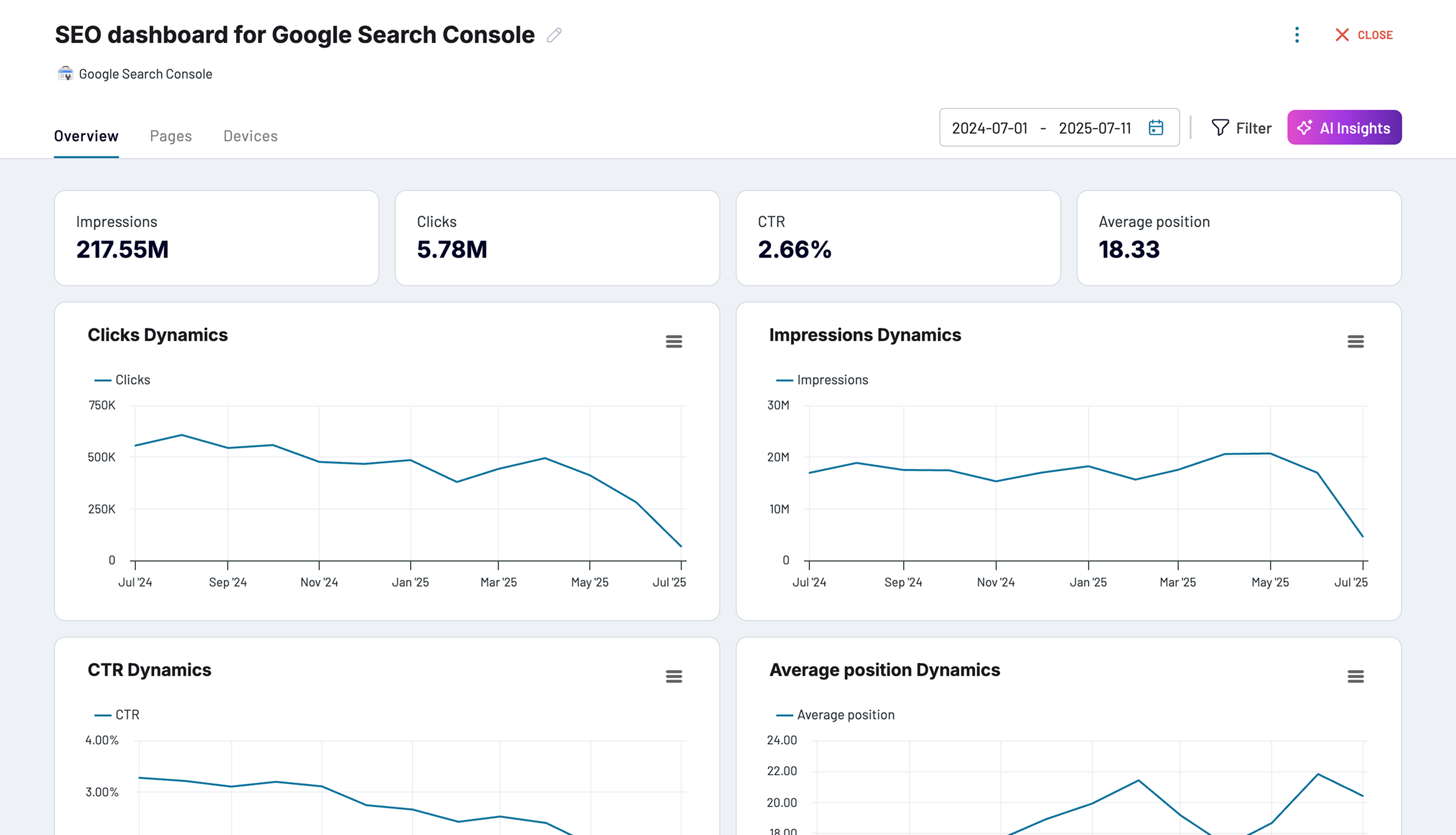
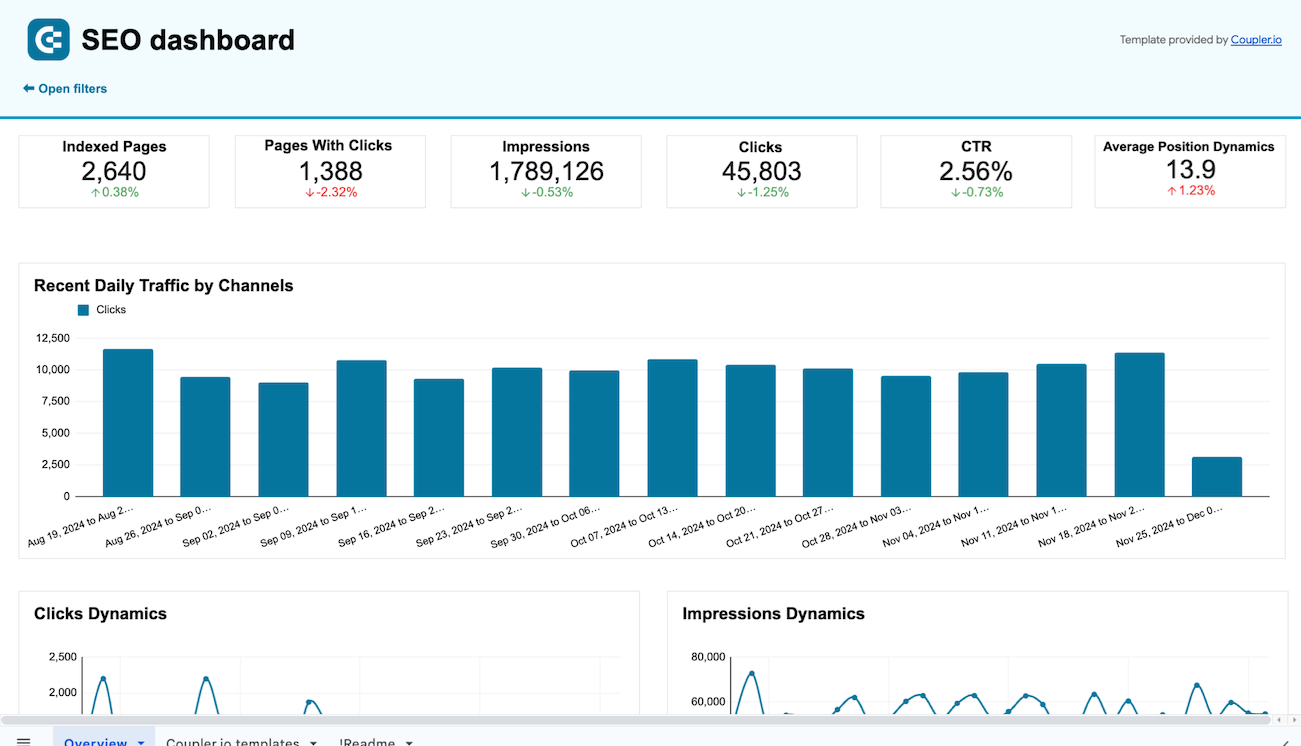
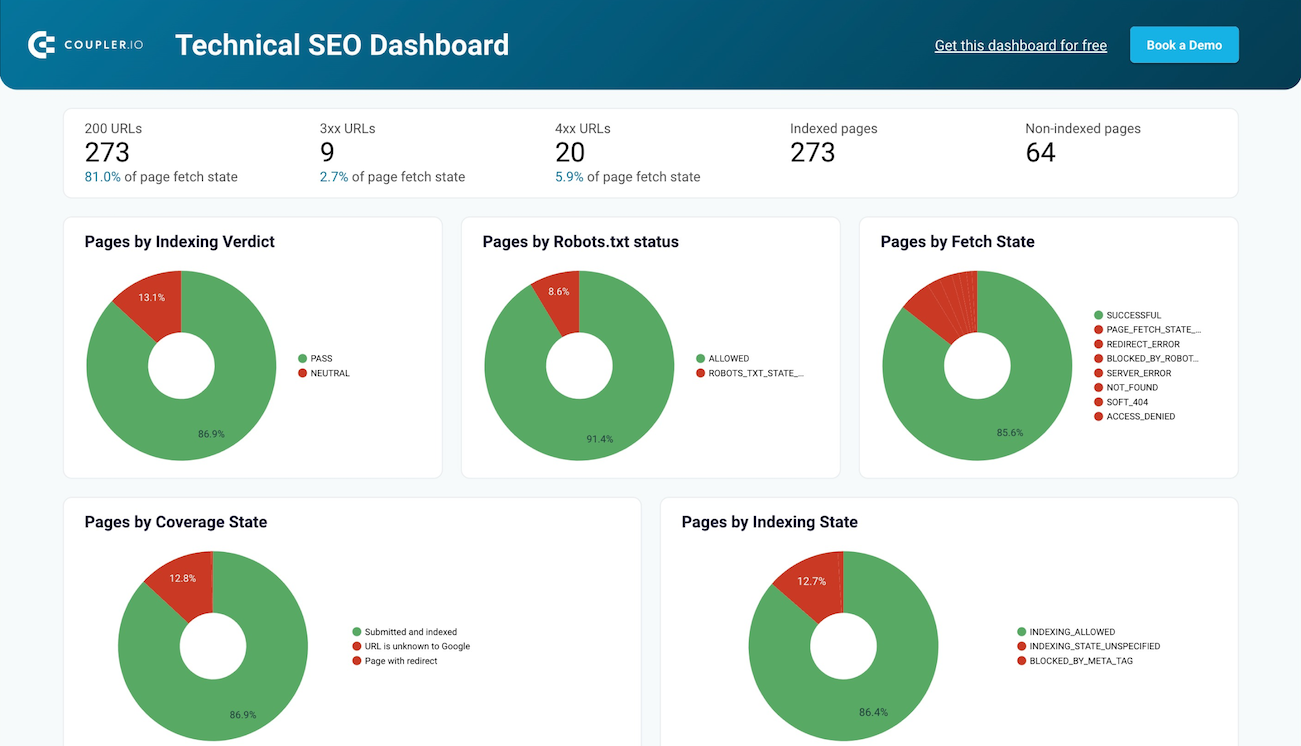
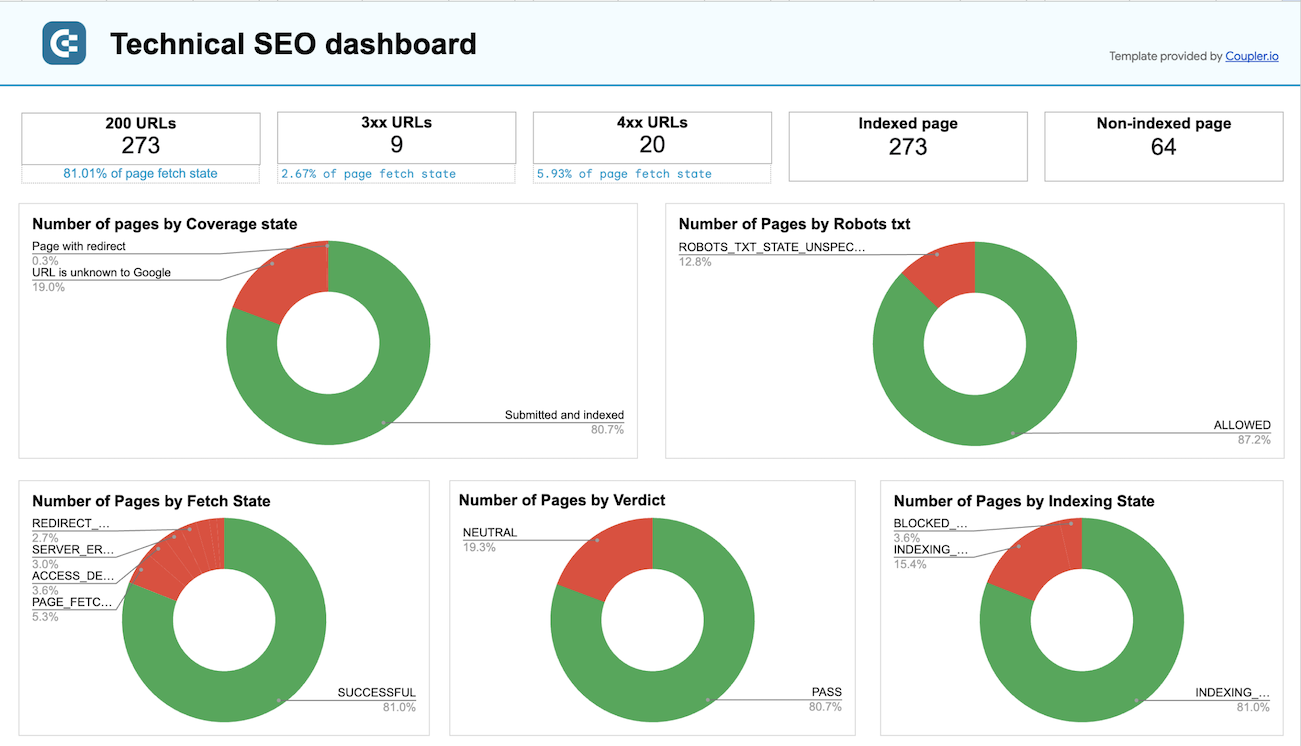
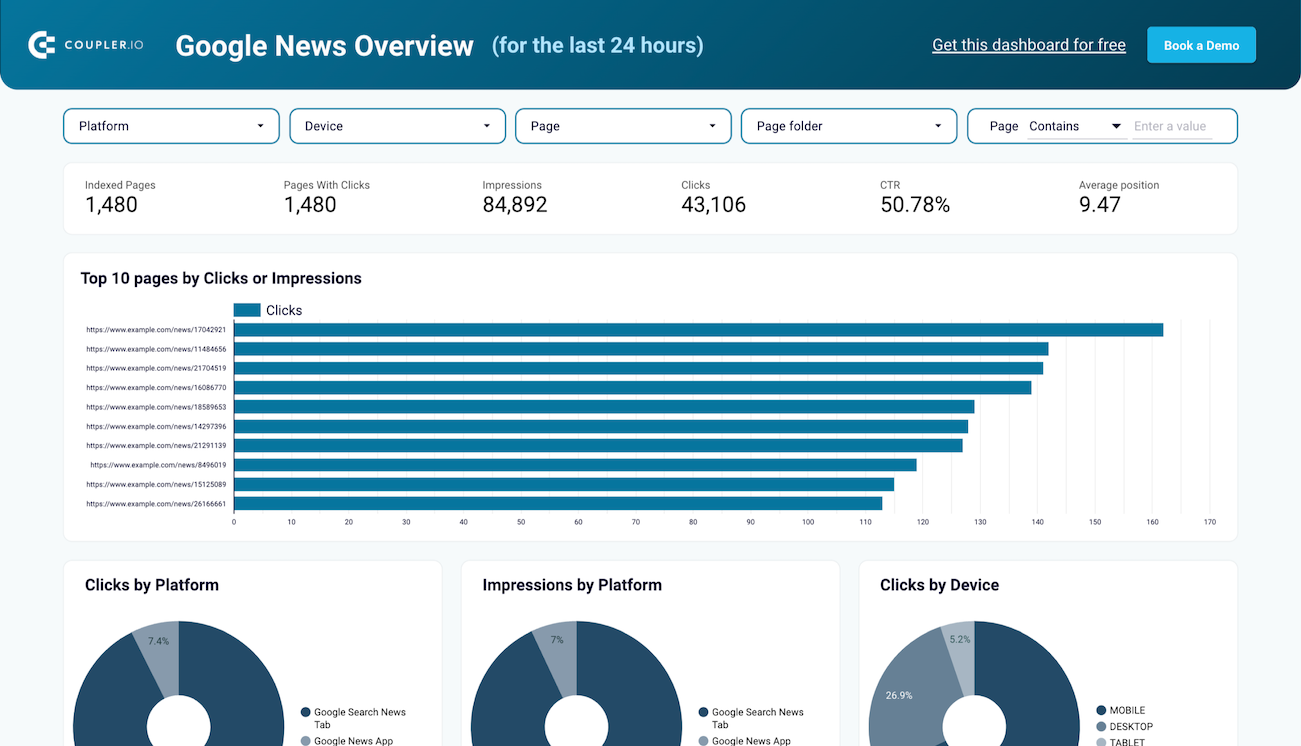
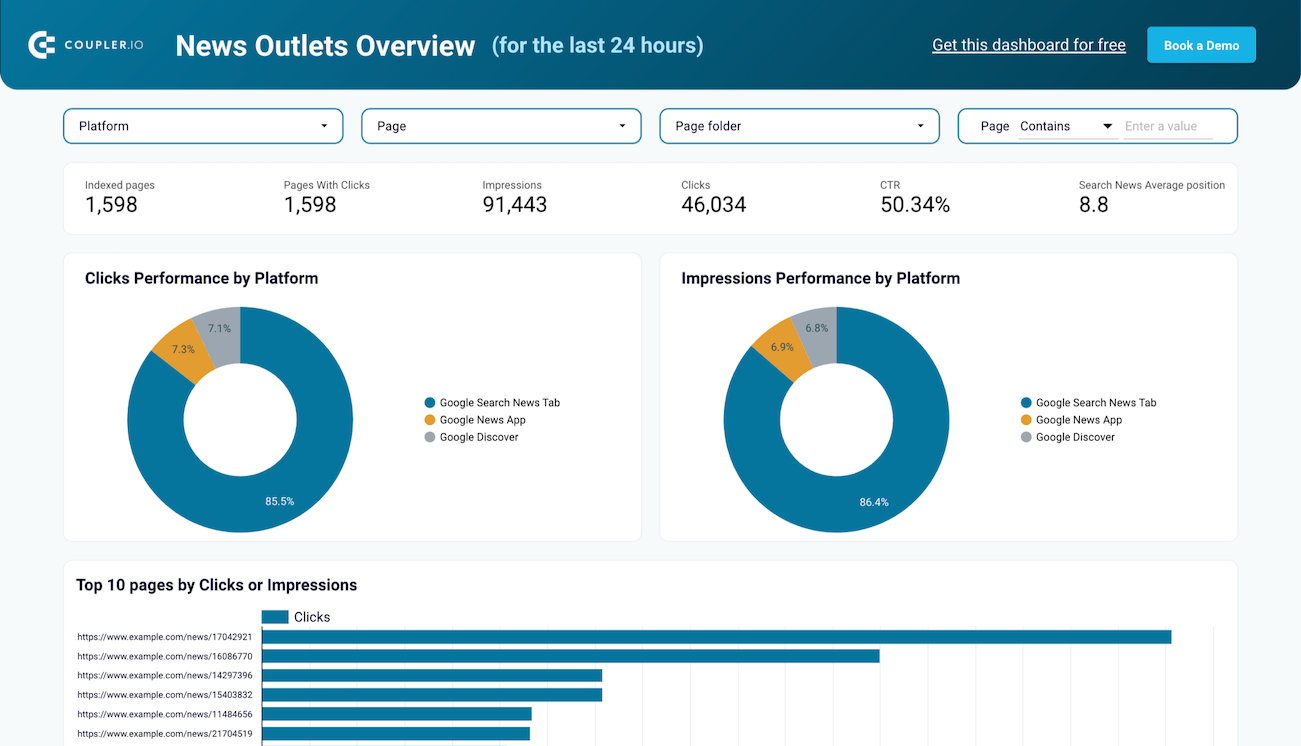
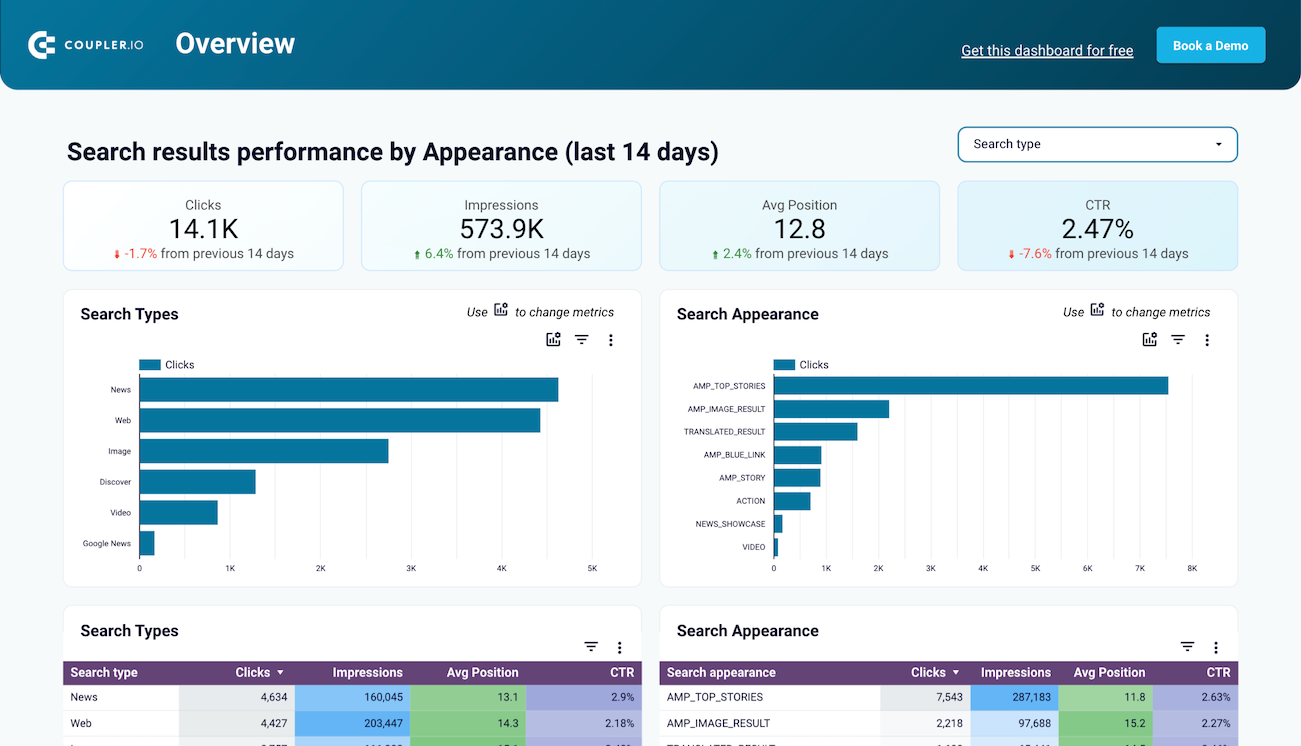
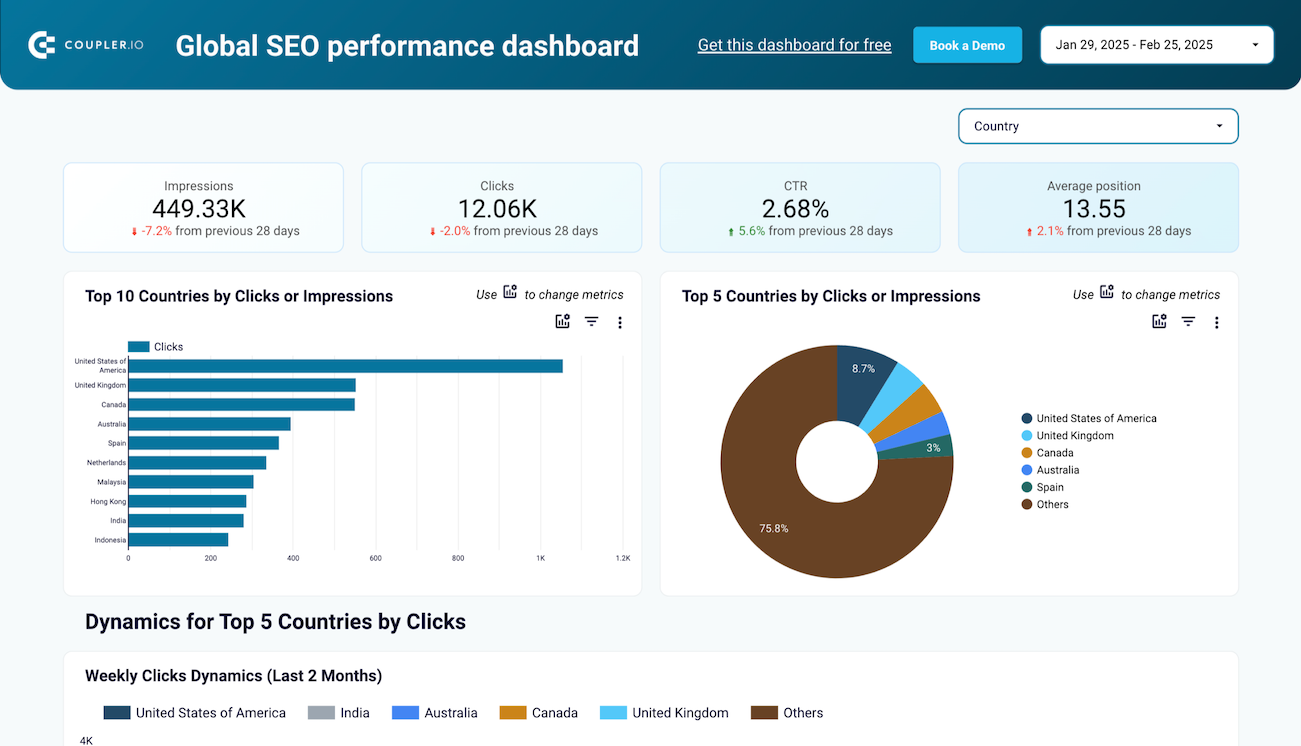
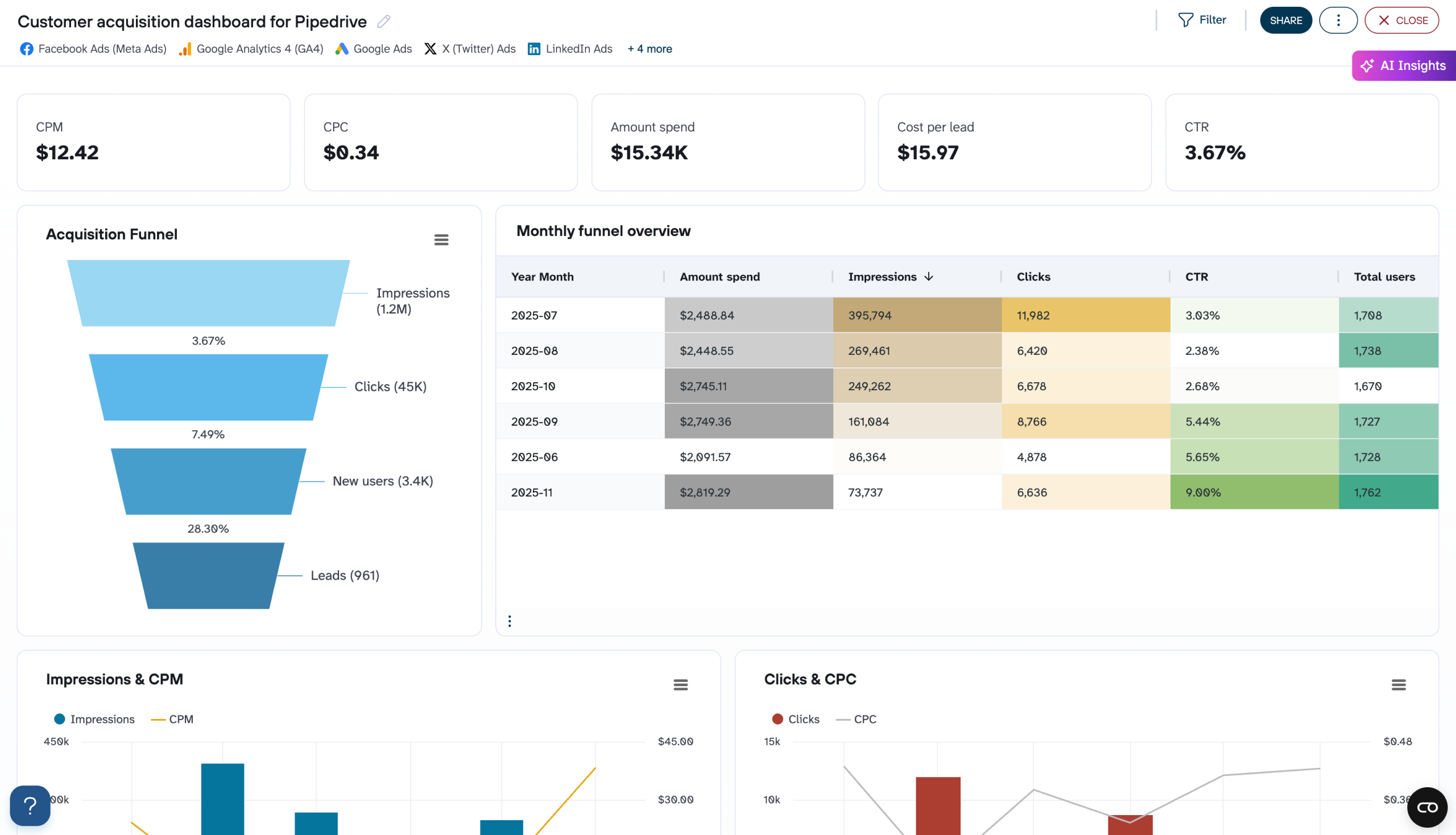
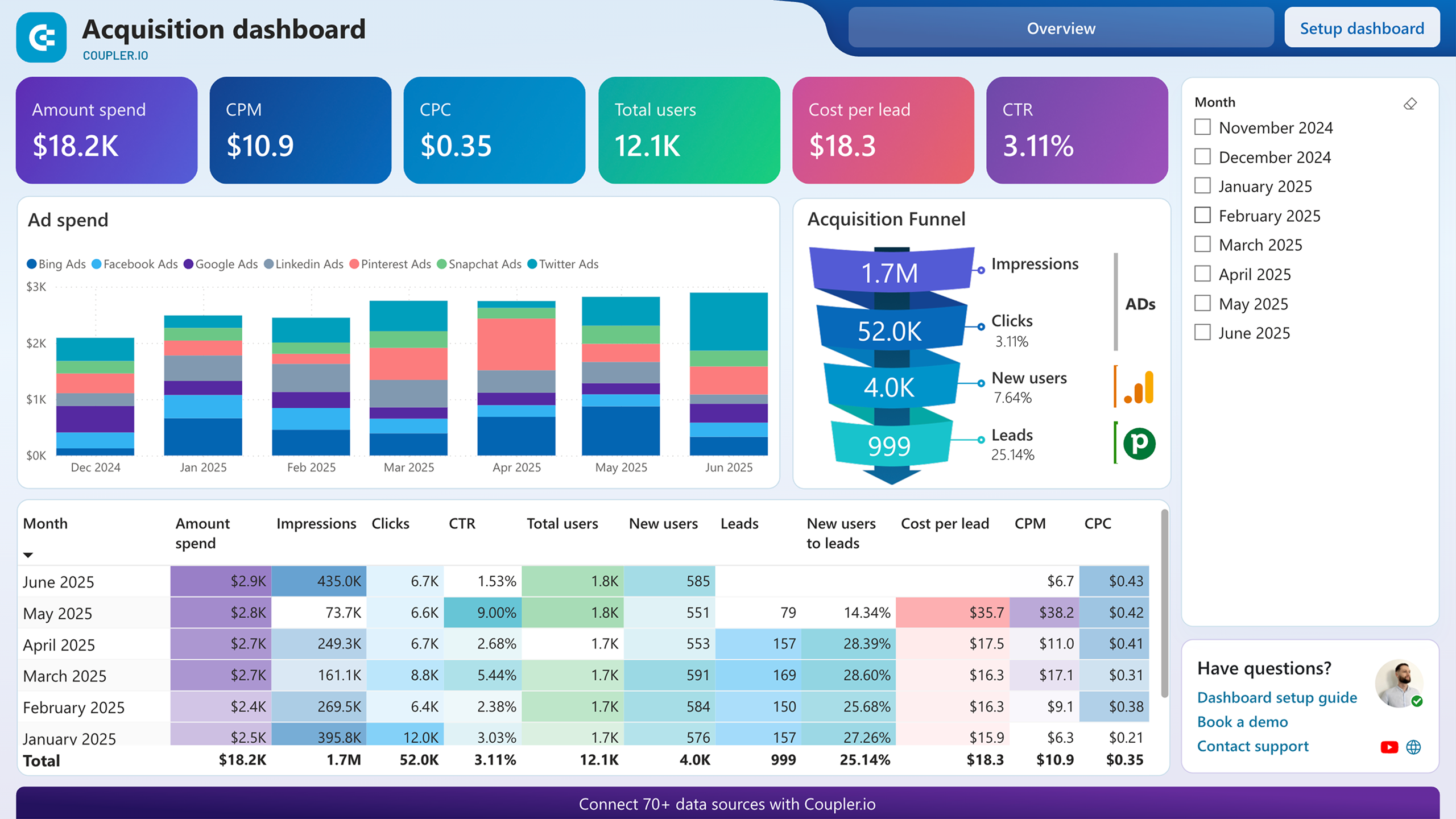
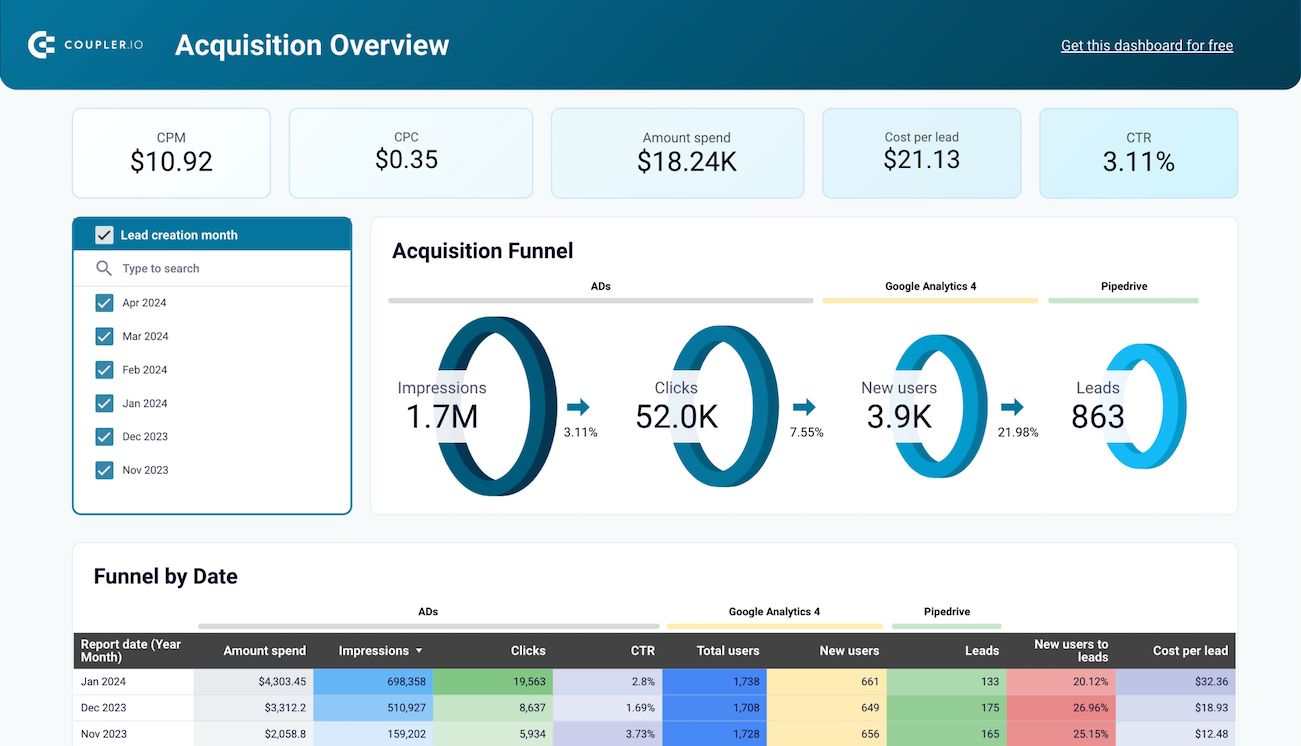
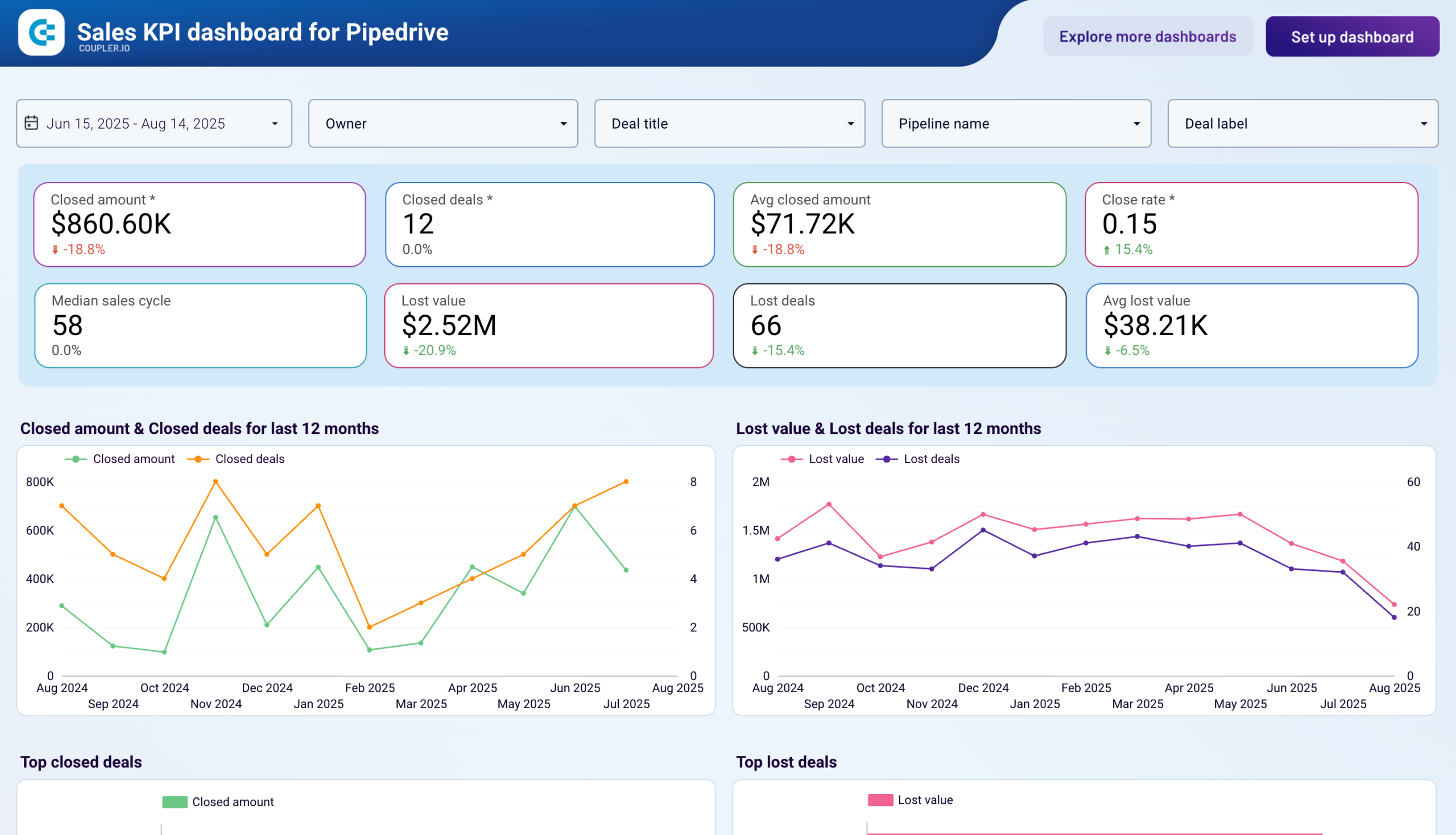
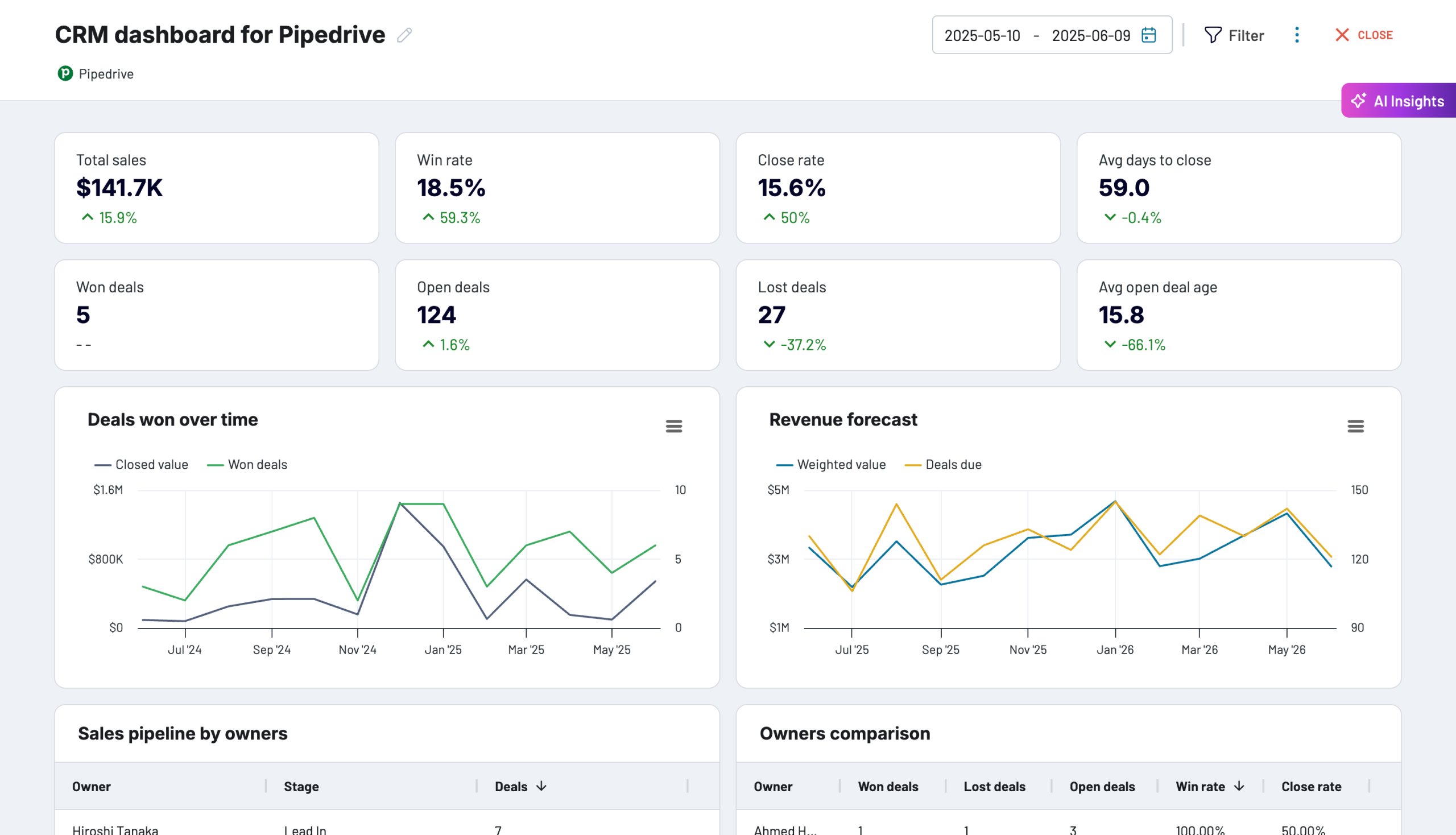
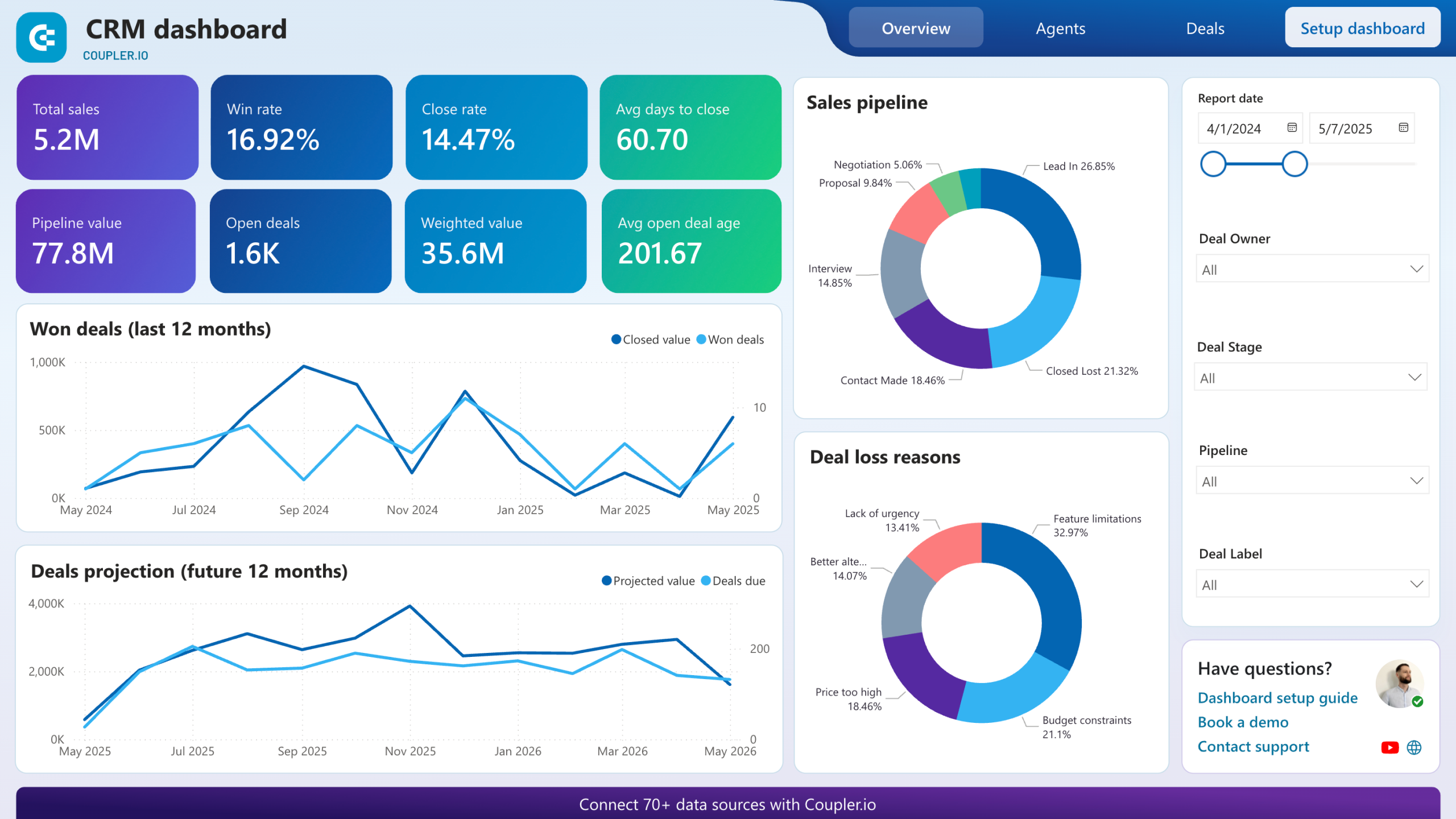
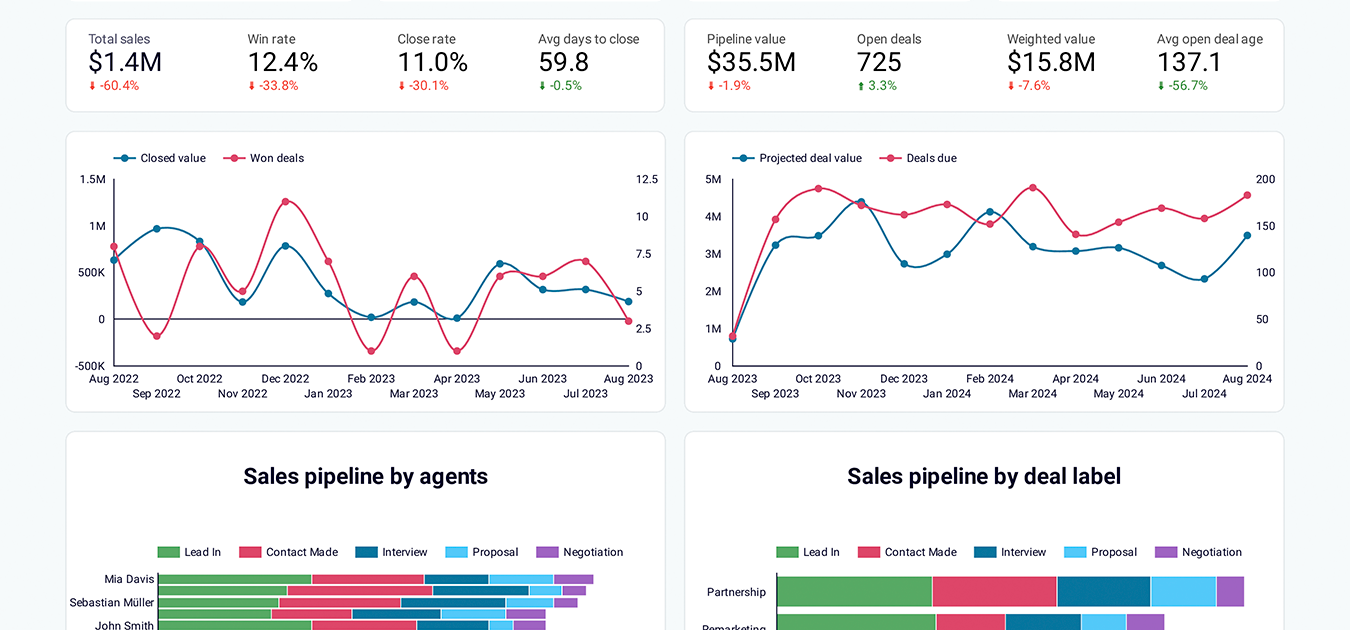
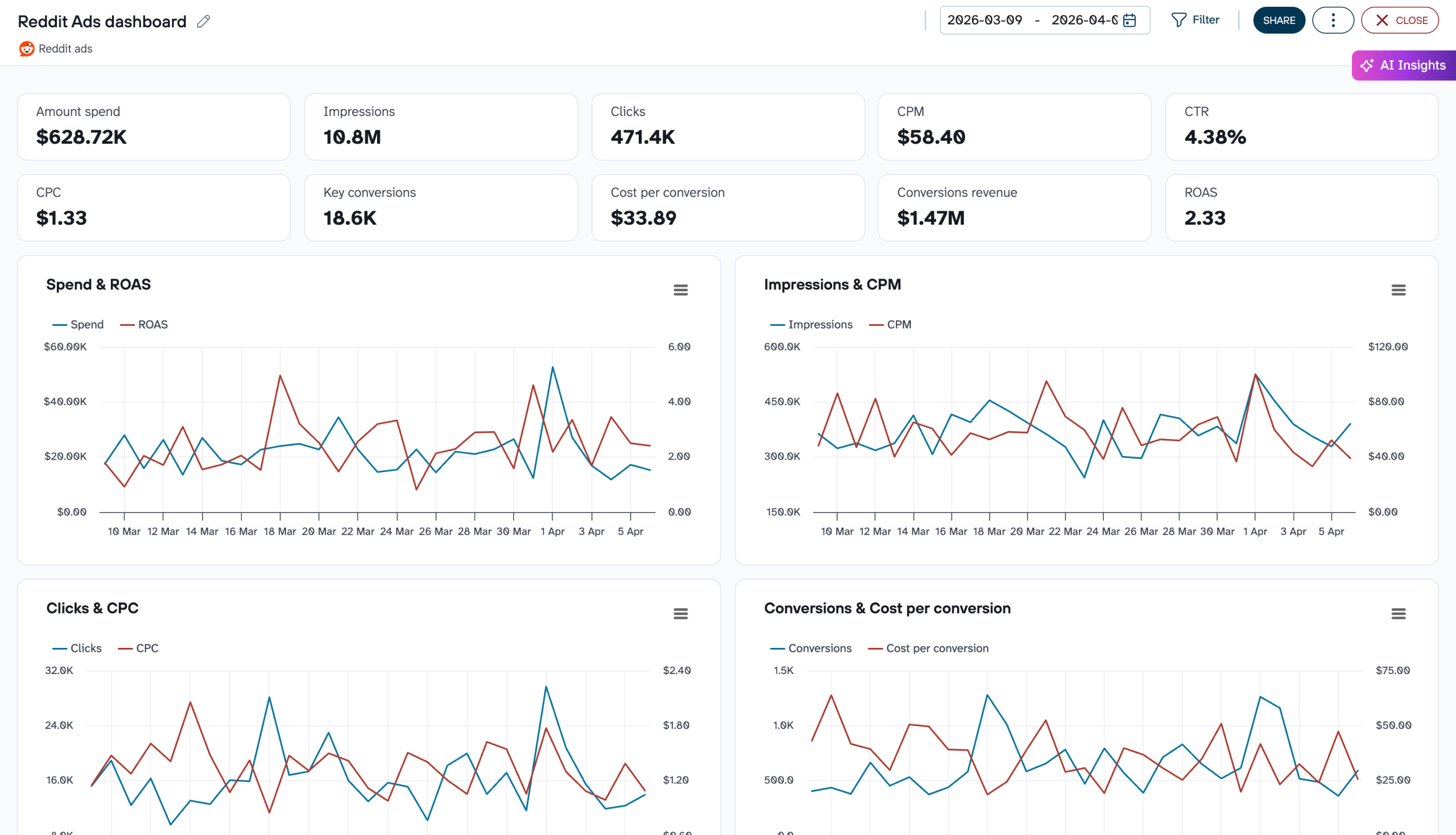
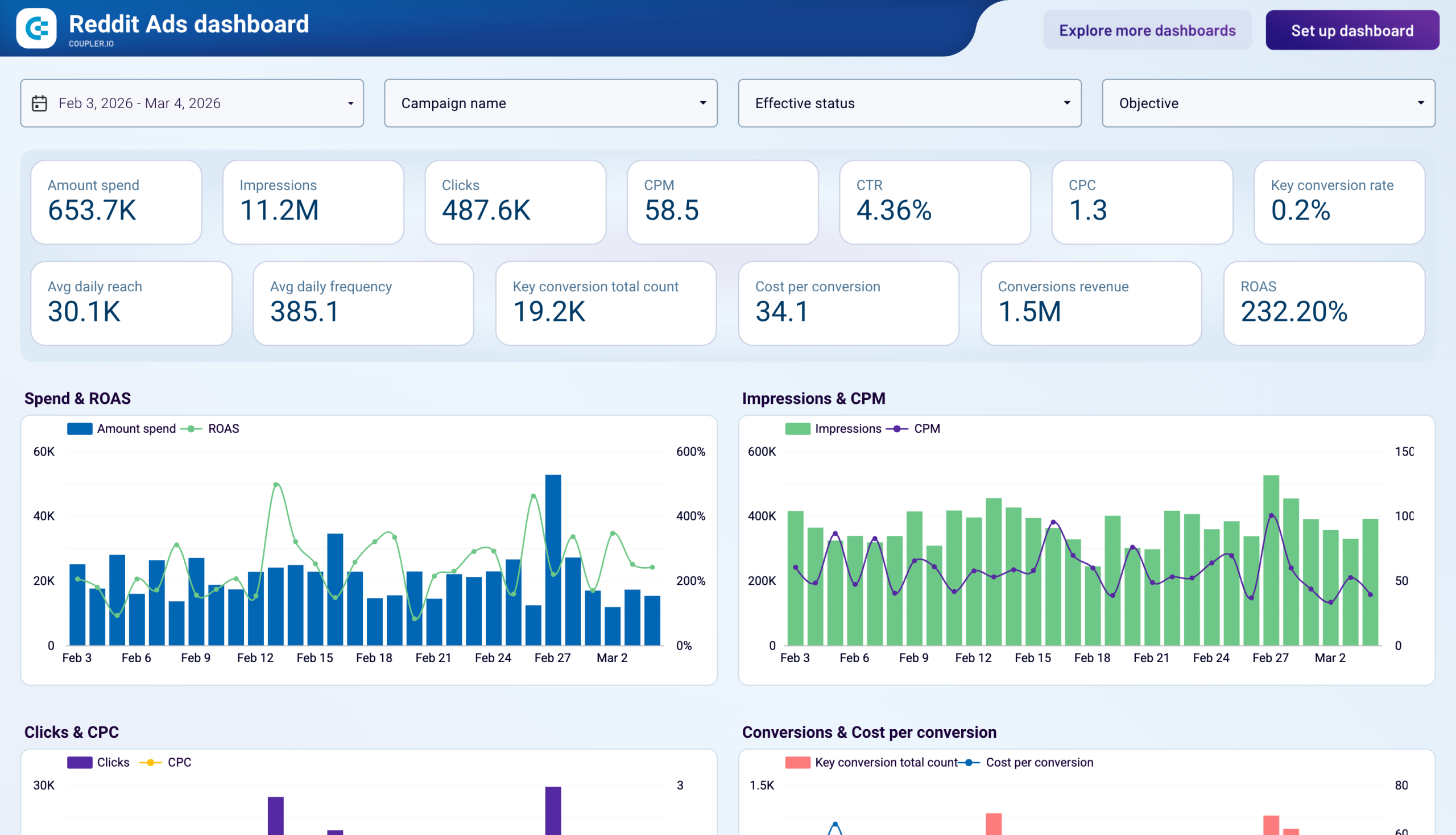
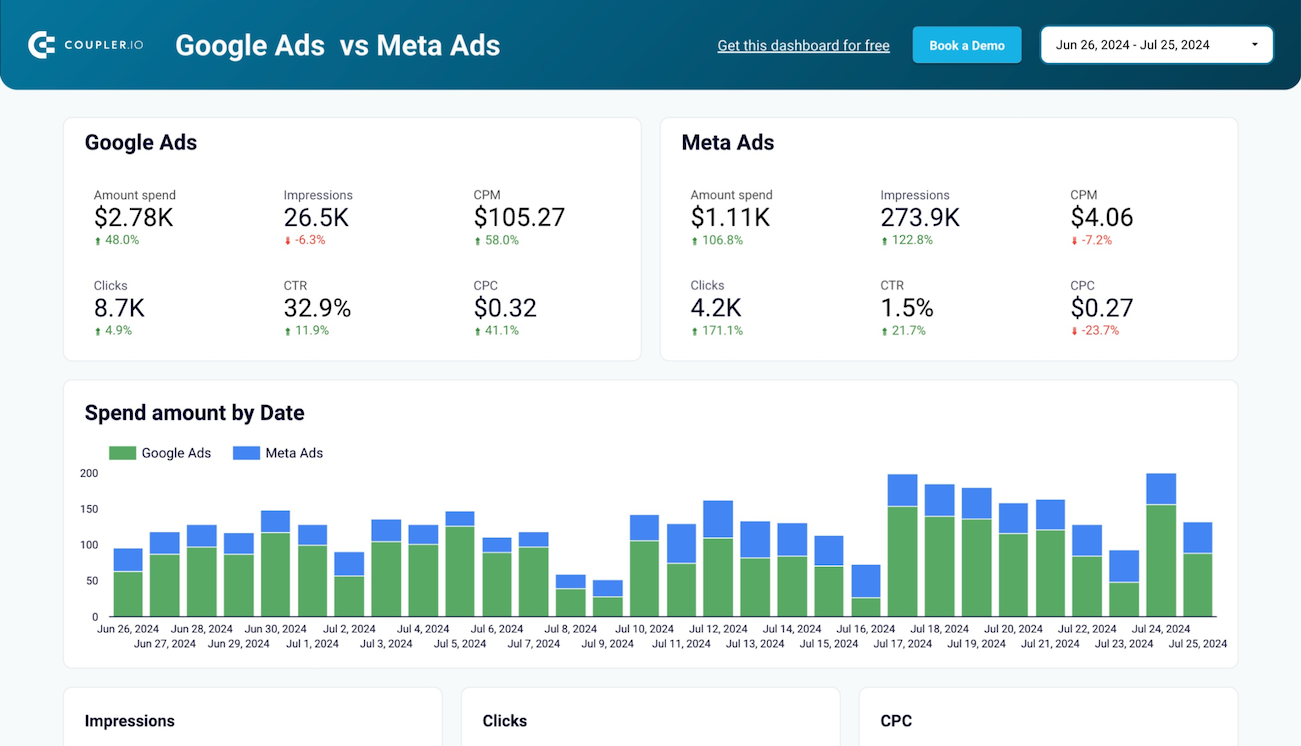
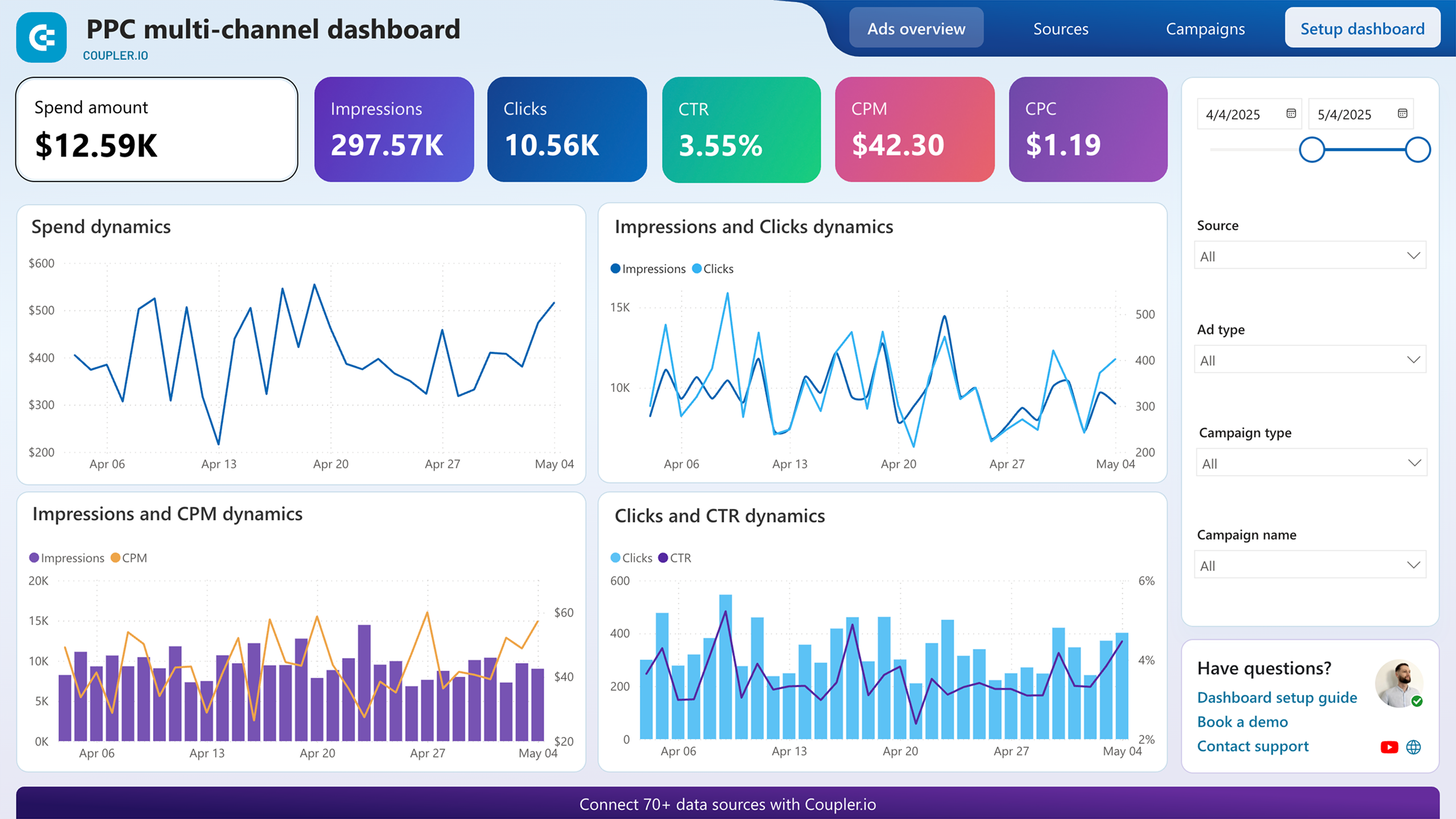
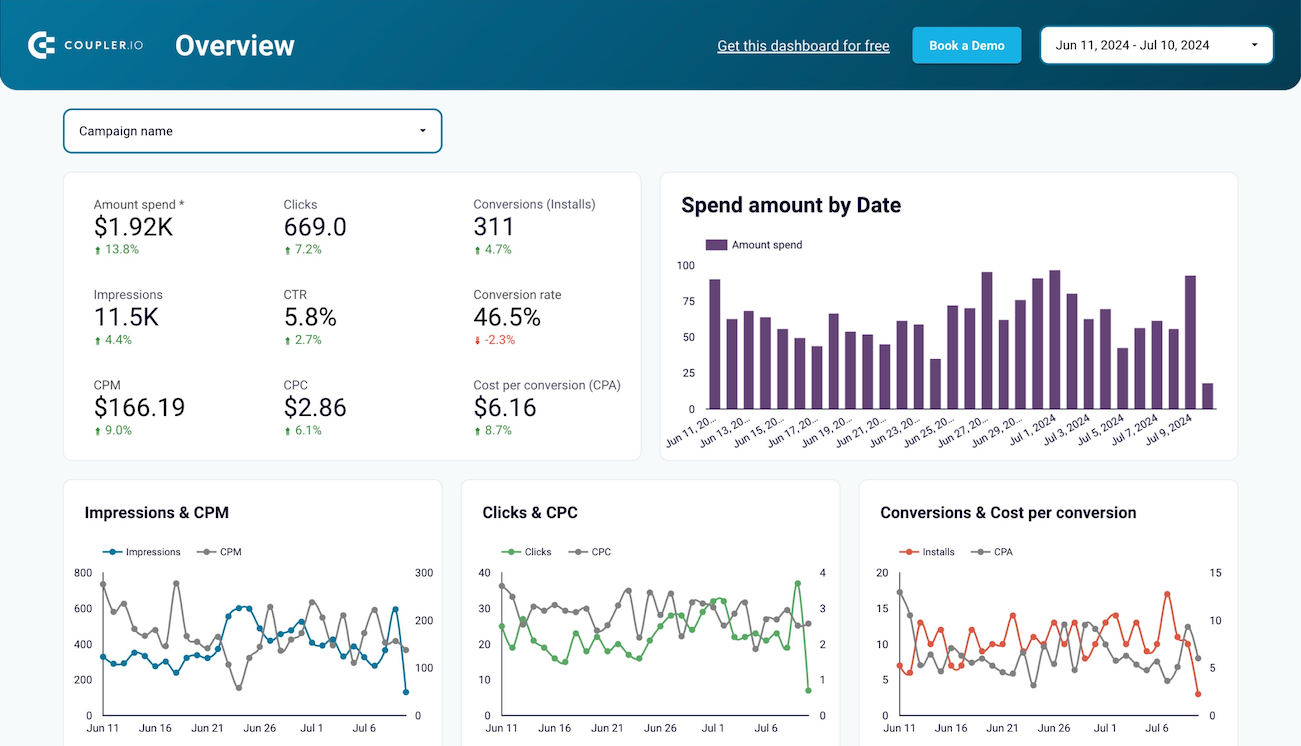
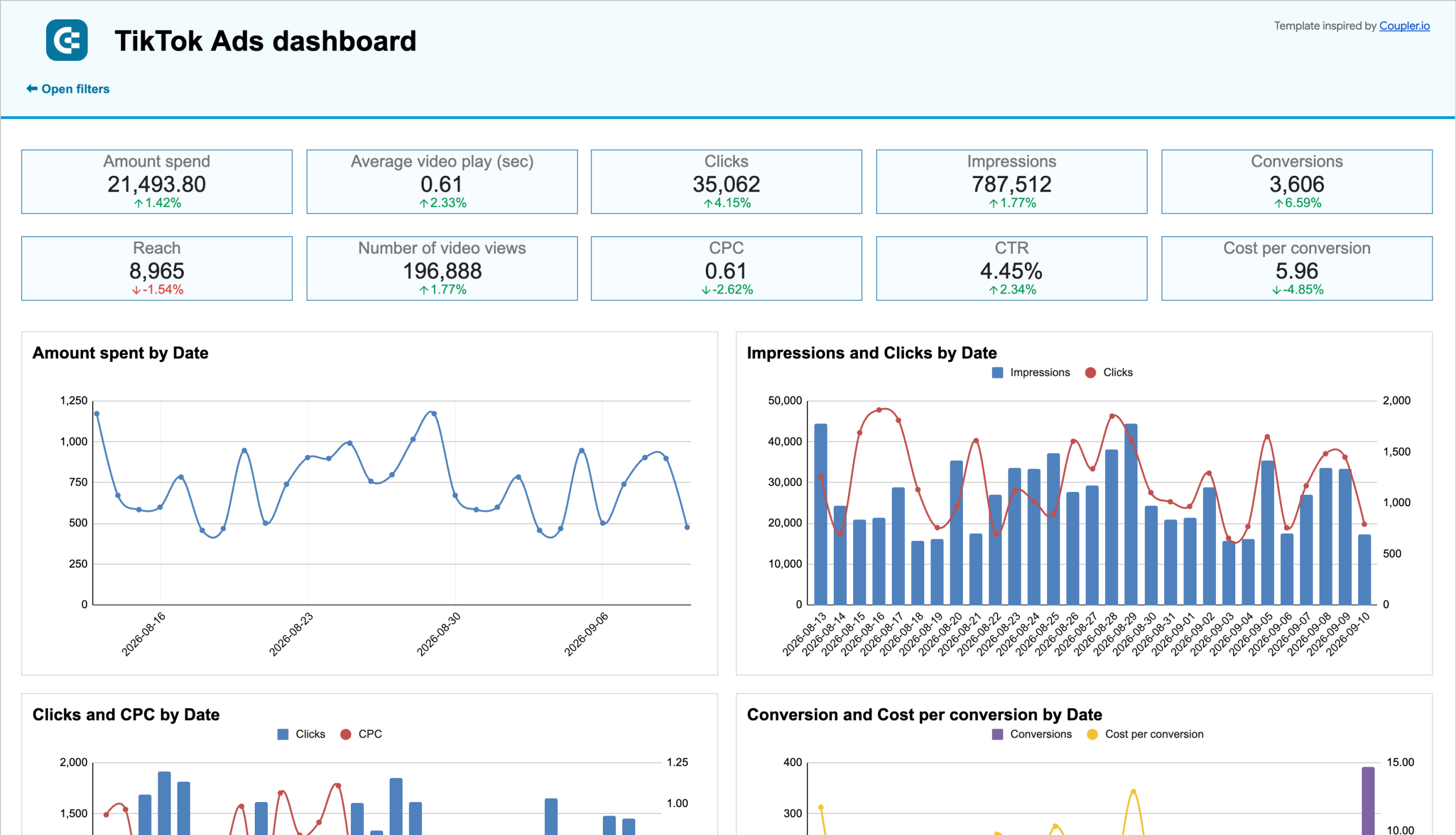
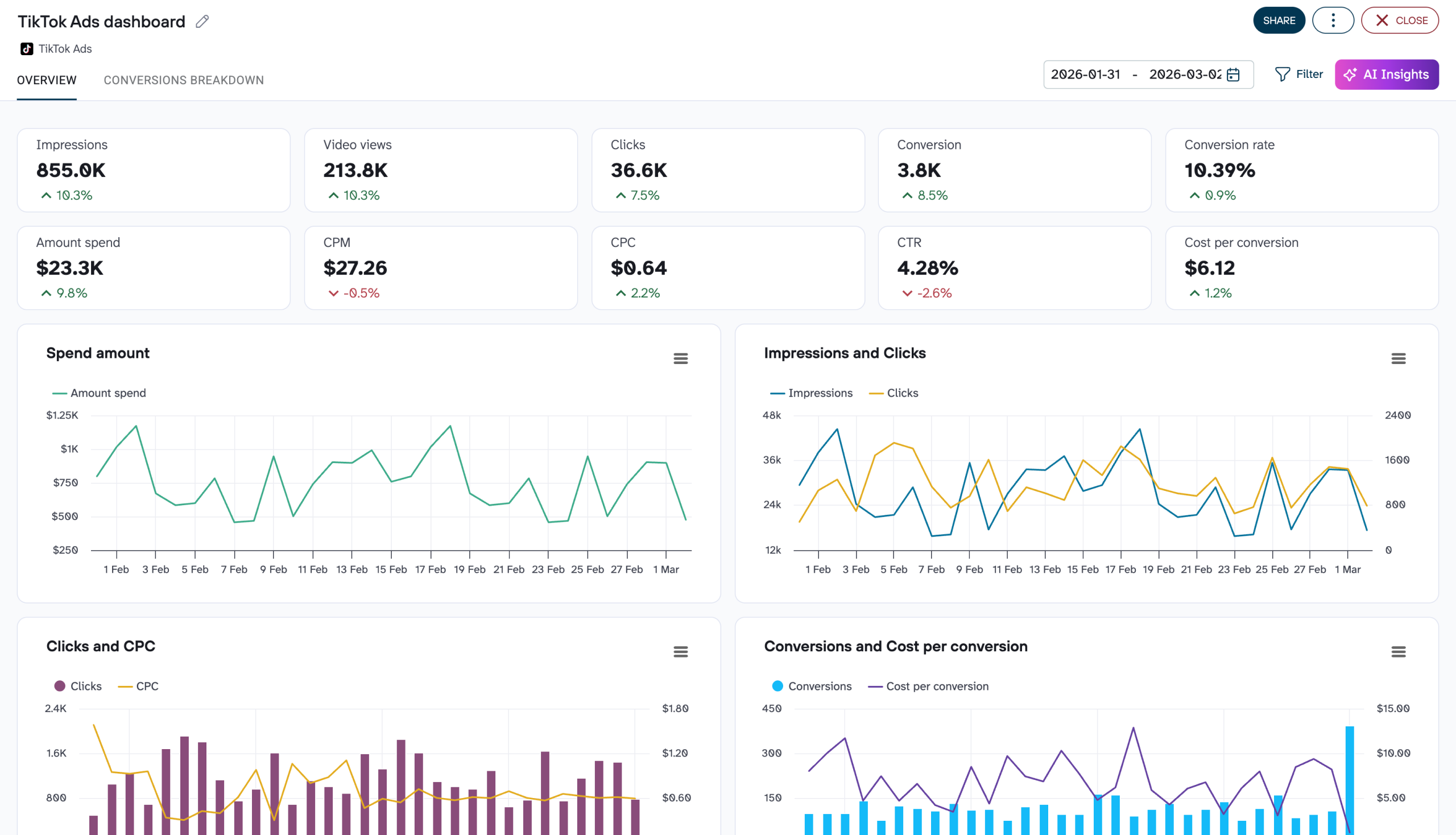
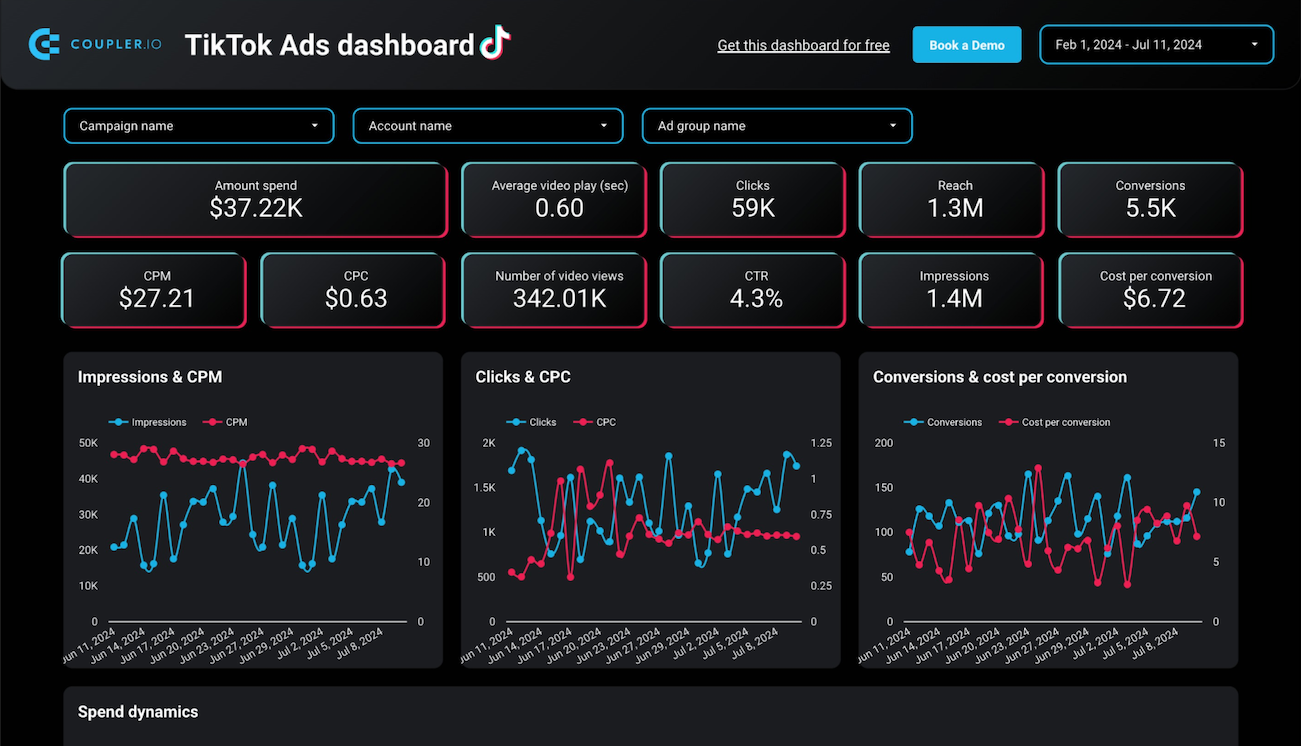
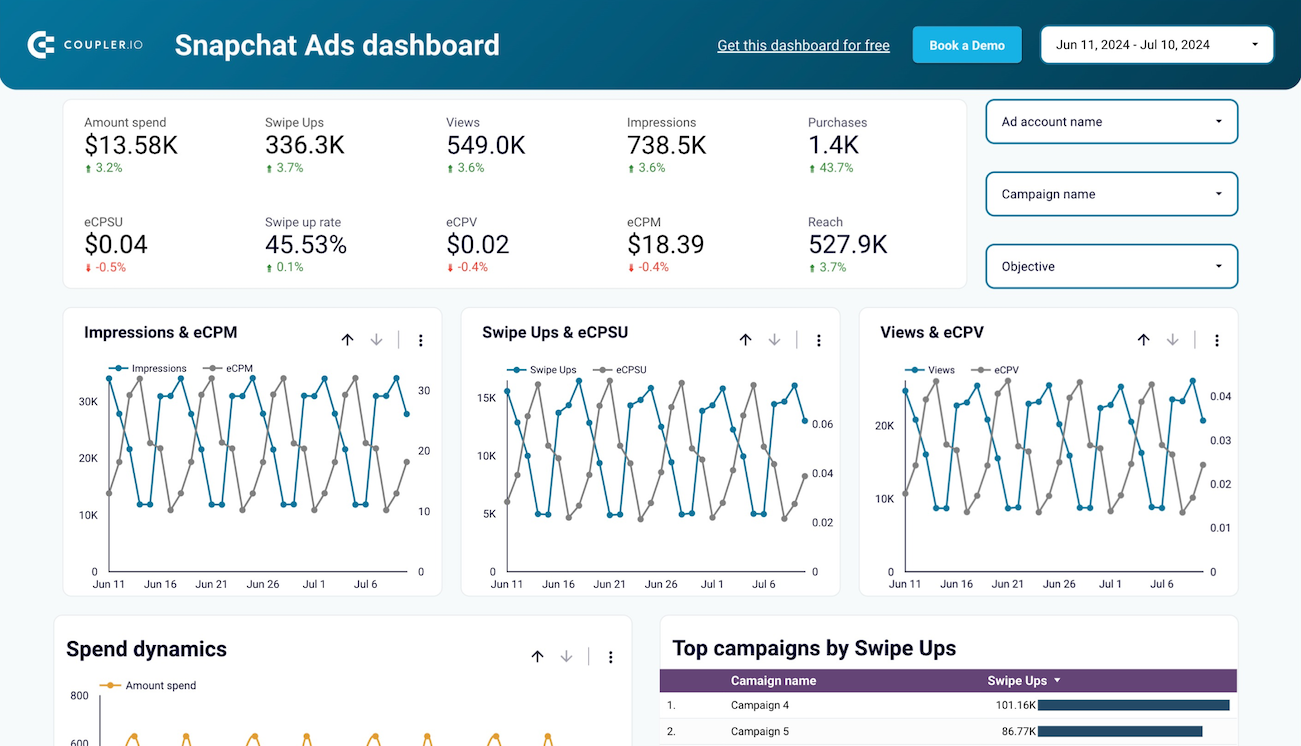
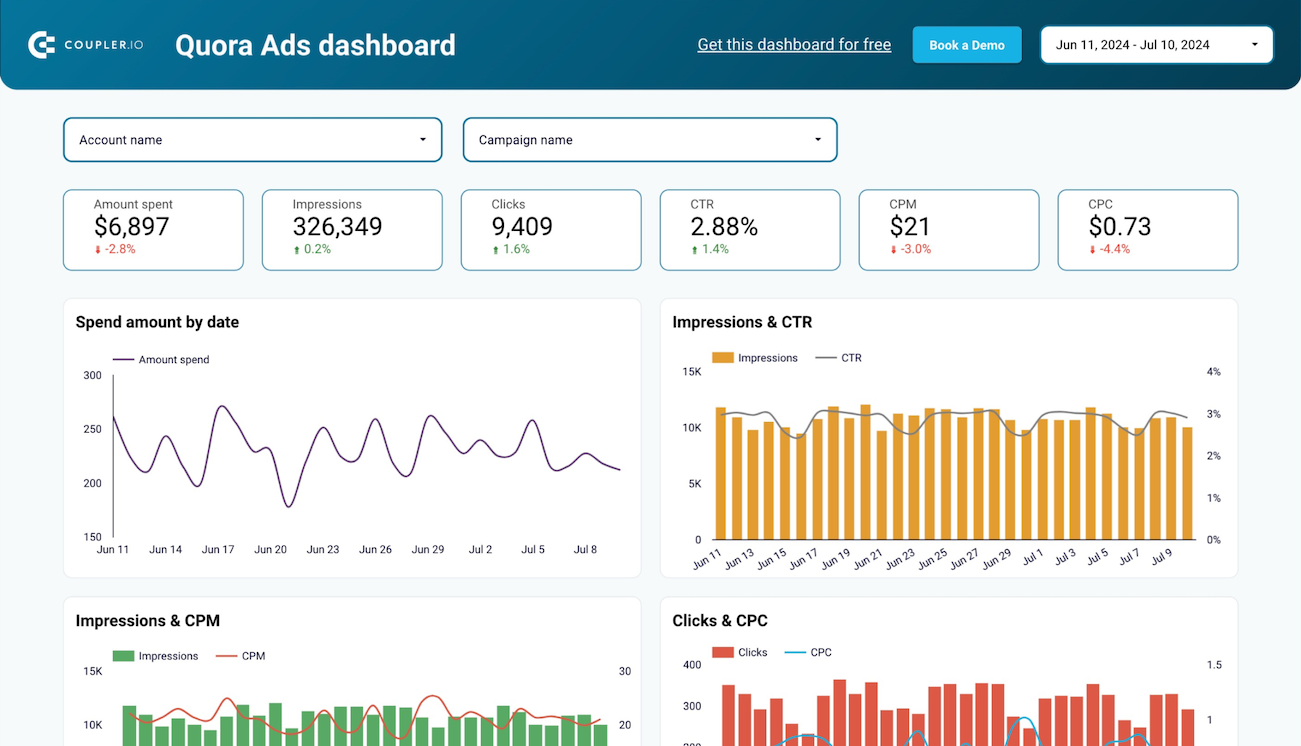
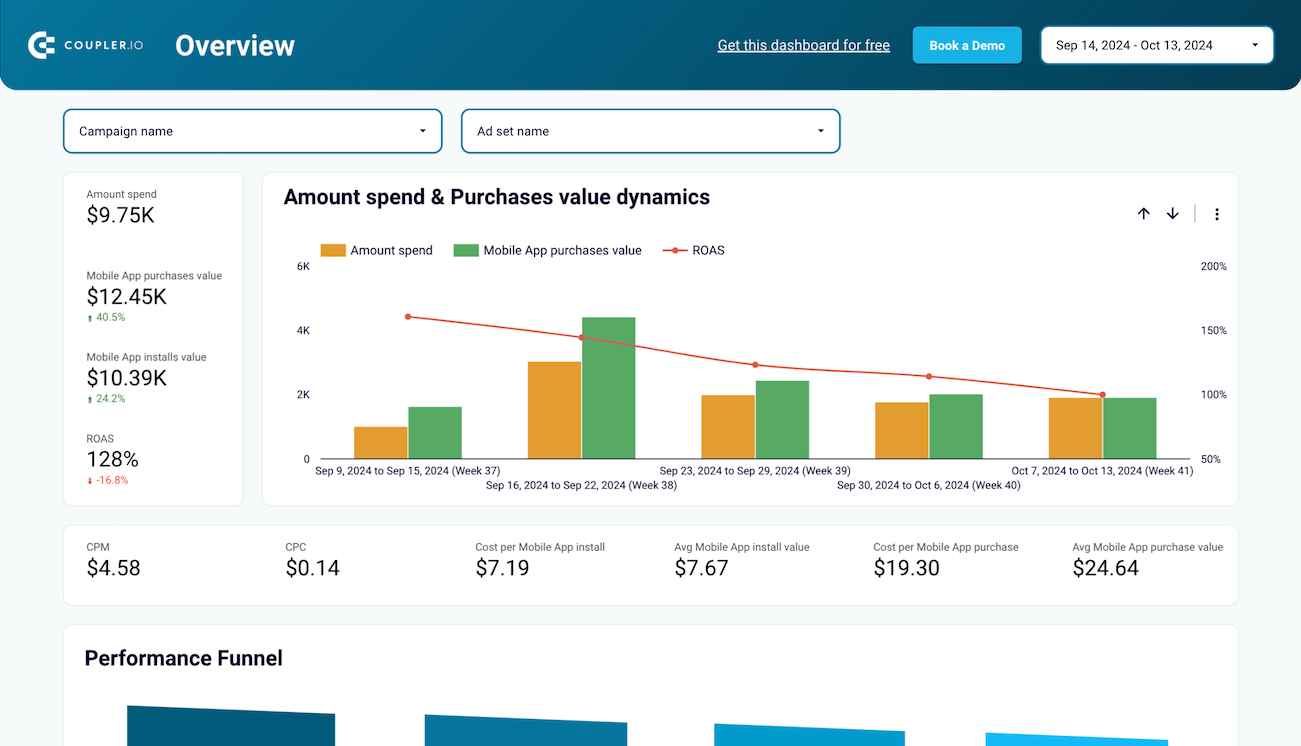
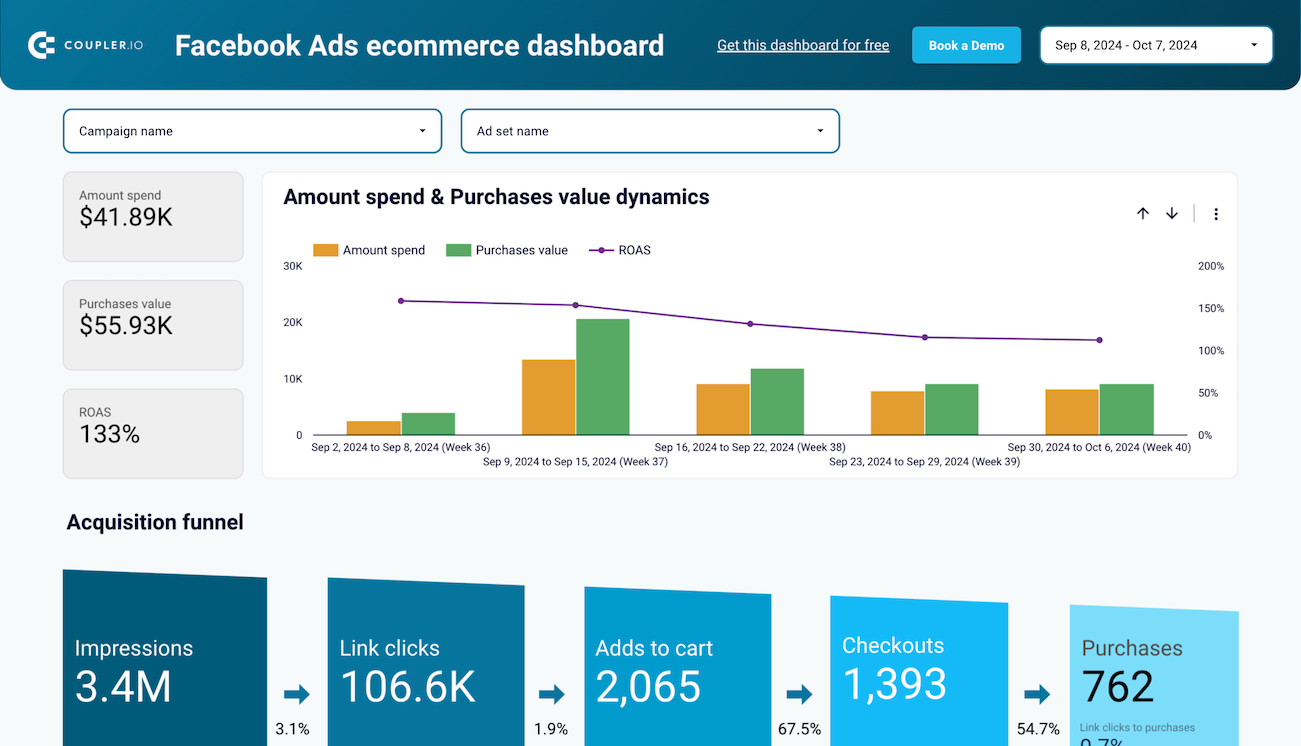
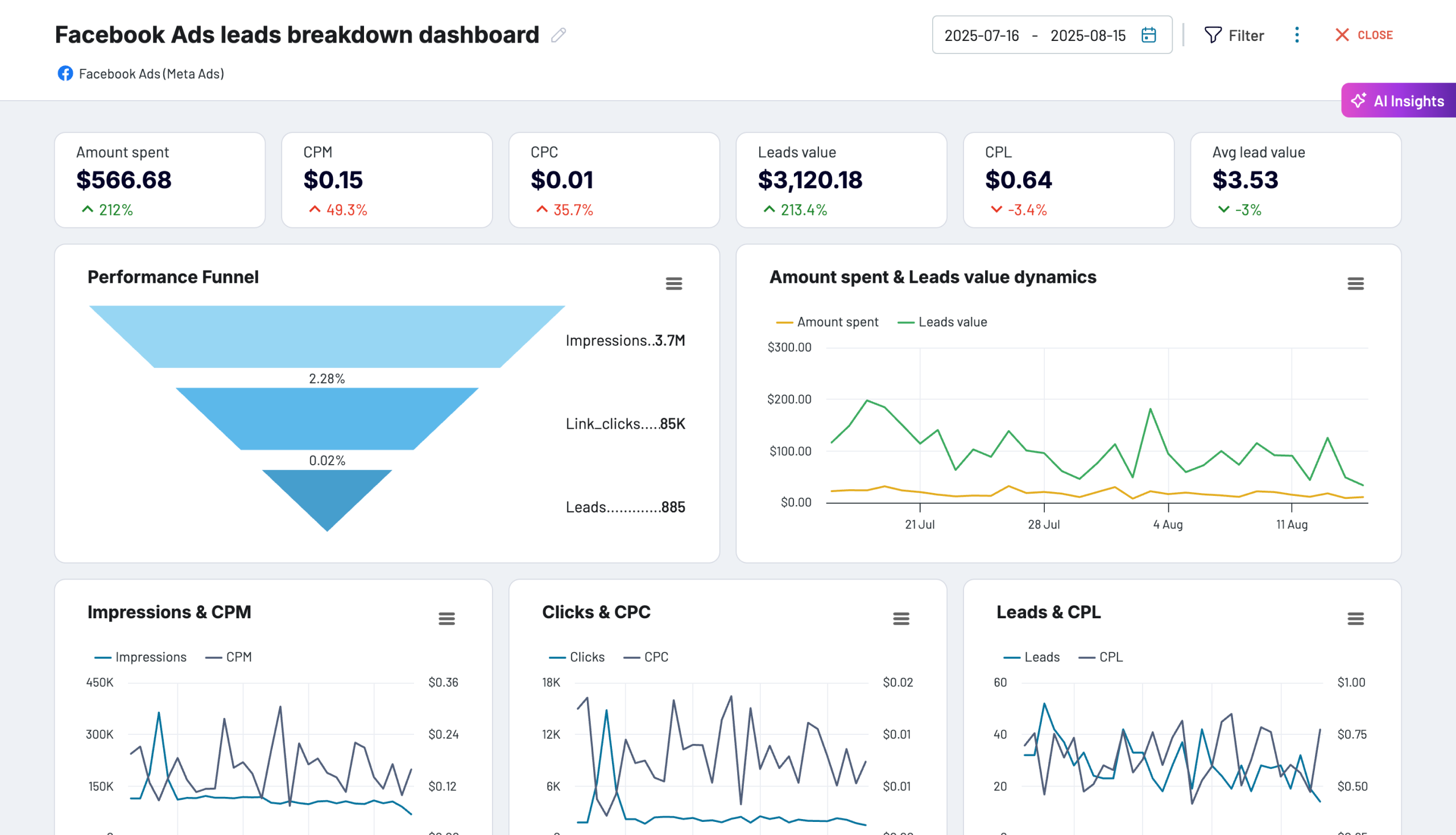
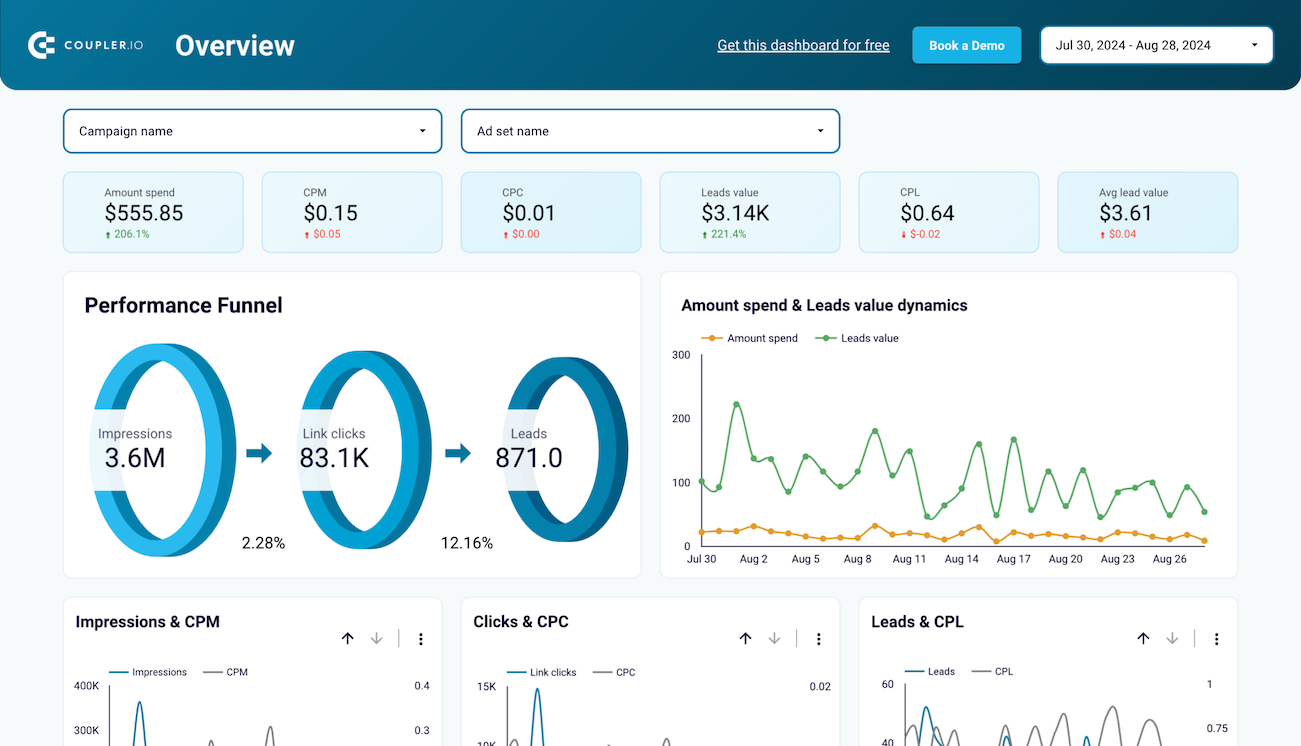
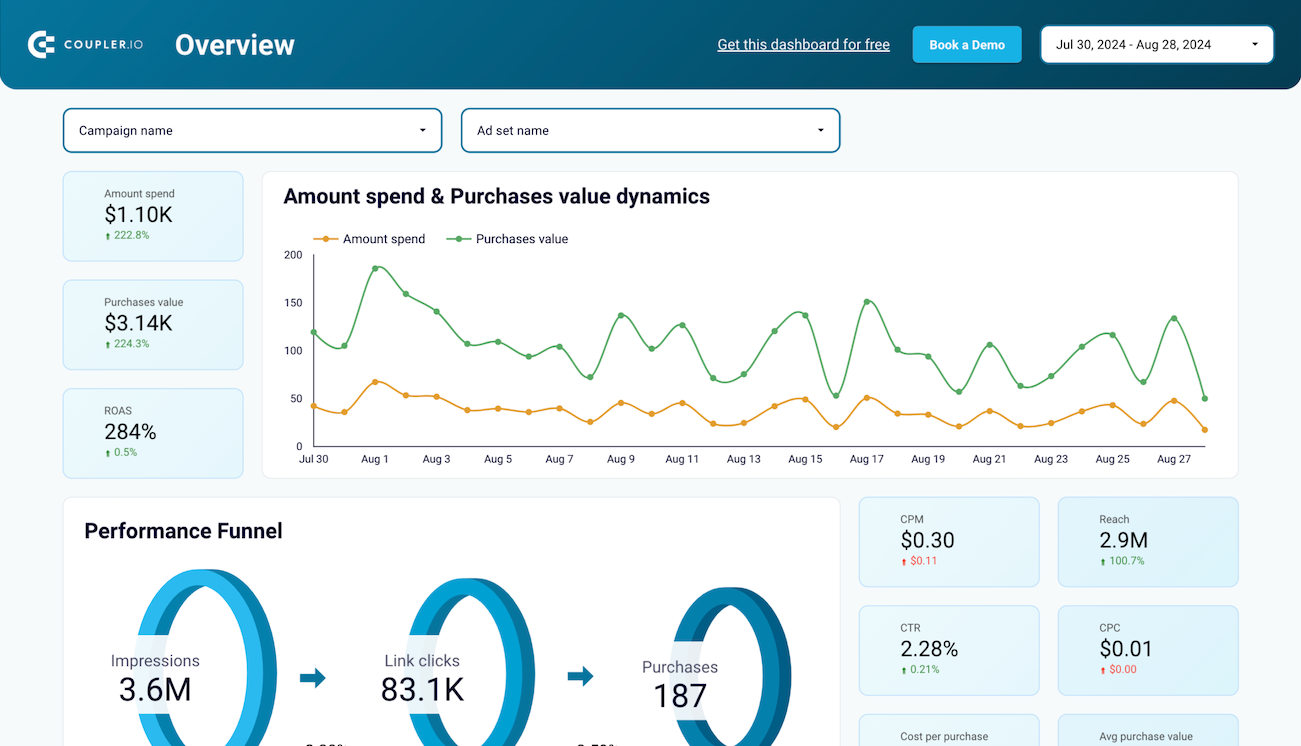
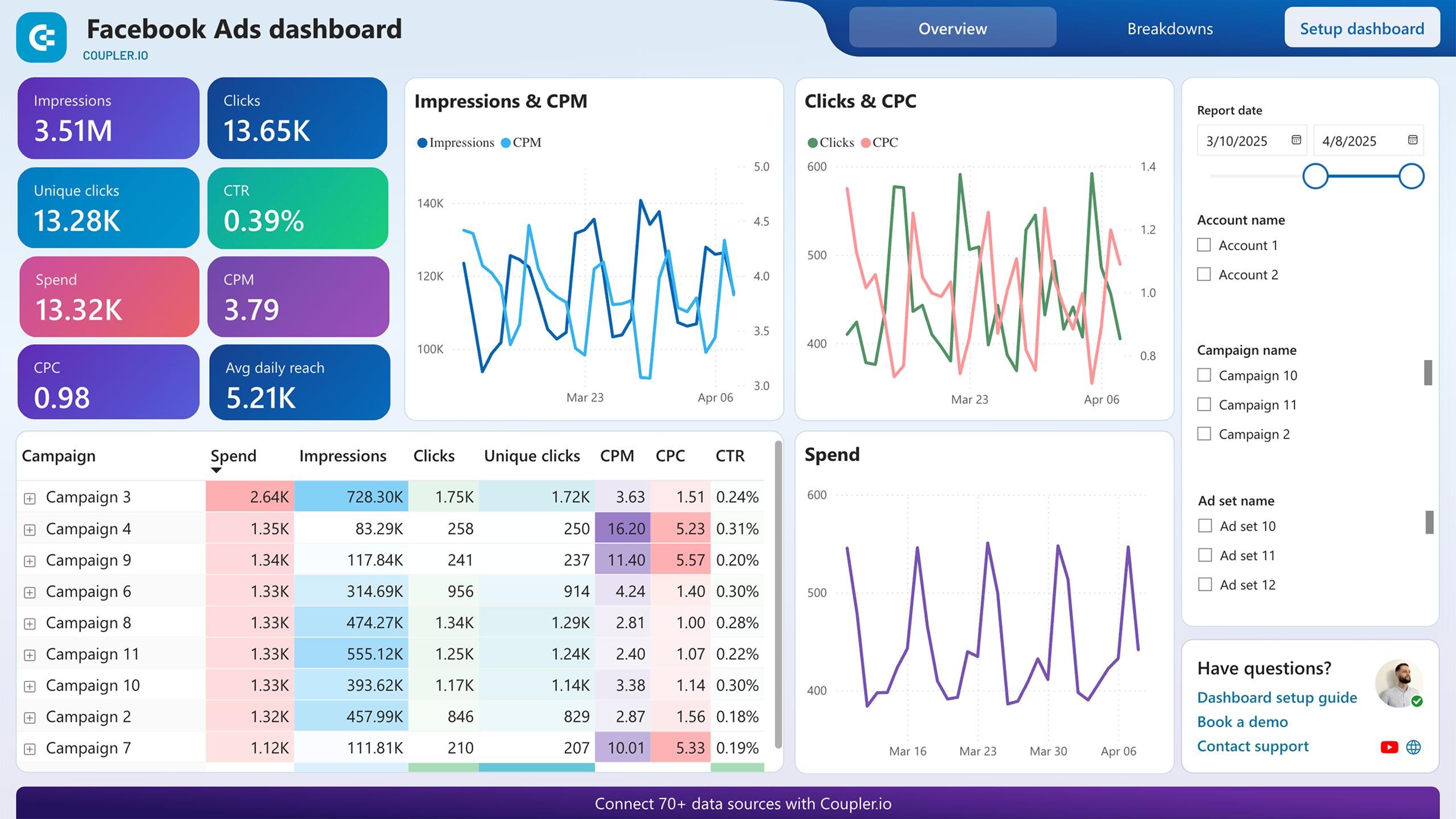
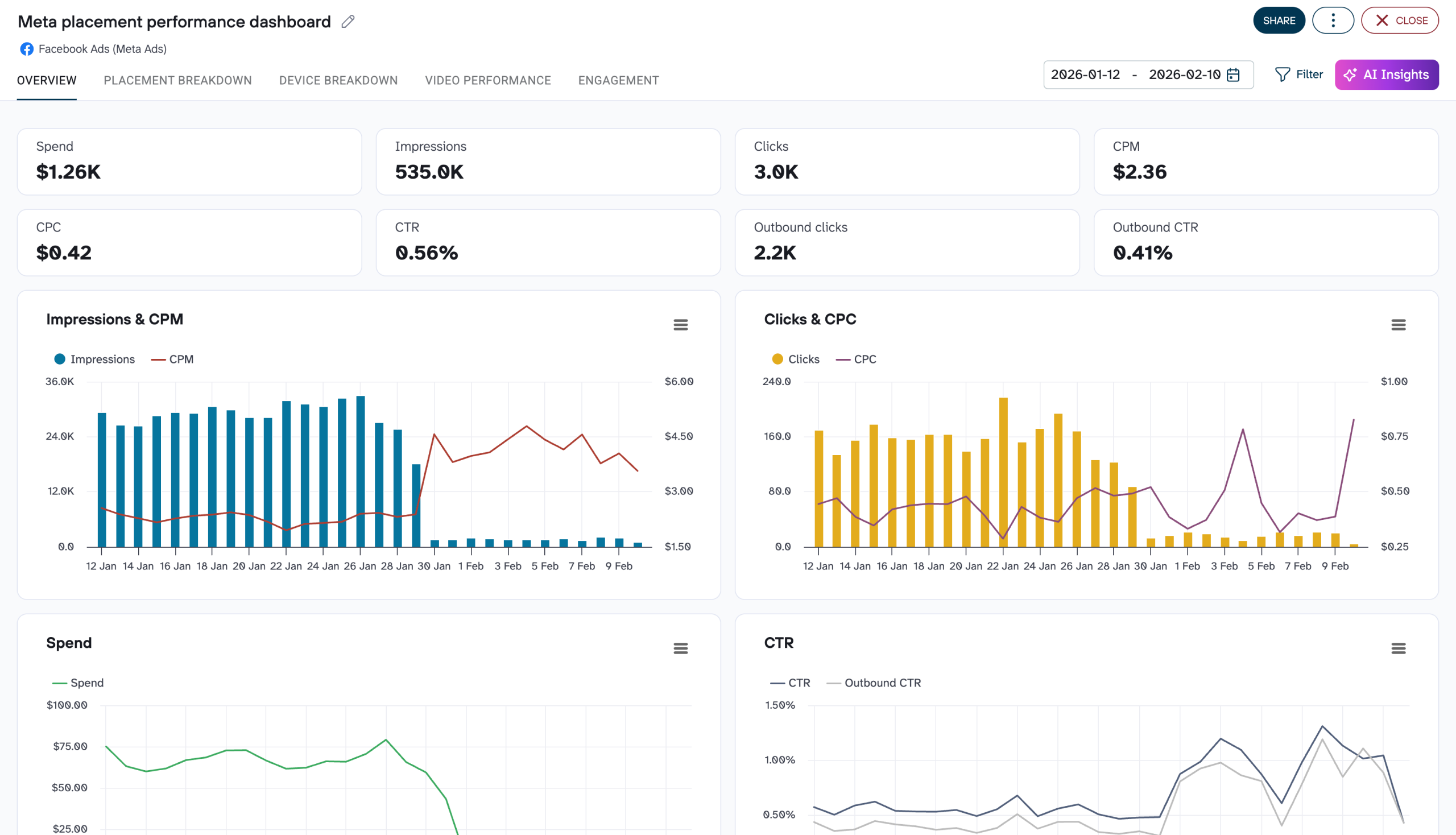
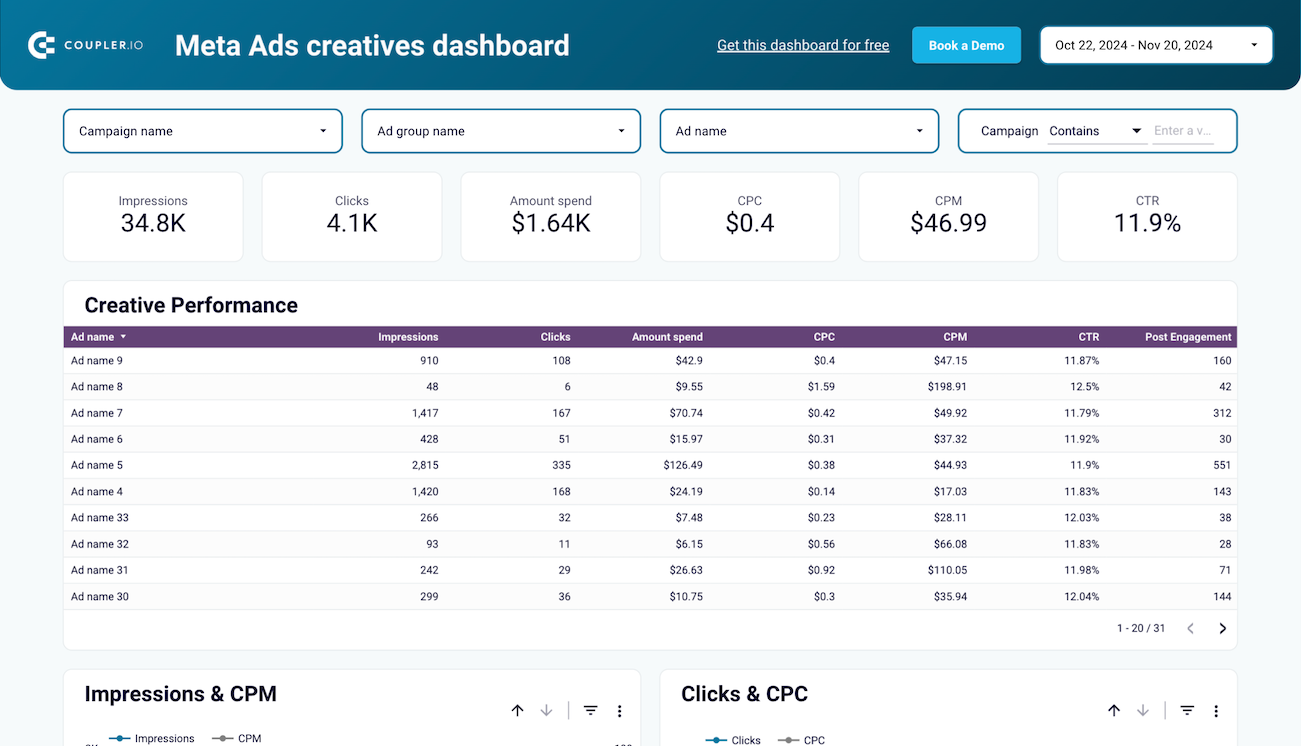
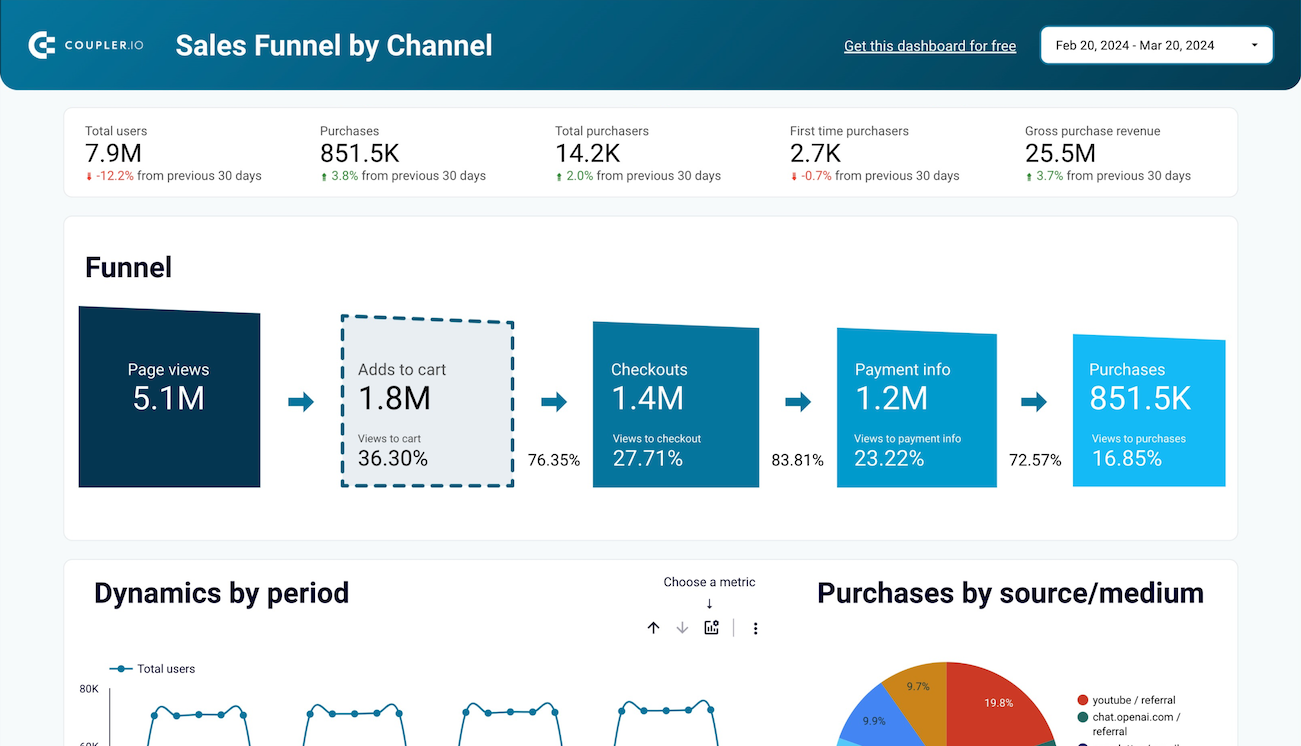
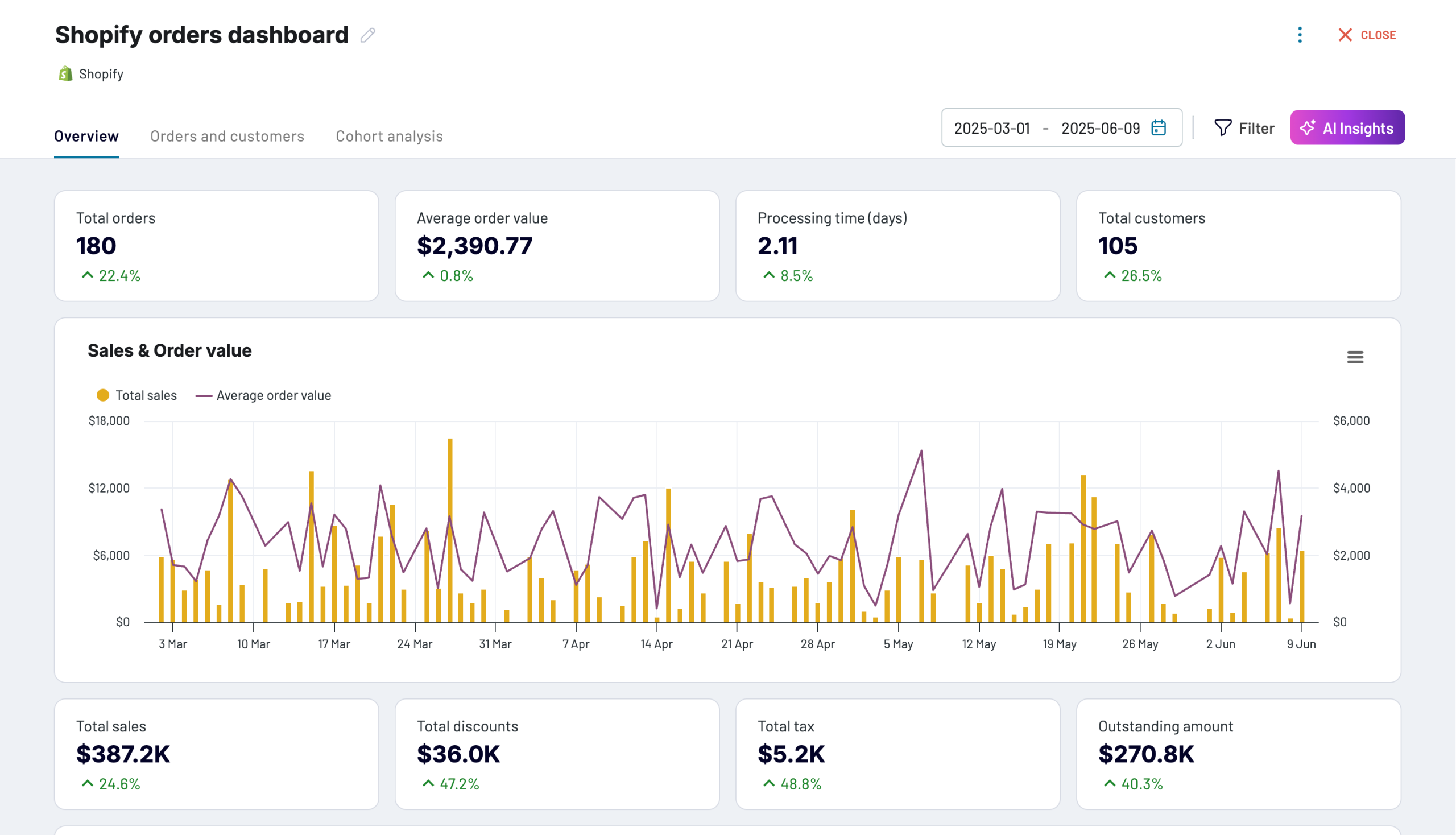
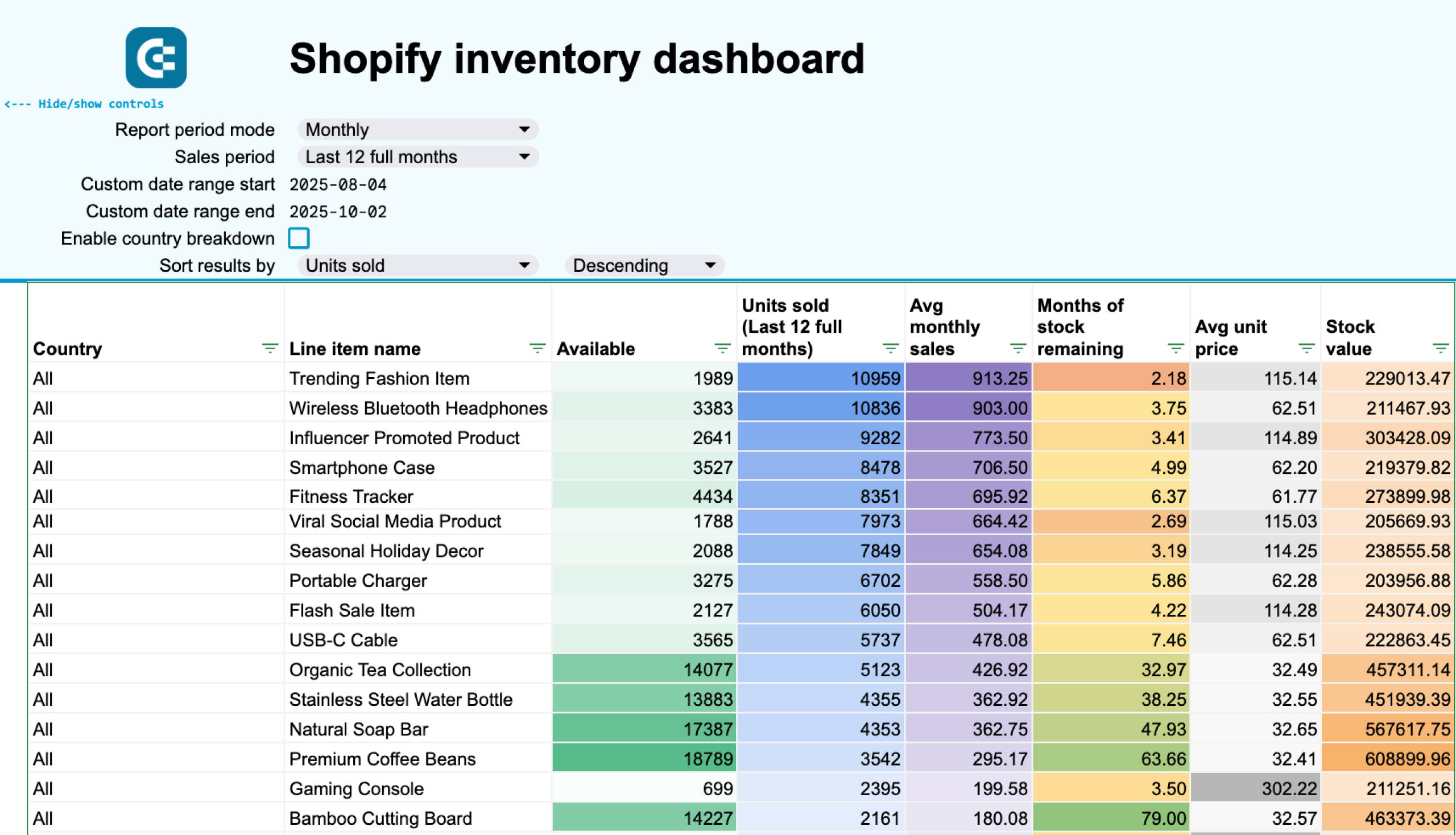
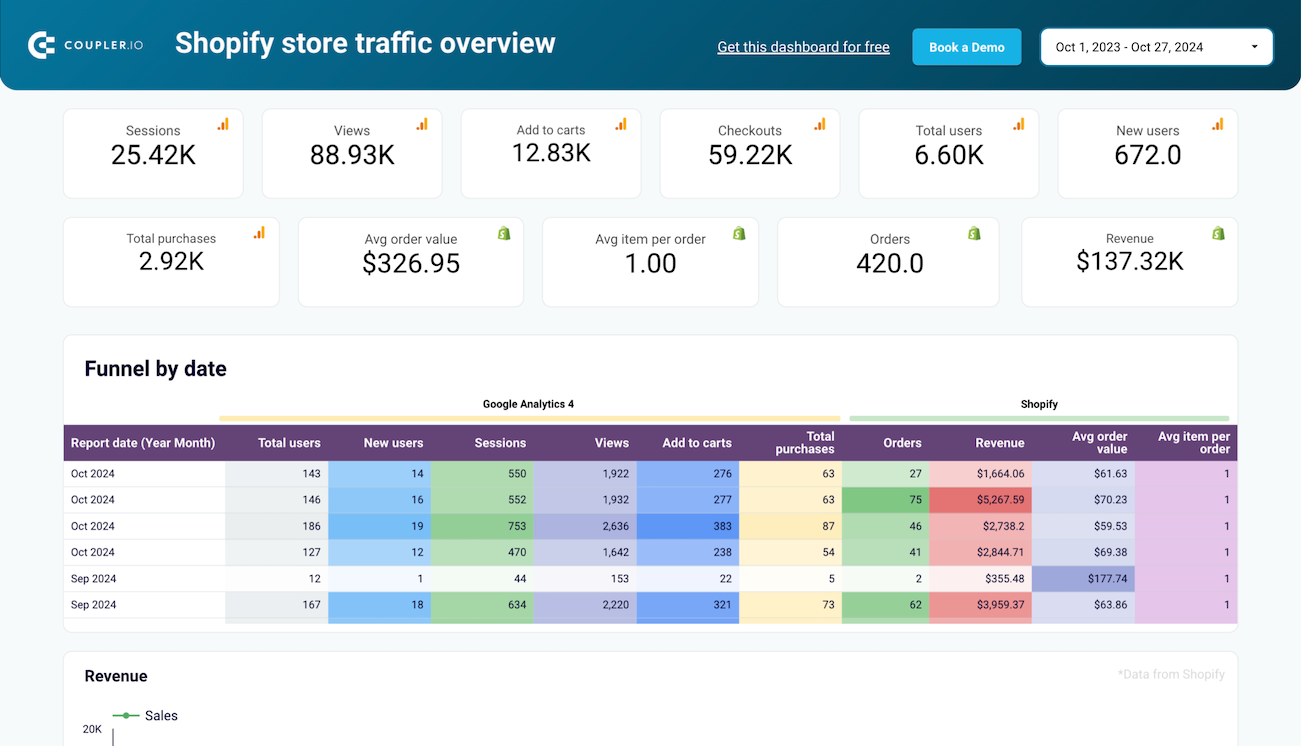
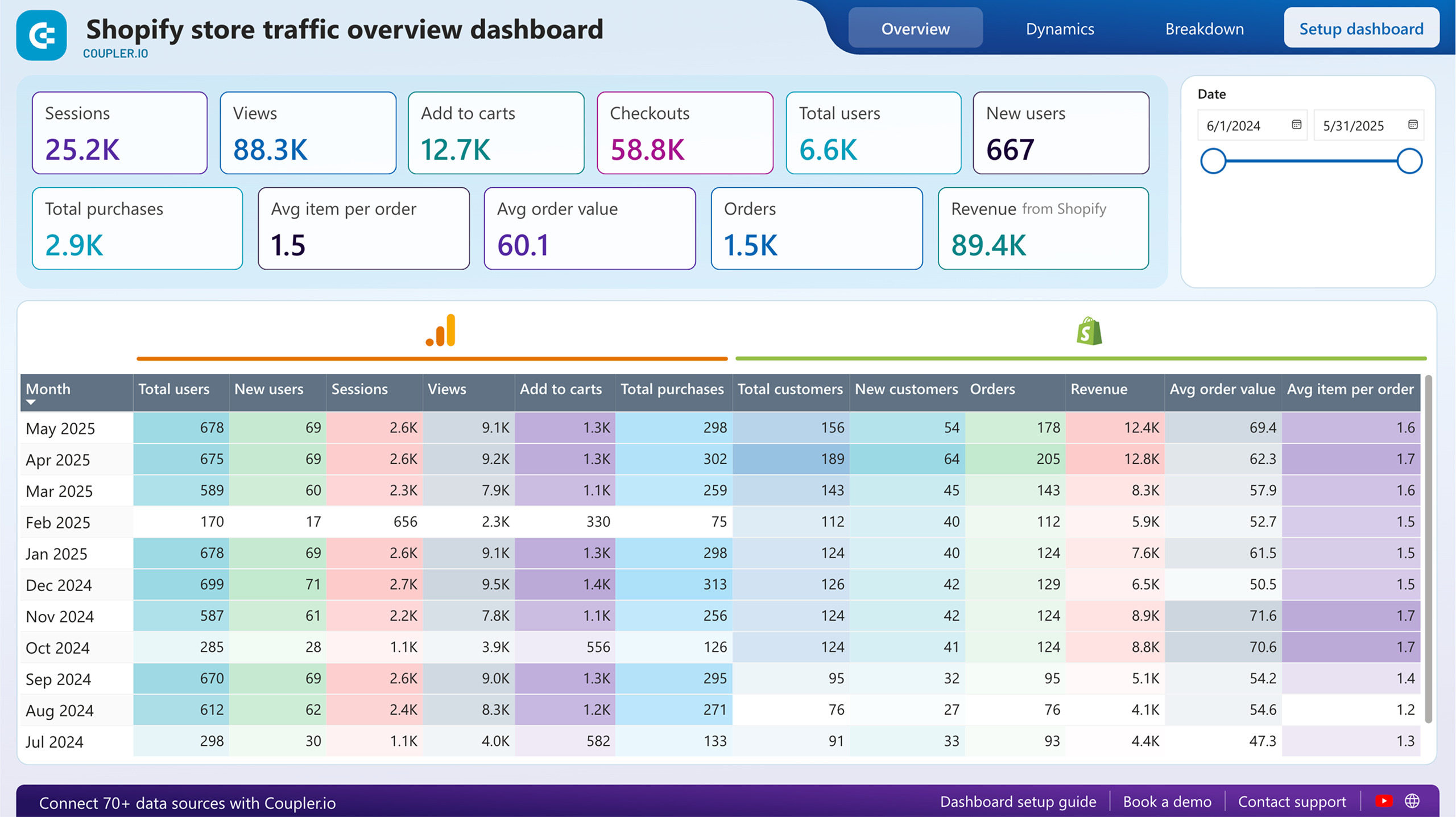
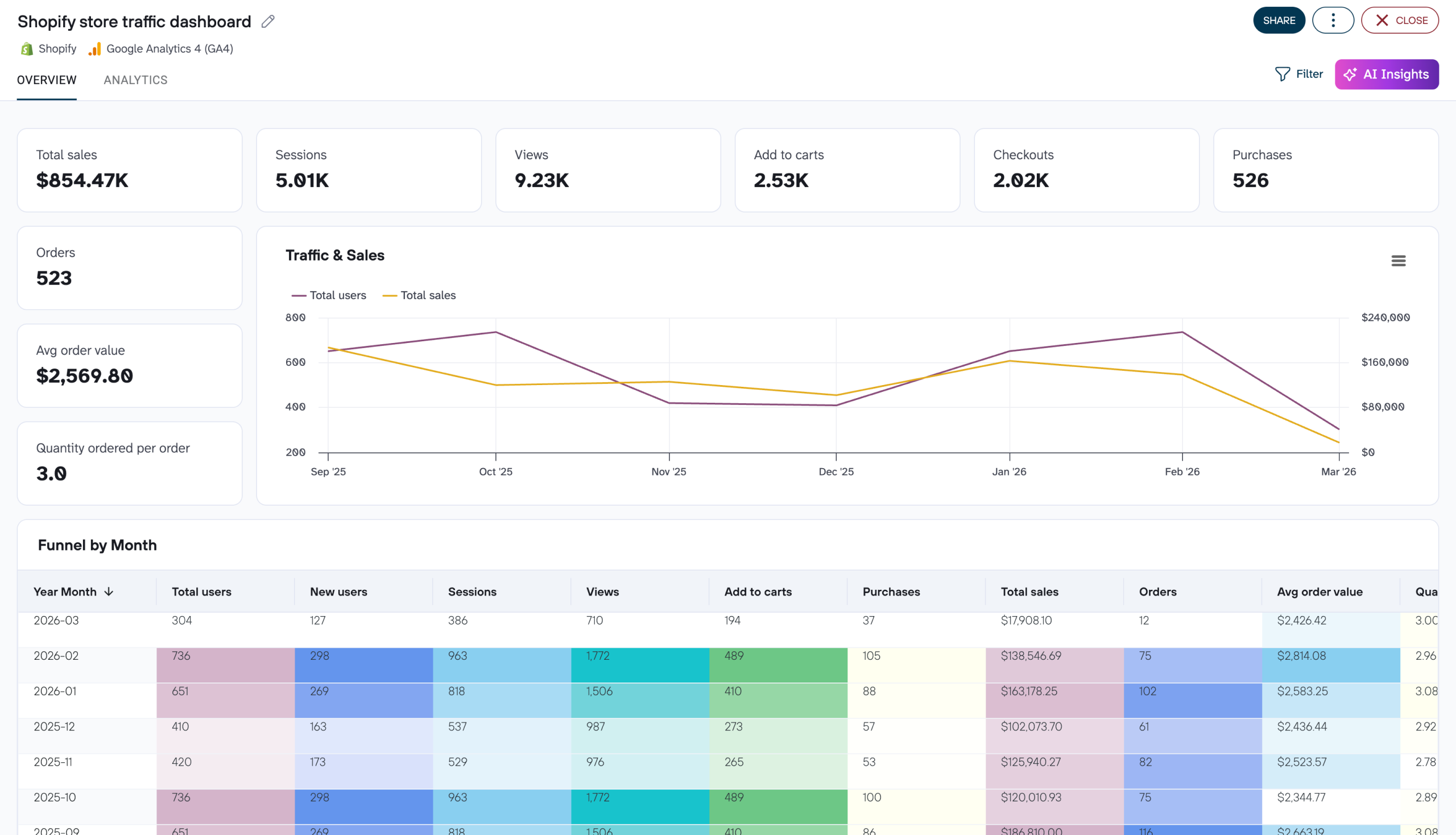
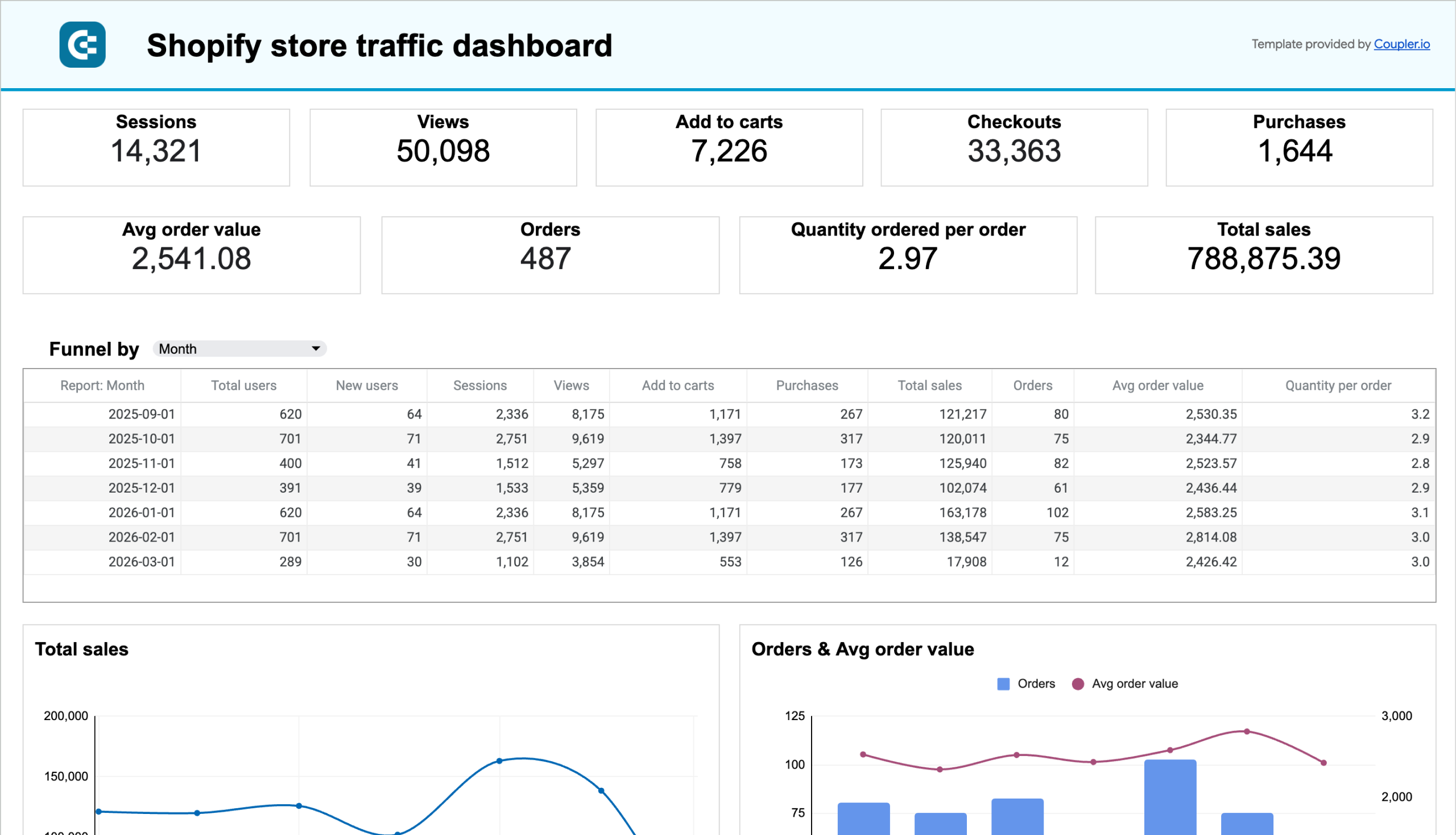
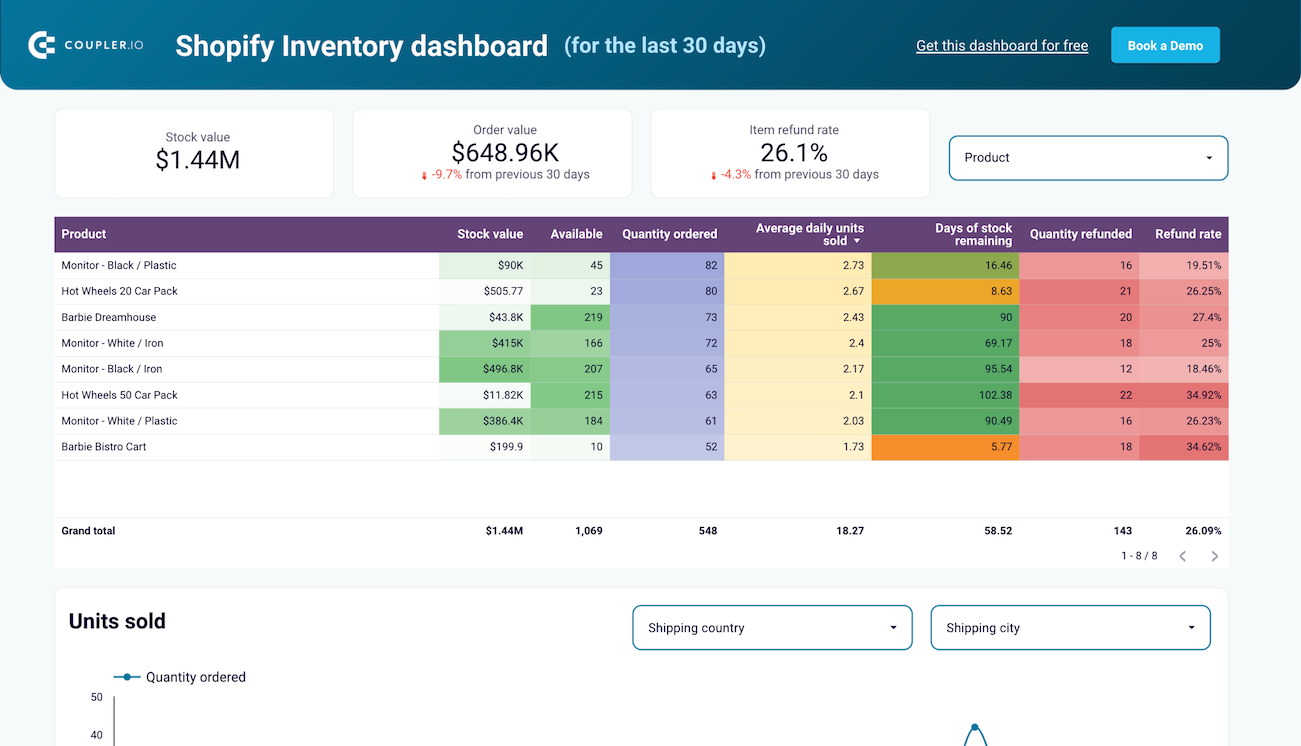
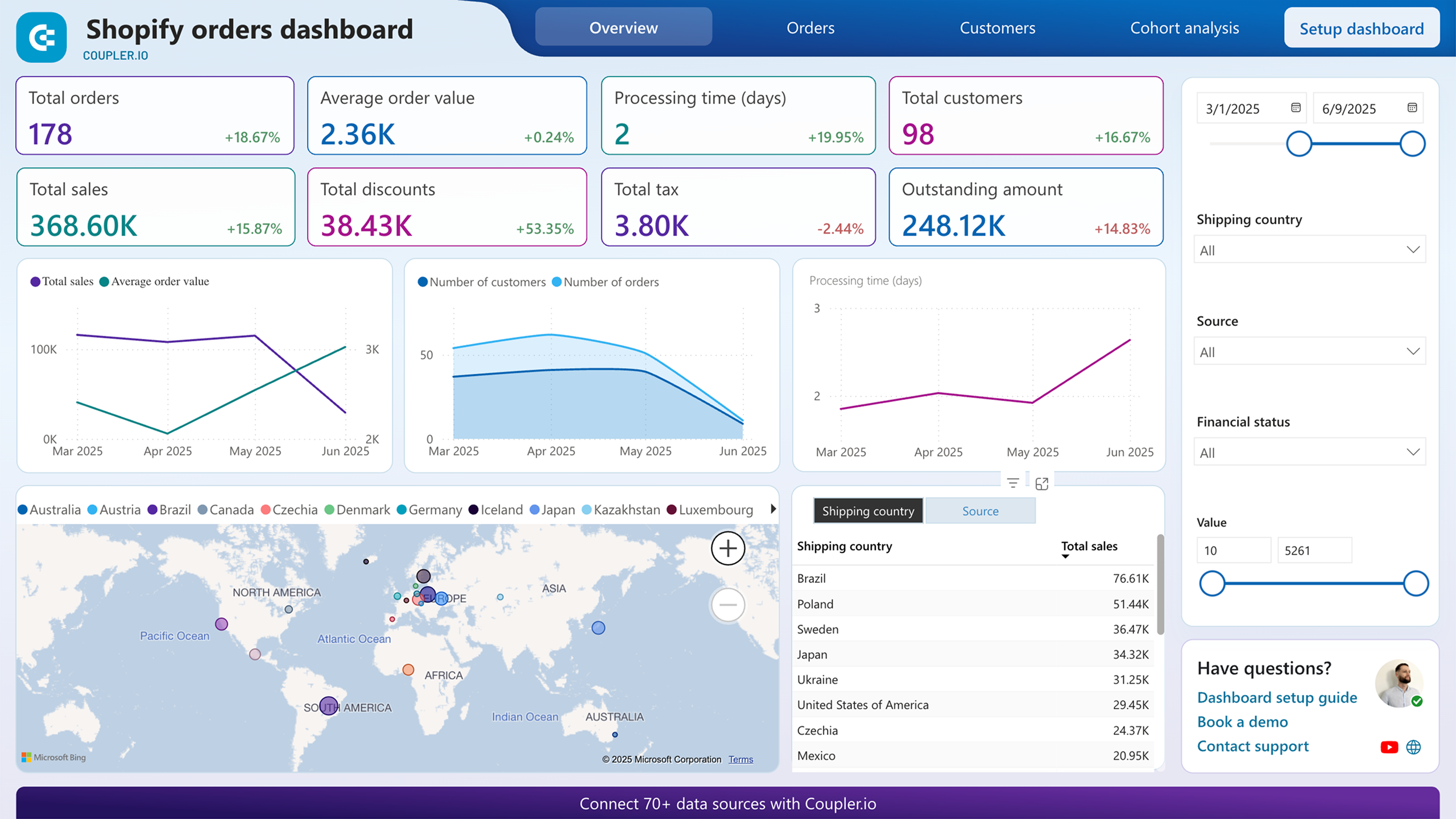
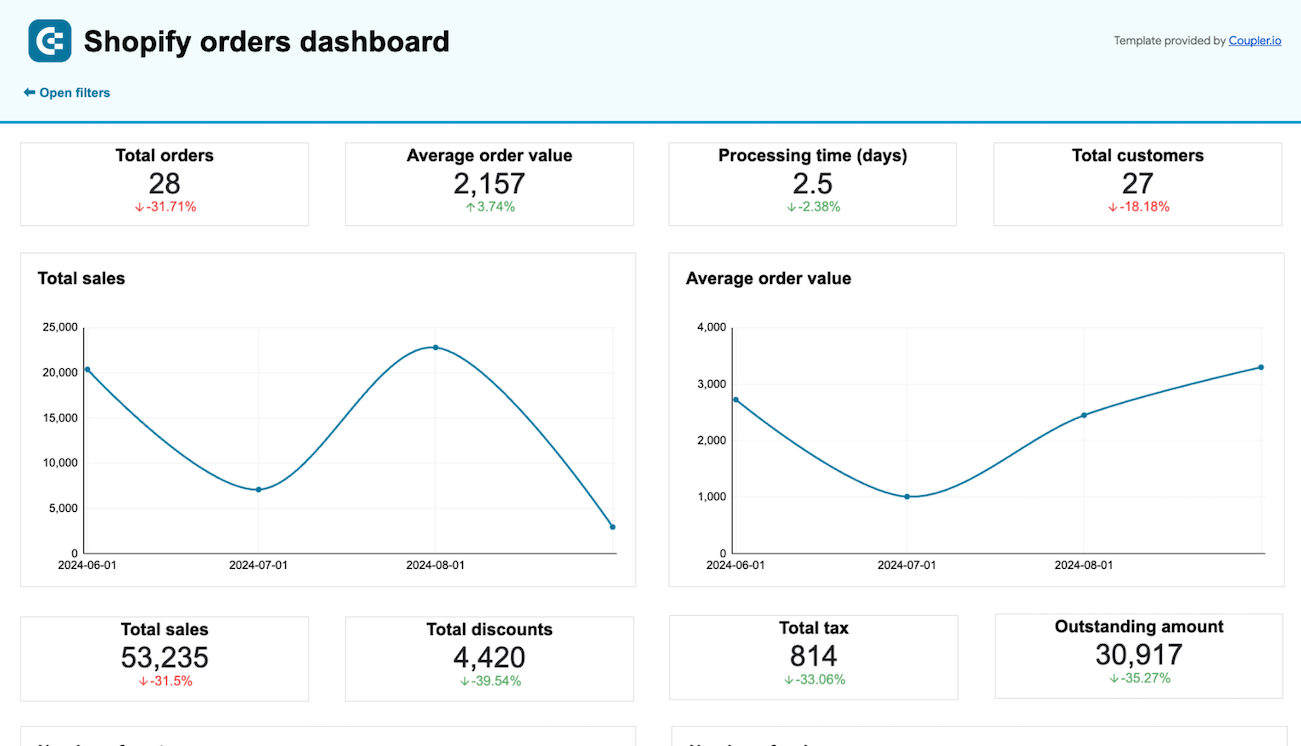
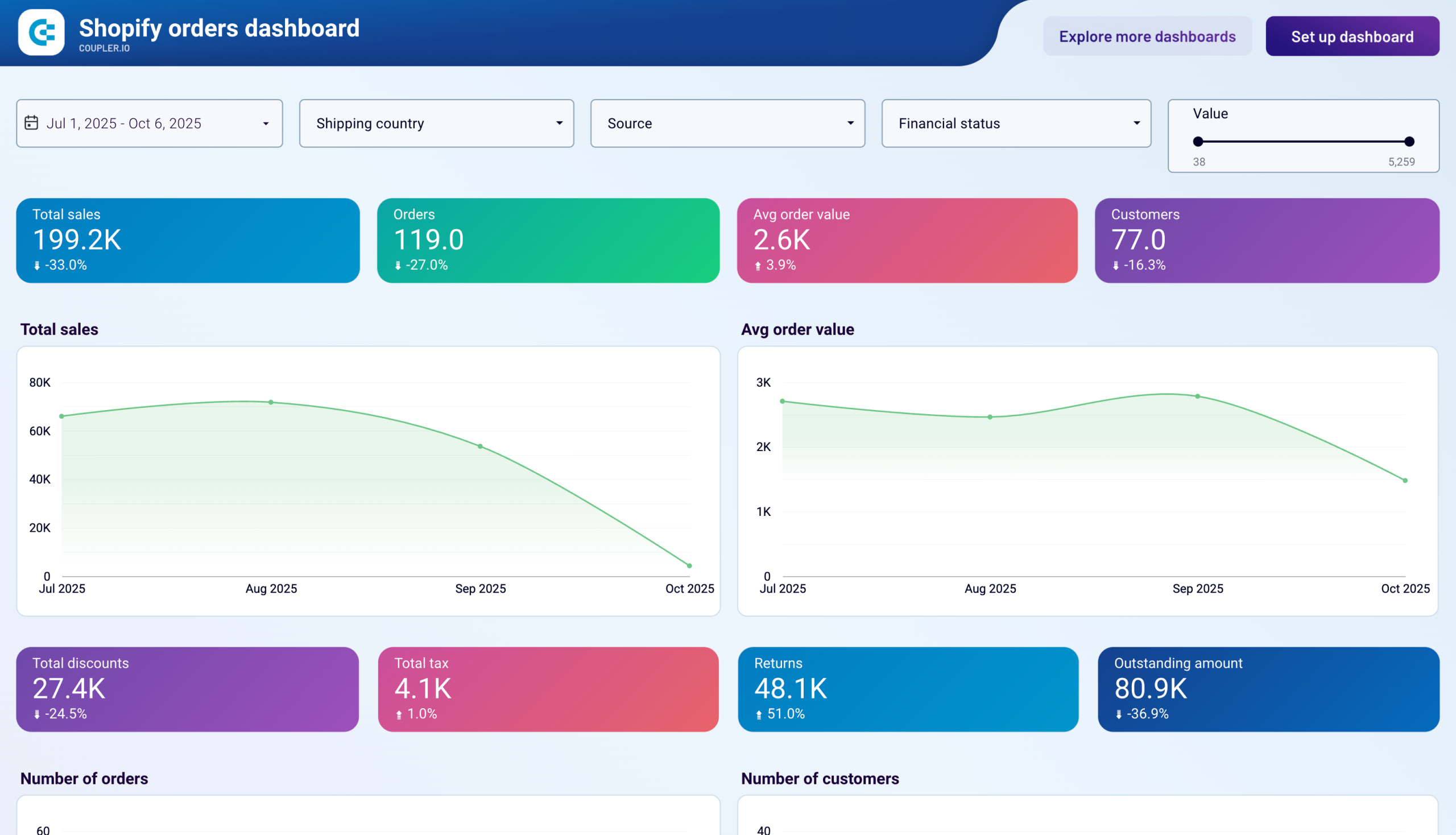
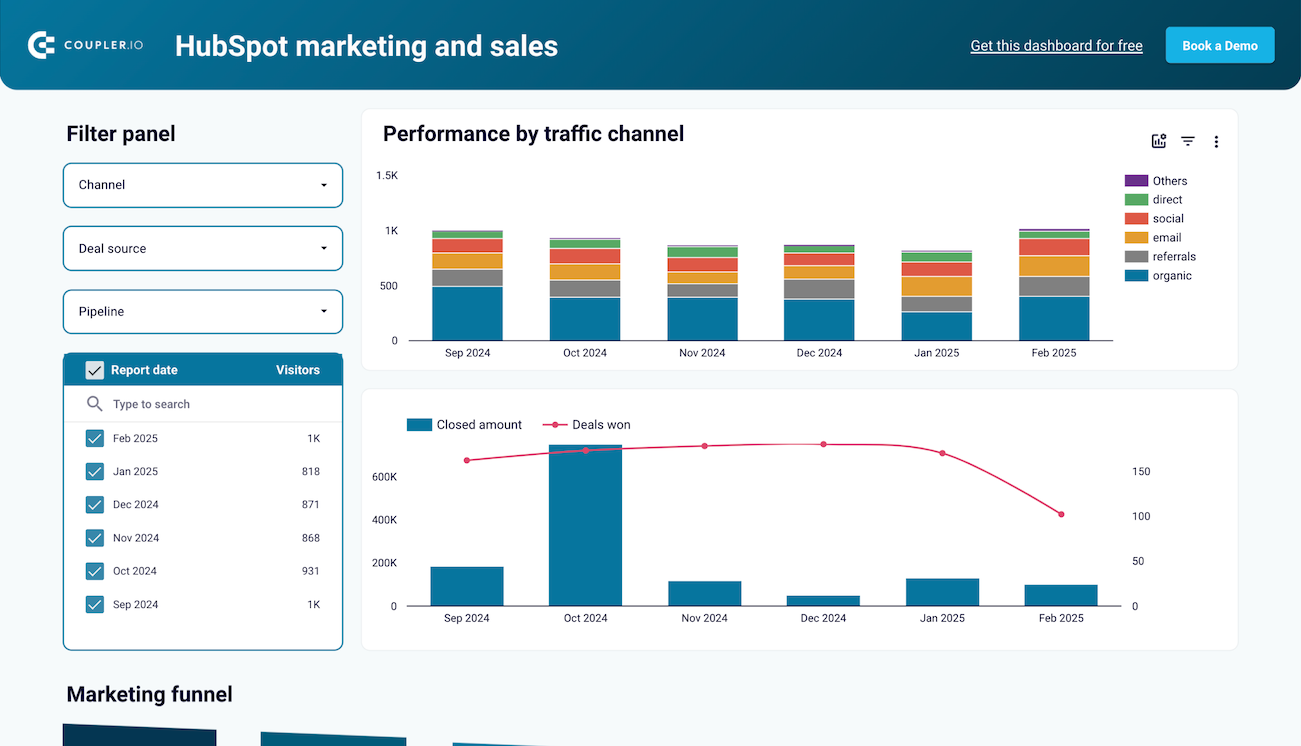
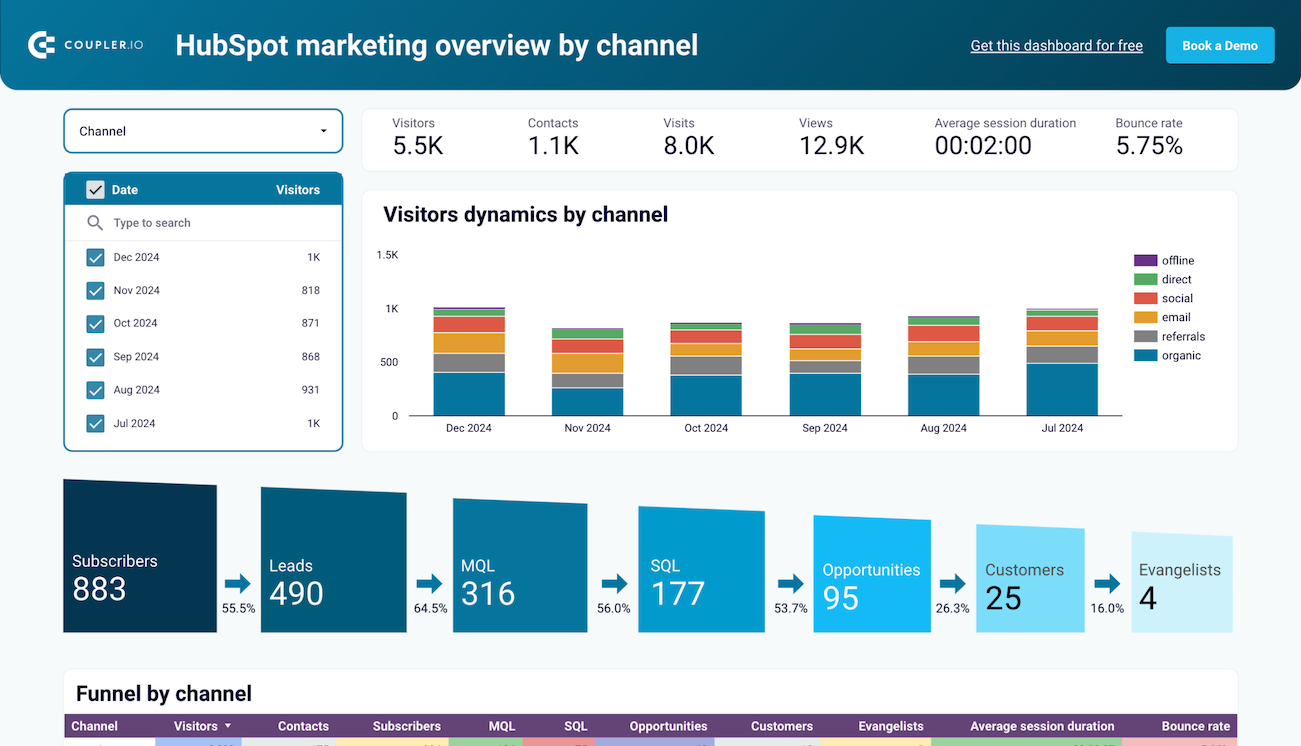
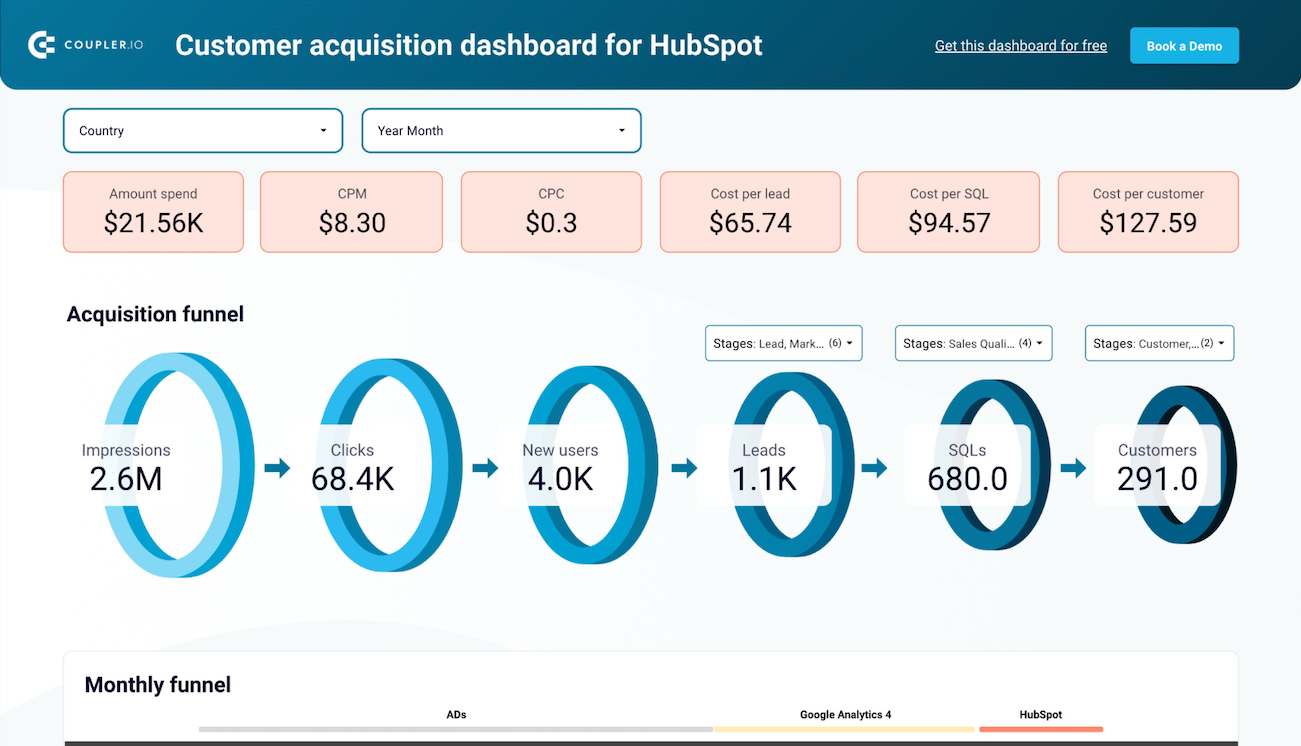
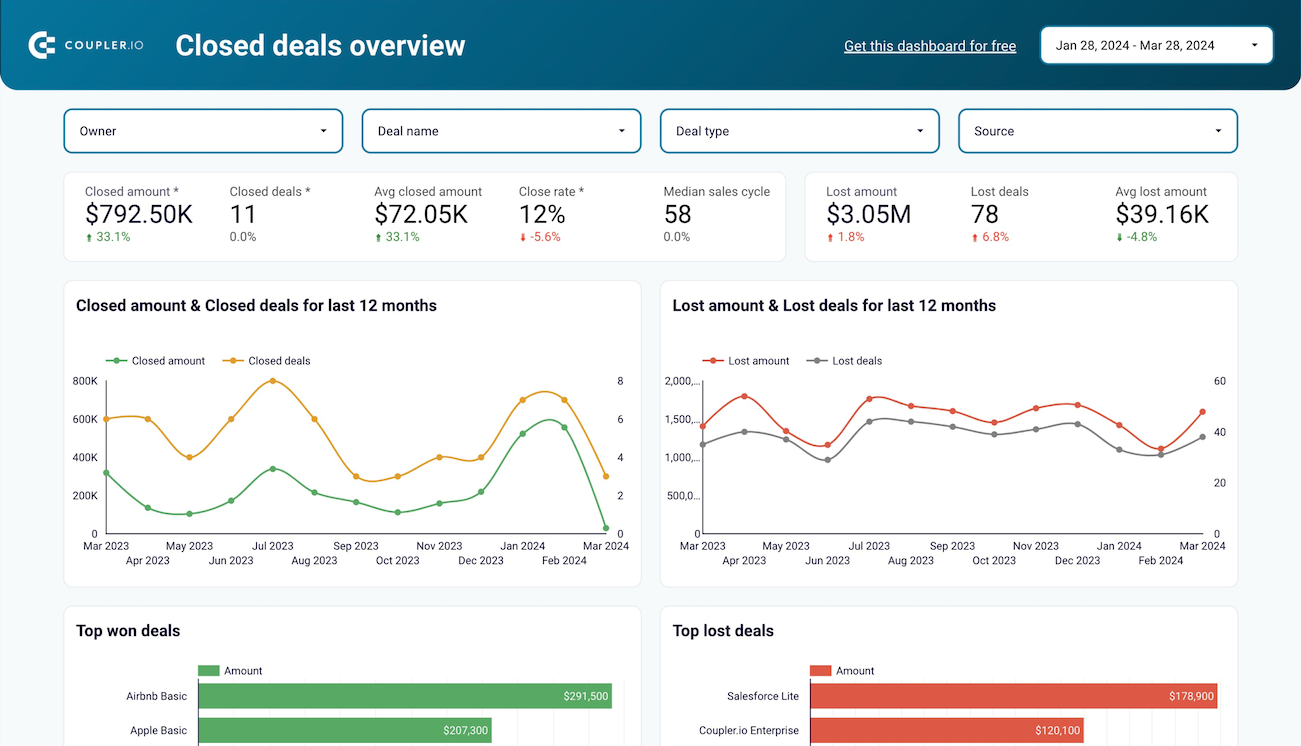
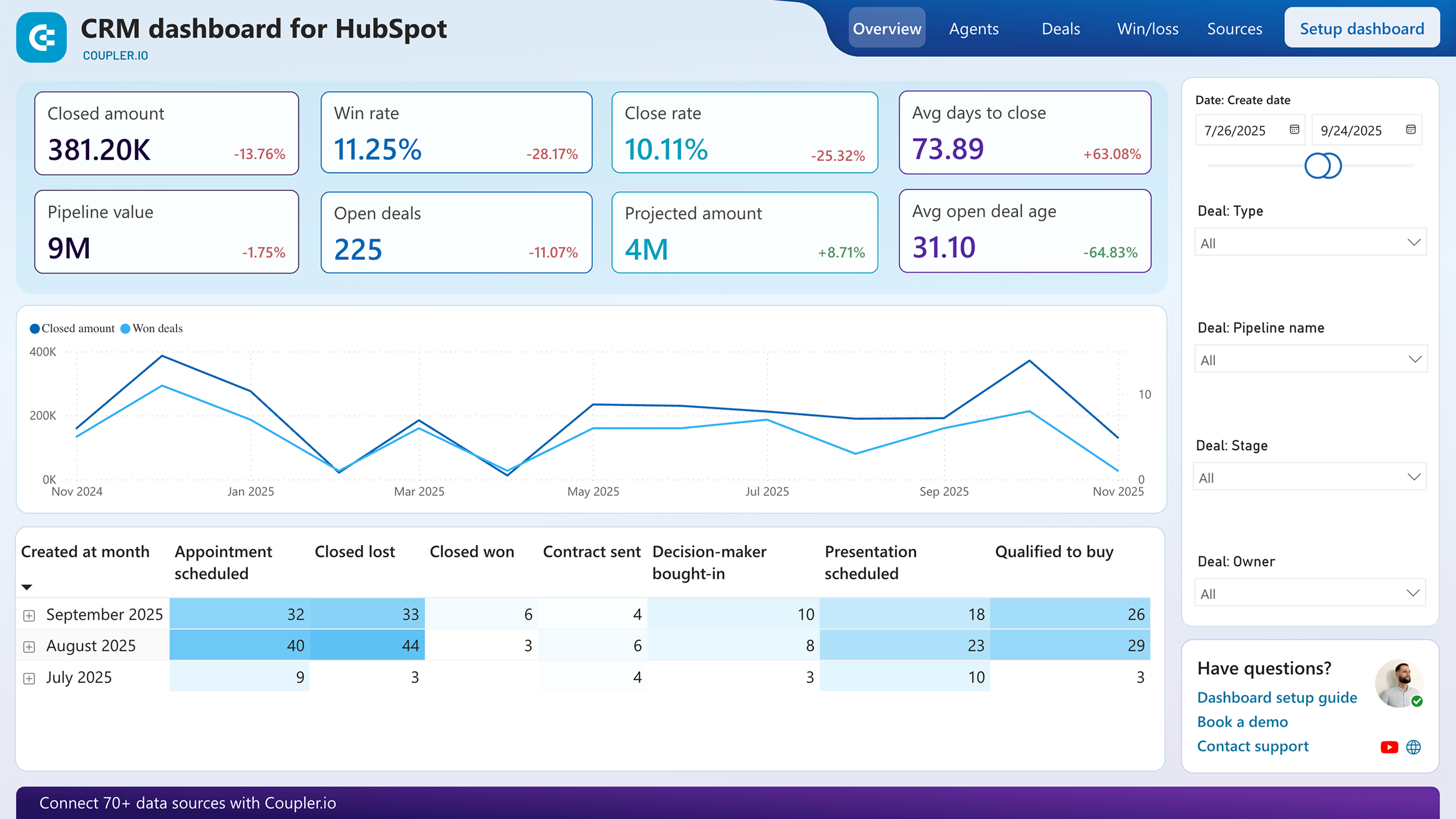
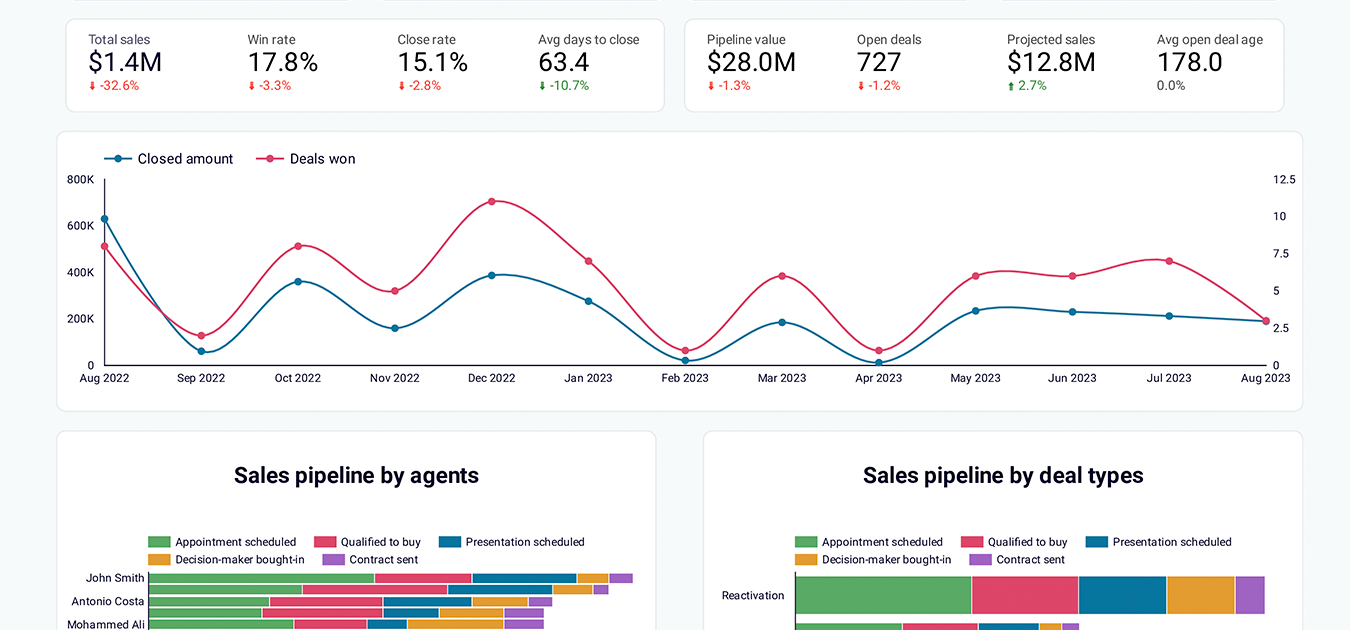
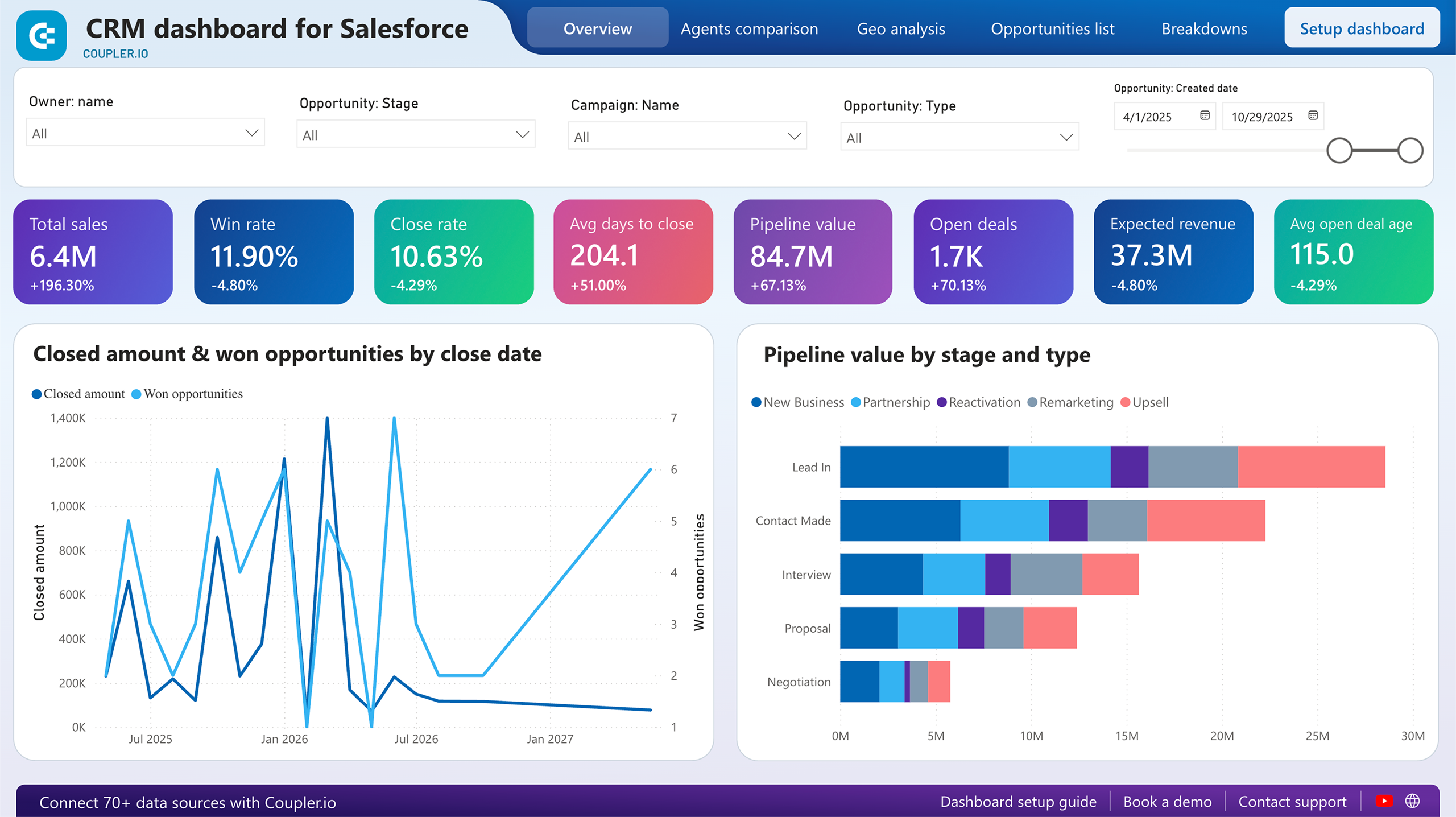
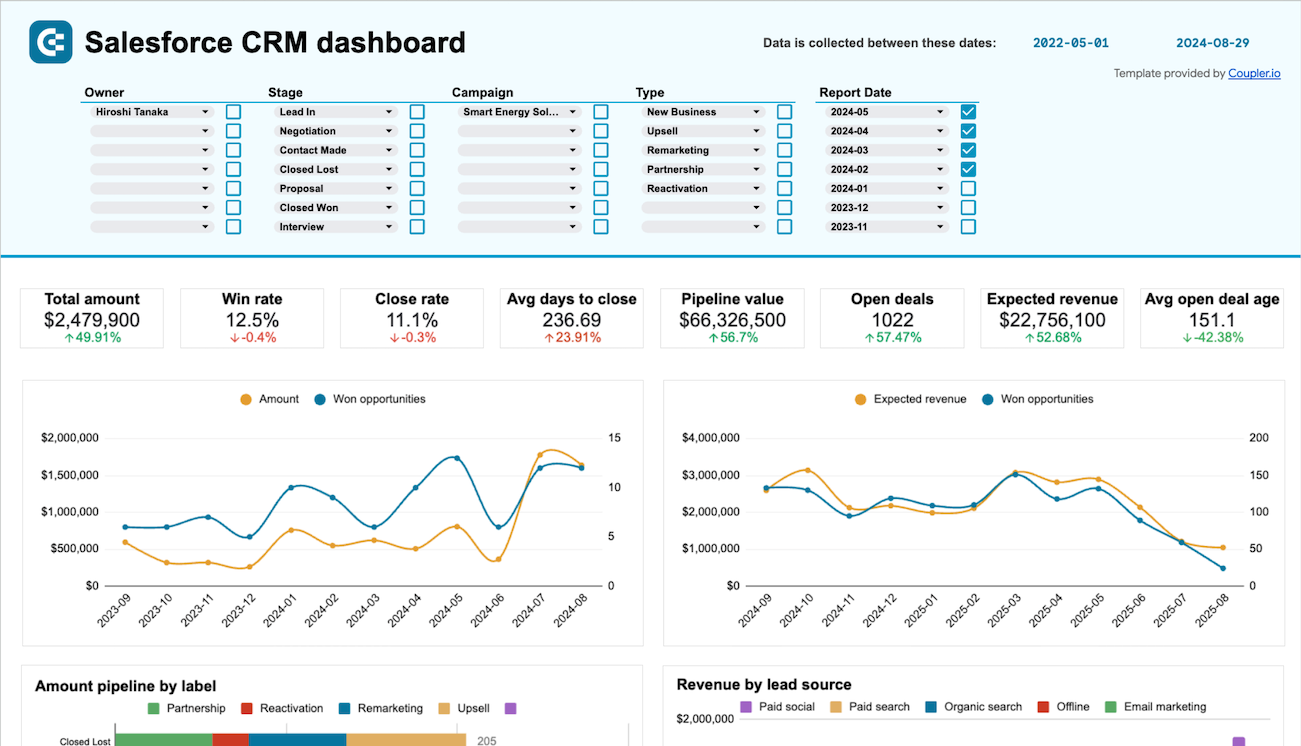
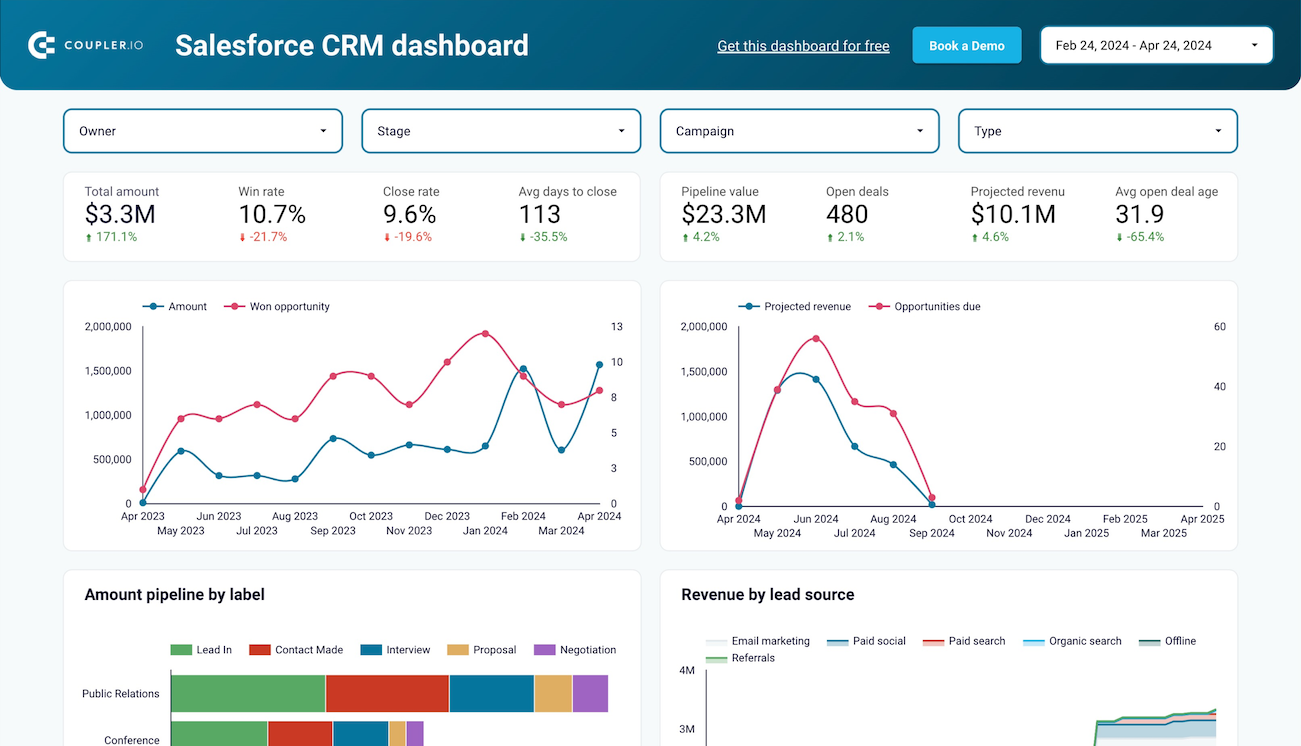
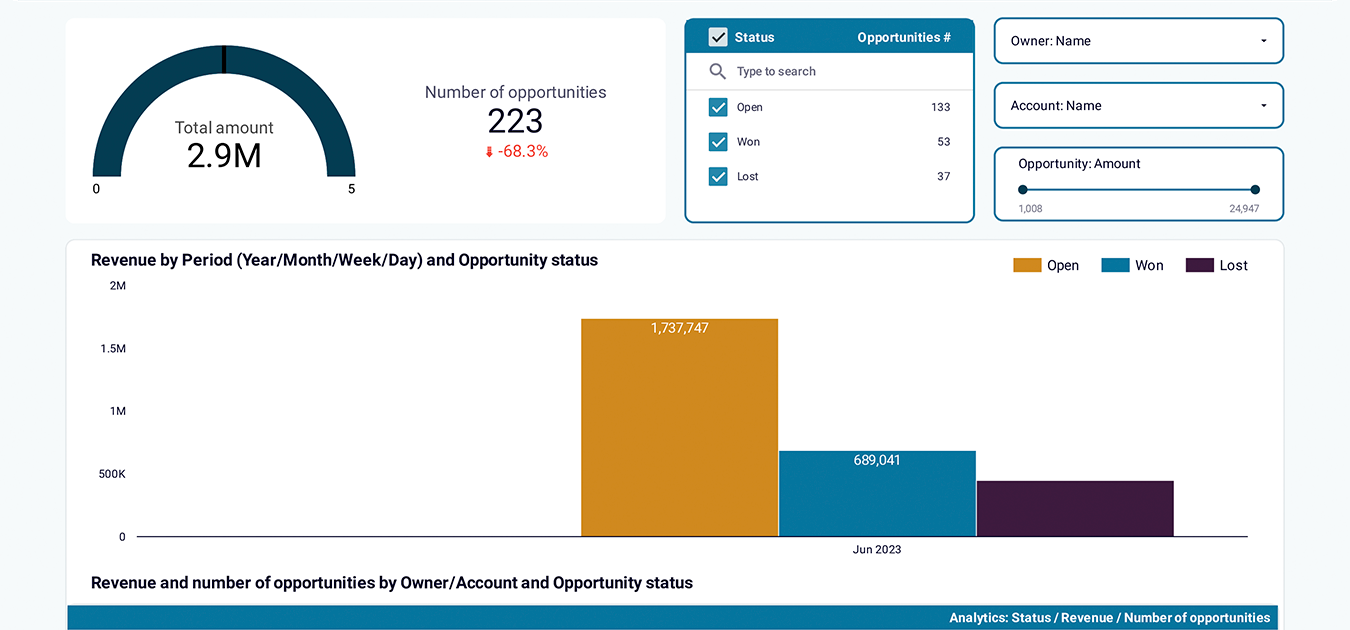
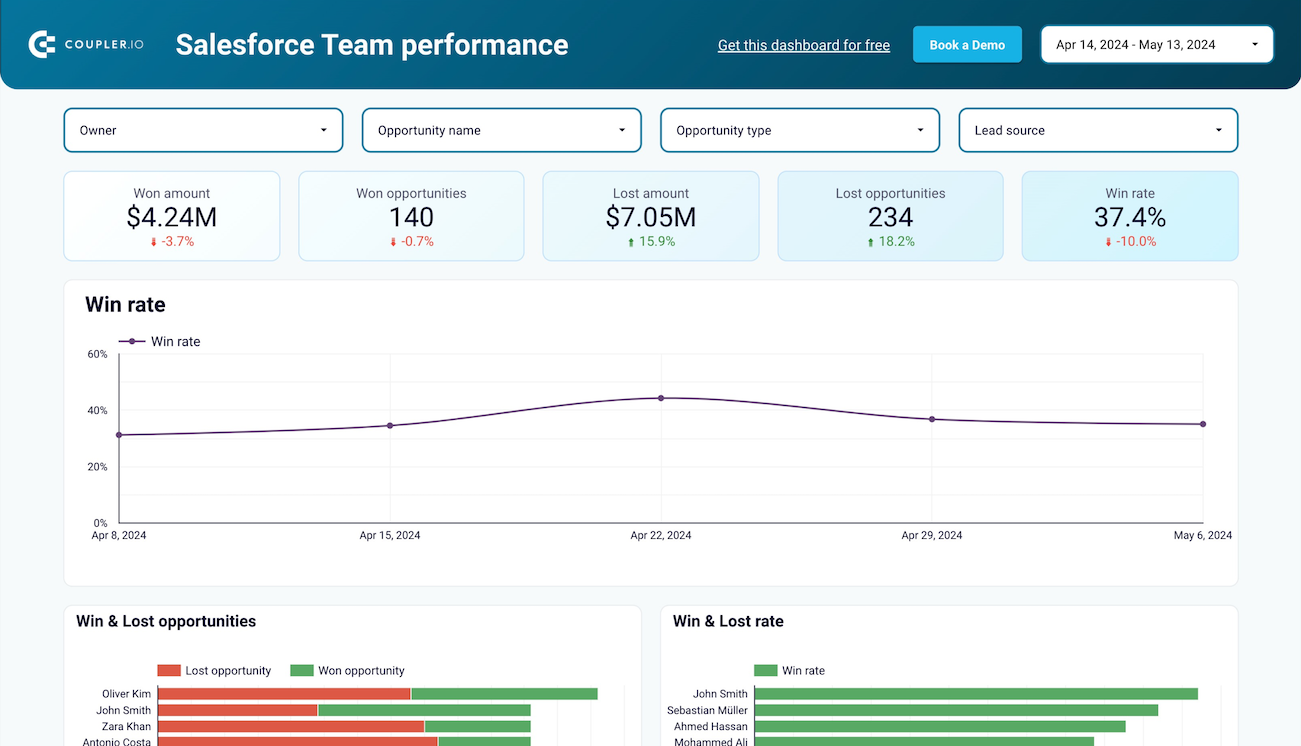
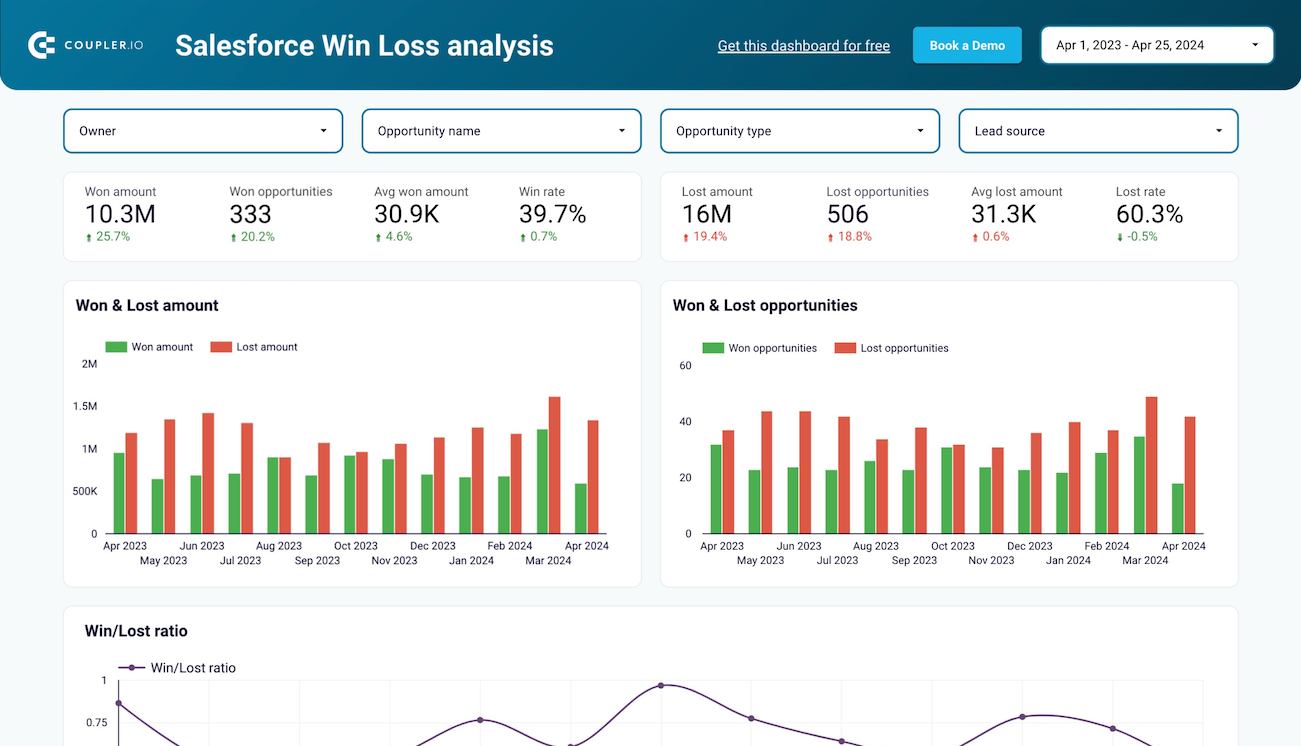
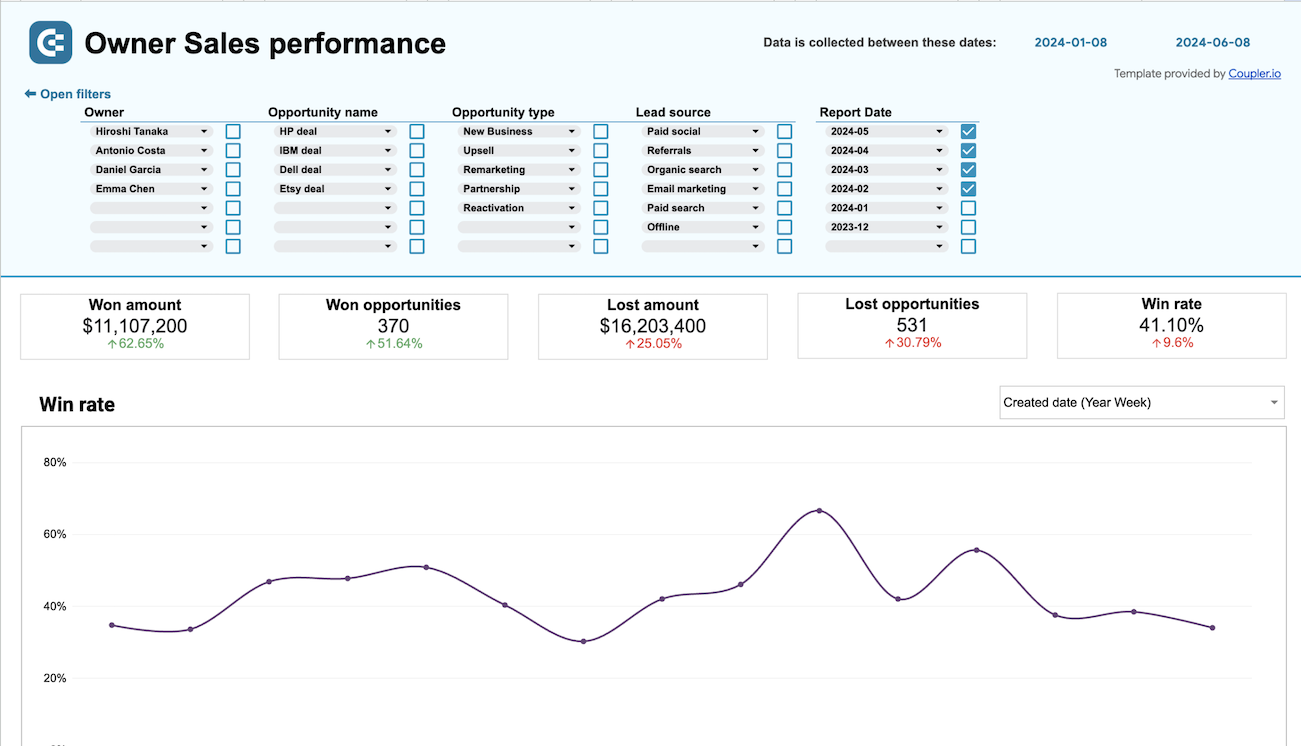
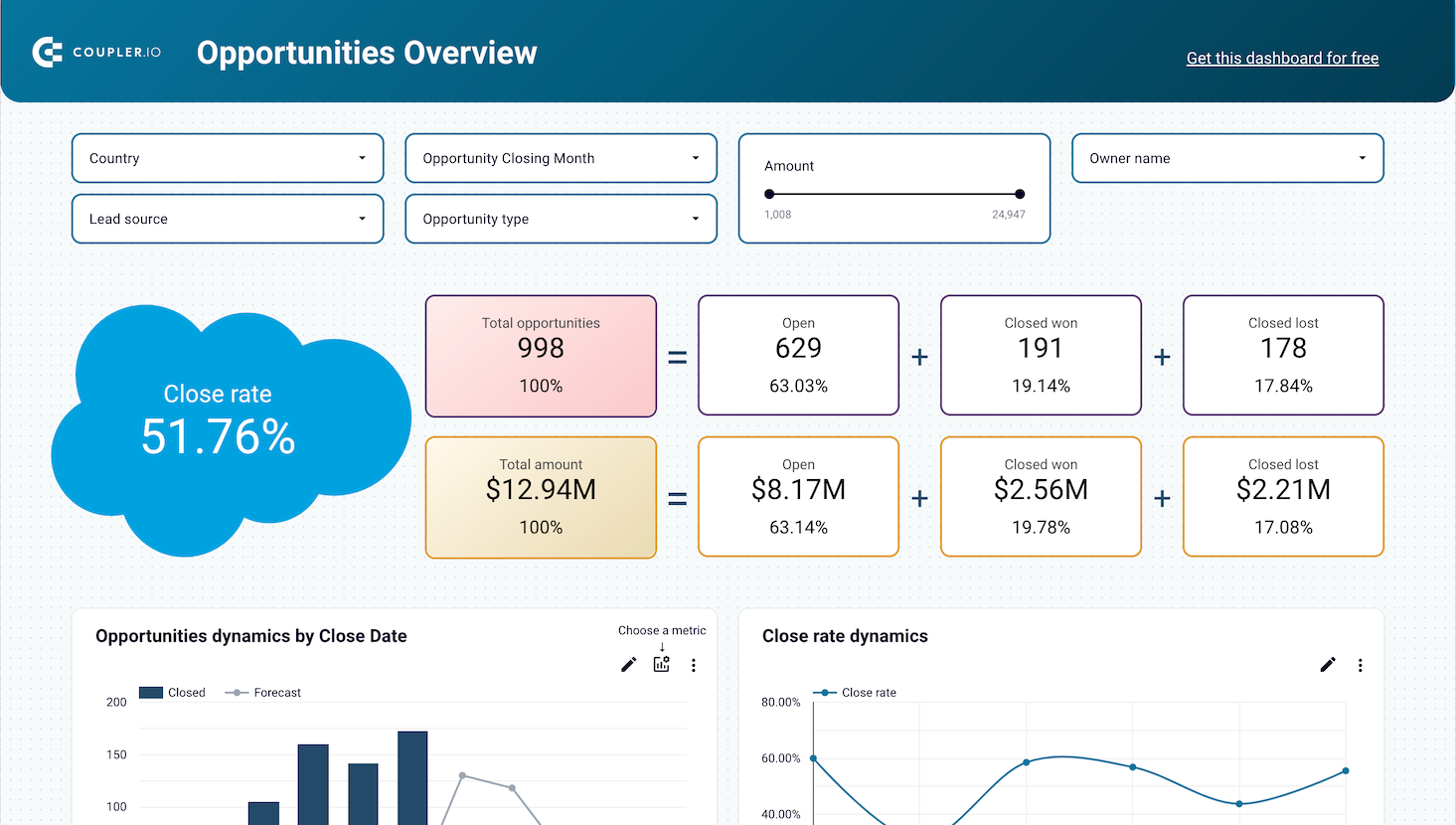
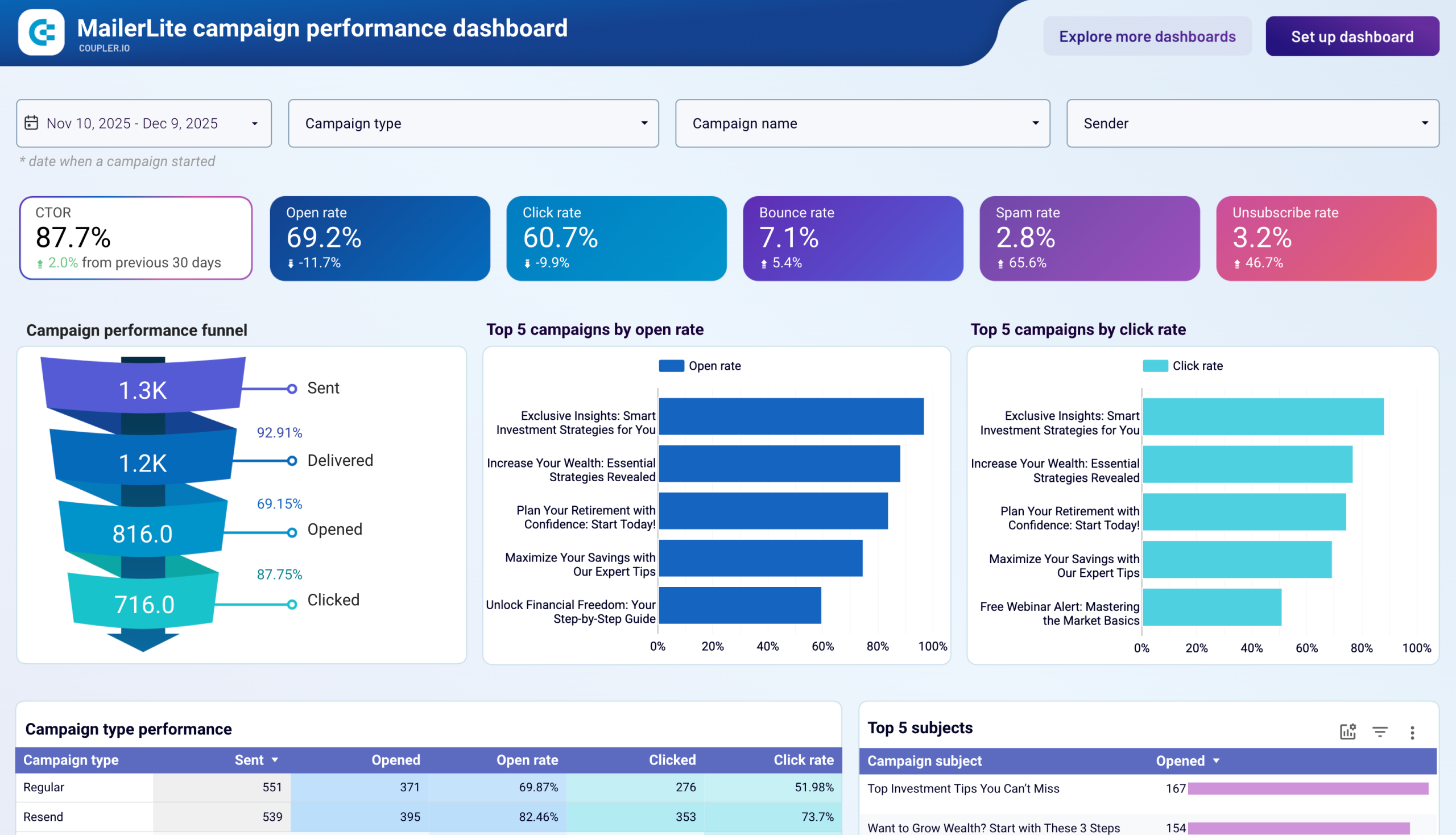
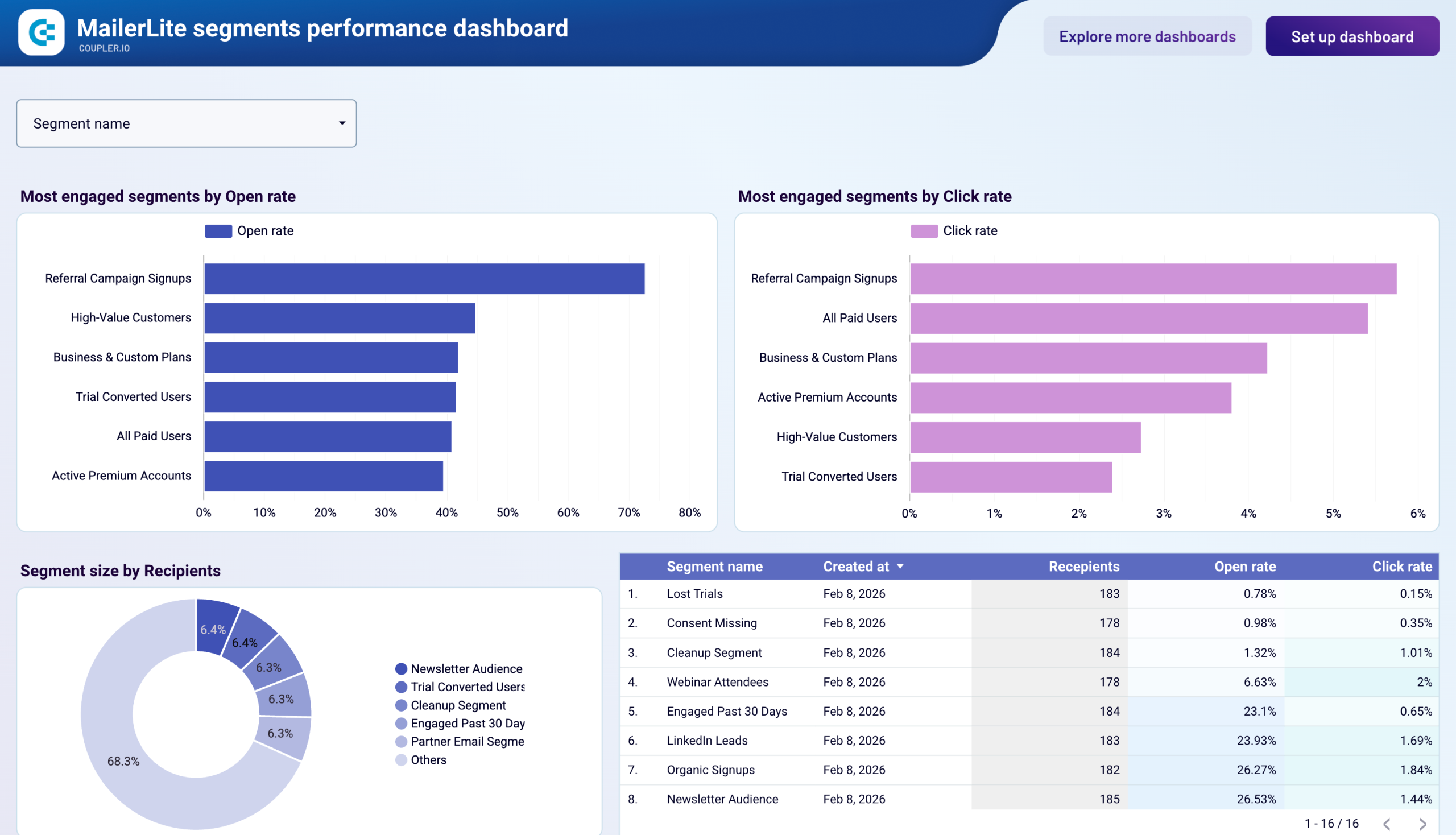
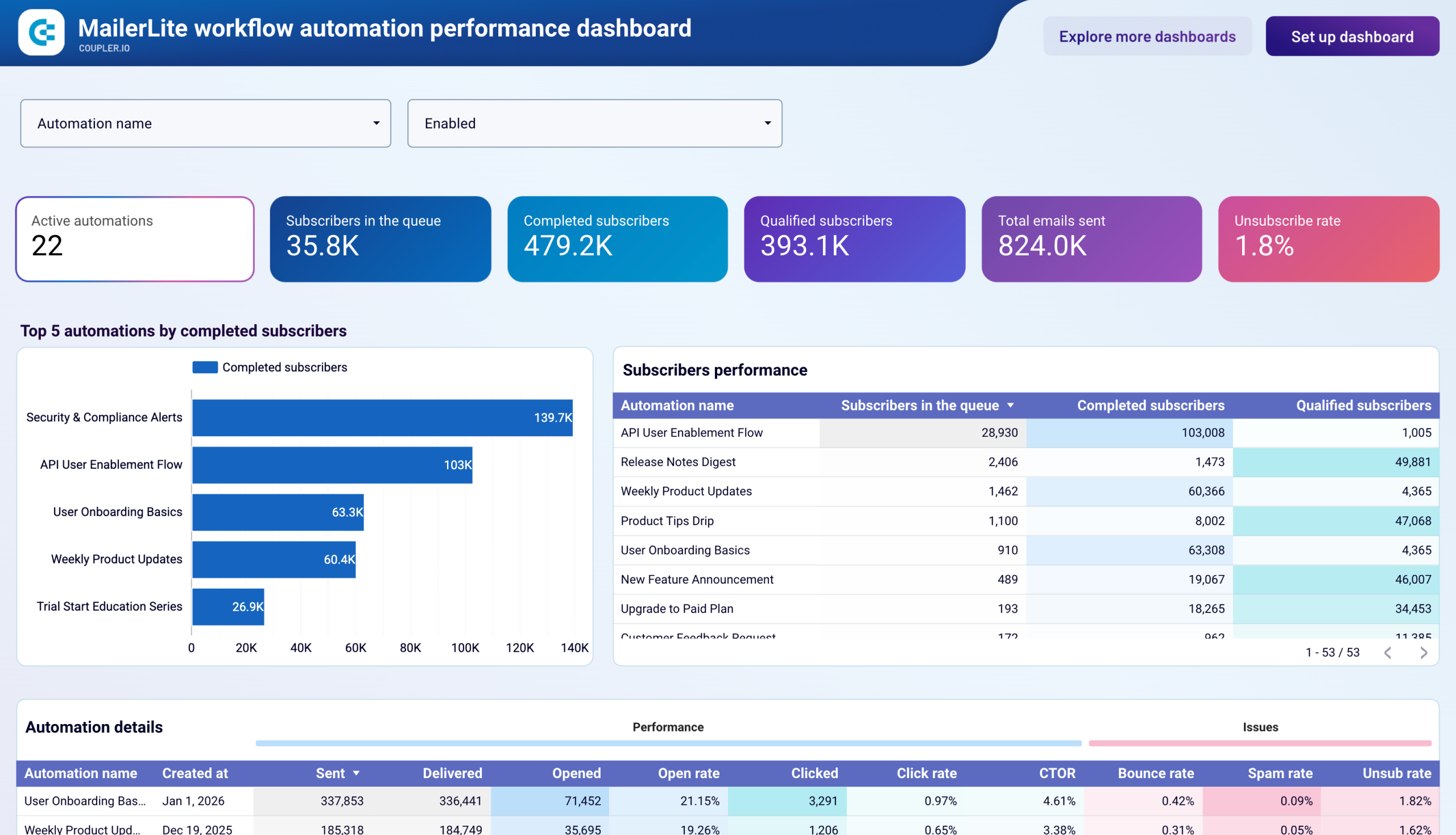
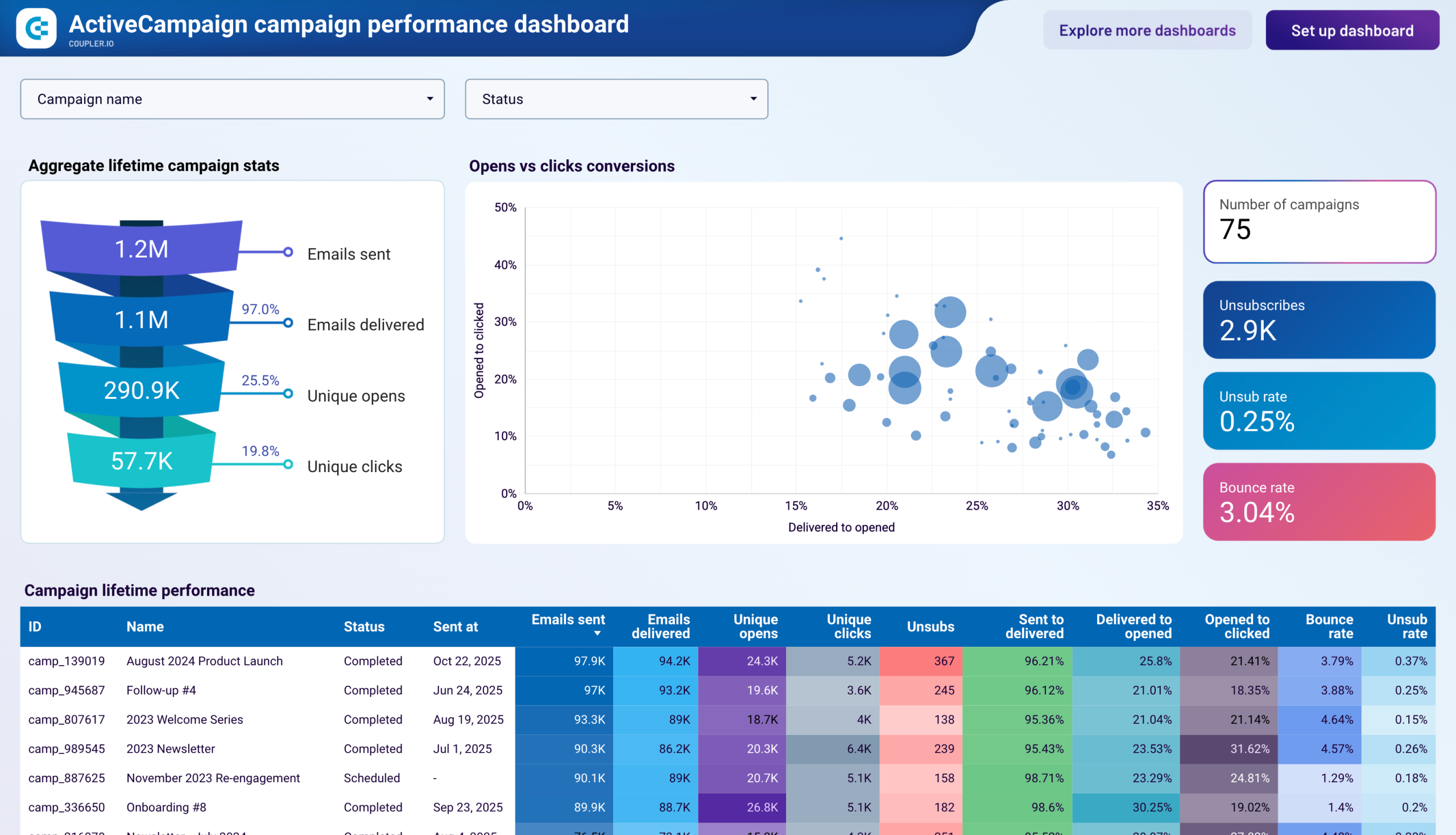
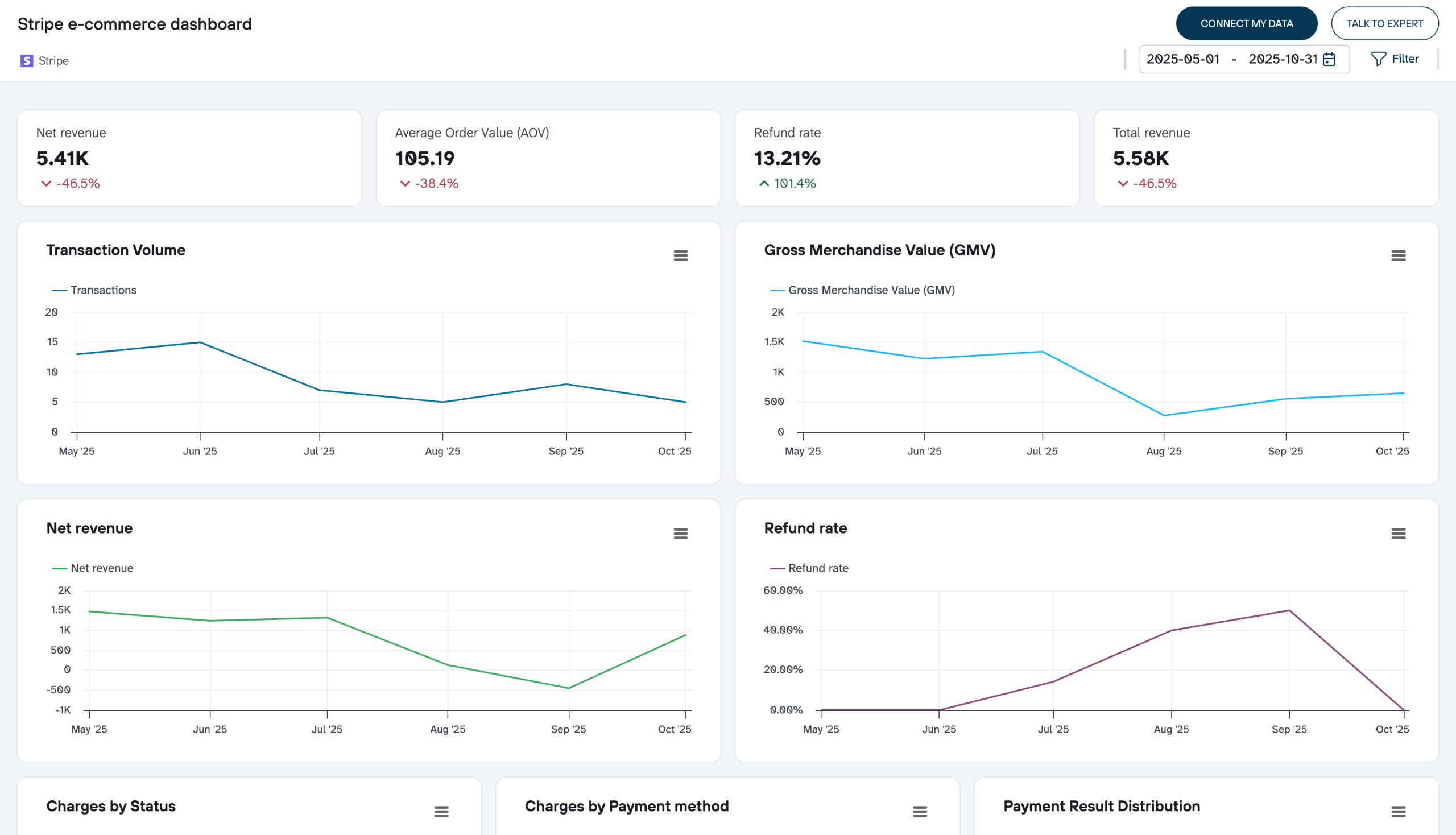
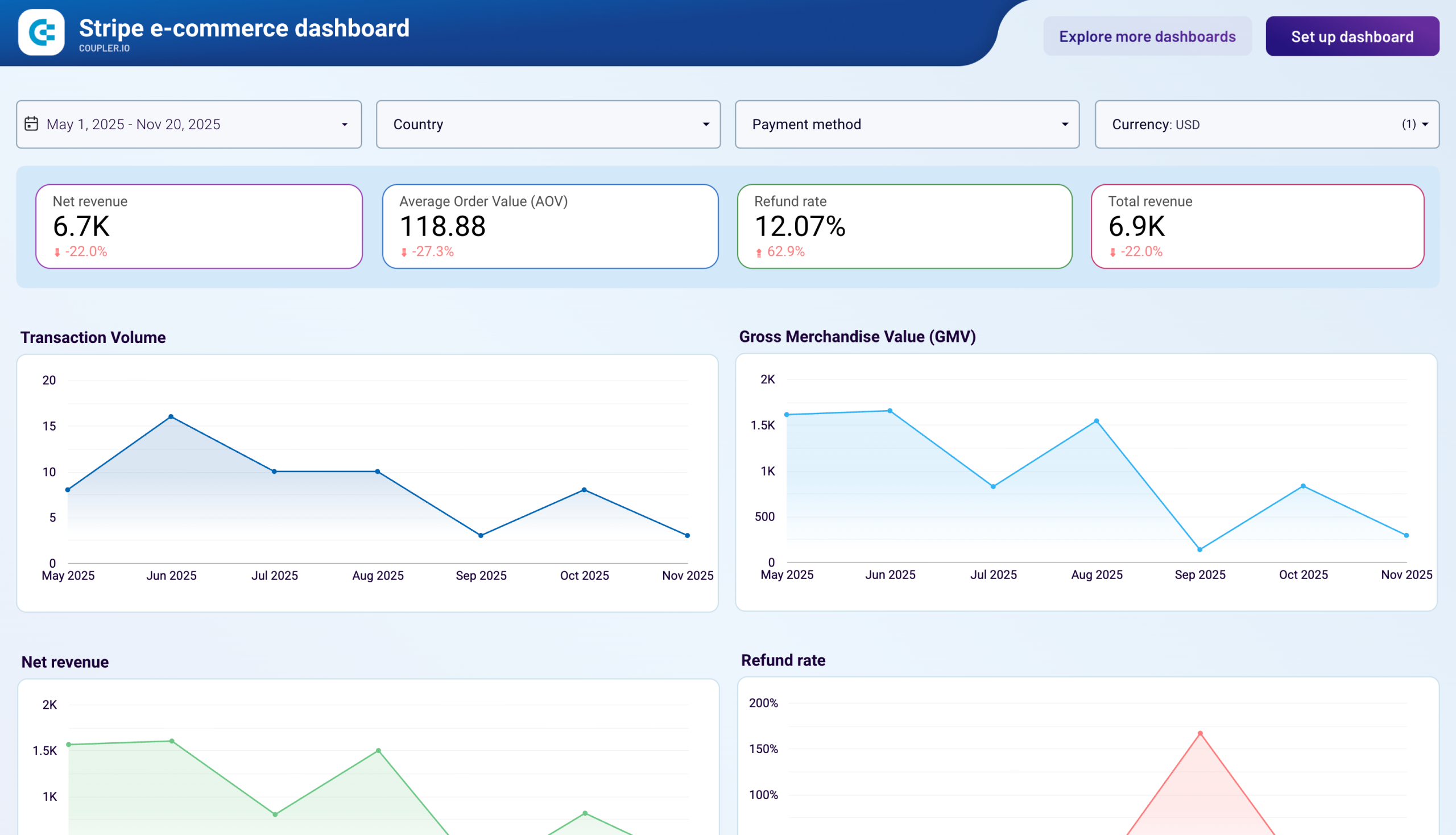
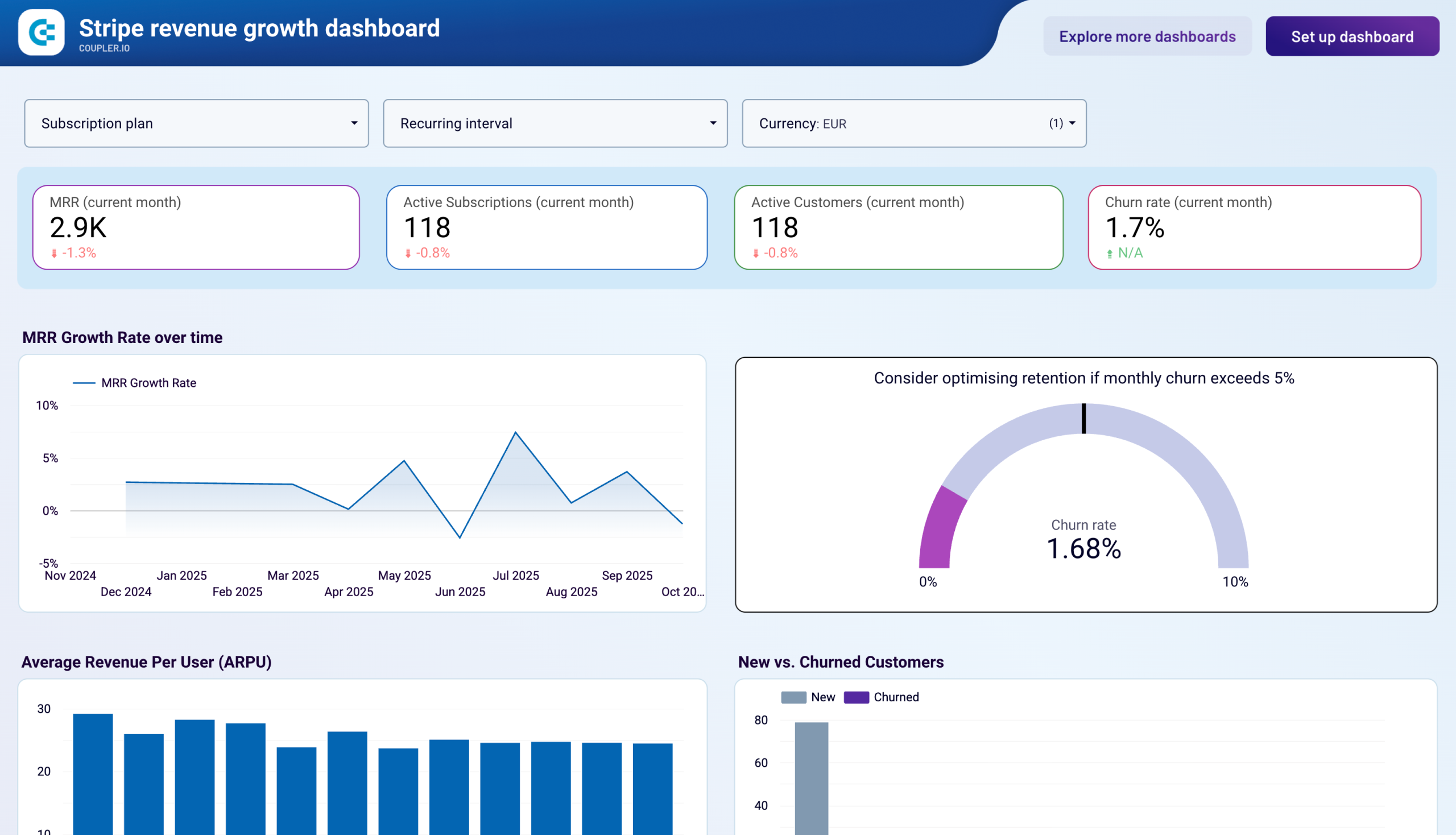
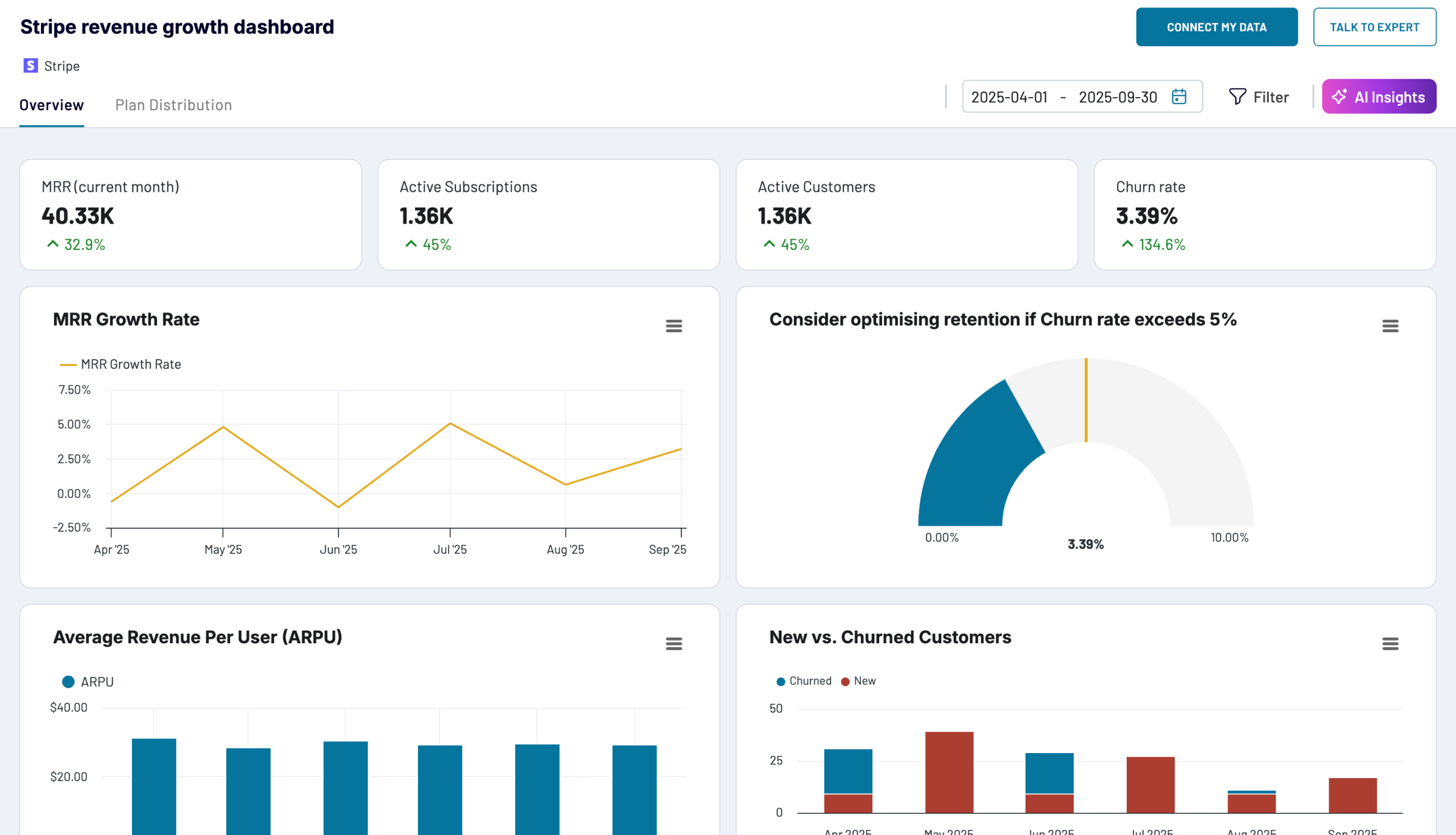
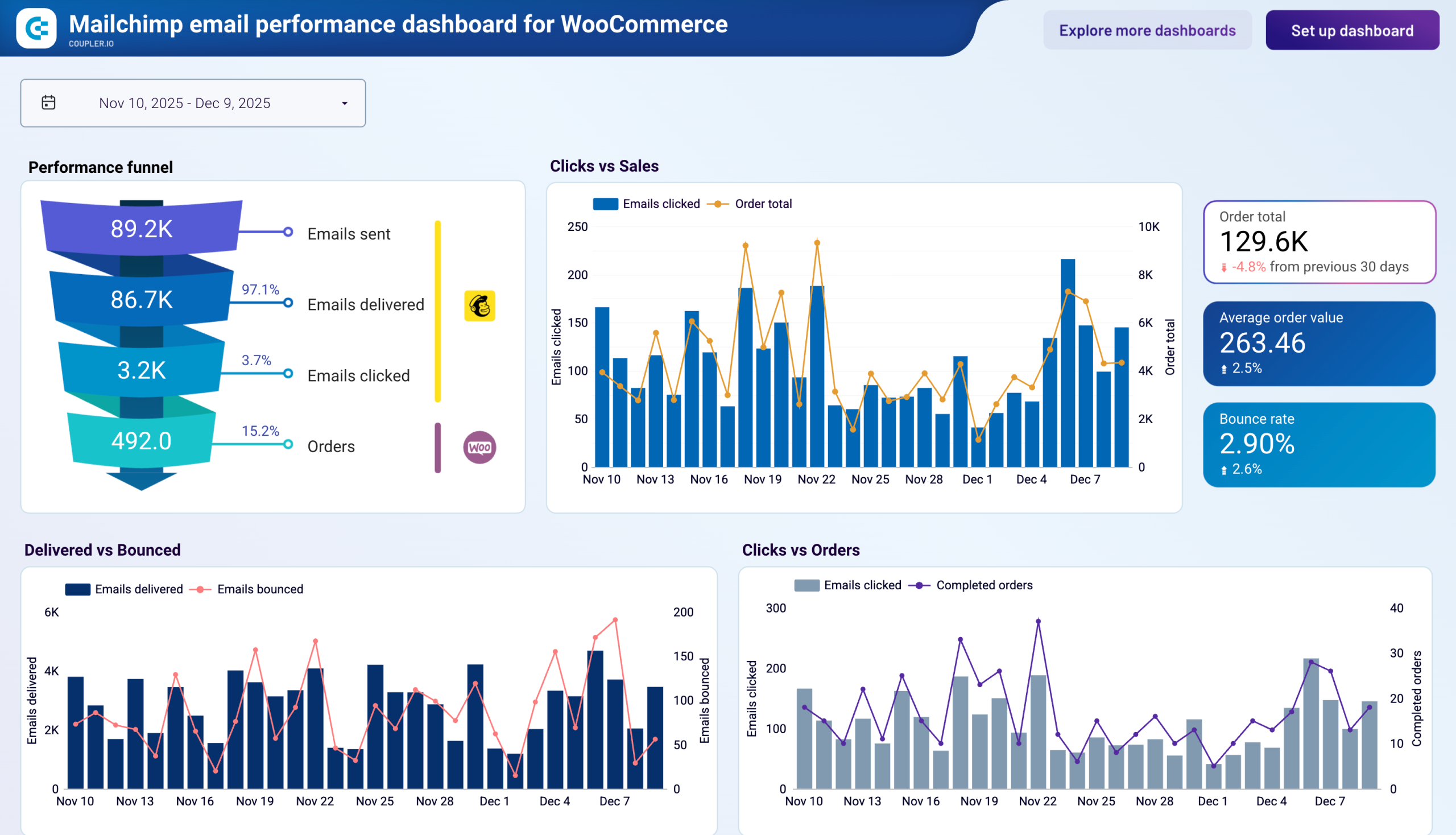
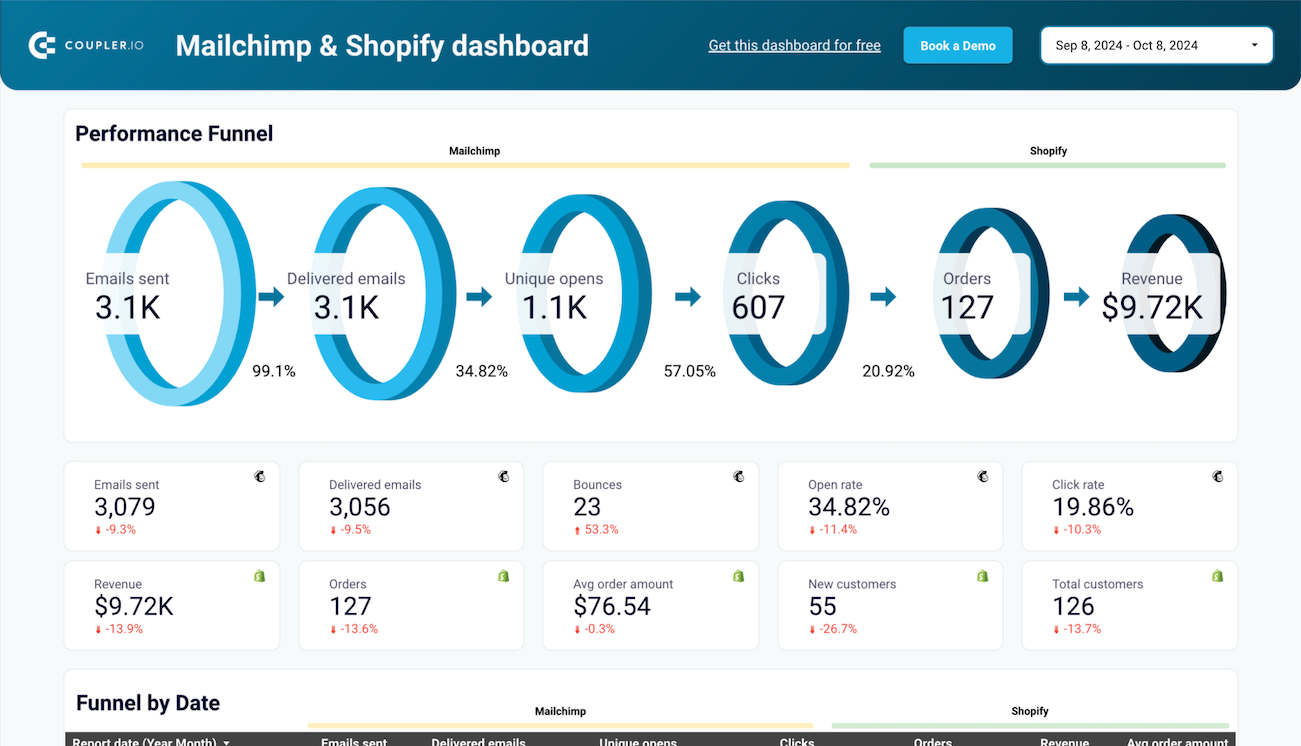
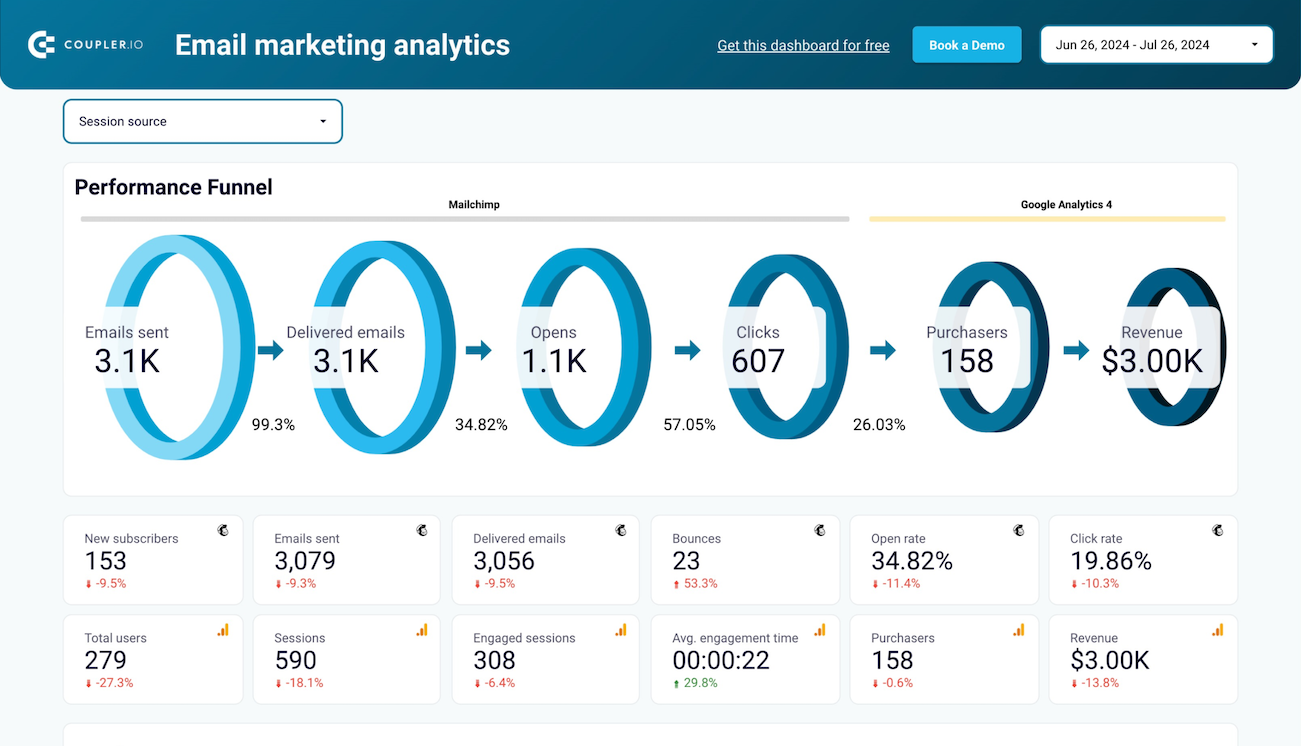
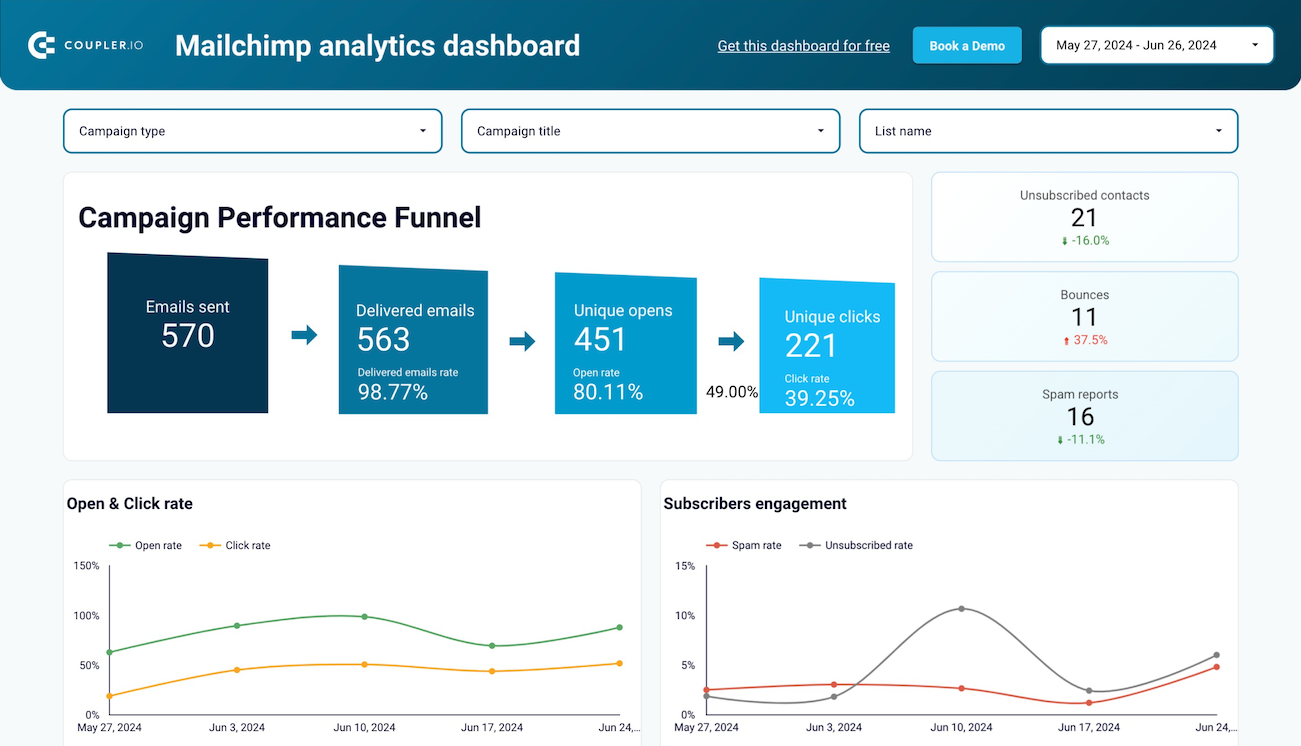
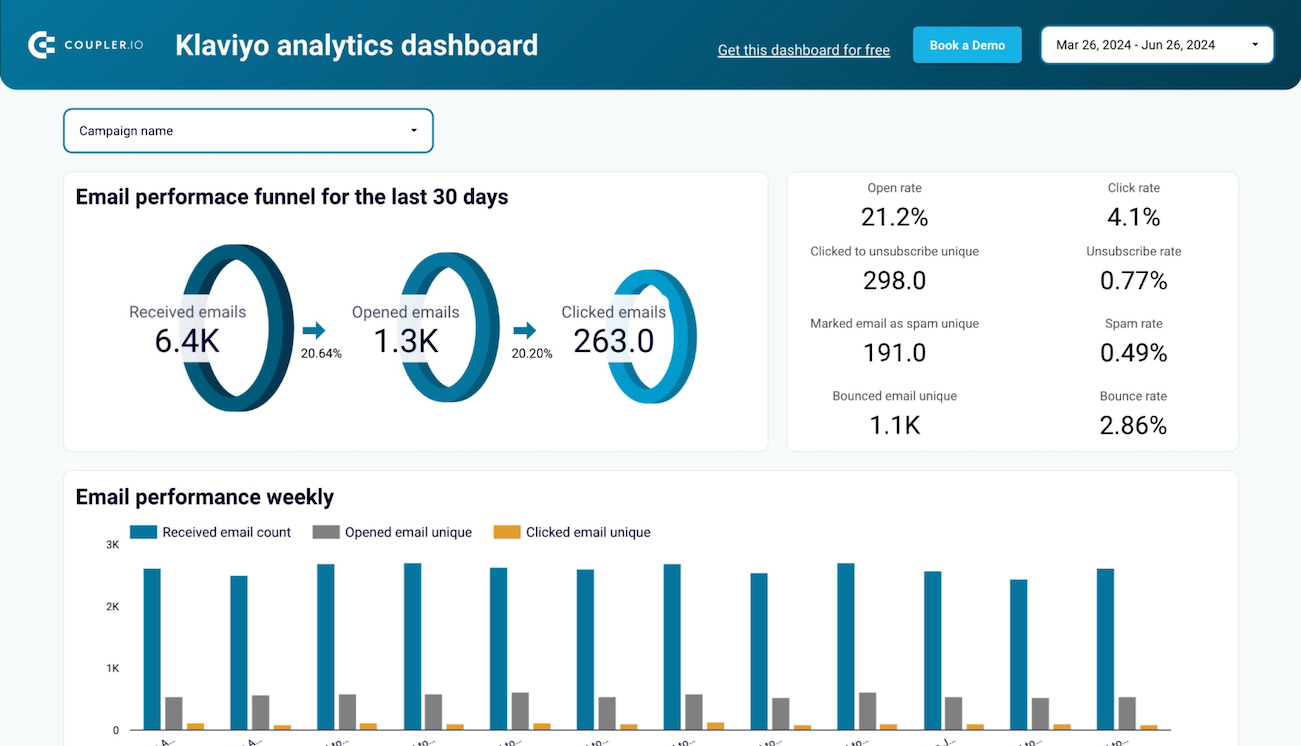
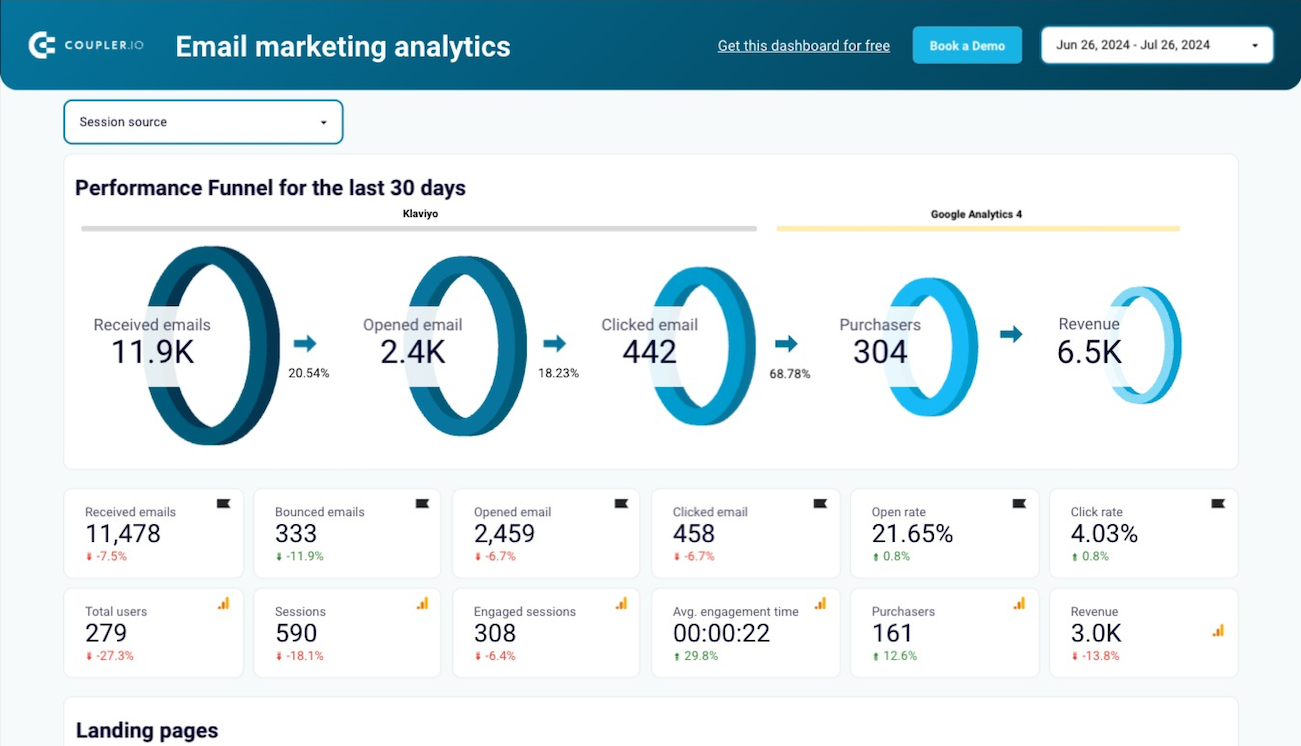
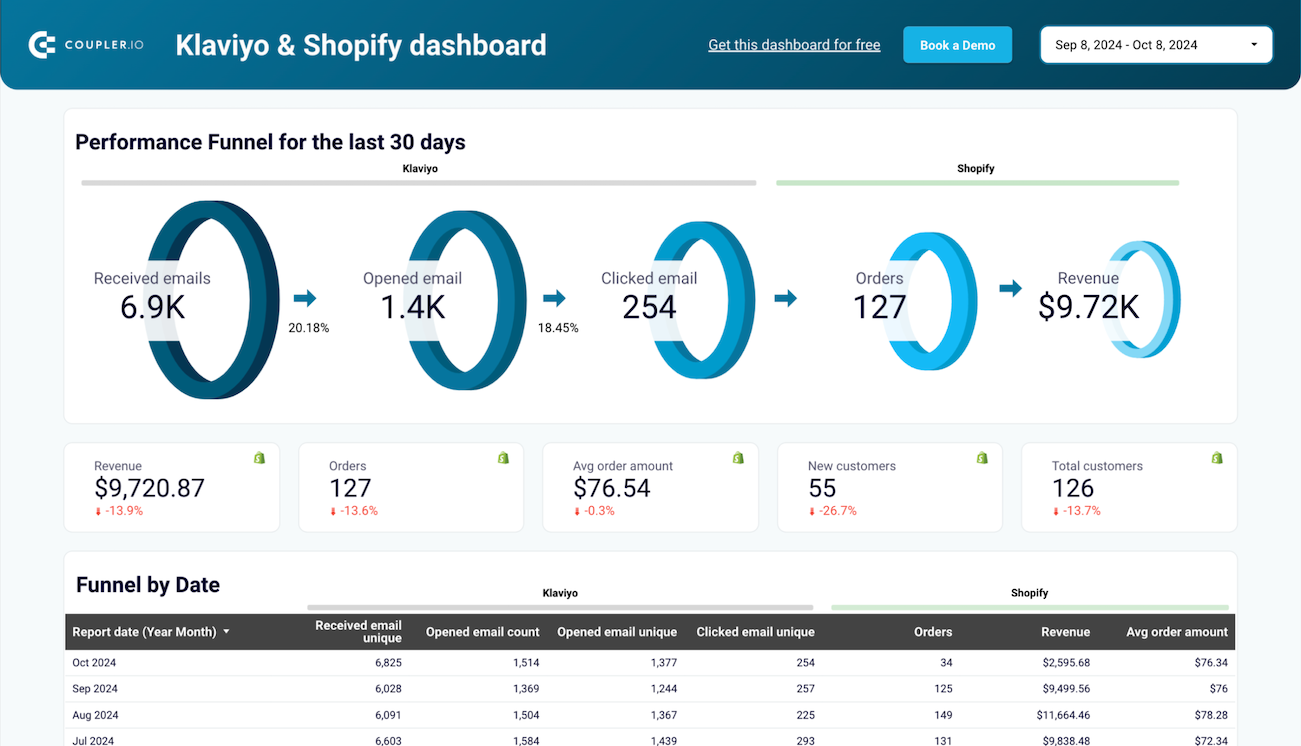
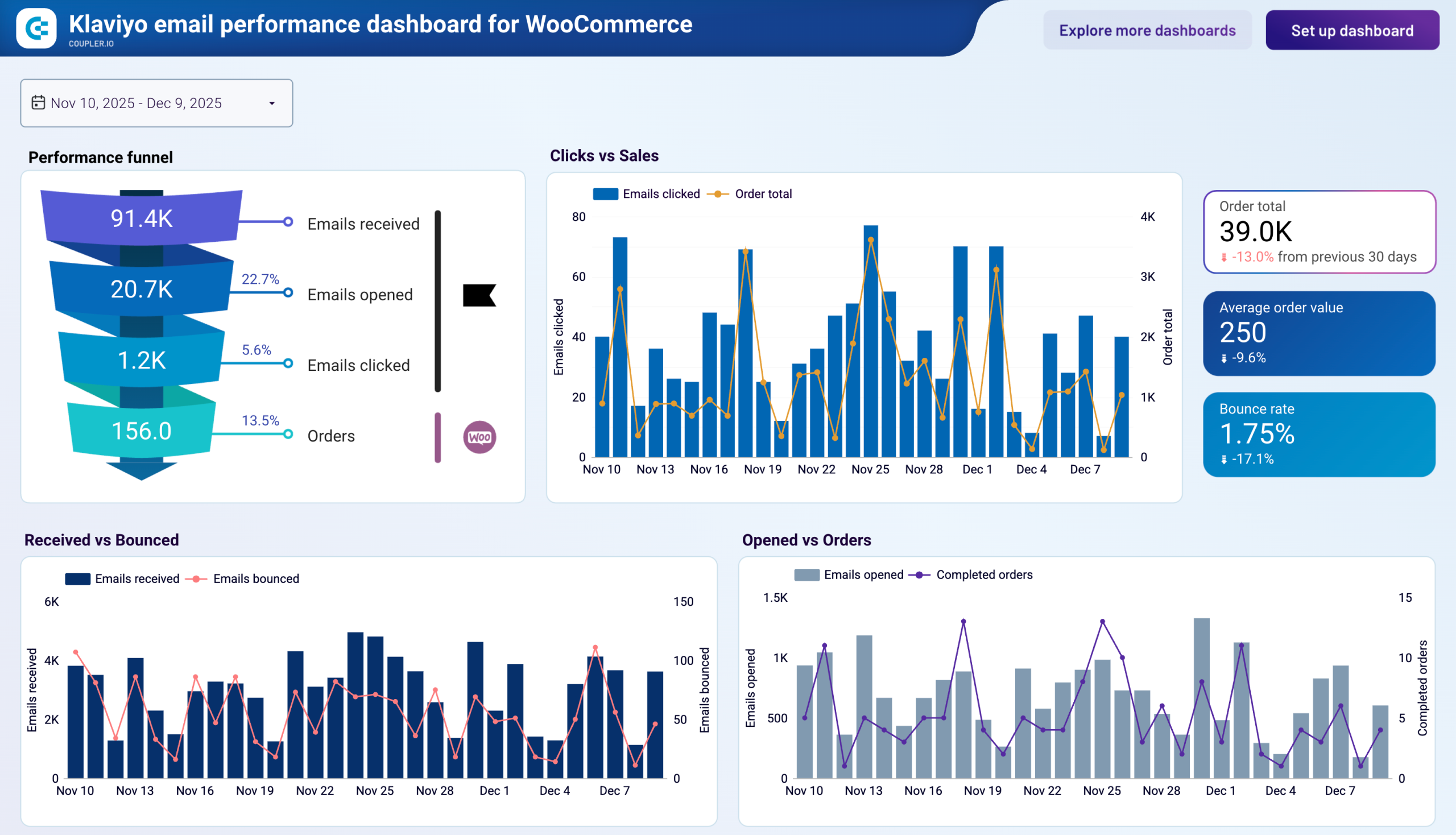
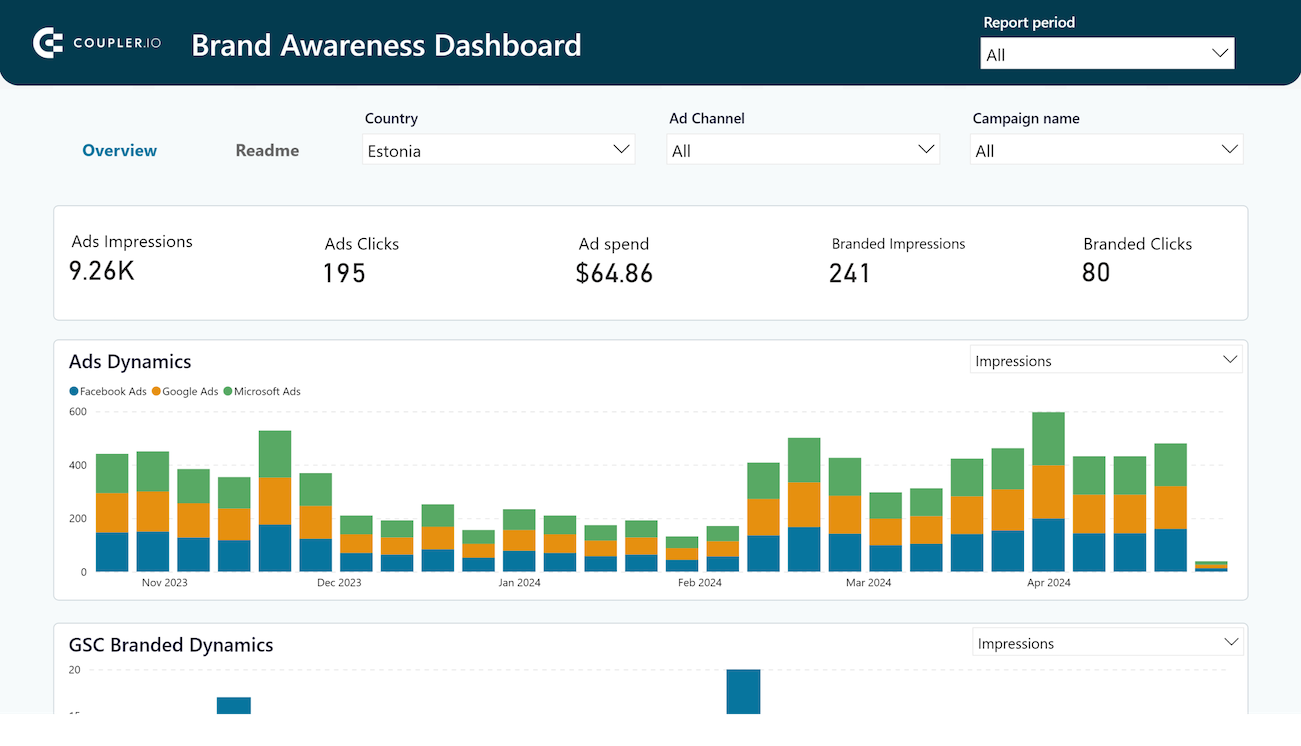
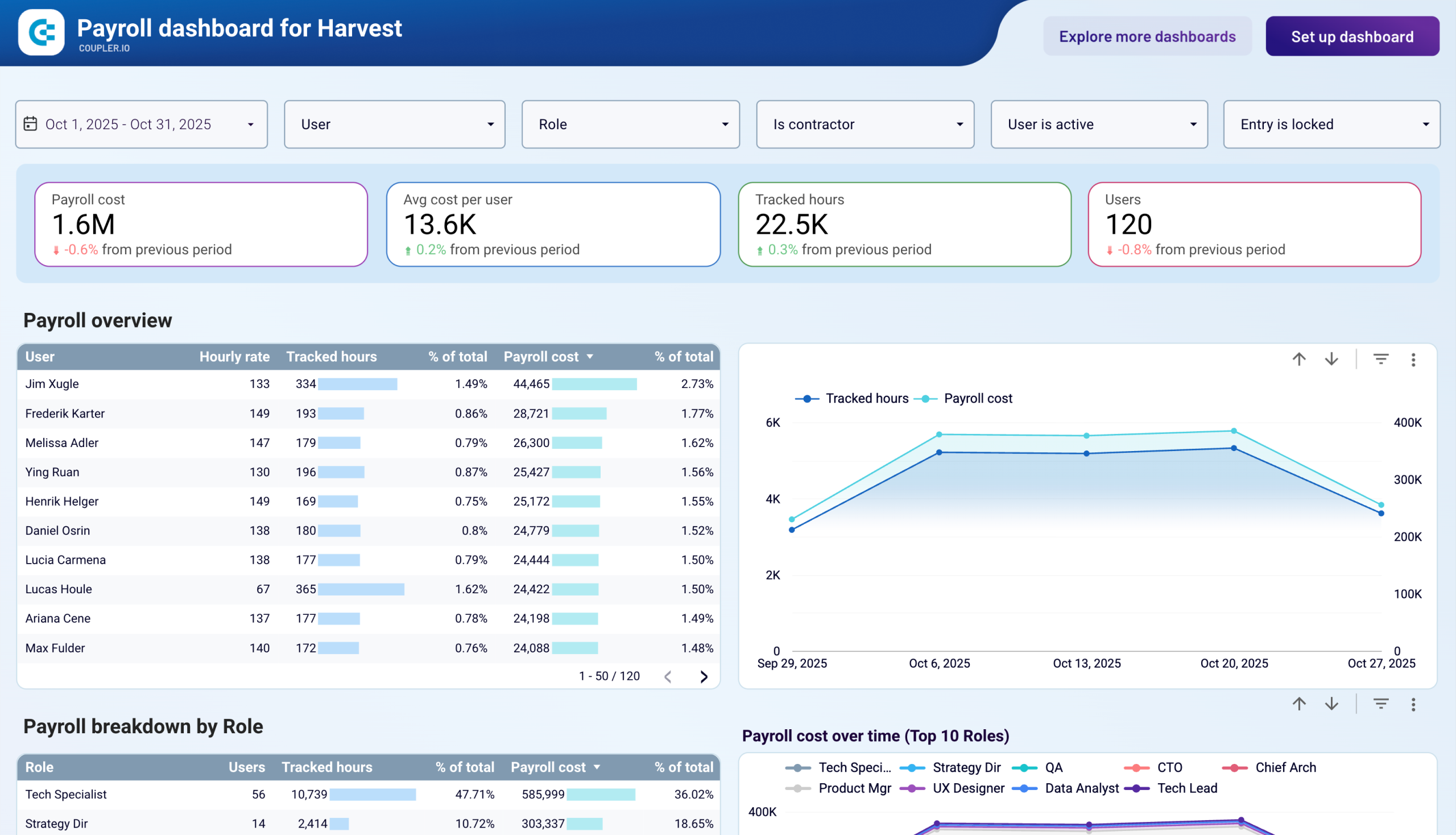
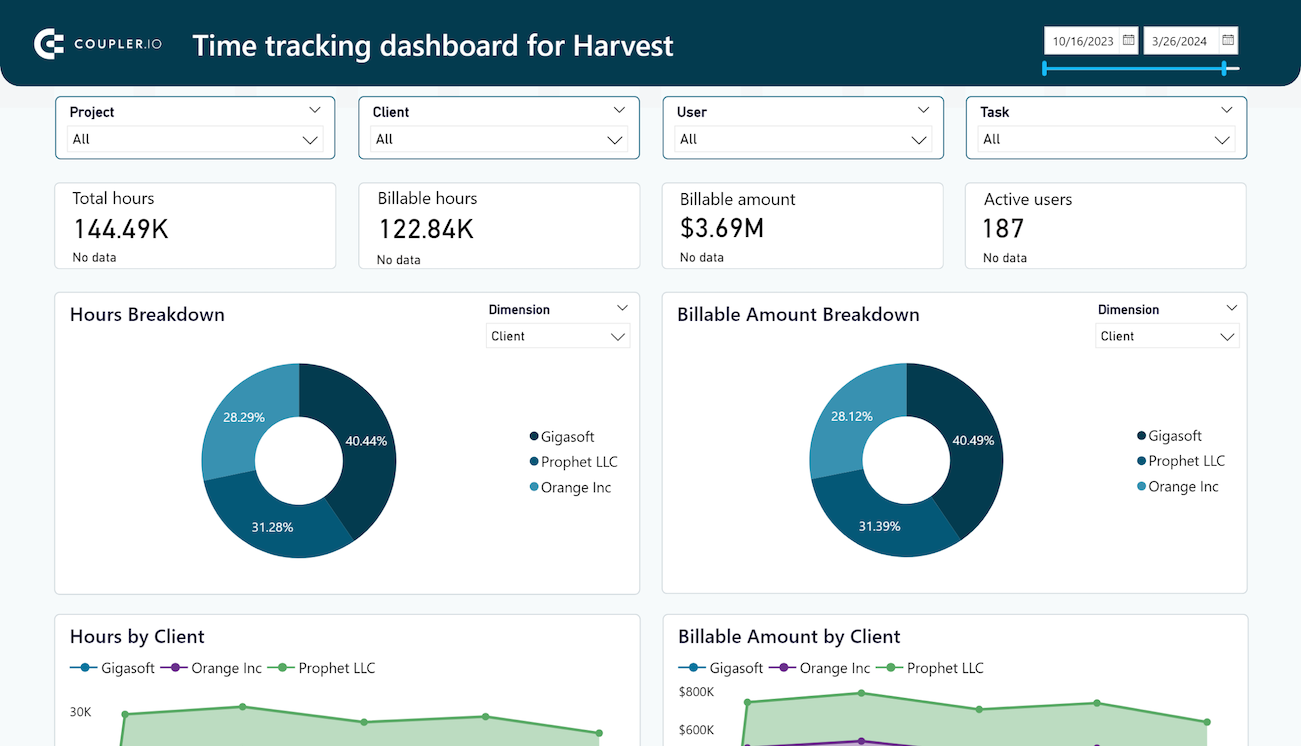
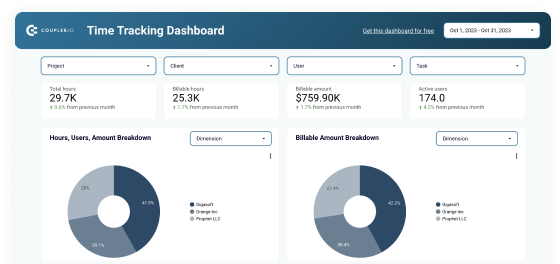
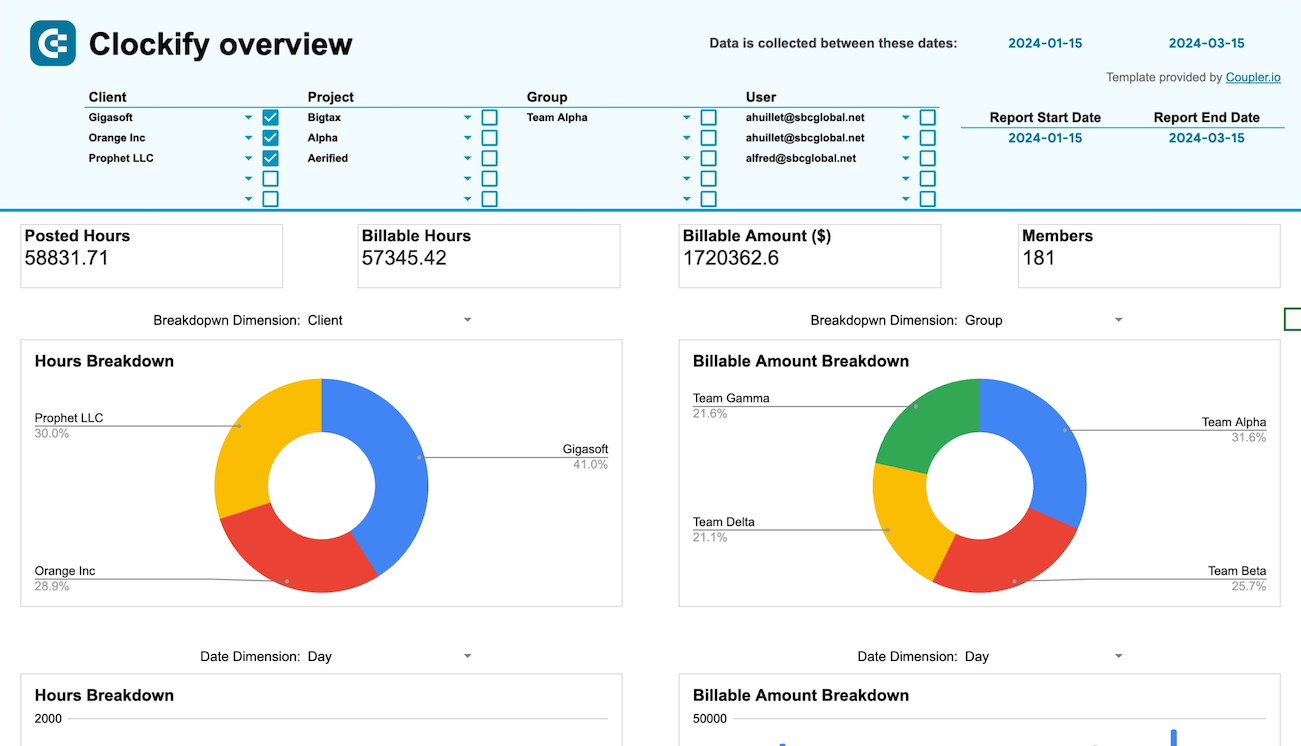
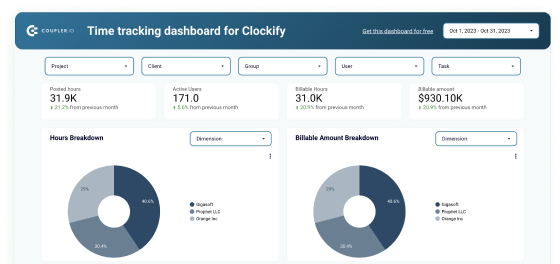
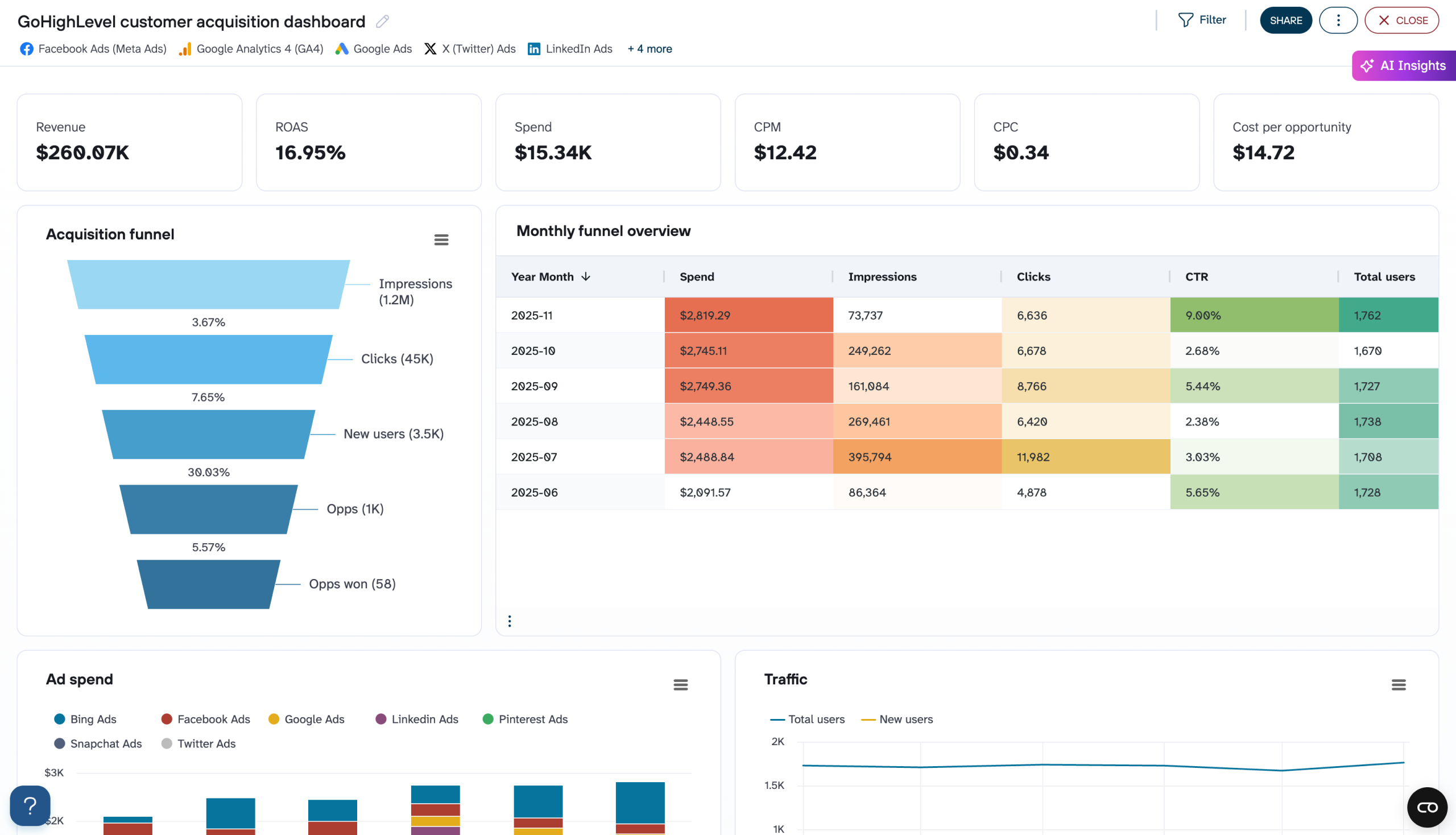
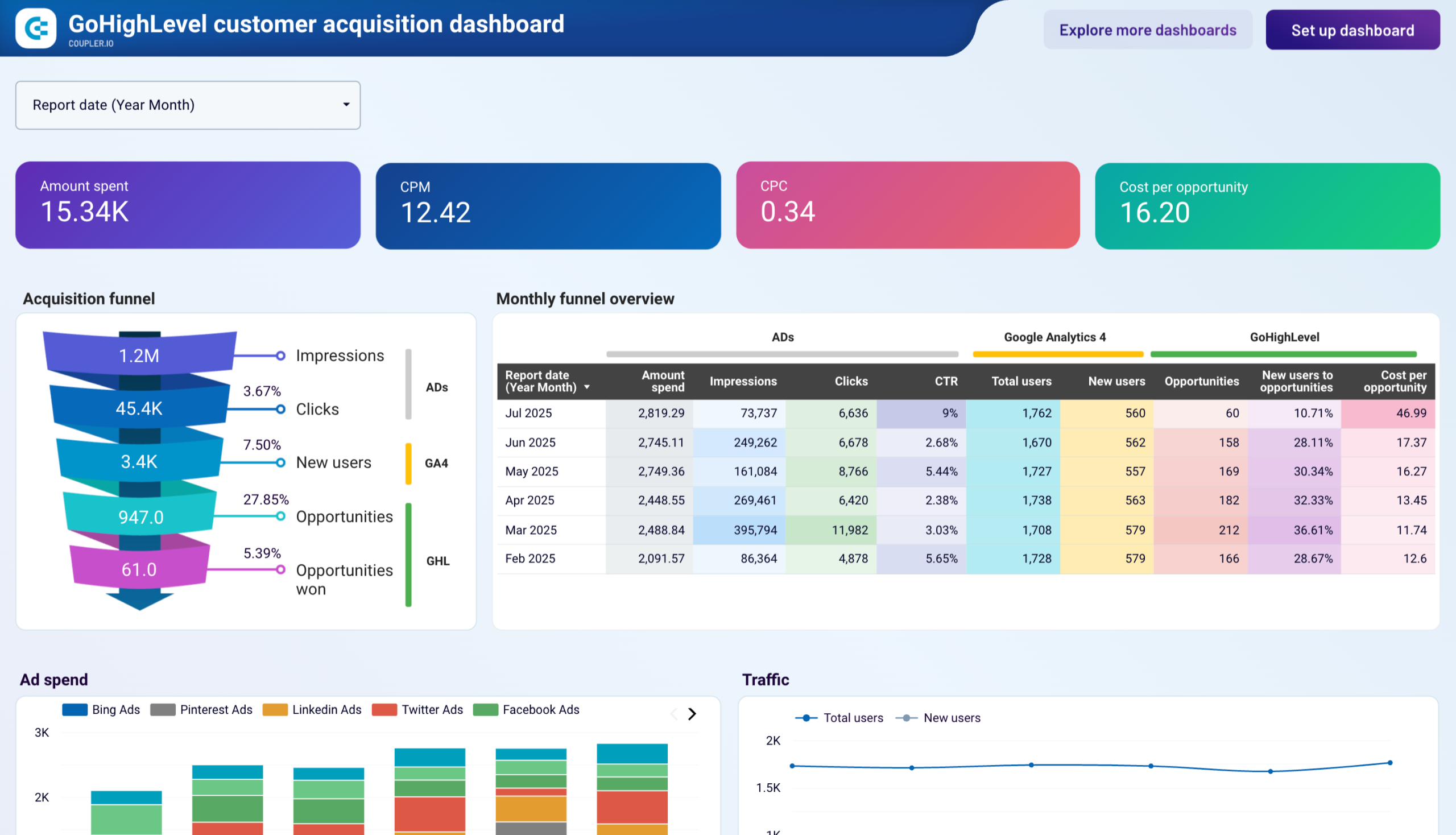
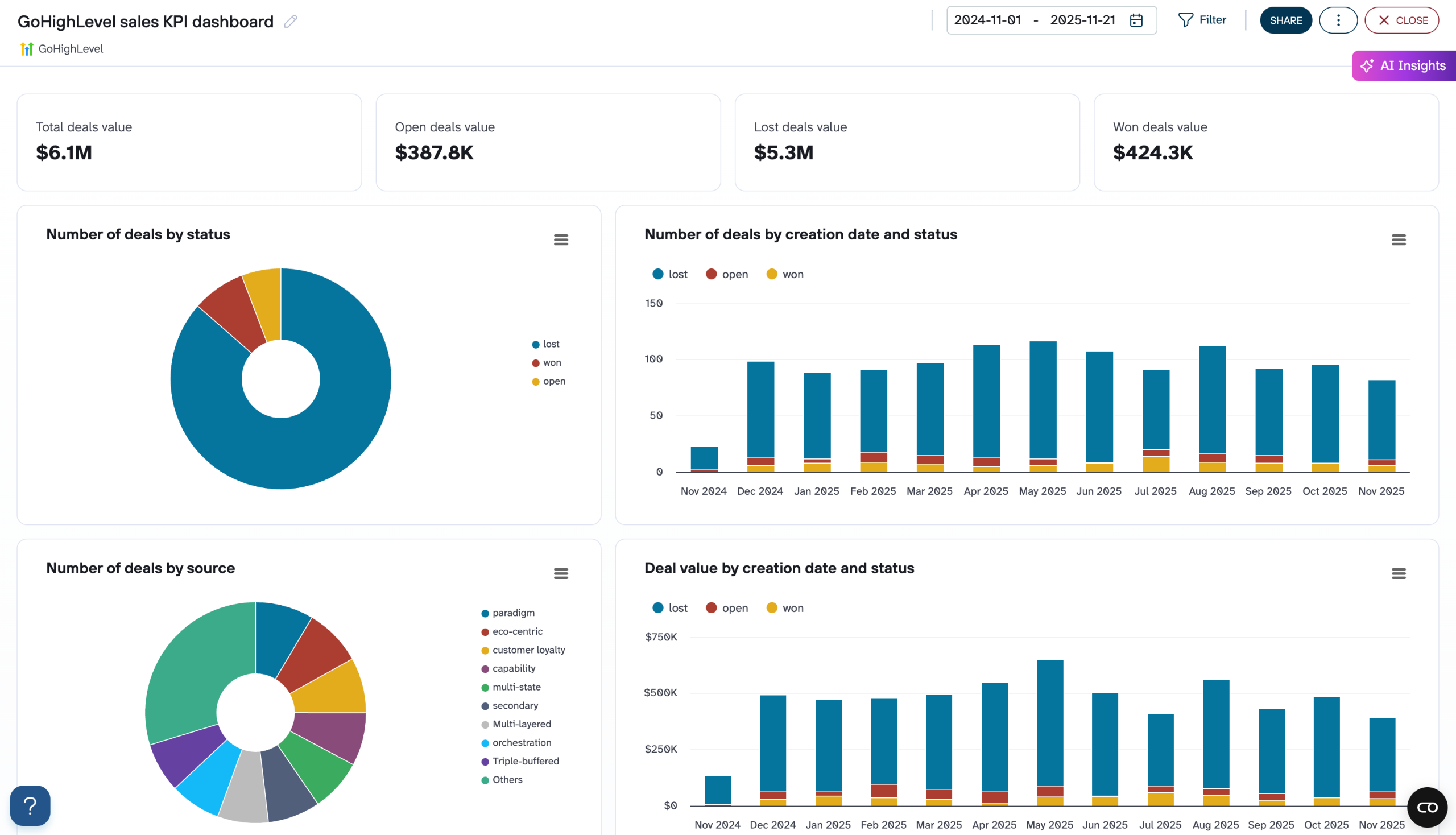
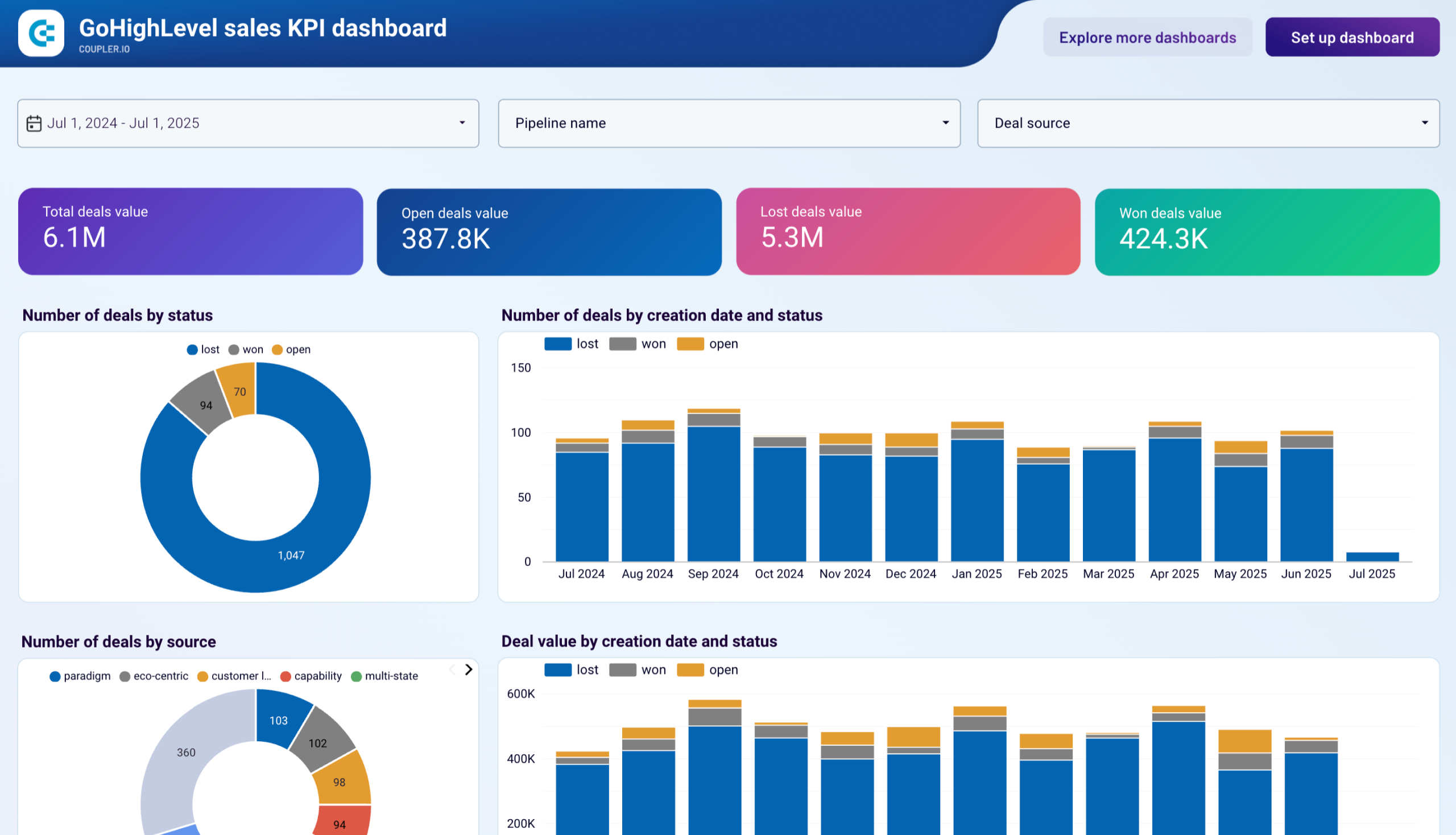
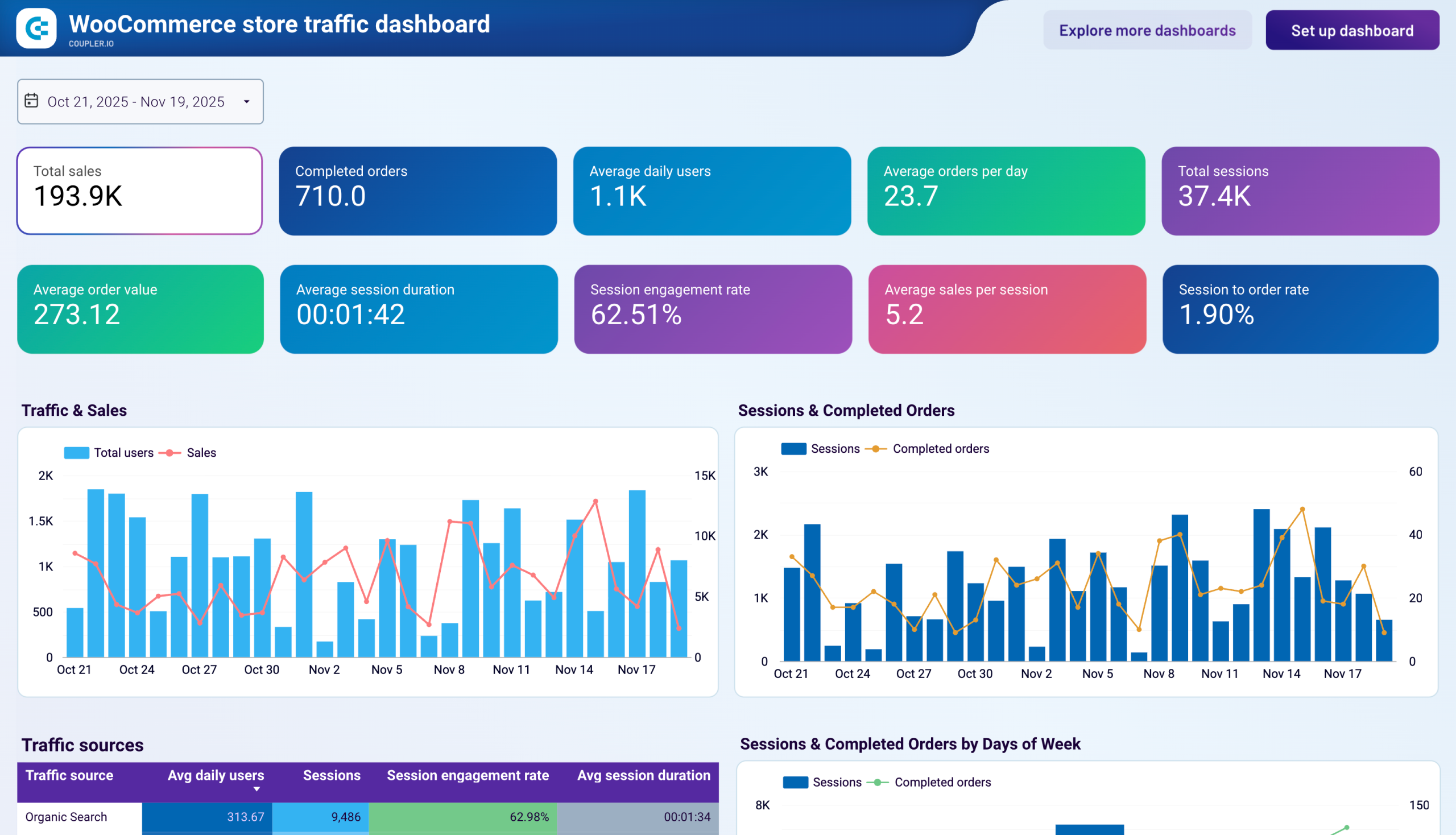
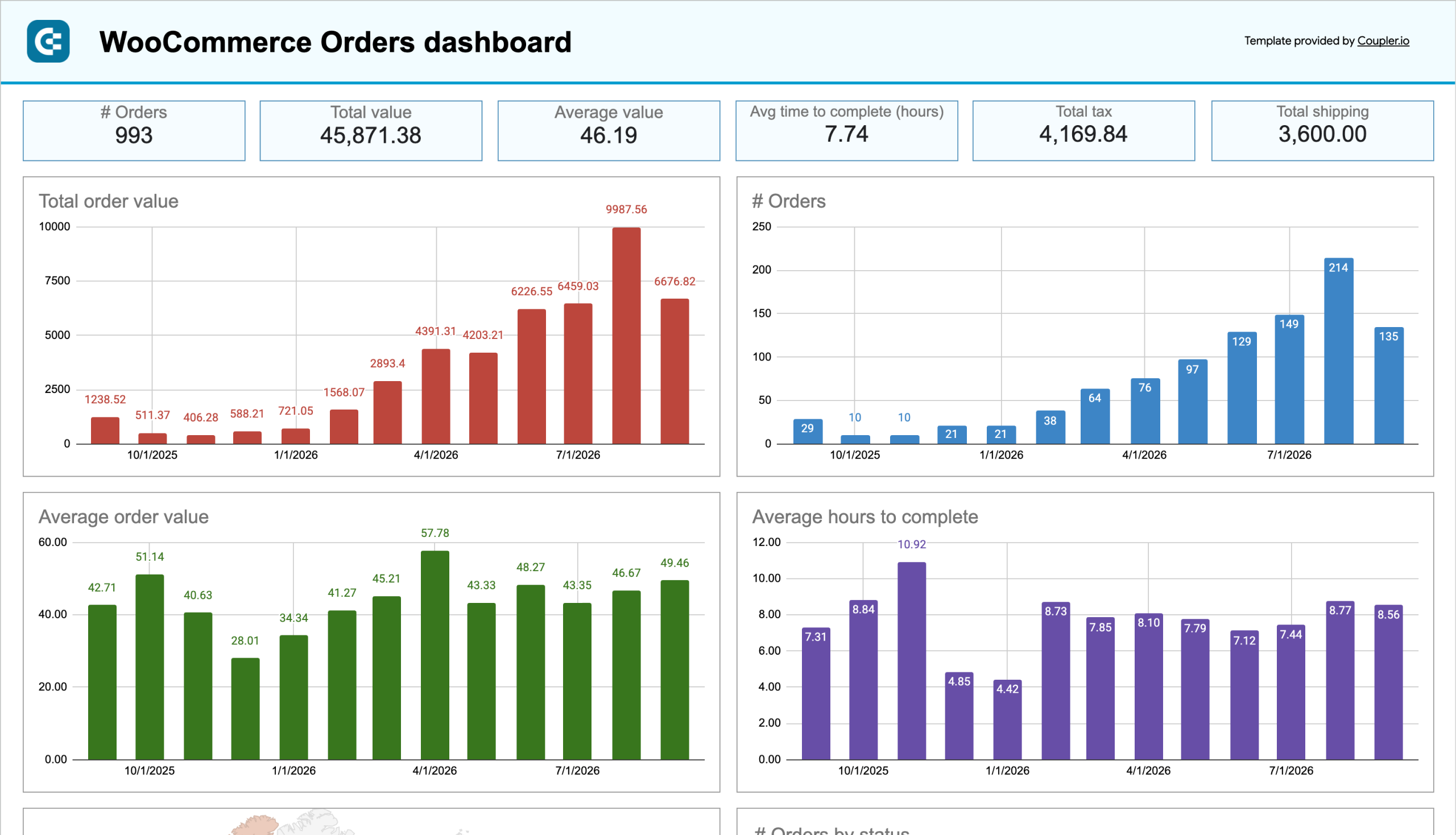
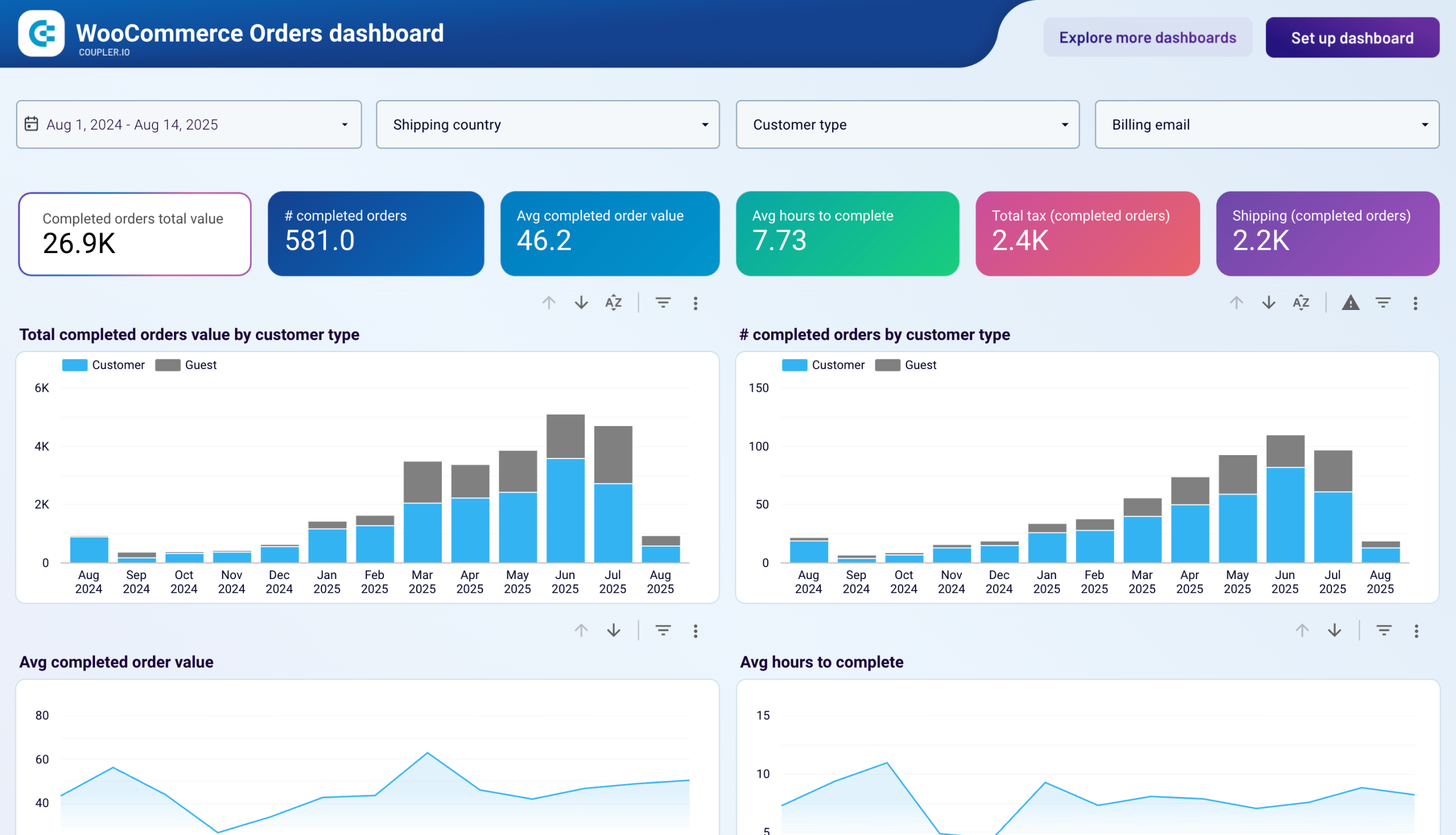
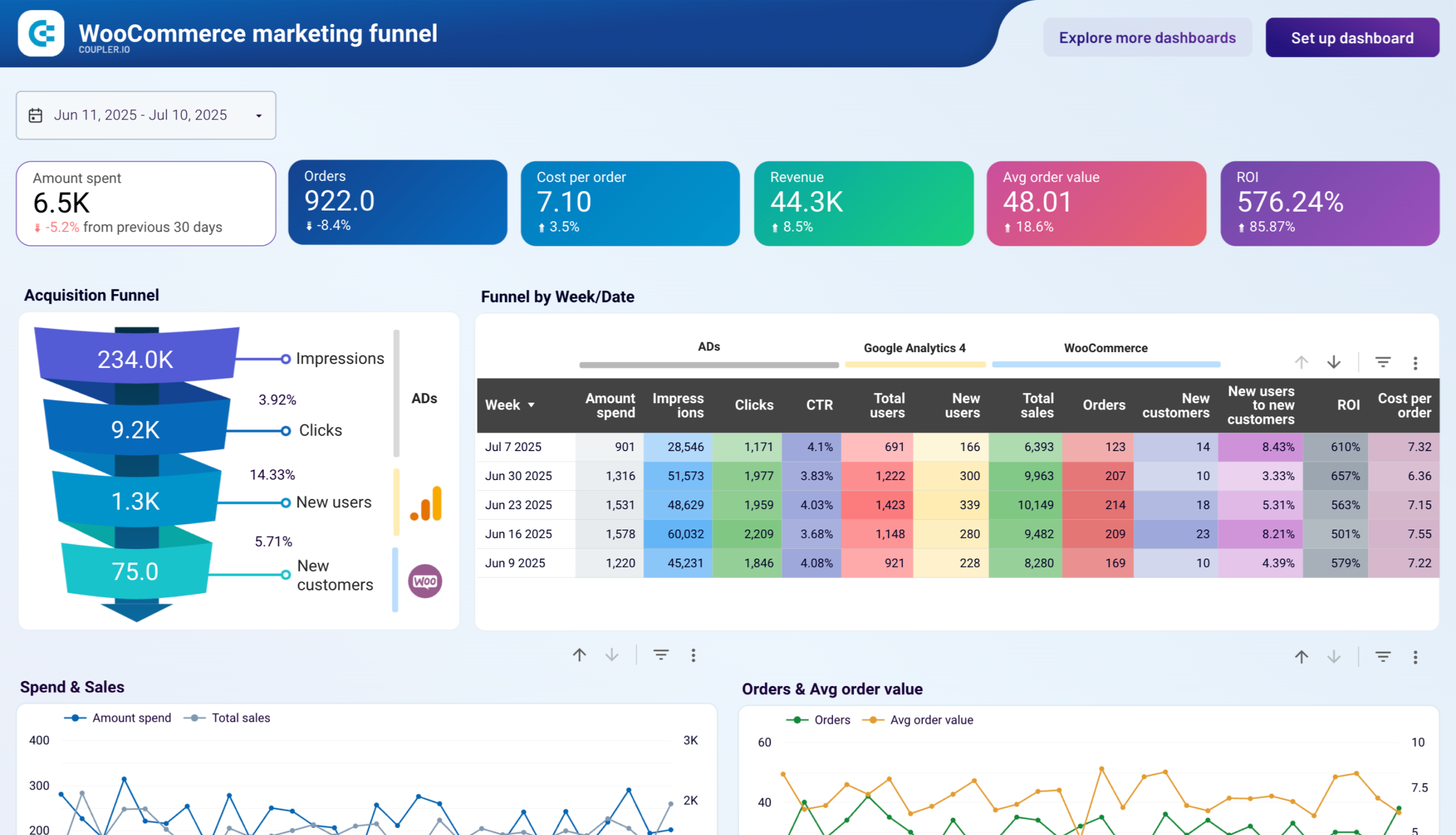
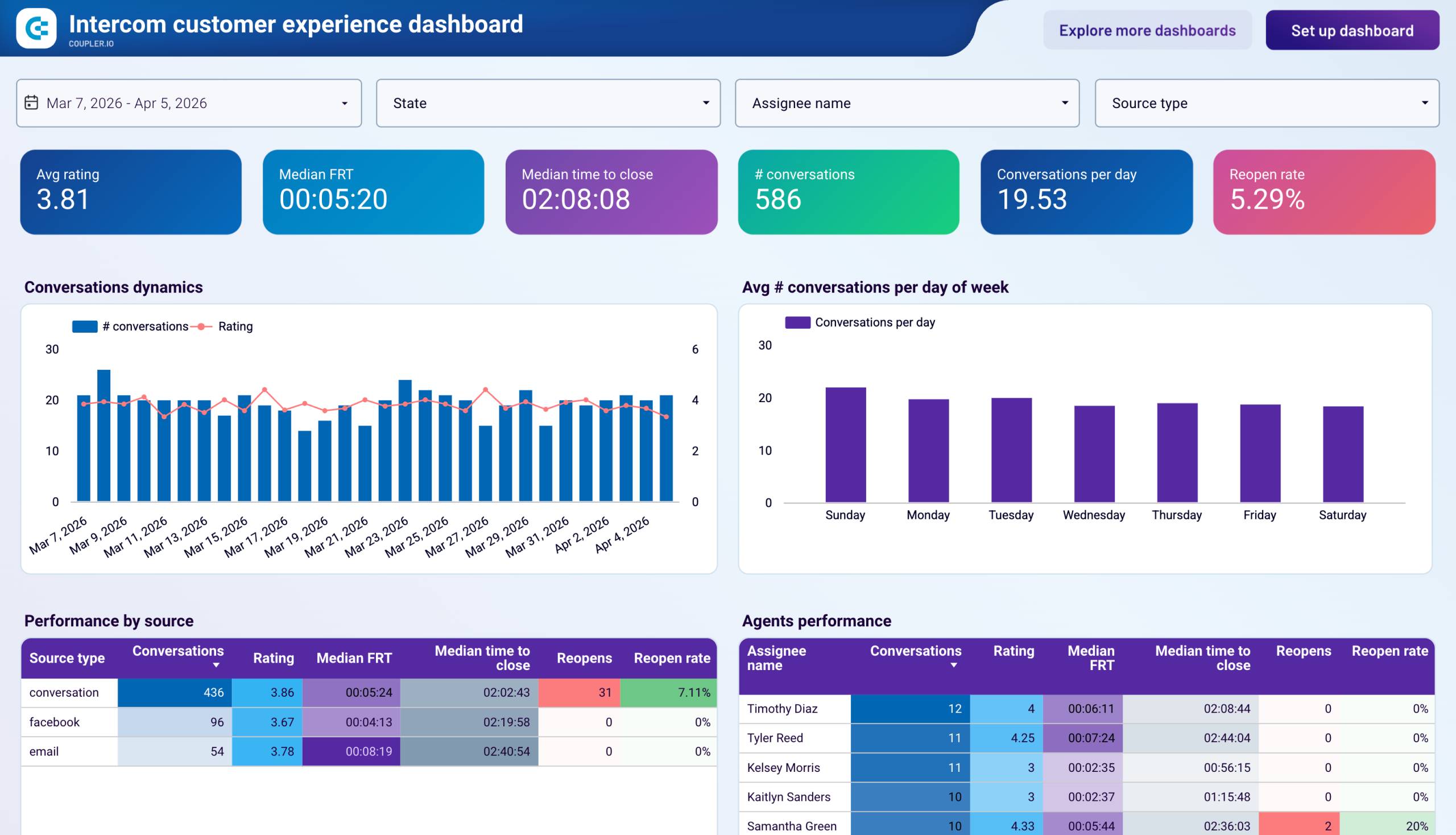
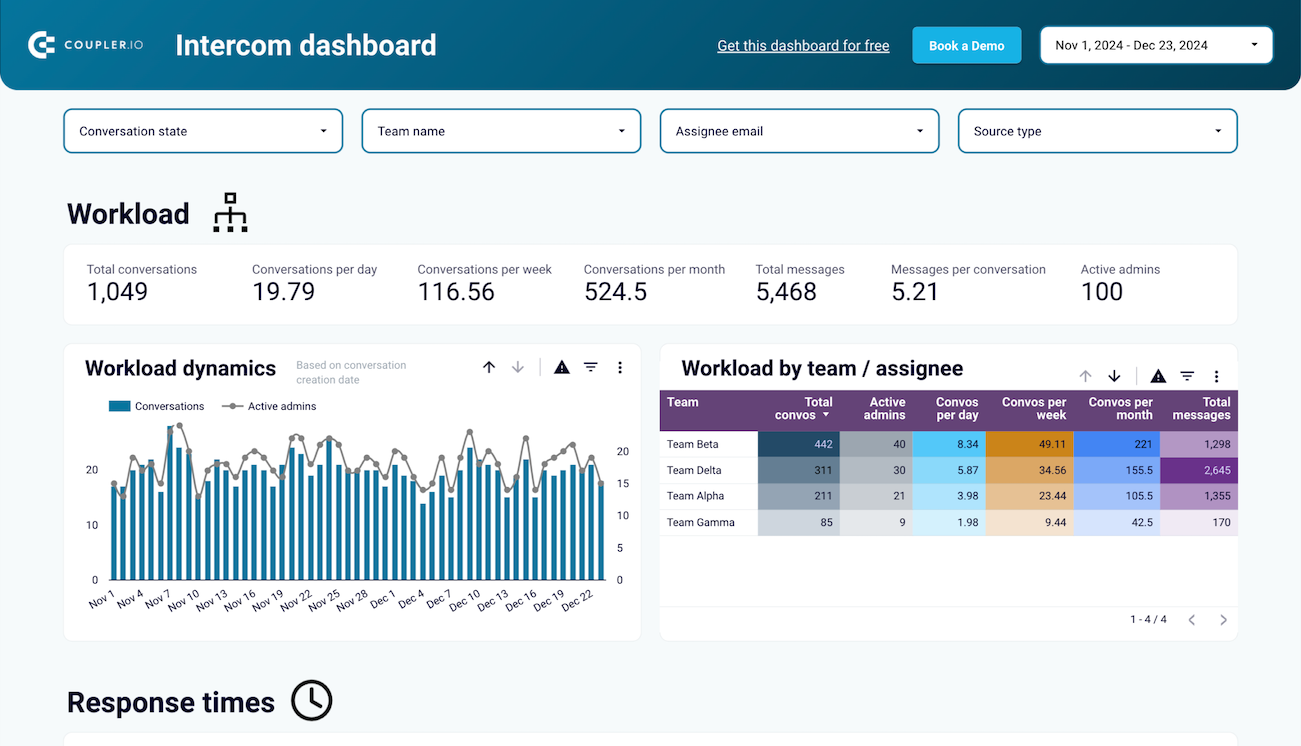
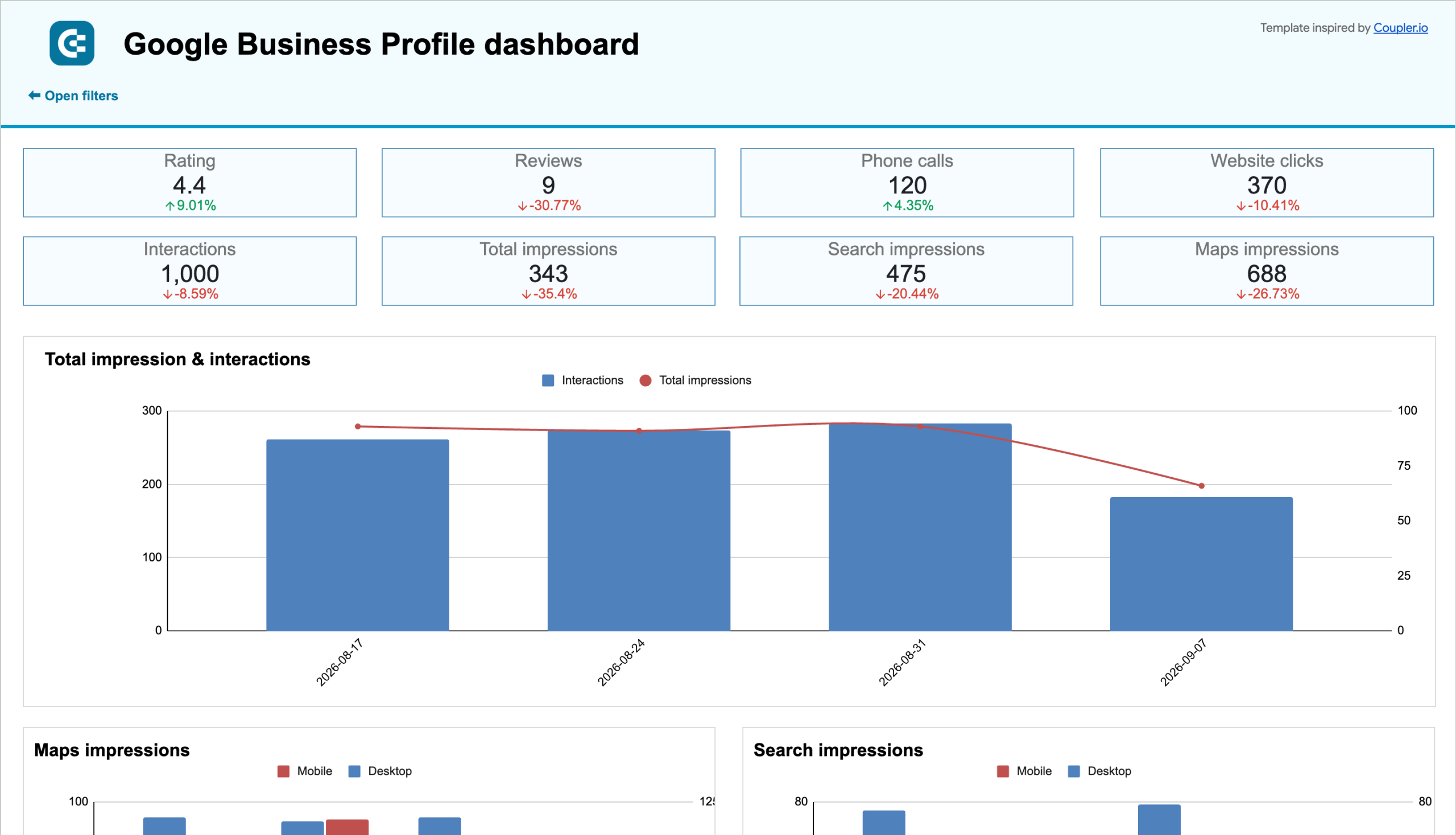
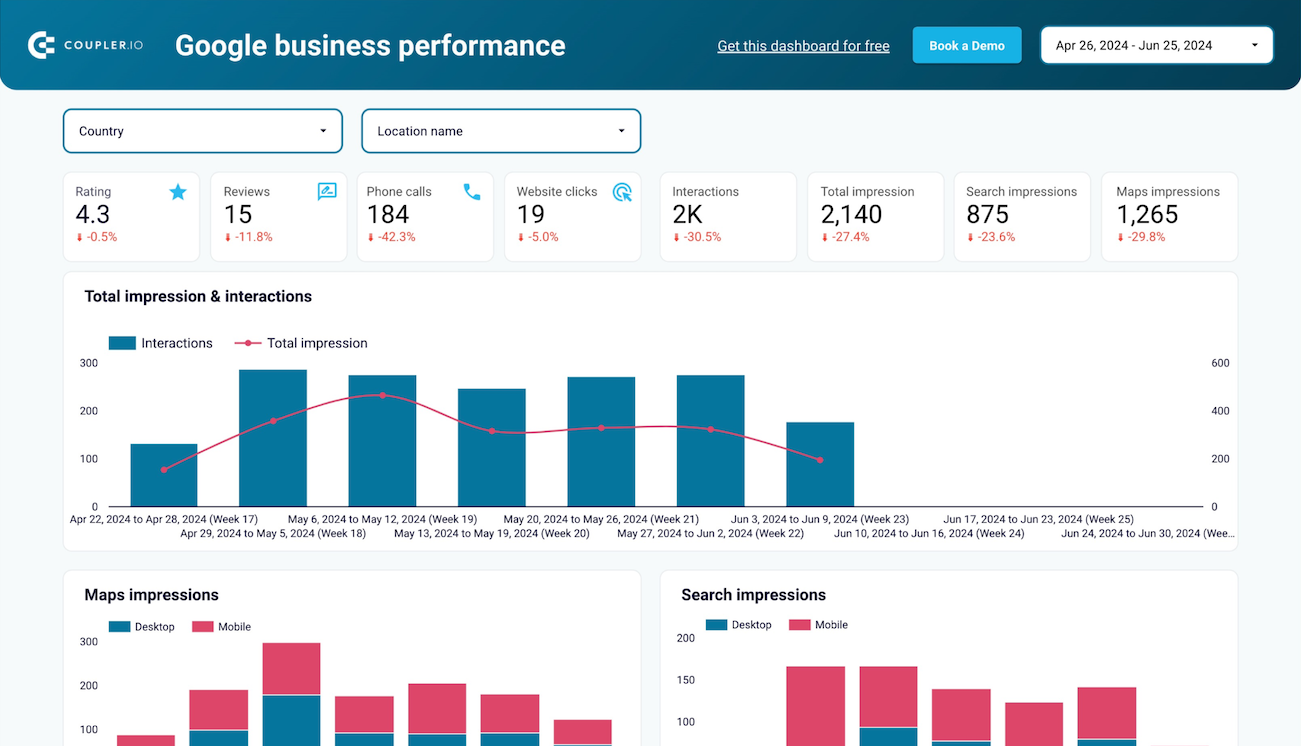
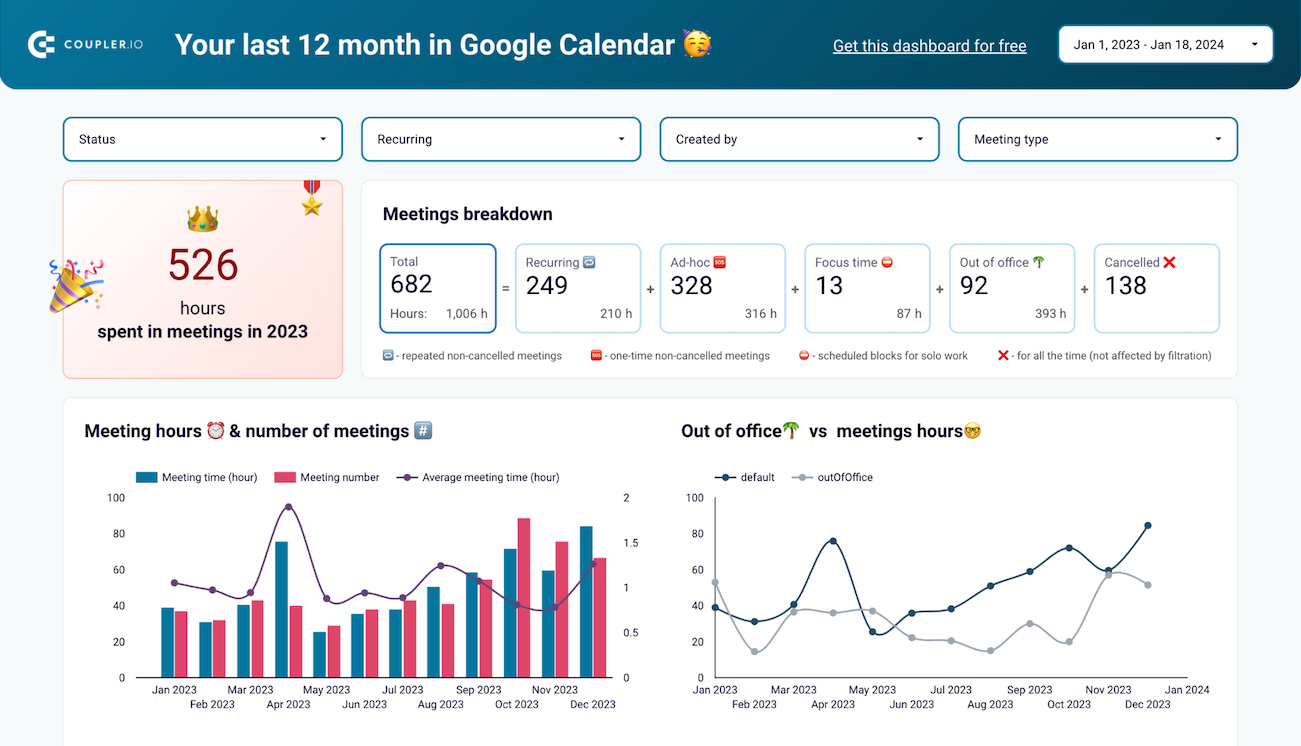
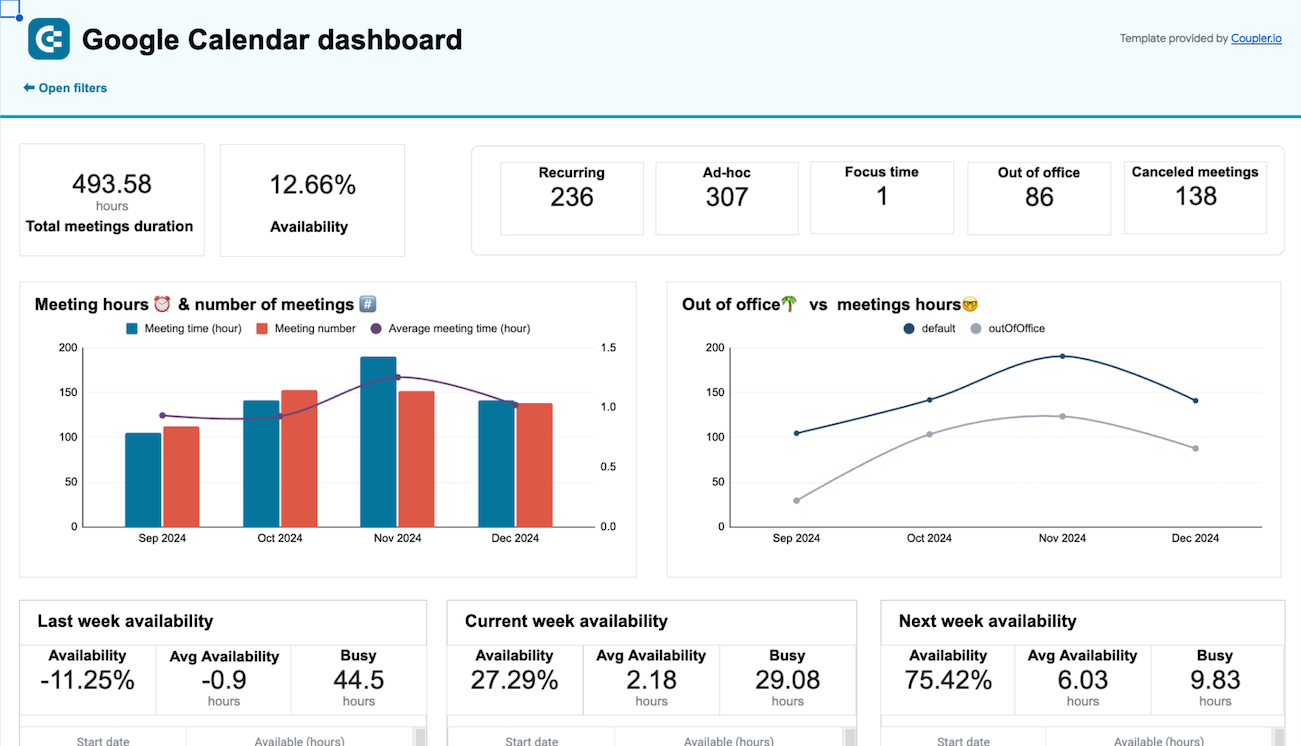
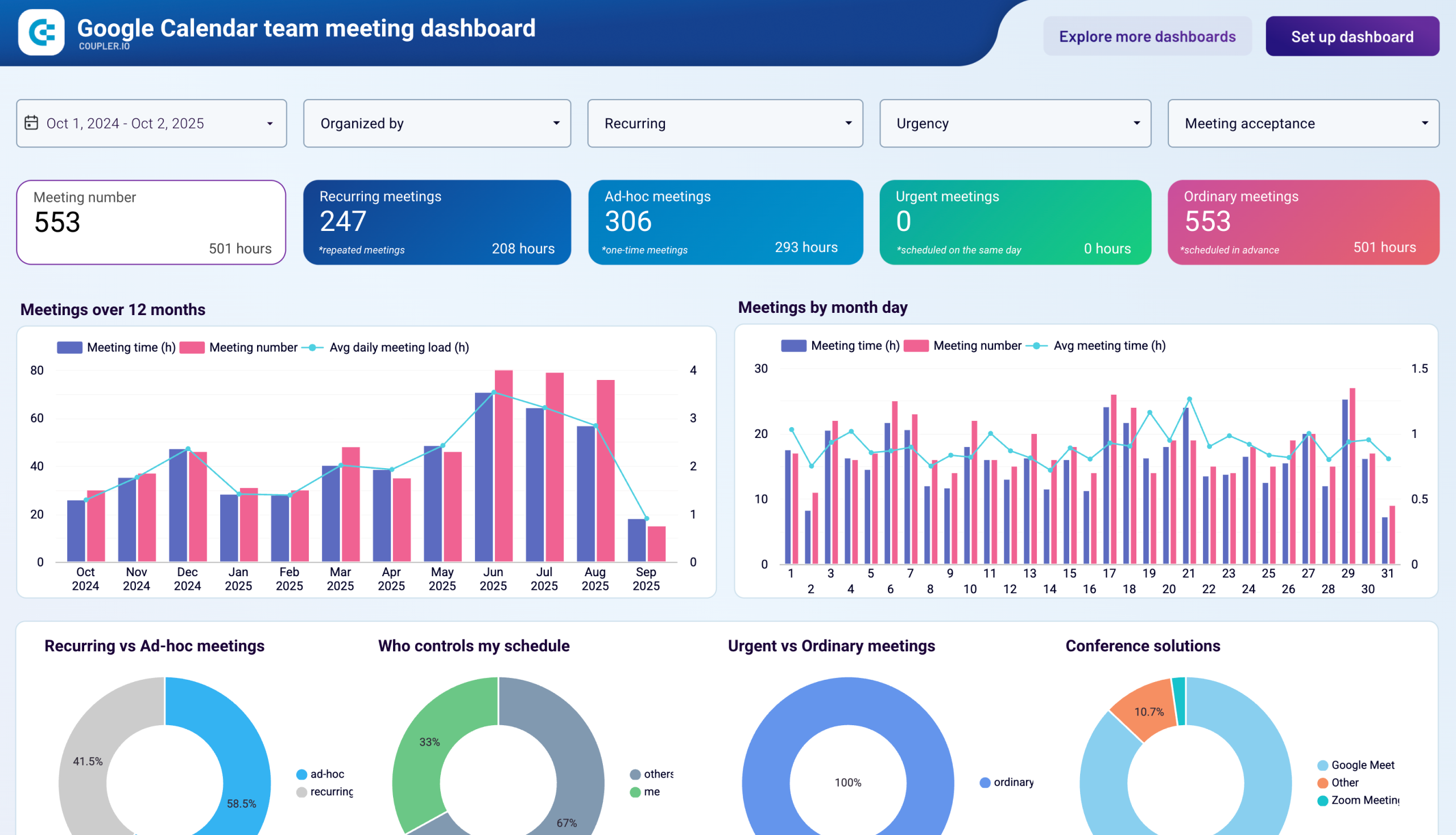
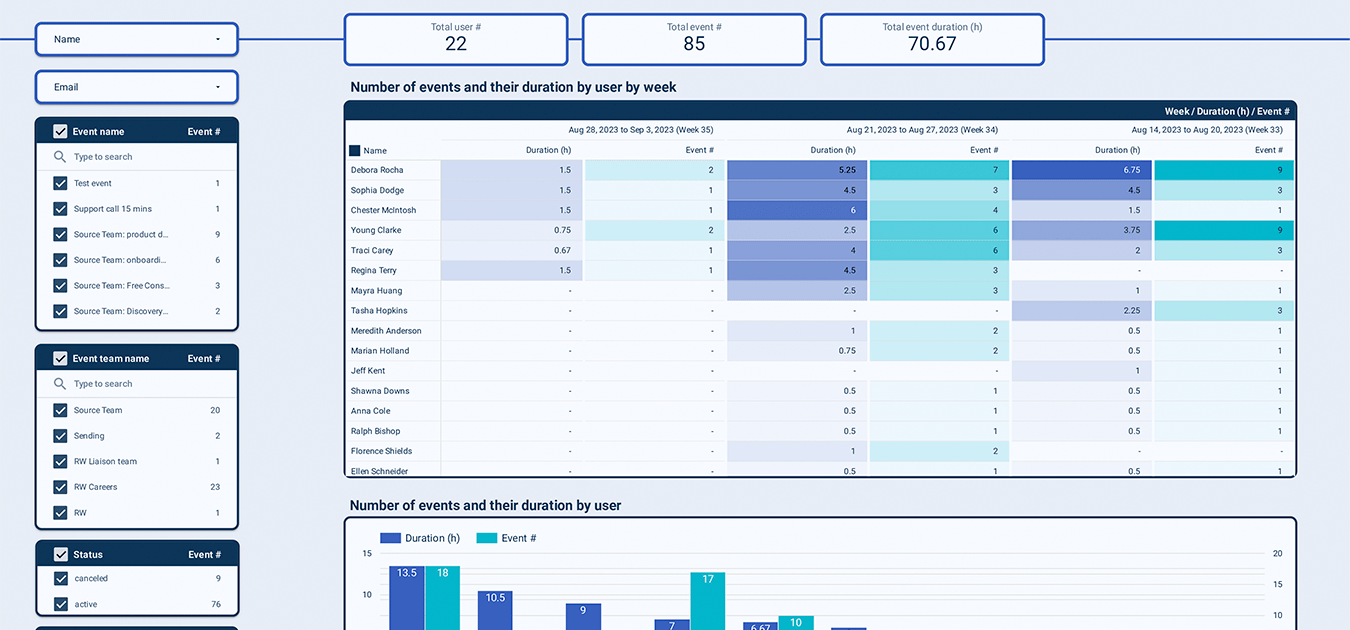
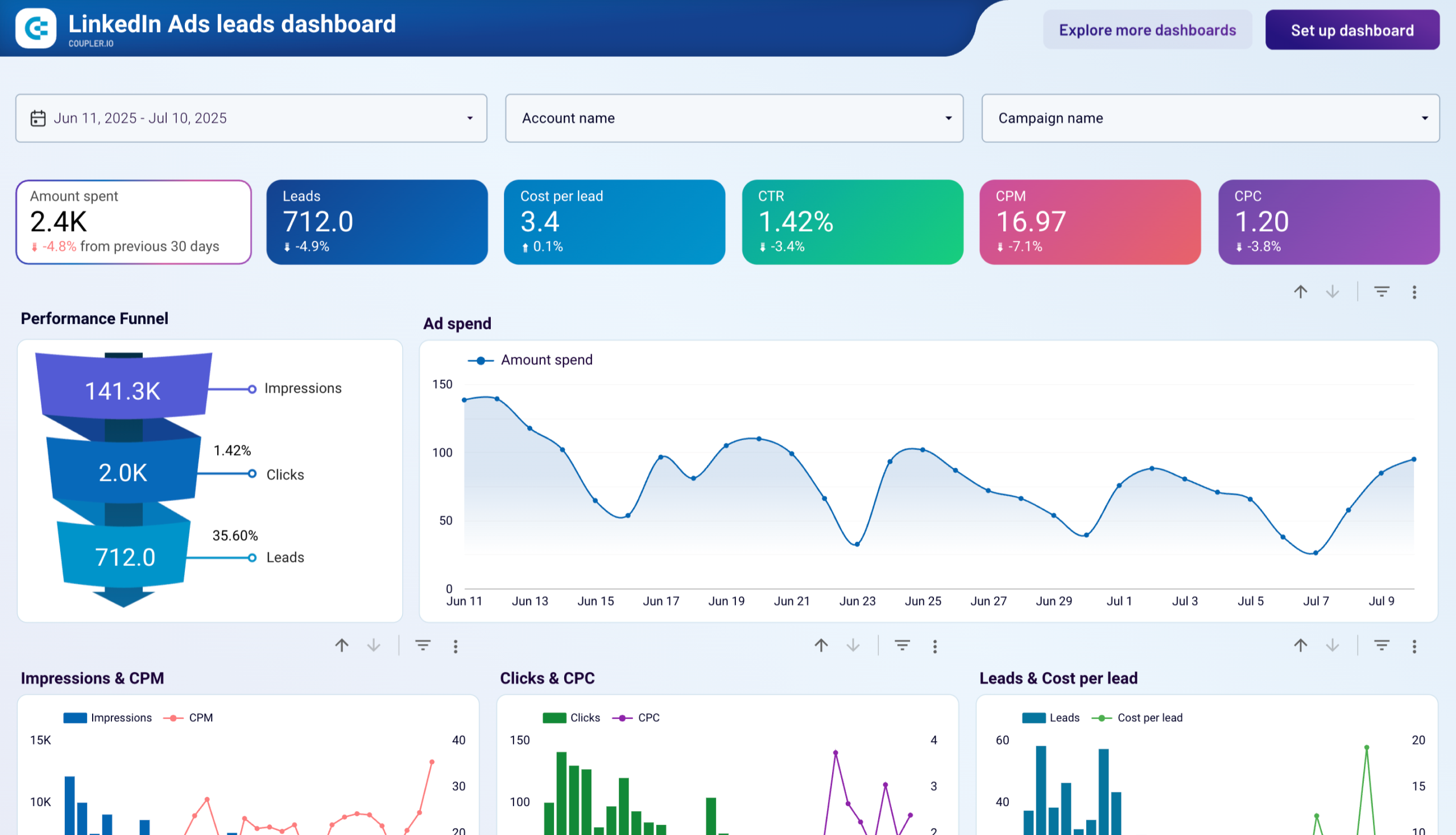
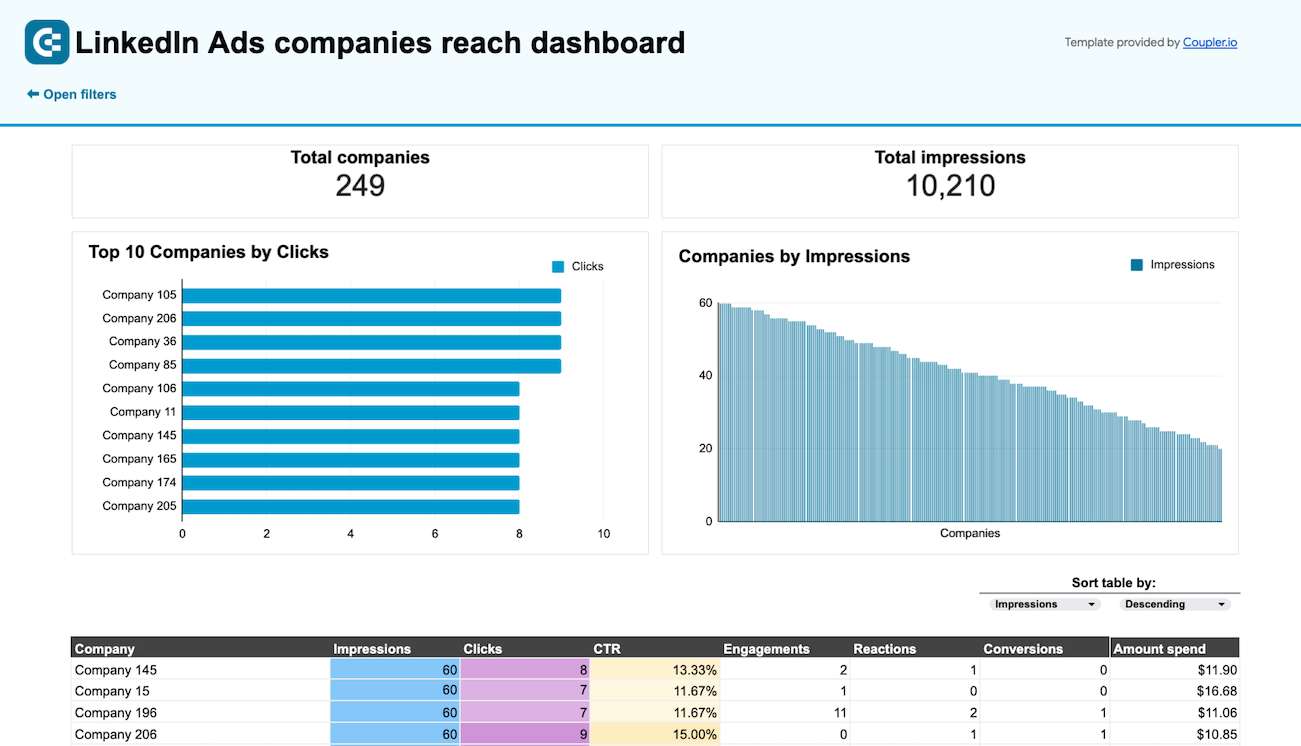
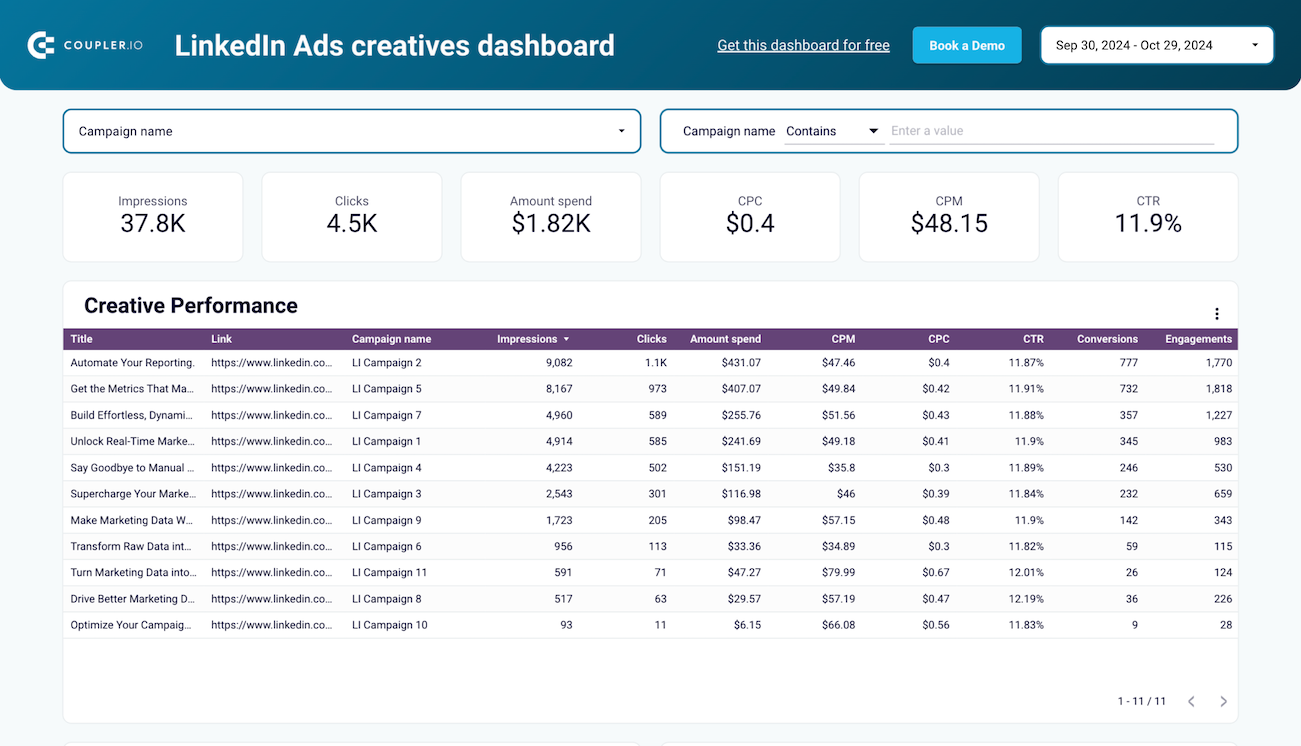
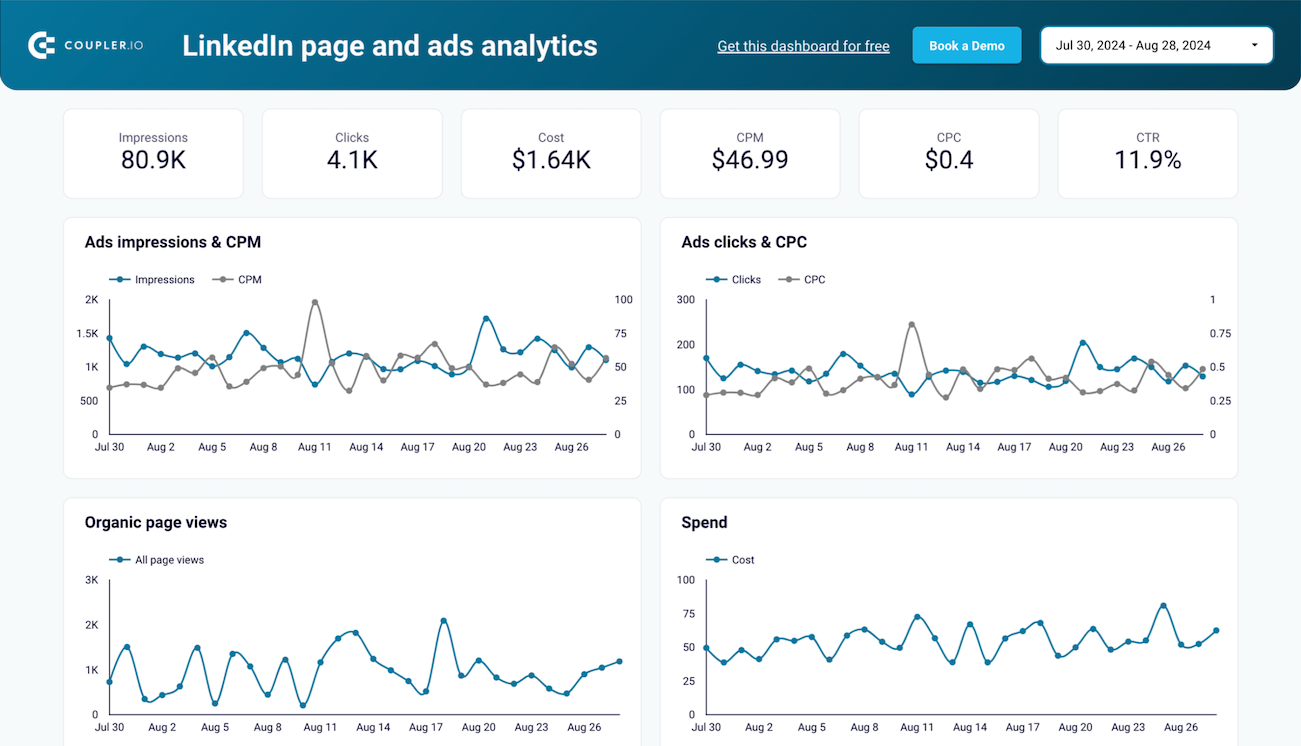
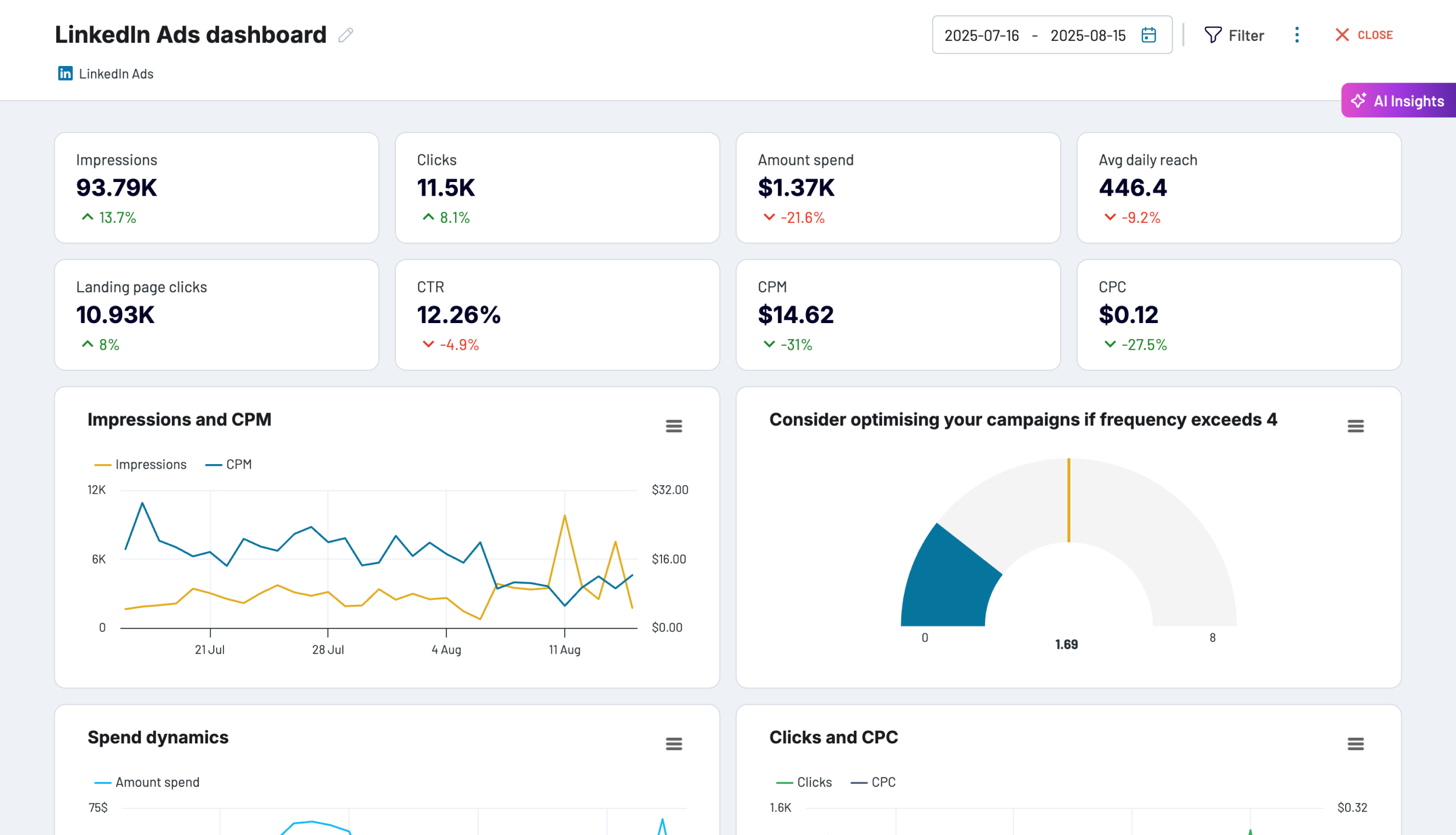
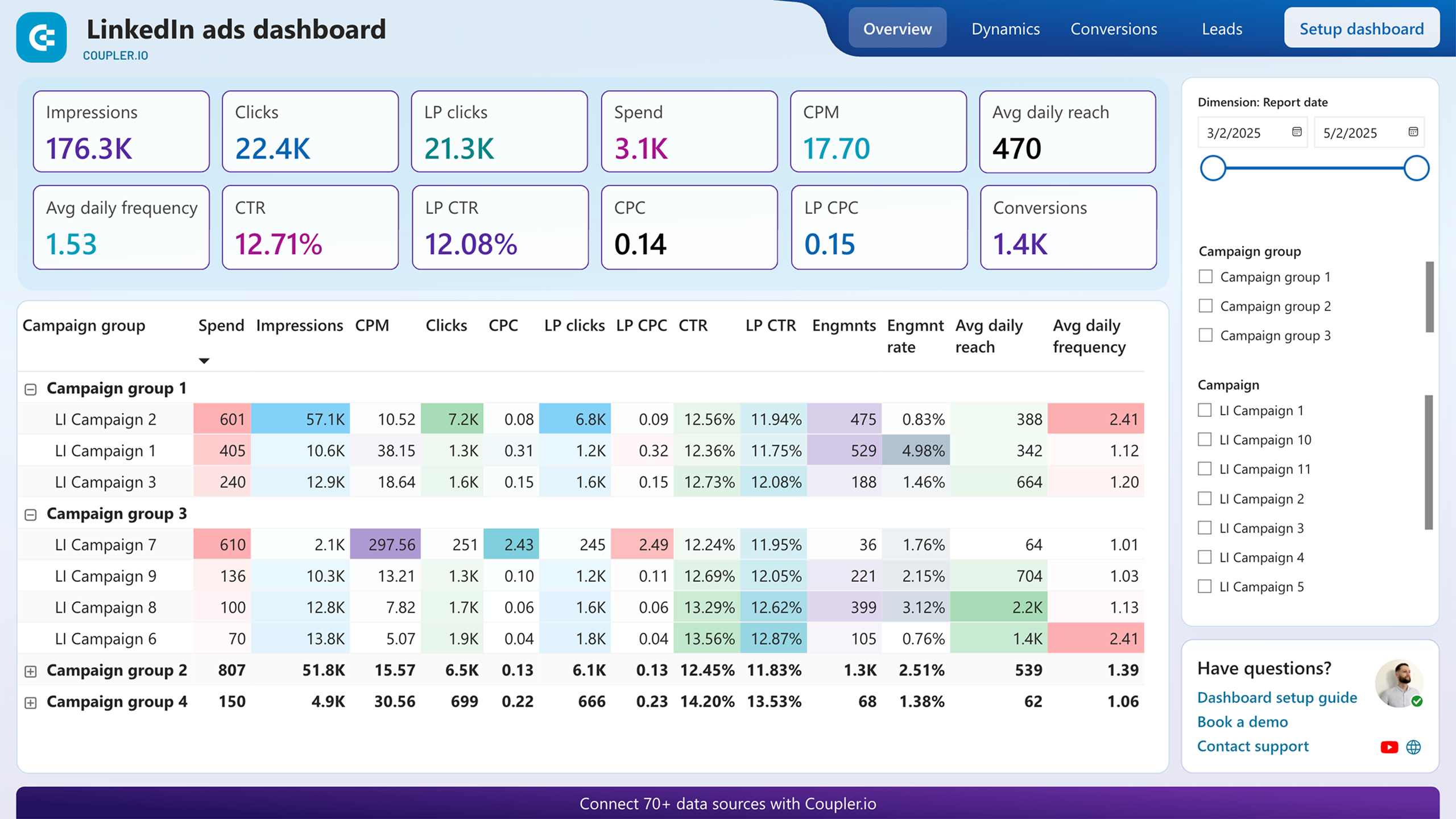
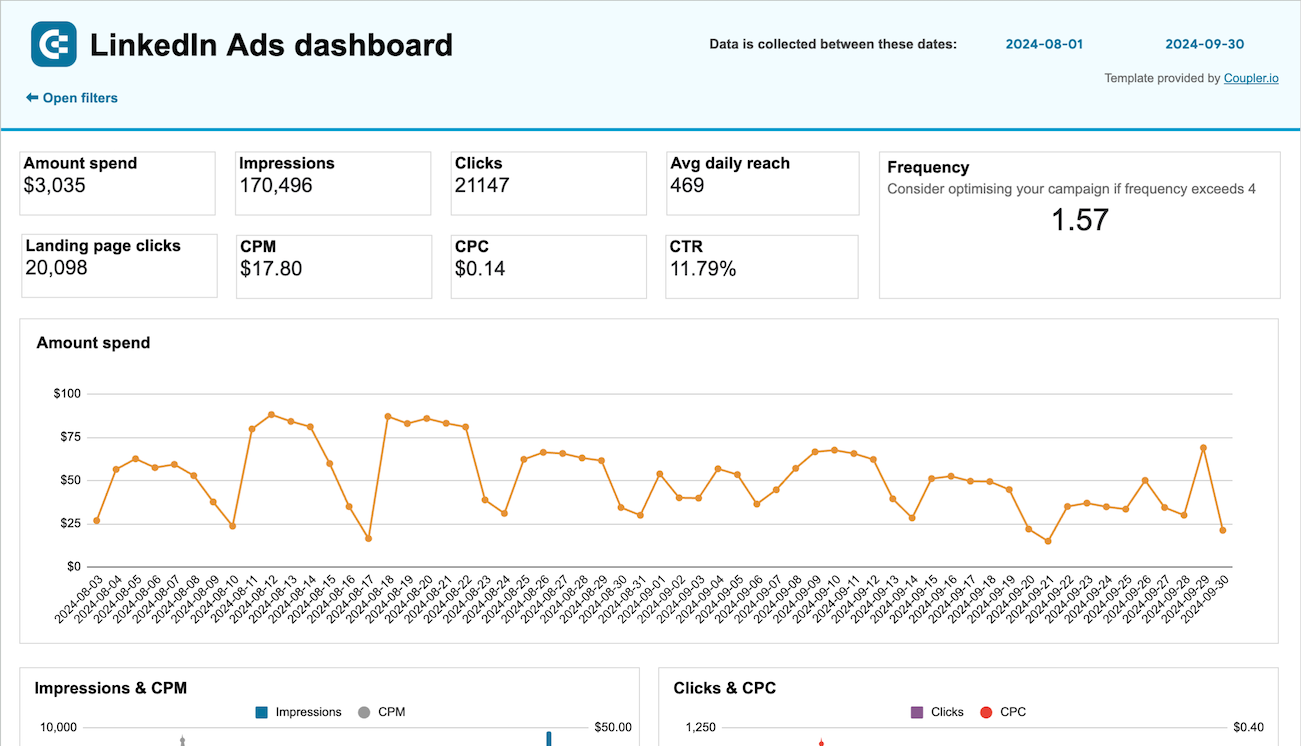
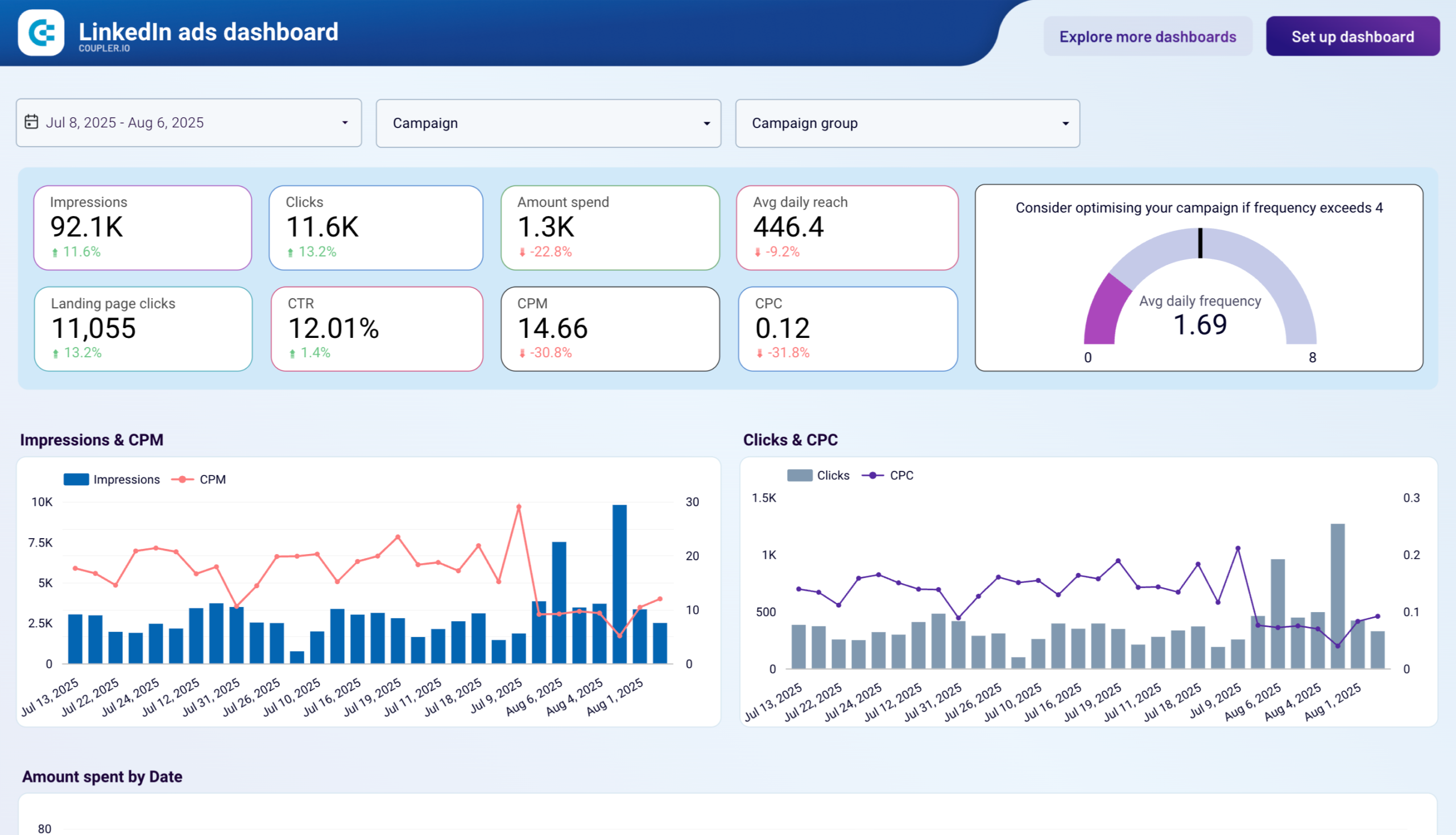
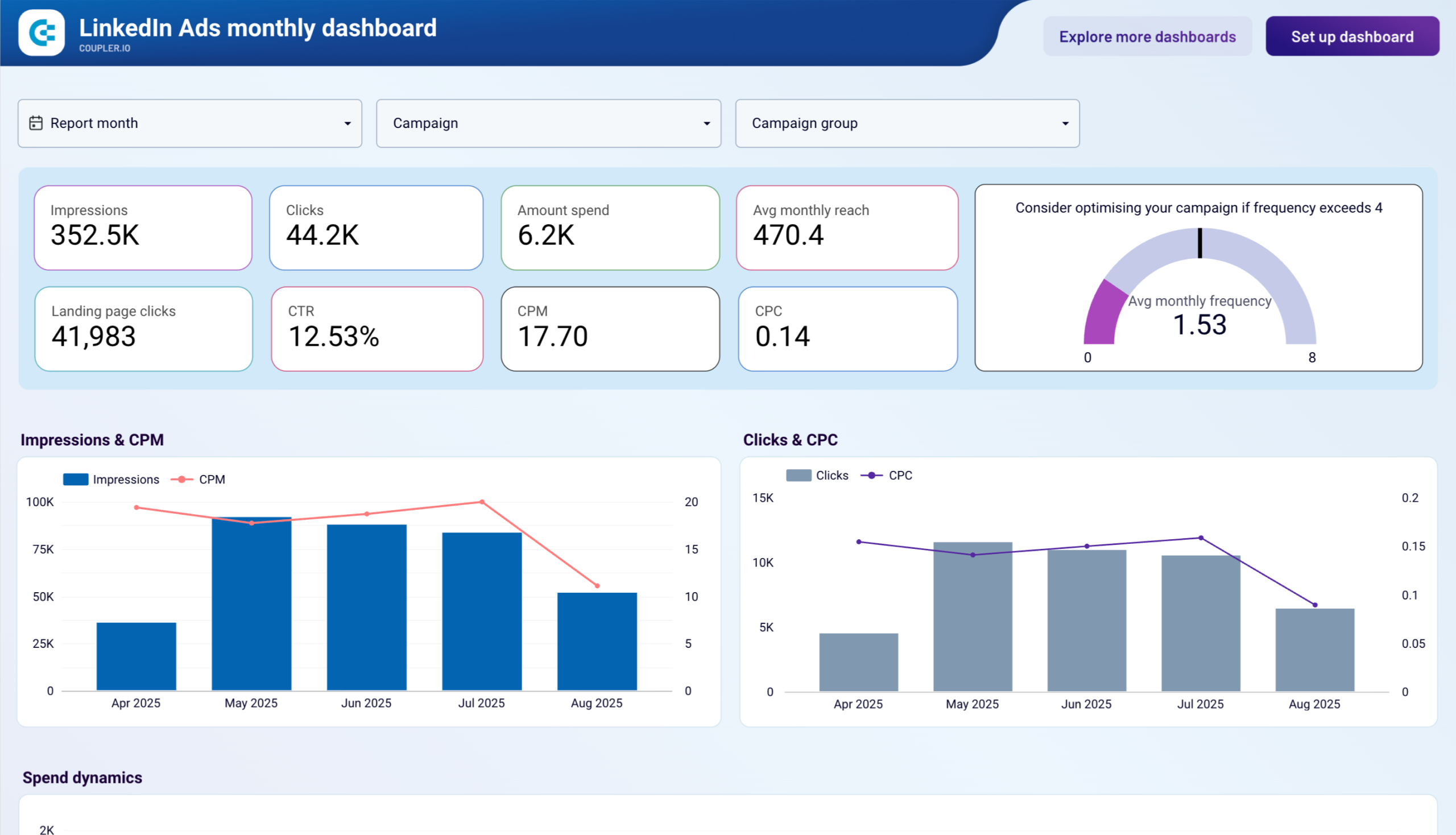
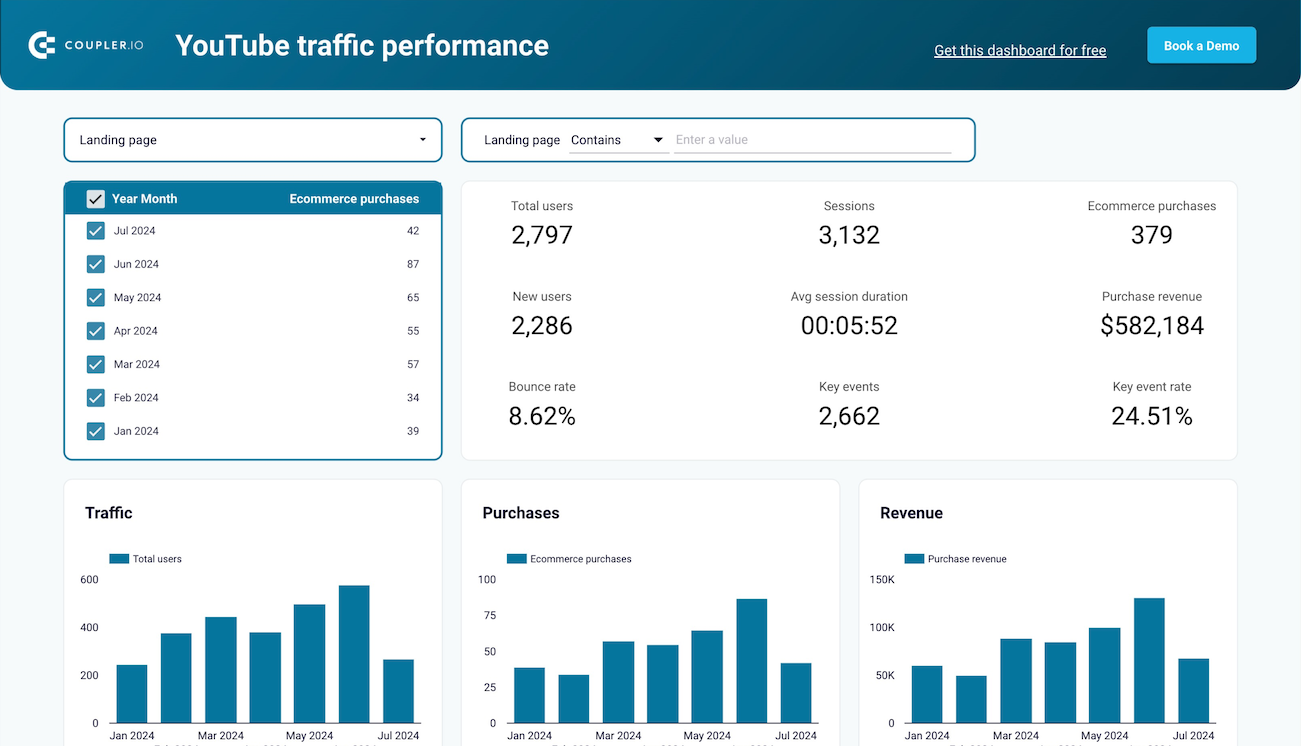
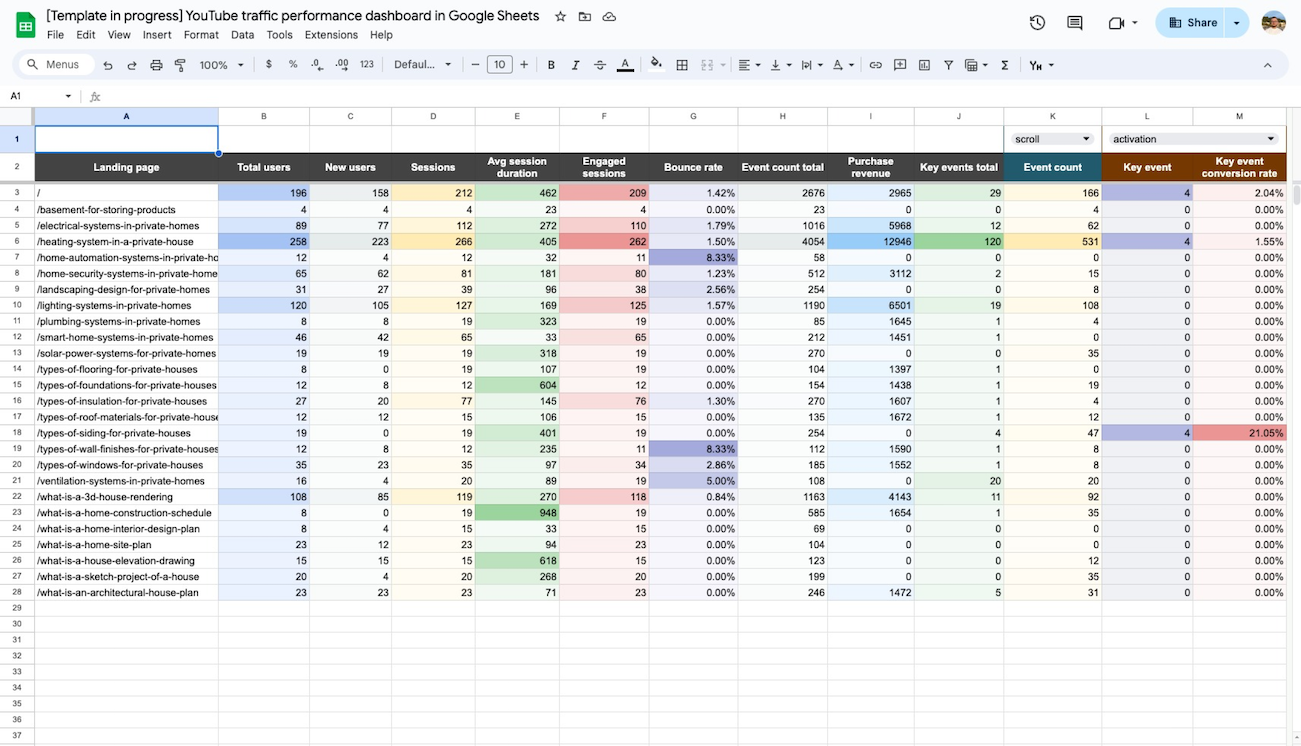
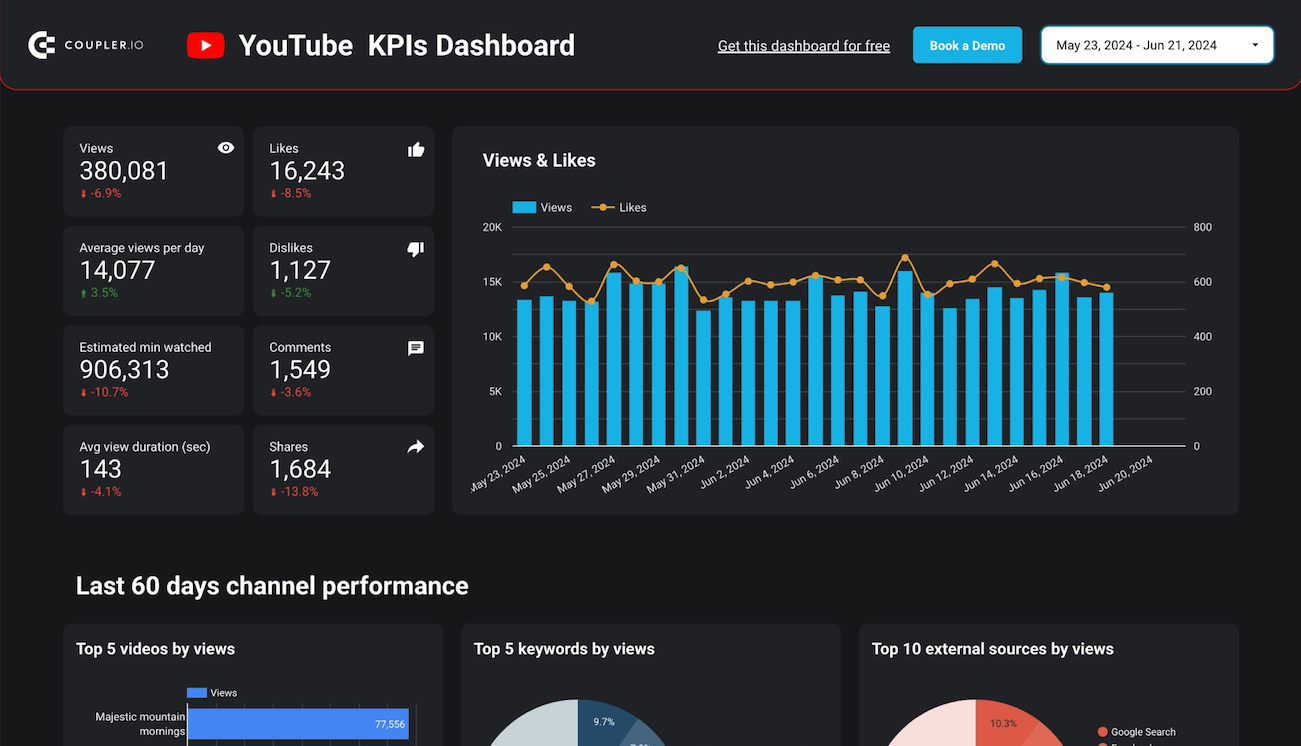
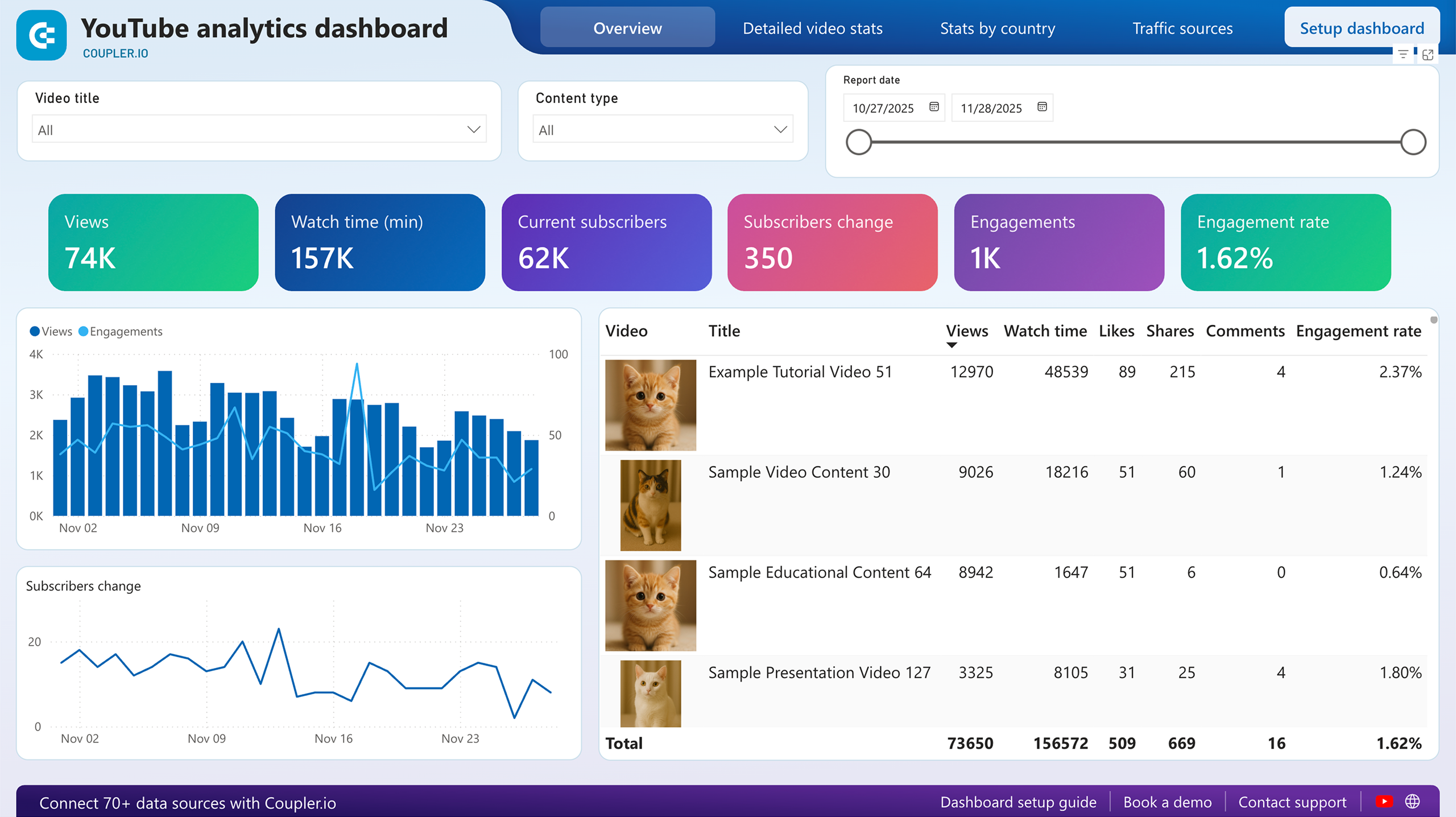
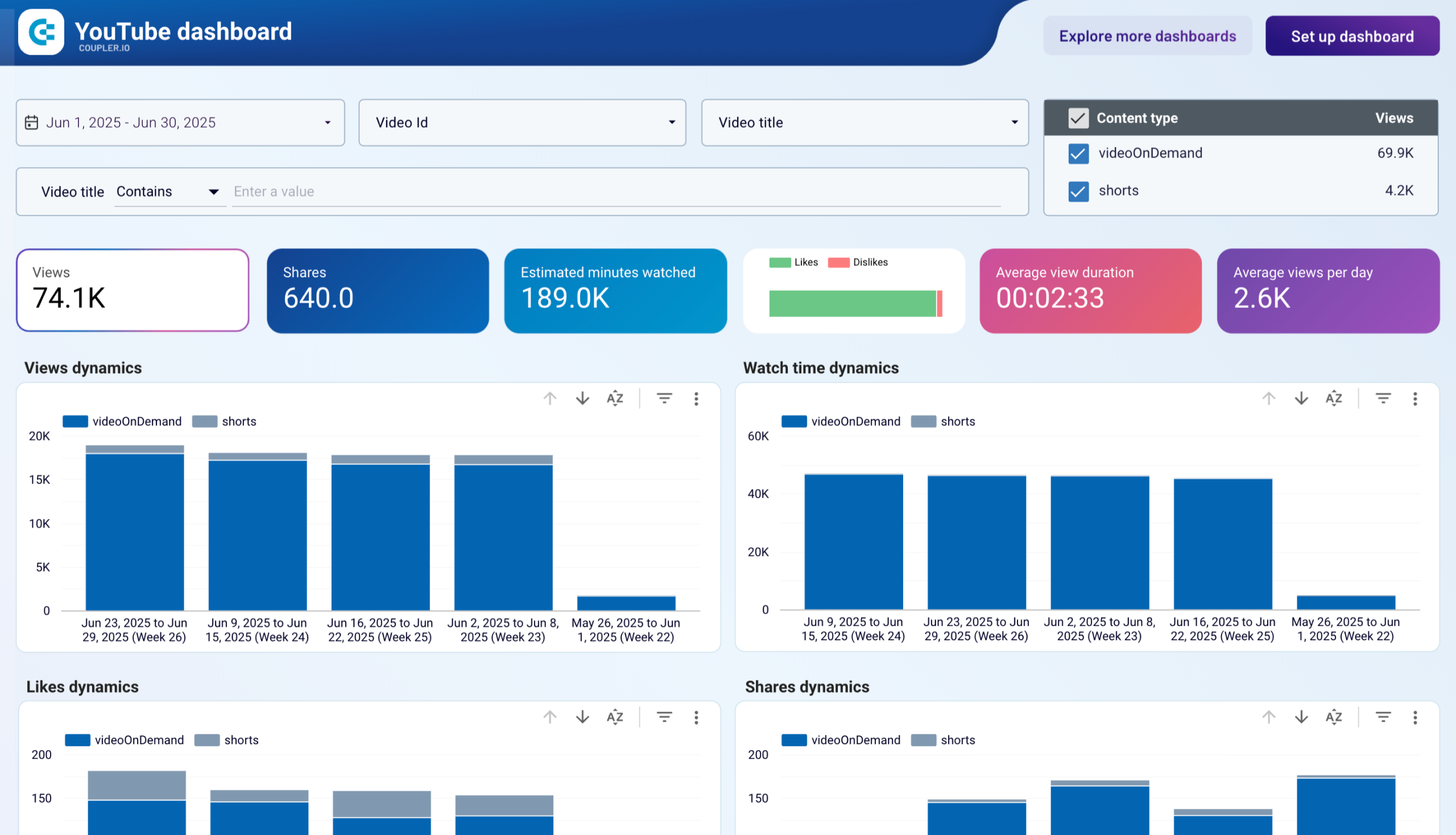
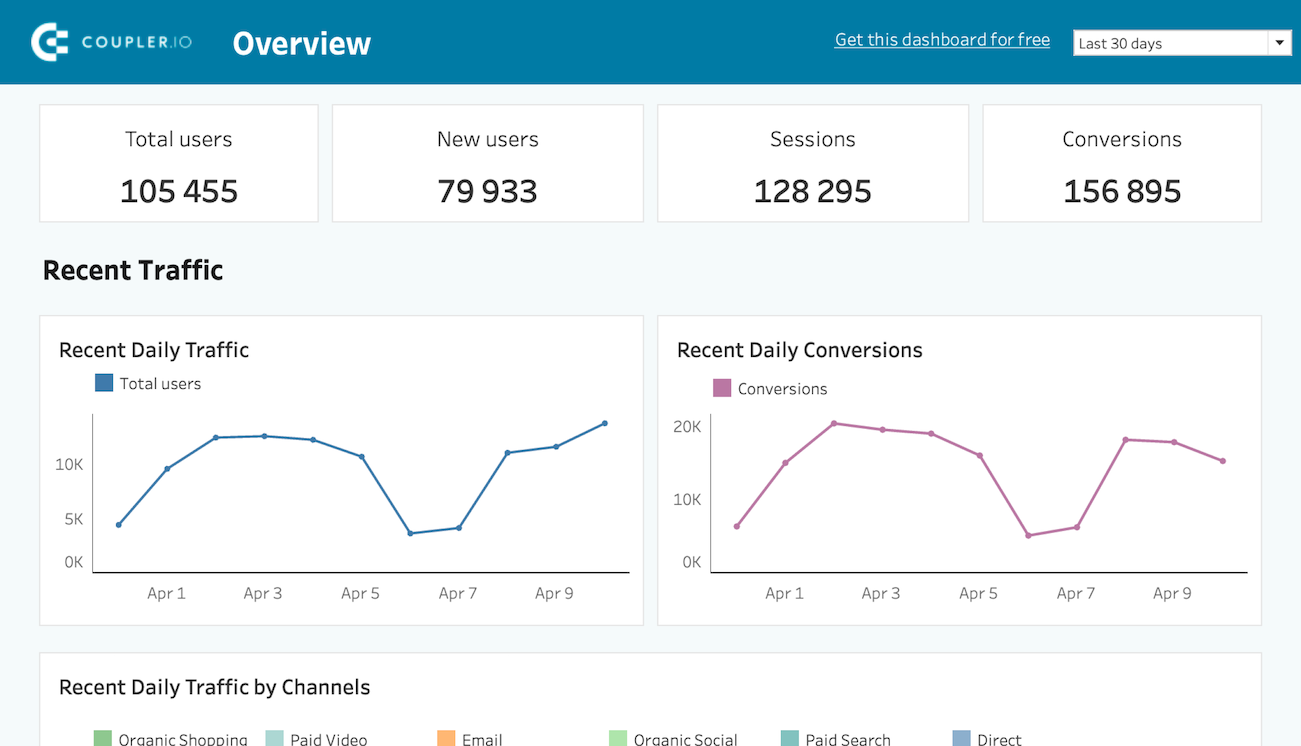
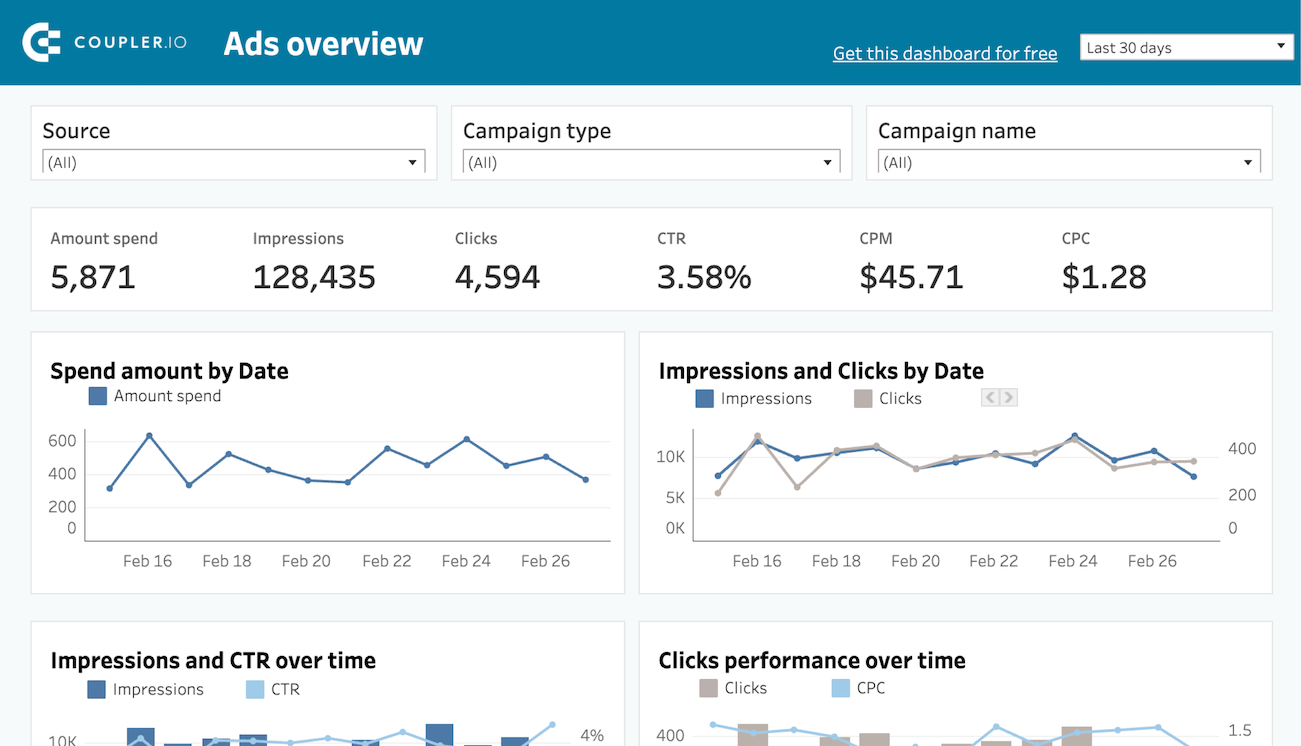
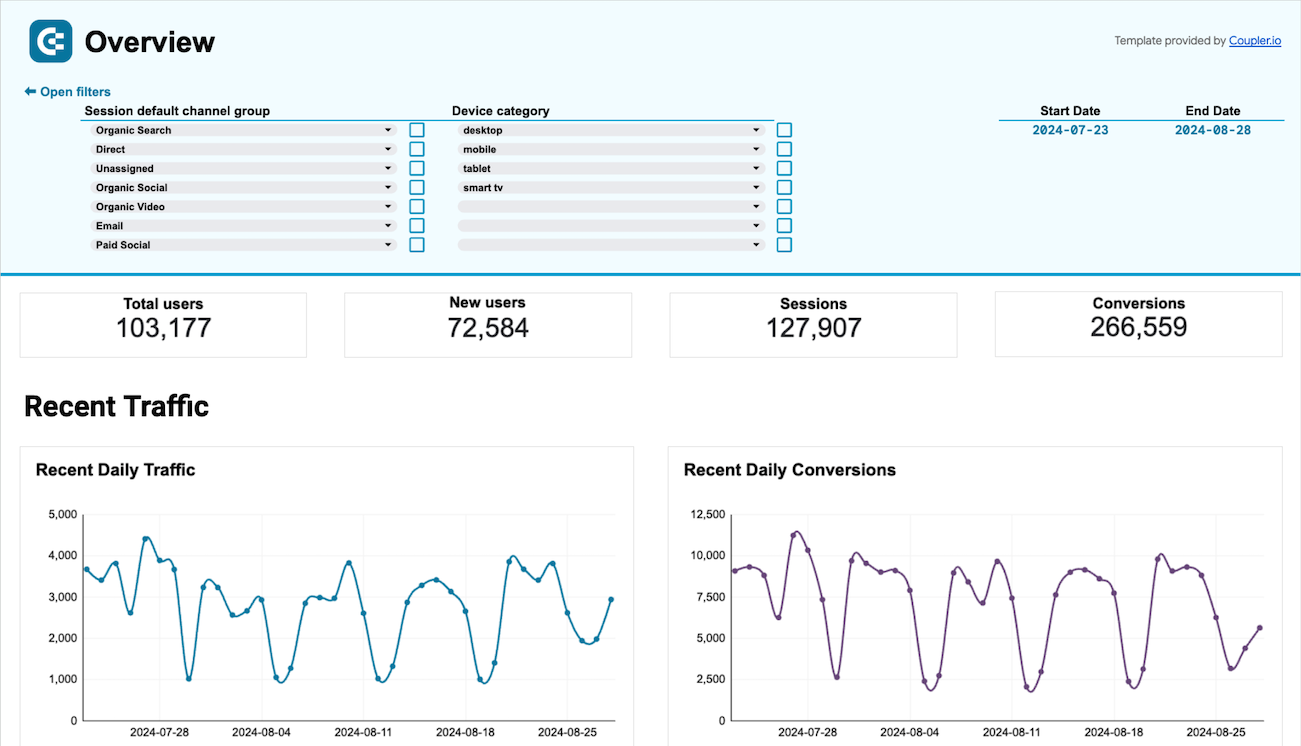
Coupler.io offers a range of ready-to-use interactive dashboard templates designed to streamline your reporting and analytics. Explore our template gallery and connect your Oracle NetSuite to start using the plug-and-play dashboard right away.


 +0
+0




 +3
+3


 +6
+6
 +0
+0
 +0
+0

 +0
+0

 +0
+0
 +0
+0
 +0
+0

 +0
+0
 +0
+0
 +3
+3
 +3
+3
 +0
+0
 +5
+5
 +6
+6
 +3
+3
 +0
+0
 +1
+1
 +1
+1
 +0
+0
 +0
+0
 +0
+0
 +0
+0
 +0
+0
 +0
+0
 +0
+0
 +0
+0
 +0
+0
 +0
+0
 +0
+0
 +0
+0
 +0
+0
 +0
+0
 +0
+0
 +4
+4
 +4
+4
 +2
+2
 +2
+2
 +0
+0
 +0
+0
 +0
+0
 +0
+0
 +0
+0
 +0
+0
 +0
+0
 +0
+0
 +0
+0
 +0
+0
 +0
+0
 +0
+0
 +0
+0
 +0
+0
 +0
+0
 +0
+0
 +0
+0
 +0
+0
 +0
+0
 +0
+0
 +5
+5
 +4
+4
 +5
+5
 +5
+5
 +0
+0
 +0
+0
 +0
+0
 +0
+0
 +0
+0
 +0
+0
 +0
+0
 +0
+0
 +0
+0
 +0
+0
 +0
+0
 +0
+0
 +0
+0
 +0
+0
 +0
+0
 +0
+0
 +0
+0
 +0
+0
 +0
+0
 +0
+0
 +0
+0
 +0
+0
 +0
+0
 +0
+0
 +0
+0
 +0
+0
 +0
+0
 +0
+0
 +0
+0
 +0
+0
 +0
+0
 +0
+0
 +0
+0
 +3
+3
 +0
+0
 +0
+0
 +1
+1
 +3
+3
 +0
+0
 +0
+0
 +0
+0
 +0
+0
 +0
+0
 +0
+0
 +0
+0
 +0
+0
 +0
+0
 +0
+0
 +0
+0
 +0
+0
 +0
+0
 +0
+0
 +0
+0
 +0
+0
 +0
+0
 +0
+0
 +0
+0
 +1
+1
 +3
+3
 +3
+3
 +0
+0
 +0
+0
 +0
+0
 +0
+0
 +0
+0
 +0
+0
 +0
+0
 +3
+3
 +0
+0
 +0
+0
 +0
+0
 +0
+0
 +0
+0
 +0
+0
 +0
+0
 +0
+0
 +0
+0
 +0
+0
 +0
+0
 +0
+0
 +0
+0
 +0
+0
 +0
+0
 +0
+0
 +0
+0
 +0
+0
 +0
+0
 +0
+0
 +0
+0
 +0
+0
 +0
+0
 +0
+0
 +0
+0
 +0
+0
 +0
+0
 +0
+0
 +0
+0
 +0
+0
 +0
+0
 +0
+0
 +0
+0
 +0
+0
 +0
+0
 +1
+1
 +0
+0
 +0
+0
 +0
+0
 +0
+0
 +0
+0
 +0
+0
 +0
+0
 +0
+0
 +0
+0
 +0
+0
 +1
+1
 +0
+0
 +0
+0
 +0
+0
 +0
+0
 +0
+0
 +0
+0
 +0
+0
 +0
+0

 +0
+0
 +0
+0
 +0
+0
 +0
+0
 +0
+0
 +0
+0
 +0
+0
 +0
+0
 +0
+0
 +0
+0
 +0
+0
 +0
+0
 +0
+0
 +0
+0
 +2
+2
 +3
+3
 +0
+0
 +0
+0
 +0
+0
 +0
+0
 +0
+0
 +4
+4
 +0
+0
 +0
+0
 +0
+0
 +0
+0
 +0
+0
 +0
+0
 +0
+0
 +0
+0
 +0
+0
 +0
+0
 +0
+0
 +0
+0
 +0
+0
 +0
+0
 +0
+0
 +0
+0
 +0
+0
 +0
+0
 +0
+0
 +0
+0
 +0
+0
 +0
+0
 +0
+0

 +0
+0
 +0
+0
about your case. It doesn't cost you a penny 😉
Connect your favorite apps and get data in minutes

















Recognized by industry leaders and community