
Export Google Analytics to Power BI
Bring GA4 web analytics into Power BI's modeling environment with Coupler.io for advanced traffic intelligence and predictive reporting. Connect Google Analytics to Power BI to build data models that relate acquisition channels to conversion outcomes, apply DAX calculations across marketing dimensions, and deliver governed BI reports that update on schedule.


What data you can export from Google Analytics
-
SessionsVisit-level records with source attribution and behavioral metrics that serve as the primary fact table in Power BI data models, supporting time intelligence calculations and relationship building with dimension tables for multi-layered traffic analysis.
-
ConversionsTracked goal completions including purchases, registrations, and custom events that feed calculated conversion rate measures in Power BI, enabling funnel analysis and goal attainment monitoring across any combination of dimensions.
-
Active usersUnique visitor counts across configurable date ranges that power audience trend measures and growth rate calculations in Power BI, providing the numerator for engagement and retention KPIs displayed on executive scorecards.
-
Bounce rateSingle-interaction session percentages useful as a quality measure in Power BI reports, allowing conditional formatting rules that flag underperforming pages and enabling variance analysis against historical benchmarks.
-
Event countGranular interaction data covering clicks, video plays, downloads, and custom-tracked behaviors that Power BI can aggregate into composite engagement scores or break down into feature-level usage reports with drill-through functionality.
-
Conversion rateThe ratio of converting sessions to total sessions, serving as a core KPI measure in Power BI dashboards that can be sliced by any available dimension to identify which traffic segments perform above or below average.
-
Sessions per userFrequency metrics indicating how often visitors return to your site, supporting loyalty and retention analysis in Power BI models and helping distinguish between high-frequency engaged users and one-time visitors.
-
Traffic source, medium, and campaignAcquisition classification dimensions that form the basis of channel performance tables in Power BI, supporting relationship modeling between marketing spend data and website traffic outcomes for ROI calculations.
-
Device category and operating systemTechnology dimensions segmenting visitors by hardware and platform, enabling Power BI matrix visuals that compare performance metrics across device types and inform decisions about mobile optimization and platform-specific targeting.
-
Page path and content groupURL and content classification data supporting page-level analysis in Power BI, where drill-through pages can reveal individual content performance within broader section-level summaries and site structure overviews.
All-in-one tool for Google Analytics data exports and analytics
Load GA4 metrics into Power BI alongside advertising data, CRM records, revenue figures, and over 400 other sources available through Coupler.io. Create relational data models that connect web traffic behavior to business outcomes across your entire marketing and sales stack.

Prepare GA4 data for Power BI's modeling layer by applying transformations before import. Establish clean column names, consistent data types, and filtered datasets that integrate smoothly into star schemas and support efficient DAX measure calculations.

Maintain up-to-date Power BI reports through Coupler.io's automated refresh cycles running at 15-minute, 30-minute, hourly, daily, or monthly intervals. Published dashboards stay accurate for decision-makers without requiring analysts to manually trigger data updates.

Extend your Power BI analytics with Coupler.io AI integrations that allow conversational exploration of GA4 data. Get quick answers about traffic anomalies or conversion shifts without creating new DAX measures or report pages for every ad-hoc question.

Why export Google Analytics to Power BI - real life cases

Marketing ROI modeling across channels

Conversion path analysis with predictive scoring

Executive web performance scorecards

Multi-site traffic benchmarking
How to export Google Analytics to Power BI
 30 seconds
30 seconds
10 seconds
30 seconds
30 seconds
30 seconds
10 seconds
Automate data exports with the no-code Google Analytics Power BI integration
Connect similar PPC apps and get data in minutes


Quick start with PPC dashboard templates
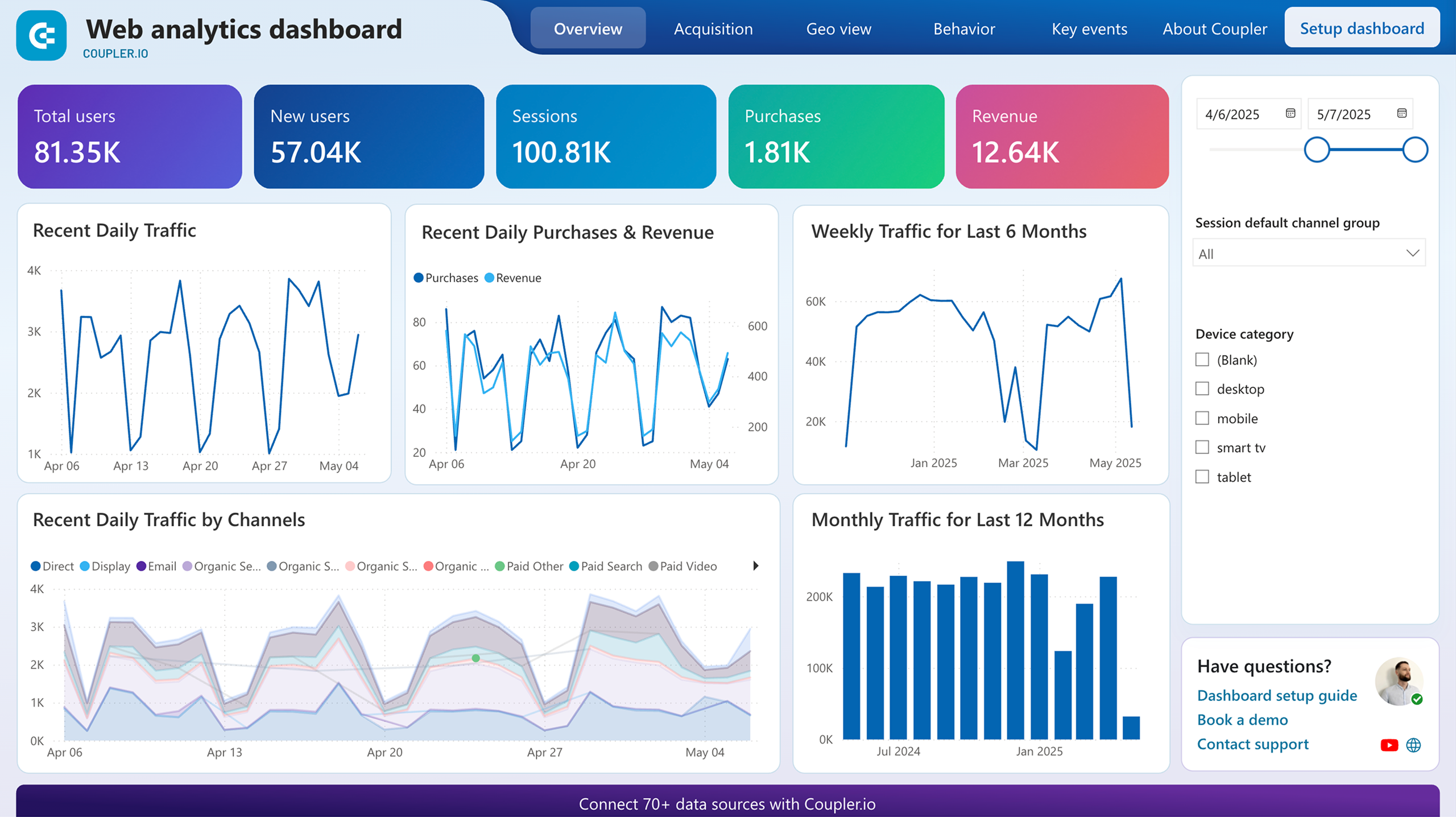


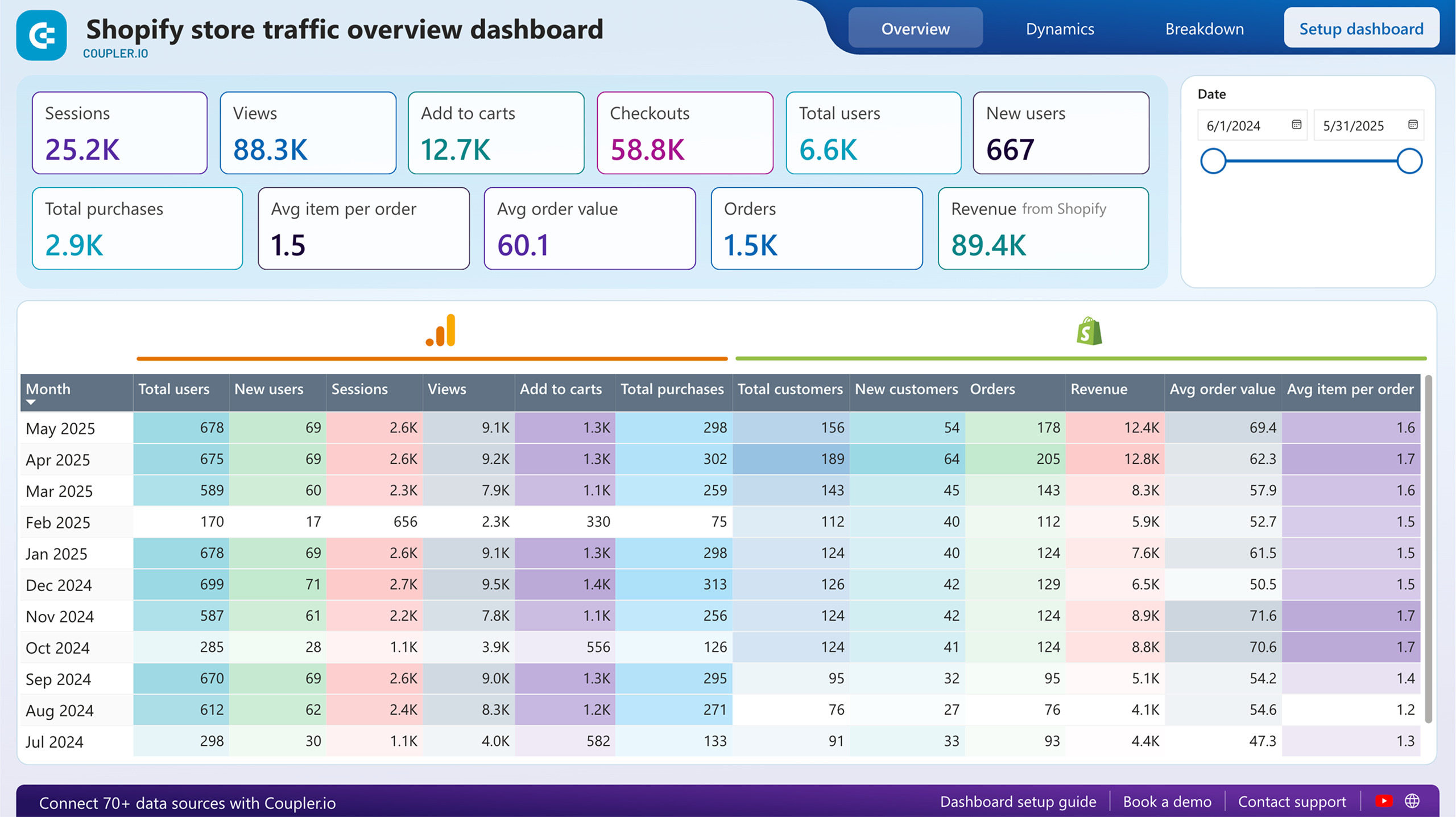

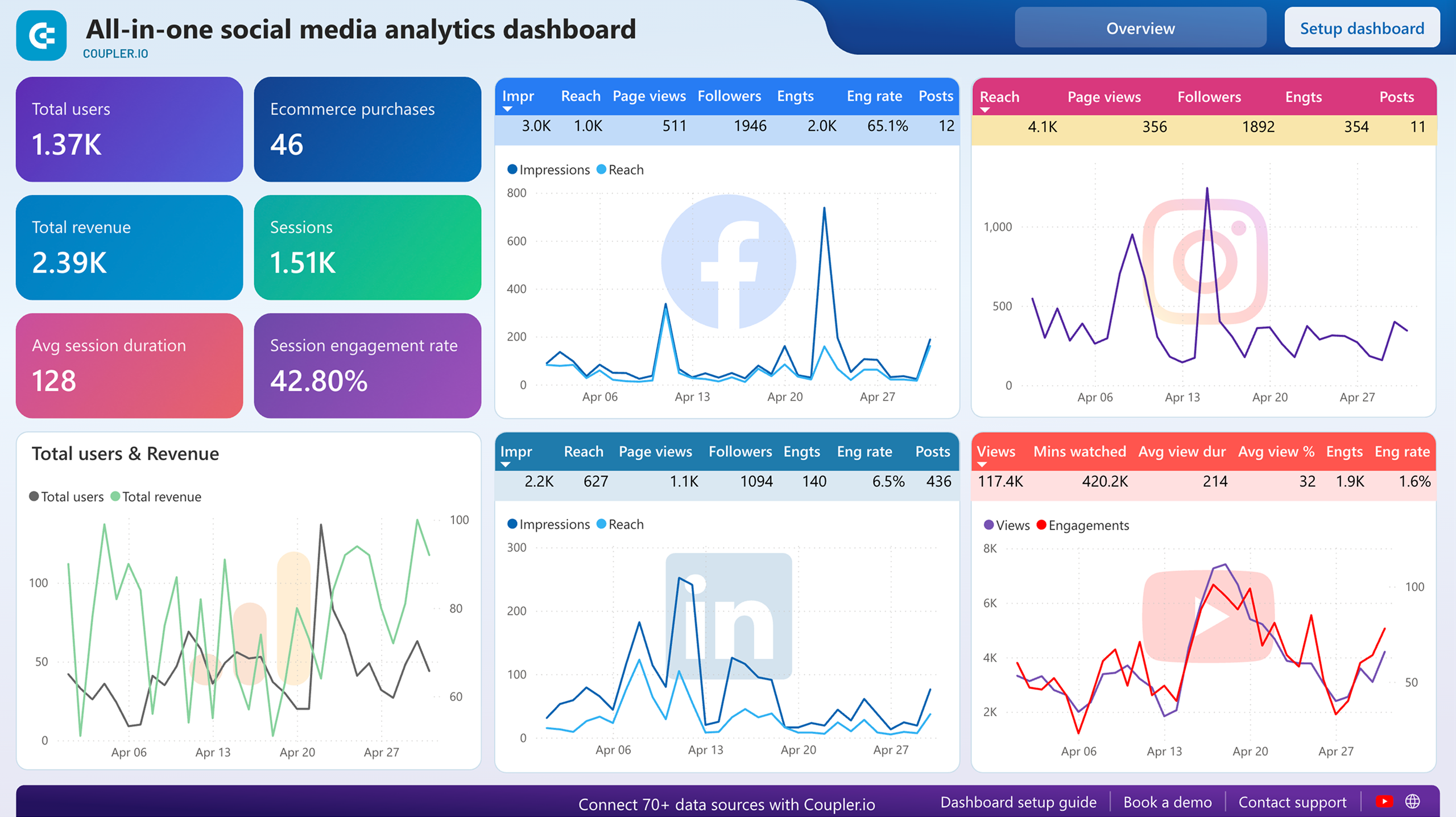


about your case. It doesn't cost you a penny 😉
Talk to AI about your Google Analytics 4 data
Examples of questions you can ask about Google Analytics data:
"What's driving the drop in conversion rate this month compared to the same period last year?"
"Rank our acquisition channels by engagement quality, not just volume, and explain what stands out"
"How do returning visitors behave differently from first-time users in terms of pages viewed and time spent?"
"Identify which content groups contribute most to goal completions and suggest where to focus next"





Your data is secured by industry standards
 SOC 2 Type II
Certified
 Google Cloud
Certified
 GDPR
GDPRCompliant
 HIPAA
HIPAACompliant
Export data from Google Analytics 4 to alternative destinations





