
Instagram Ads to Power BI Integration
Connect Instagram Ads to Power BI using Coupler.io, enabling seamless and code-free data collection. Transform your data with low effort and visualize it within interactive dashboards to promote weighted business decisions.


Connect Instagram Ads to Power BI with Coupler.io to simplify reporting

Get and prepare data effortlessly
Use the Instagram Ads to Power BI integration with Coupler.io for collecting and organizing data without coding. Enjoy data blending data from multiple sources to build comprehensive and multifaceted reports.

Automate reporting tasks
Transform your reporting workflow by automating data load from Instagram Ads to Power BI. Create dynamic cross-app reports and eliminate manual, tedious work. Coupler.io offers ready-to-use Power BI dashboard templates to refine your reports.

Stand out as a data-driven expert
Become a data-driven expert with Coupler.io and generate transparent reports. Present your findings derived from Instagram Ads data to stakeholders. Use these insights to improve content strategies and shape brand image on social media.
How to integrate Instagram Ads with Power BI (detailed guide)
Advance your reporting with the Instagram Ads to Power BI integration by Coupler.io. Reduce manual effort and automate data transfer with no line of code. The entire procedure takes three simple steps and a couple of minutes.
Step 1: Data collection
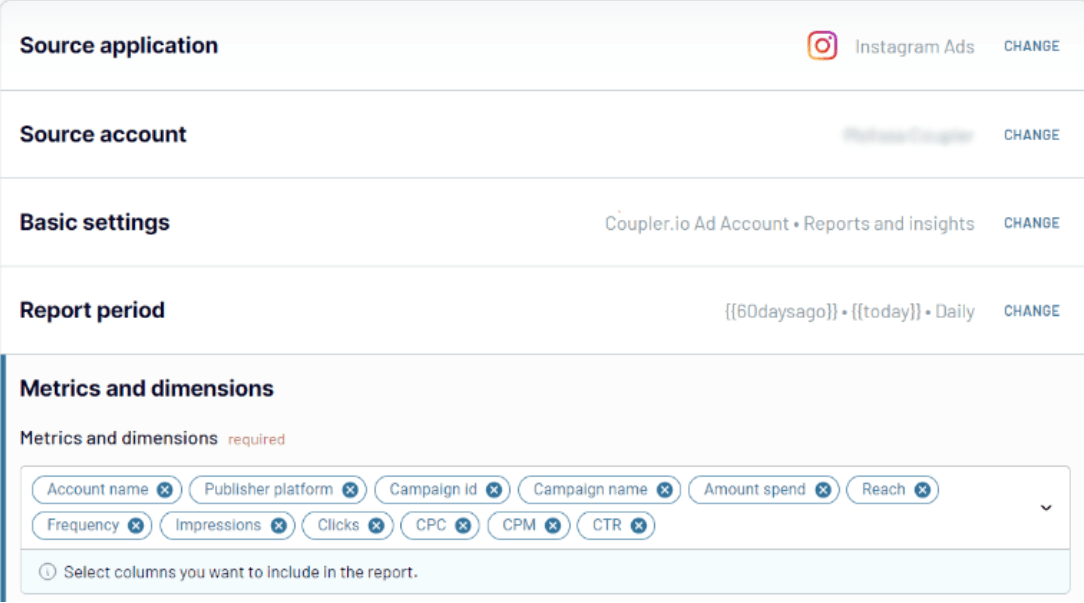
First, connect to your Instagram account and follow the on-screen instructions. Afterward, decide whether to import the list of ads, reports and insights, campaigns, or ad sets from Instagram Ads to Power BI. For reports and insights, you will also have to specify metrics and dimensions for analysis.
The next thing is to indicate the reporting period with the start and end dates.
Step 2: Organize & transform data
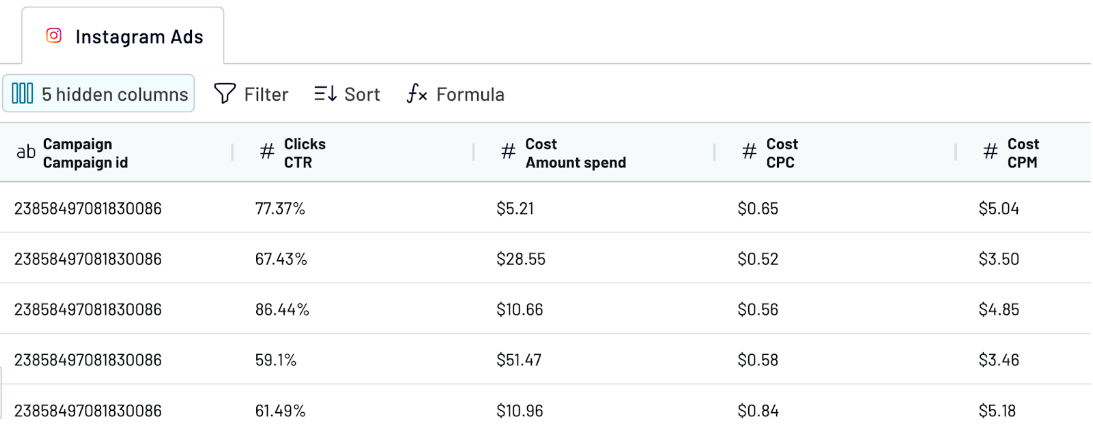
Before you connect Instagram Ads to Power BI, it’s worth verifying whether your data fits the analysis-ready state. Preview your data in the Transformation tab and decide how its quality can be improved. Coupler.io offers a number of data organization features:
Step 3: Load and schedule refresh
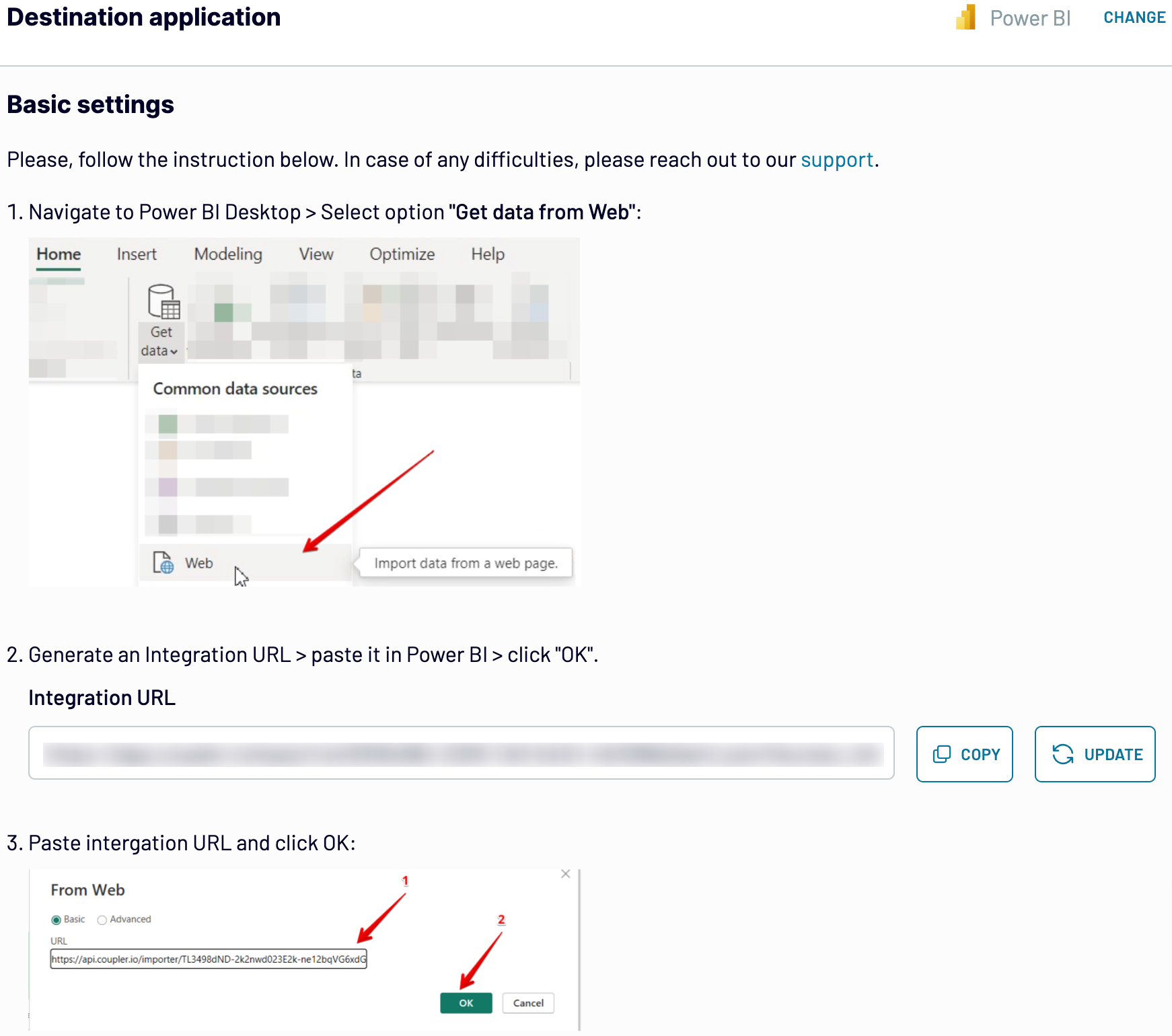
Go to the Destination tab to configure all the associated settings.
Step 1: Data collection
First, connect to your Instagram account and follow the on-screen instructions. Afterward, decide whether to import the list of ads, reports and insights, campaigns, or ad sets from Instagram Ads to Power BI. For reports and insights, you will also have to specify metrics and dimensions for analysis.
The next thing is to indicate the reporting period with the start and end dates.
Step 2: Organize & transform data
Before you connect Instagram Ads to Power BI, it’s worth verifying whether your data fits the analysis-ready state. Preview your data in the Transformation tab and decide how its quality can be improved. Coupler.io offers a number of data organization features:
- Filtering. Pick up only the key metrics for your reporting and analysis.
- Sorting. Arrange your data based on the selected criteria to make it ordered and appealing.
- Column management. Fit reporting format by customizing column names and order.
- Custom columns. Create new columns and specify mathematical formulas to create new metrics that highlight ad performance.
- Data blending. Join Instagram Ads data with information from other sources to make comprehensive and multifaceted reports.
Step 3: Load and schedule refresh
Go to the Destination tab to configure all the associated settings.
- Generate the integration URL and copy it.
- Paste the URL into the Power BI desktop app.
- Go to the next step and indicate the scheduling parameters for recurring data updates from Instagram Ads to Power BI, if needed.
- Save and run the importer.
Export Instagram Ads to Power BI on a schedule
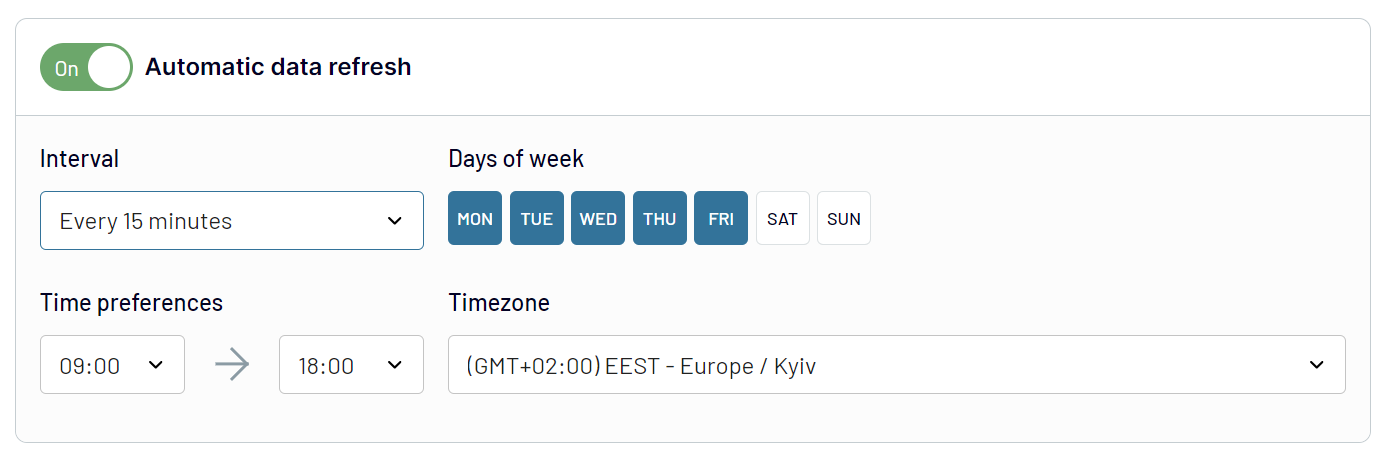
Make your data export from Instagram Ads to Power BI automated and recurring with Coupler.io. Its scheduling feature contributes to near real-time report handling. Activate the Automatic data refresh option and select the frequency at which you want to import Instagram Ads data to Power BI. The intervals for data updates range from 15 minutes to a month. You can also specify the exact days of the week and time for integration to take place. Get instant insights and make timely decisions that increase the effectiveness of your ad campaigns.
Export data from Instagram Ads to alternative destinations


Quick start with PPC dashboard templates
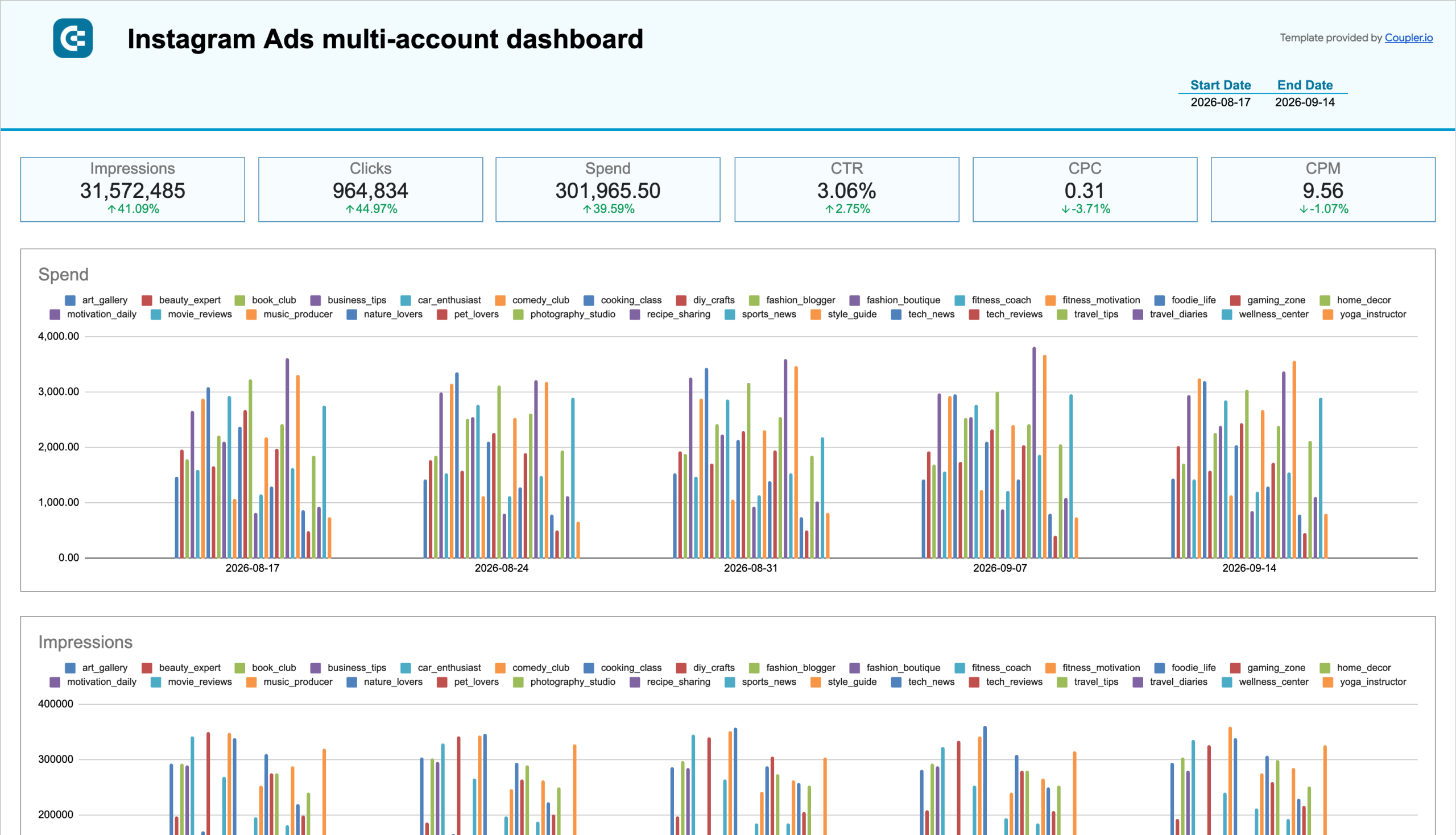
Instagram Ads multi-account dashboard
 +0
+0


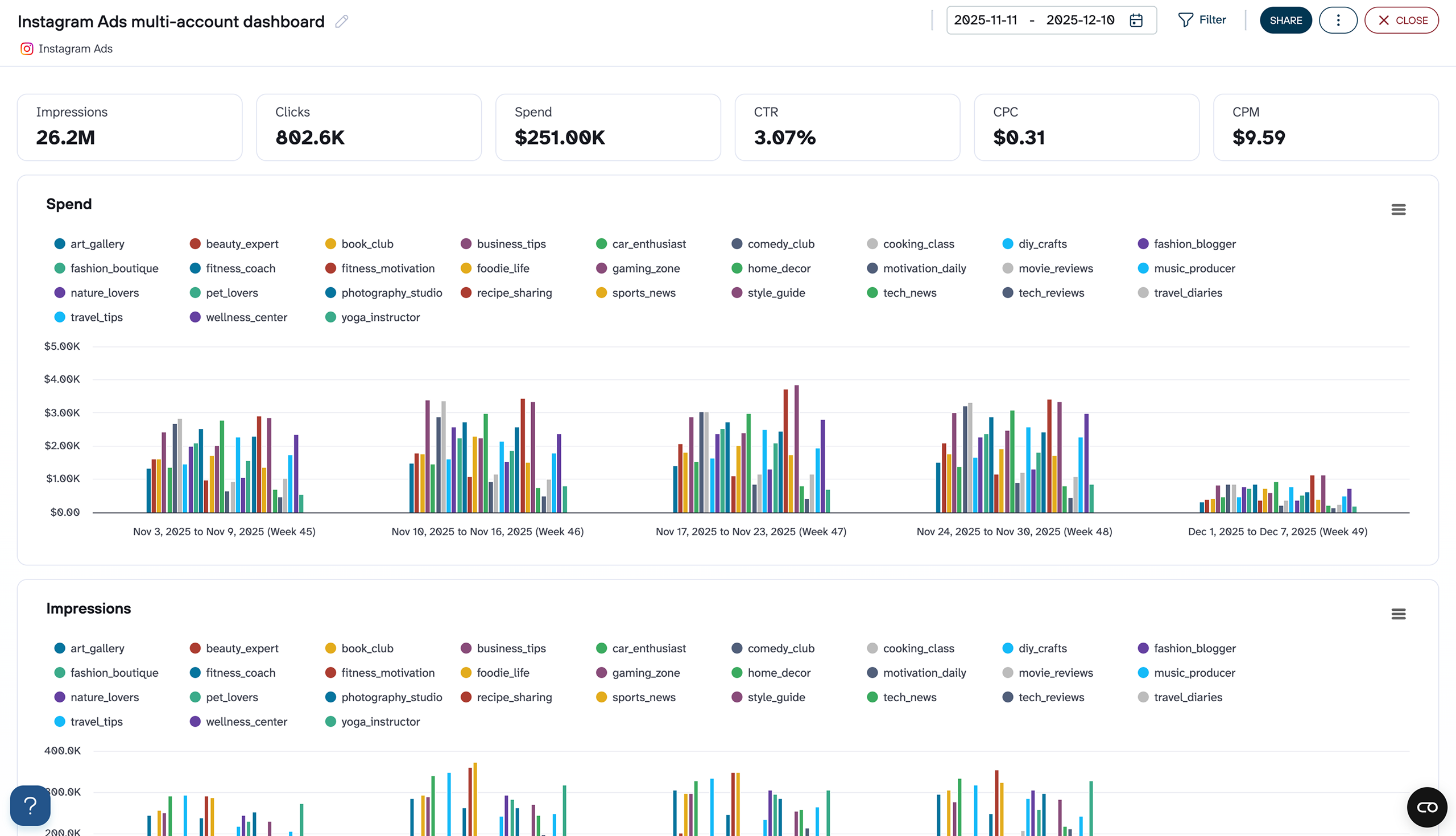
Instagram Ads multi-account dashboard
+0

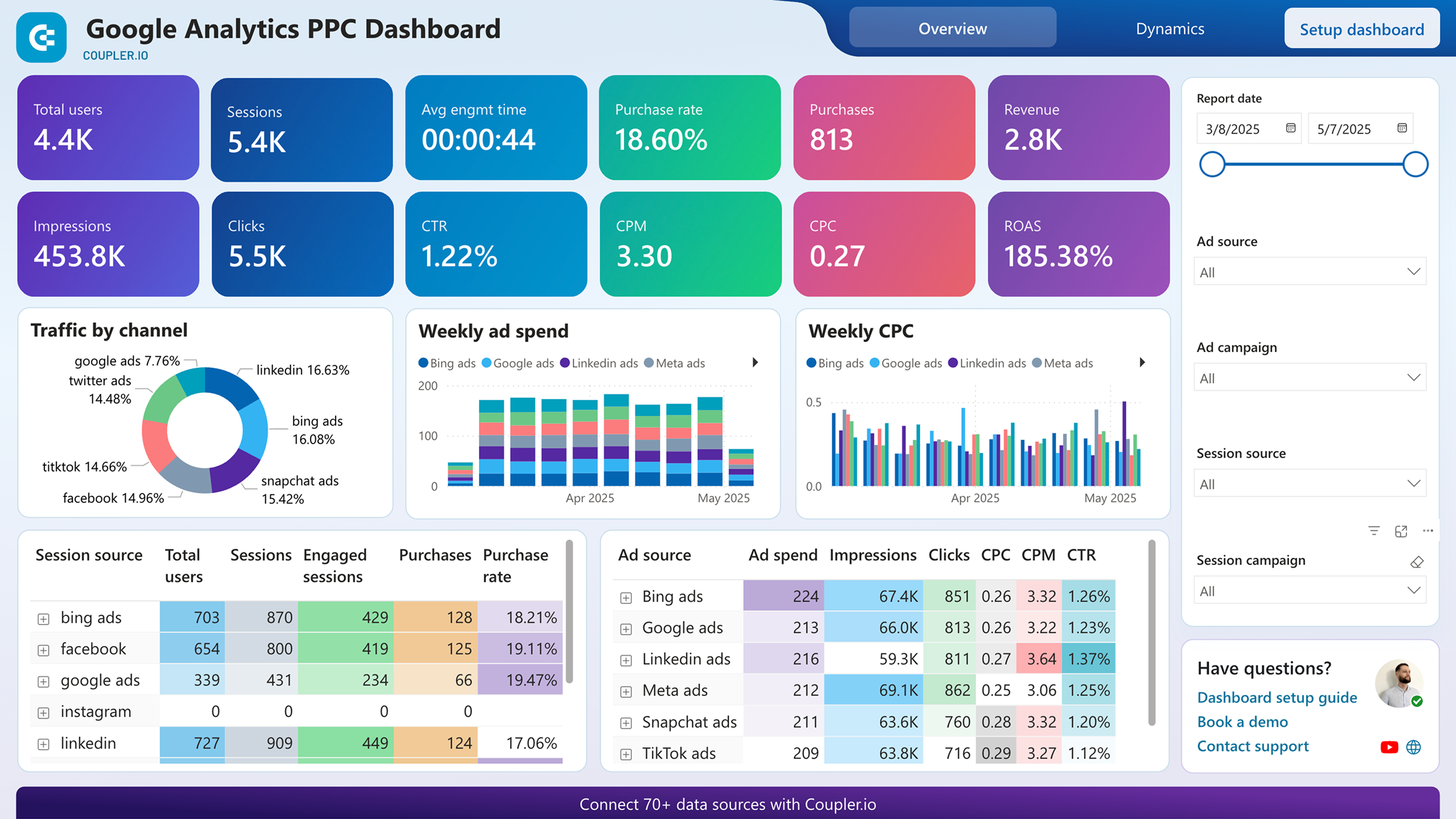
Google Analytics PPC dashboard


 +5
+5
No such template is available yet.
No worries. Our team will create a template that fits your needs, just tell us more
about your case. It doesn't cost you a penny 😉
Request a custom report
about your case. It doesn't cost you a penny 😉
Export Instagram Ads to Power BI automatically with just a few clicks.
Connect similar PPC apps and get data in minutes


What to export from Instagram Ads to Power BI

List of Ads
This data includes all the active and past advertisements on your Instagram account. It contains the following metrics: impressions, clicks, and other engagement metrics. Connect Instagram Ads to Power BI to analyze your ad performance. Based on the obtained results, see what can be improved in your marketing approaches.
List of Campaigns
Here, you can find campaign details, including reach, engagement, and conversion rates. Import Instagram Ads to Power BI to explore the best-performing and the least-performing campaigns. Refine your marketing strategy and maximize your return on investment.
List of Ad Sets
This is about user demographics, budget allocation, and bidding strategies. Analyze ad sets to understand how different audience segments respond to your ads. That way, you can detect the most active audiences interacting with your brand and Instagram. Based on that, you can reconfigure your ads and make advised investments.
Reports and Insights
Instagram provides detailed reports containing the fundamental ad performance metrics. Set up the Instagram Ads to Power BI integration to gain in-depth insights into your ads. Analysis results will help you make weighted decisions and adjust your ad campaigns accordingly.
How do you connect Instagram Ads to Power BI?
Step 1. Connect your Instagram account and choose the type of data to export
30 seconds
Step 2. Organize and transform data before loading it into Power BI
30 seconds
Step 3. Generate and copy the integration URL to the Power BI desktop app
30 seconds
Step 4. Schedule auto-refreshes to export Instagram Ads to Power BI at desired intervals
10 seconds
Pricing plans
- Monthly
- Annual (save 25%)
Your data is secured by industry standards
 SOC 2 Type II
Certified
 Google Cloud
Certified
 GDPR
GDPRCompliant
 HIPAA
HIPAACompliant
Don’t just take our word for it





Dramatically improved our reporting speed by about 60%. The interface is user-friendly, even for team members with no technical background.
Helped solve data processing issues, and customer service is 10/10. It is extremely easy to use, and allows us to extract data from multiple sources.



