Connect your data to Claude in 1 minute. No code needed Try it now

Connect Instagram Ads to BigQuery

Connect Instagram Ads to BigQuery with Coupler.io to unlock SQL-based advertising analytics at scale. Warehouse campaign, ad set, and ad-level performance data alongside your other channels. Automate refreshes on your own schedule, no coding required.

πŸ† Voted 4.9/5 on Capterra πŸ”’ SOC2 & GDPR compliant 🌍 Trusted by 1M+ users worldwide

What data you can export from Instagram Ads?

Categories:
  • Reports and Insights
  • List of Ad sets
  • List of Campaigns
  • List of Ads

All-in-one tool for Instagram Ads data exports and analytics

Pull Instagram Ads campaign metrics into BigQuery alongside data from Facebook Ads, Google Ads, and other paid channels. Unify spend and conversion records in one warehouse to enable multi-platform attribution and holistic advertising analysis.

Collect data from Instagram Ads and enrich it with information from other sources image

Shape Instagram Ads exports with built-in transformations before they reach BigQuery. Apply filters, rename columns, and aggregate metrics so your warehouse tables arrive clean and ready for SQL queries without additional processing.

Organize raw Instagram Ads data in the form of a ready-to-use data set image

Keep BigQuery tables populated with the latest Instagram Ads results through scheduled data loads. Choose monthly, daily, hourly, 30-minute, or 15-minute refresh intervals to match reporting cadence and ensure analysts always work with up-to-date figures.

Automate data refresh on a custom schedule image

Pair your Instagram Ads data with Coupler AI integrations to ask plain-language questions about ad performance. Get instant answers on spending efficiency and audience engagement without writing a single SQL statement.

Connect Instagram Ads data to AI to query and analyze data using natural language conversations image
Collect data from Instagram Ads and enrich it with information from other sources image
Organize raw Instagram Ads data in the form of a ready-to-use data set image
Automate data refresh on a custom schedule image
Connect Instagram Ads data to AI to query and analyze data using natural language conversations image

Why connect Instagram Ads to BigQuery - real life cases

Multi-channel paid media warehouse icon

Multi-channel paid media warehouse

Centralize Instagram Ads data in BigQuery alongside other advertising platforms to create a unified paid media warehouse. Run cross-channel SQL queries comparing cost-per-acquisition and conversion rates to identify which platforms deliver the highest return on ad spend.
Audience segmentation and behavioral analysis icon

Audience segmentation and behavioral analysis

Store audience-level Instagram Ads reports in BigQuery to segment users by demographics, interests, and engagement patterns at scale. Apply clustering techniques and cohort analysis to discover high-value audience segments and inform targeting decisions with data-backed precision.
Creative performance benchmarking icon

Creative performance benchmarking

Load ad-level reports into BigQuery to build a historical archive of creative performance data. Compare image, video, and Reels ad formats over time using SQL window functions to determine which creative approaches generate the strongest engagement and conversion metrics.
Budget optimization through predictive modeling icon

Budget optimization through predictive modeling

Warehouse historical campaign spend and outcome data in BigQuery to power forecasting models. Use BigQuery ML to predict optimal budget allocation across campaigns and ad sets based on historical cost and conversion patterns.

How to connect Instagram Ads to BigQuery

Step 1. Connect to your Instagram Ads account and select the data to export
time icon 30 seconds
Step 2. Organize data using transformation options such as filters, column management, aggregation, etc.
time icon 30 seconds
Step 3. Connect your BigQuery project and specify where to load your data
time icon 30 seconds
Step 4. Schedule data refresh to automate data flow from Instagram Ads to BigQuery
time icon 10 seconds

Automate data exports with the no-code Instagram Ads BigQuery integration

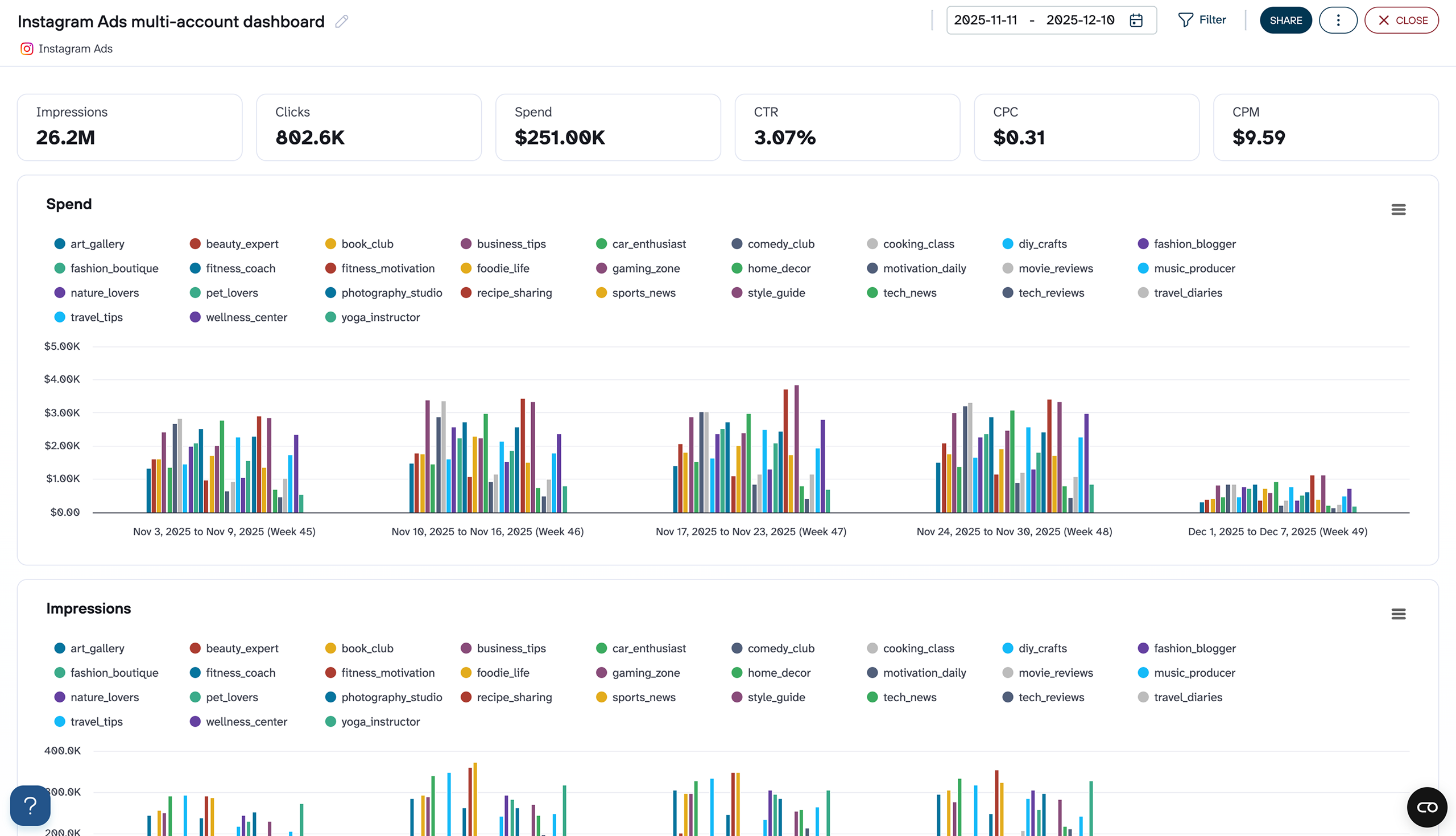
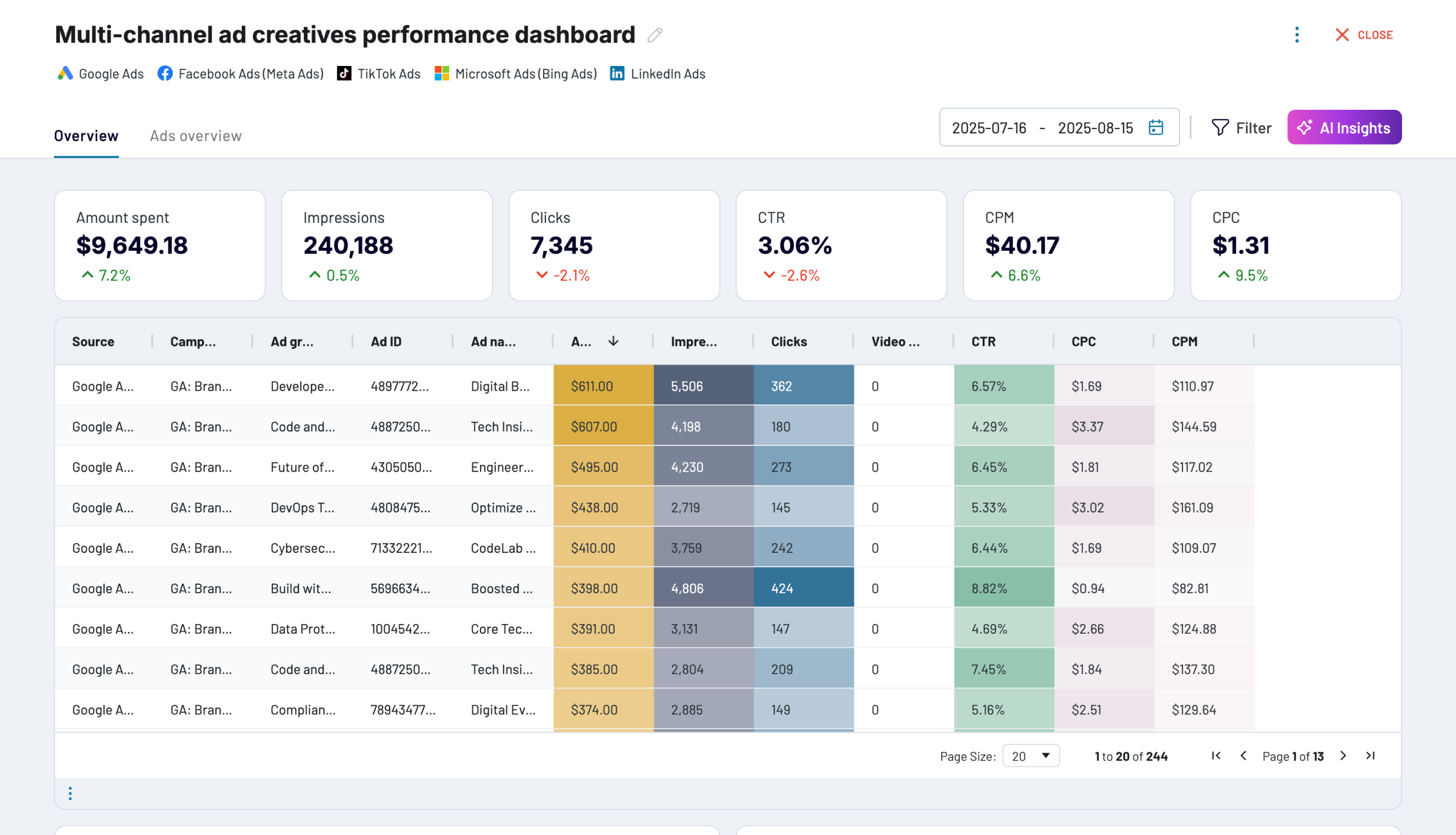
Quick start with PPC dashboard templates
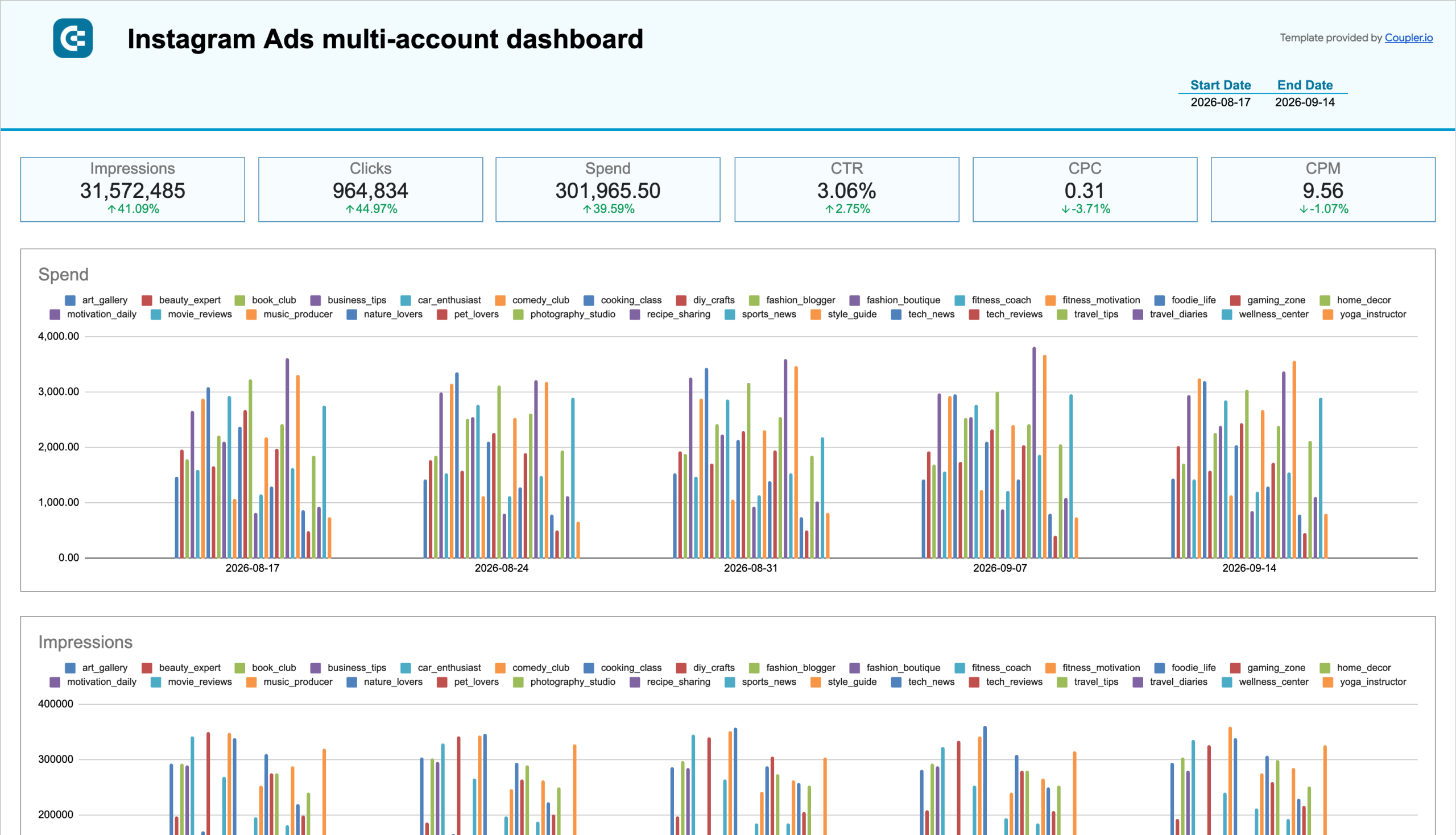
No such template is available yet.
No worries. Our team will create a template that fits your needs, just tell us more
about your case. It doesn't cost you a penny πŸ˜‰
Request a custom report

Talk to AI about your Instagram Ads data

Campaign performance answers don't always require a dashboard. Coupler AI integrations let you ask about your Instagram Ads data in plain language and get an answer pulled straight from the same warehouse your BigQuery reports use.

Examples of questions you can ask about Instagram Ads data:
  • "Which ad sets had the lowest cost per result last month and what audience did they target?"
  • "Compare Reels versus static image ad performance across our top campaigns"
  • "Are there audiences where spend is rising but conversions are flat?"
  • "Summarize creative performance trends across our top-performing formats this quarter"
connect-ai-integrations image instagram.svg

Customer success stories

At Coupler.io, our mission is simple: to help our customers succeed by unlocking the full potential of their data. Check out how using Coupler.io has helped businesses like yours scale and achieve better ROI.

Frequently asked questions
You connect Instagram Ads to BigQuery in Coupler.io in three steps: authorize Instagram Ads, choose the data you need, and set a schedule. Coupler.io creates the tables on the first run and keeps them updated automatically, with no code.
No, Coupler.io is the BigQuery integration built for business teams, not data teams, so you connect Instagram Ads to BigQuery without SQL, Python, or a data engineer.
Instagram Ads limits how long it keeps your reporting, but BigQuery doesn't. Coupler.io writes Instagram Ads data to BigQuery on a schedule so your history accumulates and stays yours after the platform's own window rolls off.
You choose the schedule. Coupler.io refreshes Instagram Ads data in BigQuery automatically, as often as your plan allows.
Yes, Coupler.io can blend Instagram Ads with your other platforms before the data lands. Compare Instagram's cost per result against your other channels and decide where the next budget goes.
BigQuery is a destination on every Coupler.io plan, not a paid add-on and not locked behind a higher tier.
The simplest way to get Instagram Ads into BigQuery is a no-code connector: connect the account, pick your fields, set a schedule, and BigQuery fills itself. Coupler.io does this for Instagram Ads plus 400+ other sources.
Yes, Coupler.io is SOC 2 Type II certified and writes directly into your own BigQuery project, so your data stays in your warehouse.
Instagram Ads data in BigQuery answers questions like which campaigns to scale and which to cut, how much performance history to keep past the platform's own reporting window, and how Instagram compares against your other ad platforms.

Ready to connect Instagram Ads to BigQuery and automate your reporting?