
Export Google Analytics 4 to ChatGPT
Connect data from Google Analytics 4 to ChatGPT with Coupler.io to get instant answers about your website performance without navigating dashboards or building reports. Ask questions in normal conversation to understand visitor behavior, evaluate campaign results, or identify growth opportunities.


What data you can export from Google Analytics 4
-
Total UsersAudience size data measuring everyone who visited your site during a timeframe, showing whether you're reaching more people over time and helping evaluate if your platform attracts the demographics and interests your business targets most.
-
ConversionsGoal completion records capturing valuable visitor actions like purchases, sign-ups, or downloads that represent business wins, allowing evaluation of which marketing efforts generate actual results rather than just attention and traffic volume.
-
Active UsersRecent engagement metrics tracking visitors who interacted with your site within specific recent periods, useful for calculating how many people stick around, identifying your most engaged segments, and spotting early signs that users might be losing interest.
-
Event CountDetailed interaction tallies covering every click, scroll, video play, and custom action you track, revealing which site elements people actually use and providing granular visibility into behavior that aggregate metrics miss completely.
-
Conversion RateSuccess percentage showing what fraction of your visitors complete desired actions, indicating whether your site effectively persuades people and highlighting which traffic sources bring visitors most inclined to convert into customers or subscribers.
-
SessionsIndividual visit data showing each time someone comes to your site and what they do during that visit, providing insight into peak traffic times, most popular content, and typical user journey patterns from arrival to exit.
-
New UsersFirst-time visitor measurements distinguishing between people seeing your site for the first time versus returning visitors, critical for evaluating acquisition strategy effectiveness and understanding whether growth comes from new audience reach or existing user retention.
-
Average Engagement Time per SessionTime investment metrics revealing how many minutes visitors typically spend actively engaging with your content during each visit, helping identify which pages successfully hold attention versus which fail to interest your audience enough to keep them reading.
All-in-one tool for Google Analytics 4 data exports and analytics
Combine GA4 website metrics with data from your advertising accounts, social platforms, and email tools using Coupler.io's 330+ source connections. This integration lets ChatGPT answer questions that require looking across multiple marketing channels rather than treating website analytics as an isolated information silo.

Structure raw GA4 data into formats ChatGPT can work with effectively, maintaining relationships between dimensions like traffic source, user actions, and conversion outcomes. You skip the work of configuring custom reports or learning which GA4 features provide the metrics you need.

Choose how often Coupler.io updates your GA4 data: 15-minute, 30-minute, hourly, daily, and monthly intervals are all available. ChatGPT then works with information that matches your website's actual performance, not stale numbers from last week's manual export that no longer reflect reality.

ChatGPT becomes your analytics assistant, answering questions about website metrics without requiring you to know GA4's interface layout or terminology. Describe what you want to learn in your own words and get back insights that make sense for your business decisions.

Why export Google Analytics 4 to ChatGPT - real life cases

Campaign effectiveness reviews

User experience improvements

Growth opportunity identification

Content performance optimization
How to export Google Analytics 4 to ChatGPT
 30 seconds
30 seconds
10 seconds
30 seconds
30 seconds
30 seconds
10 seconds
Automate data exports with the no-code Google Analytics 4 ChatGPT integration
Connect similar PPC apps and get data in minutes


Quick start with PPC dashboard templates
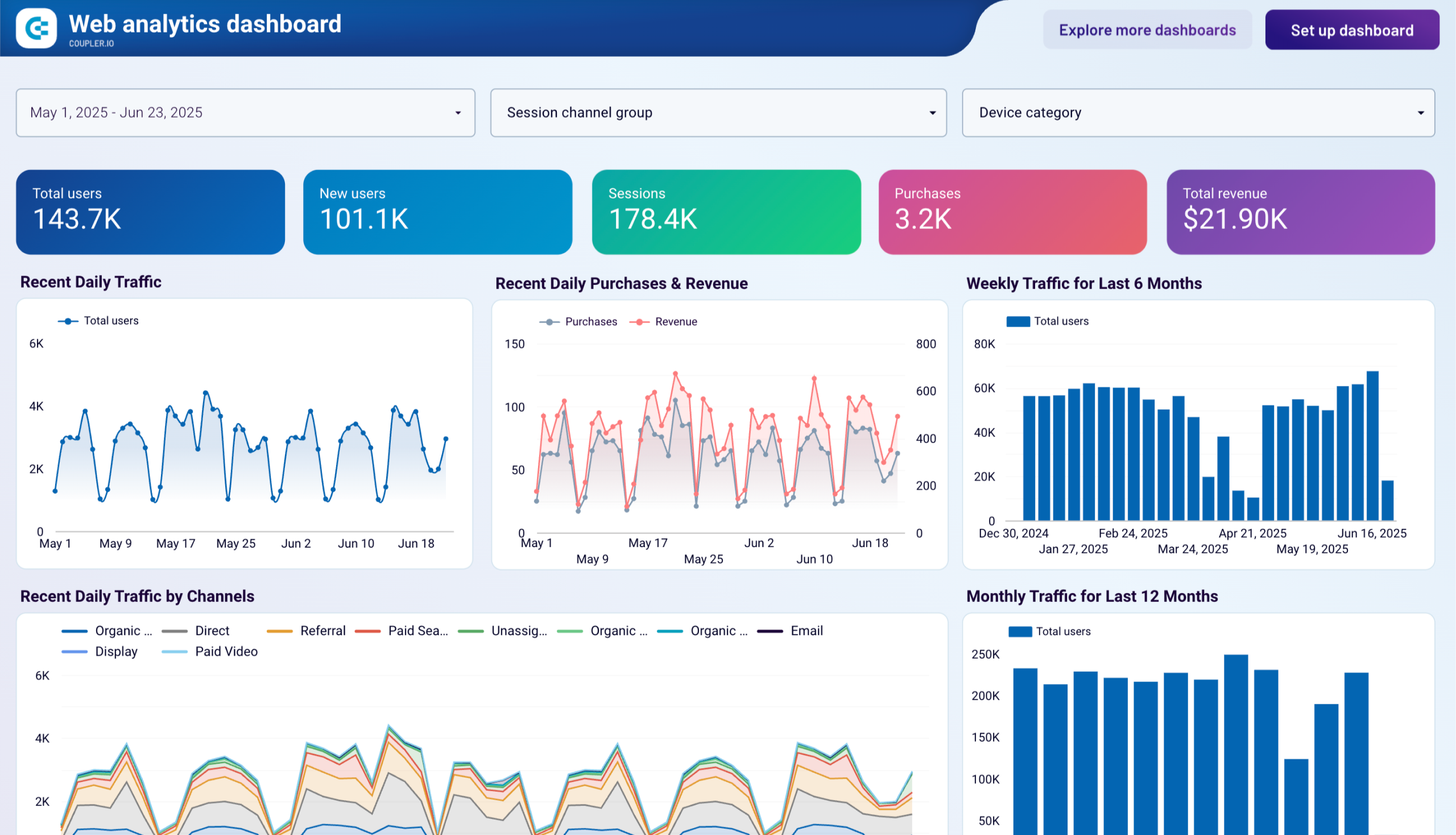


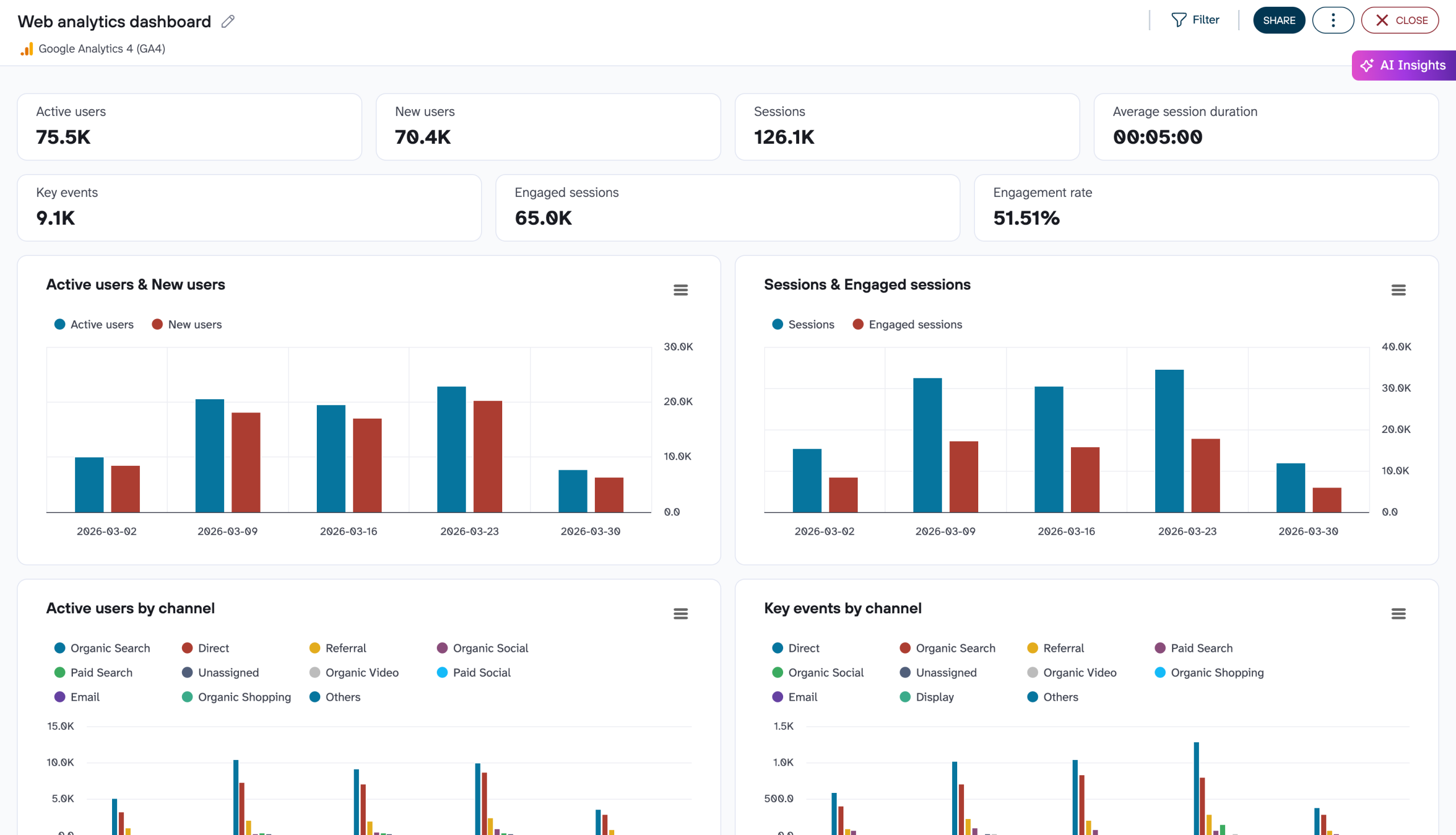

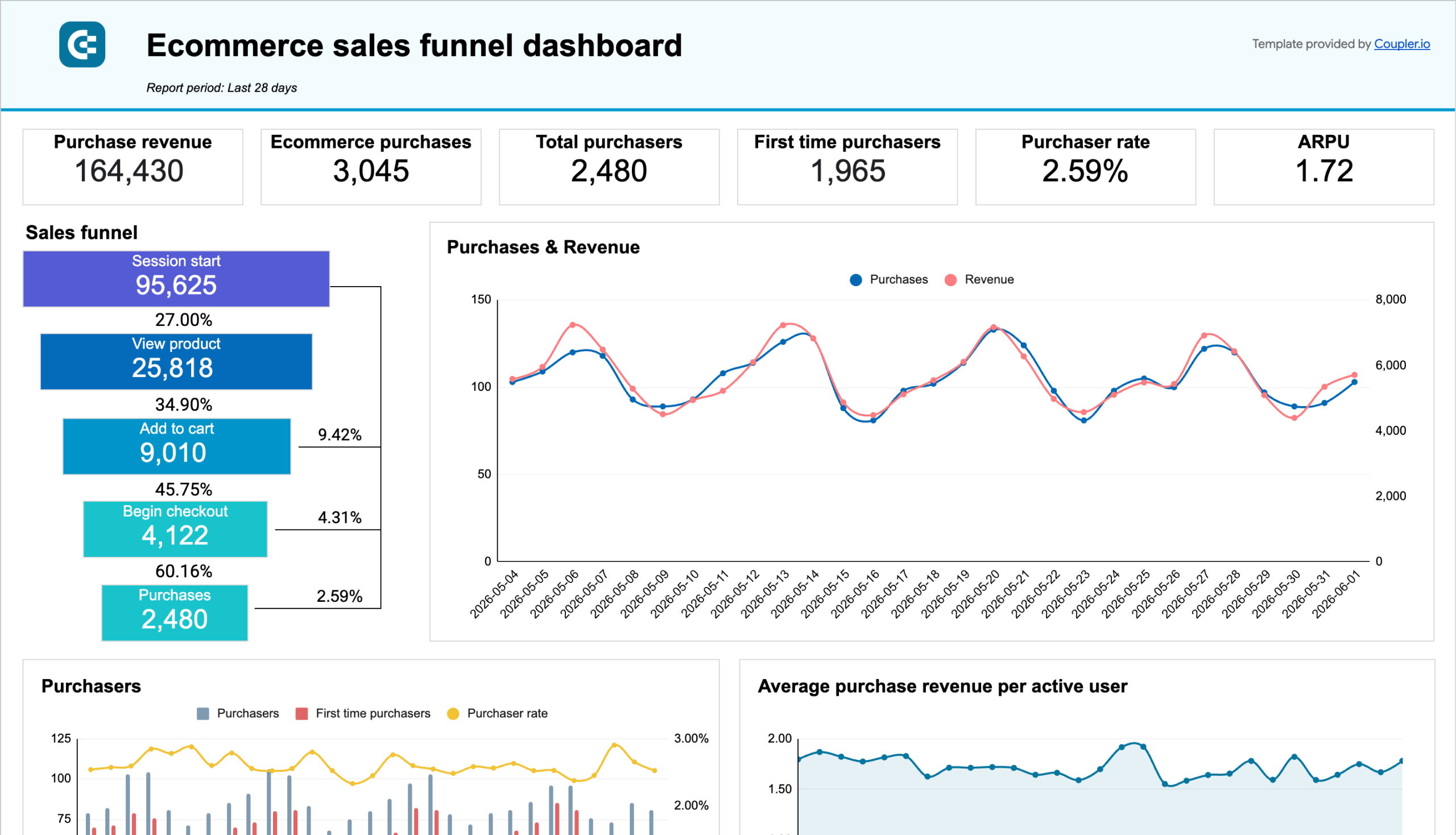

about your case. It doesn't cost you a penny 😉
Talk to AI about your Google Analytics 4 data
Example questions you can ask ChatGPT:
- "Compare last month's traffic from organic search, paid search, and social media in terms of both volume and conversion rate to help allocate next quarter's budget."
- "What are our top ten pages by pageviews, and how do their average engagement times compare to our site average to identify our stickiest content?"
- "Show me week-by-week trends in mobile versus desktop traffic for the past three months and flag any significant shifts in the mobile percentage."
- "Which three traffic sources brought us the most new users last month, and what was the average session duration for each source?"

Your data is secured by industry standards
 Google Cloud
Certified
 SOC 2 Type II
Certified
 GDPR
GDPRCompliant
 HIPAA
HIPAACompliant
Export data from Google Analytics 4 to alternative destinations





