
Export Google Ads to Data Studio (formerly Looker Studio)
Visualize Google Ads performance in Data Studio with Coupler.io for interactive campaign dashboards and shareable reports. Enable drill-down exploration of ad metrics, dynamic chart filtering by date and segment, and polished visual storytelling that makes advertising data instantly understandable for any audience.


What data you can export from Google Ads?
-
Campaign performance
-
Keywords performance
-
Ad group performance
-
Ad performance
-
Asset group performance
-
Custom GAQL
-
Account performance
-
Ad group audience performance
-
Ad group performance by country
-
Ad group performance by state
-
Ad group performance by region
-
Ad group performance with install conversion
-
Age range performance
-
Campaign audience performance
-
Campaign performance by ad network type
-
Campaign performance by country
-
Campaign performance by state
-
Campaign performance by region
-
Campaign performance with conversion actions name
-
Campaign performance with unique user stats
-
Click performance
-
Display keyword performance
-
Display topics performance
-
Expanded landing page
-
Gender performance
-
Keywordless query
-
Landing page
-
Placement performance
-
Responsive search ad performance
-
Search query performance
-
Shopping performance
-
User location performance
-
Video campaign performance with conversions
-
Accounts
-
Ad groups
-
Ads
-
Campaigns
-
Campaign budgets
-
Campaign criterion
-
Campaign labels
-
Accessible bidding strategies
-
Bidding strategies
-
Carrier constant
-
Language constant
-
Mobile app category constant
-
Mobile device constant
-
Operating system version constant
-
Topic constant
-
Ad group criterion
-
Call details
-
Labels
-
User interest
-
User list
All-in-one tool for Google Ads data exports and analytics
Feed Google Ads metrics into Data Studio and blend them with Google Analytics sessions, CRM deal data, or other advertising platform exports. Create multi-source visualizations that tell the full story from ad click through to closed revenue.

Prepare Google Ads exports with pre-applied filters, renamed columns, and aggregated summaries before they reach Data Studio. Deliver visualization-ready datasets that reduce report configuration time and ensure consistent metric definitions across dashboards.

Keep Data Studio dashboards fed with fresh advertising data through automated syncs available at 15-minute, 30-minute, hourly, daily, or monthly intervals. Ensure stakeholders always view the latest campaign performance without manual data source refreshes.

Pair your visual dashboards with Coupler.io AI integrations to ask conversational questions about Google Ads performance. Get narrative interpretations of the trends visible in your charts and discover insights that may not surface through standard dashboard exploration.

Why export Google Ads to Data Studio - real life cases

Executive-facing campaign performance dashboards

Multi-channel advertising comparison reports

Geographic performance heat maps and territory analysis

Automated weekly reporting with email distribution
How to export Google Ads to Data Studio
 30 seconds
30 seconds
10 seconds
30 seconds
30 seconds
30 seconds
10 seconds
Automate data exports with the no-code Google Ads to Data Studio integration
Connect similar PPC apps and get data in minutes


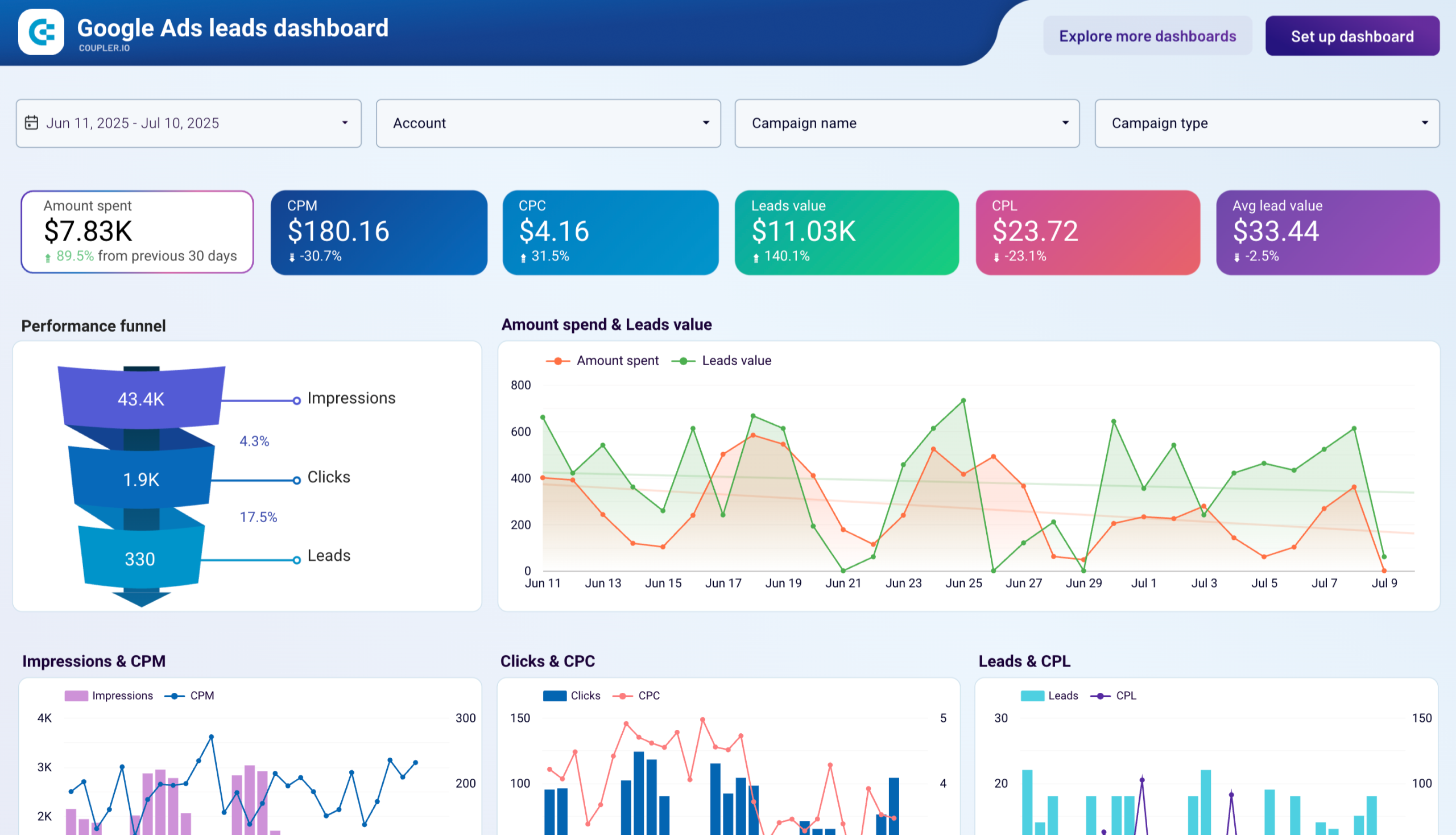
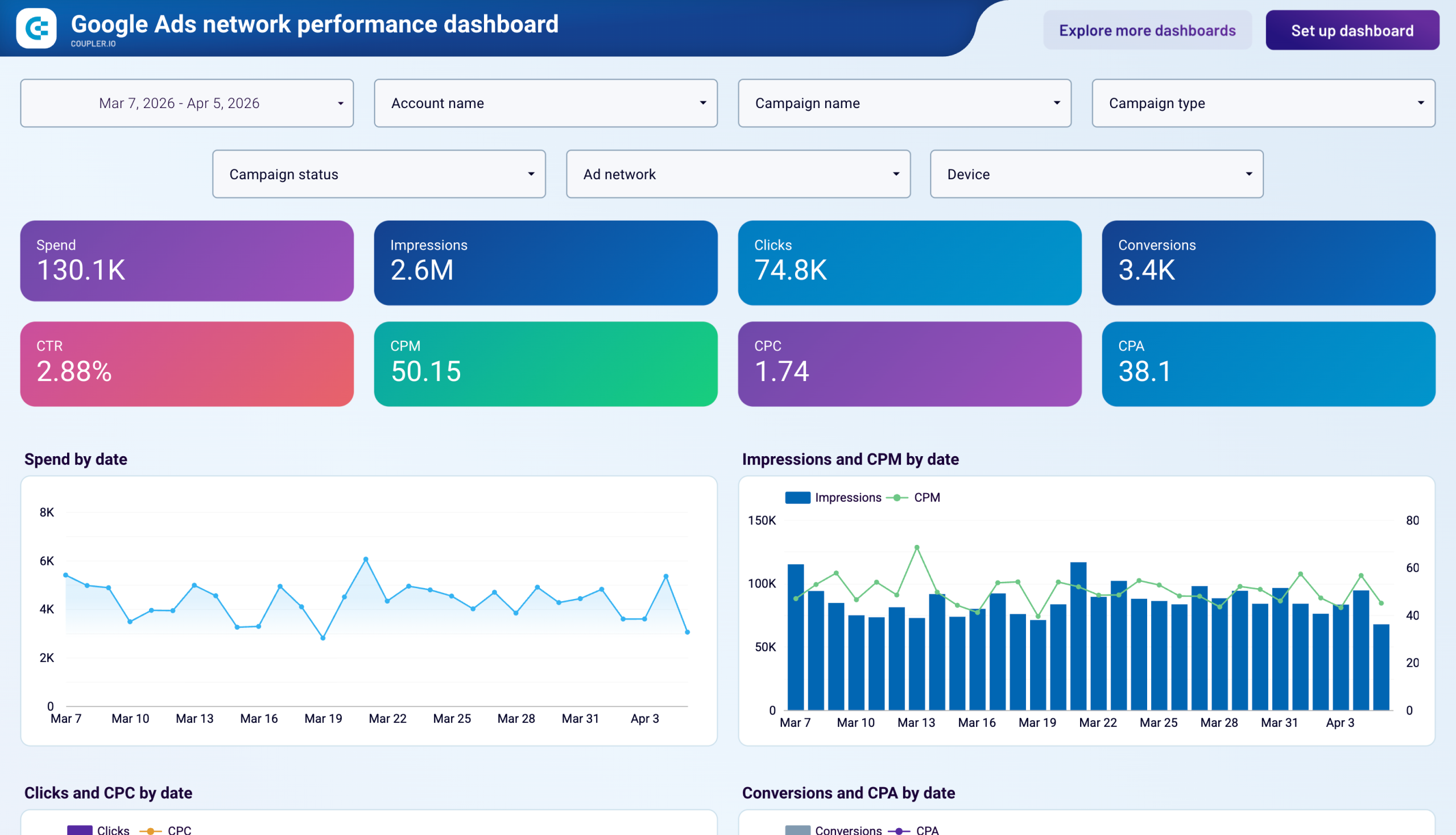
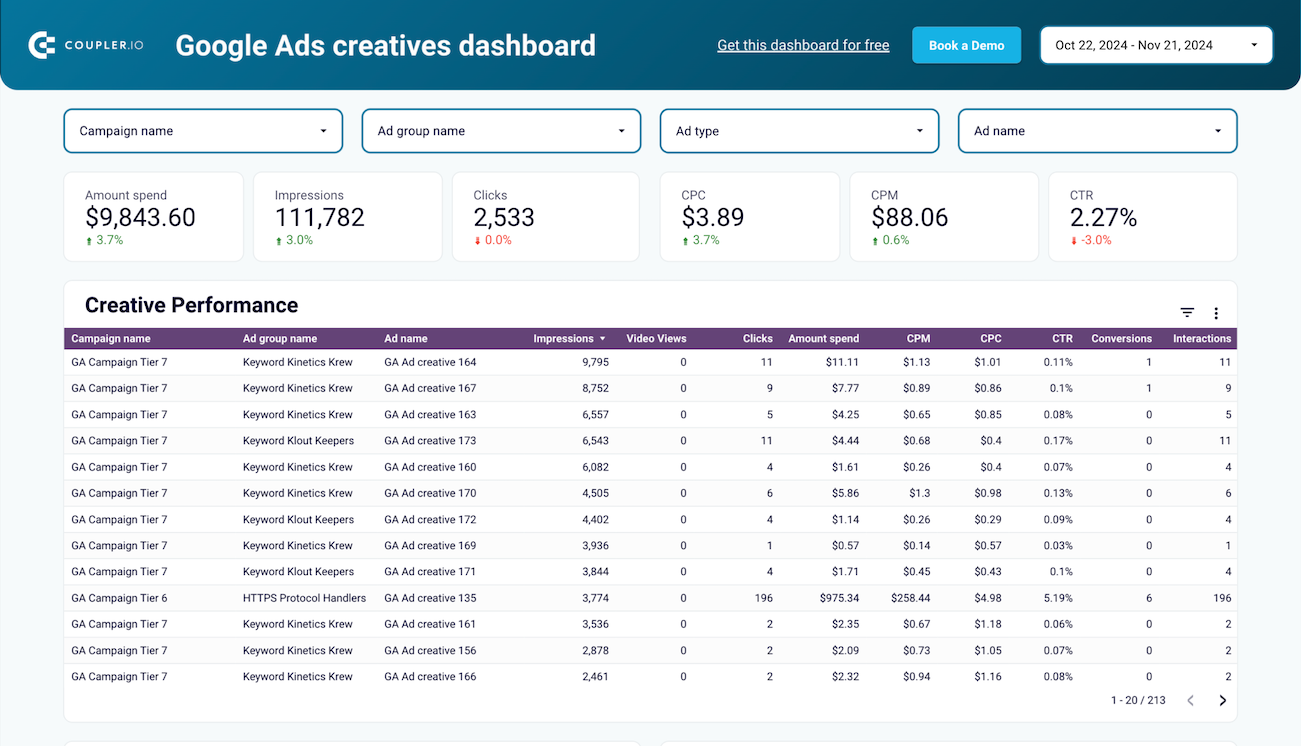
Quick start with PPC dashboard templates
 +0
+0

 +0
+0
 +0
+0
about your case. It doesn't cost you a penny 😉
Talk to AI about your Google Ads data
Examples of questions you can ask about Google Ads data:
"What's driving the conversion rate drop visible in my campaign dashboard this month?"
"Summarize the top three geographic regions by ROAS and explain what makes them stand out"
"Which audience segments should I prioritize based on the performance trends in my reports?"
"Suggest new chart types or metrics I should add to my executive dashboard for better clarity"





Your data is secured by industry standards
 Google Cloud
Certified
 SOC 2 Type II
Certified
 GDPR
GDPRCompliant
 HIPAA
HIPAACompliant
Export data from Google Ads to alternative destinations





