
Export Bing Ads to ChatGPT
Transform your Bing Ads reporting into conversational insights with ChatGPT through Coupler.io for intuitive campaign analysis. Query your advertising performance in plain language, explore optimization opportunities, and discover trends without navigating complex dashboards.


What data you can export from Bing Ads?
-
Campaign performance report
-
Keyword performance report
-
Ad group performance report
-
Ad performance report
-
Ad extension by ad report
-
Ad extension by keyword report
-
Ad extension detail report
-
Call detail report
-
Budget summary report
-
Search campaign change history report
-
DSA auto target performance report
-
DSA category performance report
-
DSA search query performance report
-
Hotel dimension performance report
-
Hotel dimension performance report with share performance statistics
-
Hotel group performance report
-
Hotel group performance report with share performance statistics
-
Account performance report
-
Account performance report with share performance statistics
-
Ad dynamic text performance report
-
Ad group performance report with share performance statistics
-
Asset performance report
-
Asset group performance report
-
Audience performance report
-
Campaign performance report with share performance statistics
-
Conversion performance report
-
Destination URL performance report
-
Goals and funnels report
-
Publisher usage performance report
-
Search query performance report
-
Share of voice report
-
Product dimension performance report
-
Product dimension performance report with share performance statistics
-
Product match count report
-
Product partition performance report
-
Product partition performance report with share performance statistics
-
Product partition unit performance report
-
Product search query performance report
-
Age gender audience report
-
Geographic performance report
-
Negative keyword conflict report
-
Professional demographics audience report
-
User location performance report
-
Custom report
All-in-one tool for Bing Ads data exports and analytics
Pull campaign reports, ad performance metrics, and conversion tracking data from Bing Ads while integrating information from other advertising channels, web analytics, or CRM systems to build unified marketing intelligence.

Filter campaigns by status or performance thresholds, select meaningful metric columns, and aggregate data by dimensions to prepare your advertising information for effective conversational exploration through ChatGPT.

Establish recurring synchronization from monthly reporting cycles to 15-minute intervals, keeping your conversational analysis aligned with campaign performance as bids adjust and ad creative evolves across your accounts.

Load your structured advertising data to ChatGPT where team members can ask questions, explore performance patterns, and identify opportunities through natural dialogue without technical advertising platform expertise.

Why export Bing Ads to ChatGPT - real life cases

Ad extension optimization

Audience targeting refinement

Quality score improvement

Competitive positioning analysis
How to export Bing Ads to ChatGPT
 30 seconds
30 seconds
10 seconds
30 seconds
30 seconds
30 seconds
10 seconds
Automate data exports with the no-code Bing Ads ChatGPT integration
Connect similar PPC apps and get data in minutes


Quick start with PPC dashboard templates
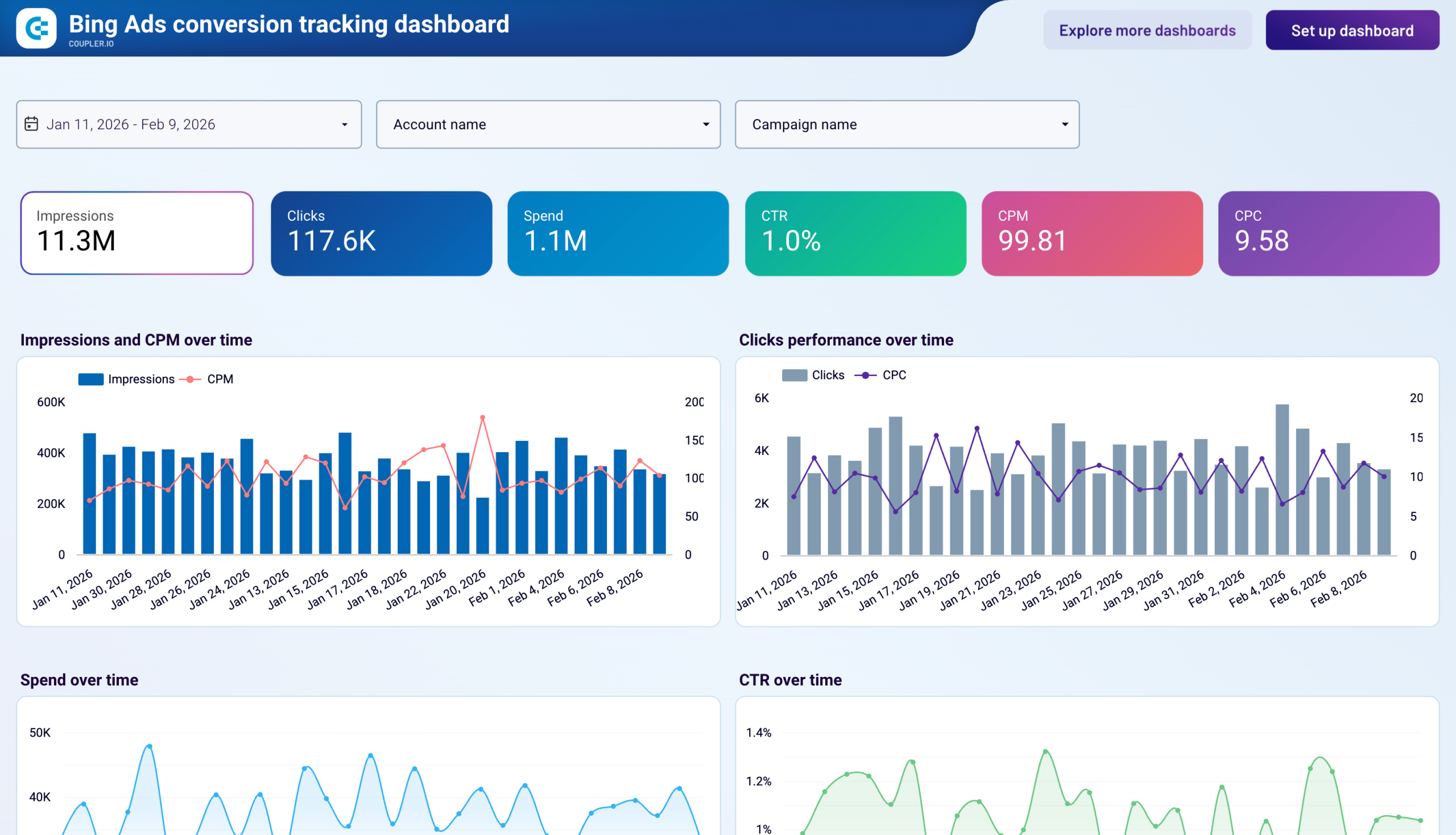 +0
+0


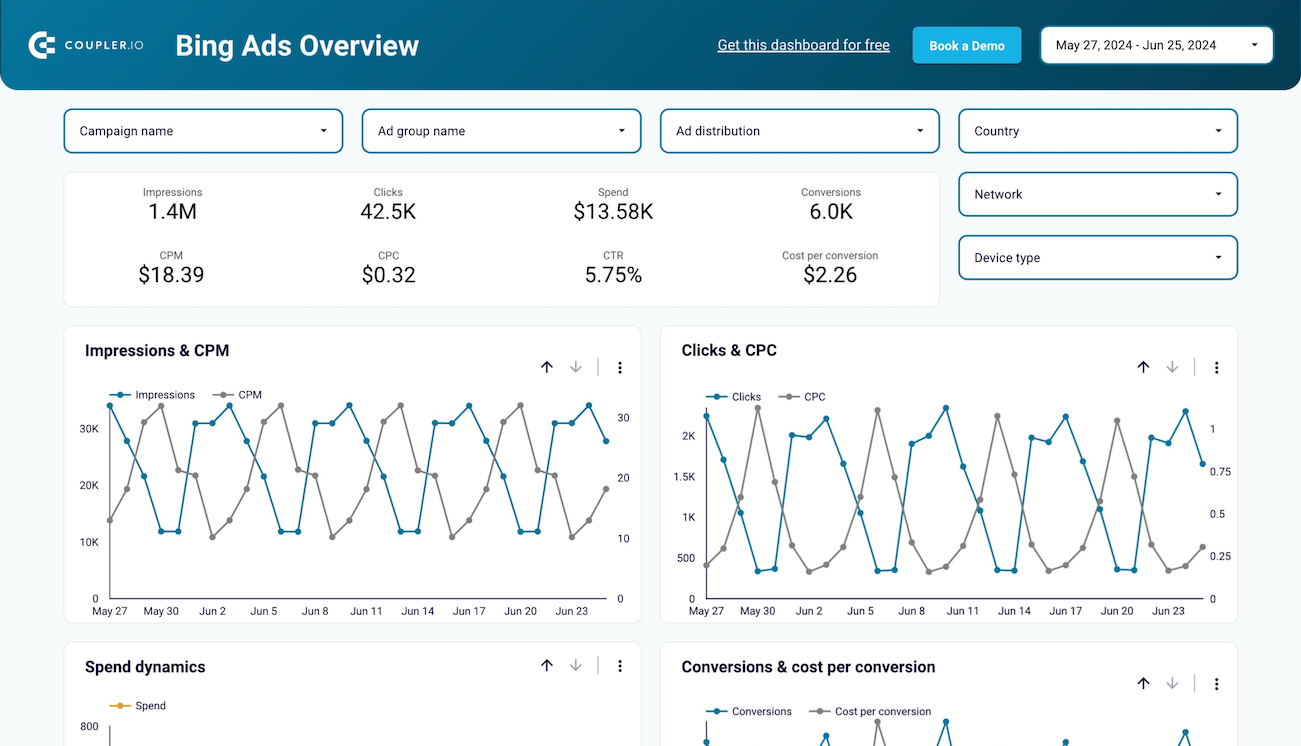 +0
+0



 +0
+0

about your case. It doesn't cost you a penny 😉
Talk to AI about your Bing Ads data
Examples of questions you can ask ChatGPT about your Bing Ads data:
- "Show me which campaigns have the highest cost per conversion and explain what factors might be driving those costs compared to our better-performing campaigns."
- "Compare our mobile versus desktop performance to identify opportunities where device-specific bid adjustments or creative variations could improve our results."
- "Walk through our search query report to find high-volume terms that we're not targeting directly and recommend which ones we should add as keywords."
- "Analyze our ad scheduling data to reveal when our conversion rates are strongest and suggest budget pacing adjustments that align spending with high-performance hours."

Your data is secured by industry standards
 Google Cloud
Certified
 SOC 2 Type II
Certified
 GDPR
GDPRCompliant
 HIPAA
HIPAACompliant
Export data from Bing Ads to alternative destinations





