
Connect ChatGPT Ads to Power BI
Load ChatGPT Ads performance into Power BI with Coupler.io through a single integration URL. Relate campaigns, ad groups, and conversions in your semantic model, write DAX measures for cost per conversion, and refresh reports on a schedule.


What data you can export from ChatGPT Ads?
-
Ad account performanceAccount-level totals for impressions, clicks, spend, CTR, CPC and CPM. One row per period — use it as the baseline when reconciling against ChatGPT Ads Manager.
-
Campaign performancePerformance of each campaign for the selected period, including campaign status, schedule, budget limits and the core delivery metrics.
-
Ad group performancePerformance of each ad group for the selected period, with its parent campaign for context.
-
Ad performancePerformance of each ad, including ad title, body copy, destination link and review status alongside delivery metrics.
-
Campaign performance by countryPerformance of each campaign split by the country of the person who saw the ad. One row per campaign, country and period.
-
Campaign conversionsTotal conversions attributed to each campaign for the selected period, split into click-through and view-through. Requires conversion tracking set up in your ad account.
-
Campaign performance by conversion eventEvents attributed to each campaign, one row per event name and period, with click-through, view-through and event value. Lists every attributed event, not only those set up as conversion events, so its totals will not match Campaign conversions. To get an event's share of conversions, divide its count by the sum of counts where Counted as conversion is true, per date and campaign.
All-in-one tool for ChatGPT Ads data exports and analytics
Bring ChatGPT Ads campaign and conversion data together with Microsoft Ads, Google Ads, or HubSpot in one Coupler.io data flow. Power BI then receives a combined table, or you relate separate flows inside the model.

Filter, aggregate, and join ChatGPT Ads datasets in Coupler.io before Power BI imports them. Your semantic model starts from clean tables, so modeling time goes into relationships and DAX measures instead of Power Query cleanup.

Run ChatGPT Ads data flows on a monthly, daily, hourly, 30-minute, or 15-minute schedule. Then schedule Power BI to refresh after each run, up to 8 times a day on shared capacity or 48 on Premium.

Ask about ChatGPT Ads spend, CTR, or conversions in plain language when a dashboard doesn't cover the question. Coupler.io sends the same dataset to AI tools, so nobody waits for a new DAX measure to get an answer.

Why connect ChatGPT Ads to Power BI - real-life cases

Cross-channel paid media model

Regional reporting with row-level security

Drill-through from campaigns to ad groups

Acquisition cost reporting for finance
How to connect ChatGPT Ads to Power BI
 30 seconds
30 seconds
10 seconds
Automate data exports with the no-code ChatGPT Ads Power BI integration
Connect similar PPC apps and get data in minutes


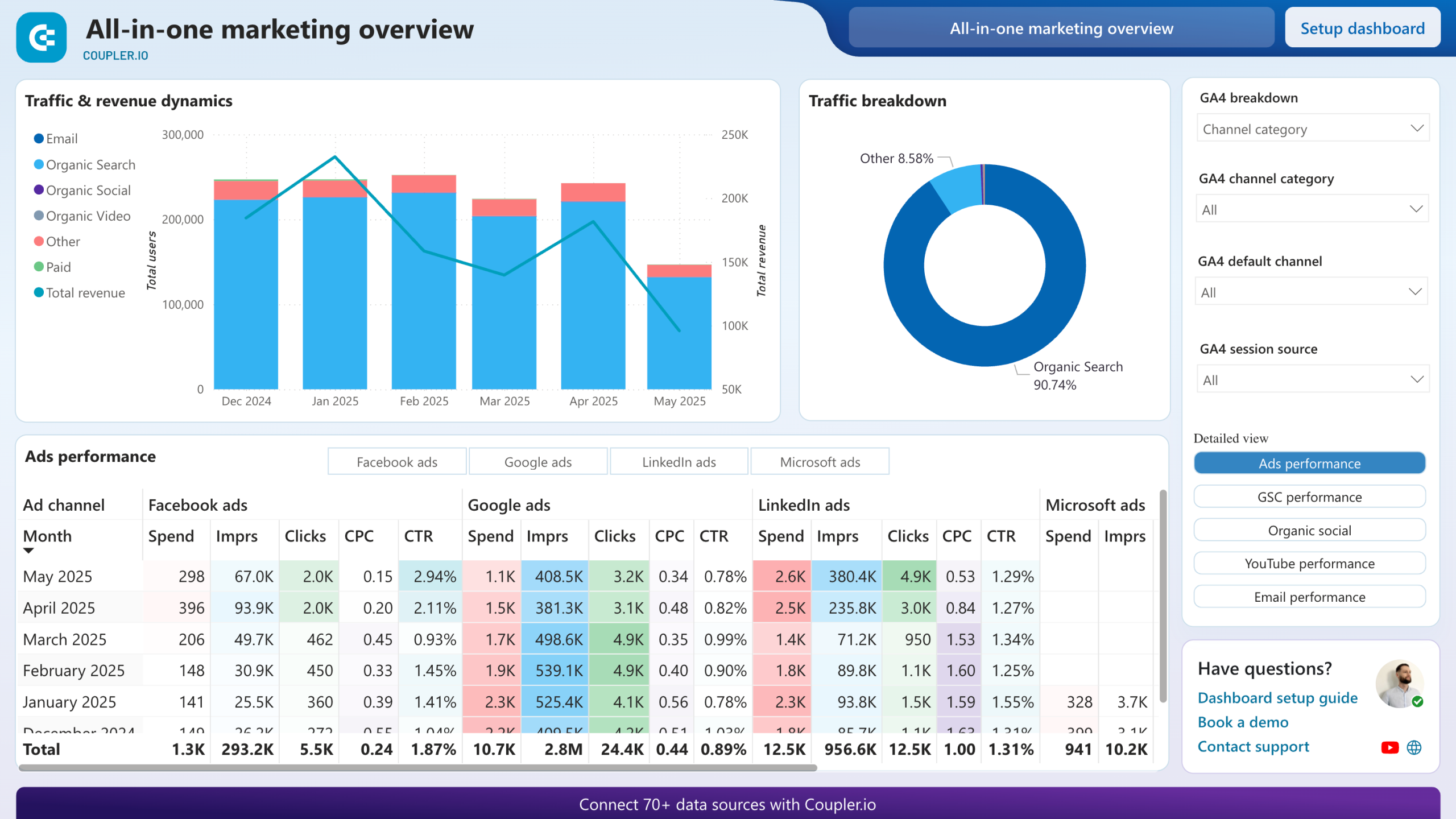
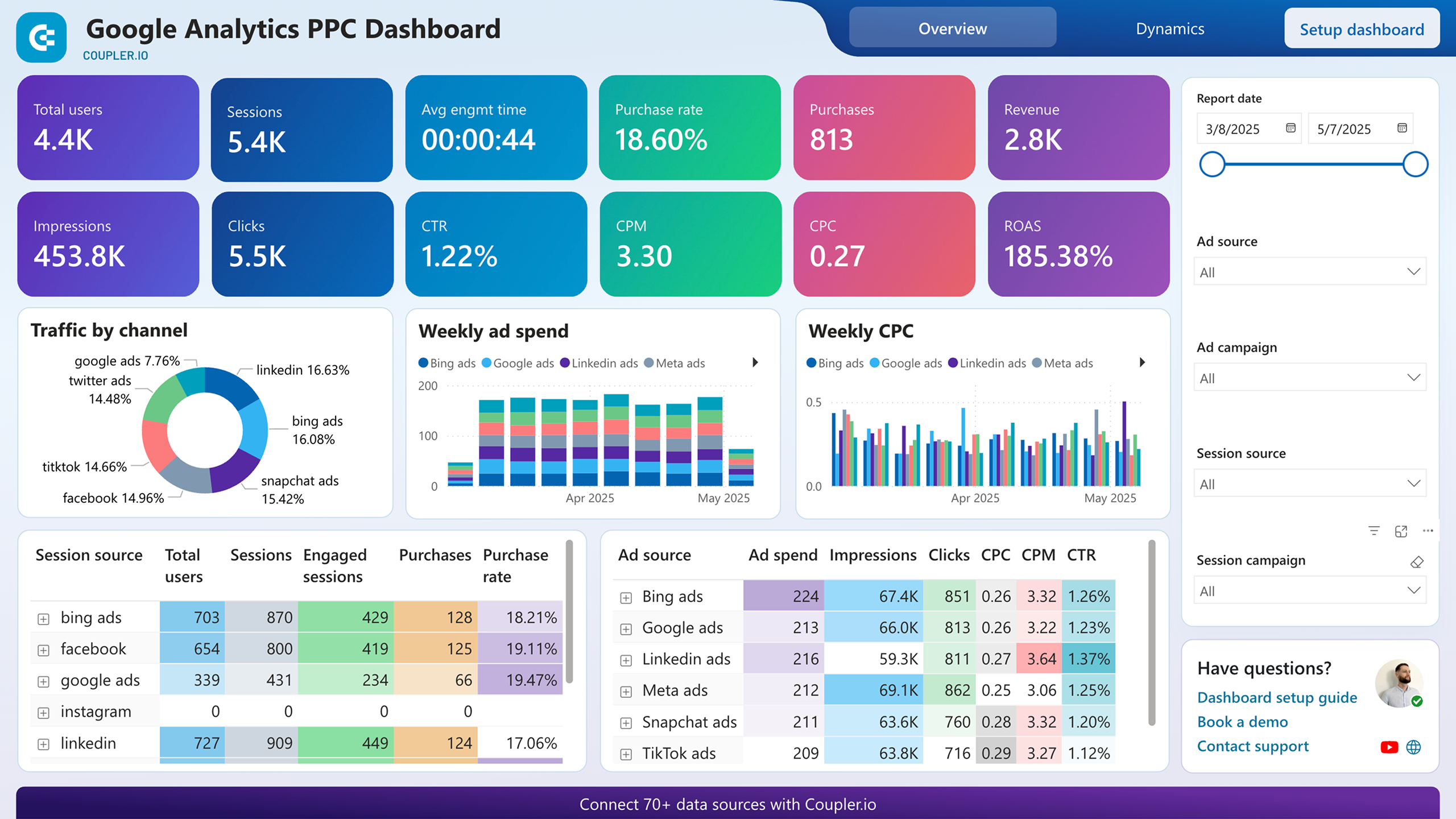
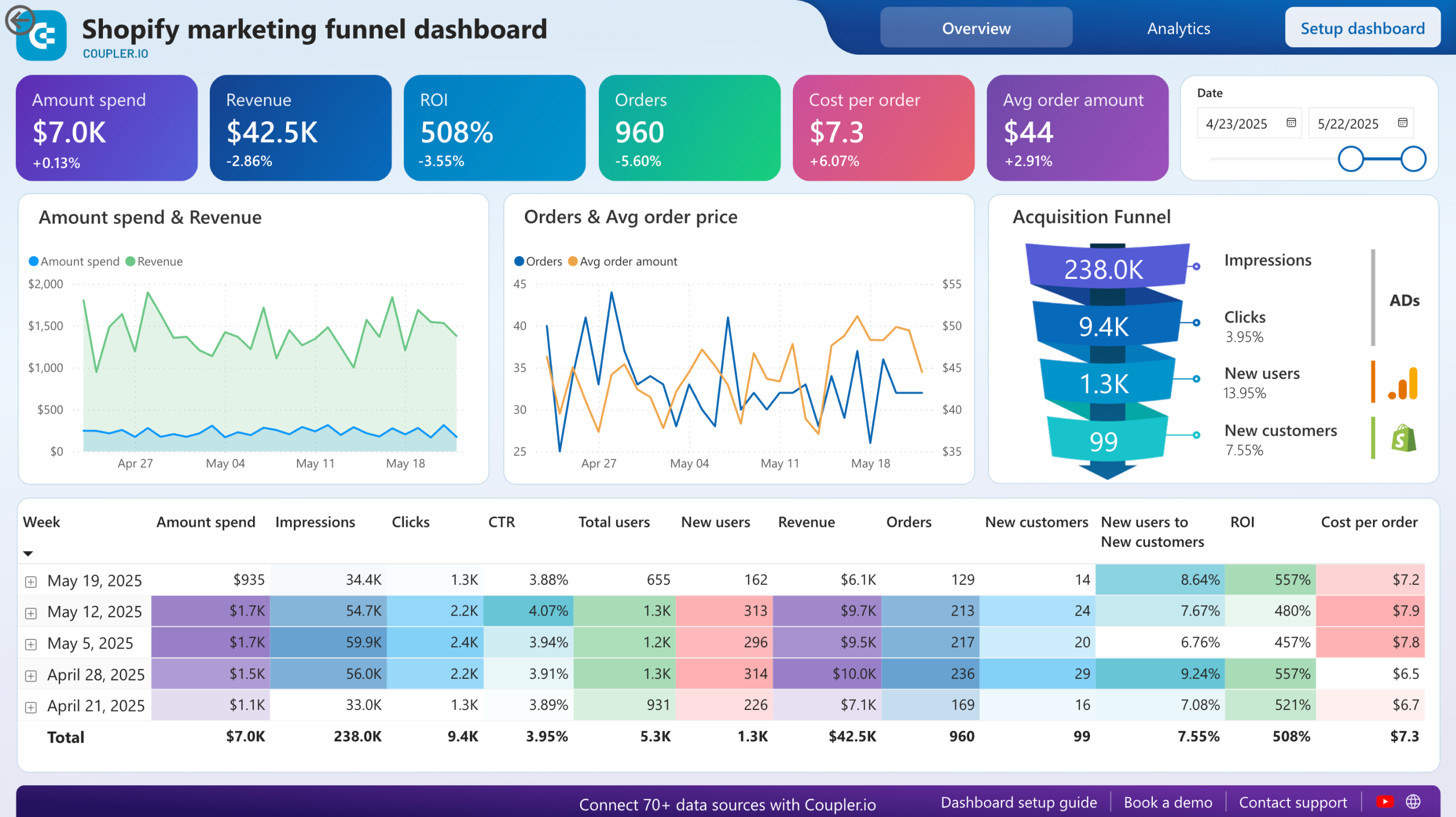
Quick start with dashboard templates


 +6



 +5


 +6
about your case. It doesn't cost you a penny 😉
Talk to AI about your ChatGPT Ads data
AI Agent offers the same inside Coupler.io, with no external tool to configure. Each question goes to the Analytical Engine, which queries your ChatGPT Ads data, calculates the result, and validates it before the AI responds.
Examples of questions you can ask about ChatGPT Ads data:
- "Which campaigns spent more this week than last week while their clicks fell?"
- "What is the cost per conversion for each campaign this quarter?"
- "Which ad groups have a CPM at least 20% above their campaign average?"
- "How many impressions did we get in each country over the last 30 days?"





Your data is secured by industry standards
 SOC 2 Type II
Certified
 Google Cloud
Certified
 GDPR
Compliant
 HIPAA
Compliant
Connect data from ChatGPT Ads to alternative destinations




