
Connect ChatGPT Ads to PostgreSQL
Sync ChatGPT Ads performance into PostgreSQL with Coupler.io and keep spend, clicks, and conversions in a database you already run. Query it with SQL, join it with product data, and refresh tables on a schedule without maintaining API scripts.


What data you can export from ChatGPT Ads?
-
Ad account performanceAccount-level totals for impressions, clicks, spend, CTR, CPC and CPM. One row per period — use it as the baseline when reconciling against ChatGPT Ads Manager.
-
Campaign performancePerformance of each campaign for the selected period, including campaign status, schedule, budget limits and the core delivery metrics.
-
Ad group performancePerformance of each ad group for the selected period, with its parent campaign for context.
-
Ad performancePerformance of each ad, including ad title, body copy, destination link and review status alongside delivery metrics.
-
Campaign performance by countryPerformance of each campaign split by the country of the person who saw the ad. One row per campaign, country and period.
-
Campaign conversionsTotal conversions attributed to each campaign for the selected period, split into click-through and view-through. Requires conversion tracking set up in your ad account.
-
Campaign performance by conversion eventEvents attributed to each campaign, one row per event name and period, with click-through, view-through and event value. Lists every attributed event, not only those set up as conversion events, so its totals will not match Campaign conversions. To get an event's share of conversions, divide its count by the sum of counts where Counted as conversion is true, per date and campaign.
All-in-one tool for ChatGPT Ads data exports and analytics
Combine ChatGPT Ads campaign and ad group results with Google Ads, Microsoft Ads, and Pipedrive data in one Coupler.io data flow. PostgreSQL then holds paid media and sales records side by side, ready for SQL joins.

Rename ChatGPT Ads columns to match your naming conventions, drop fields your queries never touch, and aggregate results by campaign and date. Coupler.io hands PostgreSQL tidy tables, so views and indexes stay simple to build.

Load fresh ChatGPT Ads rows into PostgreSQL on a monthly, daily, hourly, 30-minute, or 15-minute schedule. Pair the schedule with Append mode to build a running history, or Replace mode to keep a single snapshot.

Ask how CTR moved by country or which ads drove the most clicks, in everyday words instead of SQL. Coupler.io shares the same ChatGPT Ads dataset with AI tools, so teammates outside engineering get answers too.

Why connect ChatGPT Ads to PostgreSQL - real-life cases

Ad data inside internal tools

Campaign results next to product data

Open-source dashboards on ad data

Creative and landing page audits
How to connect ChatGPT Ads to PostgreSQL
 30 seconds
30 seconds
10 seconds
Automate data exports with the no-code ChatGPT Ads PostgreSQL integration
Connect similar PPC apps and get data in minutes


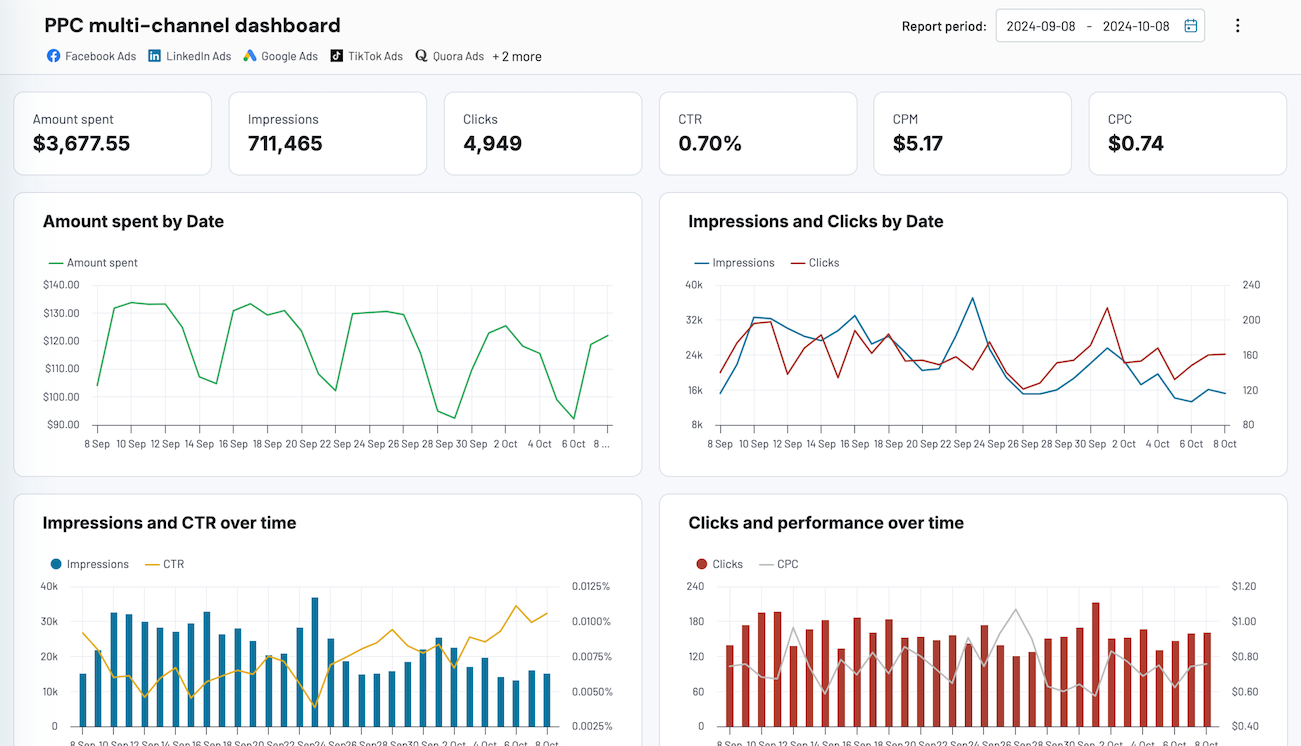
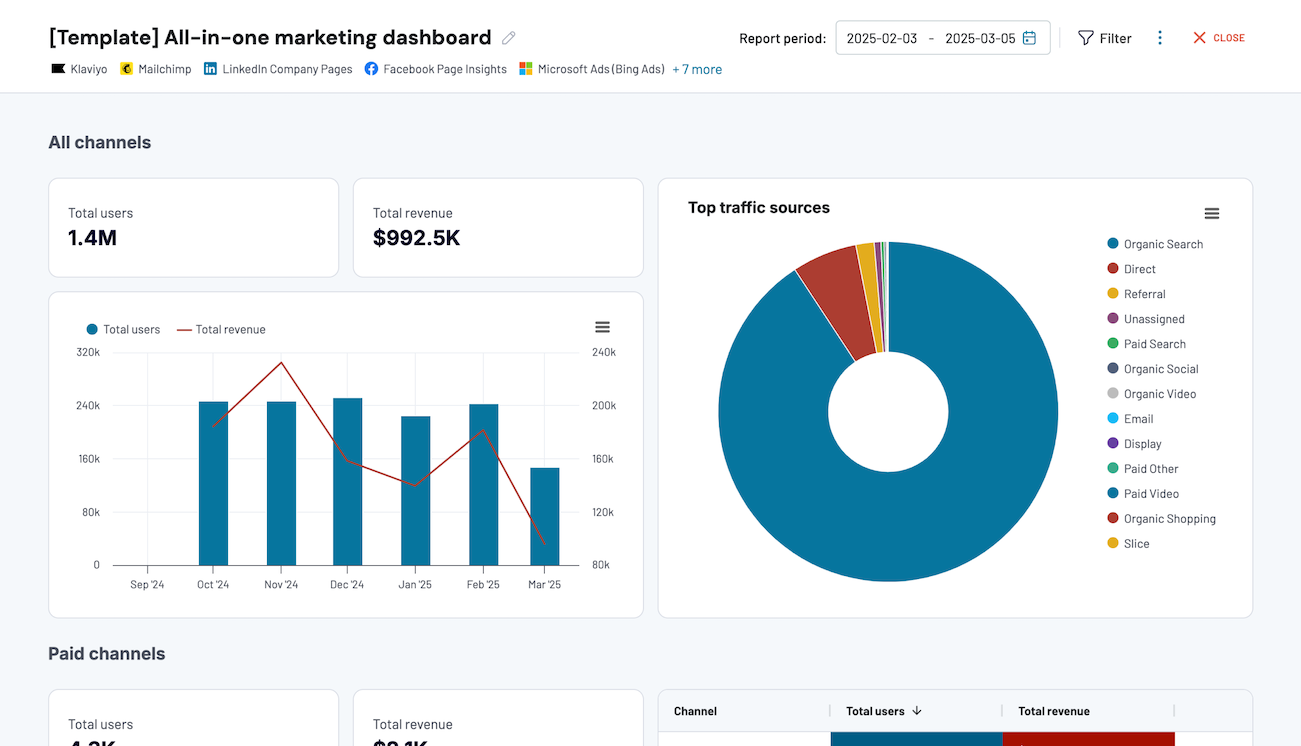
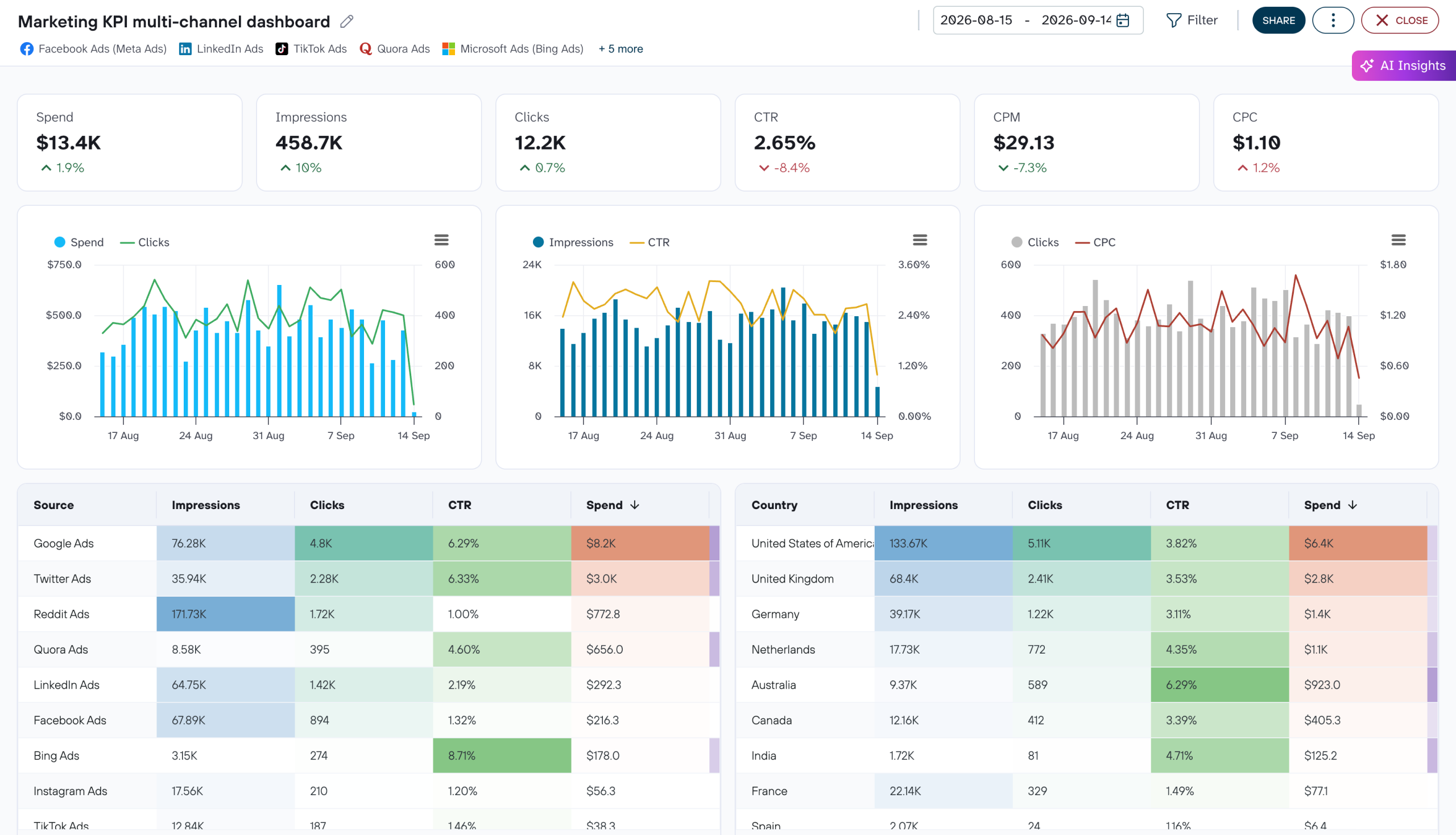
Quick start with dashboard templates


 +4




 +7
 +4
about your case. It doesn't cost you a penny 😉
Talk to AI about your ChatGPT Ads data
Want answers without any external setup? AI Agent works inside Coupler.io. Ask about your ChatGPT Ads data, and the Analytical Engine queries the full dataset, runs the calculations, and validates the result before the AI explains it in plain language.
Examples of questions you can ask about ChatGPT Ads data:
- "Which countries had the highest CPM last week, and did their CTR justify the cost?"
- "How many clicks did each destination link receive across all ads this month?"
- "Which ad groups lost the most impressions compared with the previous week?"
- "What is the average CPC for each campaign since launch, and which ones are trending up?"





Your data is secured by industry standards
 SOC 2 Type II
Certified
 Google Cloud
Certified
 GDPR
Compliant
 HIPAA
Compliant
Connect data from ChatGPT Ads to alternative destinations




