
Connect ChatGPT Ads to Copilot
Link ChatGPT Ads to Copilot through Coupler.io and query ad results from a Copilot Studio agent in Microsoft 365. Your team asks about budgets, clicks, and conversions in plain language, while scheduled refreshes keep answers grounded in recent data.


What data you can export from ChatGPT Ads?
-
Ad account performanceAccount-level totals for impressions, clicks, spend, CTR, CPC and CPM. One row per period — use it as the baseline when reconciling against ChatGPT Ads Manager.
-
Campaign performancePerformance of each campaign for the selected period, including campaign status, schedule, budget limits and the core delivery metrics.
-
Ad group performancePerformance of each ad group for the selected period, with its parent campaign for context.
-
Ad performancePerformance of each ad, including ad title, body copy, destination link and review status alongside delivery metrics.
-
Campaign performance by countryPerformance of each campaign split by the country of the person who saw the ad. One row per campaign, country and period.
-
Campaign conversionsTotal conversions attributed to each campaign for the selected period, split into click-through and view-through. Requires conversion tracking set up in your ad account.
-
Campaign performance by conversion eventEvents attributed to each campaign, one row per event name and period, with click-through, view-through and event value. Lists every attributed event, not only those set up as conversion events, so its totals will not match Campaign conversions. To get an event's share of conversions, divide its count by the sum of counts where Counted as conversion is true, per date and campaign.
All-in-one tool for ChatGPT Ads data exports and analytics
Combine ChatGPT Ads account and country performance with Microsoft Ads, LinkedIn Ads, or HubSpot data through Coupler.io. Your Copilot agent then answers questions that span every paid channel your team runs.

Define which ChatGPT Ads columns to keep, apply date and status filters, and join spend with conversions to calculate cost per conversion. Coupler.io prepares the dataset so Copilot answers from consistent fields your team agrees on.

Match data delivery to your team's review cadence. Coupler.io refreshes ChatGPT Ads data for Copilot monthly, daily, hourly, every 30 minutes, or every 15 minutes, with no one exporting reports by hand.

Give marketers, managers, and finance colleagues direct access to ChatGPT Ads data in Copilot. They ask about spend or CTR in plain language, without SQL or formulas, and get a clear answer back.

Why connect ChatGPT Ads to Copilot - real-life cases

Spend checks for managers

Ad group optimization

Conversion attribution review

Monthly reporting for leadership
How to connect ChatGPT Ads to Copilot
 30 seconds
30 seconds
10 seconds
Automate data exports with the no-code ChatGPT Ads Copilot integration
Connect similar PPC apps and get data in minutes


Quick start with dashboard templates
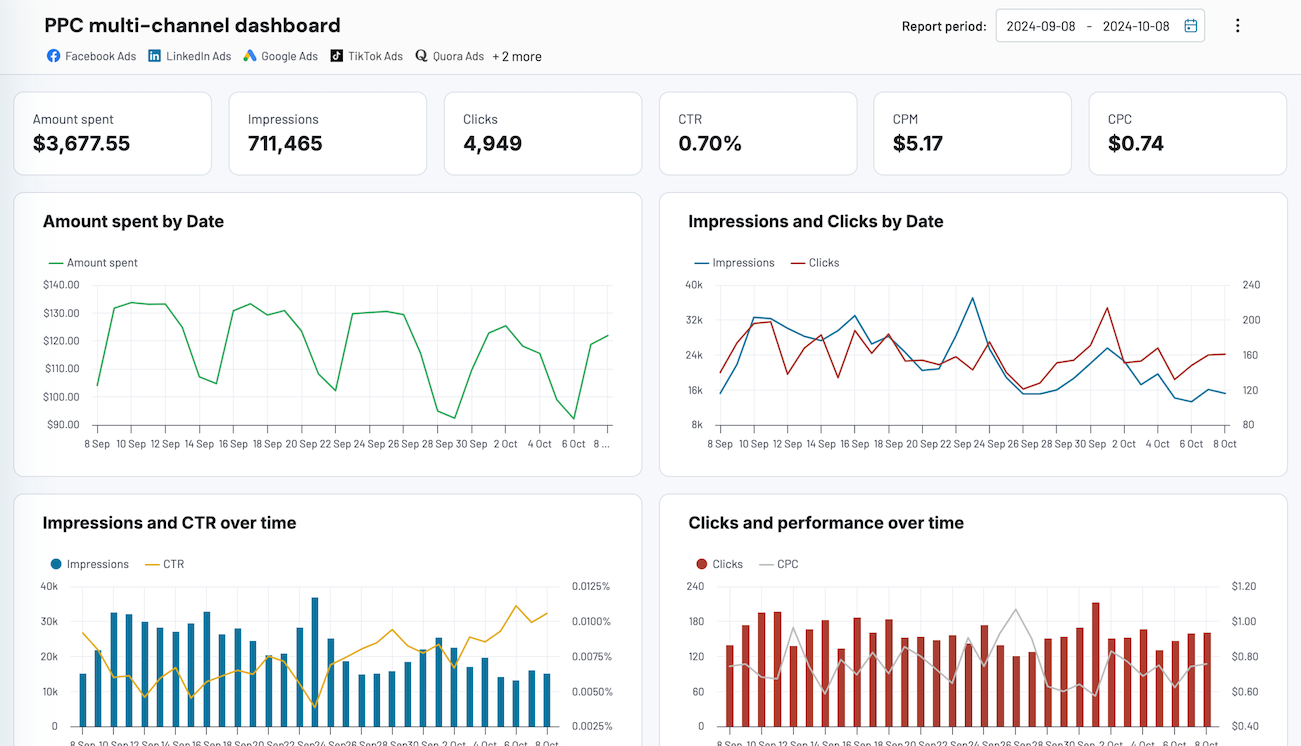


 +4


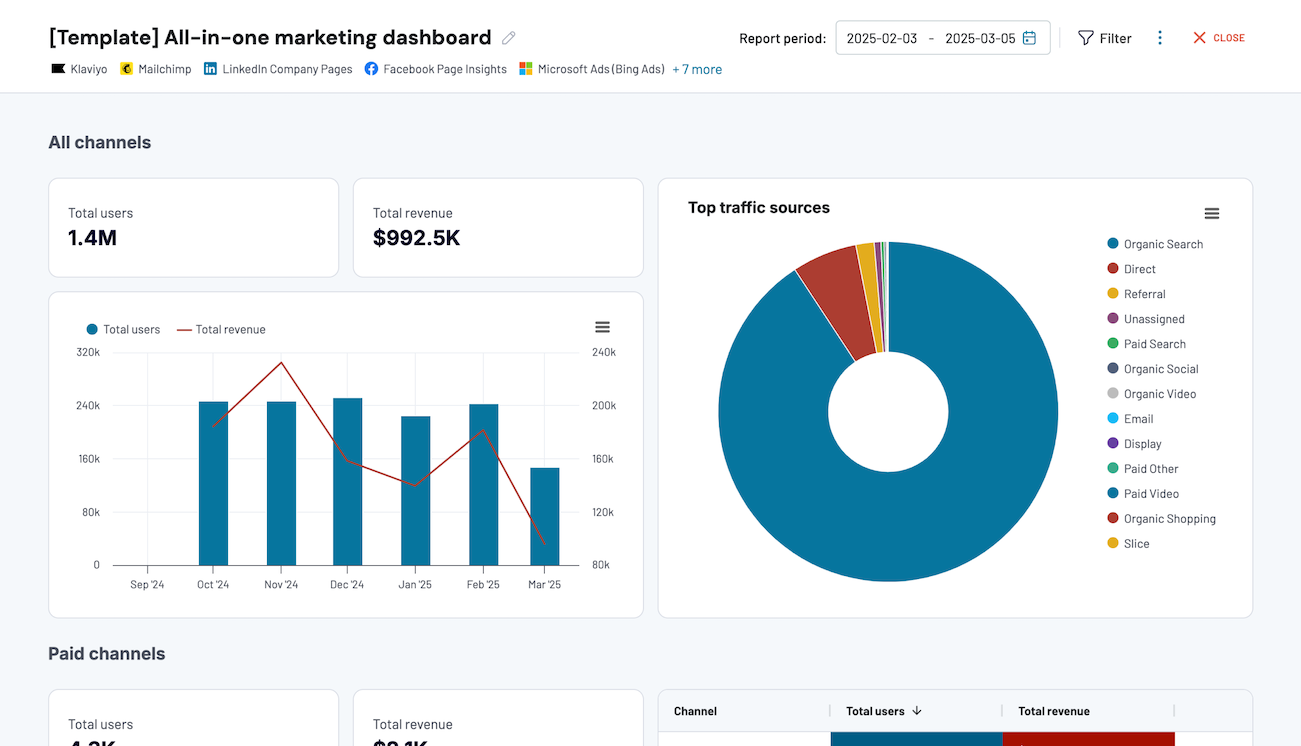


 +7
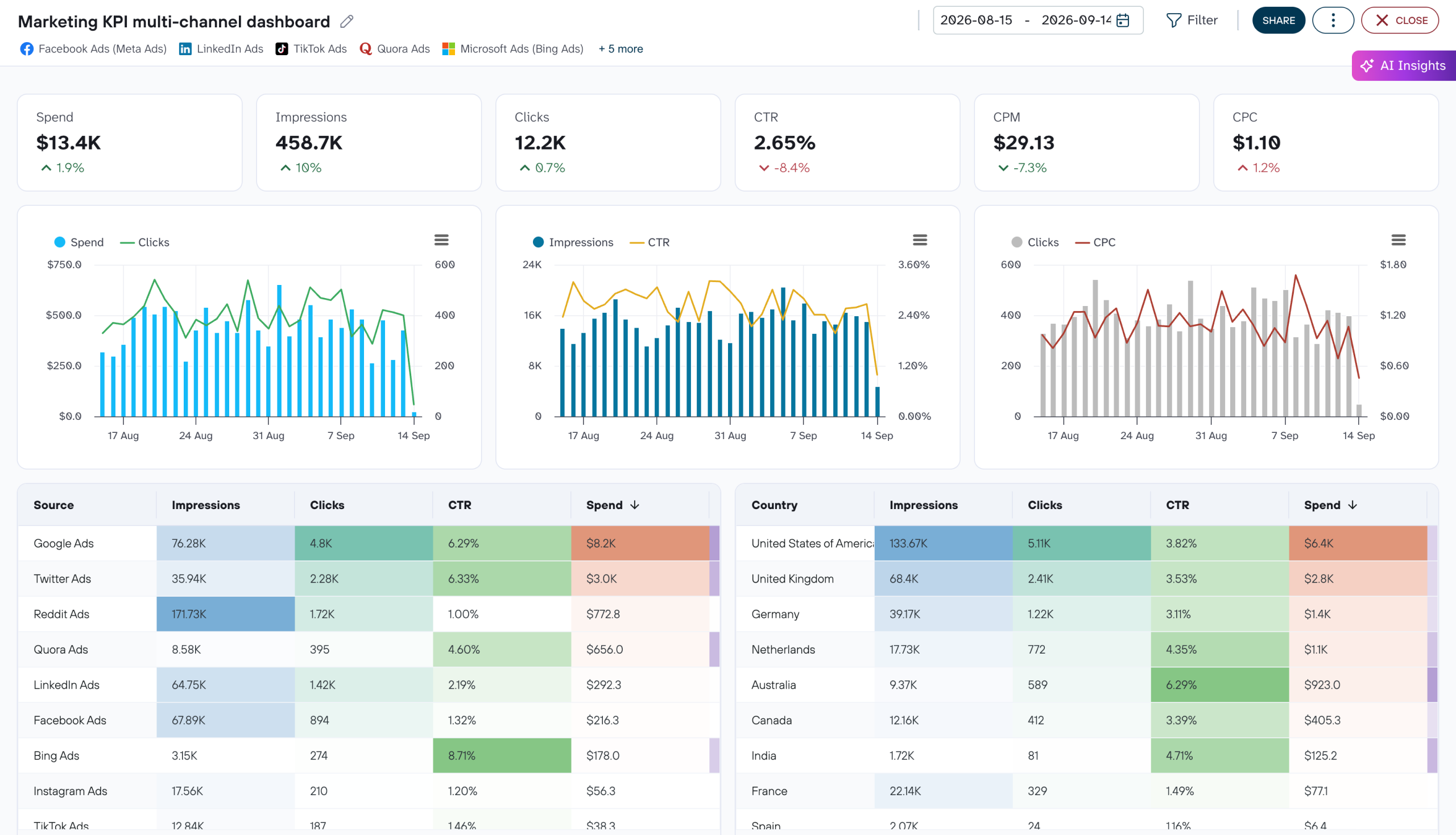
 +4
about your case. It doesn't cost you a penny 😉
Talk to AI about your ChatGPT Ads data
Prefer to stay inside Coupler.io? AI Agent gives you conversational access to ChatGPT Ads data without configuring an external tool. Ask a question, and the Analytical Engine queries the full dataset, performs the calculations, and returns a verified result. The AI explains the answer, while the engine handles the math.
Examples of questions you can ask about ChatGPT Ads data:
- "What was our total ChatGPT Ads spend this quarter, and how does it compare to last quarter?"
- "Which ad groups have the lowest CTR relative to their campaign average?"
- "How many conversions were view-through versus click-through for each campaign?"
- "Which ads are still pending review or were rejected?"





Your data is secured by industry standards
 SOC 2 Type II
Certified
 Google Cloud
Certified
 GDPR
Compliant
 HIPAA
Compliant
Connect data from ChatGPT Ads to alternative destinations




