Connect your data to Claude in 1 minute. No code needed Try it now

Connect StackAdapt to Copilot

Set up a StackAdapt to Copilot integration with Coupler.io for programmatic analysis across Microsoft 365. Equip your account team to ask Teams, Outlook, or an Excel agent about pacing, eCPA, or creative wins. The Analytical Engine returns validated numbers, not predictions.

πŸ† Voted 4.9/5 on Capterra πŸ”’ SOC2 & GDPR compliant 🌍 Trusted by 1M+ users worldwide

All-in-one tool for StackAdapt data exports and analytics

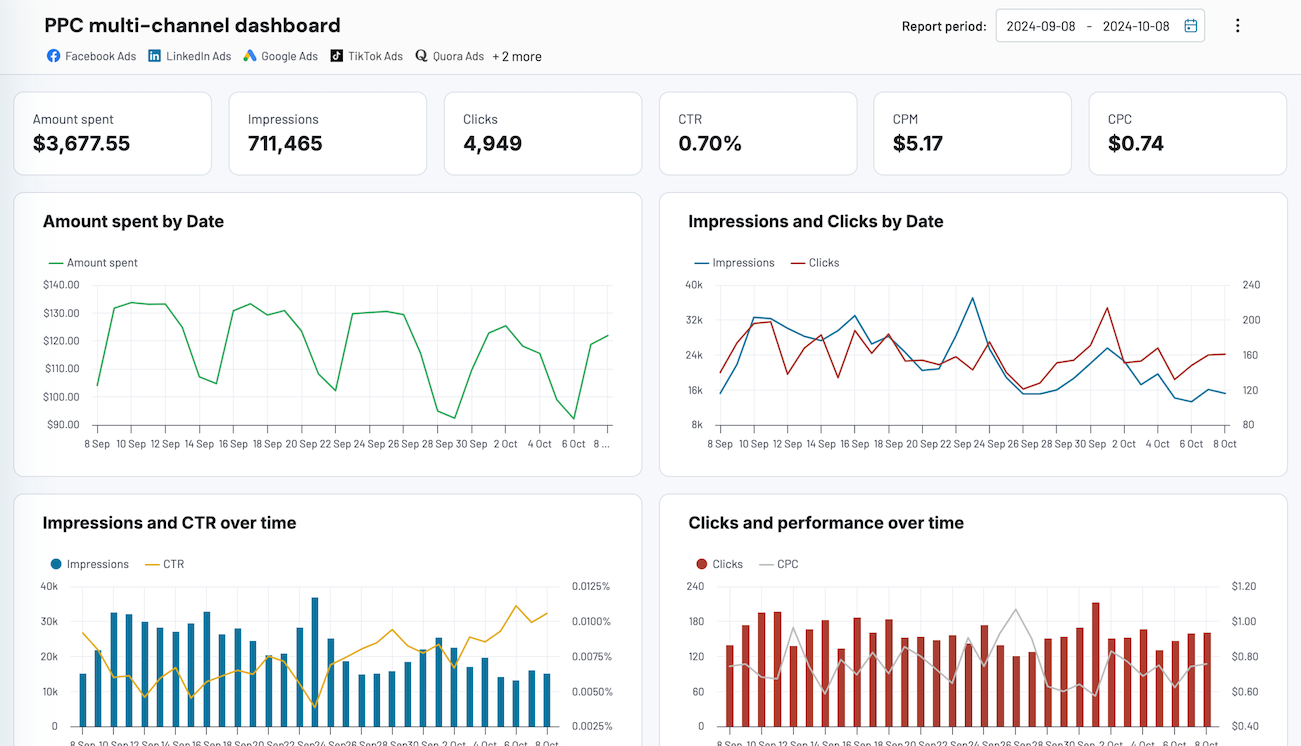
Bring StackAdapt advertiser, campaign, and ad reports into Coupler.io alongside Meta, Google, LinkedIn, and TikTok. Your Copilot agent reads one blended dataset instead of five siloed exports, so programmatic sits next to the rest of the paid media plan.

Collect data from StackAdapt and enrich it with information from other sources image

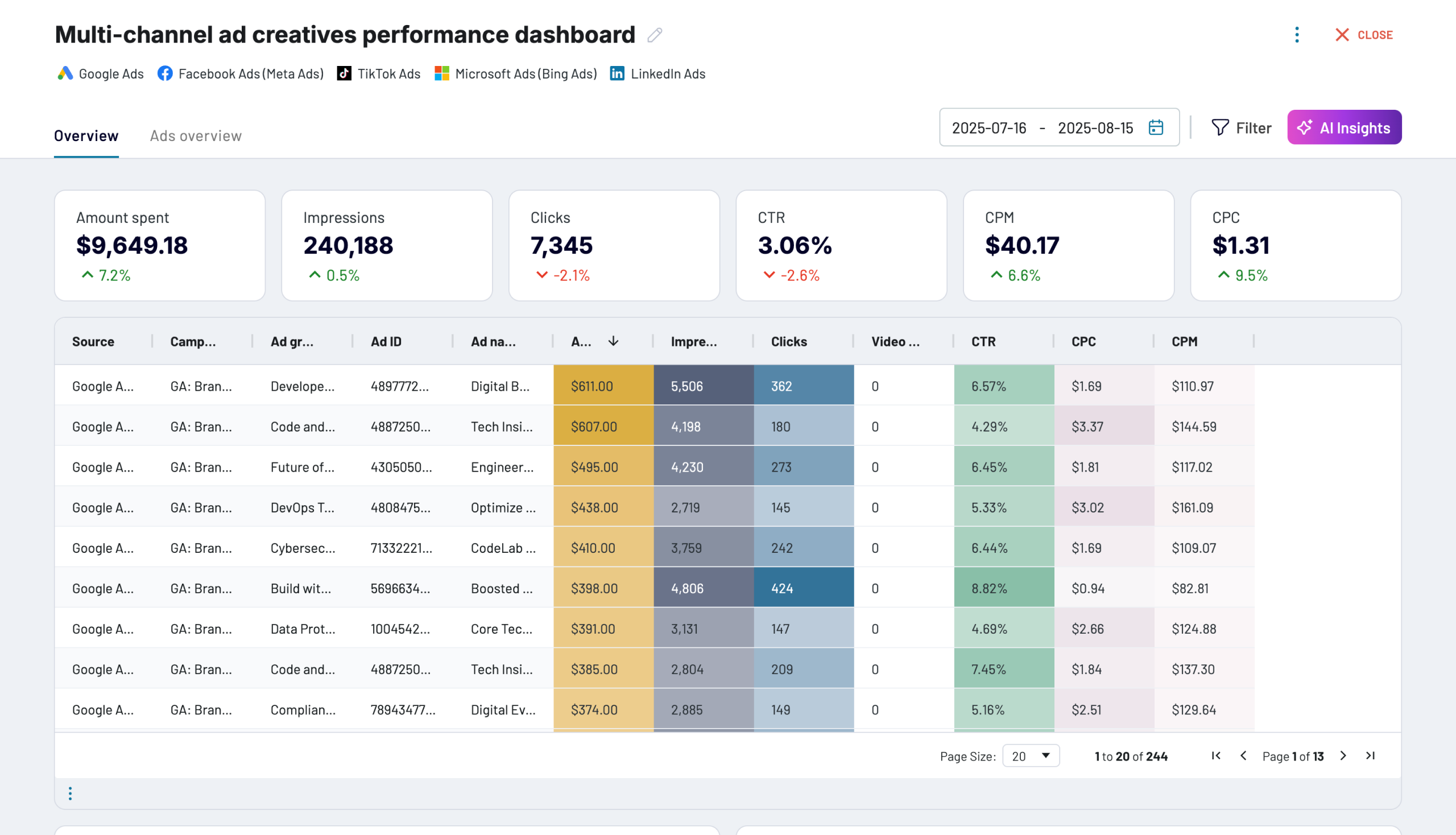
Shape StackAdapt rows at ad level or campaign group level, apply filters, and align columns with your other paid-media sources. The Copilot agent queries a clean, pre-aggregated data set rather than raw rows and ad hoc joins.

Organize raw StackAdapt data in the form of a ready-to-use data set image

Pick the refresh interval that fits the client's reporting rhythm: monthly, daily, hourly, 30-minute, or 15-minute. Coupler.io reloads StackAdapt on the schedule so your Copilot agent answers from numbers that match the DSP account.

Automate data refresh on a custom schedule image

Ask the Copilot agent in Teams, Outlook, or Excel about eCPA by client, CPM trends across campaign groups, or ad performance by format. The Analytical Engine runs the SQL and hands Copilot a validated number, not a prediction.

Connect StackAdapt data to AI to query and analyze data using natural language conversations image
Collect data from StackAdapt and enrich it with information from other sources image
Organize raw StackAdapt data in the form of a ready-to-use data set image
Automate data refresh on a custom schedule image
Connect StackAdapt data to AI to query and analyze data using natural language conversations image

Why connect StackAdapt to Copilot - real life cases

Surface StackAdapt numbers inside Teams, Outlook, and Excel icon

Surface StackAdapt numbers inside Teams, Outlook, and Excel

Add StackAdapt data to your Copilot agent in Microsoft 365 and let the account team ask about programmatic spend or conversions from Teams, Outlook, or Excel. Everyone works from the same data flow without opening the DSP.
Answer client questions during a Teams call without pulling up the DSP icon

Answer client questions during a Teams call without pulling up the DSP

Feed advertiser performance into a Copilot Studio agent your AEs can call during client meetings. Ask the agent for conversions, spend, or eCPA on any advertiser and get the number back inside Teams without pulling up StackAdapt.
Compare programmatic against the whole paid media plan in one agent icon

Compare programmatic against the whole paid media plan in one agent

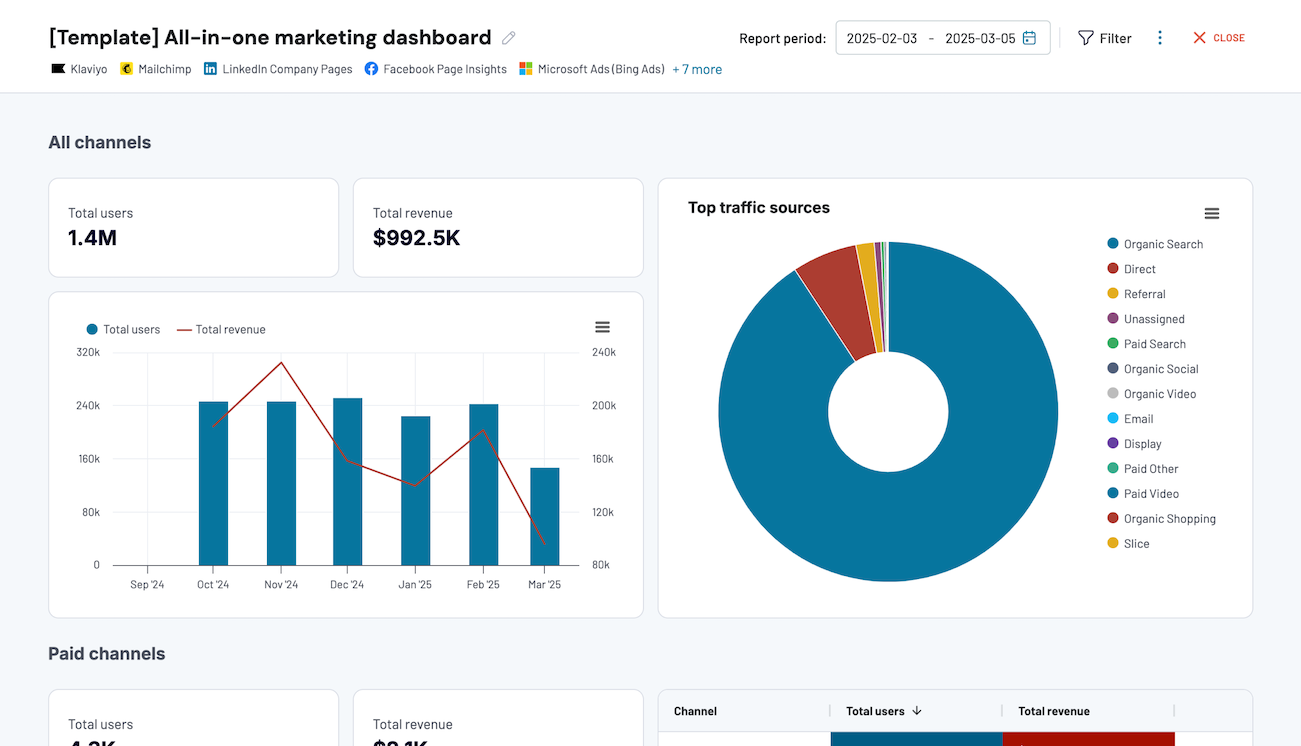
Combine StackAdapt reports with Meta, Google, LinkedIn, and TikTok exports in one Coupler.io data flow, then connect the blended dataset to a Copilot agent. Marketing leads ask one question and get an answer that covers every channel.
Keep client data behind maker access and tenant controls icon

Keep client data behind maker access and tenant controls

Export StackAdapt advertiser, campaign, and ad data through Coupler.io, where Copilot Studio makers decide which teams reach which agents. Data stays read-only and the DSP account never leaves the admin's control.

How to connect StackAdapt to Copilot

Step 1. Connect to your StackAdapt account and select the data to export
time icon 30 seconds
Step 2. Organize data using transformation options such as filters, column management, aggregation, etc.
time icon 30 seconds
Step 3. Select Copilot Studio as a destination and configure it as per the instructions
time icon 30 seconds
Step 4. Schedule data refresh to automate data flow from StackAdapt to Copilot
time icon 10 seconds

Automate your no-code StackAdapt Copilot integration

Quick start with dashboard templates
No such template is available yet.
No worries. Our team will create a template that fits your needs, just tell us more
about your case. It doesn't cost you a penny πŸ˜‰
Request a custom report

Talk to AI about your StackAdapt data

Not every team runs on Microsoft 365. Coupler AI covers the ones that do through Copilot Studio and the ones that don't through Claude, ChatGPT, Gemini CLI, Perplexity, or Cursor. The data flow stays the same, only the front door changes.

Teams working inside Coupler.io use AI Agent in-app, which skips the external tool entirely. All of this runs through the Analytical Engine, so the number Copilot repeats is the number the SQL returned.

A few Copilot prompts that work well with StackAdapt data:
  • "What was eCPA by advertiser last quarter, and which clients ran above target?"
  • "Which campaign groups ran over the insertion order budget this month?"
  • "Give the account team the top three ad creatives by conversions for client X."
  • "Pull CPM by DMA for the CTV flight that wrapped last week."
  • "Compare programmatic eCPA against Meta, Google, and LinkedIn for the Q3 QBR."
connect-ai-integrations image stackadapt.svg

Customer success stories

At Coupler.io, our mission is simple: to help our customers succeed by unlocking the full potential of their data. Check out how using Coupler.io has helped businesses like yours scale and achieve better ROI.

Ready to connect StackAdapt to Copilot and automate your reporting?