Connect your data to Claude in 1 minute. No code needed Try it now

Connect StackAdapt to Google Sheets

Send StackAdapt to Google Sheets with Coupler.io for a live programmatic tab in the client reports your team shares. Give account managers campaign, ad, and GEO numbers in a sheet they filter, pivot, and link to Google Slides on demand.

πŸ† Voted 4.9/5 on Capterra πŸ”’ SOC2 & GDPR compliant 🌍 Trusted by 1M+ users worldwide

All-in-one tool for StackAdapt data exports and analytics

Gather StackAdapt advertiser, campaign, ad, and GEO reports in one Google Sheet alongside Meta, Google Ads, LinkedIn, and TikTok exports. The whole paid media plan lives in a tab the account team already opens for client work.

Collect data from StackAdapt and enrich it with information from other sources image

Filter StackAdapt rows at ad level or campaign level, aggregate by week or month, and rename columns before they land in the sheet. Downstream pivots, formulas, and client-facing tabs read a clean, consistent layout.

Organize raw StackAdapt data in the form of a ready-to-use data set image

Set the Google Sheets refresh on monthly, daily, hourly, 30-minute, or 15-minute intervals. Coupler.io writes new StackAdapt rows on your cadence, so the client-facing sheet shows yesterday's numbers today without a manual export.

Automate data refresh on a custom schedule image

Attach your Google Sheet to Claude, ChatGPT, Copilot, Gemini, Perplexity, or Cursor through Coupler AI and ask about eCPA, pacing, or creative wins. The Analytical Engine runs the SQL and returns validated numbers for every question.

Connect StackAdapt data to AI to query and analyze data using natural language conversations image
Collect data from StackAdapt and enrich it with information from other sources image
Organize raw StackAdapt data in the form of a ready-to-use data set image
Automate data refresh on a custom schedule image
Connect StackAdapt data to AI to query and analyze data using natural language conversations image

Why connect StackAdapt to Google Sheets - real life cases

Build the programmatic tab in your weekly client report sheet icon

Build the programmatic tab in your weekly client report sheet

Load StackAdapt campaign performance alongside Meta, Google, and LinkedIn into one sheet, then set the schedule so the programmatic tab refreshes without copy-paste. Account teams stop pasting numbers from the DSP on Monday morning.
Share a live client sheet with StackAdapt numbers that refresh overnight icon

Share a live client sheet with StackAdapt numbers that refresh overnight

Export advertiser and campaign reports into a shared Google Sheet with view-only or comment access for the client. The client sees the same numbers you do, refreshed on your cadence, without a weekly email or an attached file.
Pivot StackAdapt by DMA, ZIP code, and congressional district in a few clicks icon

Pivot StackAdapt by DMA, ZIP code, and congressional district in a few clicks

Push the StackAdapt GEO report into a sheet and use pivot tables to break results down by DMA, ZIP code, or US congressional district. Local analysis takes minutes rather than a round trip through the DSP UI.
Pull cells into client-ready Google Slides decks without copy-paste icon

Pull cells into client-ready Google Slides decks without copy-paste

Feed StackAdapt data into a sheet that Google Slides already references for the quarterly deck. Numbers update when the sheet refreshes, so the deck's programmatic charts refresh too.

How to connect StackAdapt to Google Sheets

Step 1. Connect to your StackAdapt account and select the data to export
time icon 30 seconds
Step 2. Organize data using transformation options such as filters, column management, aggregation, etc.
time icon 30 seconds
Step 3. Connect your Google Sheets account and specify where to load your data
time icon 30 seconds
Step 4. Schedule data refresh to automate data flow from StackAdapt to Google Sheets
time icon 10 seconds

Automate your no-code StackAdapt Google Sheets integration

Quick start with dashboard templates
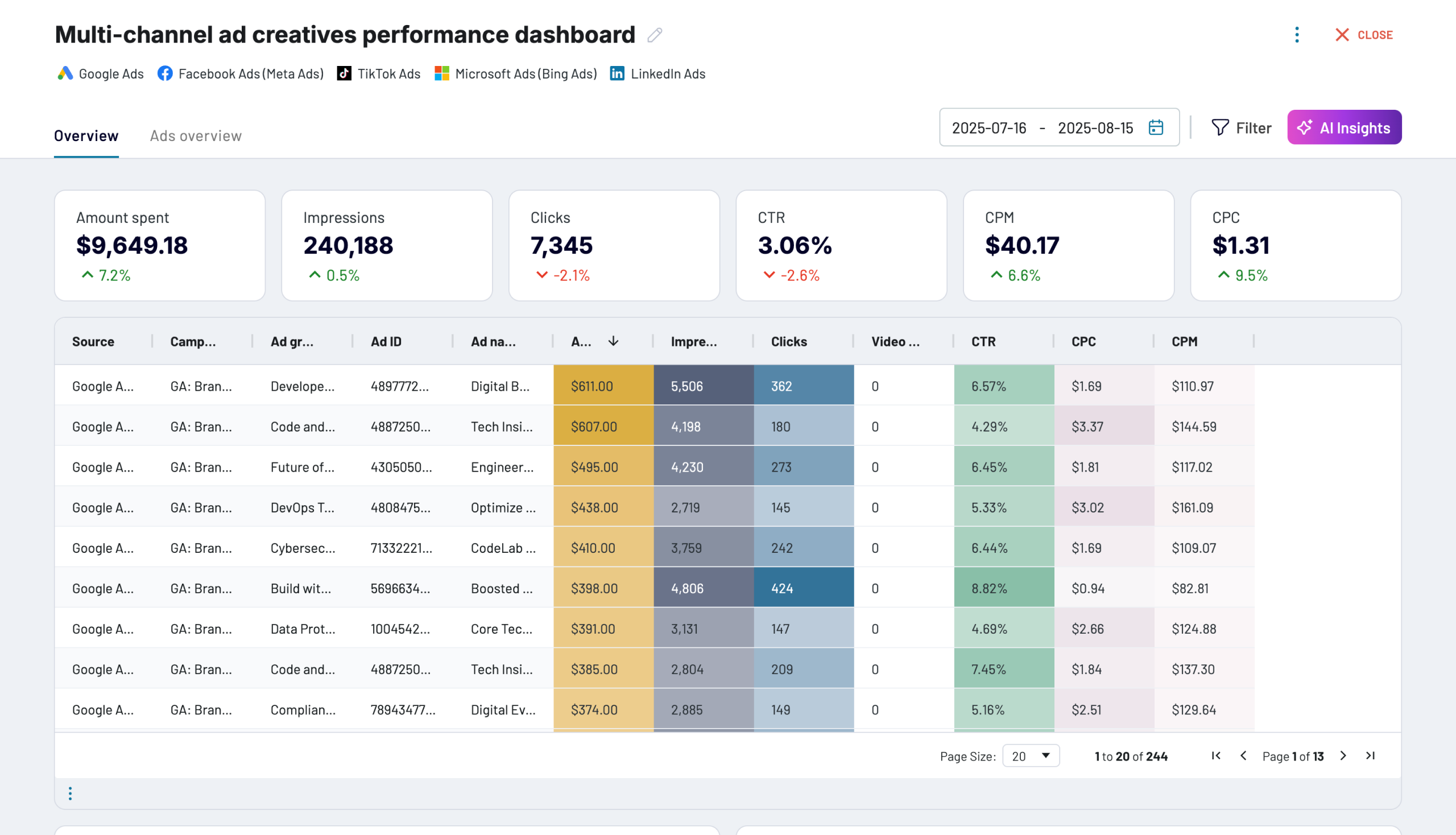
No such template is available yet.
No worries. Our team will create a template that fits your needs, just tell us more
about your case. It doesn't cost you a penny πŸ˜‰
Request a custom report

Talk to AI about your StackAdapt data

Not every question needs a sheet. Coupler AI puts the same StackAdapt data behind a conversation, inside the app via AI Agent or through any of the tools AI Integrations supports: Claude, Copilot, ChatGPT, Cursor, Perplexity, Gemini CLI. The number the AI returns is the number the Analytical Engine computed, not a figure the model inferred from a sample.

Prompts that work well on StackAdapt data alongside your Google Sheet:
  • "Summarize this week's programmatic performance for client X in three bullets I can paste into the meeting notes."
  • "Pivot the campaign tab by advertiser and give me eCPA, spend, and conversions for Q3."
  • "Which GEO regions drove the most CTV conversions last month?"
  • "Compare ad-level eCPA against last month's benchmark for every advertiser."
  • "Which campaign groups are pacing more than 15% over the insertion order budget?"
connect-ai-integrations image stackadapt.svg

Customer success stories

At Coupler.io, our mission is simple: to help our customers succeed by unlocking the full potential of their data. Check out how using Coupler.io has helped businesses like yours scale and achieve better ROI.

Ready to connect StackAdapt to Google Sheets and automate your reporting?