
Connect StackAdapt to Snowflake
Centralize your programmatic data by connecting StackAdapt to Snowflake with Coupler.io, right alongside Meta, Google, LinkedIn, and TikTok. Put advertiser, campaign group, and geo reports in SQL for analysts to query, refreshed on a 15-minute schedule.


All-in-one tool for StackAdapt data exports and analytics
Consolidate StackAdapt advertiser, campaign group, campaign, ad, and country reports in Snowflake with your Meta, Google, LinkedIn, and TikTok exports. The paid media plan sits in one schema the whole analytics team queries.

Format StackAdapt rows at ad level or campaign group level, apply filters, and map columns to your Snowflake schema before load. dbt models and downstream tasks work on consistent column names across every ad source.

Write StackAdapt data to Snowflake on monthly, daily, hourly, 30-minute, or 15-minute intervals. The warehouse sees fresh rows on your cadence and downstream dbt builds, scheduled tasks, and BI dashboards all read the same numbers.

Connect Claude, ChatGPT, Copilot, Gemini CLI, Perplexity, or Cursor to your Snowflake-landed StackAdapt data through Coupler AI. The Analytical Engine runs the SQL against the warehouse and returns validated numbers for every question.

Why connect StackAdapt to Snowflake - real life cases

Load StackAdapt into the agency's paid media schema in Snowflake

Share client-specific StackAdapt views via Snowflake secure data sharing

Blend StackAdapt with Meta, Google, and LinkedIn for the monthly client ROI model

Scale warehouse compute for cross-year StackAdapt joins without rewriting pipelines
How to connect StackAdapt to Snowflake
 30 seconds
30 seconds
10 seconds
Automate your no-code StackAdapt Snowflake integration
Connect similar PPC apps and get data in minutes


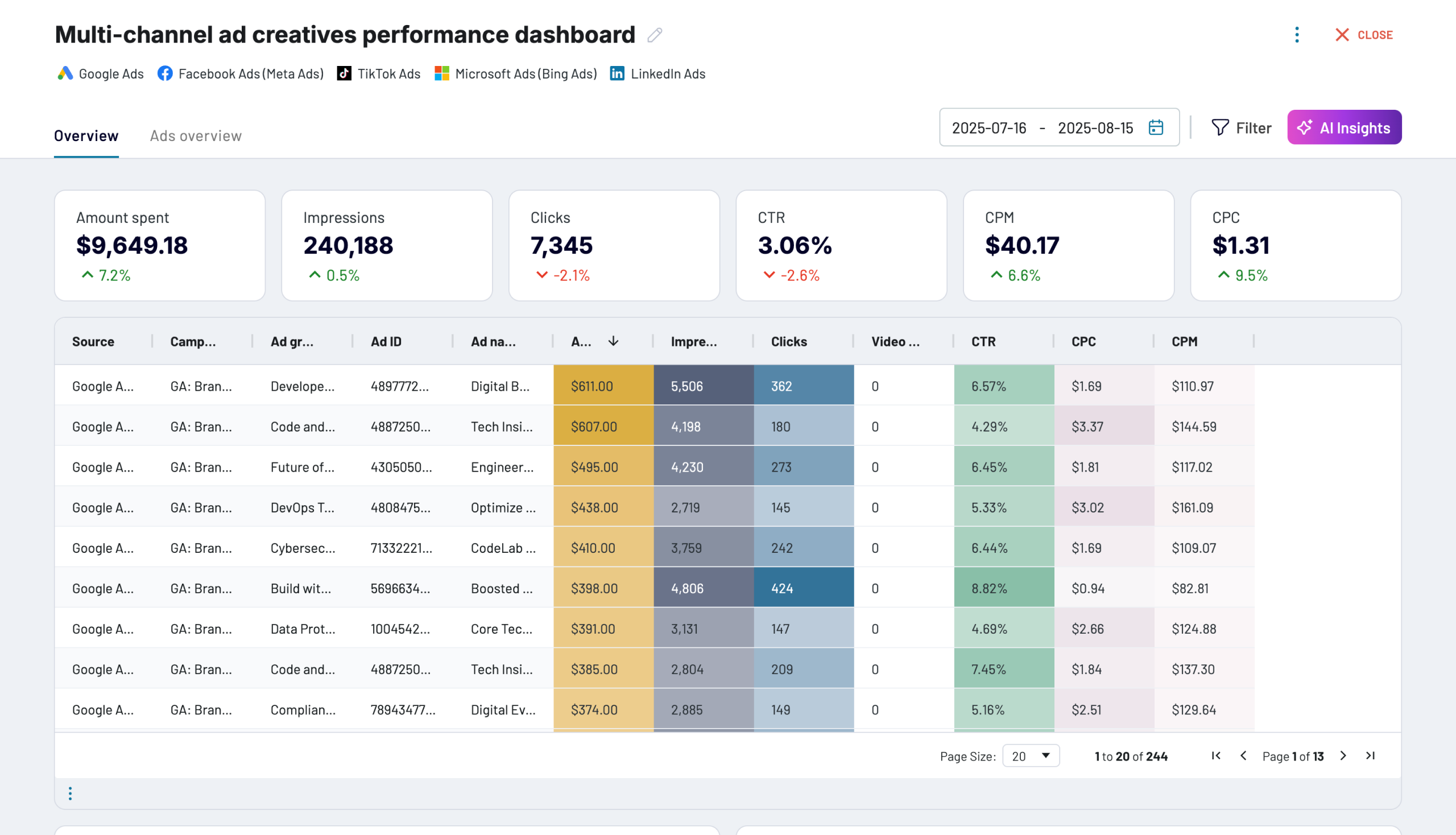
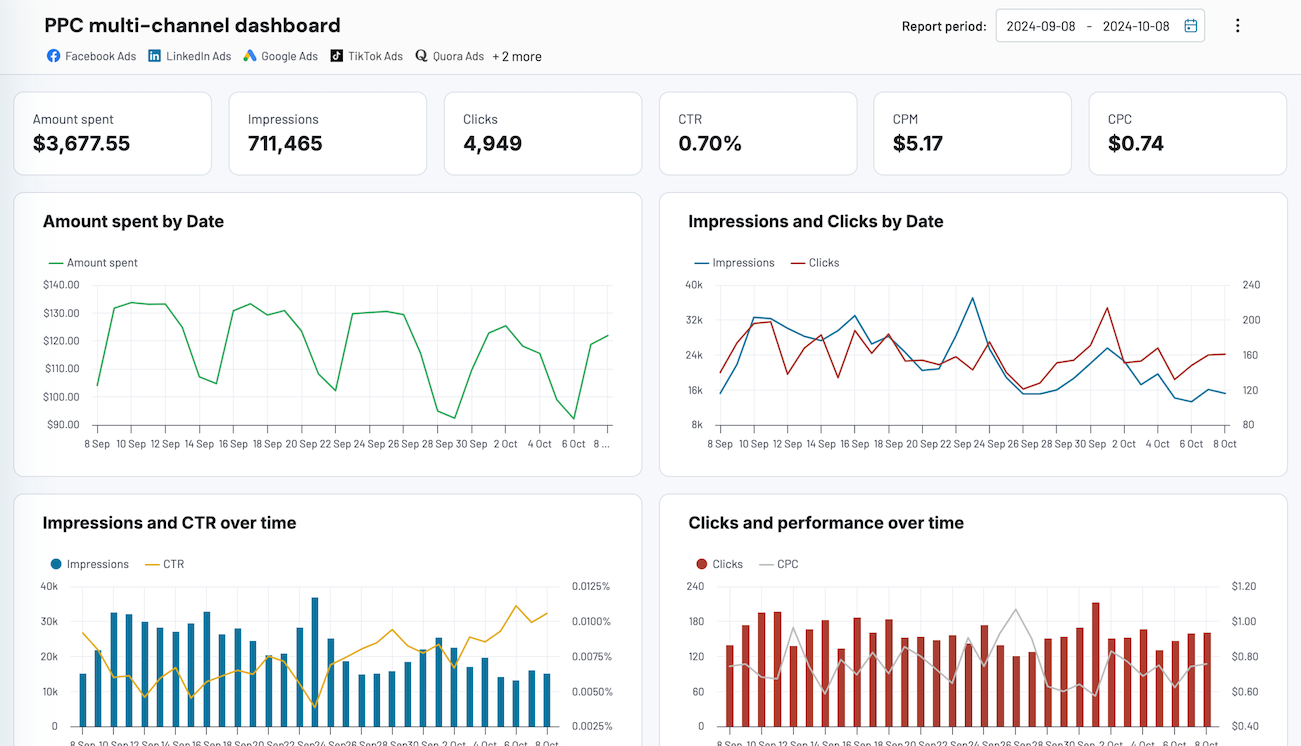
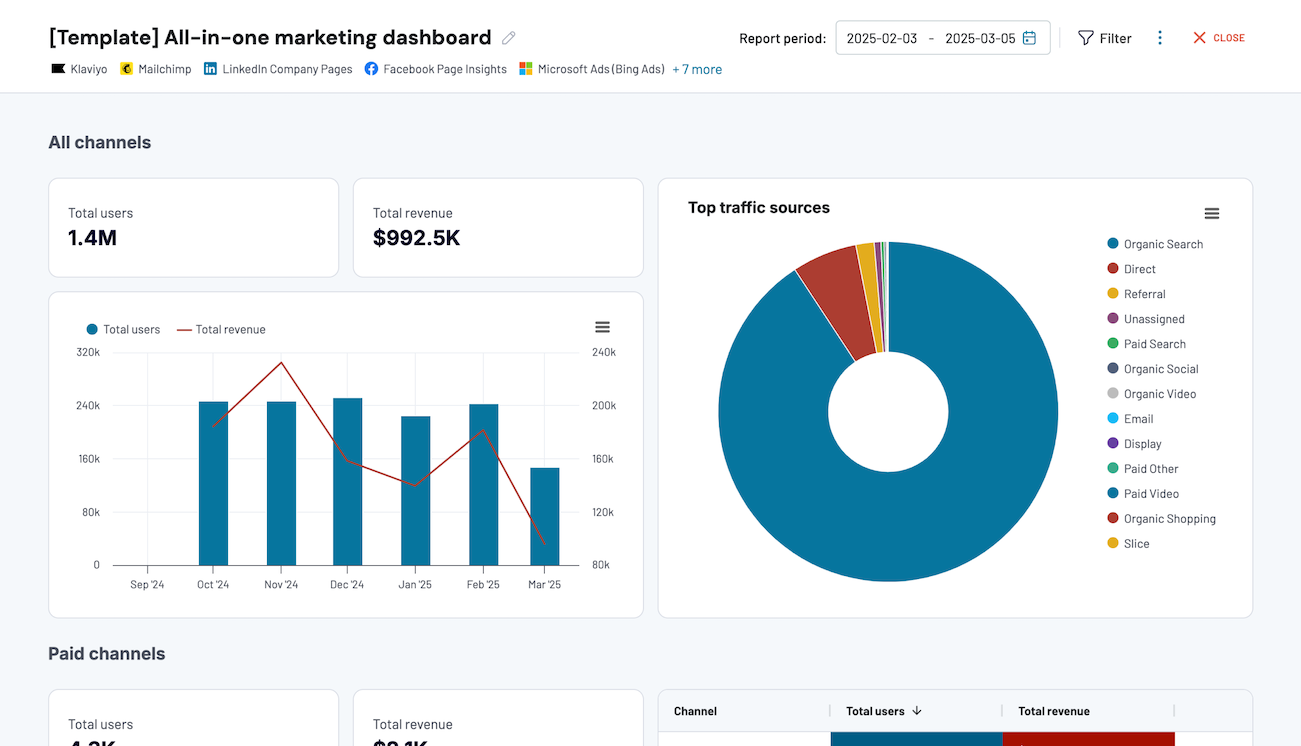
Quick start with dashboard templates


 +0




 +4


 +7
about your case. It doesn't cost you a penny 😉
Talk to AI about your StackAdapt data
For teams that prefer their own AI tool, AI Integrations connect the data to Claude, Copilot, ChatGPT, Perplexity, Cursor, or Gemini CLI. Every answer passes through the Analytical Engine, which runs the SQL instead of letting the model guess.
Examples of questions you can ask about your StackAdapt data in Snowflake:
- "Which advertisers saw blended eCPA shift most this quarter across every paid channel?"
- "List campaign groups where spend ran over the insertion order budget for two consecutive weeks."
- "Compare CTV conversion rates by DMA across the last three flights."
- "Show the top ten ad creatives by conversion volume across all clients this month."
- "What's the share of total client spend going to programmatic versus social and search?"




Your data is secured by industry standards
 SOC 2 Type II
Certified
 Google Cloud
Certified
 GDPR
Compliant
 HIPAA
Compliant
Connect StackAdapt to alternative destinations




