Connect your data to Claude in 1 minute. No code needed Try it now

Connect StackAdapt to Power BI

Export StackAdapt to Power BI with Coupler.io for a paid-media semantic model blending your programmatic data with Meta, Google, and LinkedIn. Empower analysts to measure insertion order variance in DAX, drill to ad level, and share reports under row-level security.

πŸ† Voted 4.9/5 on Capterra πŸ”’ SOC2 & GDPR compliant 🌍 Trusted by 1M+ users worldwide

All-in-one tool for StackAdapt data exports and analytics

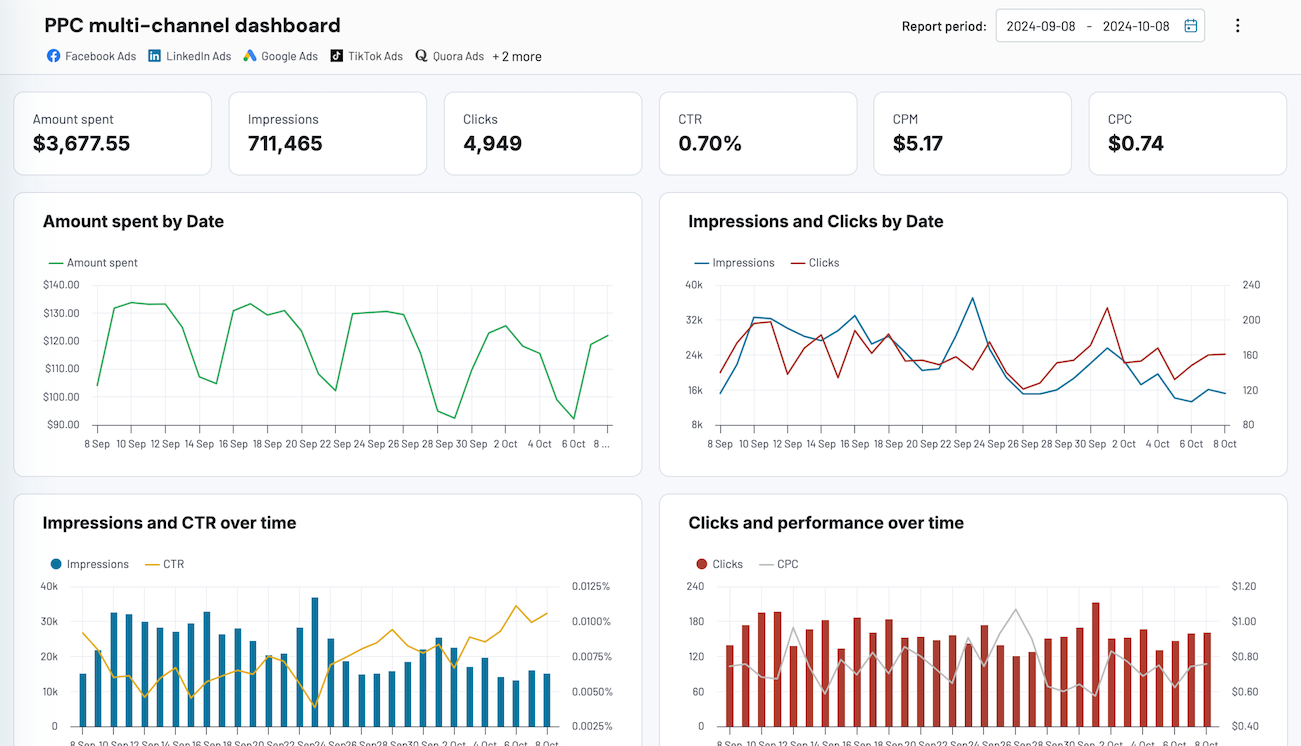
Assemble StackAdapt advertiser, campaign group, campaign, ad, and GEO reports in Power BI alongside Meta, Google Ads, LinkedIn, and TikTok. One semantic model holds the whole paid media plan, feeding every report, dashboard, and app in the workspace.

Collect data from StackAdapt and enrich it with information from other sources image

Structure StackAdapt rows at ad level or campaign group level with Power Query transforms, apply filters, and align field names. The semantic model, DAX measures, and downstream Power BI reports work on one consistent schema across every paid source.

Organize raw StackAdapt data in the form of a ready-to-use data set image

Trigger Coupler.io to refresh StackAdapt data on monthly, daily, hourly, 30-minute, or 15-minute intervals, independent of Power BI Service's own refresh limits. Semantic models rebuild on fresh rows and every report in the workspace follows.

Automate data refresh on a custom schedule image

Expose Power BI data sets to Claude, ChatGPT, Copilot, Cursor, Gemini CLI, or Perplexity through Coupler AI. Business users ask about variance, pacing, or creative performance in plain English and read numbers computed by the Analytical Engine.

Connect StackAdapt data to AI to query and analyze data using natural language conversations image
Collect data from StackAdapt and enrich it with information from other sources image
Organize raw StackAdapt data in the form of a ready-to-use data set image
Automate data refresh on a custom schedule image
Connect StackAdapt data to AI to query and analyze data using natural language conversations image

Why connect StackAdapt to Power BI - real life cases

Build a paid-media semantic model with StackAdapt beside Meta, Google, LinkedIn, and TikTok icon

Build a paid-media semantic model with StackAdapt beside Meta, Google, LinkedIn, and TikTok

Pull StackAdapt advertiser, campaign group, campaign, and ad reports into Power BI next to your Meta, Google, LinkedIn, and TikTok exports. Model relationships once, then every report in the workspace reads from the same paid-media semantic model.
Measure insertion order variance with DAX across every client and quarter icon

Measure insertion order variance with DAX across every client and quarter

Load StackAdapt campaign group spend into Power BI with the insertion order budget as a related table, then write DAX measures that return variance by week and client. Account teams see pacing without a separate spreadsheet.
Drill from campaign group totals down to ad-level creative with bookmarks icon

Drill from campaign group totals down to ad-level creative with bookmarks

Feed StackAdapt campaign group and ad performance into one Power BI report with a drillthrough from group totals to ad-level creative detail. Account managers click a group, see the ad that drove the result, and move on.
Govern client access with row-level security on the shared report icon

Govern client access with row-level security on the shared report

Export StackAdapt advertiser performance into Power BI and configure row-level security so each client sees only their own advertiser. One semantic model serves the whole agency without duplicating reports per account.

How to connect StackAdapt to Power BI

Step 1. Connect to your StackAdapt account and select the data to export
time icon 30 seconds
Step 2. Organize data using transformation options such as filters, column management, aggregation, etc.
time icon 30 seconds
Step 3. Load data to Power BI following the in-app instructions
time icon 30 seconds
Step 4. Schedule data refresh to automate data flow from StackAdapt to Power BI
time icon 10 seconds

Automate your no-code StackAdapt Power BI integration

Quick start with dashboard templates
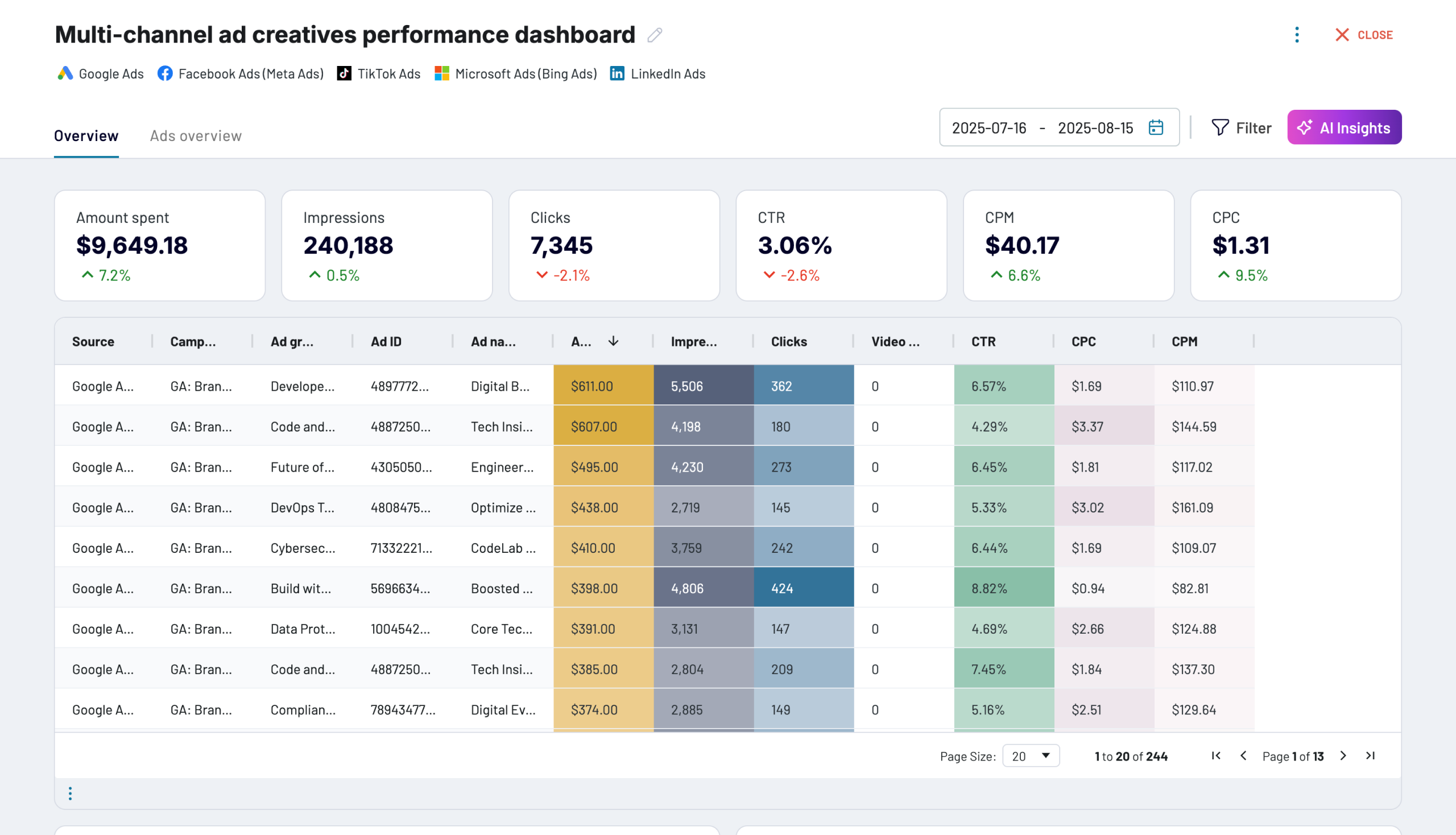
No such template is available yet.
No worries. Our team will create a template that fits your needs, just tell us more
about your case. It doesn't cost you a penny πŸ˜‰
Request a custom report

Talk to AI about your StackAdapt data

DAX measures answer the questions you planned for. Natural language covers the ones you didn't. Point Claude, Copilot, ChatGPT, Cursor, Gemini CLI, or Perplexity at the same StackAdapt data your Power BI reports read, through Coupler AI. For analysis without leaving Coupler.io, AI Agent runs in-app. The Analytical Engine computes the number either way, so what the AI reports matches what the semantic model would.

Prompts to try on your StackAdapt data in Power BI:
  • "What drove the eCPA variance on advertiser X last quarter that the pacing report flagged yesterday?"
  • "Which three campaign groups have the biggest gap between actual and planned spend this month?"
  • "Rank ad creatives by conversion lift from Q2 to Q3, filtered to CTV only."
  • "Compare blended paid-media CPM across the agency's top five clients for the holiday flight."
  • "Show first-week spend trajectory for every campaign group launching this month."
connect-ai-integrations image stackadapt.svg

Customer success stories

At Coupler.io, our mission is simple: to help our customers succeed by unlocking the full potential of their data. Check out how using Coupler.io has helped businesses like yours scale and achieve better ROI.

Ready to connect StackAdapt to Power BI and automate your reporting?