
Connect LinkedIn Ads to Copilot
Load data from LinkedIn Ads to Copilot through Coupler.io and ask your AI assistant about sponsored content performance, LinkedIn lead gen form results, and engagement rate by campaign group. Skip LinkedIn Campaign Manager exports and get performance insights through natural language questions inside your Microsoft workspace. Coupler.io automates the data integration from 400+ sources on a schedule.


What data you can export from LinkedIn Ads?
-
Ad analytics by single dimension
-
Ad analytics by multiple dimensions
-
Sponsored leads
-
Ad account users
-
Campaign groups
-
Campaigns
-
Creatives
-
Video ads
-
Shares (creative sponsored content)
-
Conversions
All-in-one tool for LinkedIn Ads data exports and analytics
Pull campaign metrics, sponsored leads, and creative performance data from LinkedIn Ads and blend them with Salesforce pipeline records, Google Ads spend, or HubSpot deal stages through Coupler.io. Give your Copilot agent a unified view of B2B prospecting results across every channel.

Filter by campaign name, select the dimensions that matter, and aggregate results by campaign group or company name before data reaches Copilot. Coupler.io's transformation tools clean up LinkedIn Ads exports so Microsoft Copilot Studio works with structured, query-ready records.

Feed Microsoft Copilot with recent LinkedIn Ads numbers on the interval you need. Coupler.io supports monthly, daily, hourly, 30-minute, and 15-minute refresh intervals, keeping your AI agents informed with the latest impressions, CTR, and cost per lead figures.

Ask about CPC by audience segment, engagement rate across creatives, or CPM trends in plain language. Microsoft Copilot reads your LinkedIn Ads data and returns answers without requiring access to the LinkedIn Ads API or LinkedIn Campaign Manager expertise.

Why connect LinkedIn Ads to Copilot - real life cases

Lead gen form performance review

Sponsored content engagement analysis

Cross-platform B2B advertising comparison

Pipeline attribution from ads to CRM
How to connect LinkedIn Ads to Copilot
 30 seconds
30 seconds
10 seconds
30 seconds
30 seconds
30 seconds
10 seconds
Automate data sync with the no-code LinkedIn Ads Copilot integration
Connect similar PPC apps and get data in minutes


Quick start with PPC dashboard templates
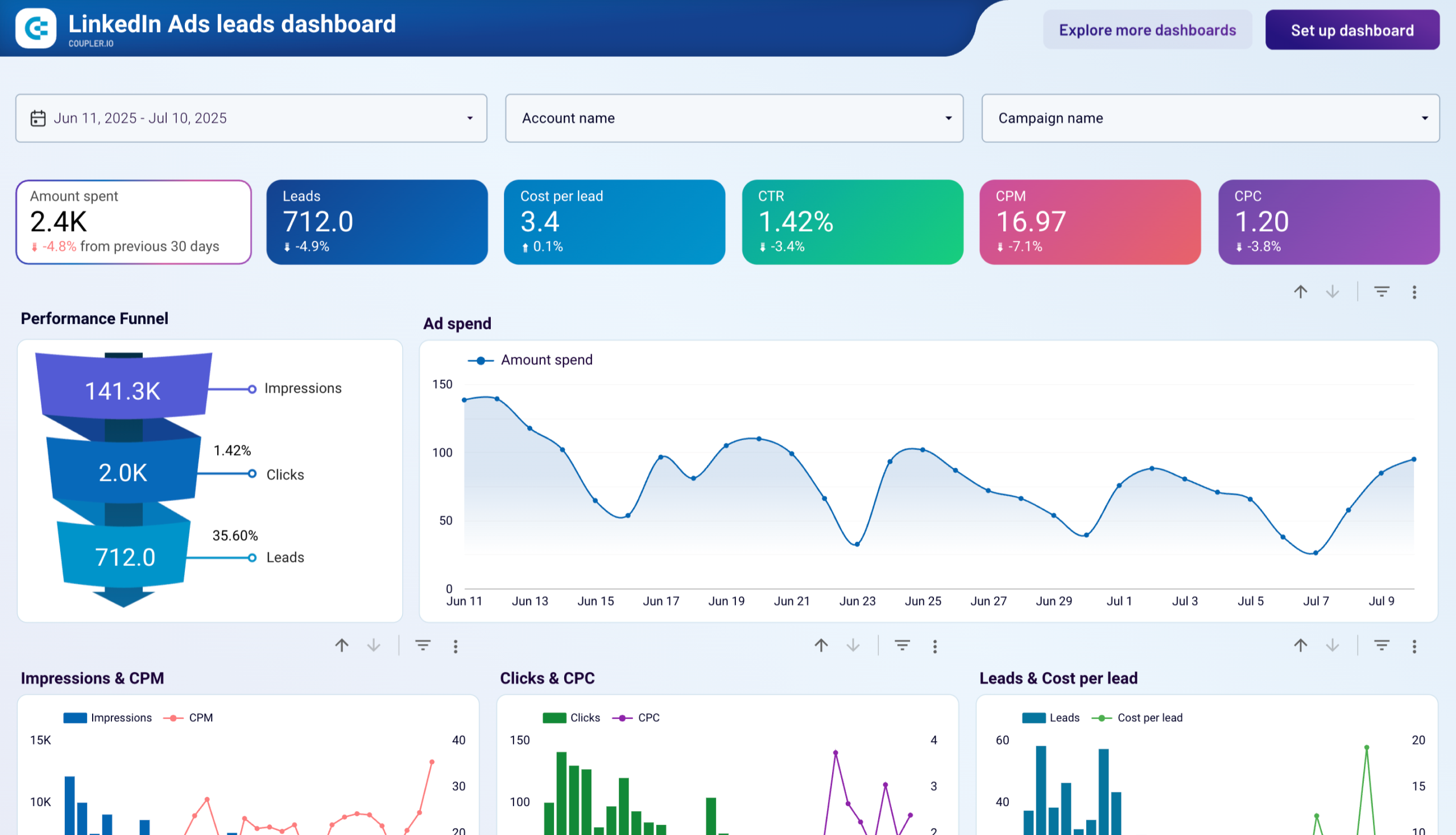 +0
+0


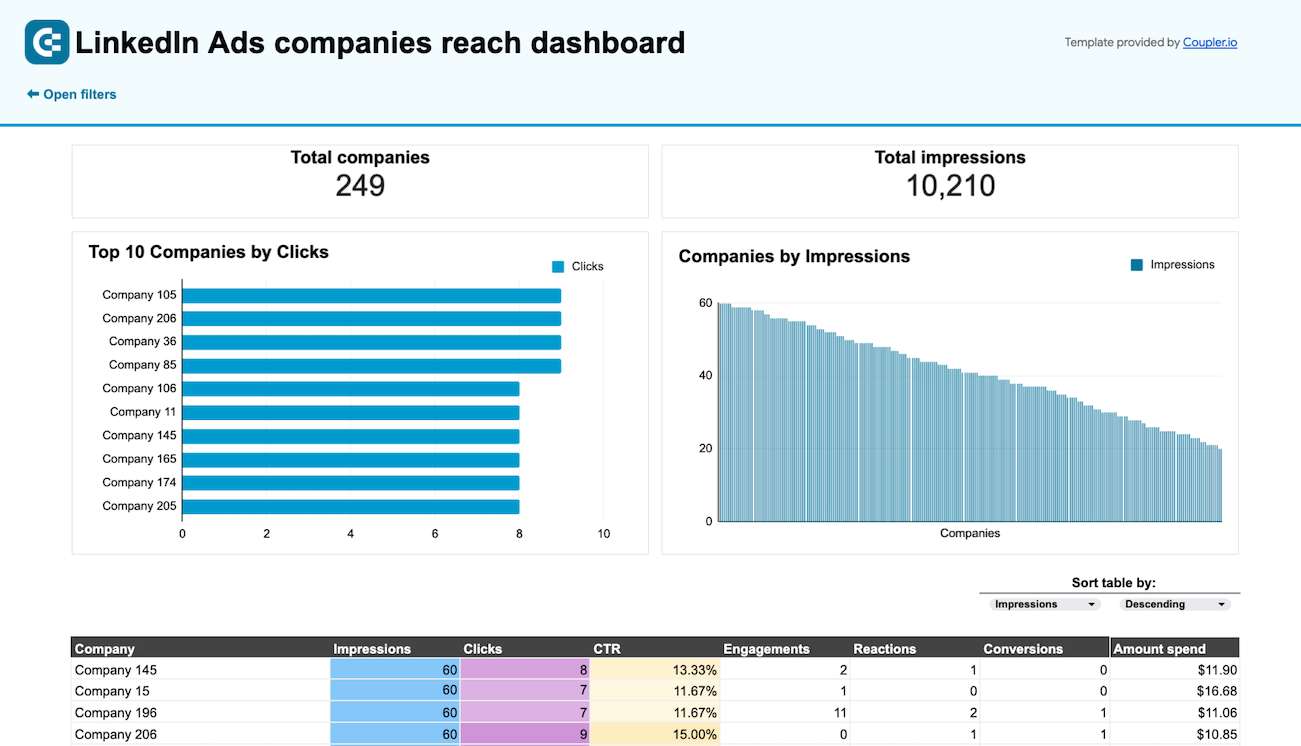 +0
+0

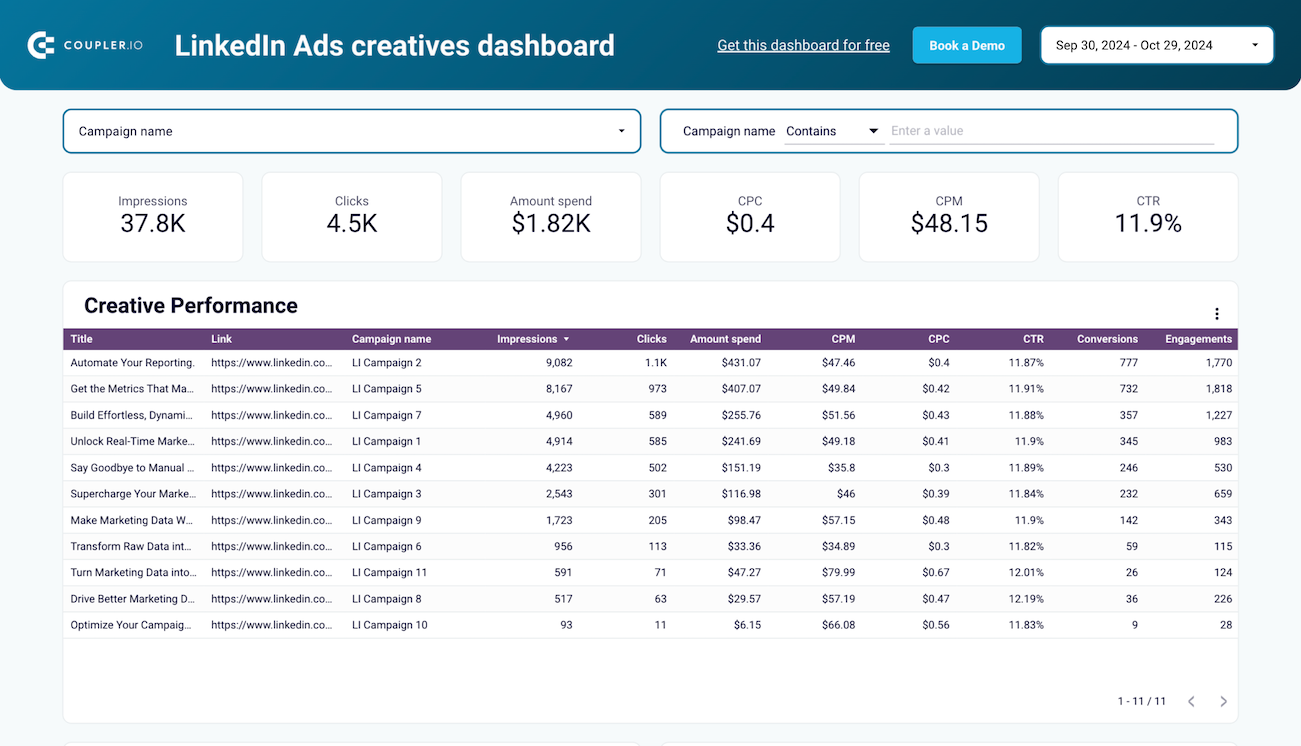 +0
+0
about your case. It doesn't cost you a penny 😉
Talk to AI about your LinkedIn Ads data
You can also skip external tools entirely. Coupler.io's AI Agent lets you ask questions about your LinkedIn Ads data right inside the platform. It runs on the Analytical Engine, which queries your data, checks the math, and delivers verified answers. Type a question in plain language and get a trustworthy answer without configuring any additional destination.
Examples of questions you can ask about LinkedIn Ads data:
- "Which campaign groups had the lowest cost per lead last month, and how does their CTR compare to the account average?"
- "Break down sponsored content performance by creative type and show me which format gets the most engagement per impression."
- "Compare CPC and conversion rates between my LinkedIn Sales Navigator audience campaigns and standard job title targeting for the past quarter."
- "List all campaigns where cost per lead exceeded $150 in the last 30 days and show their landing page click-through rates."





Your data is secured by industry standards
 SOC 2 Type II
Certified
 Google Cloud
Certified
 GDPR
GDPRCompliant
 HIPAA
HIPAACompliant
Connect data from LinkedIn Ads to alternative destinations





