
Connect Klaviyo to BigQuery
Connect Klaviyo to BigQuery with Coupler.io to warehouse campaign, flow, and segment performance data at scale. Run SQL-based analysis across your full marketing history and automate refreshes on your own schedule, no coding required.


What data you can export from Klaviyo?
-
Metrics analyticsProvides a high-level view of account-wide activity by aggregating event data (counts, sums, and unique users) over time. It is best for tracking total volume and growth for any standard or custom event, such as "Placed Order" or "Opened SMS".
-
Campaign performance reportProvides aggregated performance data for your campaigns over a selected date range. It supports both standard and custom metrics, returning key statistics (such as delivered, opens, clicks, conversions, and revenue) grouped by campaign and optional dimensions for deeper breakdowns.
-
Segment performance reportProvides aggregated performance data for your segments over a selected date range. Returns key statistics (such as total members, members added, members removed, and net member changes) grouped by segment. Data can be viewed as totals or split by time intervals (hourly, daily, weekly, monthly).
-
Flow performance reportProvides aggregated performance data for your flows over a selected date range. It supports both standard and custom metrics, returning key statistics (such as delivered, opens, clicks, conversions, and revenue) grouped by flow and optional dimensions for deeper breakdowns. Data can be viewed as totals or split by time intervals (hourly, daily, weekly, monthly).
-
Forms performance reportProvides aggregated performance data for your forms over a selected date range. Returns key statistics (such as views, submits, submit rate, and form closures) grouped by form. Data can be viewed as totals or split by time intervals (hourly, daily, weekly, monthly).
-
CampaignsThe central hub for managing your one-time marketing sends. You can retrieve details on message content, recipient estimates, and settings for various channels, including enhanced controls for push notification badges.
-
ProfilesA comprehensive directory of your individual customers. Beyond basic contact info, these records now include predictive analytics (like churn risk), consent history for email and SMS, and associated mobile push tokens.
-
FlowsYour library of automated customer journeys triggered by specific actions or dates. This section allows you to manage automation logic and retrieve details on the specific messages and actions contained within each flow.
-
SegmentsDynamic groups of profiles defined by specific conditions or criteria. Segments automatically update as profiles meet or no longer meet the defined rules, allowing you to target the right audience for campaigns and flows.
-
FormsCustomizable sign-up forms and pop-ups used to capture visitor information and grow your subscriber lists. You can retrieve form configurations, targeting rules, and submission data to analyze lead generation performance.
All-in-one tool for Klaviyo data exports and analytics
Export Klaviyo campaign, flow, and profile data into BigQuery and combine it with sales or ad spend data from other platforms. Build a unified warehouse dataset that connects email performance to downstream revenue.

Shape campaign, segment, and flow data into BigQuery-optimized tables before loading. Apply filters and rename columns so your warehouse schema stays clean and ready for SQL queries from the start.

Keep BigQuery tables synchronized with Klaviyo through automated refreshes running monthly, daily, hourly, every 30 minutes, or every 15 minutes. Choose the cadence that matches your campaign reporting needs.

Leverage Coupler AI integrations to connect your Klaviyo warehouse data to AI tools. Ask plain-language questions about campaign and flow performance without writing a single SQL query.

Why connect Klaviyo to BigQuery - real life cases

Cross-channel email and ad performance analysis

Historical campaign and flow trend analysis

Segment and audience growth tracking

Multi-store or multi-brand marketing consolidation
How to connect Klaviyo to BigQuery
30 seconds
30 seconds
30 seconds
10 seconds
Automate data exports with the no-code Klaviyo BigQuery integration
Connect similar Marketing apps and get data in minutes








Quick start with Marketing dashboard templates
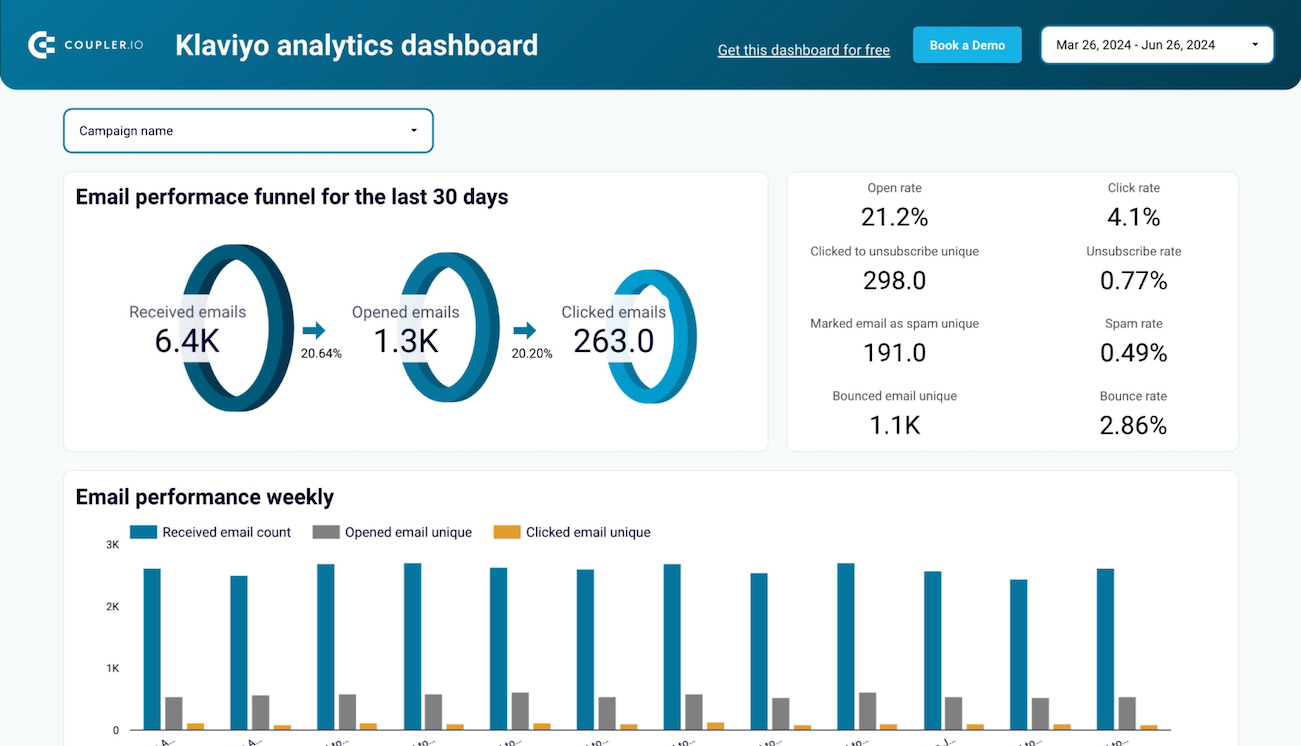 +0
+0


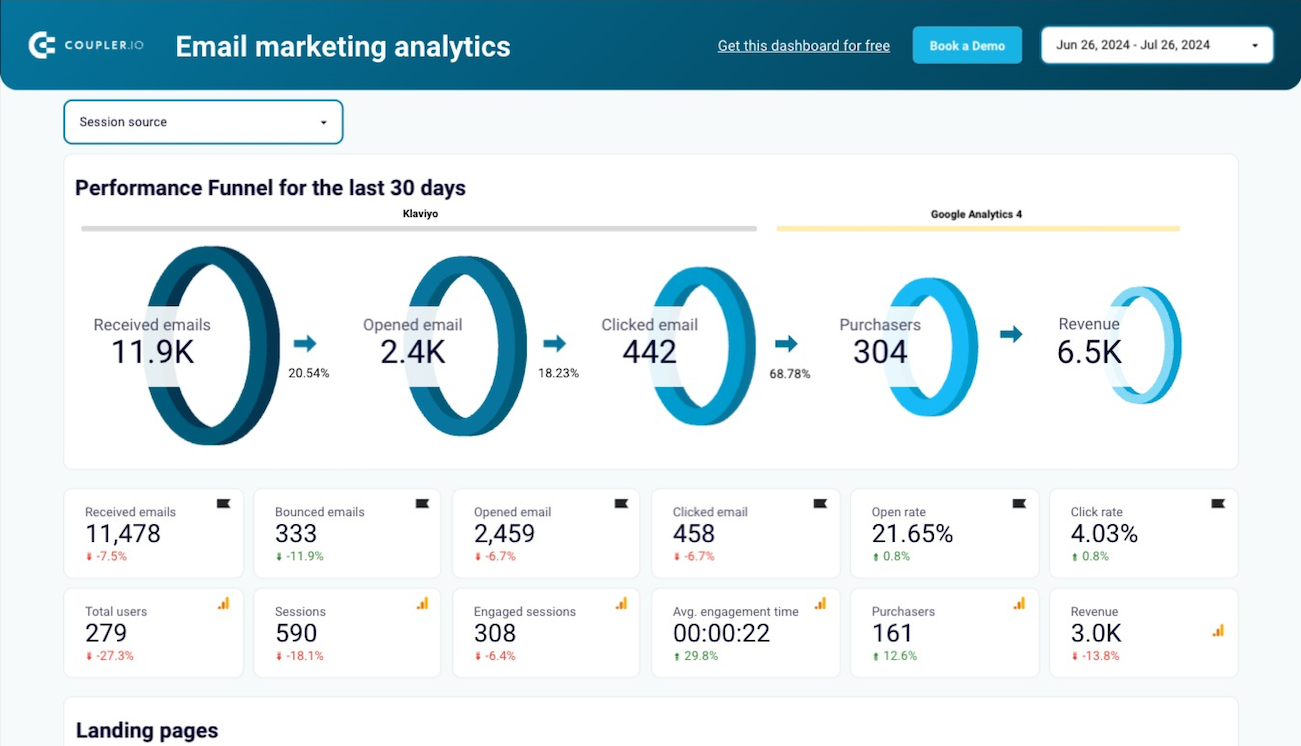
 +0
+0
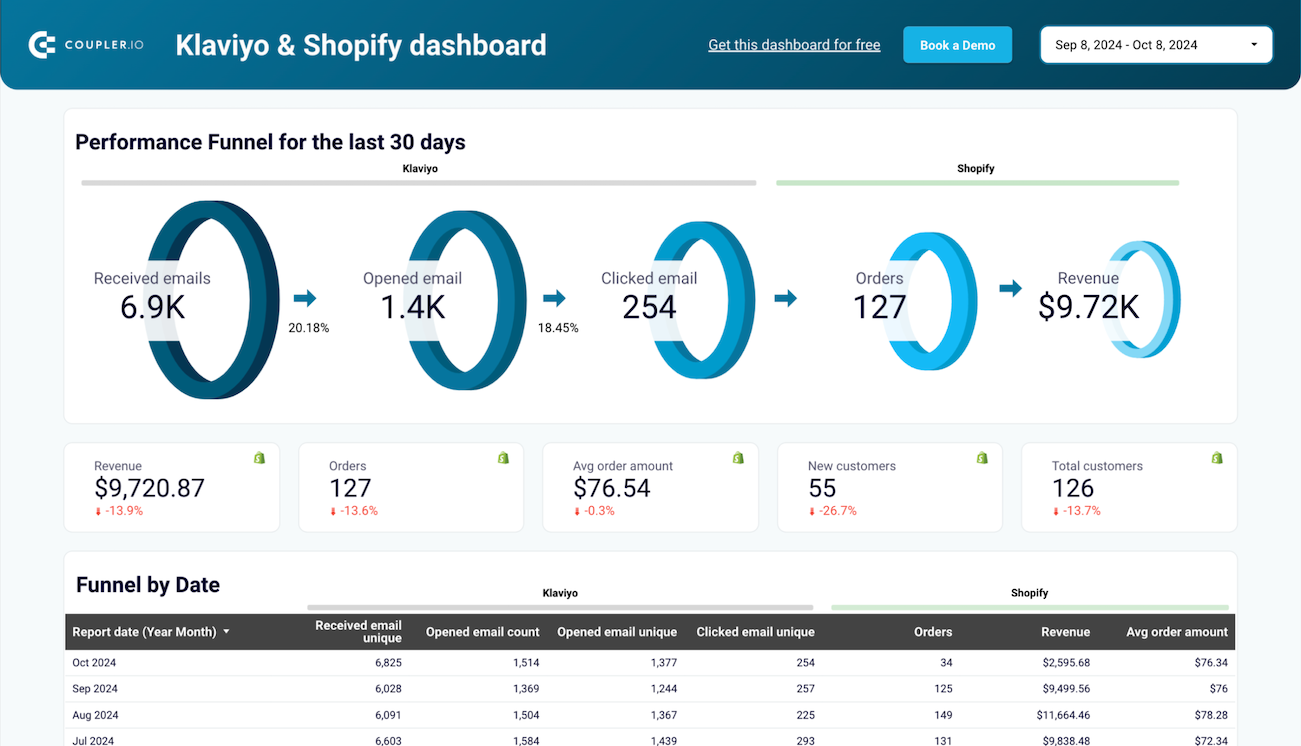
 +0
+0
about your case. It doesn't cost you a penny 😉
Talk to AI about your Klaviyo data
You can also skip external tools entirely. Coupler.io's AI Agent lets you ask questions about your Klaviyo data right inside the platform. It runs on the Analytical Engine, which queries your data, checks the math, and delivers accurate answers.
Examples of questions you can ask about Klaviyo data:
- "Which flows generated the most revenue per recipient last quarter?"
- "Compare segment growth rates across our top five audiences this year"
- "Which campaigns had the highest open rates but the lowest click-through?"
- "Show me form submission trends by page over the past six months"





Your data is secured by industry standards
 SOC 2 Type II
Certified
 Google Cloud
Certified
 GDPR
GDPRCompliant
 HIPAA
HIPAACompliant
Connect data from Klaviyo to alternative destinations





