
Export Instagram Insights to BigQuery
Integrate Instagram Insights to BigQuery with Coupler.io for scalable warehousing of your social media performance data. Experience high-speed SQL analysis across post, story, and audience metrics with automated pipelines that keep your BigQuery tables accurate and query-ready.


What data you can export from Instagram Insights?
-
Post: performance totals
-
Profile: account overview
-
Profile: performance insights
-
Profile: followers daily breakdown (last 30 days)
-
Profile: followers demography insights
-
Post: comment details review
-
Post: profile interactions breakdown
-
Story: performance totals (last 24 hours)
-
Story: navigation by action type (last 24 hours)
-
Story: profile interactions breakdown (last 24 hours)
-
Profile: daily reach
-
Profile: performance by media type
-
Profile: performance by follow type
-
Profile: links taps by contact button type
-
Profile: reach by media product type and follow type
-
Profile: new audience demography insights
All-in-one tool for Instagram Insights data exports and analytics
Load Instagram post metrics, story analytics, and follower demographics into BigQuery alongside data from other marketing platforms. Build multi-source datasets that connect social performance to broader campaign results for cross-channel analysis.

Shape Instagram engagement metrics and audience breakdowns using filters, calculated columns, and aggregation before loading to BigQuery. Deliver clean, well-structured tables optimized for partitioning and fast query execution on large social datasets.

Keep BigQuery tables populated with the latest Instagram metrics through scheduled exports running at 15-minute, 30-minute, hourly, daily, or monthly intervals. Maintain a reliable data warehouse without manual extraction or file uploads.

Use Coupler.io AI integrations to route your Instagram performance data to AI tools. Ask questions about follower growth, engagement patterns, and content effectiveness in plain language — no SQL required for quick answers.

Why export Instagram Insights to BigQuery - real life cases

Cross-platform social media warehousing

Historical content performance modeling

Audience segmentation at scale

Automated executive reporting pipelines
How to export Instagram Insights to BigQuery
 30 seconds
30 seconds
10 seconds
30 seconds
30 seconds
30 seconds
10 seconds
Automate data exports with the no-code Instagram Insights BigQuery integration
Connect similar Social Media apps and get data in minutes


Quick start with Social Media dashboard templates
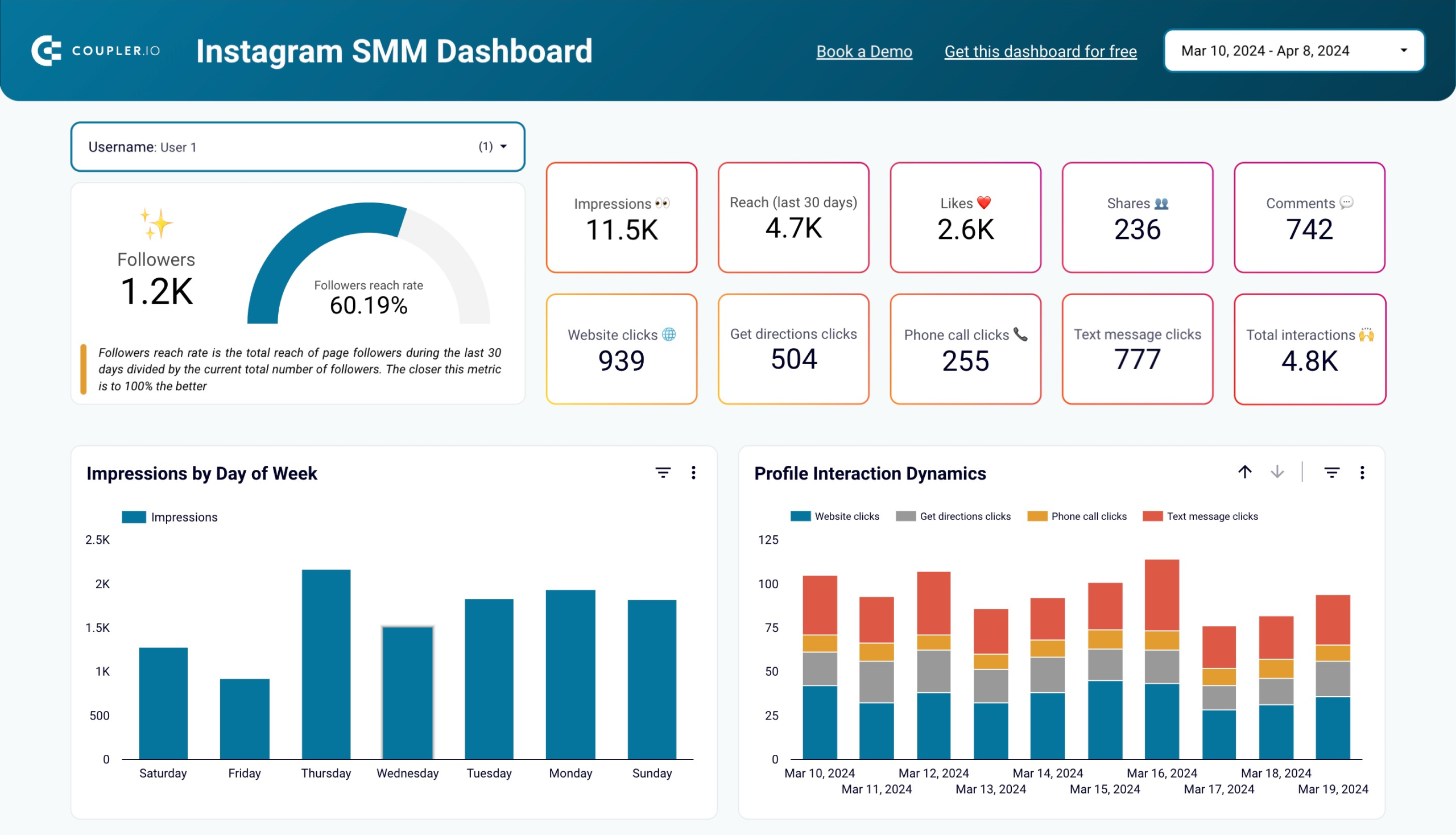


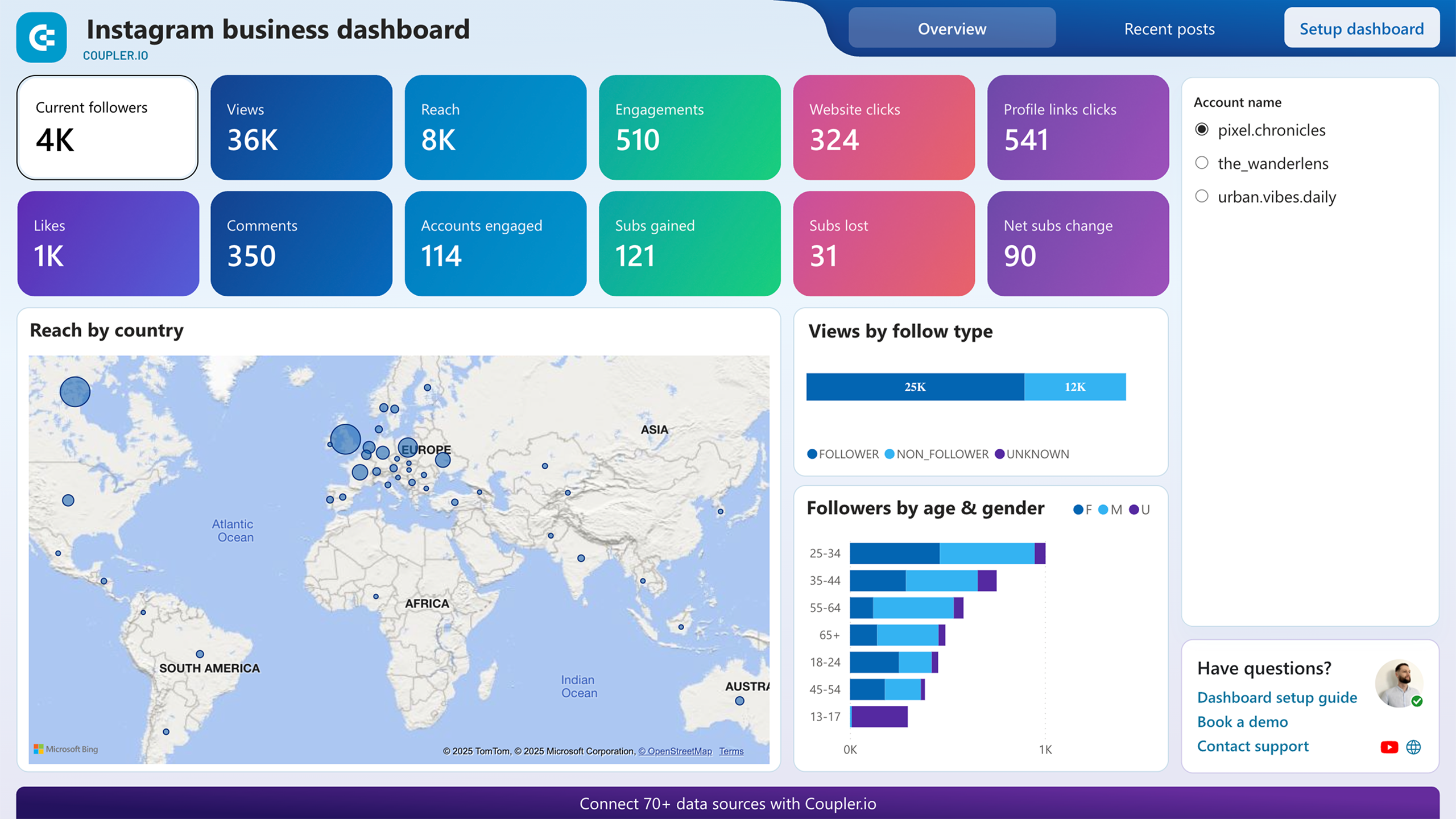




about your case. It doesn't cost you a penny 😉
Talk to AI about your Instagram Insights data
Examples of questions you can ask about Instagram Insights data:
"Which post formats generated the highest engagement rate over the last three months?"
"Break down my follower growth by week and flag any unusual spikes or drops"
"How does reach among non-followers compare across reels, carousels, and static posts?"
"Summarize the demographic profile of my newest audience segment and compare it to my overall follower base"





Your data is secured by industry standards
 Google Cloud
Certified
 SOC 2 Type II
Certified
 GDPR
GDPRCompliant
 HIPAA
HIPAACompliant
Export data from Instagram Insights to alternative destinations





