Connect your data to Claude in 1 minute. No code needed Try it now

Connect Stripe to BigQuery

Connect Stripe to BigQuery with Coupler.io to warehouse payment and subscription data at scale. Run SQL-based revenue analysis across charges, invoices, and refunds, and automate refreshes on your own schedule, no coding required.

πŸ† Voted 4.9/5 on Capterra πŸ”’ SOC2 & GDPR compliant 🌍 Trusted by 1M+ users worldwide

What data you can export from Stripe?

  • Application fees
  • Balance transactions
  • Charges
  • Connected accounts
  • Coupons
  • Customers
  • Disputes
  • Events
  • File links
  • Files
  • Invoice items
  • Invoices
  • Issuing transactions
  • Payment intents
  • Payouts
  • Plans
  • Prices
  • Products
  • Promotion codes
  • Quotes
  • Refunds
  • Setup intents
  • Shipping rates
  • Subscription schedules
  • Subscriptions
  • Subscriptions with line items
  • Tax rates
  • Top-ups
  • Transfers
  • Value lists

All-in-one tool for Stripe data exports and analytics

Export Stripe charges and subscriptions into BigQuery and combine them with product usage or CRM data from other platforms. Build a unified warehouse dataset that connects revenue to the activity that drives it.

Collect data from Stripe and enrich it with information from other sources image

Shape charge, invoice, and subscription data into BigQuery-optimized tables before loading. Apply filters and rename columns so your warehouse schema stays clean and ready for SQL queries from the start.

Organize raw Stripe data in the form of a ready-to-use data set image

Keep BigQuery tables synchronized with Stripe through automated refreshes running monthly, daily, hourly, every 30 minutes, or every 15 minutes. Choose the cadence that matches your financial reporting needs.

Automate data refresh on a custom schedule image

Leverage Coupler AI integrations to connect your Stripe warehouse data to AI tools. Ask plain-language questions about revenue and subscriptions without writing a single SQL query.

Connect Stripe data to AI to query and analyze data using natural language conversations image
Collect data from Stripe and enrich it with information from other sources image
Organize raw Stripe data in the form of a ready-to-use data set image
Automate data refresh on a custom schedule image
Connect Stripe data to AI to query and analyze data using natural language conversations image

Why connect Stripe to BigQuery - real life cases

Revenue and churn analysis at scale icon

Revenue and churn analysis at scale

Warehouse Stripe subscription and charge history in BigQuery to track MRR, churn, and expansion revenue over your full history. Run SQL to segment churn by plan, cohort, or acquisition channel.
Cross-platform revenue attribution icon

Cross-platform revenue attribution

Join Stripe payment data with ad spend or CRM data in BigQuery to calculate true customer acquisition cost against actual revenue. Compare channels on real, blended profitability instead of last-click assumptions.
Dispute and fraud pattern detection icon

Dispute and fraud pattern detection

Store dispute and refund history in BigQuery to identify patterns before they escalate. Query chargeback rates by product, region, or payment method to tighten fraud prevention.
Financial reconciliation and reporting icon

Financial reconciliation and reporting

Combine Stripe payouts, fees, and balance transactions with your accounting system data in BigQuery. Use SQL to reconcile net revenue after fees and produce accurate financial reports faster.

How to connect Stripe to BigQuery

Step 1. Connect to your Stripe account and select the data to export
time icon 30 seconds
Step 2. Organize data using transformation options such as filters, column management, aggregation, etc.
time icon 30 seconds
Step 3. Connect your BigQuery project and specify where to load your data
time icon 30 seconds
Step 4. Schedule data refresh to automate data flow from Stripe to BigQuery
time icon 10 seconds

Automate data exports with the no-code Stripe BigQuery integration

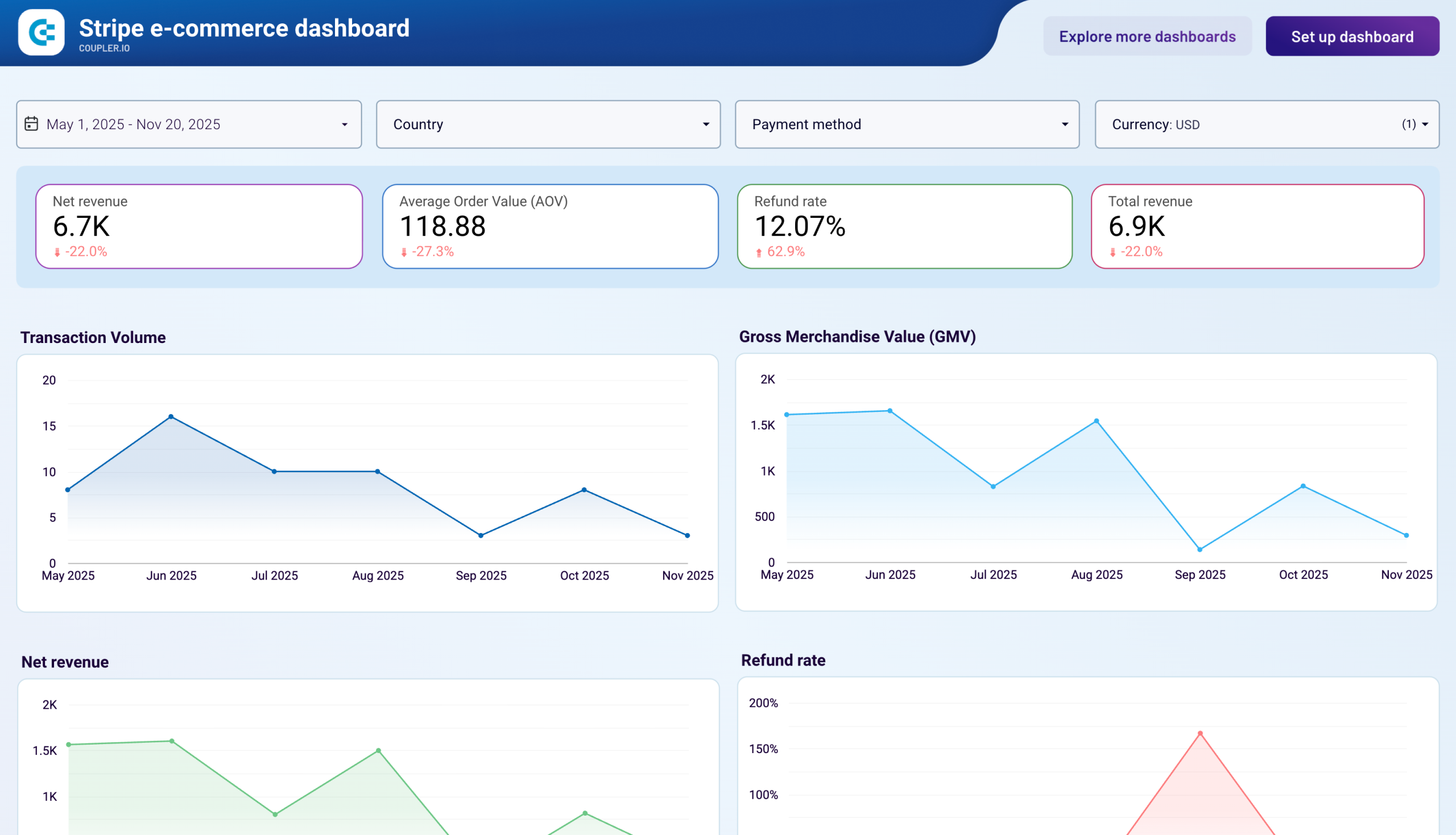
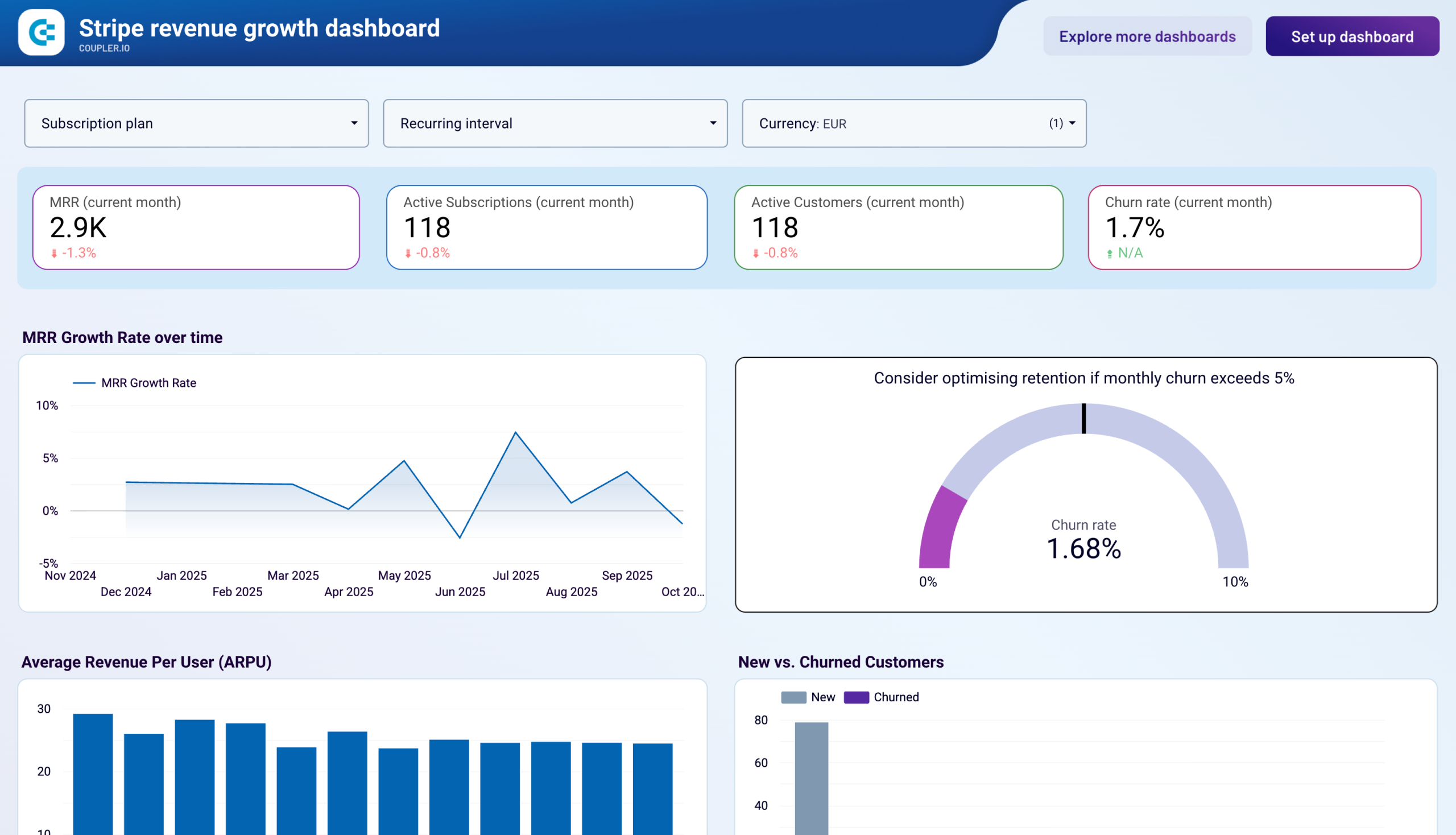
Quick start with Finance dashboard templates
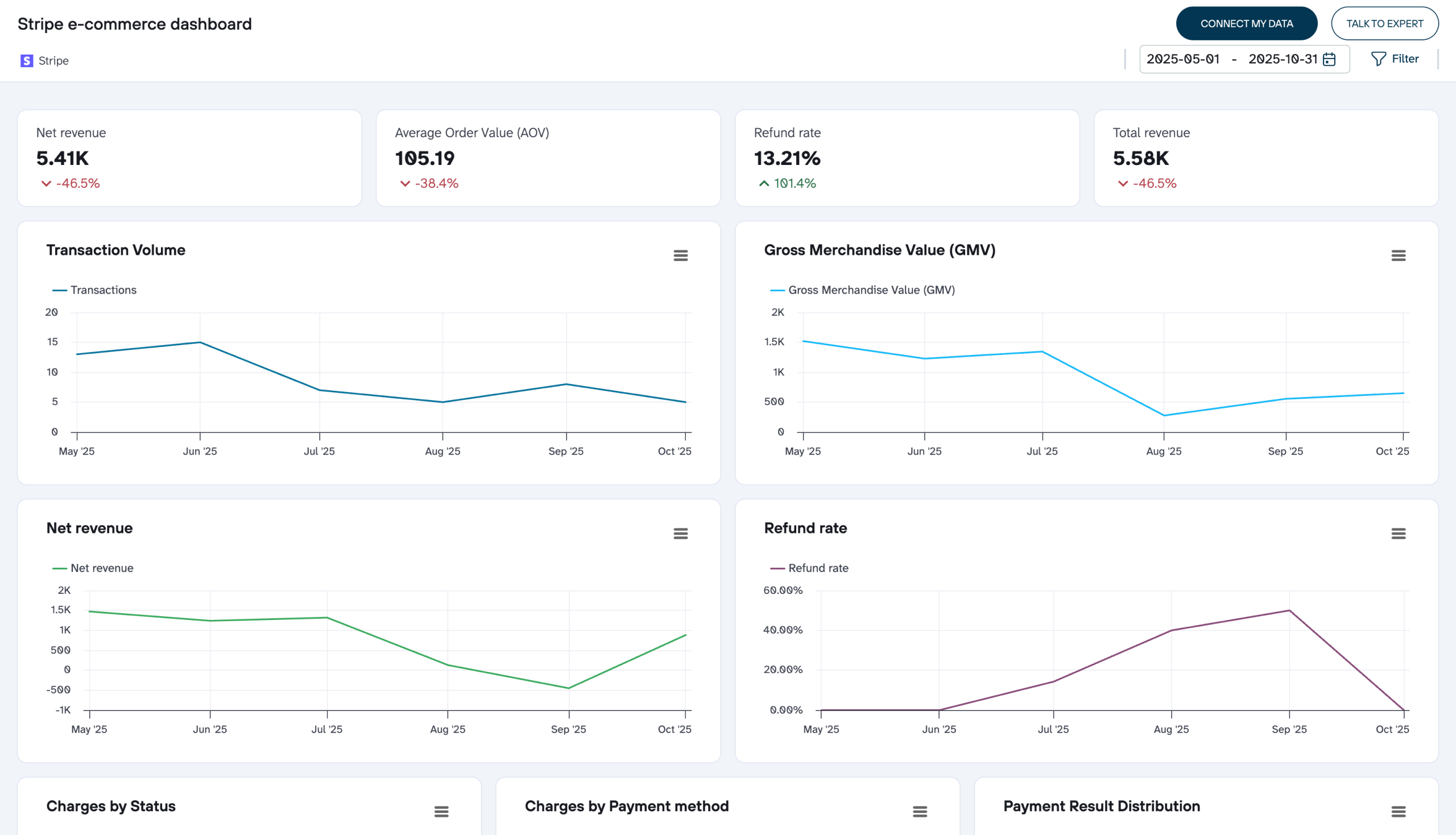
No such template is available yet.
No worries. Our team will create a template that fits your needs, just tell us more
about your case. It doesn't cost you a penny πŸ˜‰
Request a custom report

Talk to AI about your Stripe data

Payment data can support more than warehouse queries. Coupler AI integrations connect the same Stripe export to Claude, ChatGPT, or Perplexity, so finance teams can ask questions in plain language instead of SQL.

No need to leave Coupler.io for quick analysis. AI Agent is built in, powered by the Analytical Engine. It queries your Stripe data, performs calculations, and delivers verified answers. Just ask in plain language.

Examples of questions you can ask about Stripe data:
  • "What's our net revenue after fees and refunds for the past quarter?"
  • "Which subscription plans have the highest churn rate this year?"
  • "Compare average order value across customer segments over the last six months"
  • "Show me dispute rates by payment method for the past year"
connect-ai-integrations image stripe.svg

Customer success stories

At Coupler.io, our mission is simple: to help our customers succeed by unlocking the full potential of their data. Check out how using Coupler.io has helped businesses like yours scale and achieve better ROI.

Frequently asked questions
You connect Stripe to BigQuery in Coupler.io in three steps: authorize Stripe, choose the data you need, and set a schedule. Coupler.io creates the tables on the first run and keeps them updated automatically, with no code.
No, Coupler.io is the BigQuery integration built for business teams, not data teams, so you connect Stripe to BigQuery without SQL, Python, or a data engineer.
Yes, the first sync pulls your entire Stripe payment and subscription history into BigQuery, and every run after that keeps it up to date. You start with the complete record, not just data from today forward.
You choose the schedule. Coupler.io refreshes Stripe data in BigQuery automatically, as often as your plan allows.
Yes, Coupler.io can blend Stripe with your other platforms before the data lands. Join Stripe revenue with ad spend or CRM data and see true acquisition cost against actual payments.
BigQuery is a destination on every Coupler.io plan, not a paid add-on and not locked behind a higher tier.
The simplest way to get Stripe into BigQuery is a no-code connector: connect the account, pick your fields, set a schedule, and BigQuery fills itself. Coupler.io does this for Stripe plus 400+ other sources.
Yes, Coupler.io is SOC 2 Type II certified and writes directly into your own BigQuery project, so your data stays in your warehouse.
Stripe data in your BigQuery warehouse supports decisions like which plans to promote by tracking churn and expansion revenue, calculating true customer acquisition cost against real payments, and reconciling net revenue after fees for accurate financial reporting.

Ready to connect Stripe to BigQuery and automate your reporting?