Connect your data to Claude in 1 minute. No code needed Try it now

Connect Brevo to BigQuery

Scale contact database analytics with cloud-powered data warehousing. Connect Brevo to BigQuery using Coupler.io to process massive contact datasets, enable machine learning applications on CRM patterns, and build sophisticated marketing intelligence systems for data-driven growth.

πŸ† Voted 4.9/5 on Capterra πŸ”’ SOC2 & GDPR compliant 🌍 Trusted by 1M+ users worldwide

What data you can export from Brevo?

  • Contacts
  • Contacts attributes
  • Contacts folders lists
  • Contacts folders
  • Contacts segments
  • Contacts lists contacts
  • Contacts lists
  • Senders
  • Companies
  • Companies attributes
  • Crm pipeline stages
  • Crm pipeline details alls
  • Crm attributes deals
  • Crm deals
  • Crm tasktypes
  • Crm tasks
  • Crm notes
  • Domains
  • Webhooks
  • Accounts
  • Organization invited users
  • Emailcampaigns
  • Smscampaigns

All-in-one tool for Brevo data exports and analytics

Combine Brevo contact databases, CRM deal pipelines, and campaign information with sales platforms, web analytics, and customer service data in BigQuery's scalable environment for marketing intelligence and cross-channel performance analysis.

Collect data from Brevo and enrich it with information from other sources image

Transform Brevo contact records and CRM data into BigQuery's optimized columnar structure with proper schema design, partitioning strategies, and indexing for high-performance queries on millions of contacts and deal records.

Organize raw Brevo data in the form of a ready-to-use data set image

Keep BigQuery tables synchronized with an automated pipeline, from monthly to 15-minute intervals, supporting live CRM dashboards and batch processing workflows for large-scale contact management operations.

Automate data refresh on a custom schedule image

Leverage Coupler AI integrations to connect your Brevo datasets to AI tools. Explore contact segmentation and CRM pipeline performance through conversational interfaces without writing complex SQL queries.

Connect Brevo data to AI to query and analyze data using natural language conversations image
Collect data from Brevo and enrich it with information from other sources image
Organize raw Brevo data in the form of a ready-to-use data set image
Automate data refresh on a custom schedule image
Connect Brevo data to AI to query and analyze data using natural language conversations image

Why connect Brevo to BigQuery - real life cases

Contact database consolidation icon

Contact database consolidation

Aggregate Brevo contact lists across multiple brands, regions, and business units into BigQuery's scalable data warehouse. Process millions of contact records efficiently while maintaining detailed segmentation, attribute tracking, and folder organization for multi-brand operations at scale.
CRM pipeline predictive analytics icon

CRM pipeline predictive analytics

Store historical Brevo CRM deals and pipeline stages in BigQuery for advanced forecasting applications. Build predictive models identifying deals likely to close, optimal follow-up timing, and revenue projections using BigQuery's integrated ML capabilities for sales intelligence.
Multi-source customer data platform icon

Multi-source customer data platform

Create comprehensive customer profiles combining Brevo contacts with transaction history, support tickets, and behavioral data. Analyze customer lifecycles across multiple touchpoints while maintaining complete contact attribute visibility for personalized marketing strategies.
Compliance and contact consent management icon

Compliance and contact consent management

Maintain complete audit trails of all Brevo contact data, attributes, and list memberships in BigQuery's secure storage for GDPR compliance. Generate consent reports, track contact preference changes, and ensure data retention policies across international markets.

How to connect Brevo to BigQuery

Step 1. Connect to your Brevo account and select the data to export
time icon 30 seconds
Step 2. Organize data using transformation options such as filters, column management, aggregation, etc.
time icon 30 seconds
Step 3. Connect your BigQuery project and specify where to load your data
time icon 30 seconds
Step 4. Schedule data refresh to automate data flow from Brevo to BigQuery
time icon 10 seconds

Automate data exports with the no-code Brevo BigQuery integration

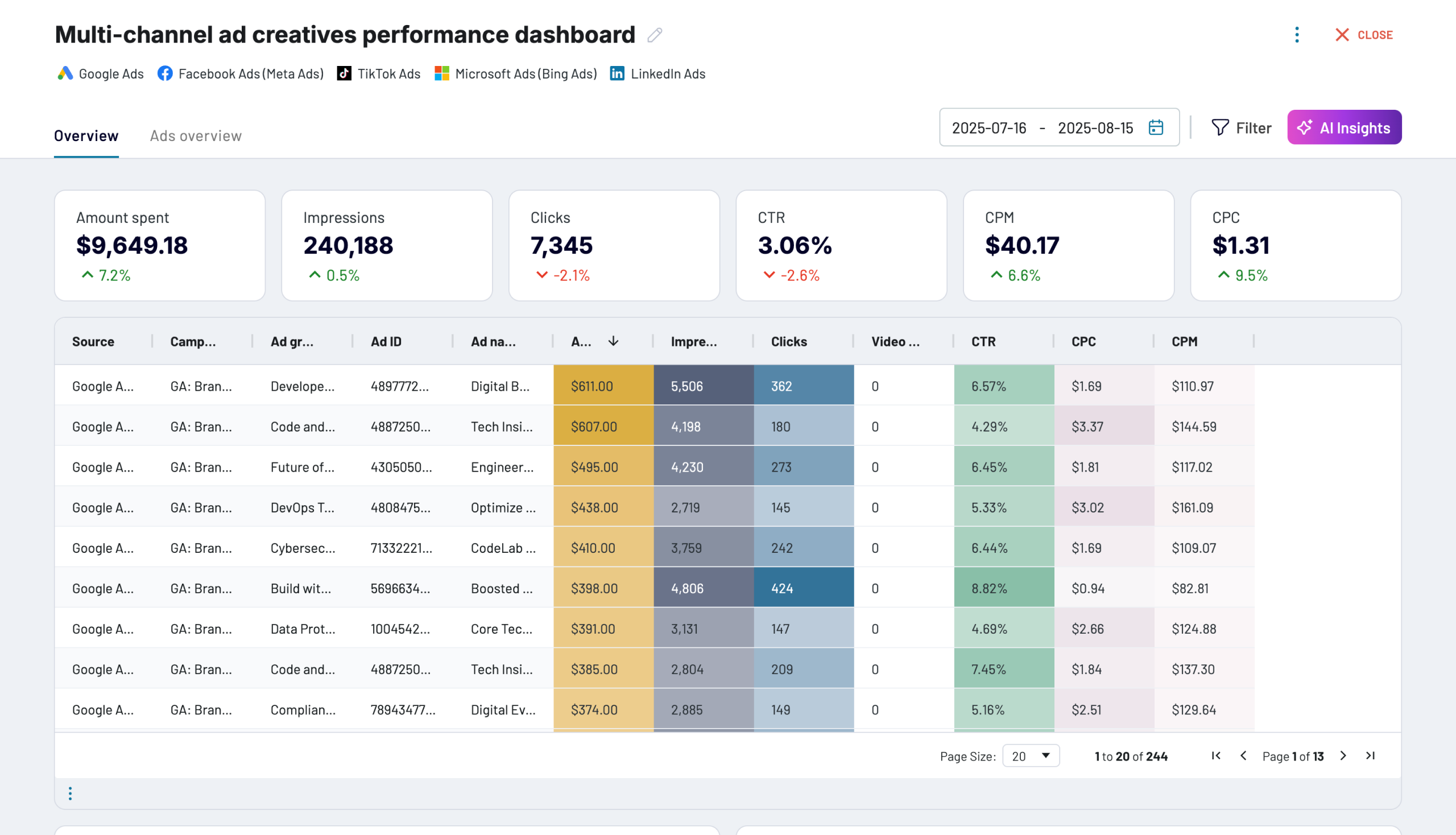
Quick start with dashboard templates
No such template is available yet.
No worries. Our team will create a template that fits your needs, just tell us more
about your case. It doesn't cost you a penny πŸ˜‰
Request a custom report

Talk to AI about your Brevo data

BigQuery provides incredible analytical power for processing massive contact databases and CRM datasets, but sometimes you need quick insights without building complex SQL queries. Coupler AI integrations make your contact and pipeline data accessible through natural language conversations, enabling marketing and sales teams to extract insights from BigQuery-stored Brevo data without technical expertise.

Examples of questions you can ask about Brevo data:
  • "Analyze contact segmentation patterns and identify high-value audience characteristics across our database"
  • "What factors correlate with deal closure rates in our CRM pipeline over the past quarter?"
  • "Build predictive models showing which contacts are most likely to engage based on their attributes"
  • "Identify optimal contact list structures for different campaign types using historical performance data"
connect-ai-integrations image brevo.svg

Customer success stories

At Coupler.io, our mission is simple: to help our customers succeed by unlocking the full potential of their data. Check out how using Coupler.io has helped businesses like yours scale and achieve better ROI.

Frequently asked questions
You connect Brevo to BigQuery in Coupler.io in three steps: authorize Brevo, choose the data you need, and set a schedule. Coupler.io creates the tables on the first run and keeps them updated automatically, with no code.
No, Coupler.io is the BigQuery integration built for business teams, not data teams, so you connect Brevo to BigQuery without SQL, Python, or a data engineer.
Yes, the first sync pulls your entire Brevo contact and campaign history into BigQuery, and every run after that keeps it up to date. You start with the complete record, not just data from today forward.
You choose the schedule. Coupler.io refreshes Brevo data in BigQuery automatically, as often as your plan allows.
Yes, Coupler.io can blend Brevo with your other platforms before the data lands. Join Brevo contacts and deals with sales or support data and see the full customer picture.
BigQuery is a destination on every Coupler.io plan, not a paid add-on and not locked behind a higher tier.
The simplest way to get Brevo into BigQuery is a no-code connector: connect the account, pick your fields, set a schedule, and BigQuery fills itself. Coupler.io does this for Brevo plus 400+ other sources.
Yes, Coupler.io is SOC 2 Type II certified and writes directly into your own BigQuery project, so your data stays in your warehouse.
Load Brevo data into BigQuery and you can decide which segments to target based on engagement history, track deal closure patterns across your full CRM pipeline, and join contact data with sales results for complete campaign attribution.

Ready to connect Brevo to BigQuery and automate your reporting?