Connect your data to Claude in 1 minute. No code needed Try it now

Connect Orb to Claude

Send Orb invoices, customers, subscriptions and 3 more data types to Claude on a schedule. Filter by date and narrow it down by plan ID filter. Refresh as often as every 15 minutes.

capterra
star star star star star

4.9/5

Claude

Which Orb customers have invoices more than 30 days overdue, and what is the total?

Querying the Orb data set in Coupler.io

Claude queries your Orb data through the Coupler.io MCP connector. Access is read-only.
Trusted by 200K+ users worldwide
Tradezella
Stanford
Webtoon
Getir
Stellar
Anker
ParentSquare
Bac 50
Benzinga
Matterport

How to connect Orb and Claude
5 steps. You can preview the Orb data in Coupler.io before anything reaches Claude.

Step 1 of 5

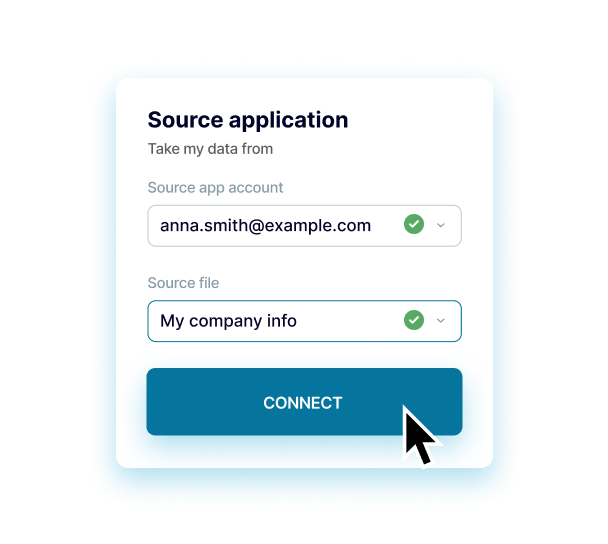
Connect Orb

Enter your Orb orb API key. You only do this once per account.

Orb API key••••••••••••

Step 2 of 5

Choose what to export

Pick the Orb data you want in Claude.

Start dateAny dateSpecify the earliest date to export data from. Data created before this date will not be exported.

Step 3 of 5

Fine-tune the export

Optional settings for this Orb export.

End dateAny dateSpecify the latest date to export data from. Data created after this date will not be exported.
Lookback window (days)Not setSpecify the number of days to refresh recently created resources. This helps capture updated objects not incrementally synced.
Event properties keys (string values)Not setSpecify string property keys to extract from events for enriching ledger entries. Enter each key on a new line.
Event properties keys (numeric values)Not setSpecify numeric property keys to extract from events for enriching ledger entries. Enter each key on a new line.
Show 2 more fields Show fewer fields
Subscription usage grouping keyNot setSpecify the property key to group subscription usage data by when exporting usage information.
Plan ID filterNot setSpecify the Orb Plan ID to filter which subscriptions should have their usage data exported.

Step 4 of 5

Connect Claude

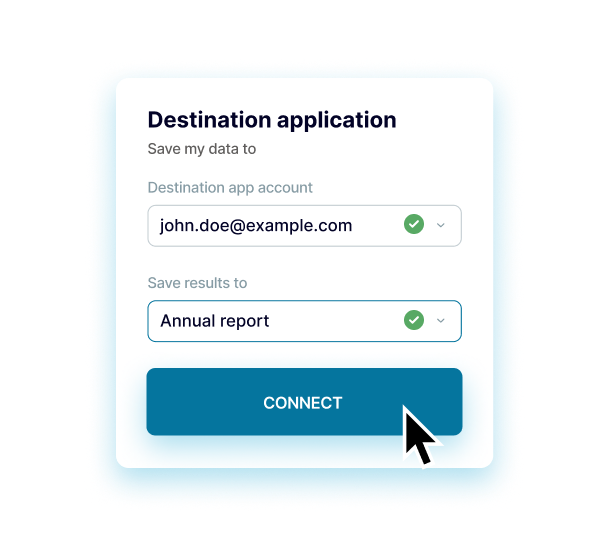
Add the Coupler.io connector in Claude and authenticate. For Claude Code, run the command shown in the destination step, then authorize via /mcp.

Data set to shareInvoicesThe data view Claude can read

Step 5 of 5

Set a schedule

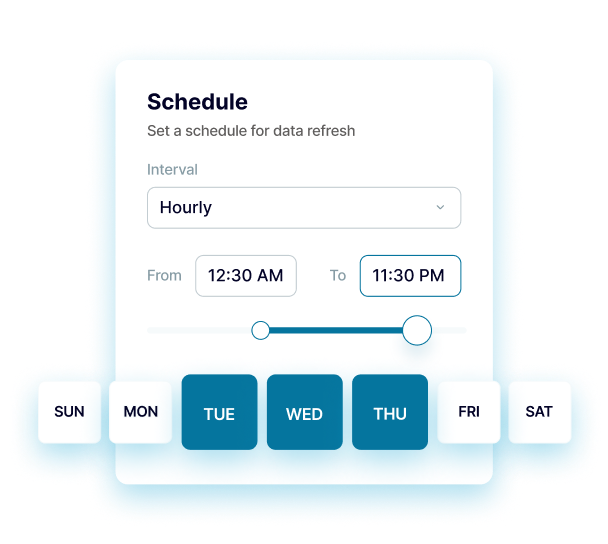
Claude sees the data as of the last run. Run it as often as every 15 minutes.

Get the most of Orb to Claude integration

Gather data icon

Gather data

Export data from numerous apps and sources into a single destination. Blend data from different apps to get a single source of truth.
Understand data icon

Understand data

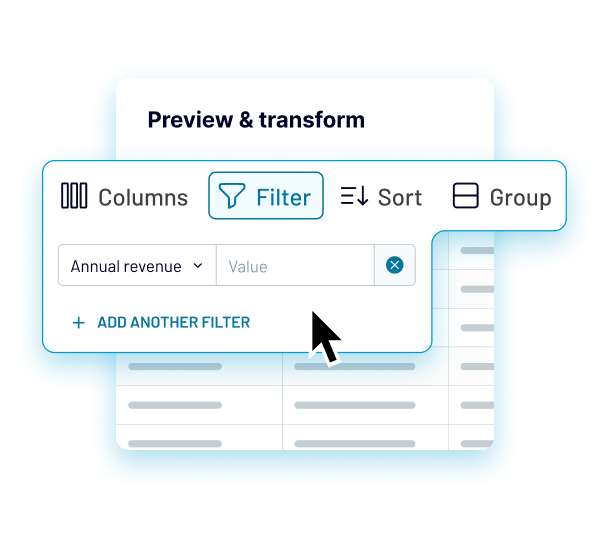
Preview, transform, sort, and filter data for better clarity in just a few clicks in the Coupler.io interface. Take your data analytics to the next level.
Automate data icon

Automate data

Access data that is always up to date by enabling the automatic data refresh on a schedule as often as every 15 minutes and using triggered automation.
Act on data icon

Act on data

Visualize your data by quickly connecting to data visualization and BI tools. Build insightful dashboards in a breeze and make better decisions.
Orb to Claude questions

6 data types, including Invoices, Customers, Subscriptions, Subscription usages and Plans.

With your Orb orb API key, entered once when you add the connection.

Yes. Set the start date and end date to cover the period you need.

Yes. Available filters include plan ID filter.

No. The data stays in Coupler.io, and Claude queries it read-only when you ask a question. It can't edit or delete Orb rows.

Team and Enterprise work with the official connector. On individual Free and Pro plans, use the custom connector if the official one shows no tools.

On a schedule you choose, from monthly down to every 15 minutes, depending on your Coupler.io plan.

Yes. Add more sources to the same data flow, for example QuickBooks or Xero, and join or append them before the data reaches Claude.

High five for scrolling till the very end!
See you in the app!