
Connect Xero to Claude
Route financial data from Xero to Claude using Coupler.io to generate narrative insights about your cash position. Ask questions about outstanding invoices using natural language and automate data extraction without writing any code or building complex dashboards.


What data you can export from Xero
-
InvoicesAmounts billed to customers or owed to suppliers. Generate conversational summaries of outstanding accounts and analyze billing cycles through narrative queries.
-
ItemsYour catalog of products or services sold. Identify top-performing inventory categories and evaluate profit margins through natural language questions.
-
JournalsCore accounting ledger entries for all financial activities. Enable automated narrative reporting on general ledger movements and overall financial health.
-
Linked transactionsRelated financial events connected together, such as billable expenses tied to specific customer invoices. Map out complex project costs and explain profitability drivers.
-
Manual journalsDirect adjustments made to the general ledger outside standard workflows. Spot unusual accounting adjustments and summarize end-of-month corrections quickly.
-
OrganisationCore company details, financial settings, and base currency information. Provide accurate context for multi-entity financial summaries and regional performance reports.
-
OverpaymentsInstances where a customer pays more than the invoiced amount. Analyze refund liabilities and identify patterns in client payment errors.
-
PaymentsActual cash received or paid against invoices. Generate accurate cash flow narratives and answer questions about liquidity trends.
-
PrepaymentsFunds received or paid in advance of an invoice. Forecast future revenue recognition and understand short-term cash advantages.
-
Purchase ordersFormal requests for goods or services from suppliers. Forecast upcoming liabilities and summarize procurement spending through conversational prompts.
All-in-one tool for Xero data exports and analytics in Claude
Pull Xero invoices and purchase orders alongside CRM sales pipeline metrics and project management data into one unified export. Generate deep narrative analysis across your entire business operation without manual data preparation or custom API scripts.

Strip unnecessary columns from raw Xero journals and prepayments, then standardize date formats into clean tables. Run cash flow queries against structured, accurate data instead of troubleshooting formatting errors mid-conversation.

Schedule automatic data updates on monthly, daily, hourly, 30-minute, or 15-minute intervals to keep your financial context fresh. Query the latest payment statuses and account balances in every conversation instead of working from outdated exports.

Interrogate your overpayments and manual journals through Coupler.io AI integrations. Ask Claude about your cash position in plain language to get immediate answers without writing SQL, building formulas, or compiling analyst reports.

Why connect Xero to Claude - real life cases

Cash position and payment forecasting

Multi-entity financial data consolidation

Automated ledger anomaly detection

Product line profitability analysis
How to connect Xero to Claude
 30 seconds
30 seconds
10 seconds
30 seconds
30 seconds
30 seconds
10 seconds
Automate data sync with the no-code Xero Claude integration
Connect similar Finance & Accounting apps and get data in minutes


Quick start with Finance dashboard templates
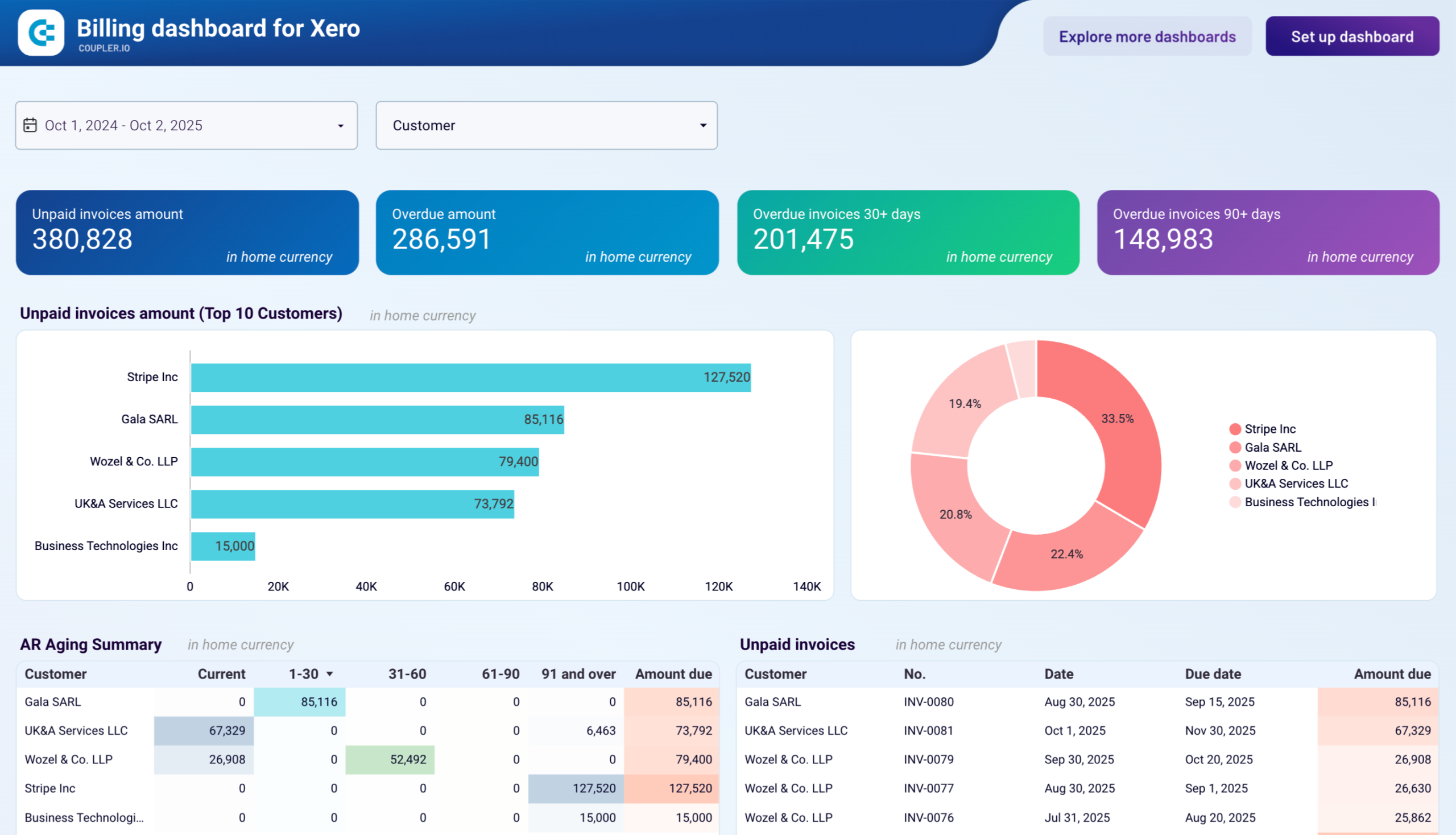


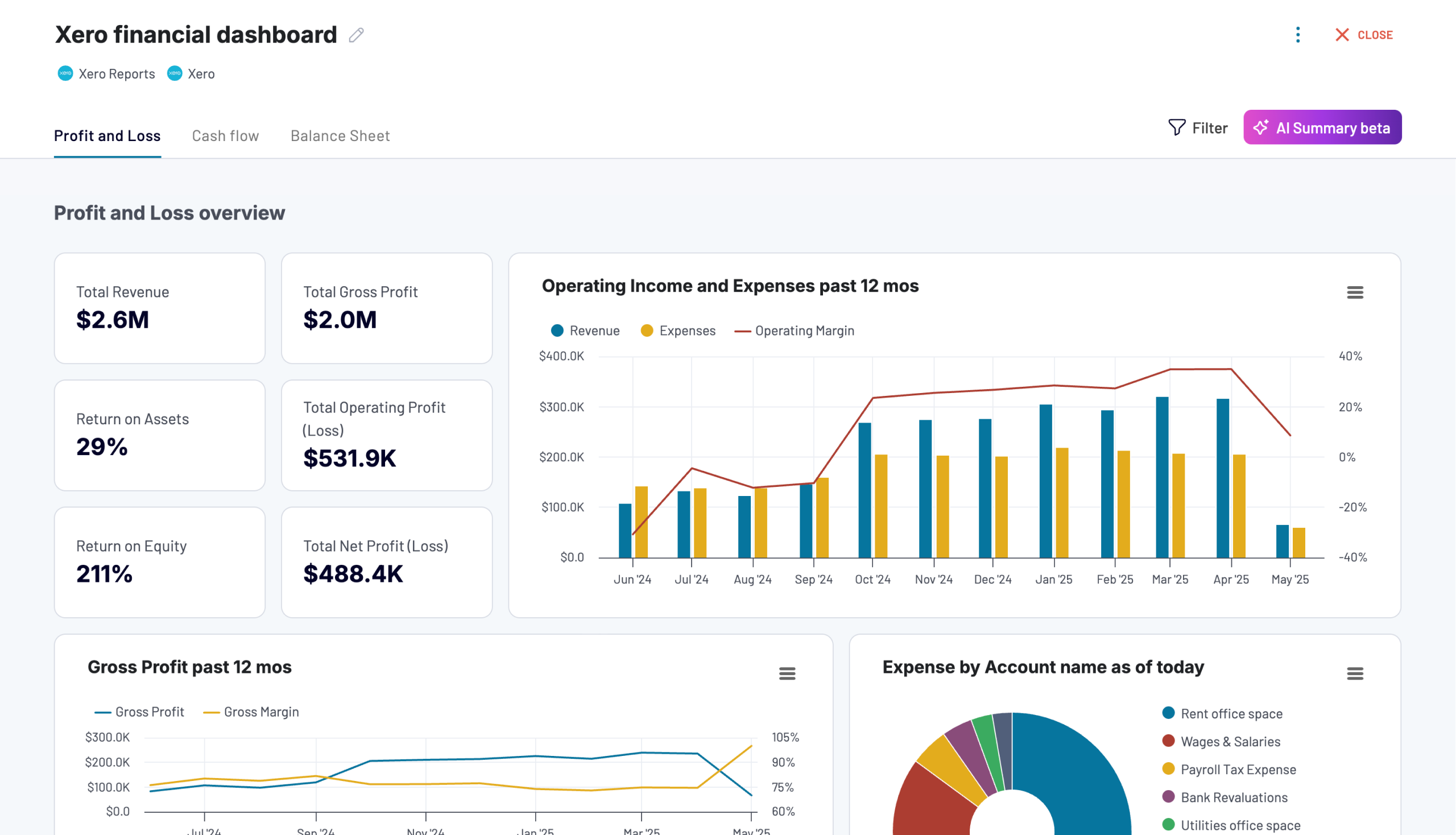

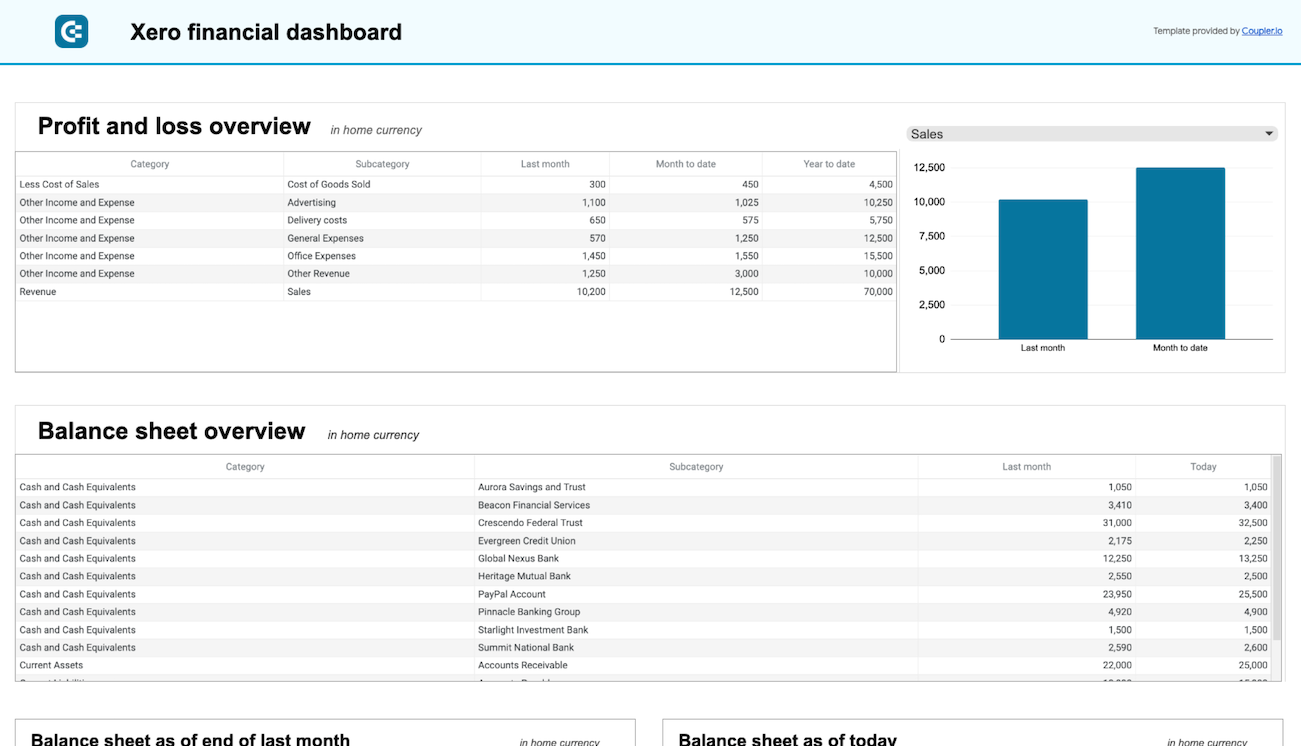

about your case. It doesn't cost you a penny 😉
Talk to AI about your Xero data
Alternatively, use the built-in Coupler.io AI Agent to query your financial metrics directly. Powered by the Coupler.io Analytical Engine, it provides verified answers about your cash flow without leaving the platform. No external subscriptions or tool setup required.
Examples of questions you can ask about Xero data:
"How has the volume of late payments changed over the past six months, and what impact does this have on our liquidity?"
"Compare the average settlement time for invoices across our top three customer segments to determine who pays fastest."
"Based on our historical purchase orders and existing inventory levels, what are our projected supply costs for the upcoming quarter?"
"Which journals show the largest month-over-month variance, and do they indicate any recurring seasonal adjustments?"





Your data is secured by industry standards
 SOC 2 Type II
Certified
 Google Cloud
Certified
 GDPR
GDPRCompliant
 HIPAA
HIPAACompliant
Connect data from Xero to alternative destinations





