
Connect Xero to Copilot
Load data from Xero to Copilot through Coupler.io and ask your AI assistant about cash flow trends, overdue invoices, and balance sheet changes without leaving Microsoft 365. Replace manual Xero report exports with scheduled data integration that keeps your Copilot agent stocked with recent financial data. Coupler.io connects Xero and 400+ other sources with no Xero API setup required.


What data you can export from Xero?
-
Accounts
-
Bank transactions
-
Bank transfers
-
Branding themes
-
Contact groups
-
Contacts
-
Credit notes
-
Currencies
-
Employees
-
Expense claims
-
Invoices
-
Items
-
Journals
-
Linked transactions
-
Manual journals
-
Organisation
-
Overpayments
-
Payments
-
Prepayments
-
Purchase orders
-
Receipts
-
Repeating invoices
-
Tax rates
-
Tracking categories
-
Users
-
Quotes
-
Benefits
-
Deductions
-
Earning rates
-
Earnings orders (Statutory deductions)
-
Employees (UK or NZ)
-
Leave types
-
Pay run calendars
-
Pay runs
-
Reimbursements
-
Accounts (UK or NZ)
-
Timesheets
-
Tracking categories (UK or NZ)
-
Employees (AU)
-
Leave applications
-
Leave applications with leave periods
-
Earnings rates
-
Deduction types
-
Leave types
-
Reimbursement types
-
Pay runs
-
Payroll calendars
-
Settings
-
Accounts (AU)
-
Tracking categories (AU)
-
Super funds
-
Timesheets
-
Timesheets with timesheet lines
-
Projects
-
Tasks by projects
-
Time by projects
-
Users
-
Aged Payables By Contact
-
Aged Receivables By Contact
-
Balance Sheet
-
Bank Statement
-
Bank Summary
-
Budget Summary
-
Executive Summary
-
Profit And Loss
-
Trial Balance
All-in-one tool for Xero data exports and analytics
Pull bank transactions, invoices, payments, and credit notes from Xero and blend them with Salesforce revenue data, Google Sheets budgets, or e-commerce records through Coupler.io. Give Microsoft Copilot a combined financial dataset that ties Xero accounting numbers to operational performance across your business.

Filter invoices by status, rename account columns, and aggregate transactions by financial year or contact before data reaches Copilot. Coupler.io's transformation layer shapes raw Xero exports into structured records so Microsoft Copilot Studio can interpret them without manual cleanup.

Keep your AI agents informed with fresh Xero numbers. Coupler.io refreshes your financial data on monthly, daily, hourly, 30-minute, and 15-minute intervals so your Microsoft 365 Copilot always references the latest bank reconciliation results and invoice statuses.

Ask about cash position, outstanding payables, or revenue by period in plain language. Microsoft Copilot reads your Xero data and answers financial questions without requiring you to build reports in Xero or learn the Xero API.

Why connect Xero to Copilot - real life cases

Cash flow monitoring through conversation

Overdue invoice follow-up and collections

Balance sheet and P&L analysis for stakeholders

Multi-entity financial consolidation
How to connect Xero to Copilot
 30 seconds
30 seconds
10 seconds
30 seconds
30 seconds
30 seconds
10 seconds
Automate data sync with the no-code Xero Copilot integration
Connect similar Finance & Accounting apps and get data in minutes


Quick start with Finance dashboard templates
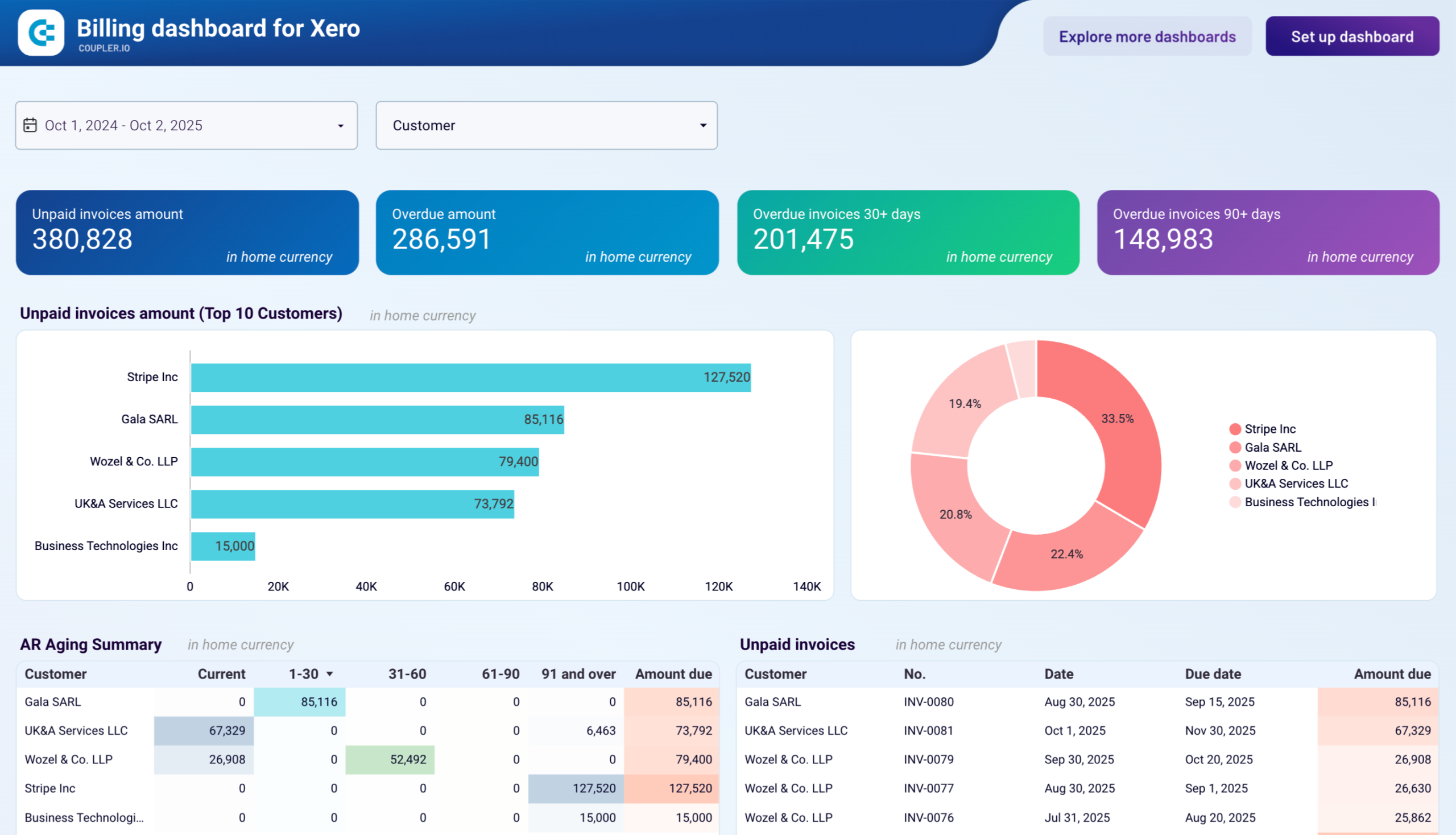


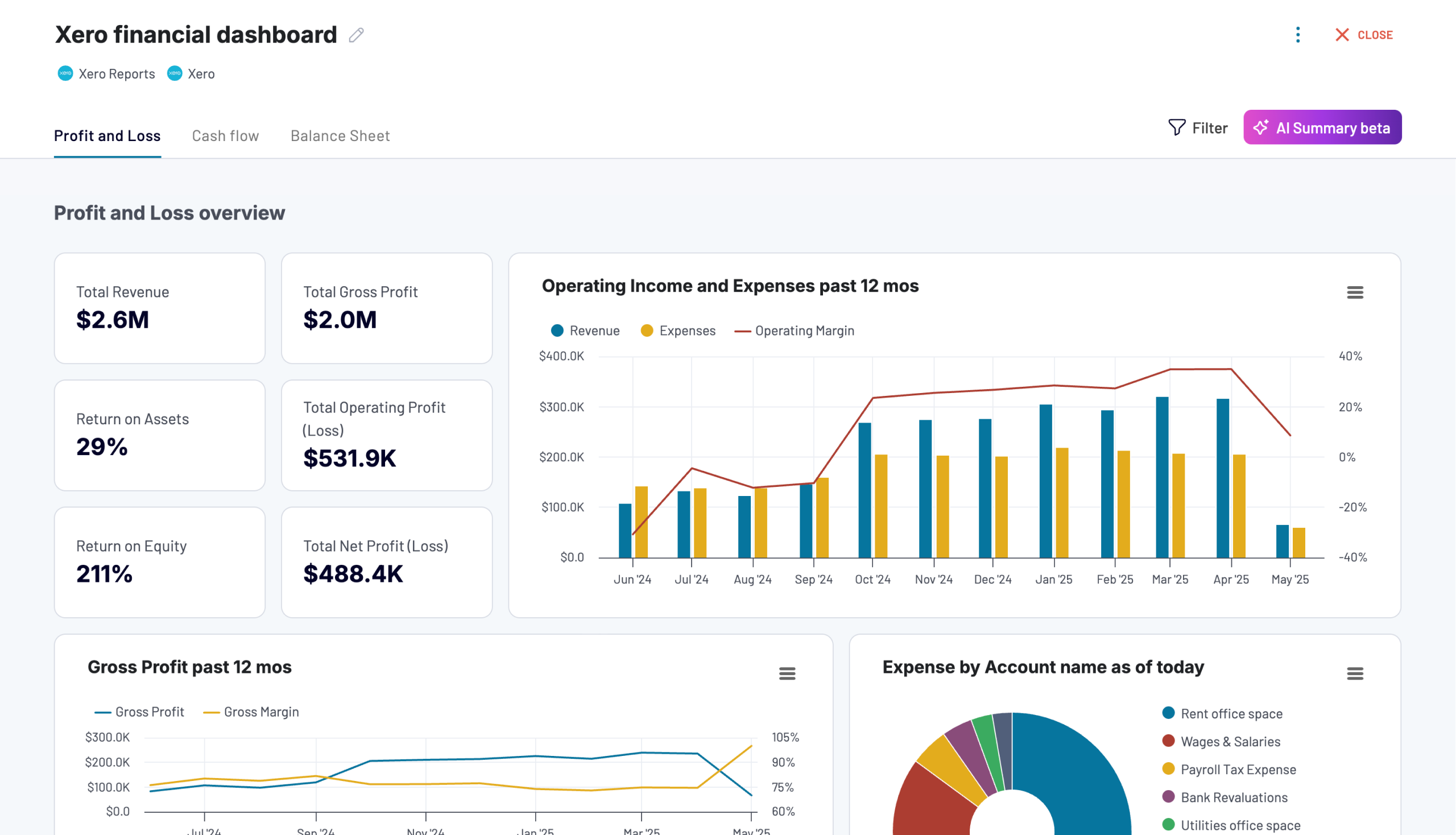

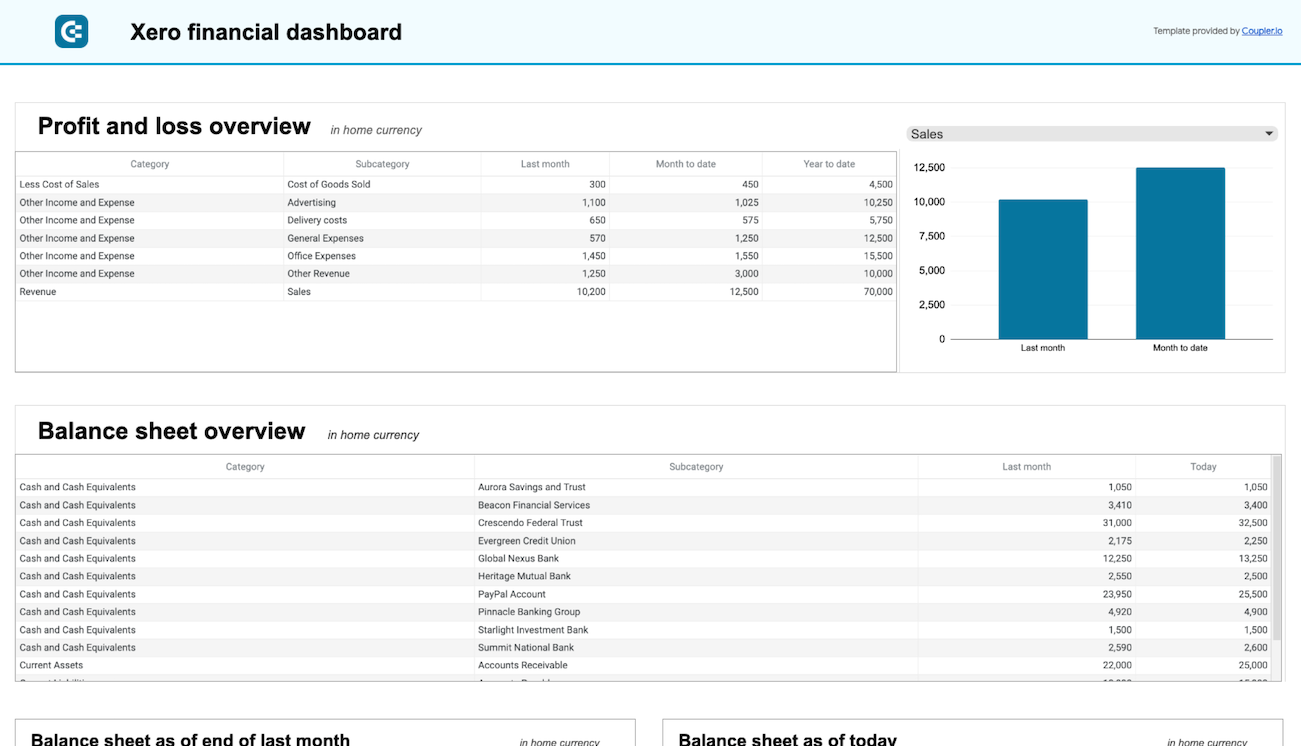

about your case. It doesn't cost you a penny 😉
Talk to AI about your Xero data
Prefer to stay inside Coupler.io? AI Agent gives you the same conversational access without configuring an external tool. Ask a question, and the Analytical Engine queries your Xero data, validates the result, and returns a verified answer. No workflow automation setup, no MCP tools to configure. Just ask in plain language about your financial data.
Examples of questions you can ask about Xero data:
- "What is my total accounts receivable balance right now, and which five contacts owe the most?"
- "Show me monthly revenue and expenses for the last financial year and highlight any months where expenses exceeded income."
- "How many credit notes were issued last quarter, and what was their total value compared to the same period last year?"
- "List all overdue invoices older than 60 days and calculate the total outstanding amount by contact."





Your data is secured by industry standards
 SOC 2 Type II
Certified
 Google Cloud
Certified
 GDPR
GDPRCompliant
 HIPAA
HIPAACompliant
Connect data from Xero to alternative destinations





