Clockify to Claude

Export Clockify to Claude

Unlock conversational intelligence from your Clockify time tracking data with Claude through Coupler.io for natural language productivity analysis. Transform hours logged, project allocations, and team utilization into strategic workforce insights through AI-powered dialogue that reveals optimization opportunities.

🏆 Voted 4.9/5 on Capterra 🔒 SOC2 & GDPR compliant 🌍 Trusted by 1M+ users worldwide

All-in-one tool for Clockify data exports and analytics

Bring time entries, project assignments, and billable hour records from Clockify together with financial data from accounting systems, task completion metrics from project tools, or client information from CRM platforms for unified workforce intelligence.

Collect data from Clockify and enrich it with information from other sources image

Isolate billable versus non-billable time through filtering, highlight productivity metrics by selecting key columns, and structure time tracking information by projects, clients, or team members to enable sophisticated conversational analysis.

Organize raw Clockify data in the form of a ready-to-use data set image

Maintain fresh insights with synchronization running monthly, daily, hourly, every 30 minutes, or every 15 minutes, ensuring Claude always analyzes the most recent time entries as your team logs hours.

Automate data refresh on a custom schedule image

Experience advanced conversational analysis where Claude's reasoning capabilities help you understand utilization patterns, identify billing opportunities, and optimize resource allocation through natural dialogue about your time tracking data.

Share your Clockify data with Claude for intelligent exploration image
Collect data from Clockify and enrich it with information from other sources image
Organize raw Clockify data in the form of a ready-to-use data set image
Automate data refresh on a custom schedule image
Share your Clockify data with Claude for intelligent exploration image

Why export Clockify to Claude - real life cases

Project profitability assessment icon

Project profitability assessment

Investigate which projects consume the most hours relative to their budgets, identify where scope creep occurs, and understand which client engagements generate the best return on time invested through conversational exploration of billable hours and project allocations.
Team capacity optimization icon

Team capacity optimization

Examine how workload distributes across team members, discover utilization gaps that suggest over or under-allocation, and identify opportunities to balance assignments by analyzing time entry patterns and project involvement through natural language queries.
Billing accuracy improvement icon

Billing accuracy improvement

Explore time entry patterns to find unbilled hours, understand which activities teams forget to track, and identify projects where actual time significantly exceeds estimates through conversational analysis that reveals revenue leakage.
Productivity pattern recognition icon

Productivity pattern recognition

Query your time data to understand when teams work most effectively, which project types consume unexpected hours, and where process improvements could reduce time requirements through dialogue that uncovers inefficiency patterns.

How to export Clockify to Claude

Step 1. Connect to your Clockify account and select the data to export
time icon 30 seconds
Step 2. Organize data using transformation options such as filters, column management, aggregation, etc.
time icon 30 seconds
Step 3. Select Claude as a destination and configure it as per the instructions
time icon 30 seconds
Step 4. Schedule data refresh to automate data flow from Clockify to Claude
time icon 10 seconds

Automate data exports with the no-code Clockify Claude integration

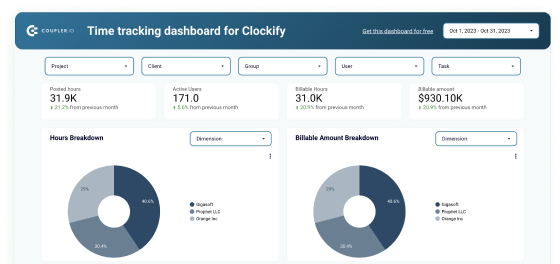
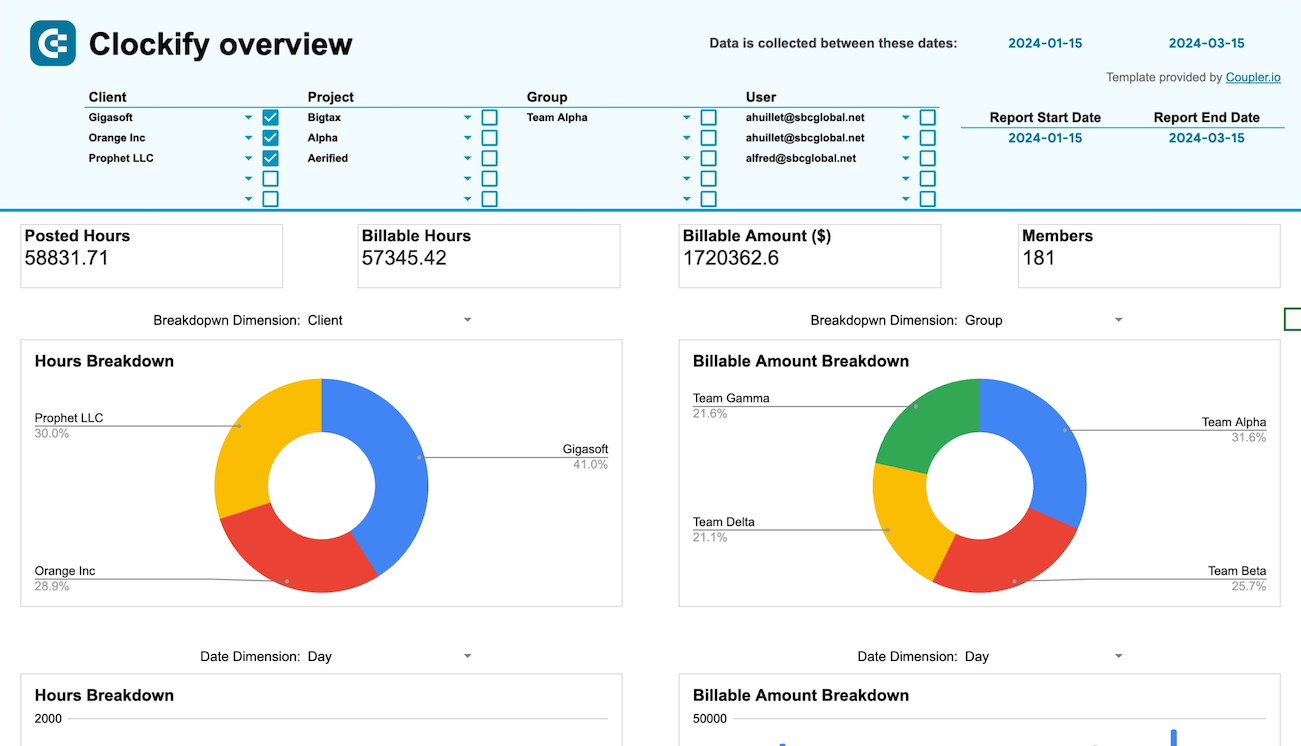
Quick start with dashboard templates
info icon
No such template is available yet.
No worries. Our team will create a template that fits your needs, just tell us more
about your case. It doesn't cost you a penny 😉
Request a custom report

Talk to AI about your Clockify data

Time tracking generates massive amounts of data, but extracting actionable insights typically requires building complex reports or manually analyzing spreadsheets. Claude's integration with Clockify through Coupler.io changes this dynamic entirely. Instead of spending hours creating pivot tables to answer questions about utilization or profitability, you can simply ask Claude what you want to know. This conversational approach helps you spot billing gaps, identify capacity issues, and understand productivity patterns through natural dialogue that adapts to your specific questions rather than forcing you into predefined report structures.

Examples of questions you can ask Claude about your Clockify data:
  • "Analyze project profitability by comparing budgeted hours against actual time logged, then identify which types of tasks consistently exceed estimates and recommend process improvements."
  • "Examine team utilization patterns to reveal who's approaching capacity limits and who has availability, suggesting optimal project assignments that balance workload while matching skills to requirements."
  • "Investigate our billable ratio trends across different project categories to understand which engagement types generate the best revenue per hour and where we're losing billing opportunities."
  • "Review time entry behaviors to identify gaps in tracking consistency, find patterns in missing or delayed entries, and recommend policy adjustments that improve billing accuracy."
connect-ai-integrations image clockify.svg

Keep your data safe

Coupler.io safeguards your shared information and data transfers from breaches, leaks, and unauthorized disclosures.

Google Cloud Platform icon SOC2 icon Hipaa icon GDPR Compliance icon
Learn more about security

Ready to connect Clockify to Claude and automate your reporting?