Clockify to ChatGPT

Export Clockify to ChatGPT

Connect Clockify time tracking data with ChatGPT through Coupler.io for intuitive workforce analytics. Discover utilization patterns, billing opportunities, and capacity insights by asking questions in plain language rather than building complex reports or learning analytics software.

🏆 Voted 4.9/5 on Capterra 🔒 SOC2 & GDPR compliant 🌍 Trusted by 1M+ users worldwide

All-in-one tool for Clockify data exports and analytics

Combine logged hours, project timelines, and user activity from Clockify with revenue data from invoicing systems, deliverable status from management tools, or capacity forecasts from resource planning platforms for complete productivity intelligence.

Collect data from Clockify and enrich it with information from other sources image

Shape time tracking information by applying date filters, choosing meaningful productivity columns, and grouping entries by dimensions like projects, clients, or activities to create datasets ready for conversational exploration.

Organize raw Clockify data in the form of a ready-to-use data set image

Set up recurring synchronization that runs monthly, daily, hourly, every 30 minutes, or every 15 minutes, keeping ChatGPT conversations current with the latest time entries your team submits.

Automate data refresh on a custom schedule image

Make workforce analytics available to everyone through ChatGPT, where stakeholders can ask questions, spot trends, and find opportunities using everyday language instead of requiring specialized reporting skills.

Connect your Clockify tracking data to ChatGPT for accessible insights image
Collect data from Clockify and enrich it with information from other sources image
Organize raw Clockify data in the form of a ready-to-use data set image
Automate data refresh on a custom schedule image
Connect your Clockify tracking data to ChatGPT for accessible insights image

Why export Clockify to ChatGPT - real life cases

Resource allocation planning icon

Resource allocation planning

Understand current team commitments and future capacity by asking about project timelines, individual workloads, and availability windows, helping managers assign work effectively without overloading team members.
Invoice preparation support icon

Invoice preparation support

Quickly verify billable hours for specific clients or projects through simple questions that surface time entries needing approval, identify billing discrepancies, and ensure accurate invoice generation.
Budget monitoring icon

Budget monitoring

Track project spending against allocated hours through conversational queries that reveal which initiatives run over budget, helping you course-correct before problems escalate.
Time tracking compliance icon

Time tracking compliance

Discover gaps in time entry submission through questions about logging patterns, late entries, or missing timesheets, enabling you to improve tracking discipline across your workforce.

How to export Clockify to ChatGPT

Step 1. Connect to your Clockify account and select the data to export
time icon 30 seconds
Step 2. Organize data using transformation options such as filters, column management, aggregation, etc.
time icon 30 seconds
Step 3. Select ChatGPT as a destination and configure it as per the instructions
time icon 30 seconds
Step 4. Schedule data refresh to automate data flow from Clockify to ChatGPT
time icon 10 seconds

Automate data exports with the no-code Clockify ChatGPT integration

Quick start with dashboard templates
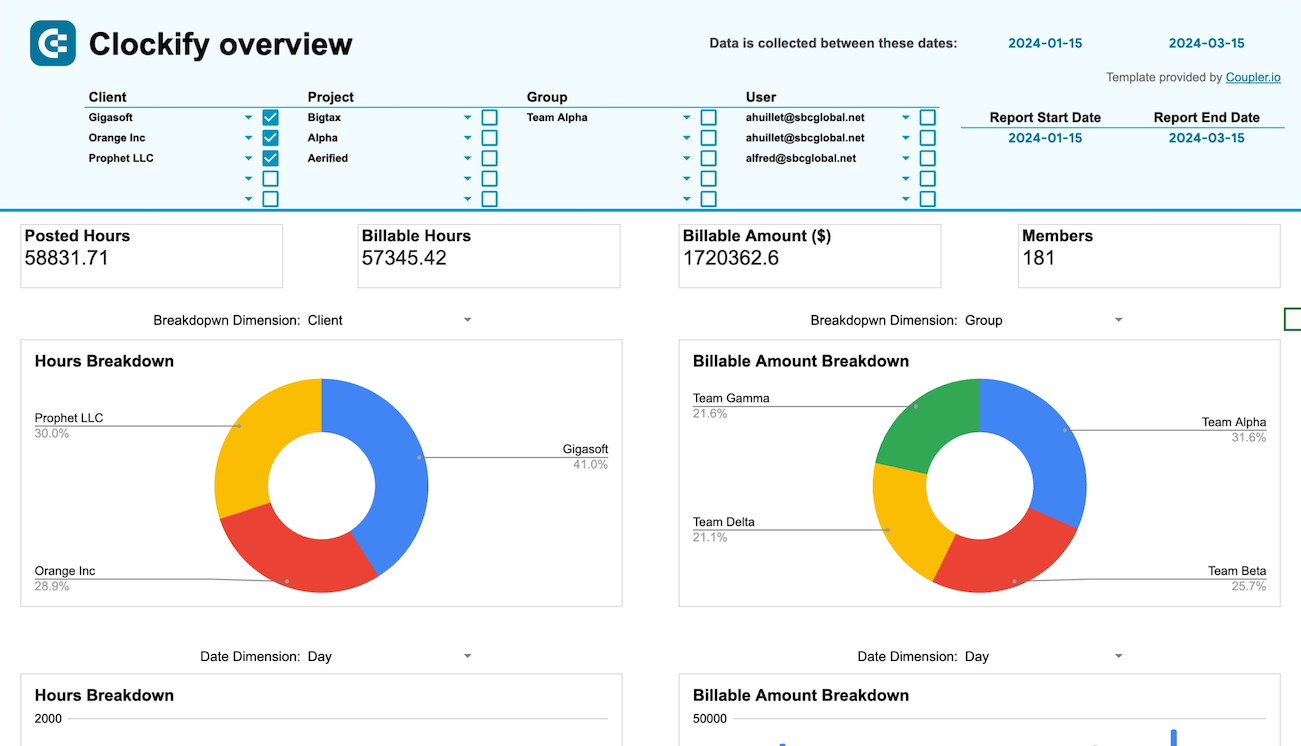
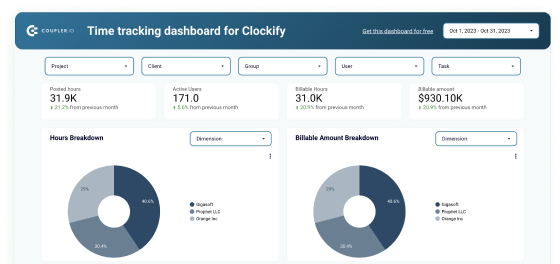
No such template is available yet.
No worries. Our team will create a template that fits your needs, just tell us more
about your case. It doesn't cost you a penny 😉
Request a custom report

Talk to AI about your Clockify data

Time tracking data holds answers to important questions about team productivity, project profitability, and resource utilization, but those insights usually stay locked away in reports that few people know how to create. Clockify data integration with ChatGPT through Coupler.io democratizes access to your Clockify analytics, letting anyone on your team get answers through simple conversation. Project managers can check capacity without waiting for reports, finance teams can verify billing without learning the time tracking interface, and executives can monitor utilization without dependency on analysts—all through natural language questions that get immediate, understandable responses.

Examples of questions you can ask ChatGPT about your Clockify data:
  • "Which team members logged the most hours last week and how does their time distribution across projects compare to their assigned workload percentages?"
  • "Show me all unbilled hours from the past month organized by client, highlighting any discrepancies between logged time and approved timesheets."
  • "Compare our estimated versus actual hours across recent projects to identify which types of work we consistently underestimate in our planning."
  • "Find projects where team members are logging significantly more hours than budgeted and explain possible causes based on task descriptions and time entry patterns."
connect-ai-integrations image clockify.svg

Keep your data safe

Coupler.io safeguards your shared information and data transfers from breaches, leaks, and unauthorized disclosures.

Google Cloud Platform icon SOC2 icon Hipaa icon GDPR Compliance icon
Learn more about security

Ready to connect Clockify to ChatGPT and automate your reporting?