
Export Braze to JSON
Pipe Braze to JSON with Coupler.io for flexible data delivery across your technology stack. Feed campaign metrics, user events, and audience data into custom applications, internal tools, or third-party platforms using lightweight structured outputs that fit any integration workflow or data pipeline architecture.


What data you can export from Braze
-
CampaignsCampaign records with channel assignments and configuration metadata delivered as structured JSON objects for ingestion by custom applications, internal tools, and third-party integration endpoints.
-
Campaigns analyticsPerformance metrics per campaign including delivery counts, interaction rates, and goal completions formatted as JSON for feeding custom dashboards, alerting systems, or analytical data pipelines.
-
Campaigns detailsVariant configurations, targeting rules, and scheduling parameters exported as nested JSON structures for programmatic campaign auditing, integration with testing frameworks, or documentation automation.
-
CanvasesJourney definitions with step sequences and branching logic serialized as JSON for mapping automation flows in external systems, syncing journey structures to internal tools, or powering custom workflow engines.
-
EventsUser interaction records with action types and contextual attributes delivered as JSON event streams for behavioral analysis pipelines, product analytics ingestion, or real-time processing frameworks.
-
Events analyticsAggregated interaction metrics across event categories formatted as JSON for integration with monitoring platforms, custom alerting services, or centralized analytics data stores.
-
SegmentsAudience group definitions with criteria and population estimates exported as JSON for syncing targeting logic with external personalization engines, ad platforms, or internal audience management tools.
-
Segments analyticsPopulation trends and engagement distributions per segment delivered as JSON for feeding growth tracking systems, audience health monitors, or cross-platform reporting infrastructure.
-
Kpi daily new usersDaily acquisition counts formatted as JSON time-series data for ingestion by growth dashboards, forecasting models, or automated reporting pipelines that track user acquisition trends.
-
Kpi daily app uninstallsDaily churn metrics exported as JSON for integration with retention monitoring systems, alerting frameworks, or predictive models that detect and respond to uninstall pattern changes.
All-in-one tool for Braze data exports and analytics
Extract engagement metrics, journey data, and segment records from Braze and merge them with outputs from product databases, billing systems, or internal APIs to generate enriched JSON payloads ready for downstream applications and integration endpoints.

Reshape Braze exports into clean, well-structured JSON with consistent field naming, proper nesting, and filtered attributes so receiving systems can parse campaign hierarchies, event sequences, and audience groupings without additional transformation logic.

Deliver updated JSON outputs at 15-minute, 30-minute, hourly, daily, or monthly intervals. Keep your custom applications and integration pipelines supplied with fresh Braze data without manual export triggers or scripted API calls.

Beyond technical integrations, Coupler.io also routes Braze data to AI tools. Ask natural language questions about campaign trends and user behavior to complement your data pipeline workflows with conversational analysis.

Why export Braze to JSON - real life cases

Custom internal dashboard feeds

Webhook-driven workflow automation

Data warehouse and lake ingestion

Cross-platform data synchronization
How to export Braze to JSON
 30 seconds
30 seconds
10 seconds
30 seconds
30 seconds
30 seconds
10 seconds
Automate data exports with the no-code Braze JSON integration
Connect similar Email apps and get data in minutes





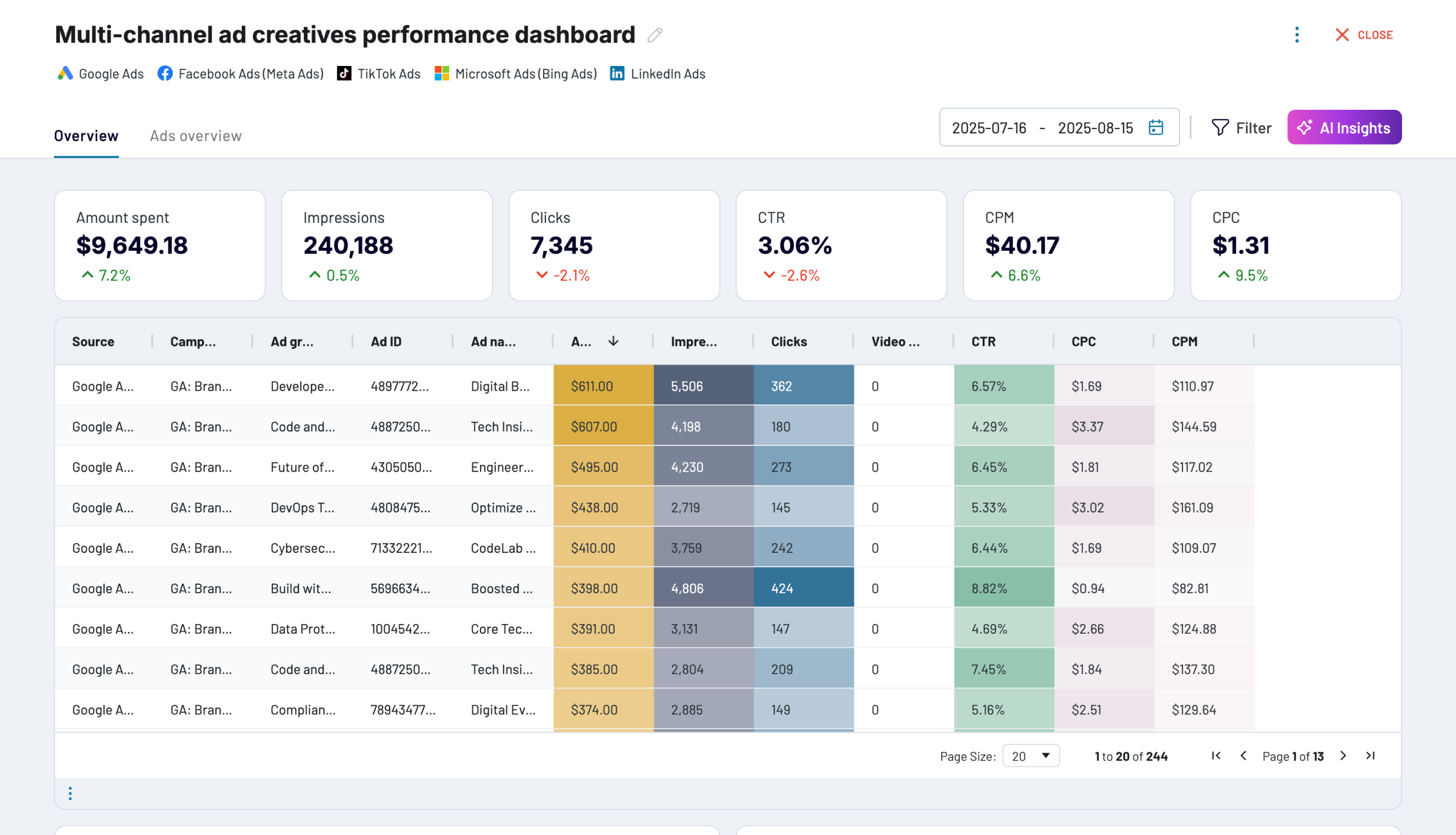
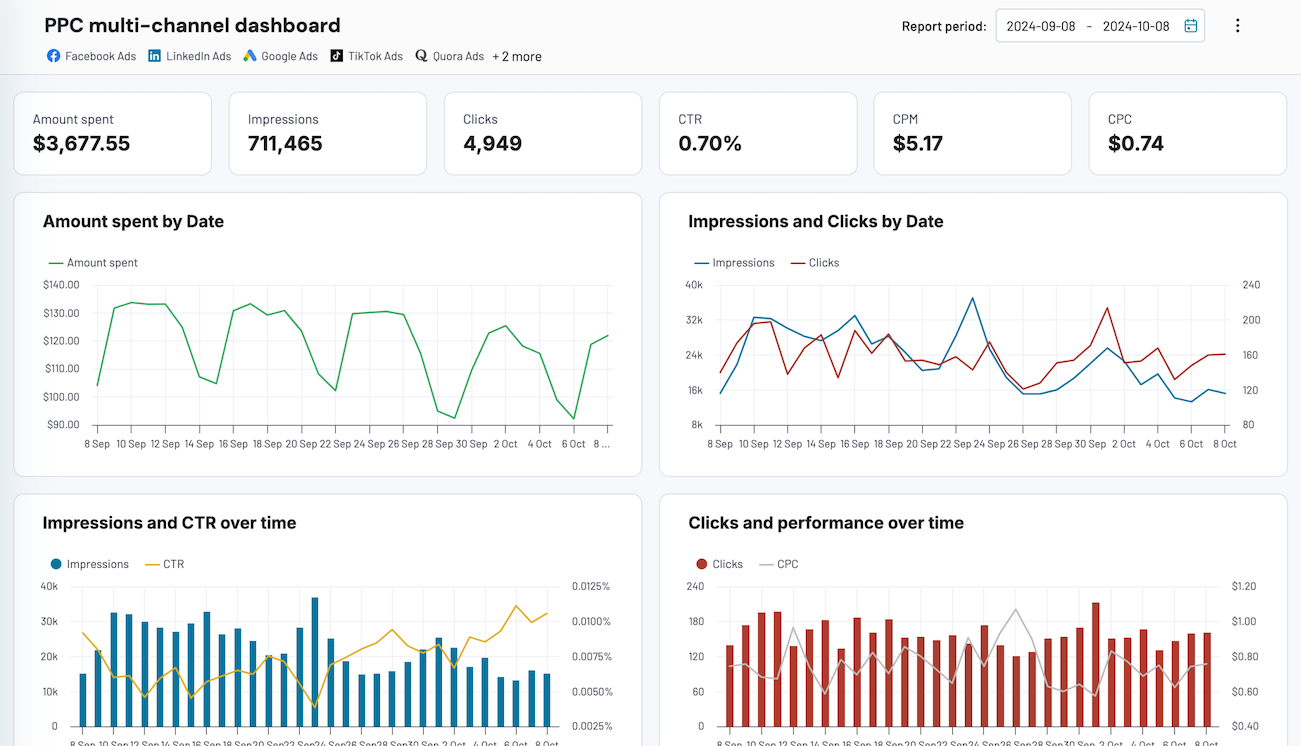
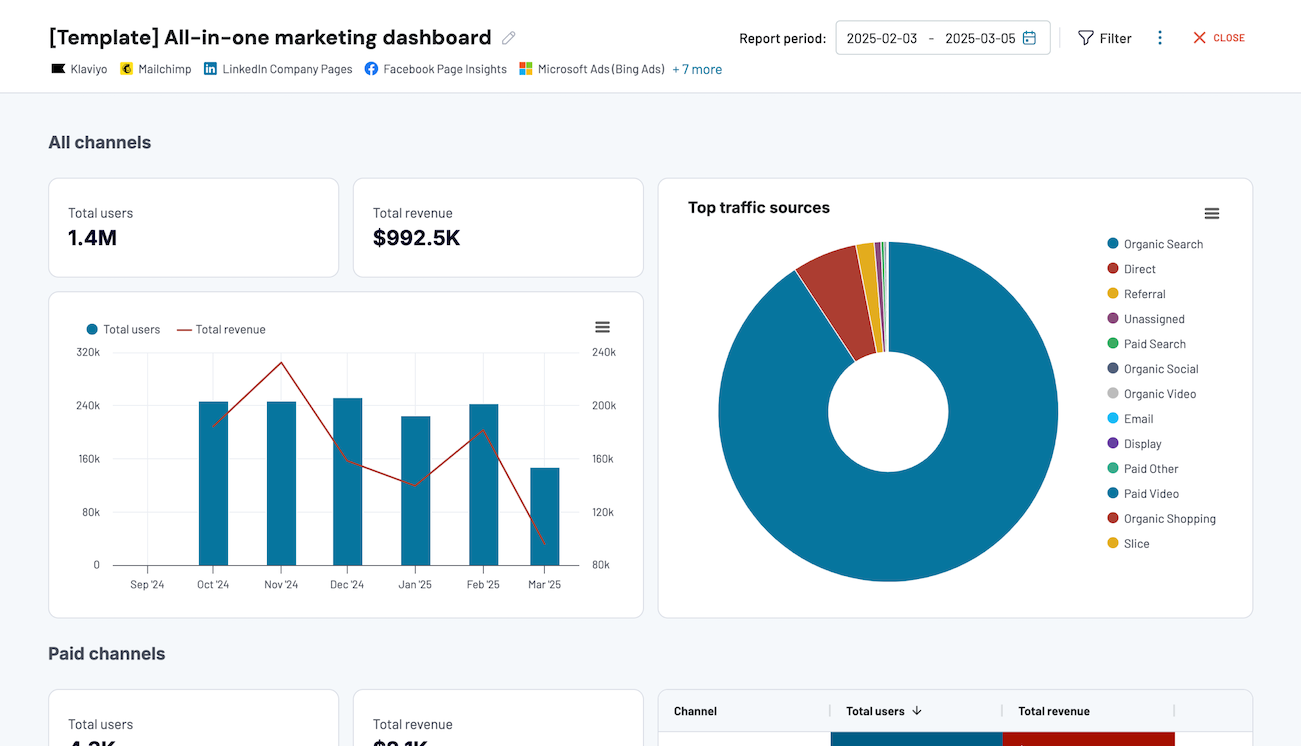
Quick start with dashboard templates


 +0
+0




 +4
+4


 +7
+7
about your case. It doesn't cost you a penny 😉
Talk to AI about your Braze data
Examples of questions you can ask about Braze data:
"What data fields from our campaign exports would be most useful for building a custom performance alerting system?"
"Look at our event data patterns and suggest which user behaviors are worth routing to our personalization engine"
"How has our daily acquisition-to-uninstall ratio trended, and what thresholds should trigger automated retention workflows?"
"Which segments show enough engagement variance to justify building separate reporting pipelines for each?"





Your data is secured by industry standards
 SOC 2 Type II
Certified
 Google Cloud
Certified
 GDPR
GDPRCompliant
 HIPAA
HIPAACompliant
Export data from Braze to alternative destinations





