
Export HubSpot to Power BI
Unlock advanced business intelligence from your HubSpot CRM data with Coupler.io. Connect HubSpot to Power BI to build data models with DAX calculations, create predictive sales reports, and publish interactive dashboards. Gain deeper analytical control over pipelines, contacts, and revenue metrics through relationship-driven modeling.


What data you can export from HubSpot?
-
Deals
-
Contacts
-
Companies
-
Communications
-
Feedback submissions
-
Products
-
Taxes
-
Quotes
-
Line items
-
Tickets
-
Goals
-
Projects
-
Owners
-
Calls
-
Emails
-
Meetings
-
Notes
-
Tasks
-
Leads
-
Marketing emails
-
Workflows
-
Broadcast messages
-
Email statistics by period
-
Performance report
All-in-one tool for HubSpot data exports and analytics
Bring HubSpot CRM data into Power BI and combine it with ERP, advertising, and finance datasets to build rich analytical models. Create relationships between sales activity, marketing spend, and customer revenue within a single Power BI workspace.

Prepare HubSpot records for Power BI ingestion with built-in transformations. Adjust column types, apply filters, and aggregate values before loading to ensure your data model supports efficient DAX calculations, hierarchies, and time intelligence functions.

Keep Power BI reports up-to-date with automated HubSpot data updates running on 15-minute, 30-minute, hourly, daily, or monthly intervals. Ensure published dashboards and embedded reports always reflect the latest pipeline and engagement data.

Extend your Power BI analytics with Coupler.io AI integrations. Send HubSpot data to AI tools and ask questions about deal trends, rep productivity, or contact behavior in plain language — ideal for quick insights without building new report pages.

Why export HubSpot to Power BI - real life cases

Sales rep performance modeling

Revenue forecasting with scenario analysis

Lead scoring validation and optimization

Embedded CRM analytics for stakeholders
How to export HubSpot to Power BI
 30 seconds
30 seconds
10 seconds
30 seconds
30 seconds
30 seconds
10 seconds
Automate data exports with the no-code HubSpot Power BI integration
Connect similar CRM apps and get data in minutes


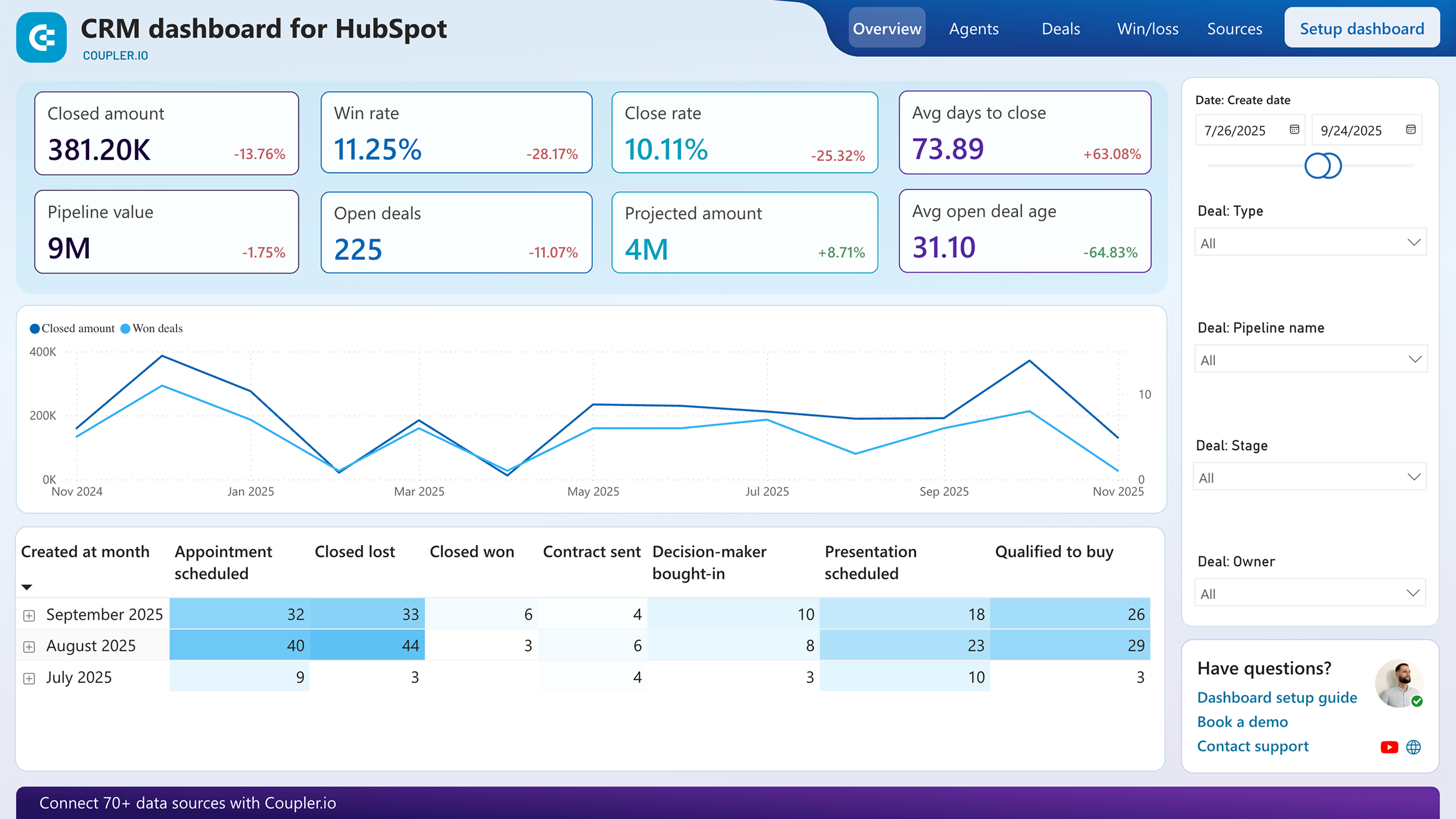
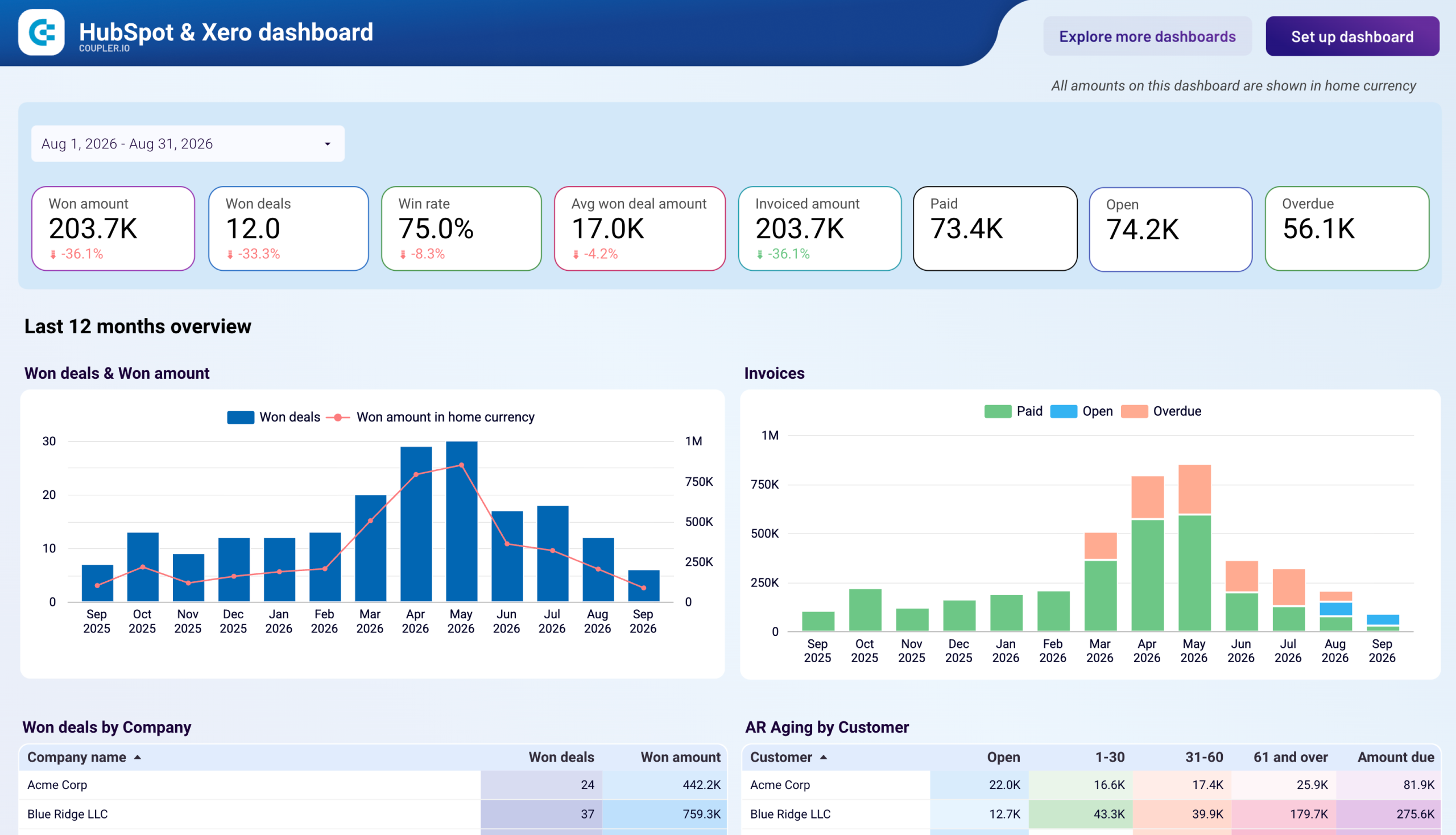
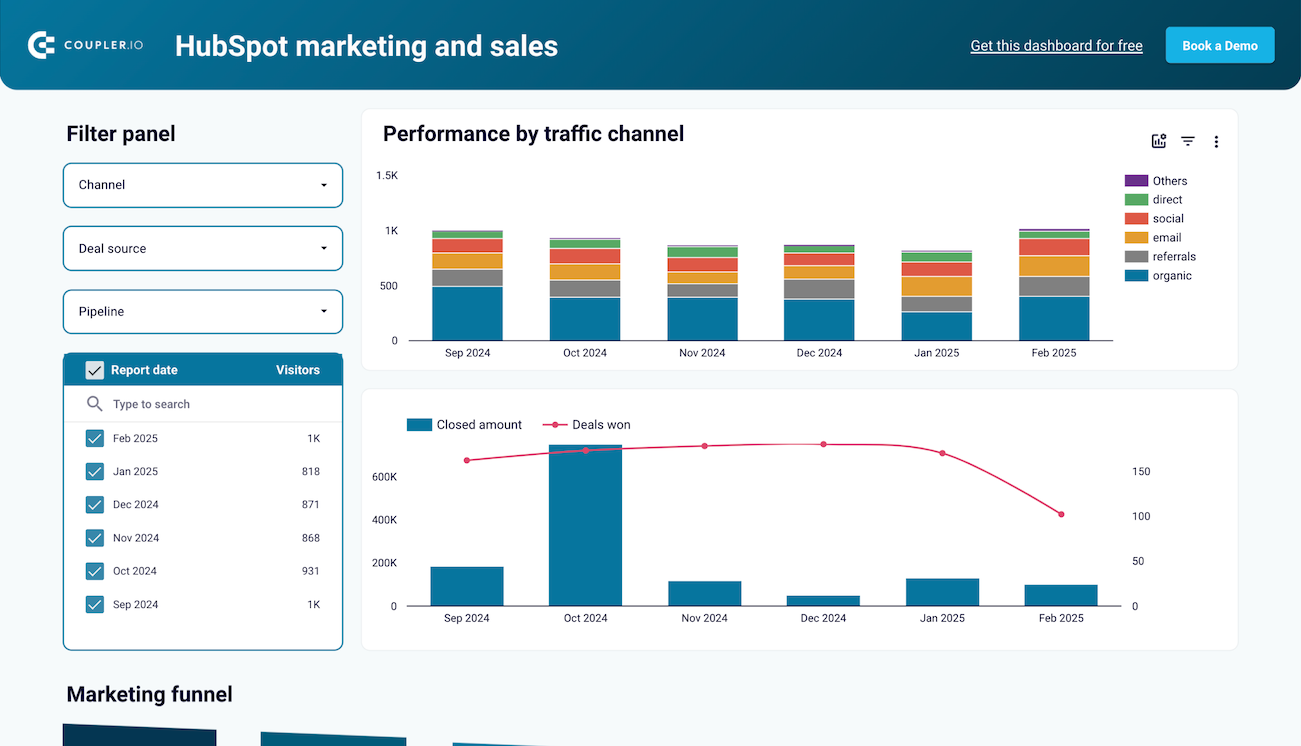
Quick start with CRM dashboard templates
 +0
+0

 +0
+0

 +0
+0
about your case. It doesn't cost you a penny 😉
Talk to AI about your HubSpot data
Examples of questions you can ask about HubSpot data:
"What patterns do our fastest-closing deals share in terms of source, size, and number of touchpoints?"
"Rank our sales reps by efficiency — who closes the most revenue relative to their activity volume?"
"Identify contacts who engaged heavily but never converted to a deal, and suggest possible reasons"
"How does our pipeline velocity this quarter compare to the same period last year?"




Your data is secured by industry standards
 SOC 2 Type II
Certified
 Google Cloud
Certified
 GDPR
GDPRCompliant
 HIPAA
HIPAACompliant
Export data from HubSpot to alternative destinations





