
Connect Zendesk Chat to BigQuery
Warehouse chat, agent, and routing data from Zendesk Chat into BigQuery with Coupler.io. Run SQL across your full conversation history, and let BigQuery ML flag staffing gaps a live dashboard would miss.


What data you can export from Zendesk Chat?
-
AccountsZendesk Chat account information and settings
-
AgentsChat agents who handle customer conversations
-
Agent timelinesTimeline of agent activities and status changes
-
BansBlocked users and IP addresses from chat
-
ChatsChat conversations between agents and visitors
-
DepartmentsOrganizational departments for routing chats
-
GoalsPerformance goals and targets for chat operations
-
RolesUser roles and permissions for chat agents
-
Routing settingsConfiguration for how chats are assigned to agents
-
ShortcutsPredefined messages and responses for agents
-
SkillsAgent skills for specialized chat routing
-
TriggersAutomated rules that perform actions based on chat events
All-in-one tool for Zendesk Chat data exports and analytics
Gather Zendesk Chat conversations alongside support ticket or CRM data in one pipeline. Feed BigQuery with unified datasets covering the full customer interaction, not just the chat window.

Organize chat, agent, and routing records with Coupler.io's transformation module. Column edits, filters, and joins happen before any of it enters BigQuery.

Schedule Zendesk Chat exports to BigQuery at the interval that suits you: monthly for snapshots, daily for regular reports, or as often as every 15 minutes. Hourly and 30-minute options sit in between.

Anyone on your team can query Zendesk Chat data through AI. Just type a question about agent response times or chat volume and read the answer. No training needed.

Why export Zendesk Chat to BigQuery - real life cases

Agent performance benchmarking across departments

Chat volume and staffing pattern analysis

Routing and skill coverage analysis

Cross-departmental support reporting
How to export Zendesk Chat to BigQuery
30 seconds
30 seconds
30 seconds
10 seconds
Automate data exports with the no-code Zendesk Chat BigQuery integration
Connect similar CRM apps and get data in minutes


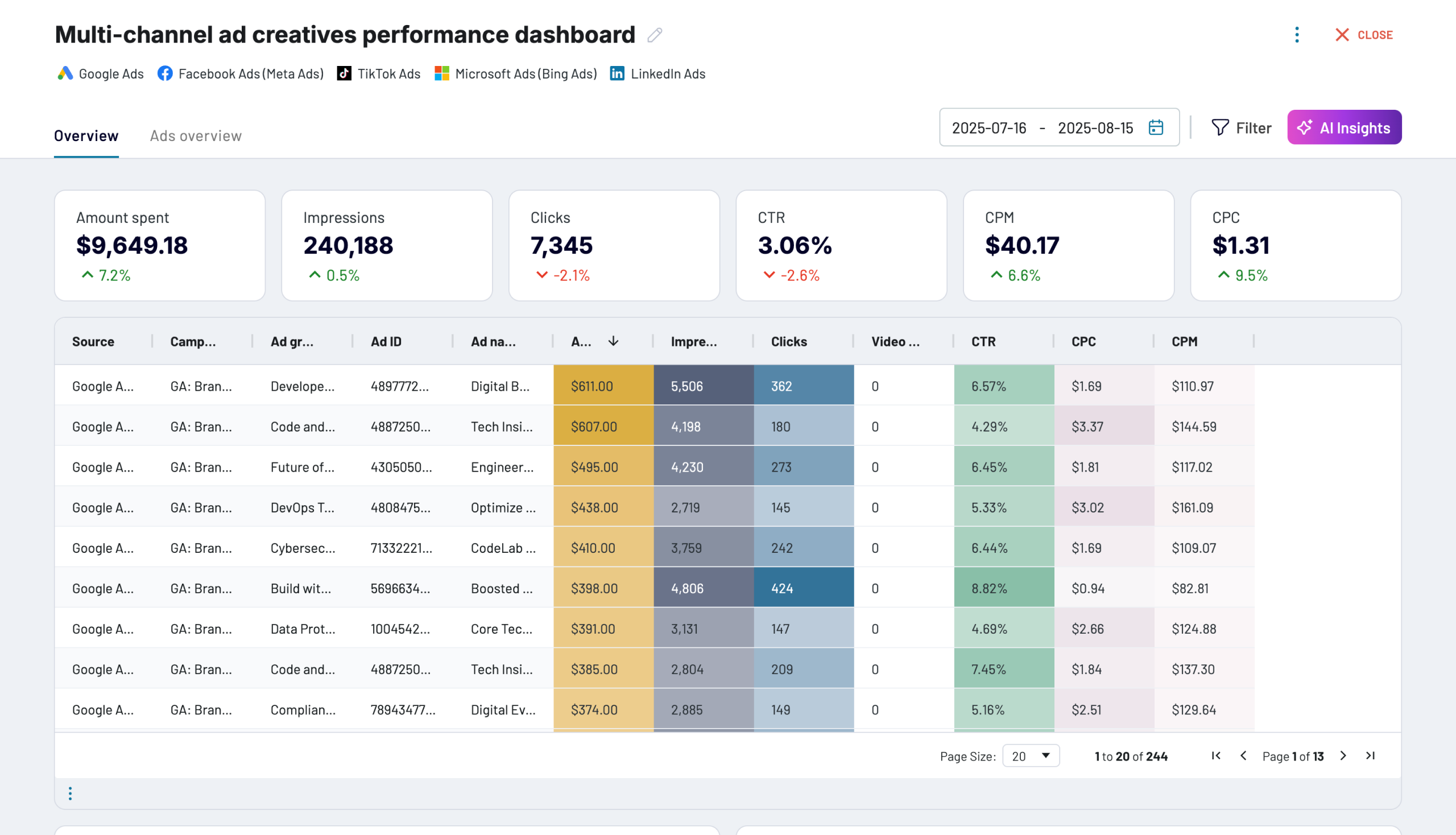
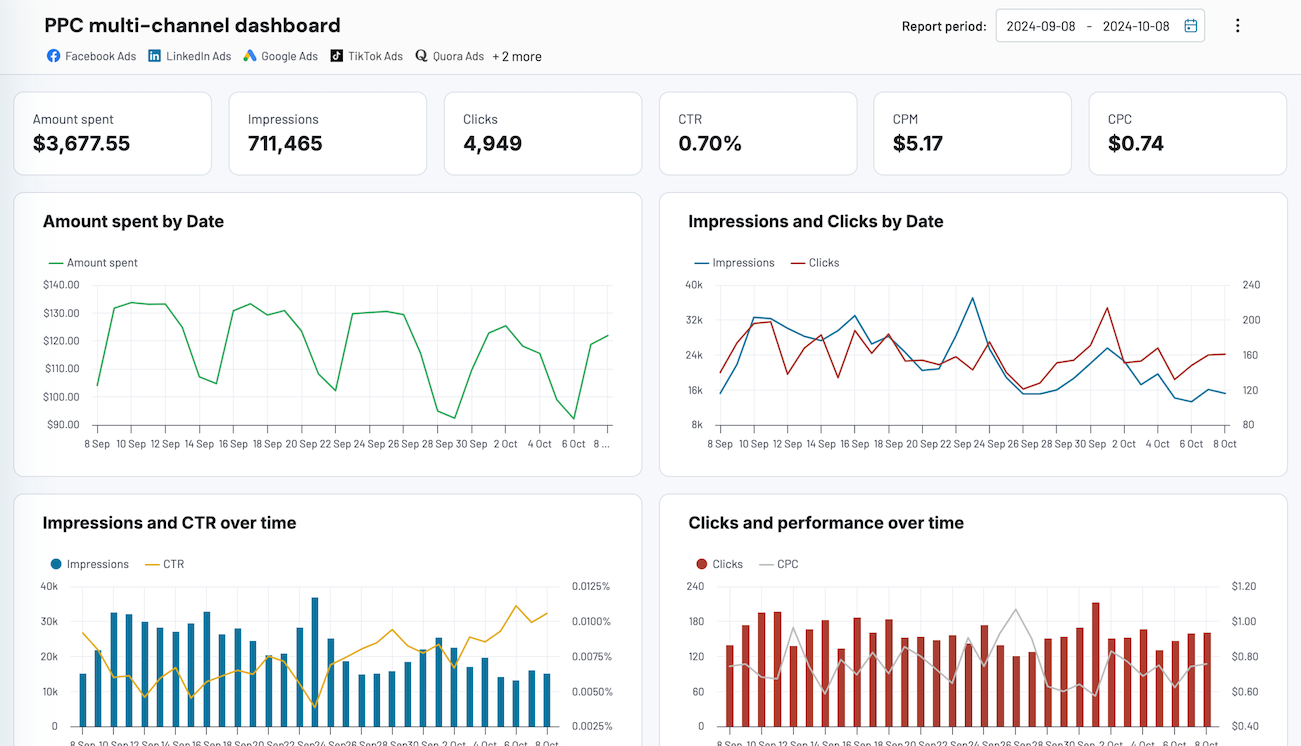
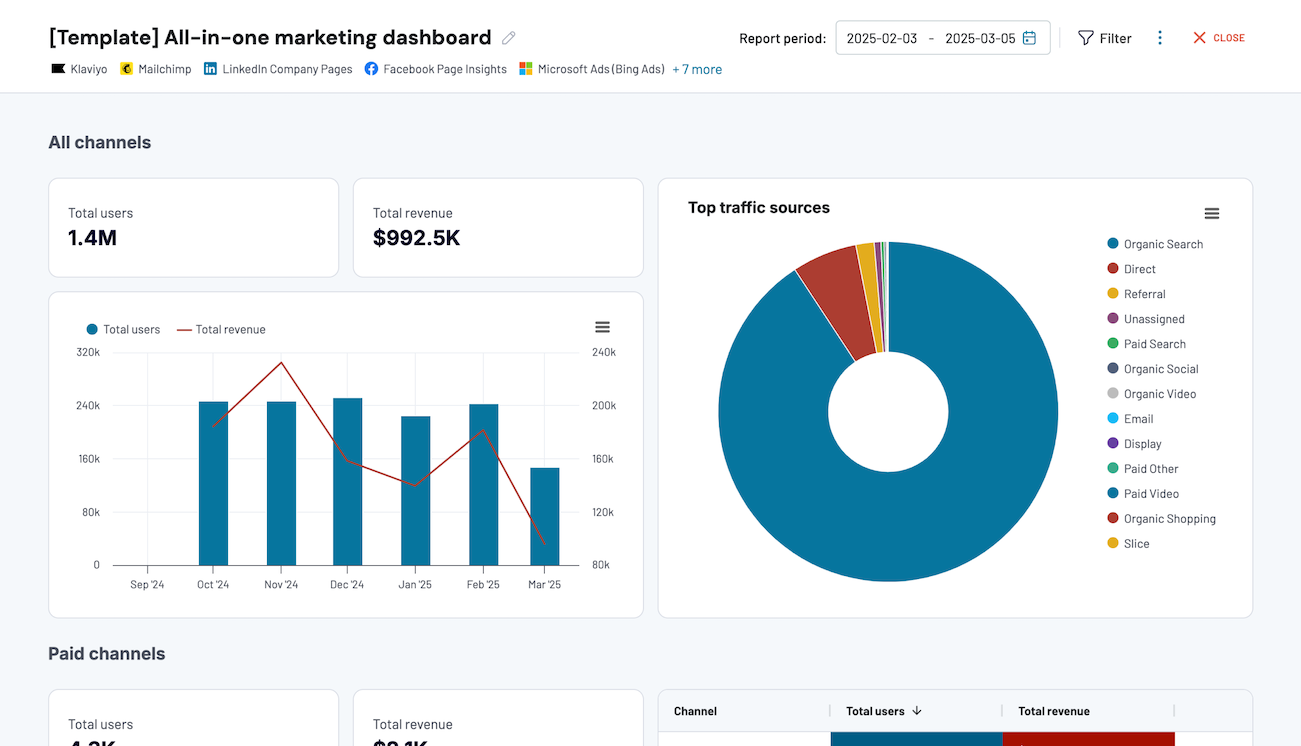
Quick start with dashboard templates


 +0




 +4


 +7
about your case. It doesn't cost you a penny 😉
Talk to AI about your Zendesk Chat data
Start with the work you need done. Describe a report or analysis to Coupler.io's AI Agent, and it helps you set up the data flow, refine the scope, and explore results. The Analytical Engine behind it handles the calculations and returns verified answers.
Examples of questions you can ask about Zendesk Chat data:
- "Which agents have the fastest average response time this month?"
- "Compare chat volume by department across the past quarter"
- "Are there time periods where chat volume spikes but staffing doesn't adjust?"
- "Show me which canned responses are used most often and by which agents"




Your data is secured by industry standards
 SOC 2 Type II
Certified
 Google Cloud
Certified
 GDPR
Compliant
 HIPAA
Compliant
Connect data from Zendesk Chat to alternative destinations




