
Export Gorgias to Google Sheets
Connect Gorgias to Google Sheets with Coupler.io for shared support analytics your entire team can access. Build collaborative ticket tracking spreadsheets that update automatically, pulling data from 400+ sources into one place where everyone stays aligned.


What data you can export from Gorgias?
-
AccountsThis entity represents the top-level Gorgias account, containing key information and settings for your help desk.
-
CustomersThis entity represents your customer profiles, which include their contact information and a history of their interactions with your support team.
-
Custom fieldsThis entity represents custom data fields you have created to store unique information on tickets or customer profiles.
-
EventsThis entity represents the various activities and occurrences within Gorgias, such as a ticket being created, a message being sent, or a status being changed.
-
IntegrationsThis entity represents the third-party applications and services that are connected to your Gorgias account.
-
JobsThis entity provides information on background jobs and their status, such as bulk imports or exports.
-
MacrosThis entity represents saved responses or automations that can be used to quickly reply to common customer inquiries.
-
ViewsThis entity represents custom views or filters for tickets, allowing users to organize and prioritize their work.
-
RulesThis entity represents the automation rules you have created to perform actions based on specific triggers, such as automatically assigning a ticket or adding a tag.
-
Satisfaction surveysThis entity represents the satisfaction survey data collected from customers after their support ticket is closed.
-
TagsThis entity represents the tags used to categorize and organize tickets.
-
TeamsThis entity represents the different teams or groups of users within your Gorgias account.
-
TicketsThis entity is a core record representing a customer's support request. It tracks the entire communication history and status of the issue.
-
MessagesThis entity represents the individual messages that make up a ticket, including emails, chat messages, and social media posts.
-
UsersThis entity represents the individuals within your organization who use Gorgias, such as support agents and managers.
-
Views itemsThis entity provides a detailed list of the tickets that are included in a specific view.
All-in-one tool for Gorgias data exports and analytics
Pull Gorgias tickets, customer records, and satisfaction scores into a single Google Sheets spreadsheet. Combine this data with e-commerce platforms, CRMs, or marketing tools to see the full picture of how support performance connects to business outcomes.

Clean up raw help desk records before they reach your spreadsheet. Apply filters, rename columns, and structure ticket data into formats your team can sort and share without extra preparation or manual cleanup.

Set up automatic updates so your shared Google Sheets always show the latest support metrics. Choose from monthly, daily, hourly, 30-minute, or 15-minute refresh intervals to match how often your team checks in.

Ask questions about your Gorgias data in plain language and get answers without writing formulas or building pivot tables. Coupler.io AI integrations let you explore support trends, compare agent performance, and surface patterns through simple conversations.

Why export Gorgias to Google Sheets - real life cases

Shared ticket tracking for distributed teams

Customer satisfaction reporting across departments

Agent workload balancing

Tag-based issue categorization and trend tracking
How to export Gorgias to Google Sheets
 30 seconds
30 seconds
10 seconds
30 seconds
30 seconds
30 seconds
10 seconds
Automate data exports with the no-code Gorgias Google Sheets integration
Connect similar CRM apps and get data in minutes


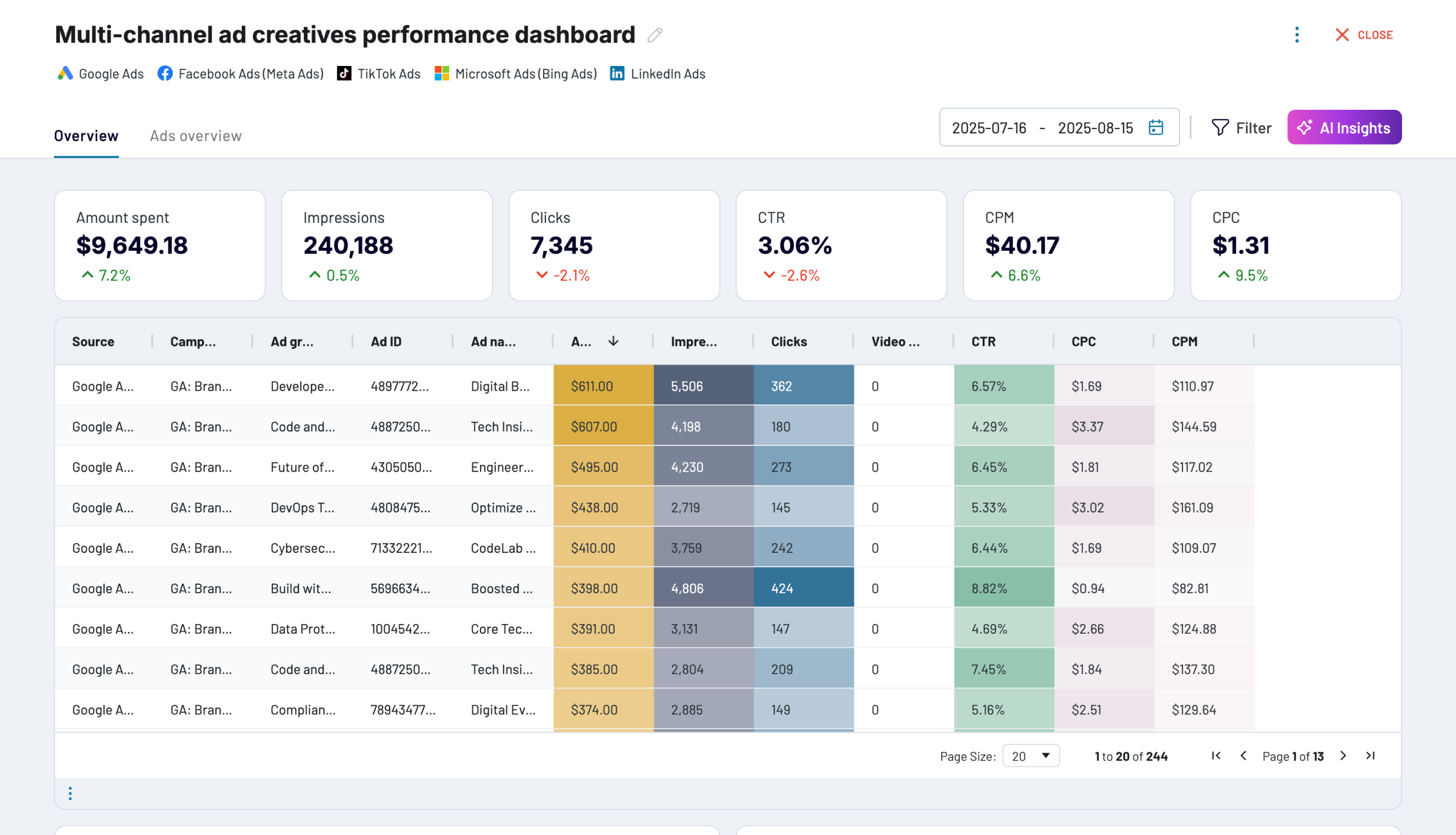
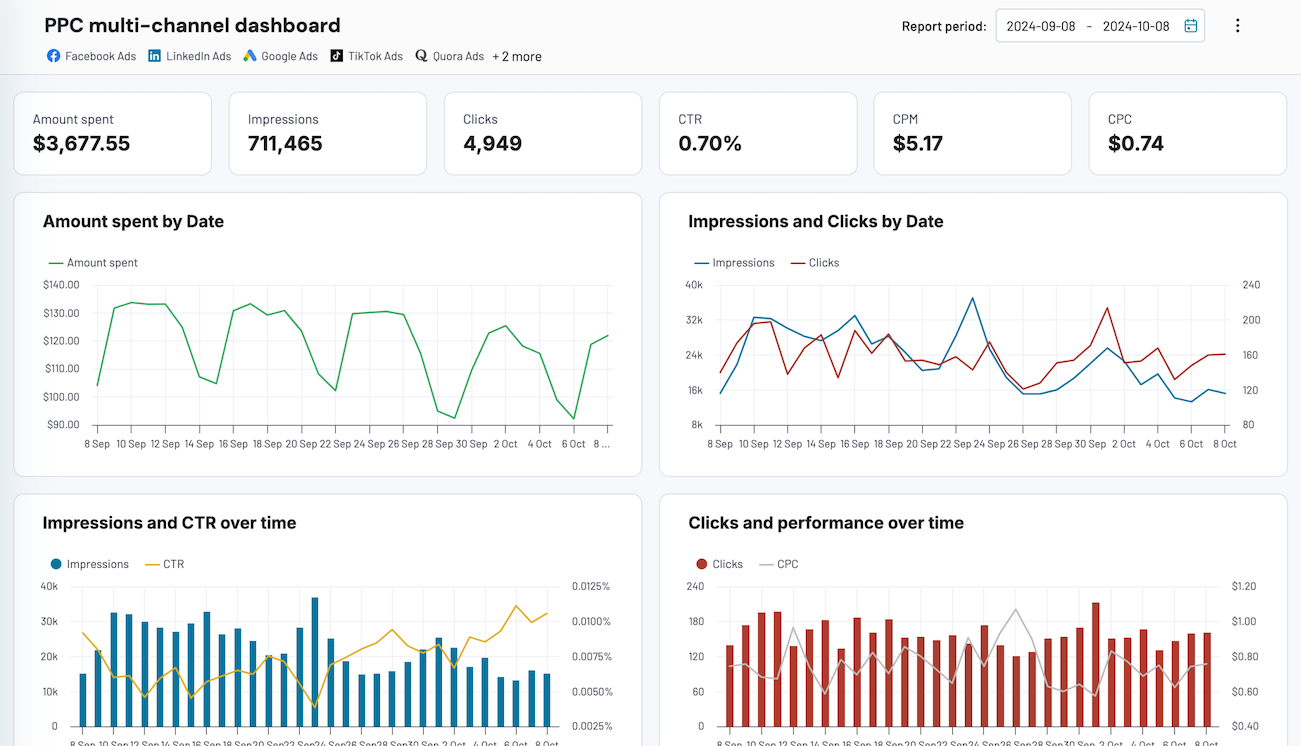
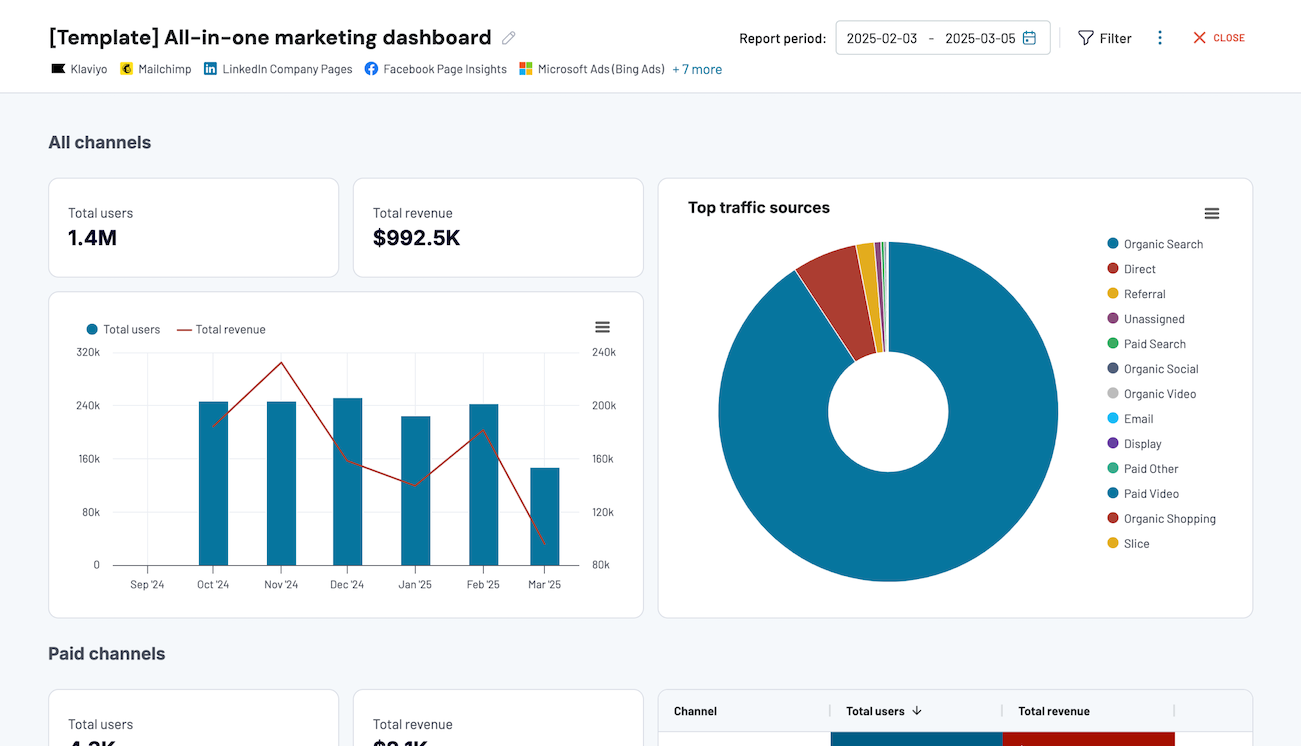
Quick start with dashboard templates


 +0
+0




 +4
+4


 +7
+7
about your case. It doesn't cost you a penny 😉
Talk to AI about your Gorgias data
You can also skip external tools entirely. Coupler.io AI Agent lets you chat with your Gorgias data right inside Coupler.io. Just type your question in plain language and get verified answers powered by Coupler.io's Analytical Engine, which runs the calculations and checks the results before responding.
Examples of questions you can ask about Gorgias data:
"Which tags had the highest ticket volume last month, and how did resolution times compare across them?"
"Show me agents whose average first response time improved over the past 90 days."
"What percentage of tickets closed last week received a negative satisfaction rating?"
"Break down ticket volume by channel and tell me which channel has the longest average resolution time."





Your data is secured by industry standards
 SOC 2 Type II
Certified
 Google Cloud
Certified
 GDPR
GDPRCompliant
 HIPAA
HIPAACompliant
Export data from Gorgias to alternative destinations





