
Data Studio (formerly Looker Studio) templates for powerful business reports
Build automated reporting dashboards with ready-to-use templates for Data Studio that connect your business data sources. Track advertising campaigns, financial performance, sales pipelines, and website analytics through visual reports that update automatically. Consolidate information from Google Ads, QuickBooks, Salesforce, Google Analytics, and other platforms using Coupler.io to transform raw data into actionable insights without manual exports or spreadsheet maintenance.
Data Studio dashboard templates for any use case


 +0
+0


 +0
+0
 +0
+0


 +3
+3
 +0
+0
 +6
+6


 +3
+3
 +1
+1
 +0
+0
 +0
+0
 +0
+0
 +0
+0
 +0
+0
 +0
+0
 +0
+0
 +4
+4
 +0
+0
 +0
+0
 +0
+0
 +0
+0
 +0
+0
 +0
+0
 +0
+0
 +0
+0
 +0
+0
 +0
+0
 +0
+0
 +0
+0
 +5
+5
 +0
+0
 +0
+0
 +0
+0
 +0
+0
 +0
+0
 +0
+0
 +0
+0
 +0
+0
 +0
+0
 +0
+0
 +0
+0
 +0
+0
 +0
+0
 +0
+0
 +0
+0
 +0
+0
 +0
+0
 +0
+0
 +0
+0
 +0
+0
 +0
+0
 +0
+0
 +0
+0
 +0
+0
 +0
+0
 +0
+0
 +0
+0
 +0
+0
 +0
+0
 +0
+0
 +0
+0
 +3
+3
 +0
+0
 +0
+0
 +0
+0
 +0
+0
 +0
+0
 +0
+0
 +0
+0
 +0
+0
 +0
+0
 +0
+0
 +0
+0
 +0
+0
 +0
+0
 +0
+0
 +0
+0
 +0
+0
 +0
+0
 +0
+0
 +0
+0
 +0
+0
 +0
+0
 +0
+0
 +0
+0
 +1
+1
 +0
+0
 +0
+0
 +0
+0
 +0
+0
 +0
+0
 +0
+0
 +1
+1
 +0
+0
 +0
+0
 +0
+0
 +0
+0
 +0
+0
 +0
+0

 +0
+0
 +0
+0
 +0
+0
 +0
+0
 +0
+0
 +0
+0
 +0
+0
 +0
+0
 +0
+0
 +0
+0
 +0
+0
 +3
+3
 +0
+0
 +0
+0
 +0
+0
 +4
+4
 +0
+0
 +0
+0
 +0
+0
 +0
+0
 +0
+0
 +0
+0
 +0
+0
 +0
+0
 +0
+0
 +0
+0
 +0
+0
 +0
+0
 +0
+0
 +0
+0
about your case. It doesn't cost you a penny 😉
Go from data to insights with Data Studio templates
What is a Data Studio template?
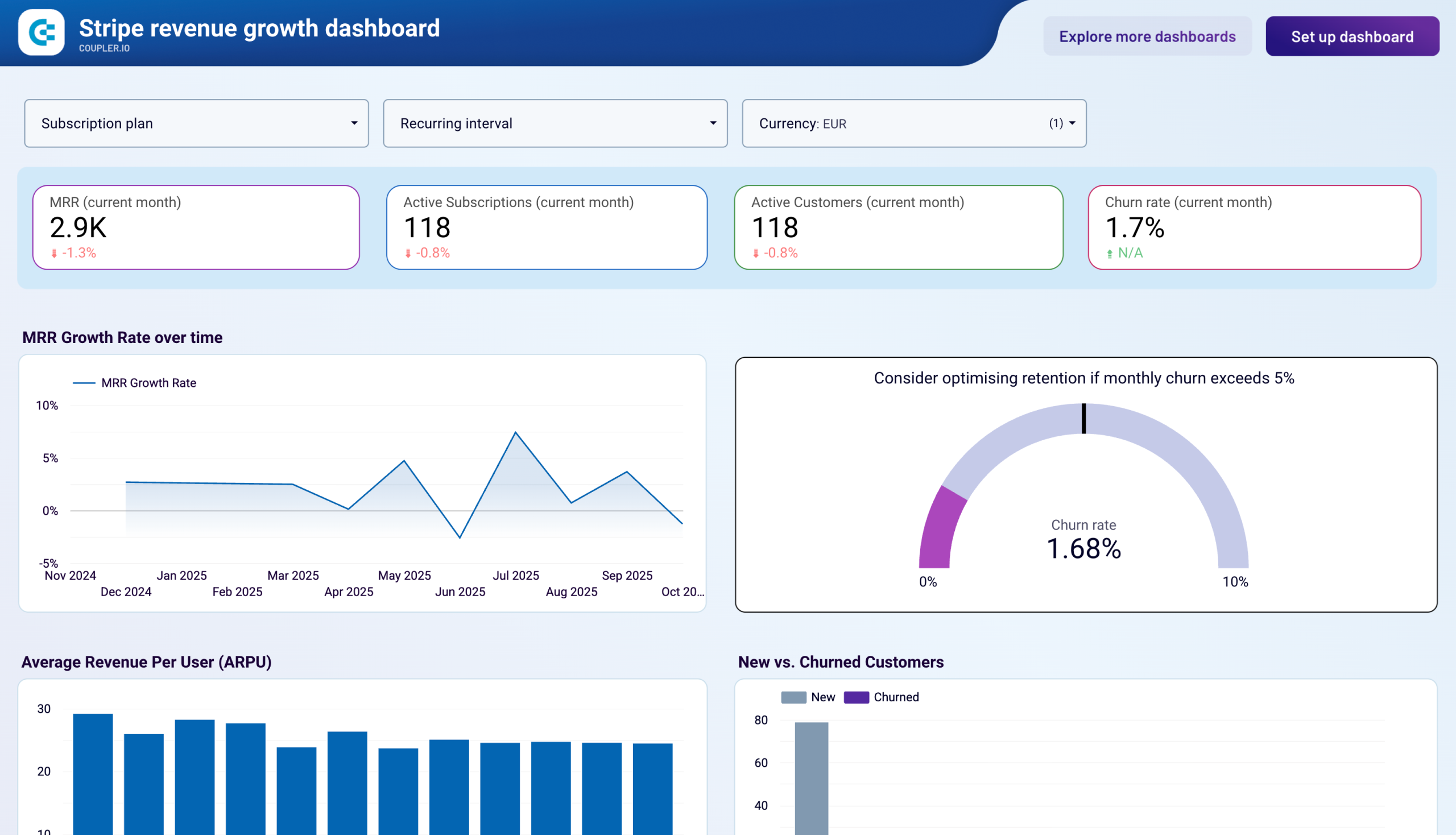
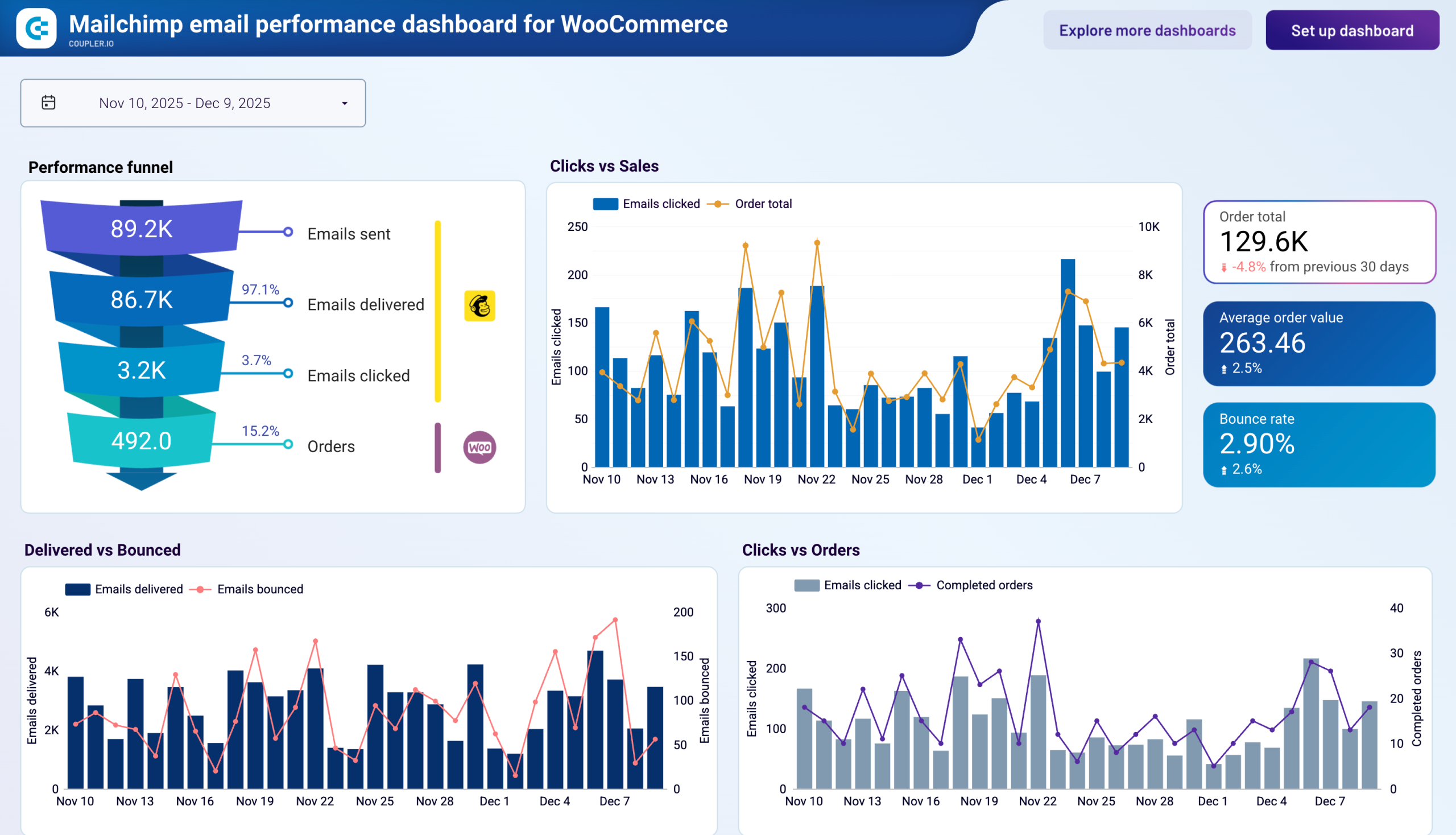
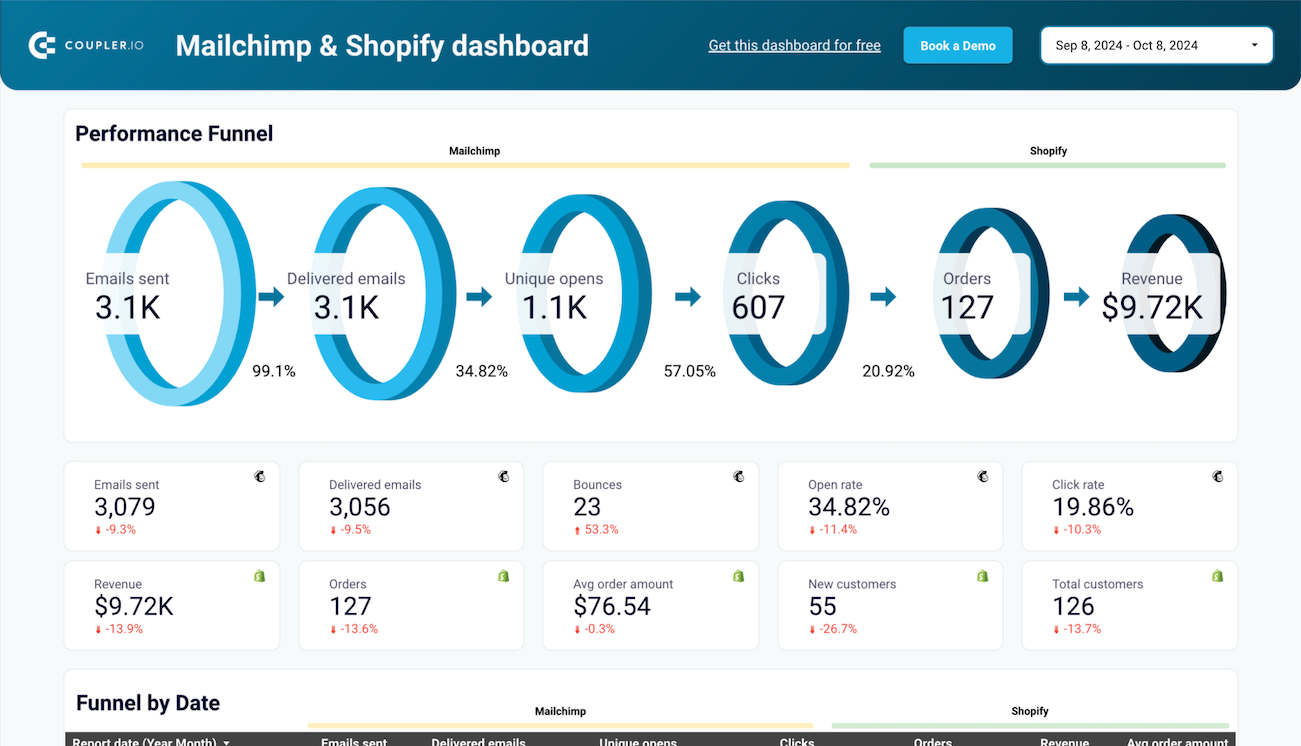
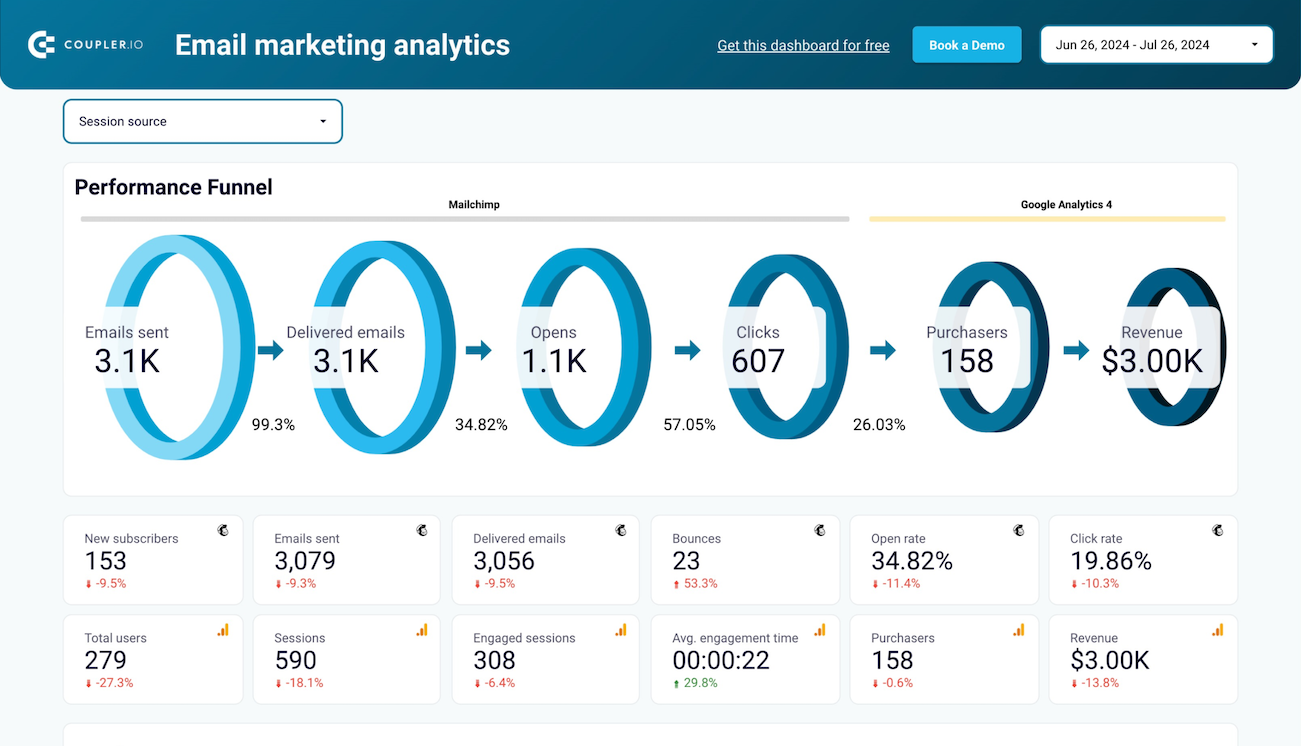
The templates transform into personalized dashboards populated with your actual business data within minutes. Coupler.io handles the technical complexity of data extraction, transformation, and loading, so that you can focus on analysis instead of data preparation. This approach creates a reliable reporting infrastructure that maintains accuracy as your business scales.

What Data Studio report templates can you use?
Different business functions require distinct reporting approaches, and selecting templates for Data Studio that match your operational needs ensures you extract maximum value from your data. Available template categories address the primary analytics requirements across organizations.
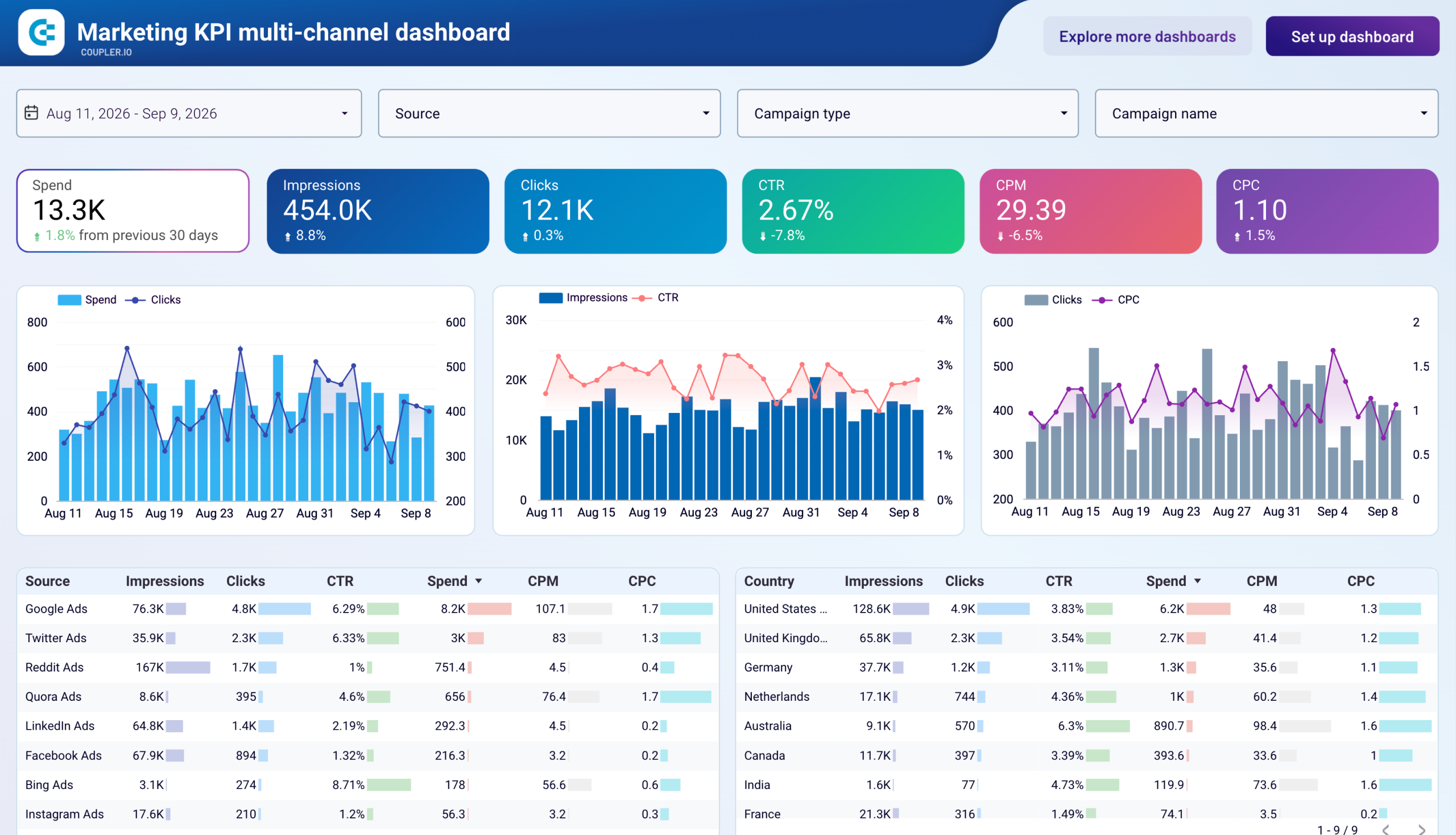
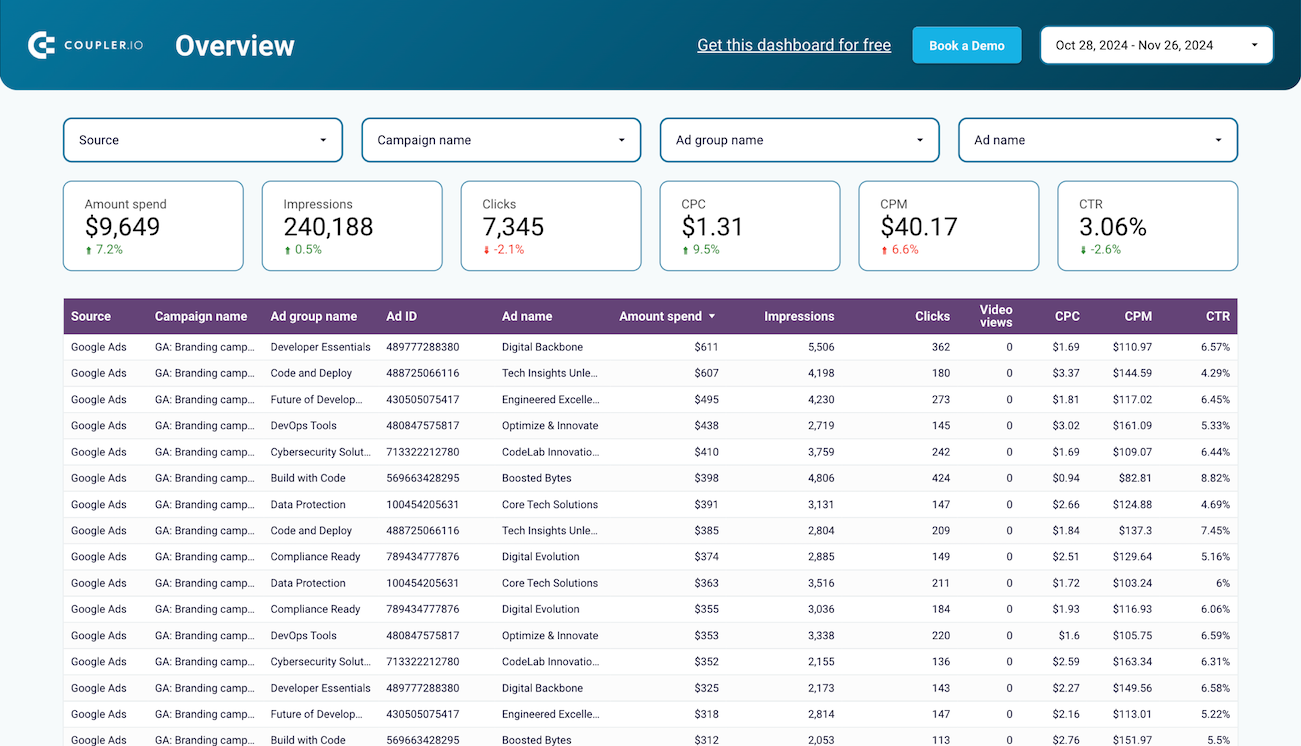
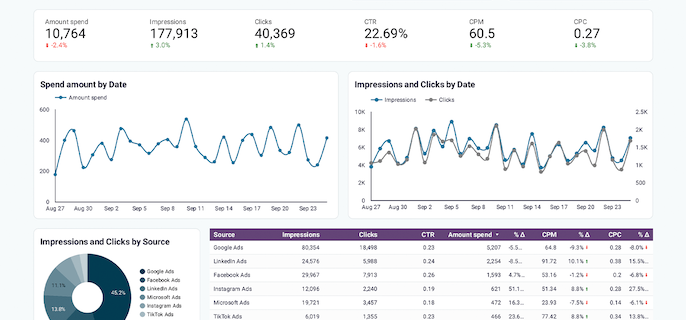
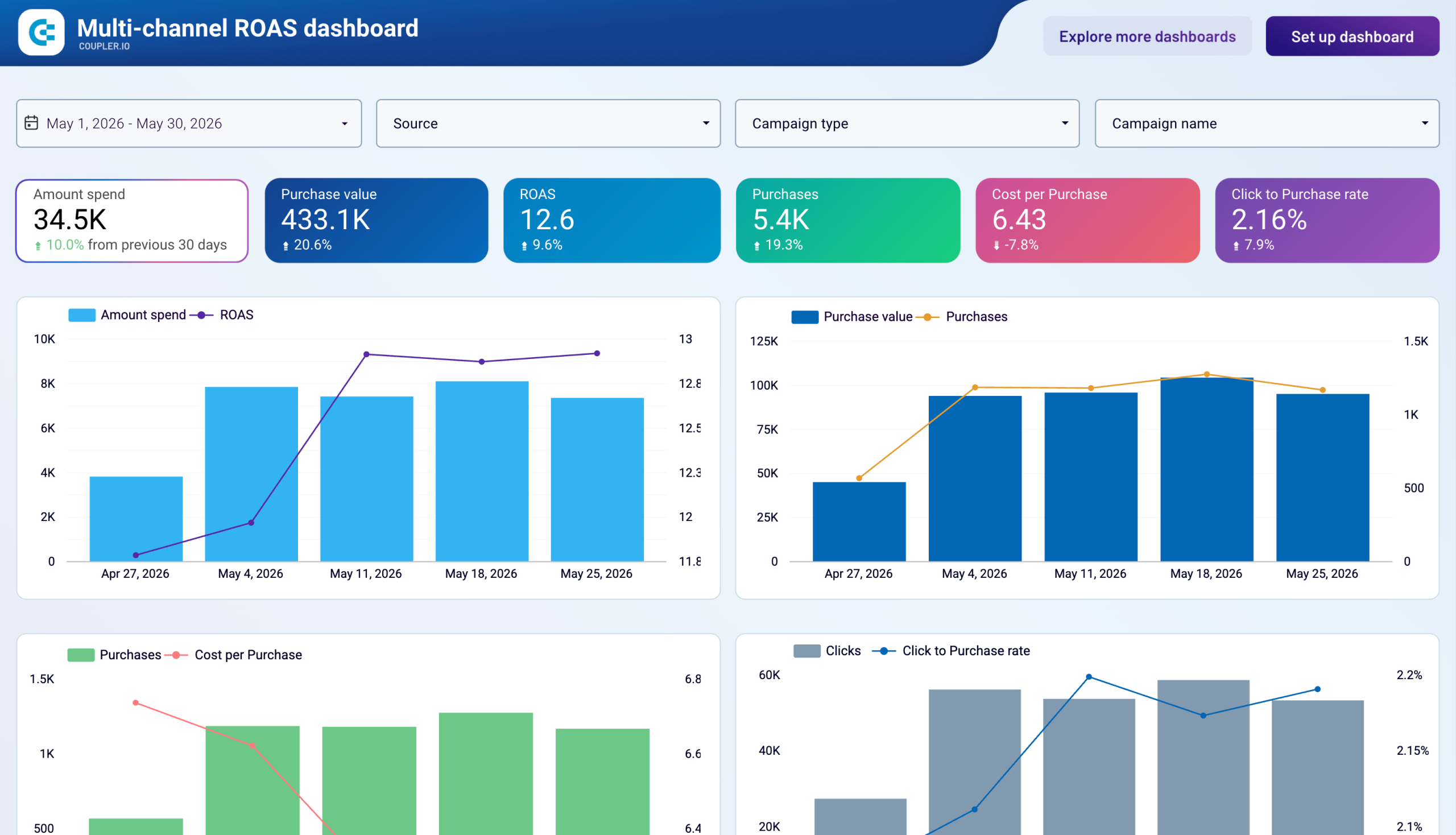
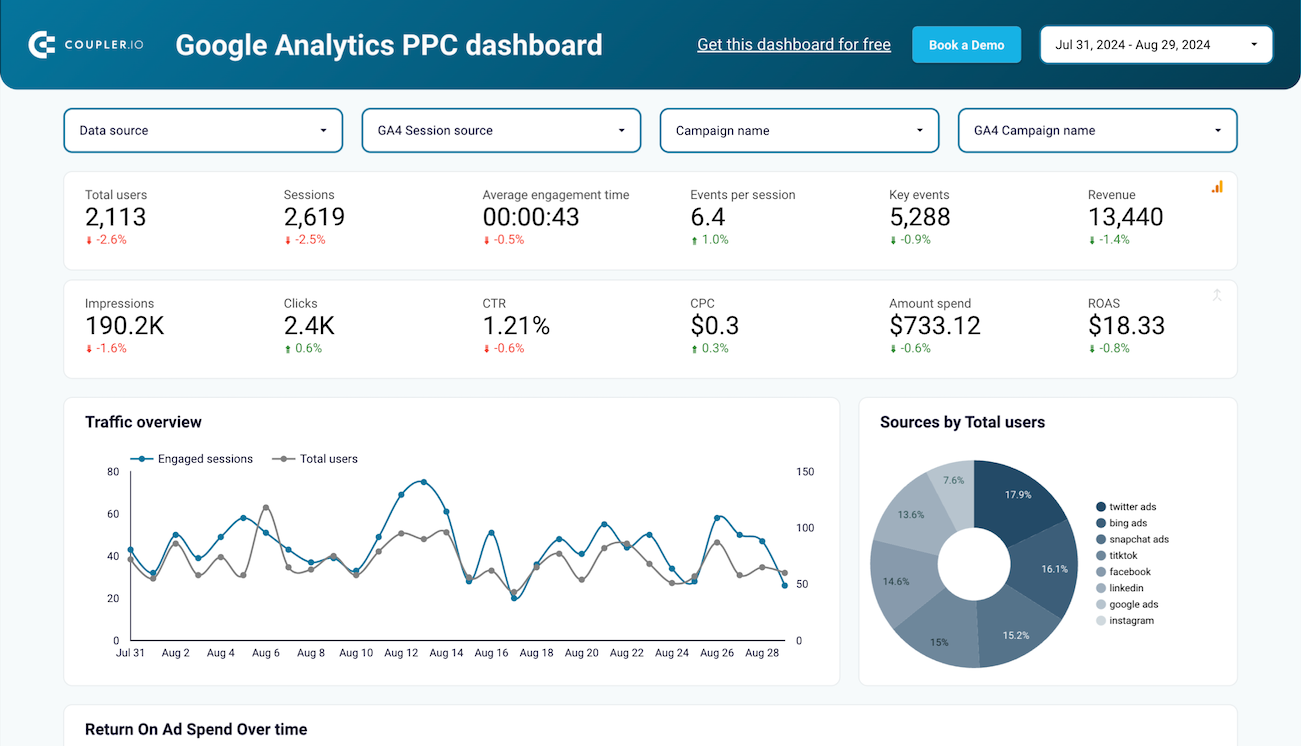
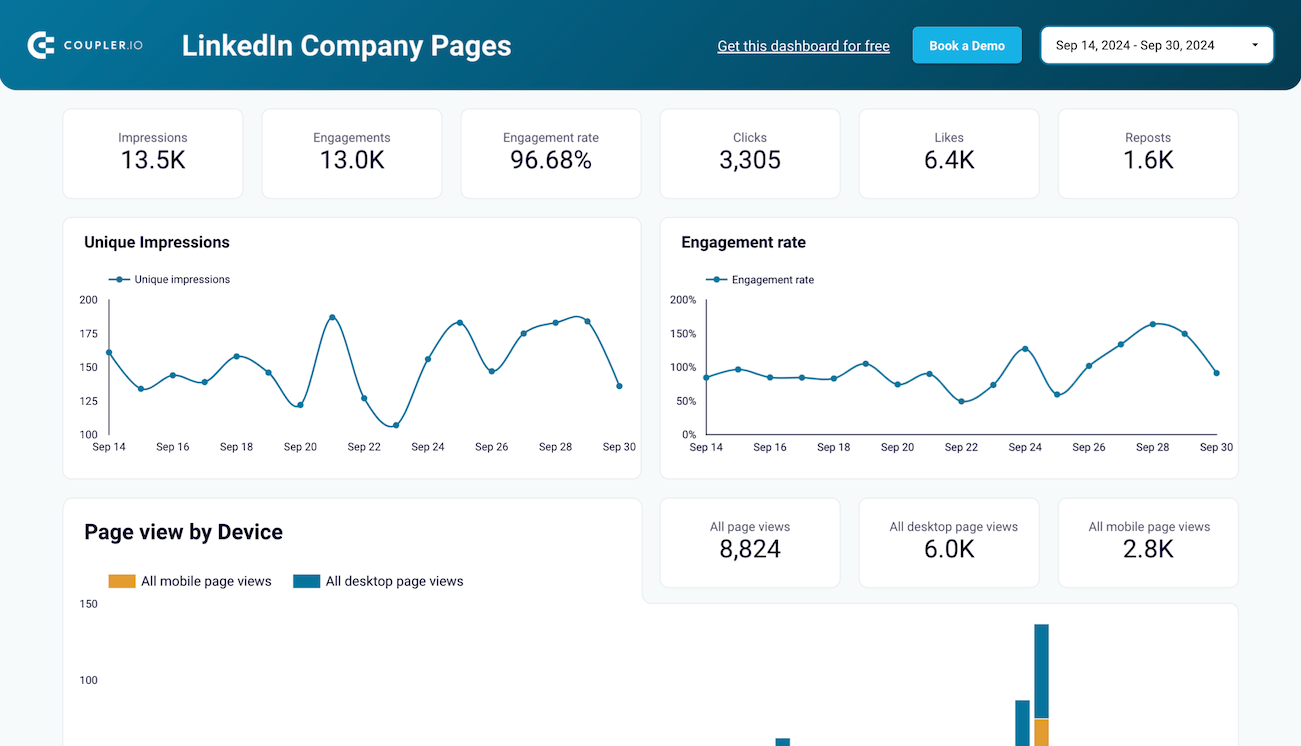
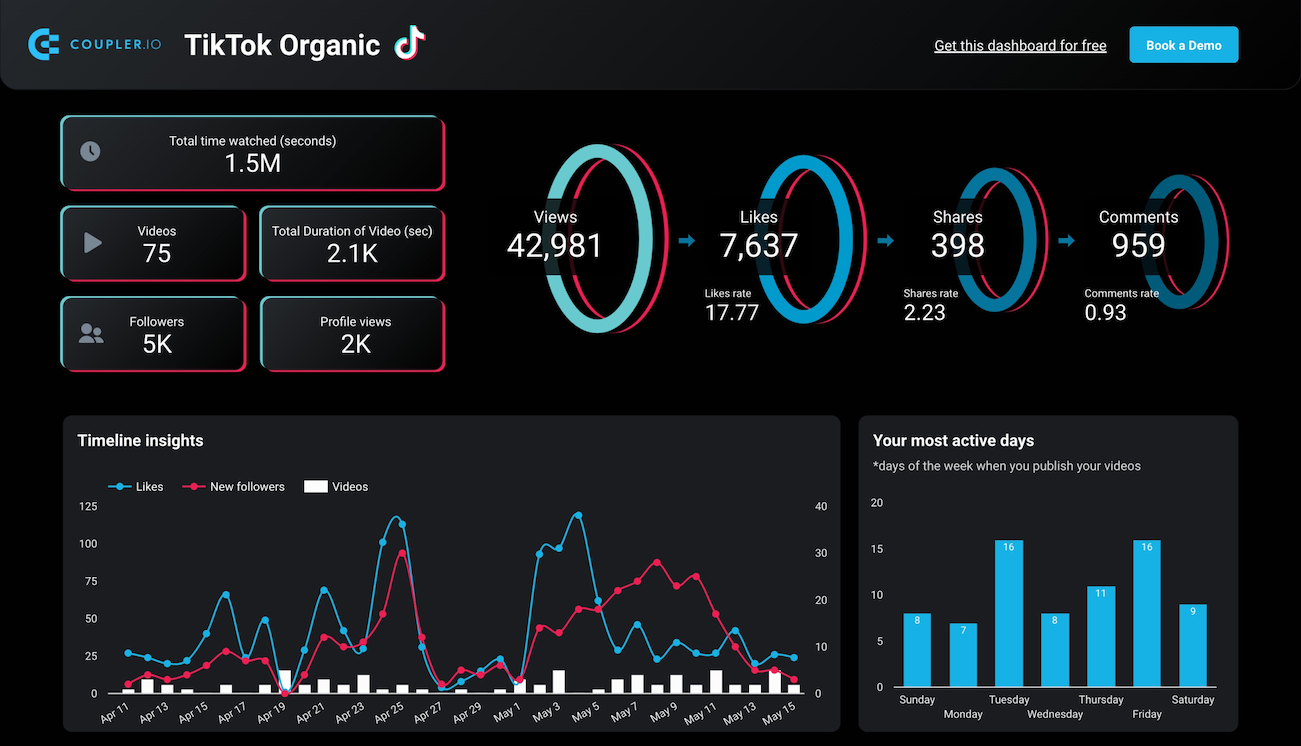
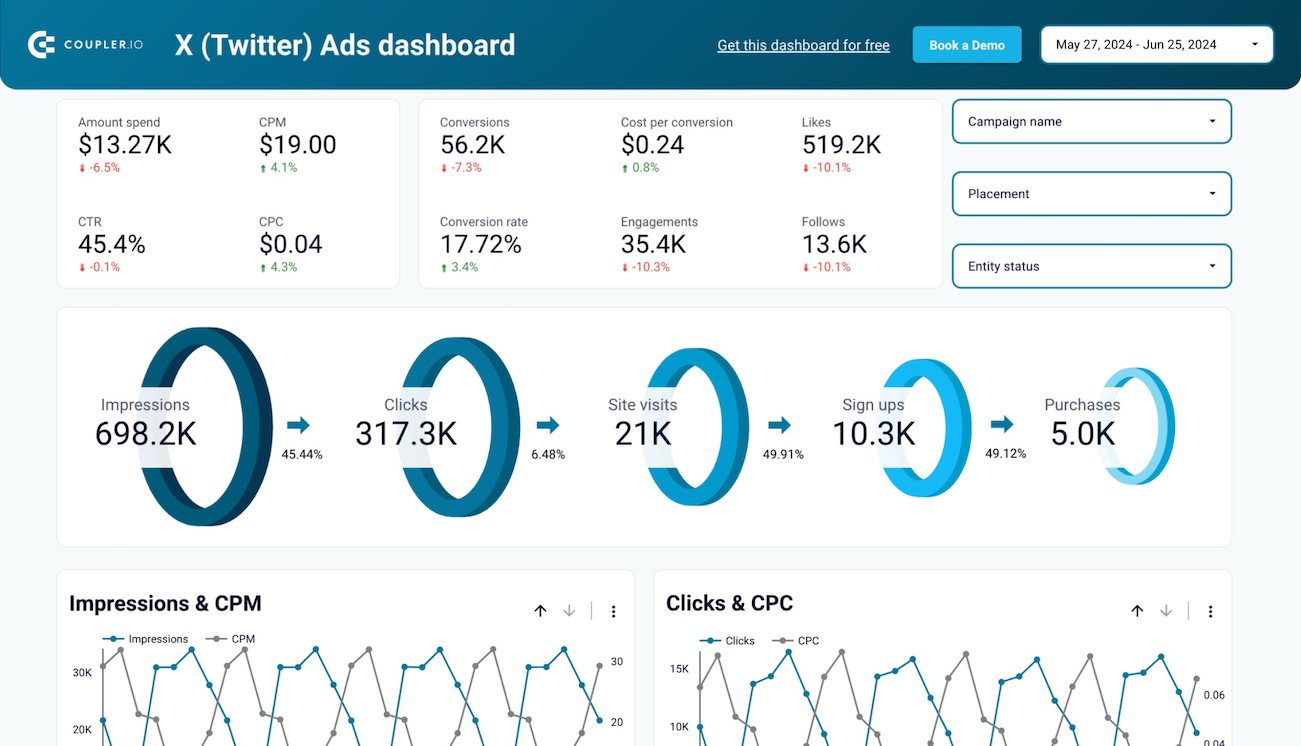
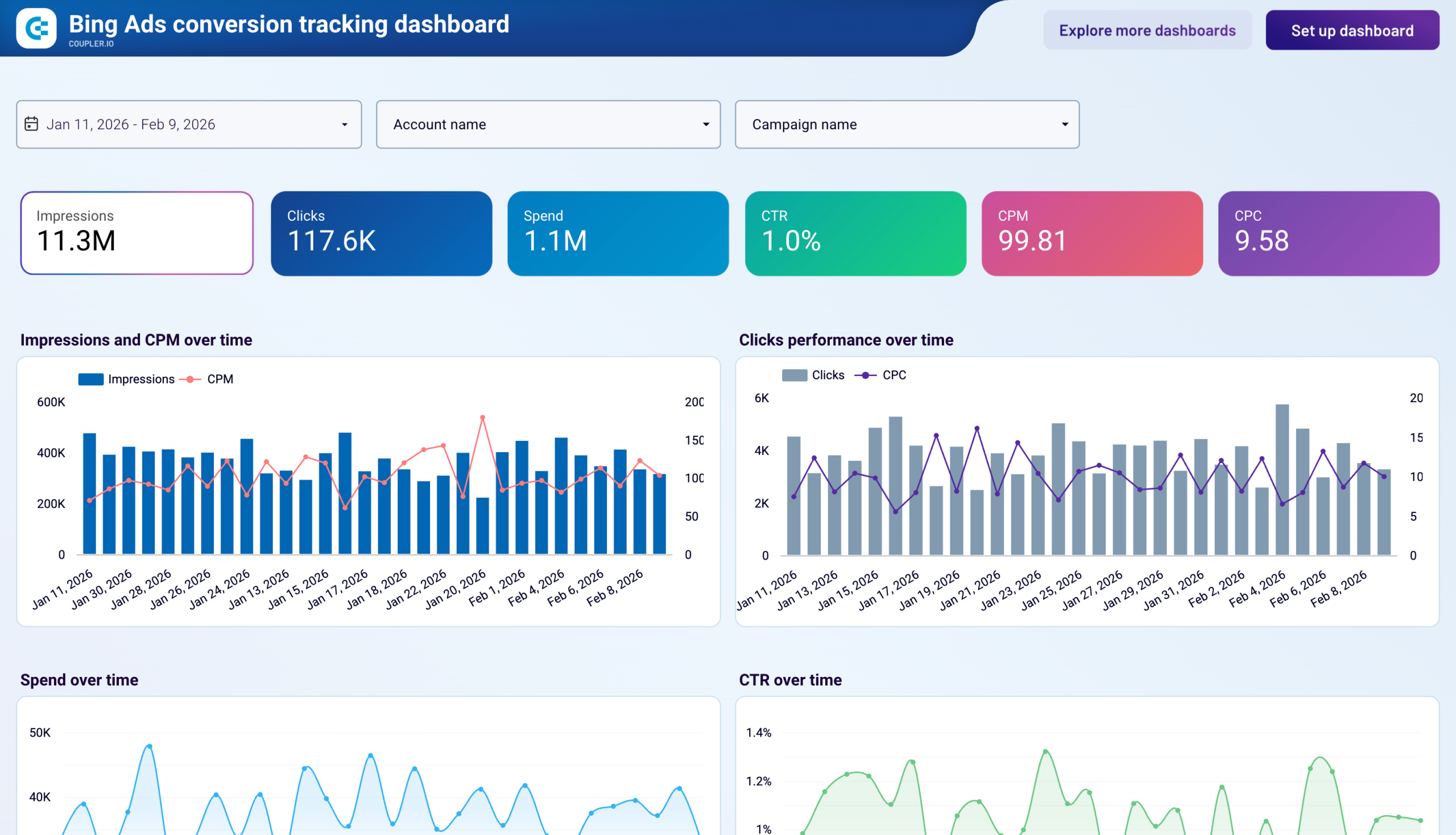
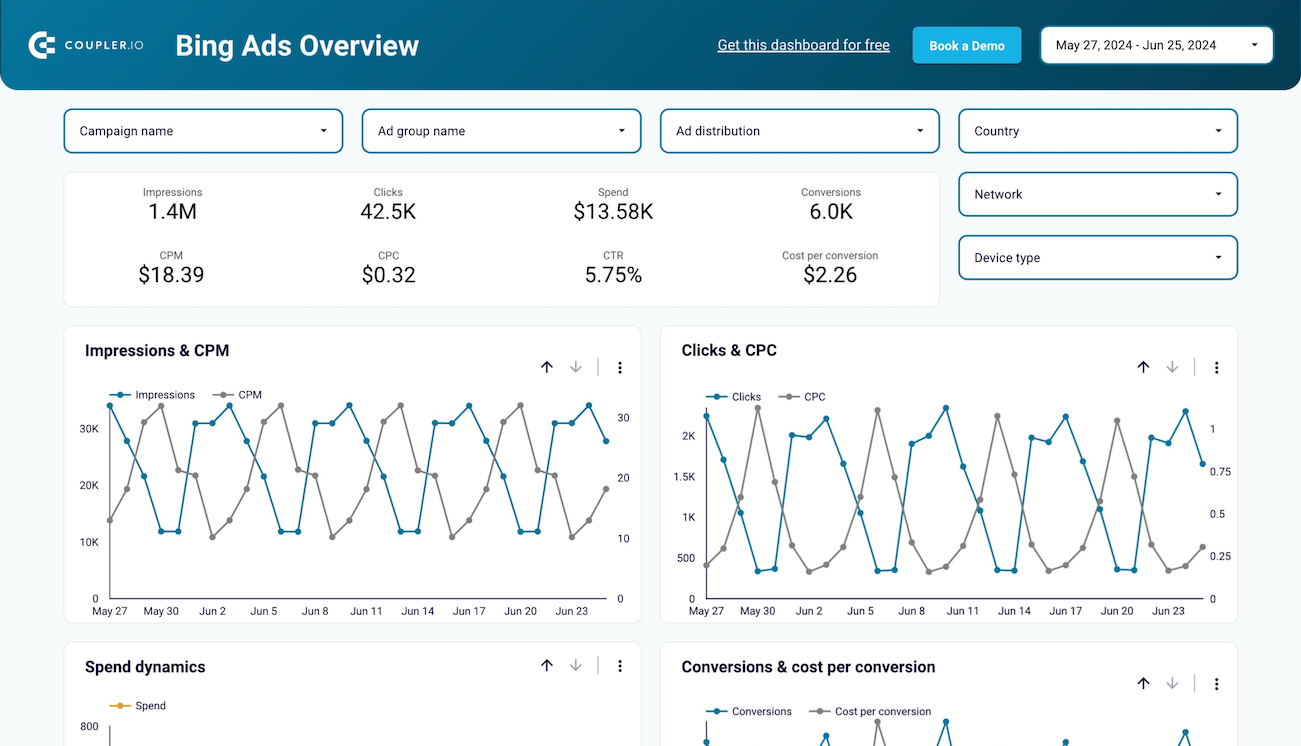
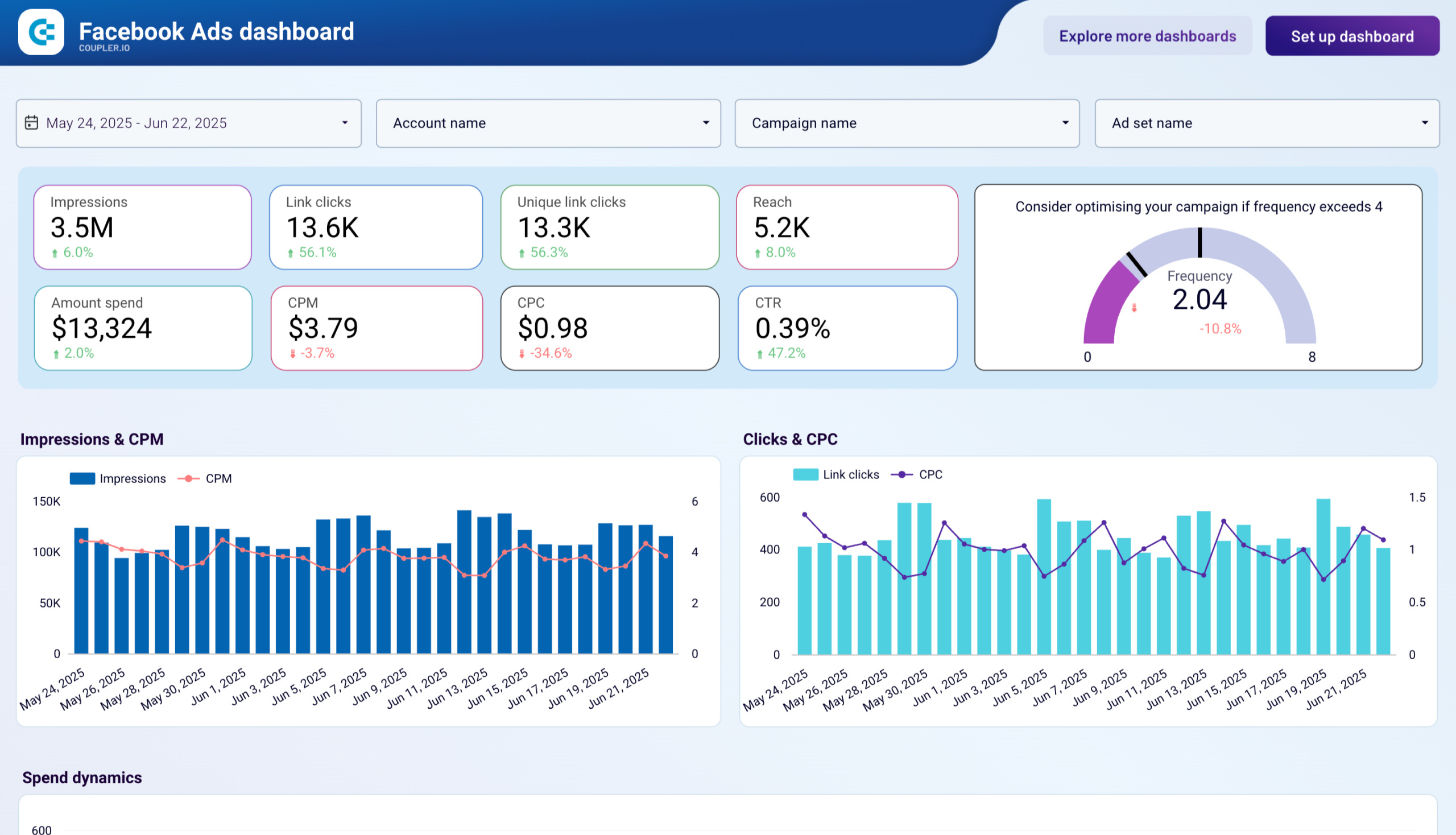
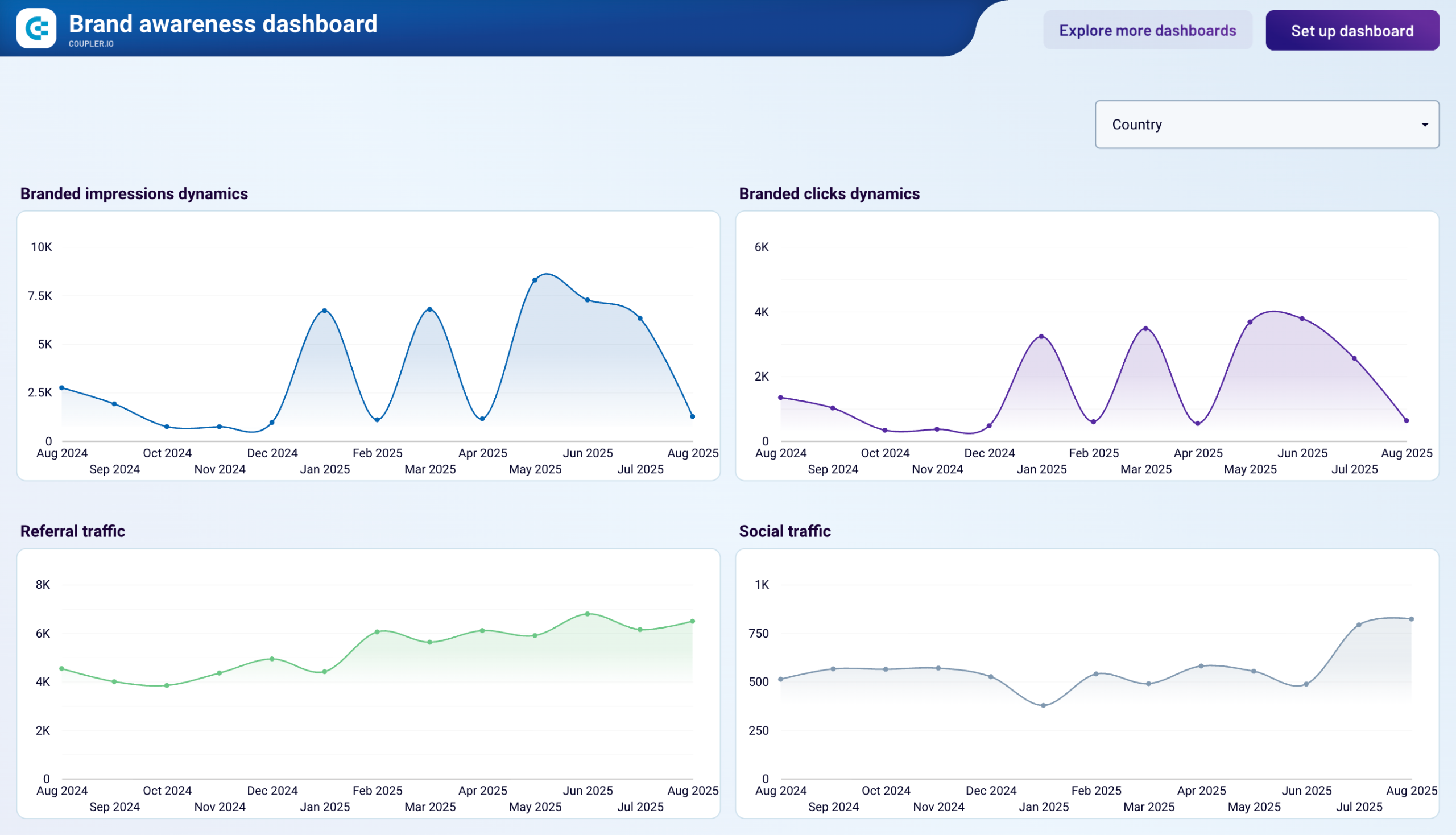
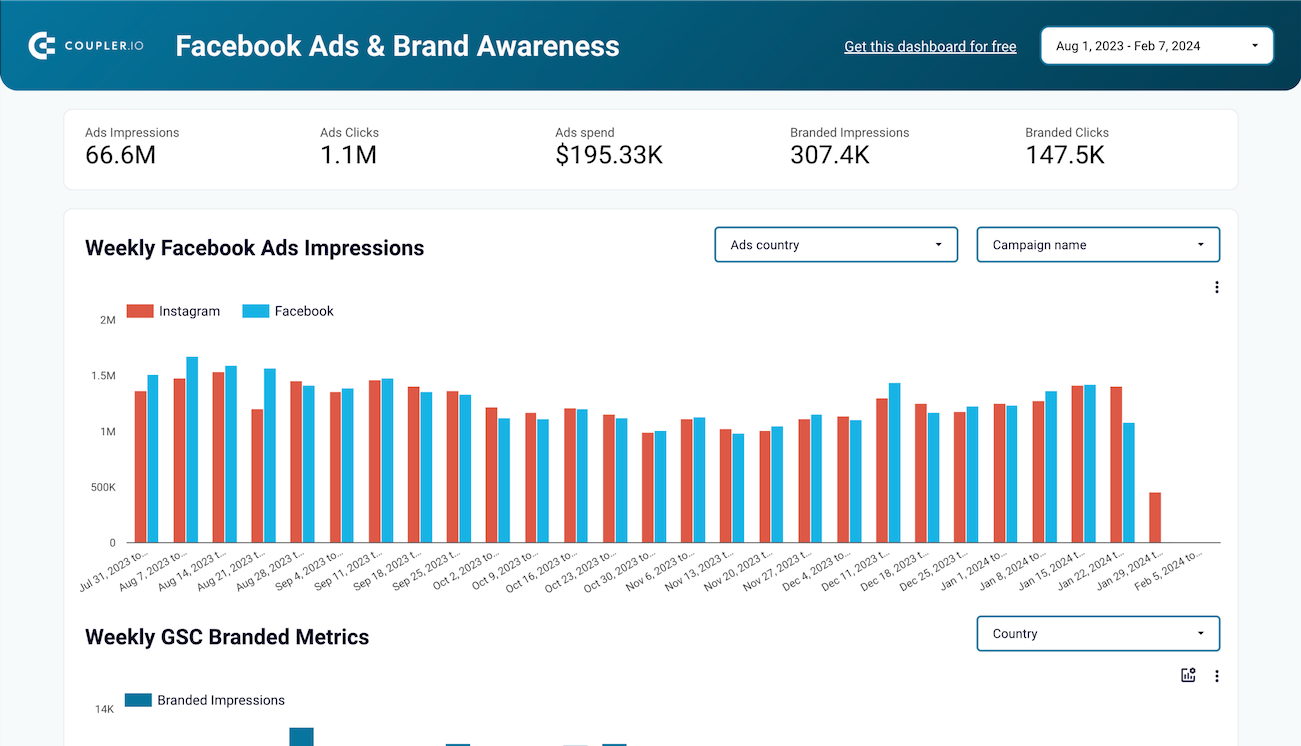
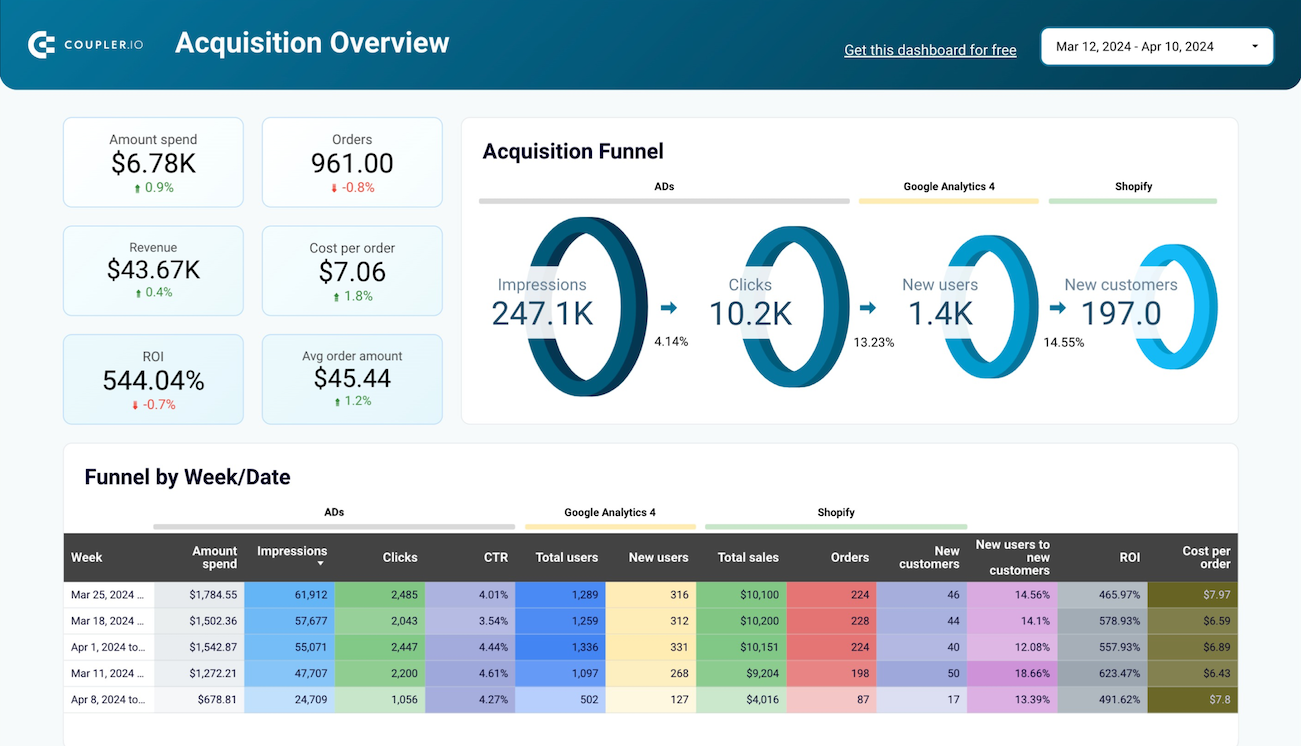
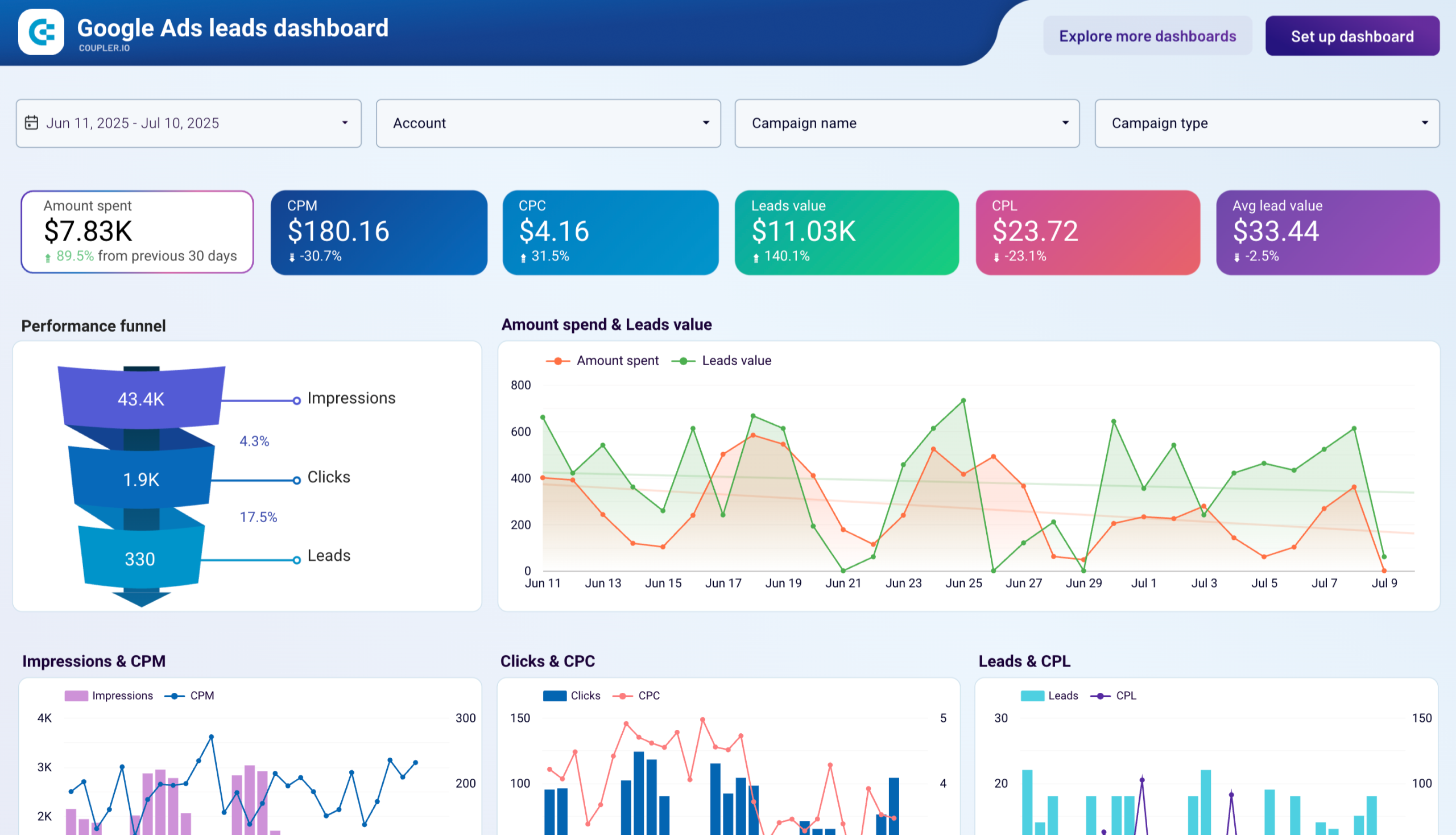
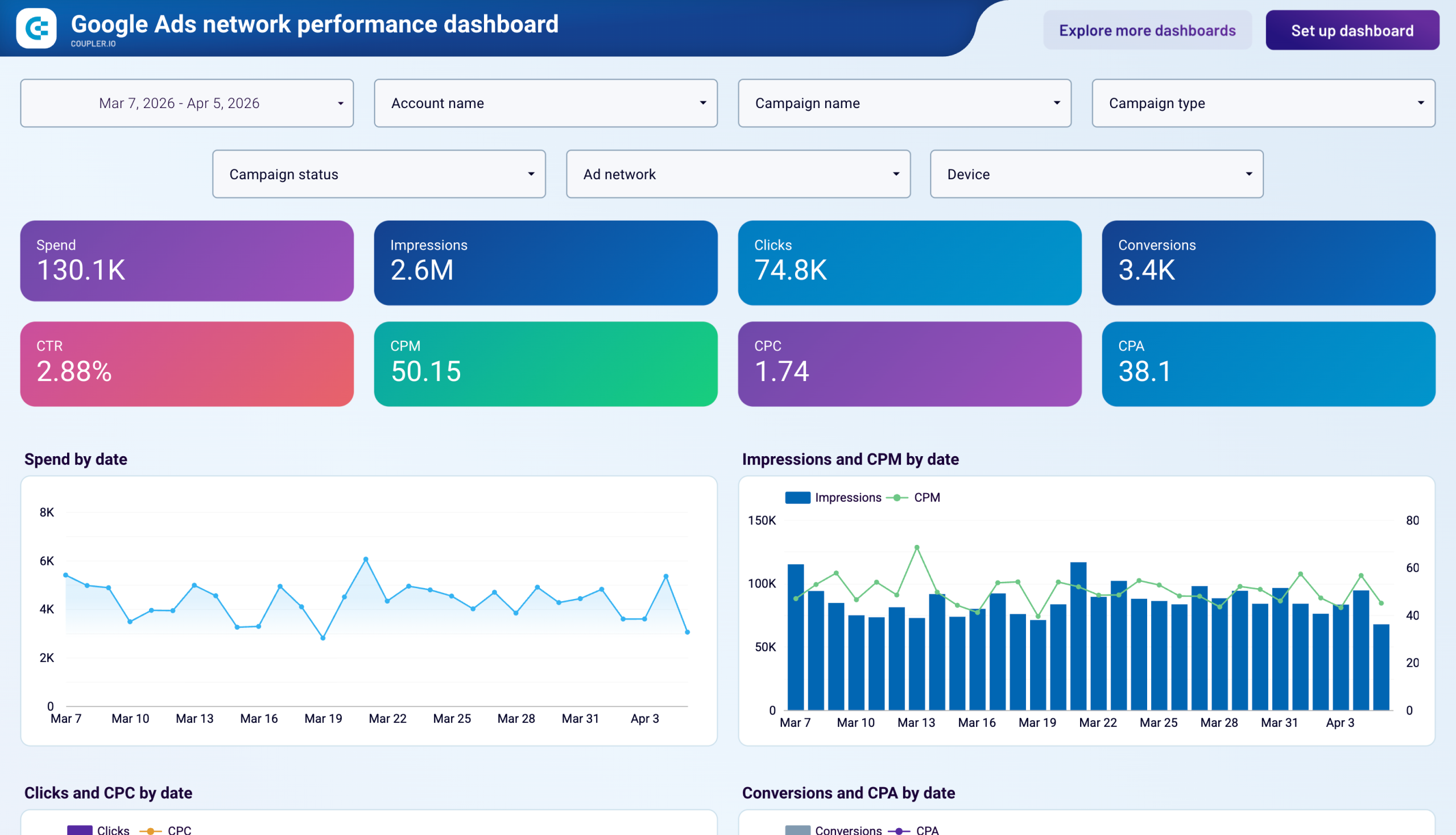
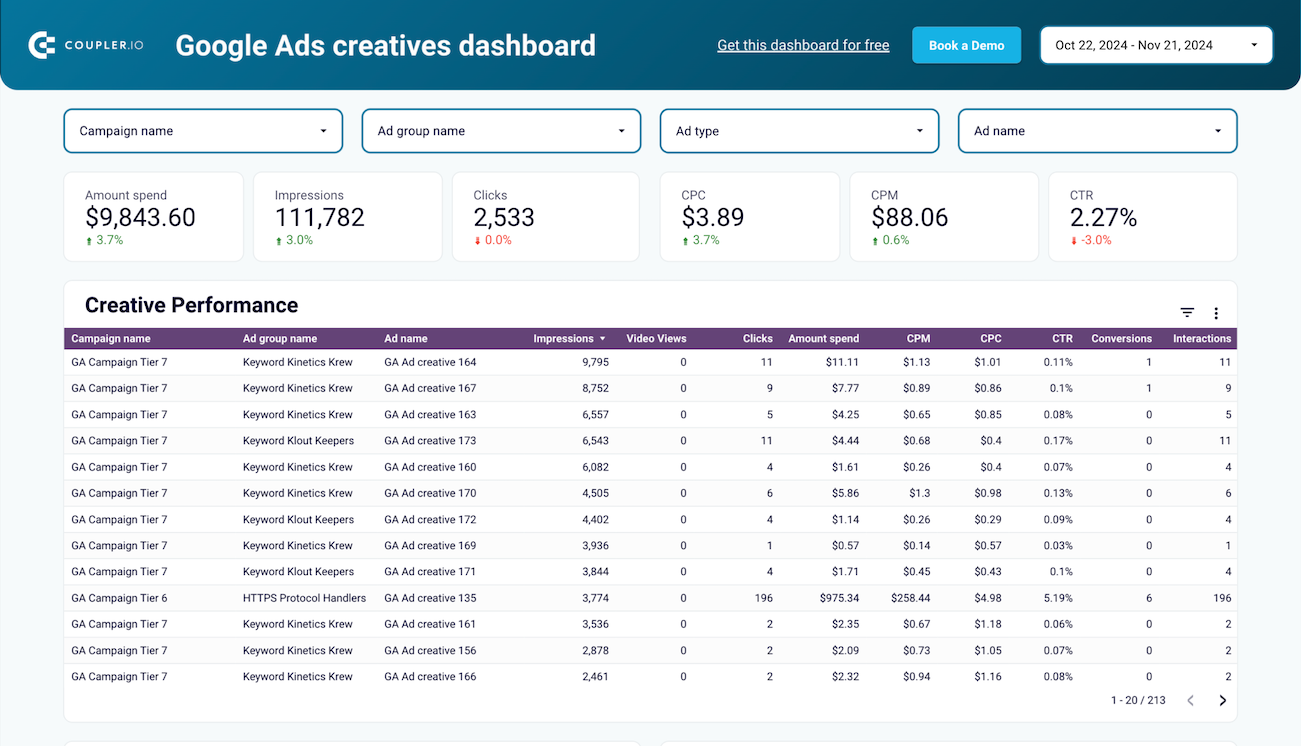
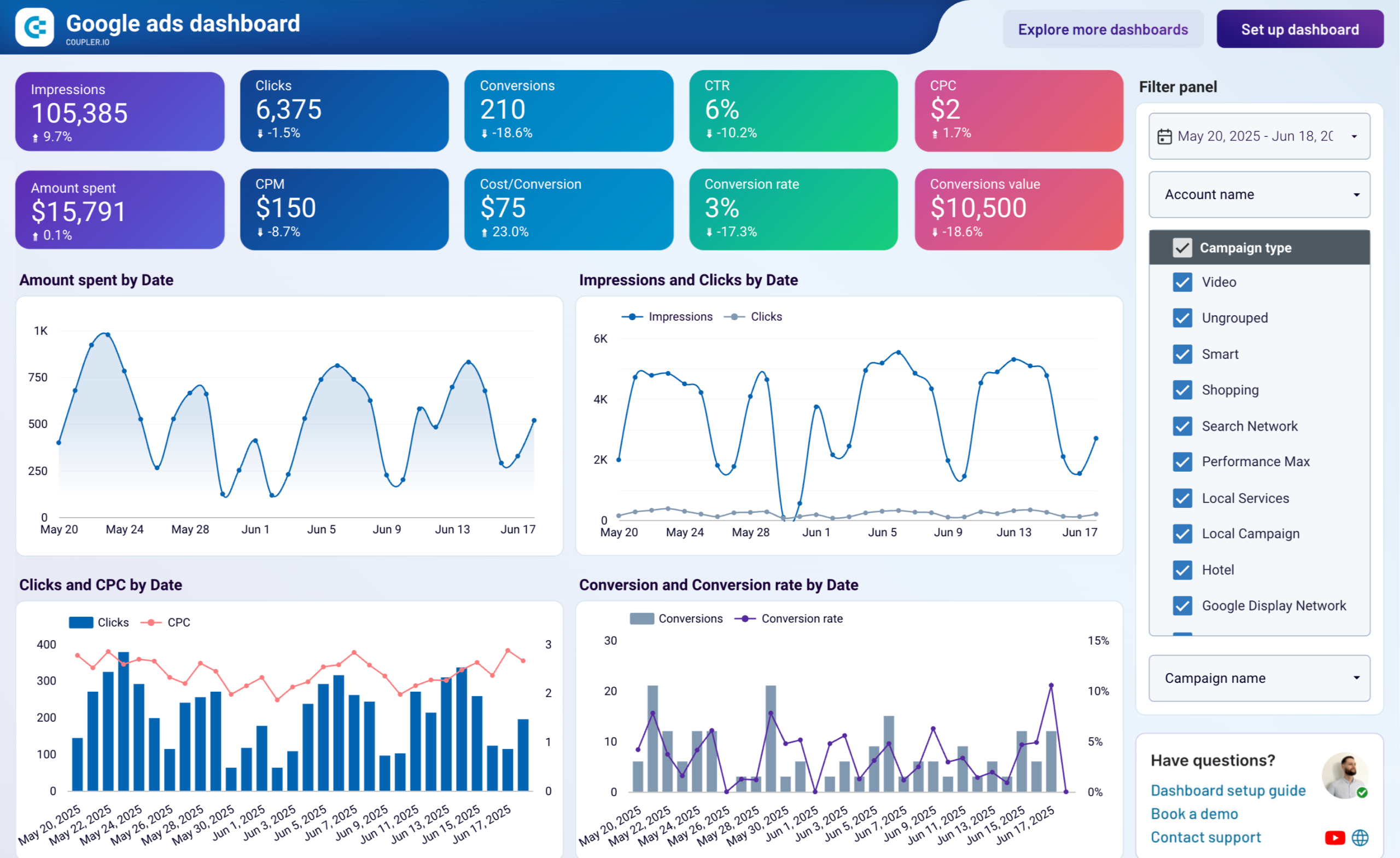
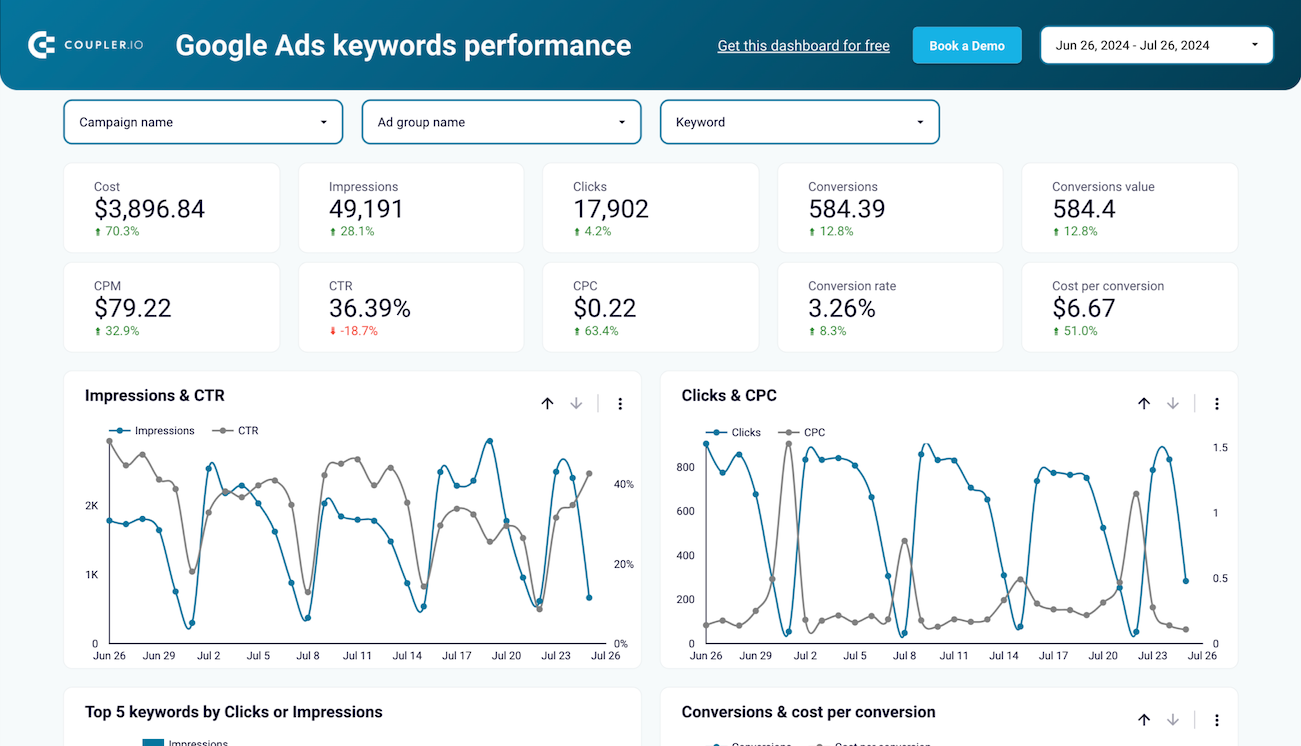
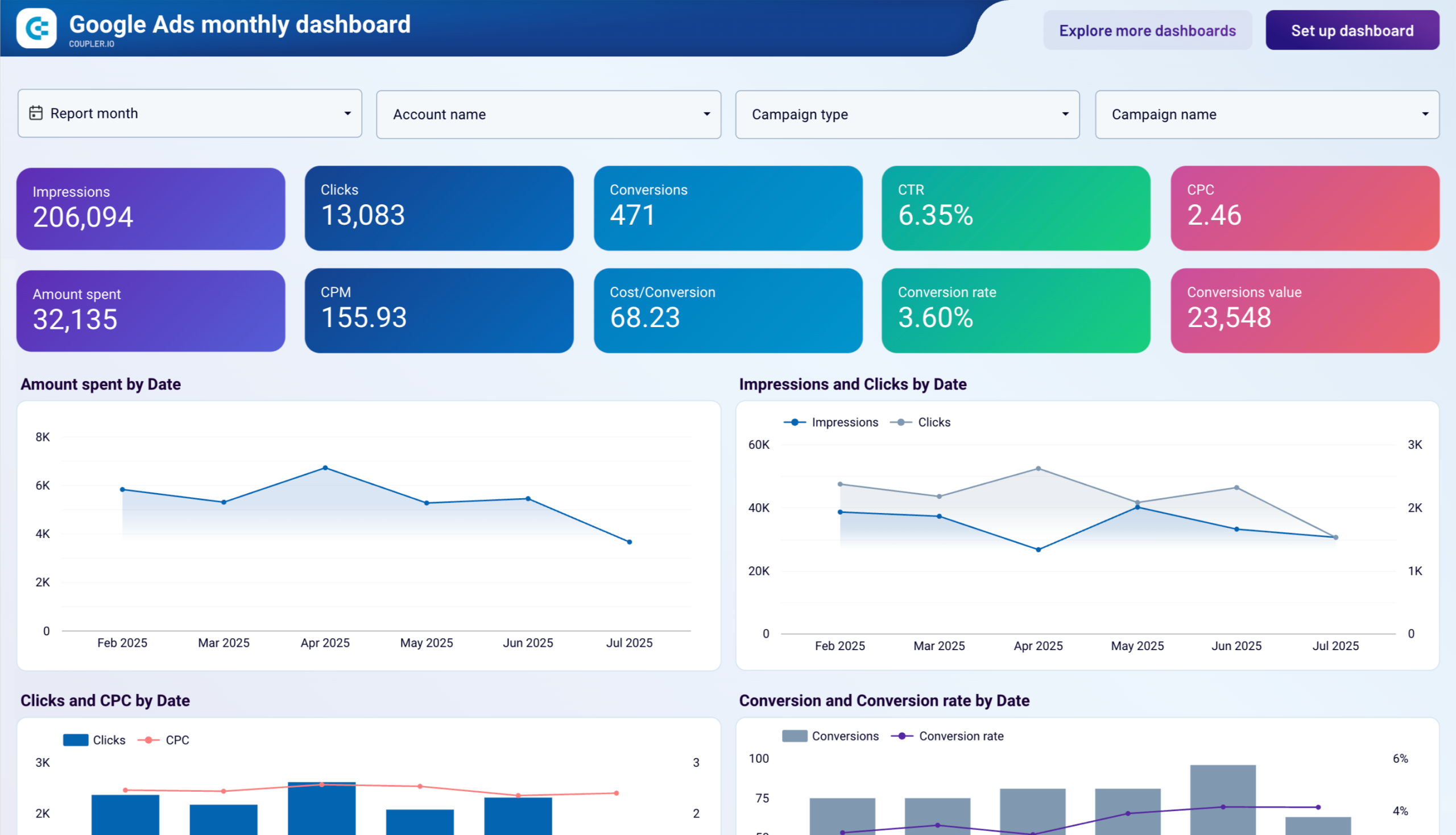
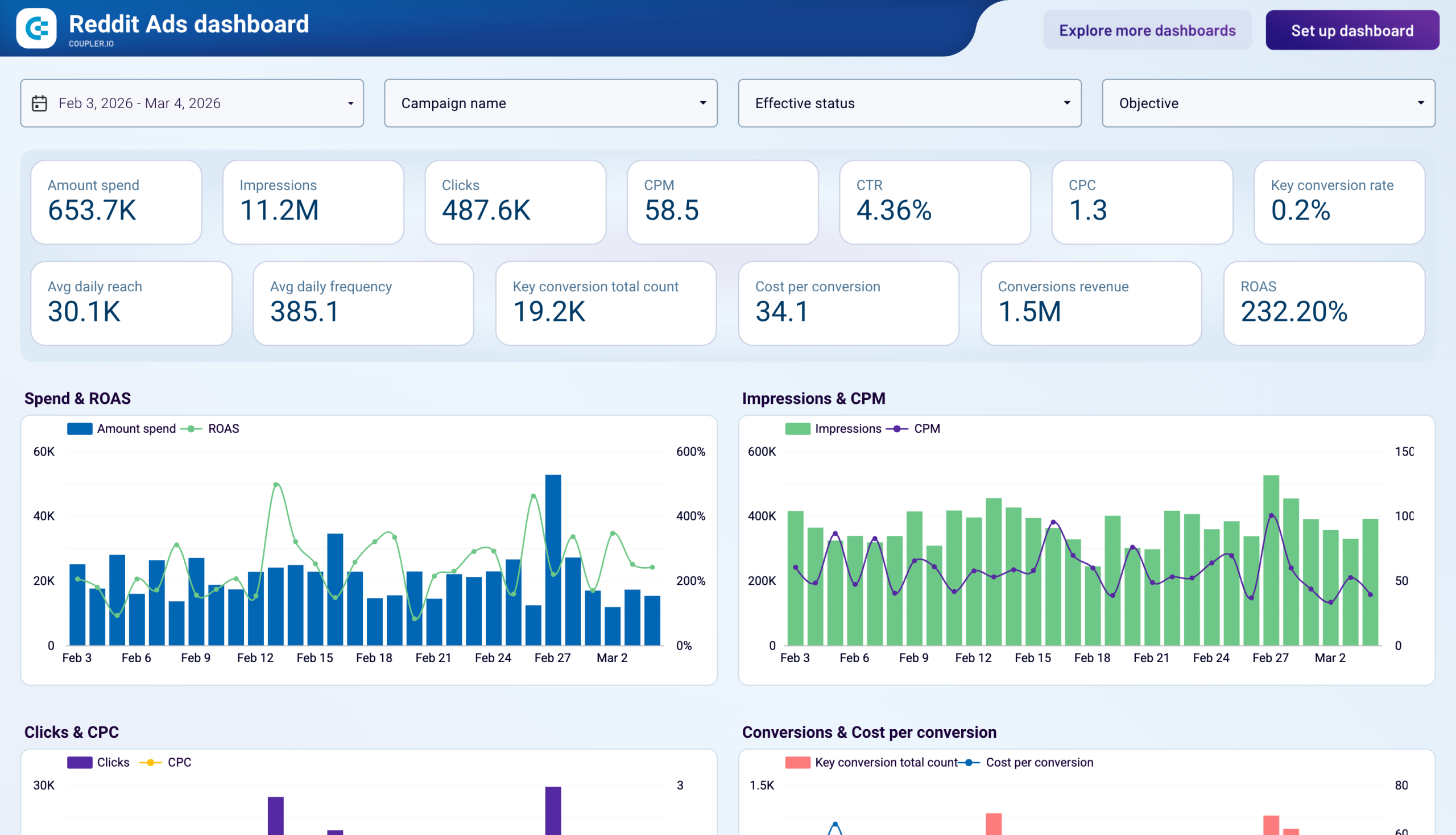
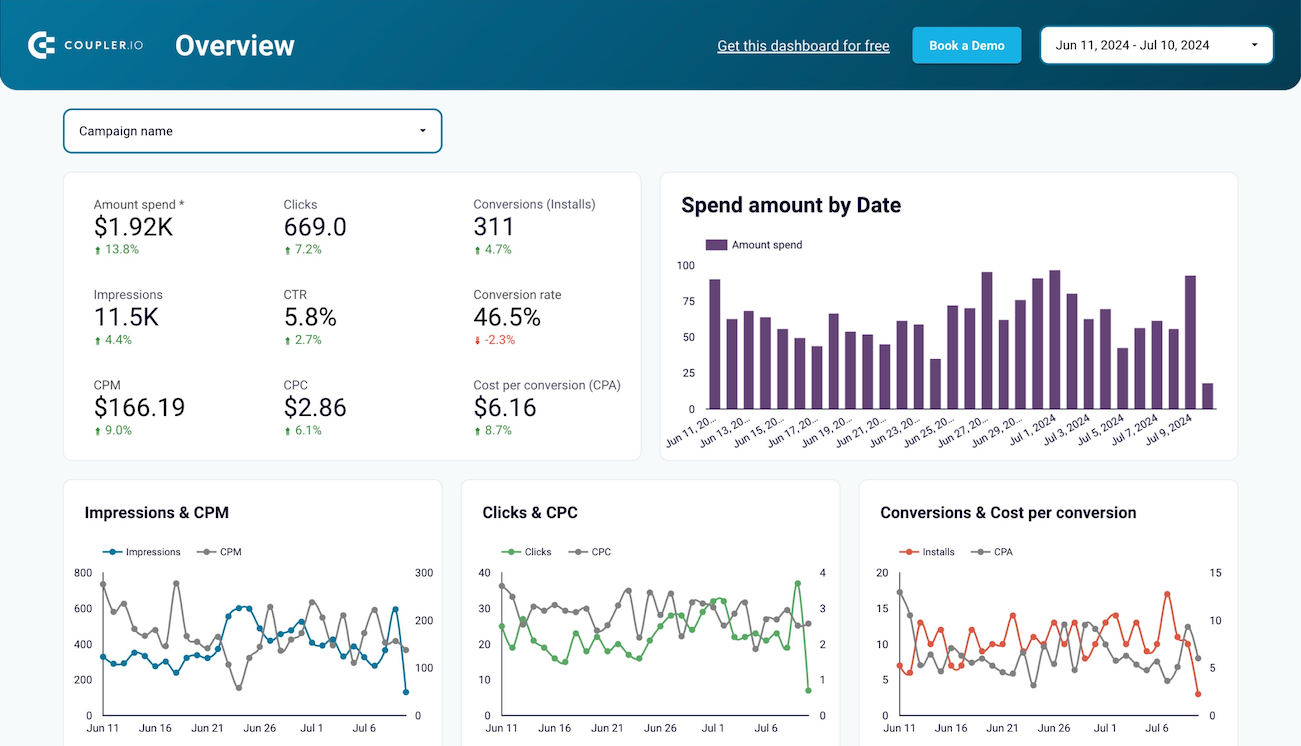
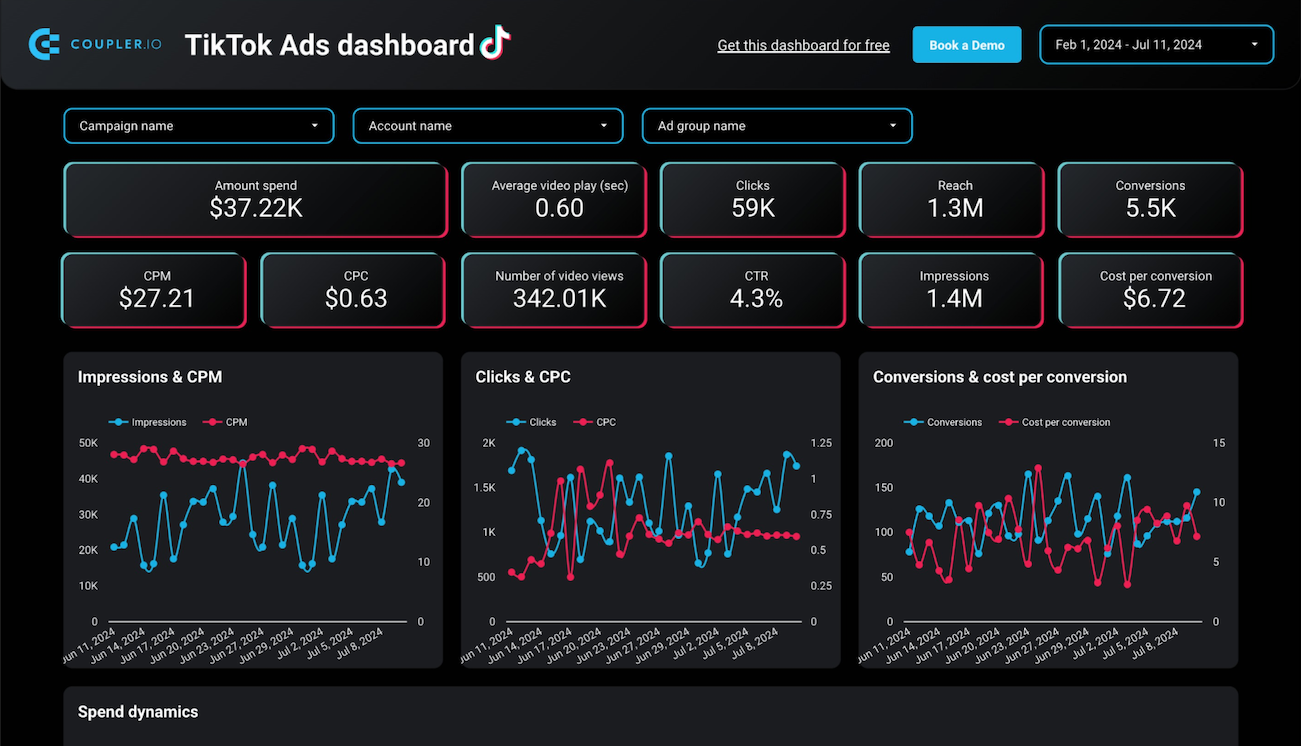
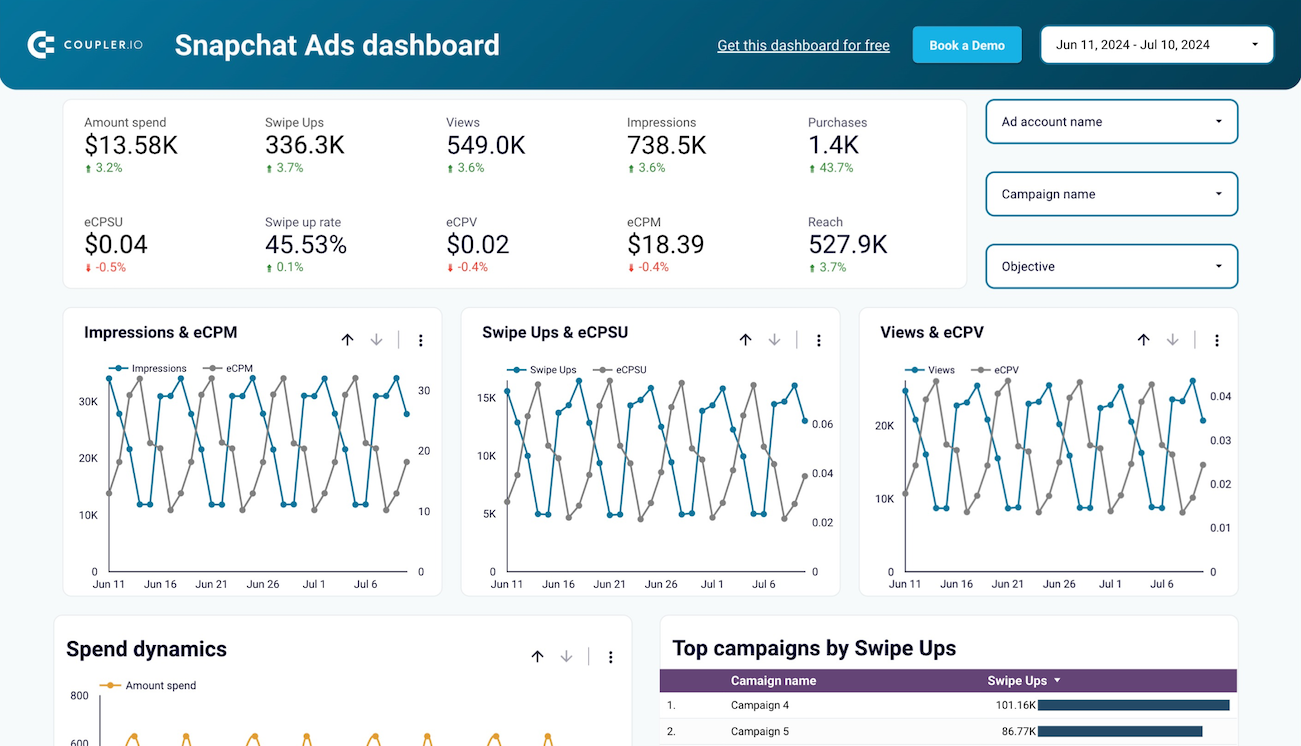
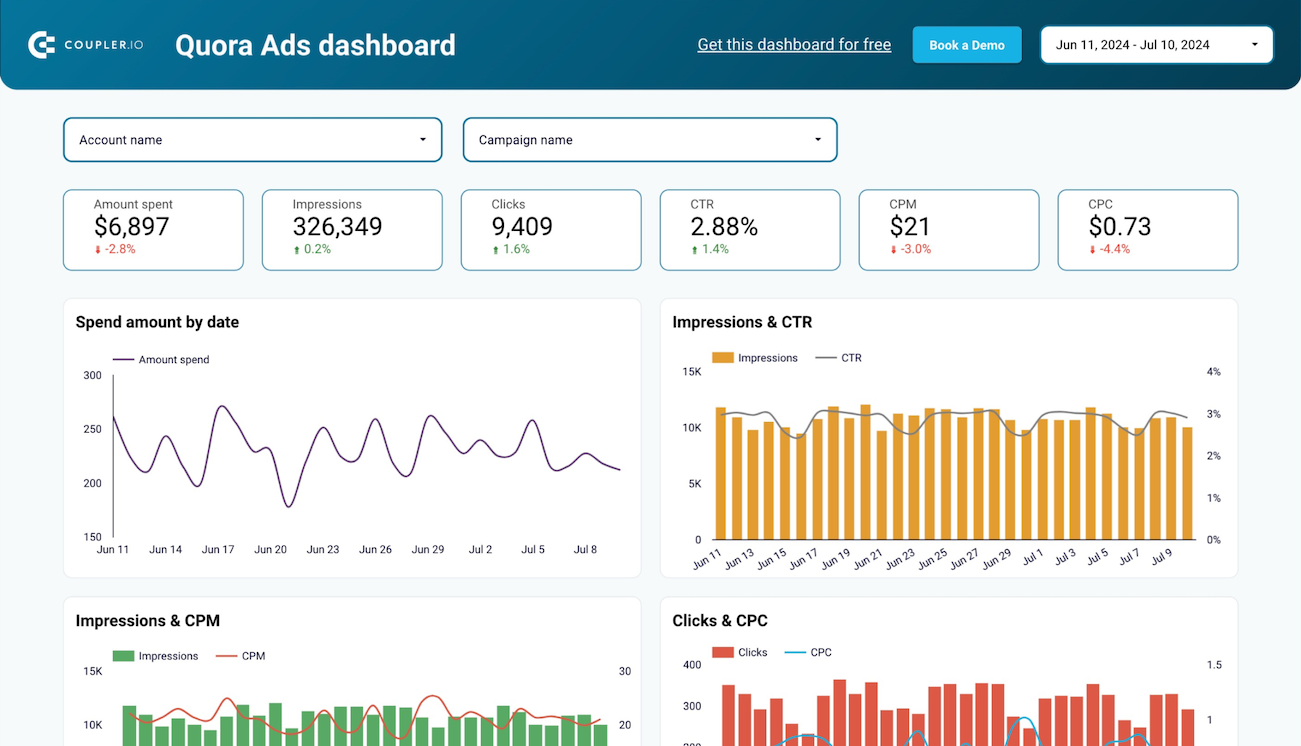
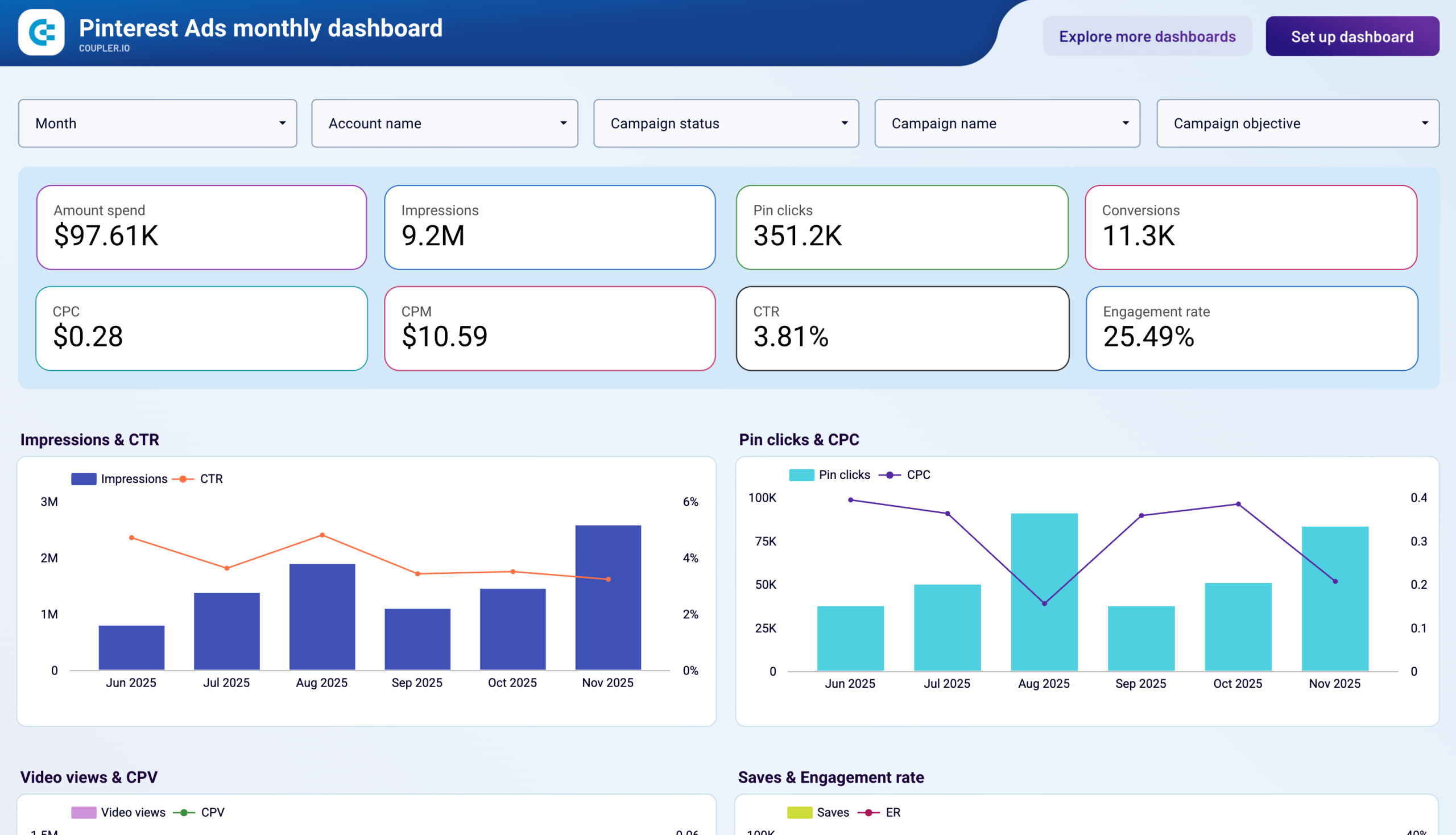
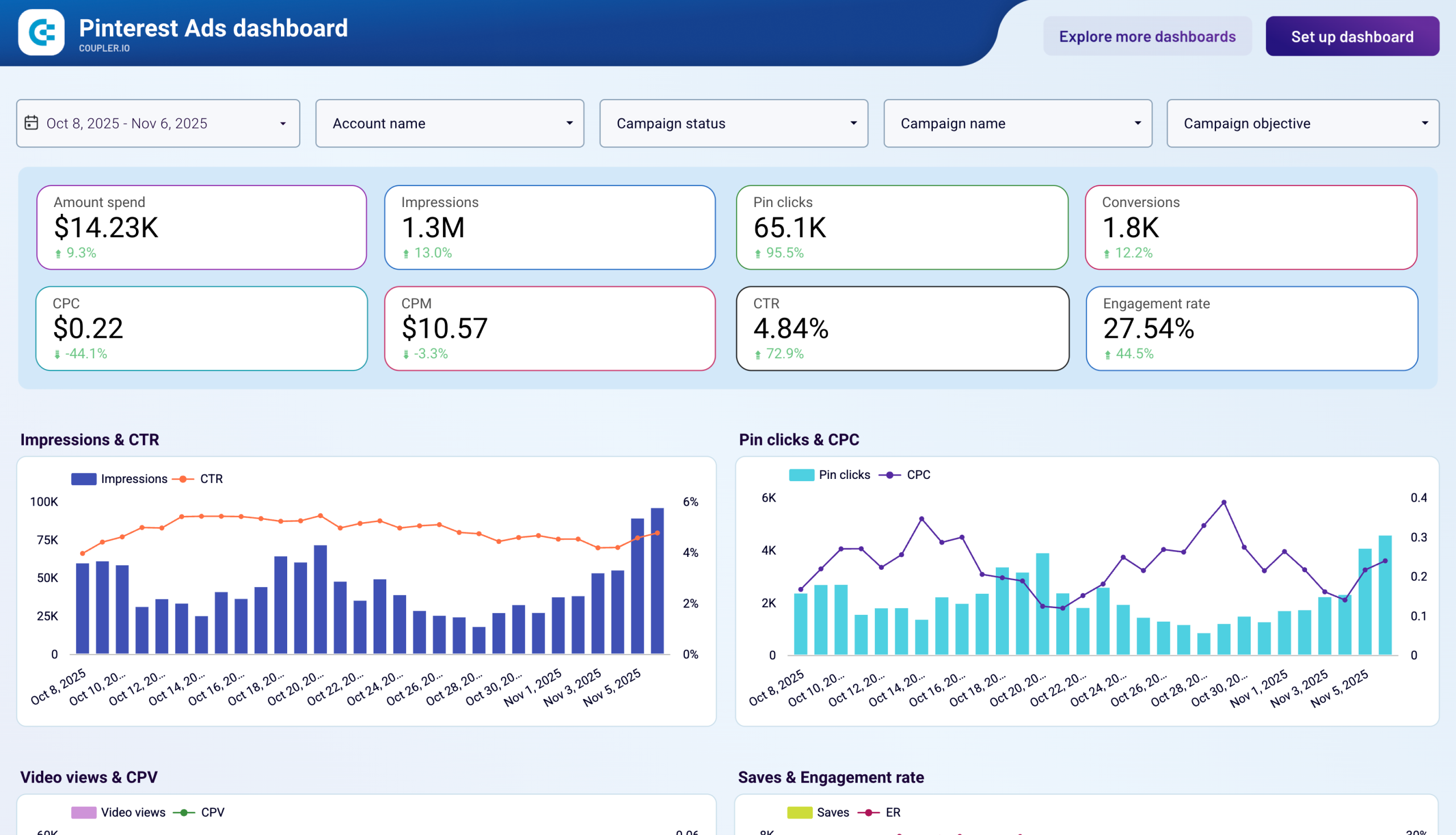
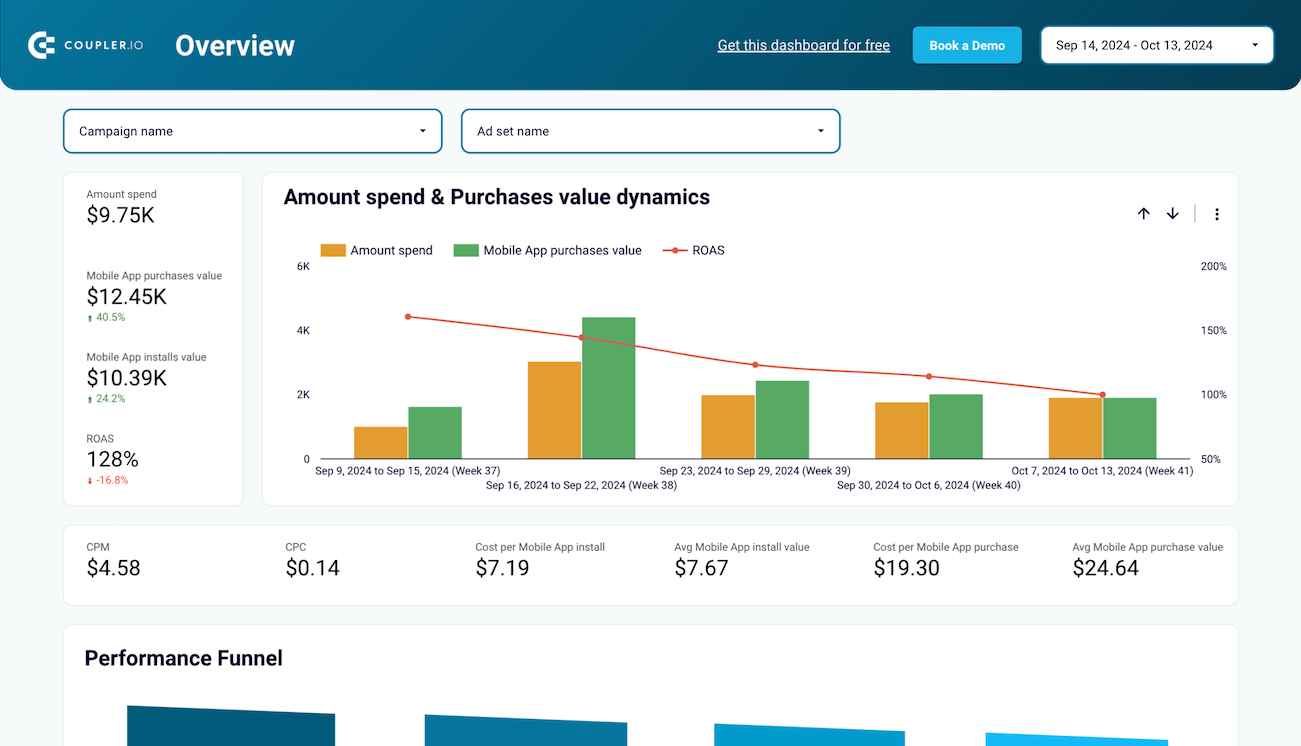
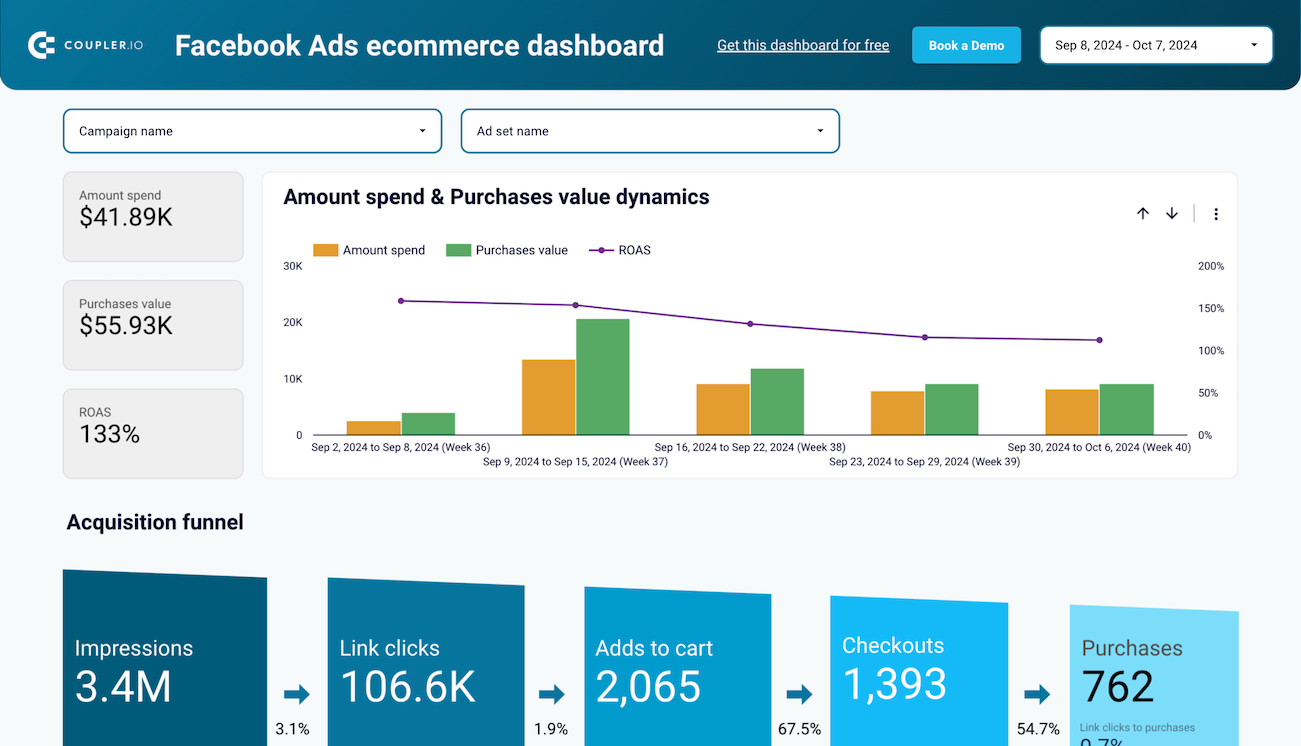
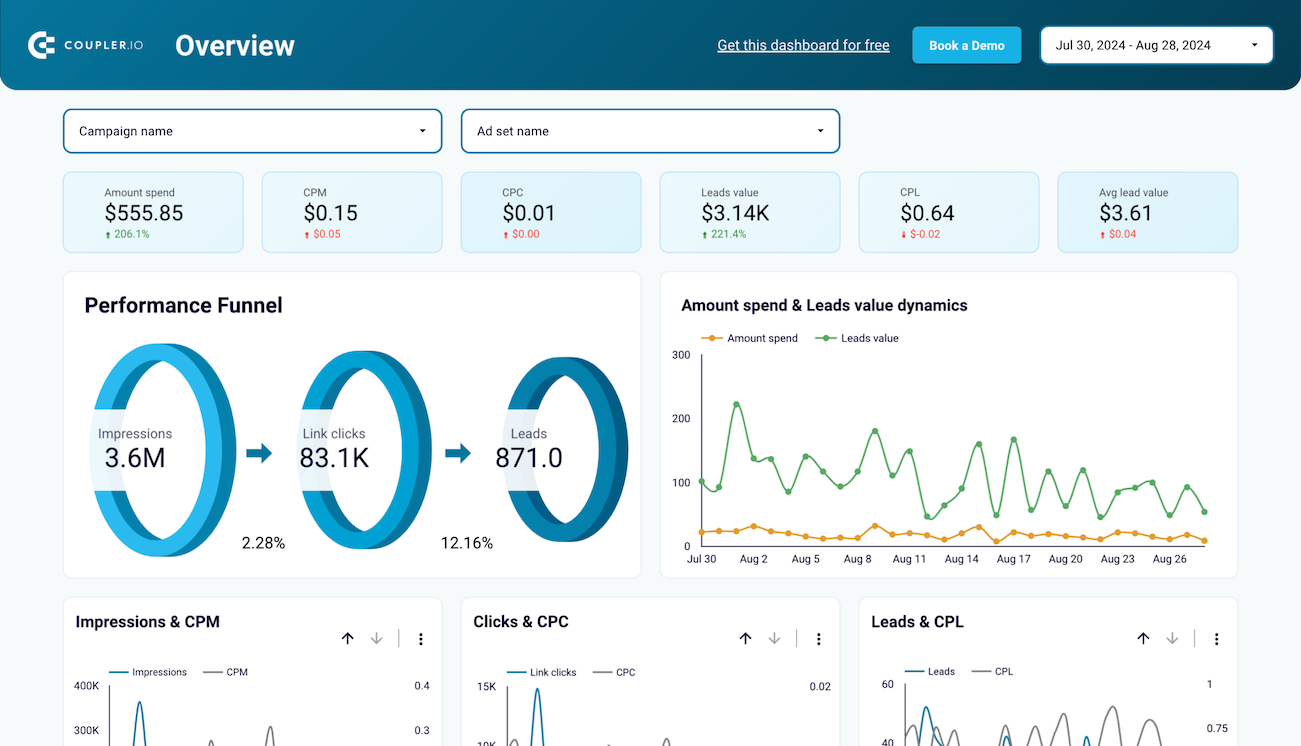
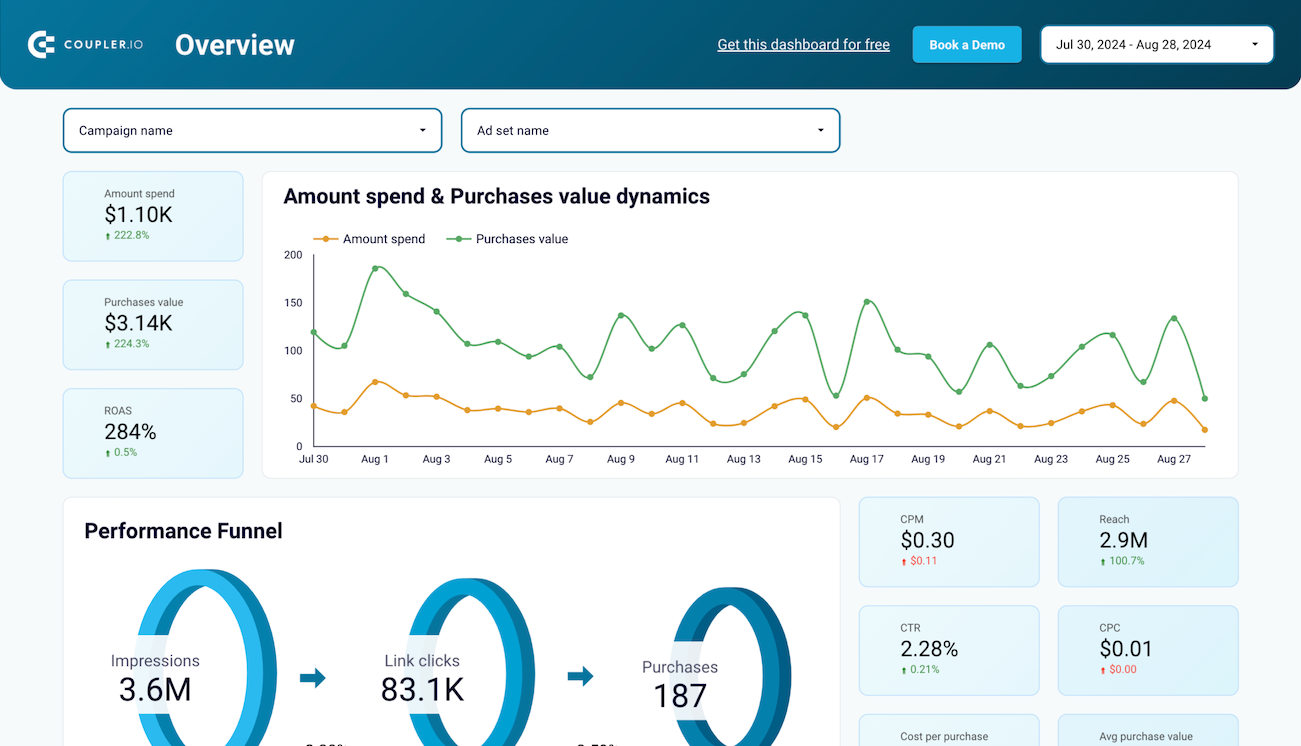
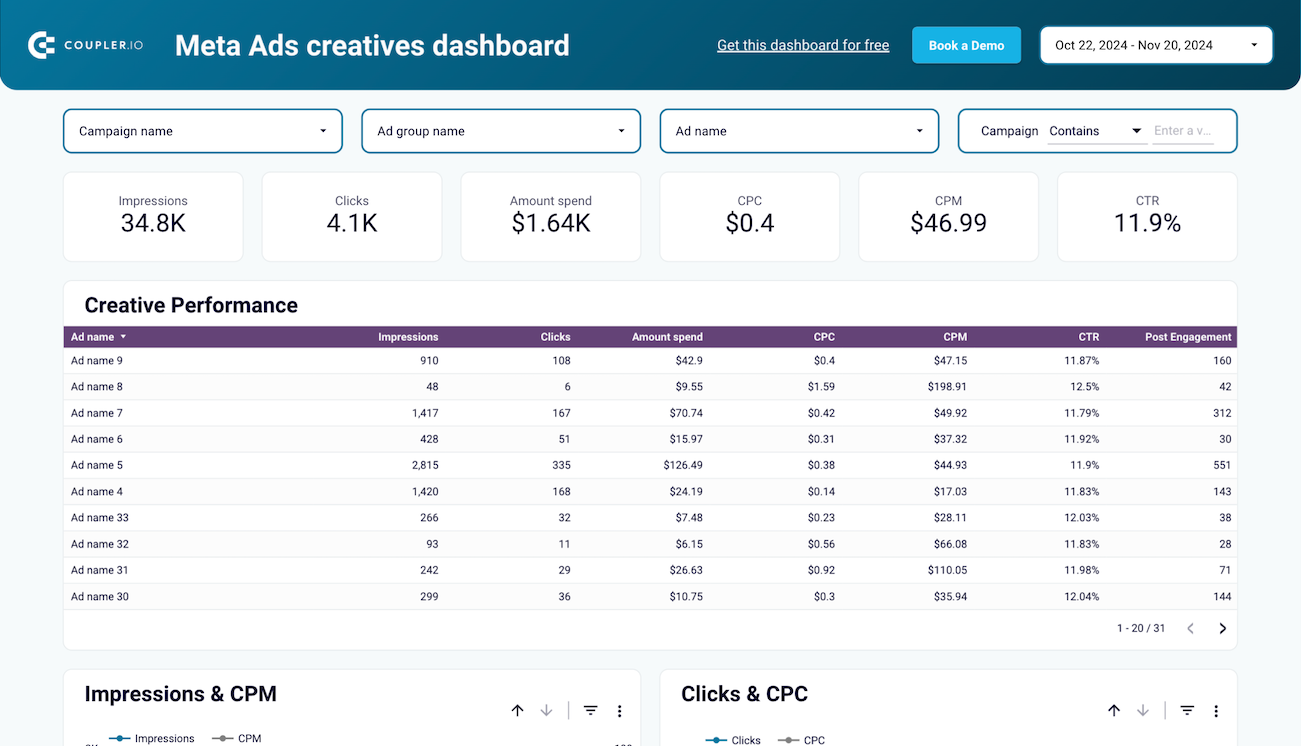
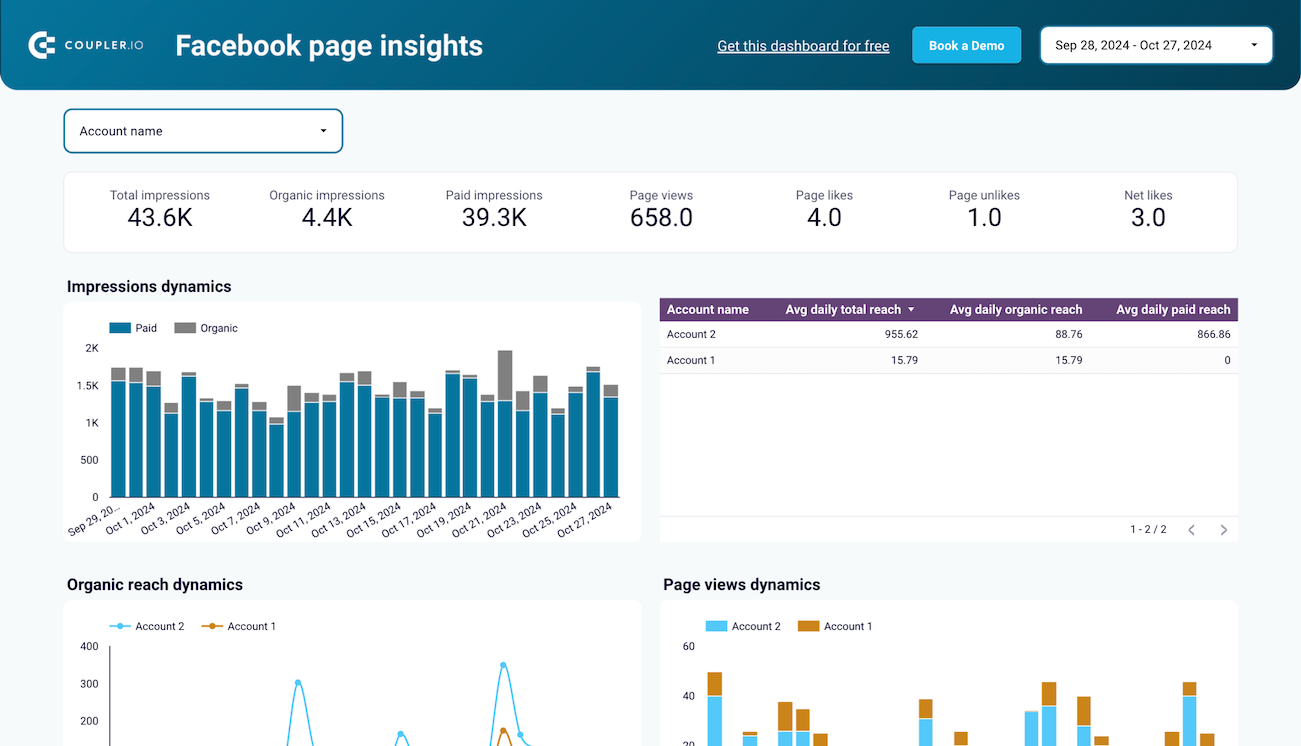
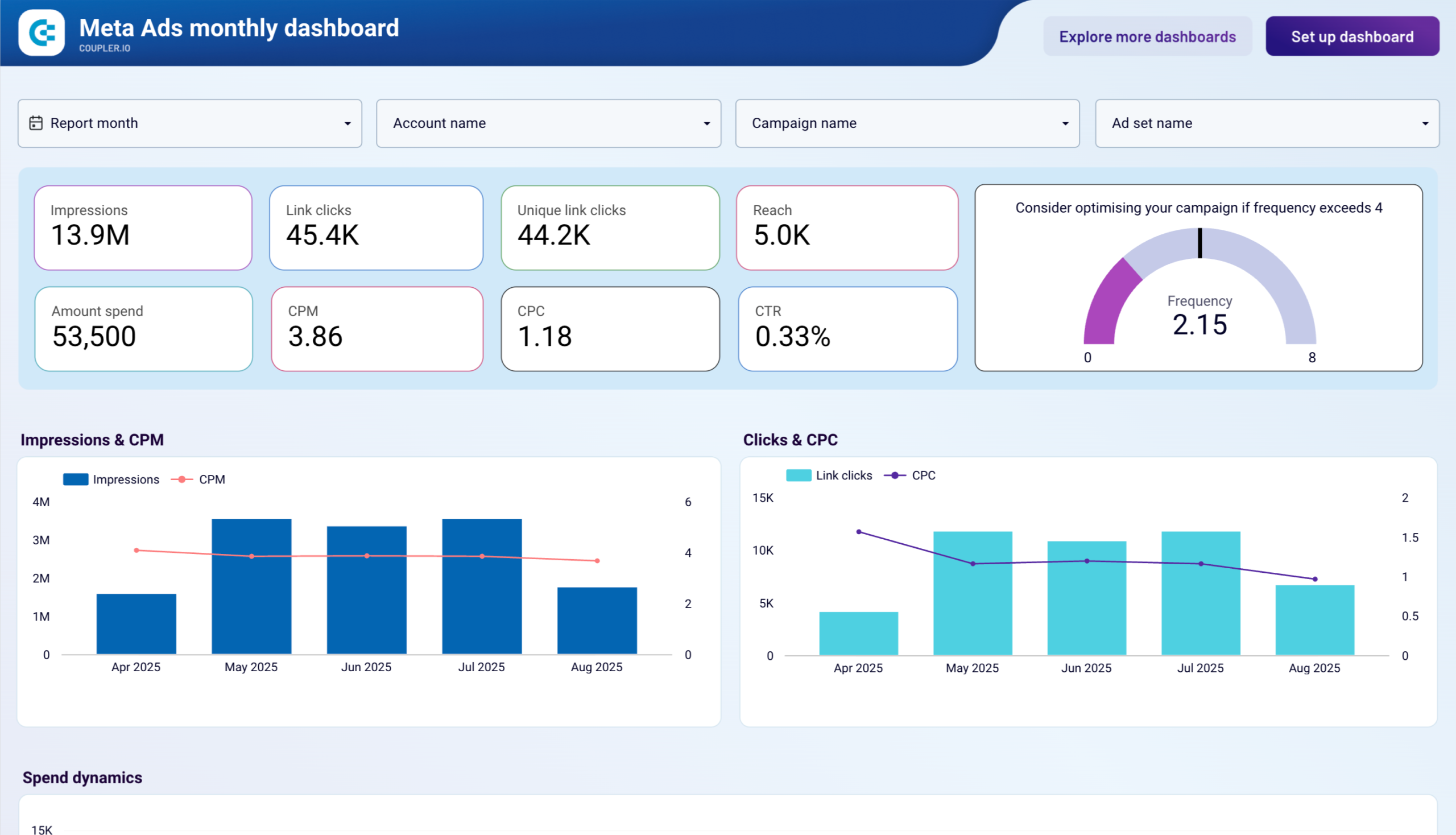
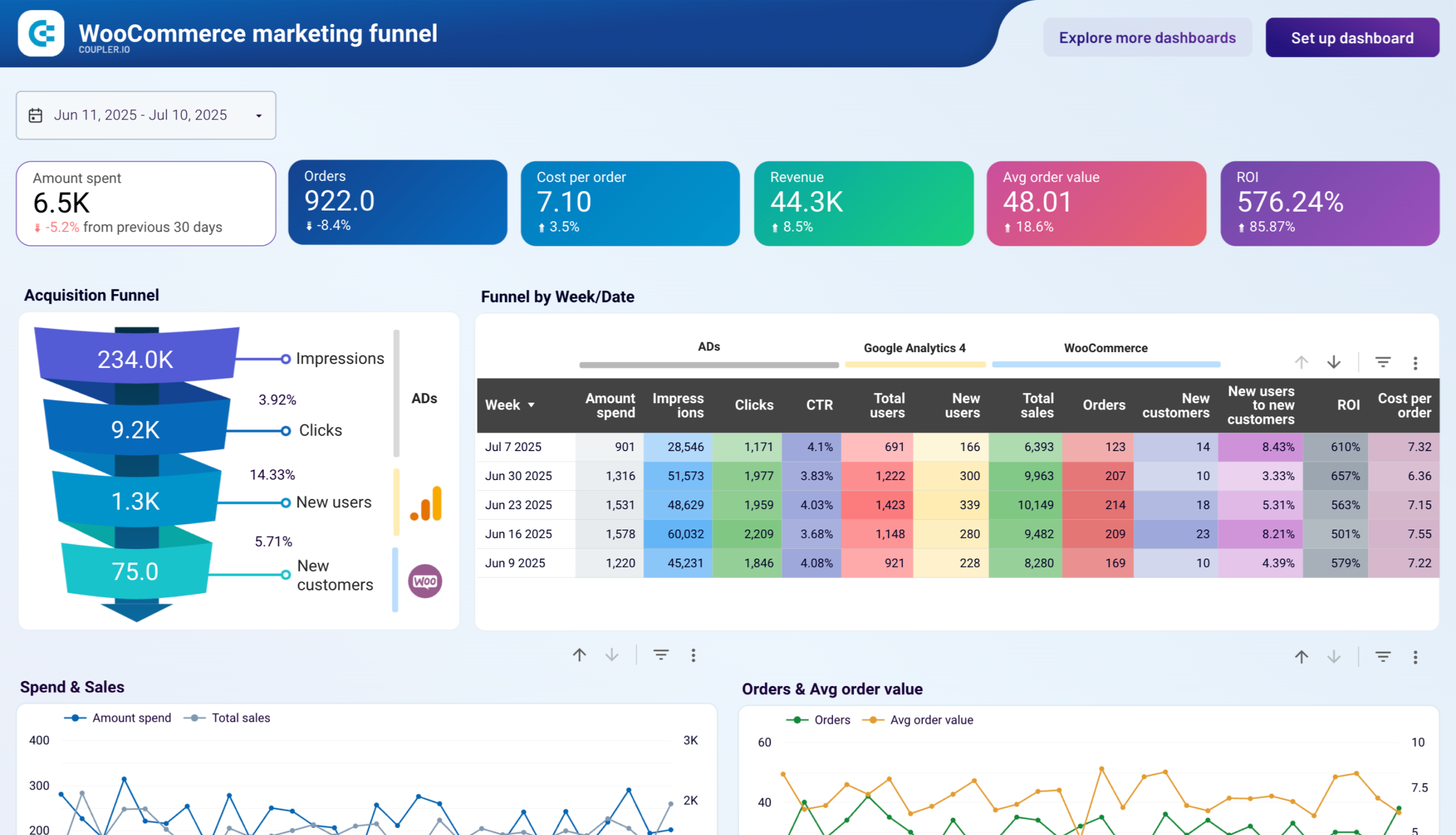
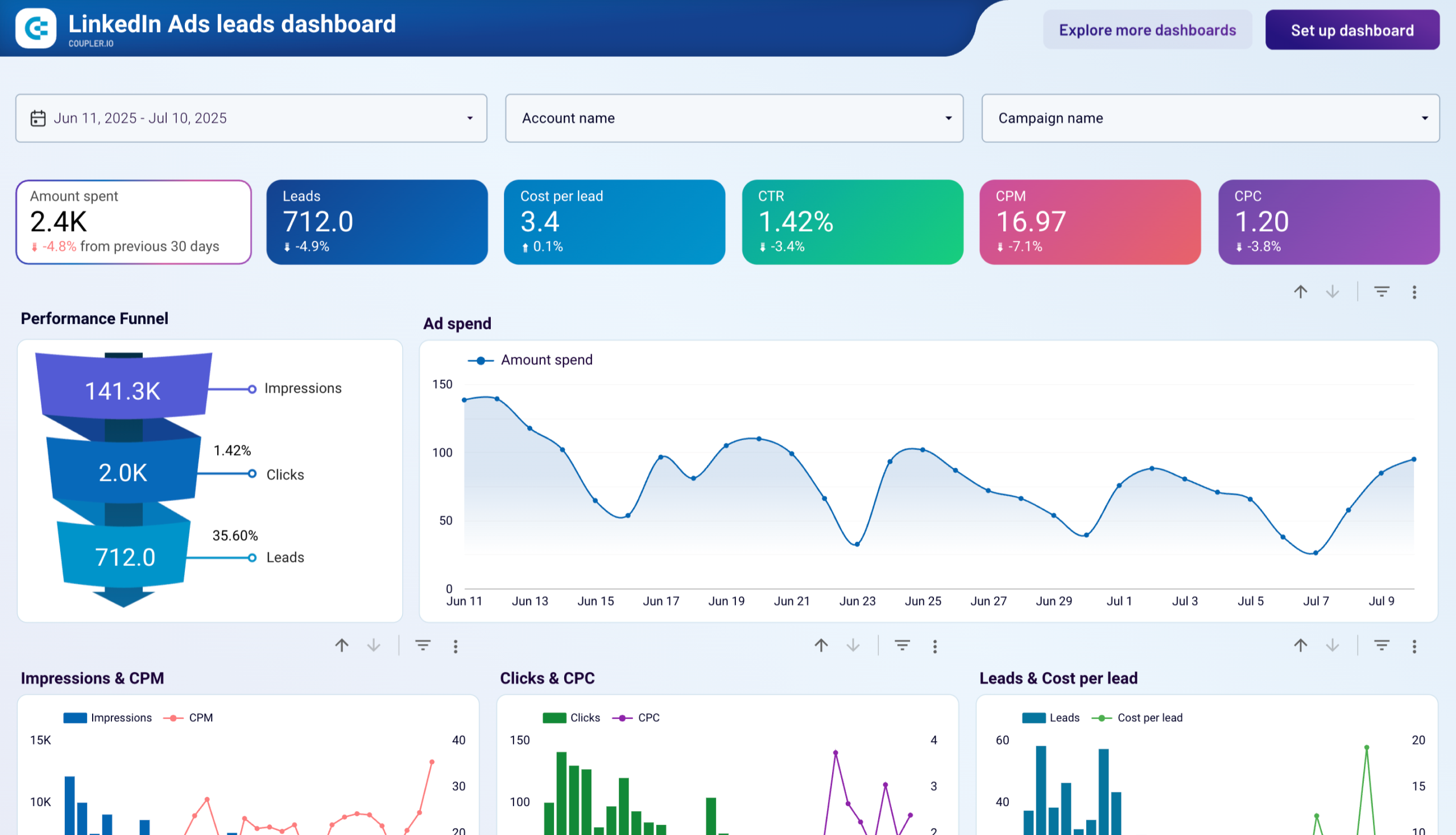
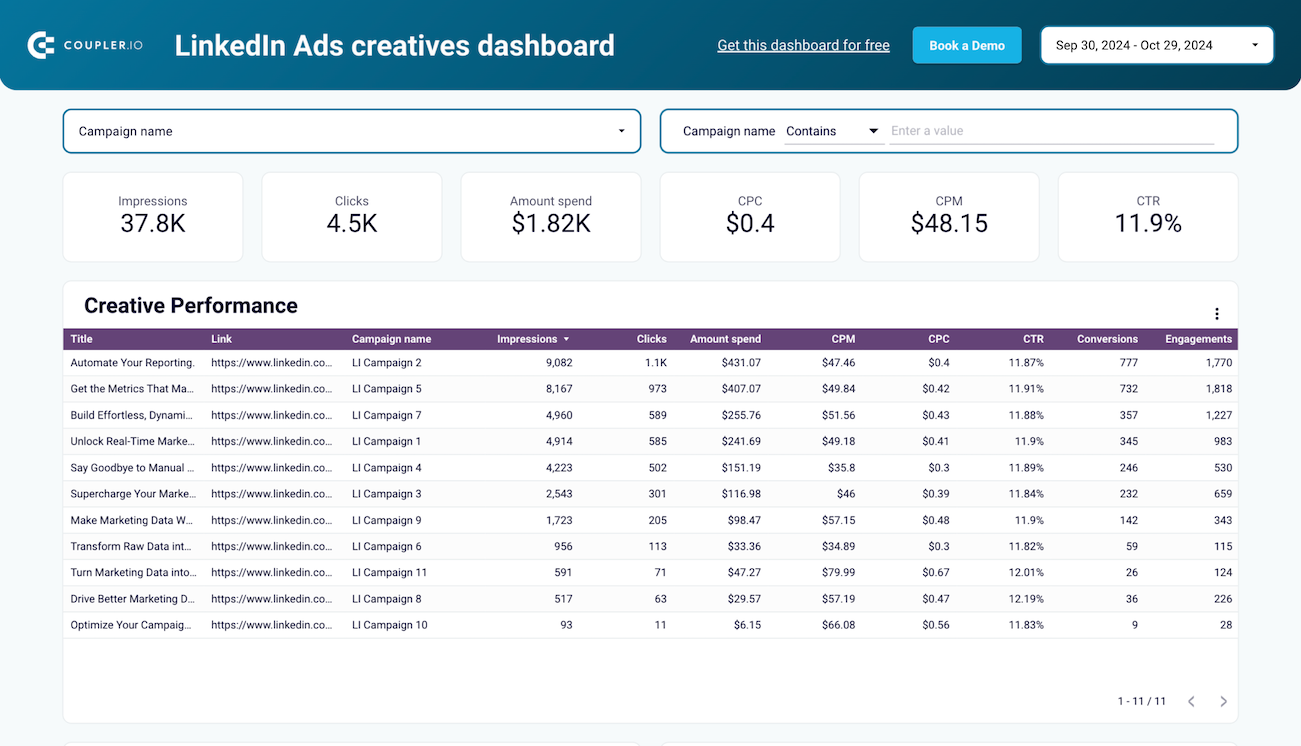
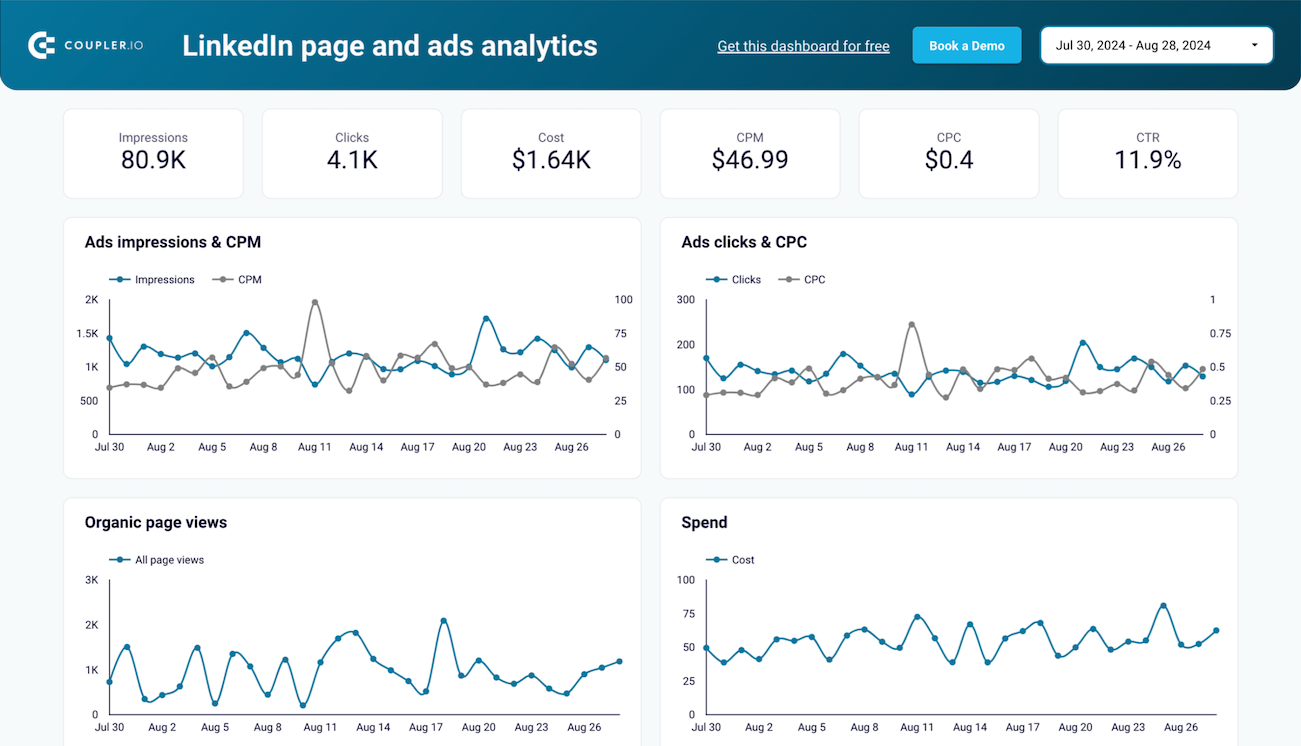
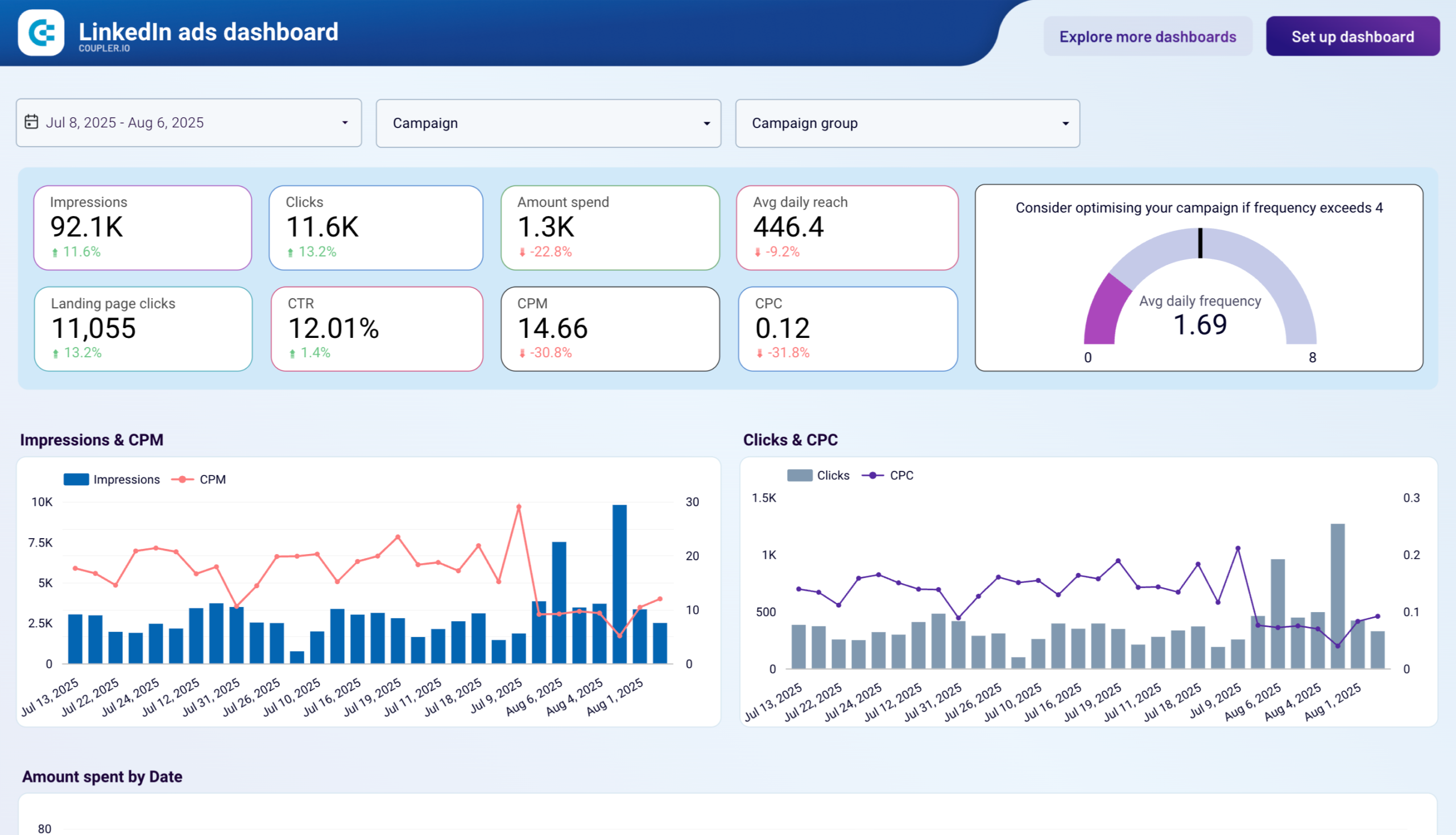
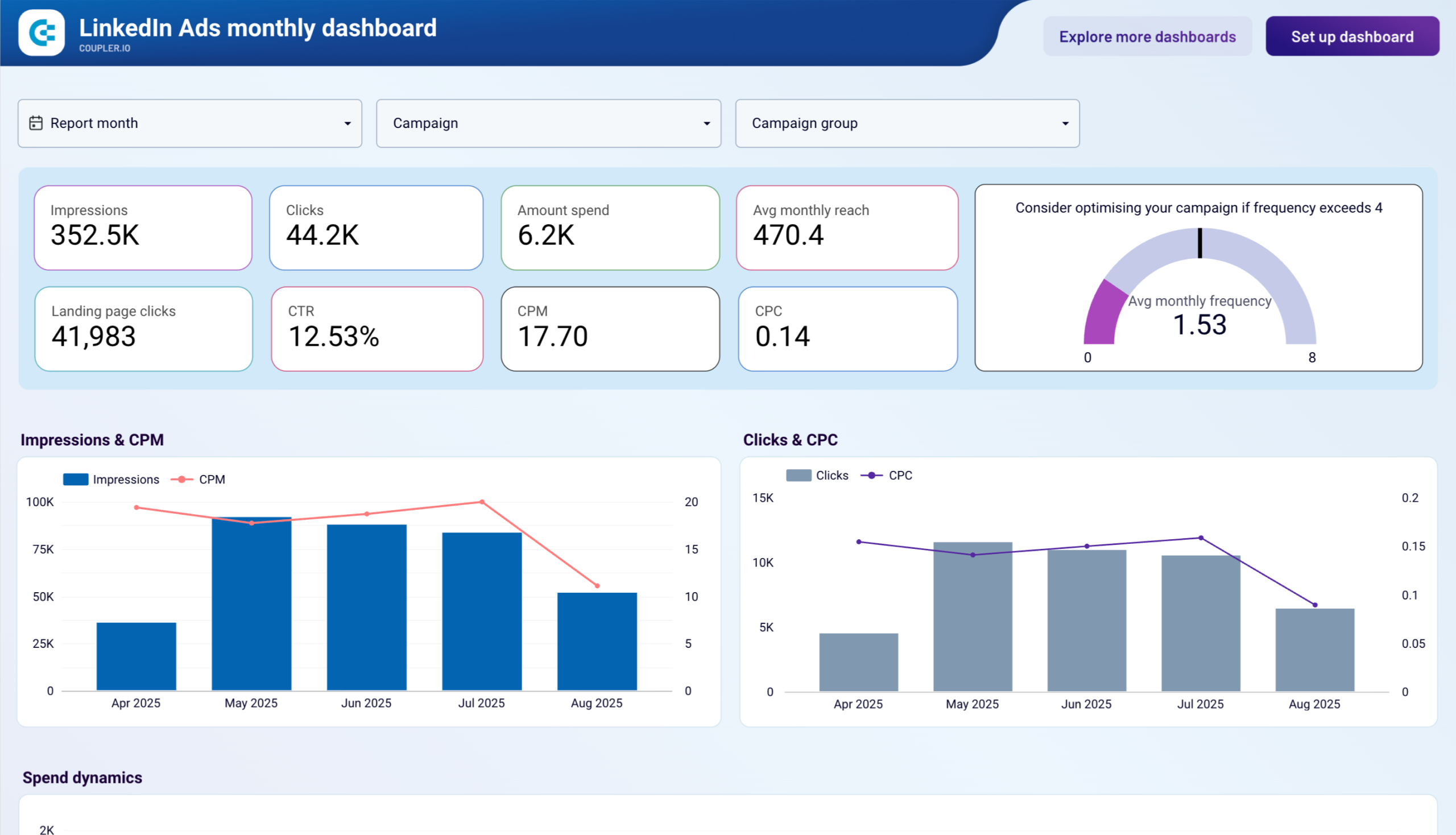
Advertising and marketing report templates consolidate campaign performance from multiple platforms into unified views. The PPC multichannel template combines data from Google Ads, LinkedIn Ads, Facebook Ads, Twitter Ads, TikTok Ads, and other channels so you can compare cost per click, conversion rates, and return on ad spend without switching between interfaces. Platform-specific Data Studio report templates provide deeper analysis for individual channels: the Google Ads template offers demographic breakdowns and conversion funnel visualization, while the LinkedIn Ads template tracks frequency metrics and lead form progression. The brand awareness template correlates advertising impressions across platforms with branded keyword searches from Google Search Console, revealing how campaigns influence organic visibility. Templates for Facebook Ads leads, TikTok Ads performance, and Snapchat Ads metrics address channel-specific analytics needs with pre-configured visualizations.
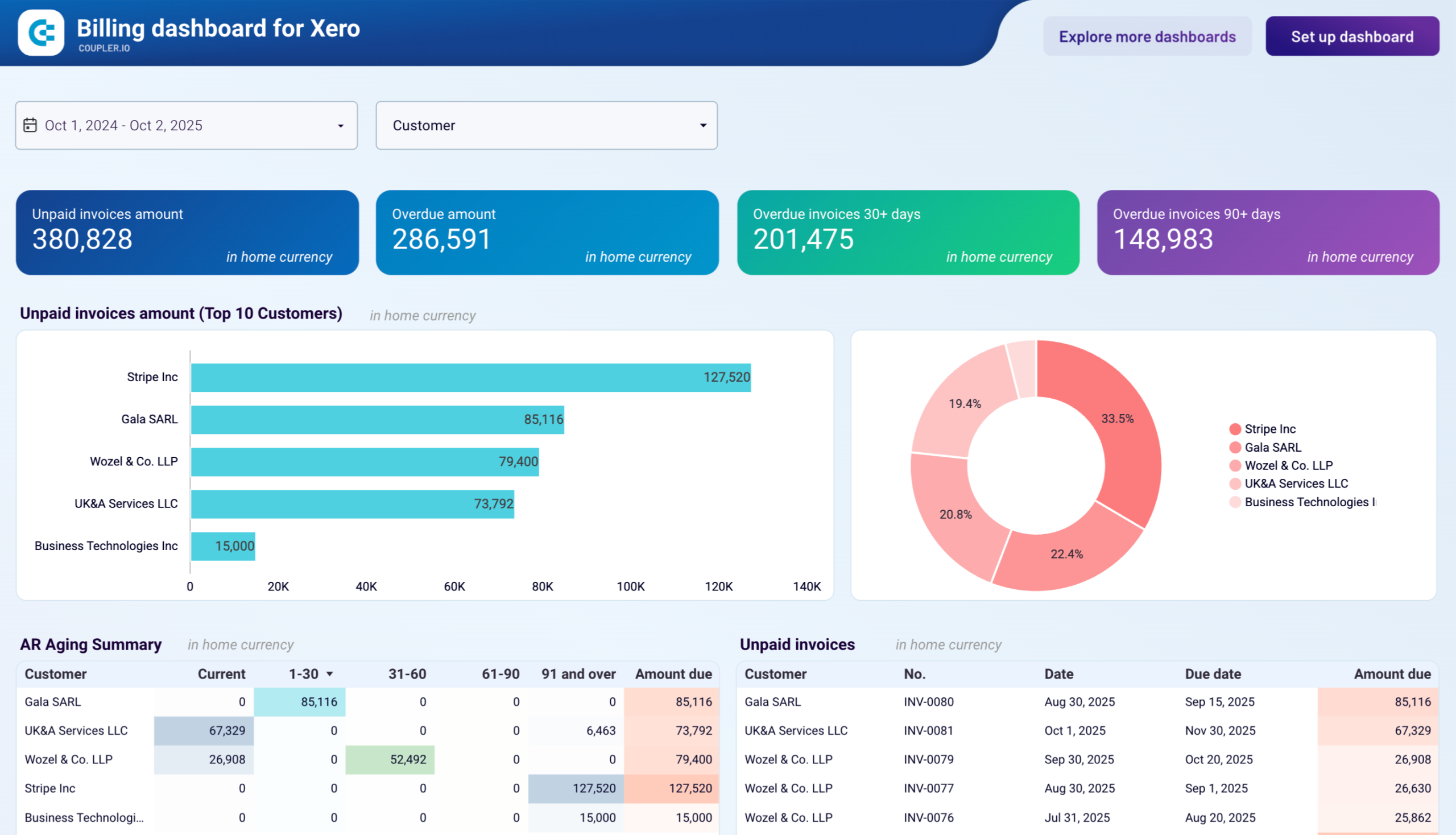
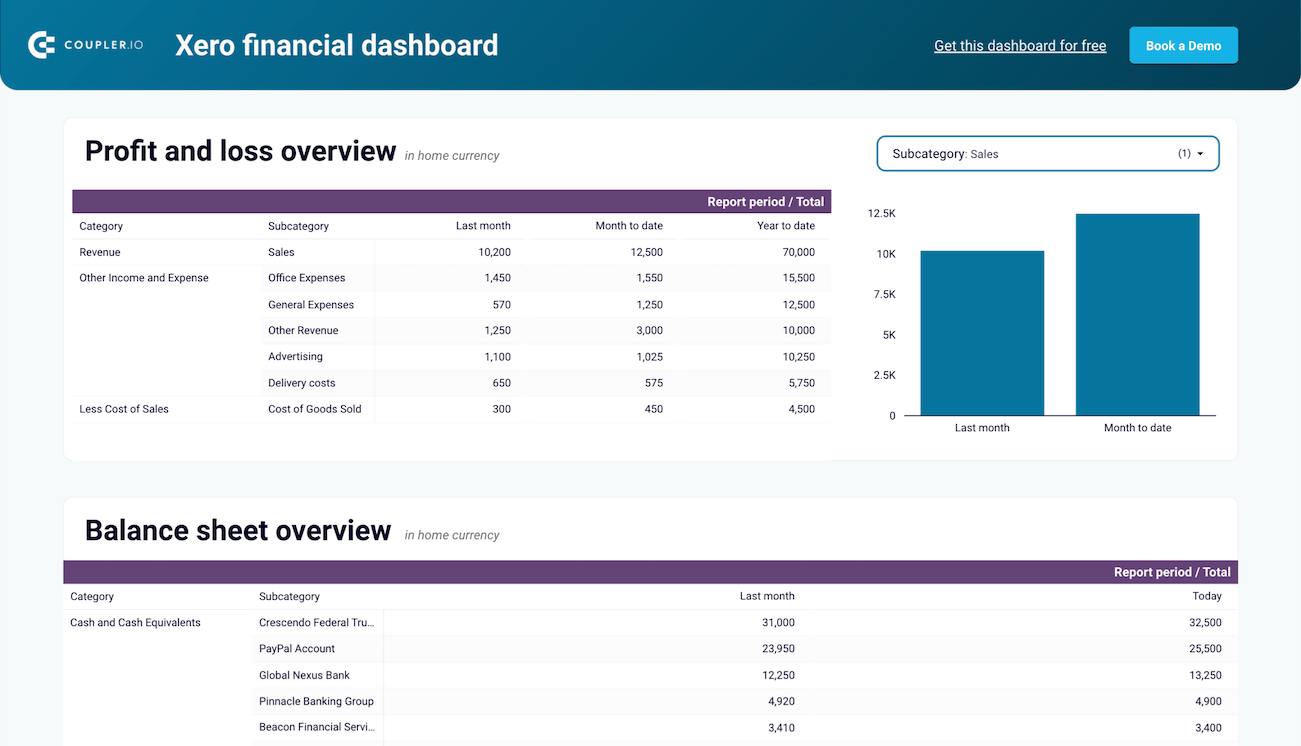
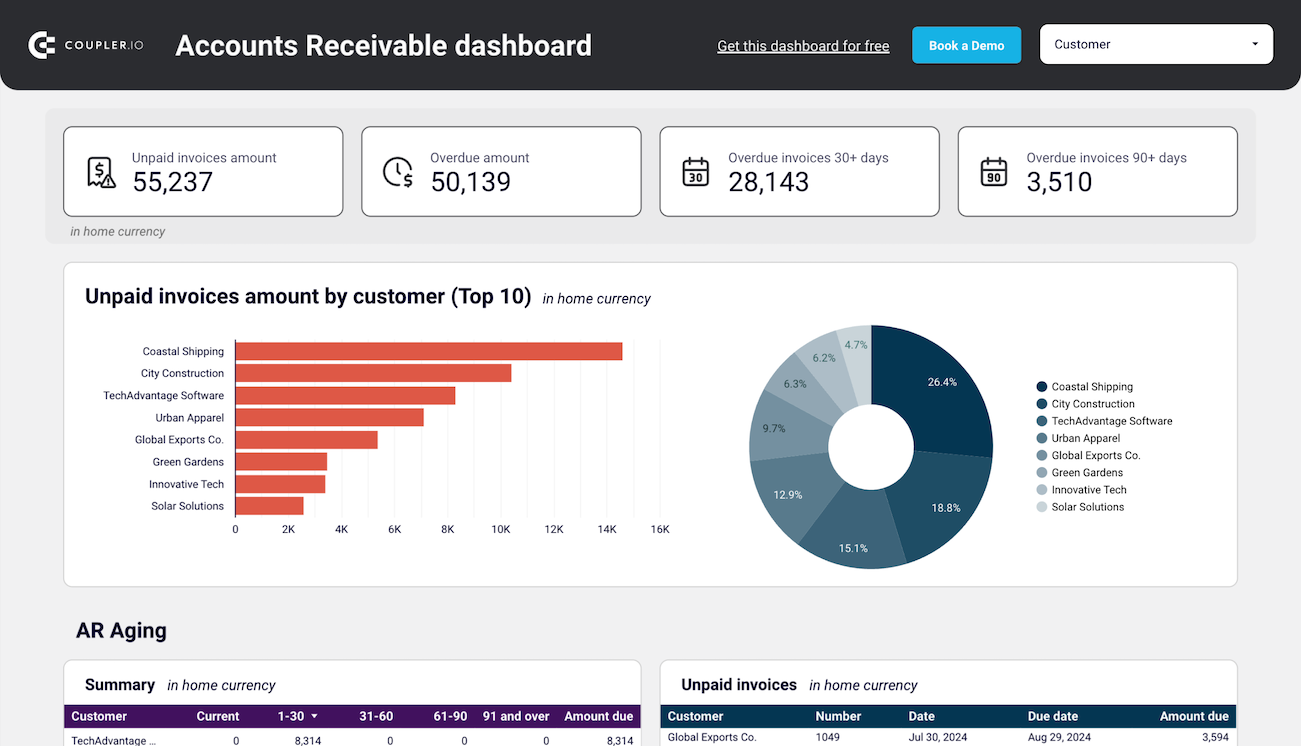
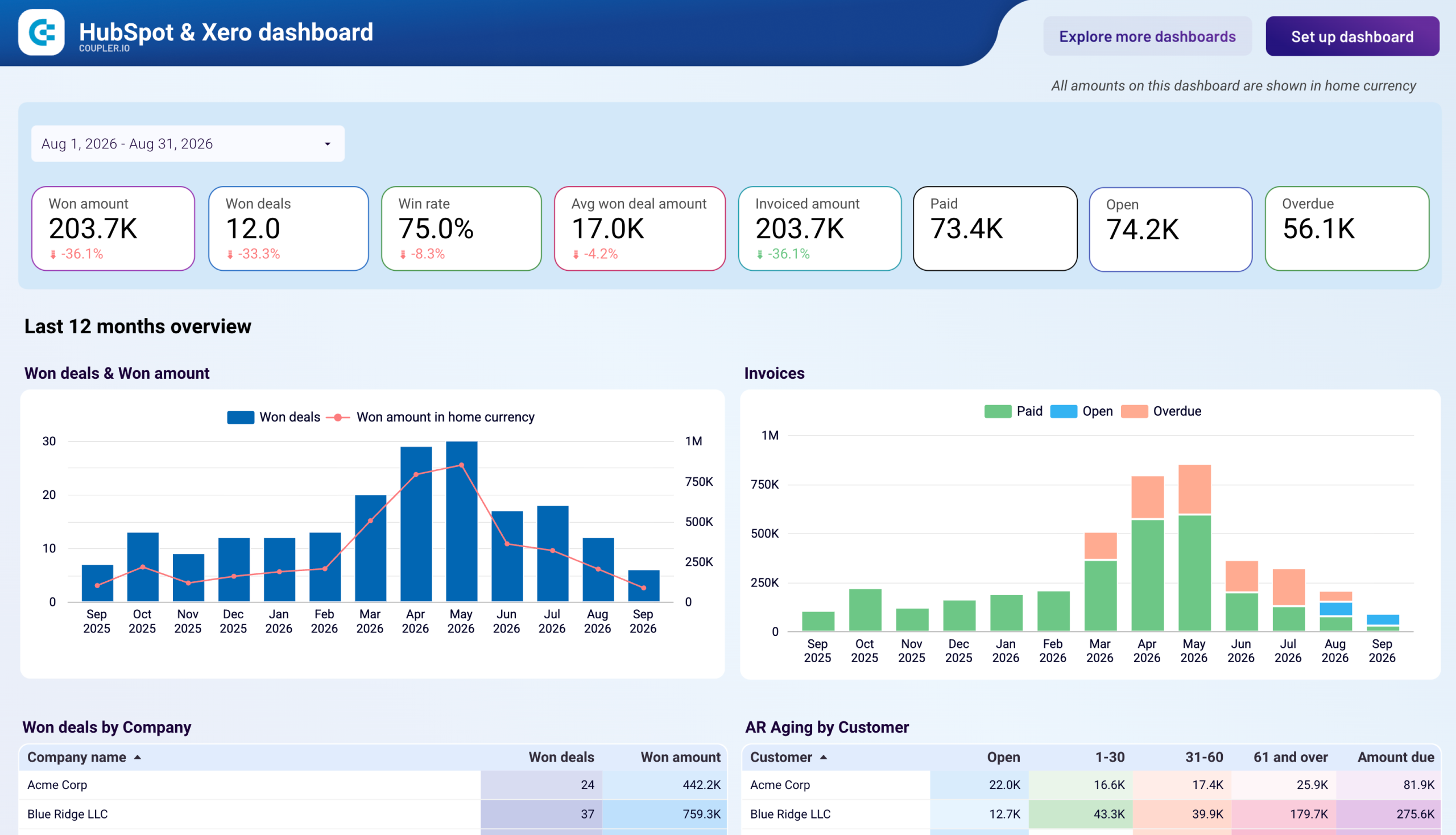
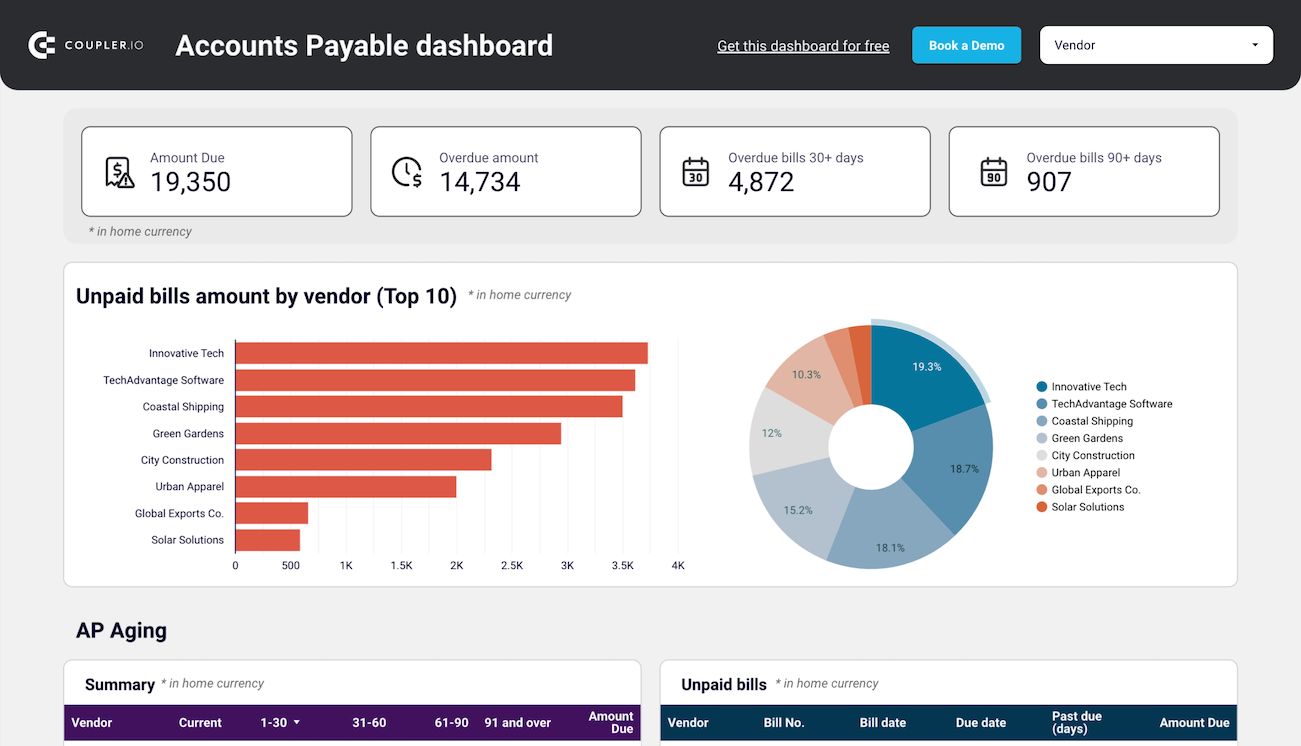
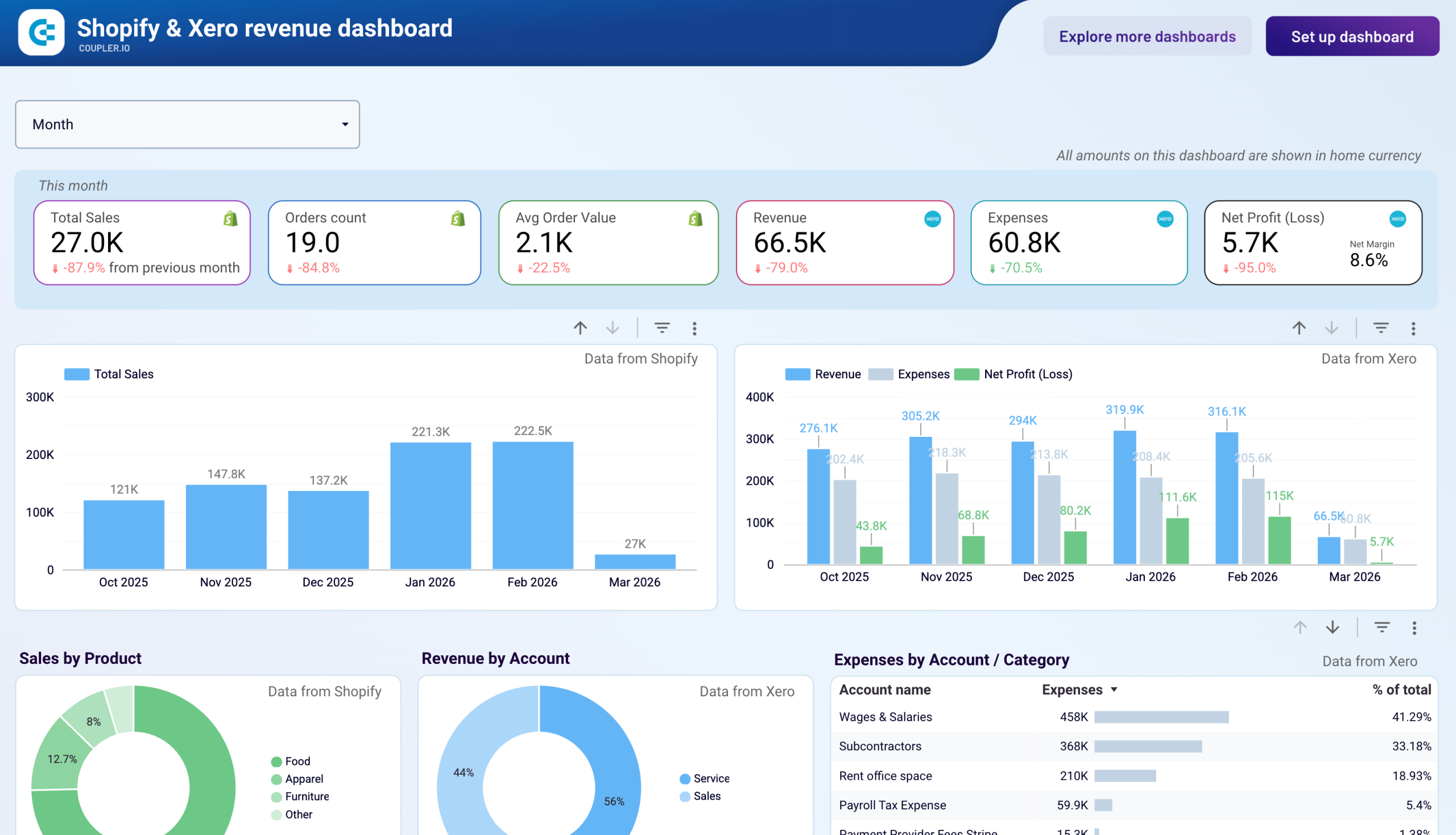
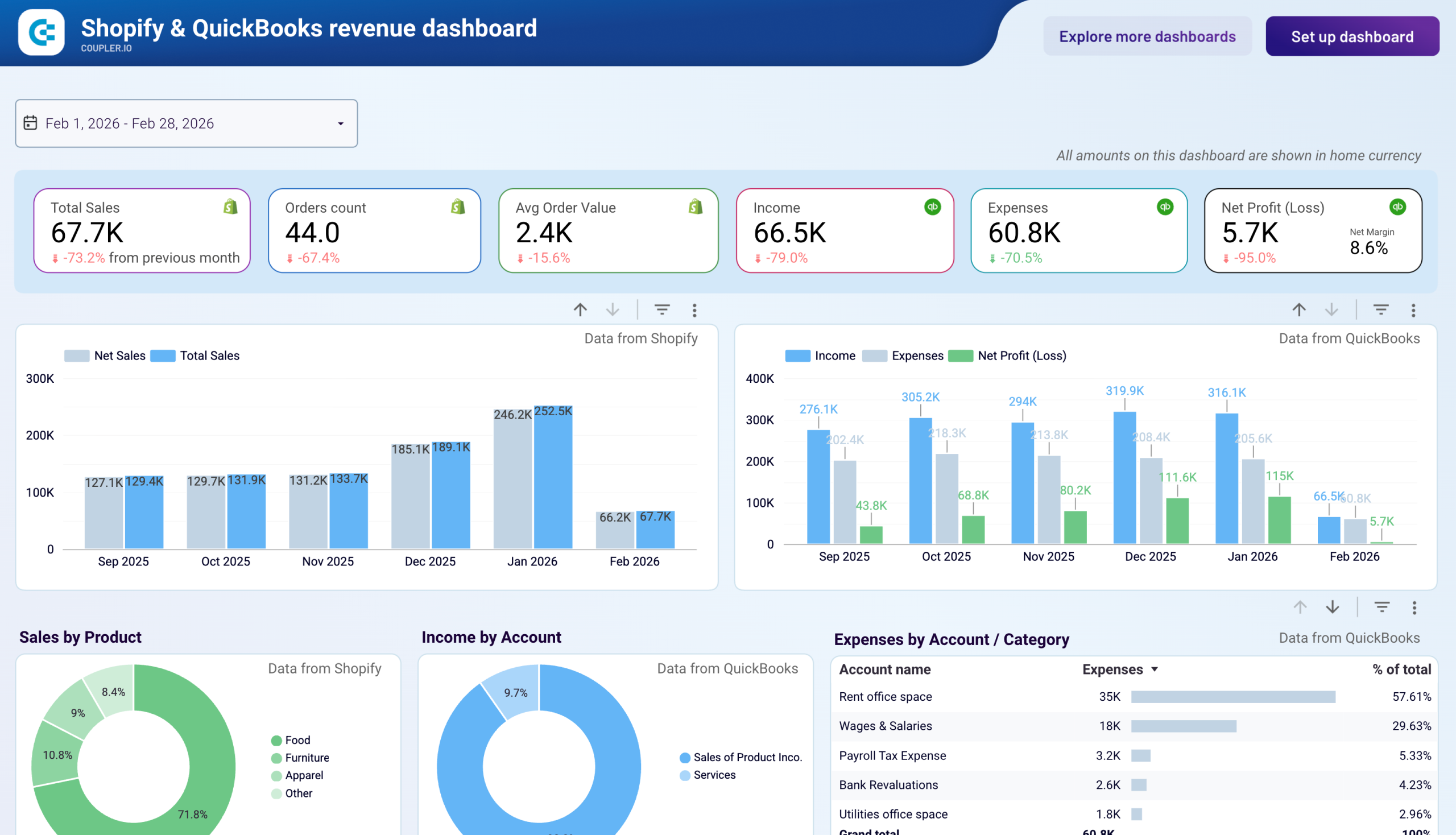
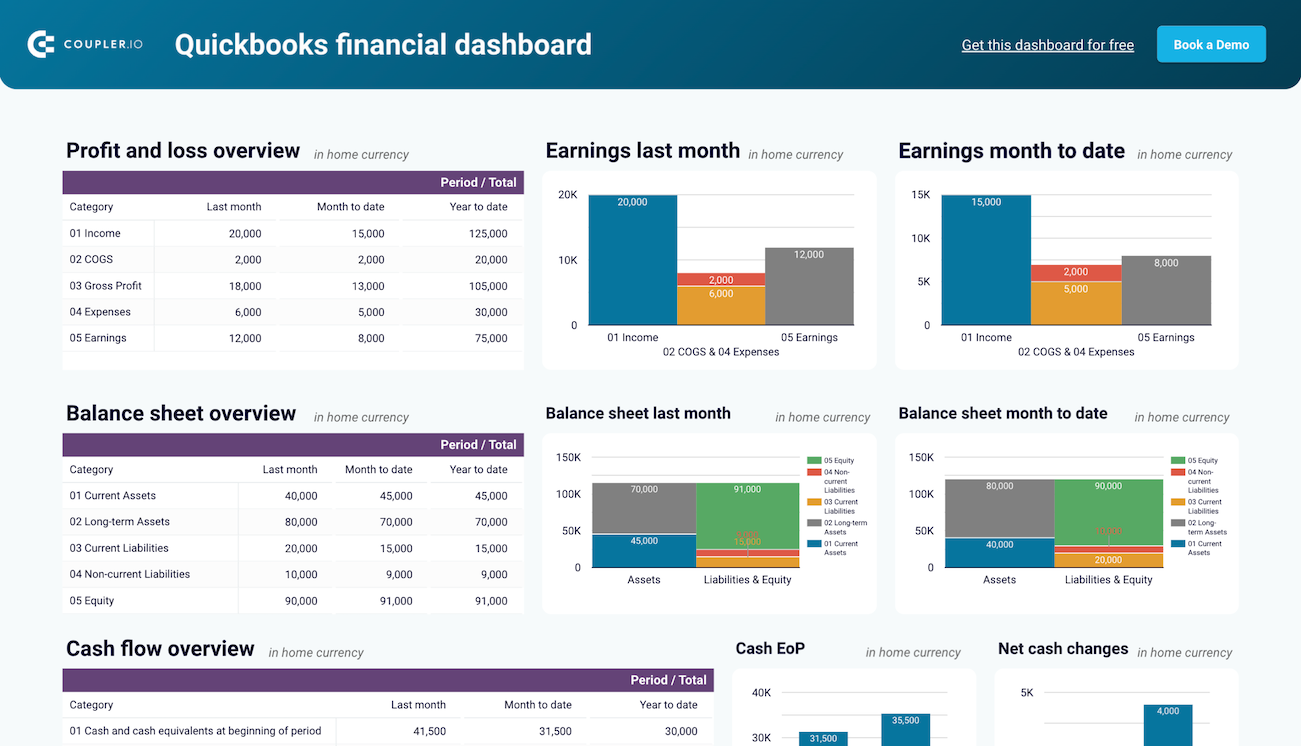
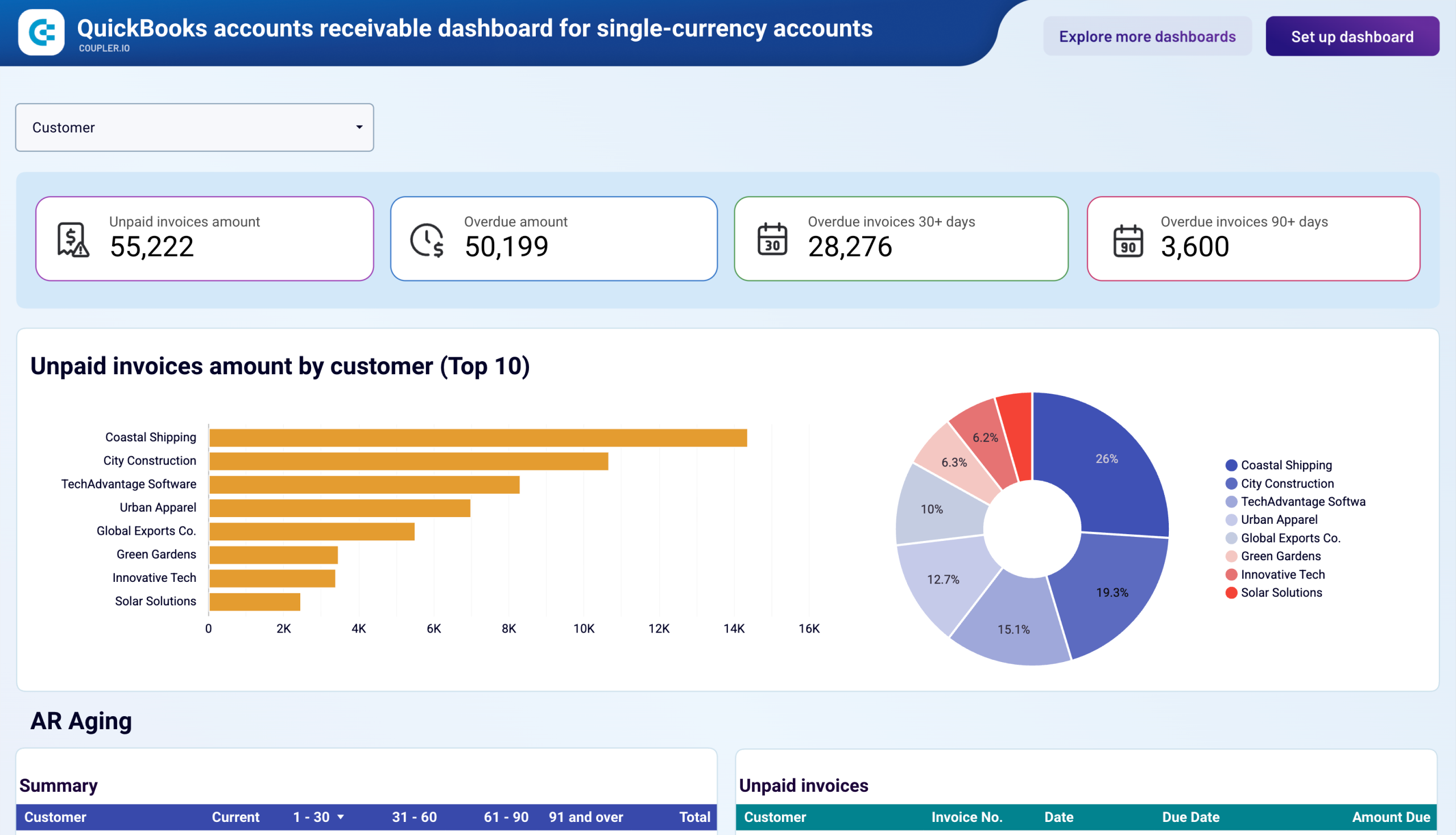
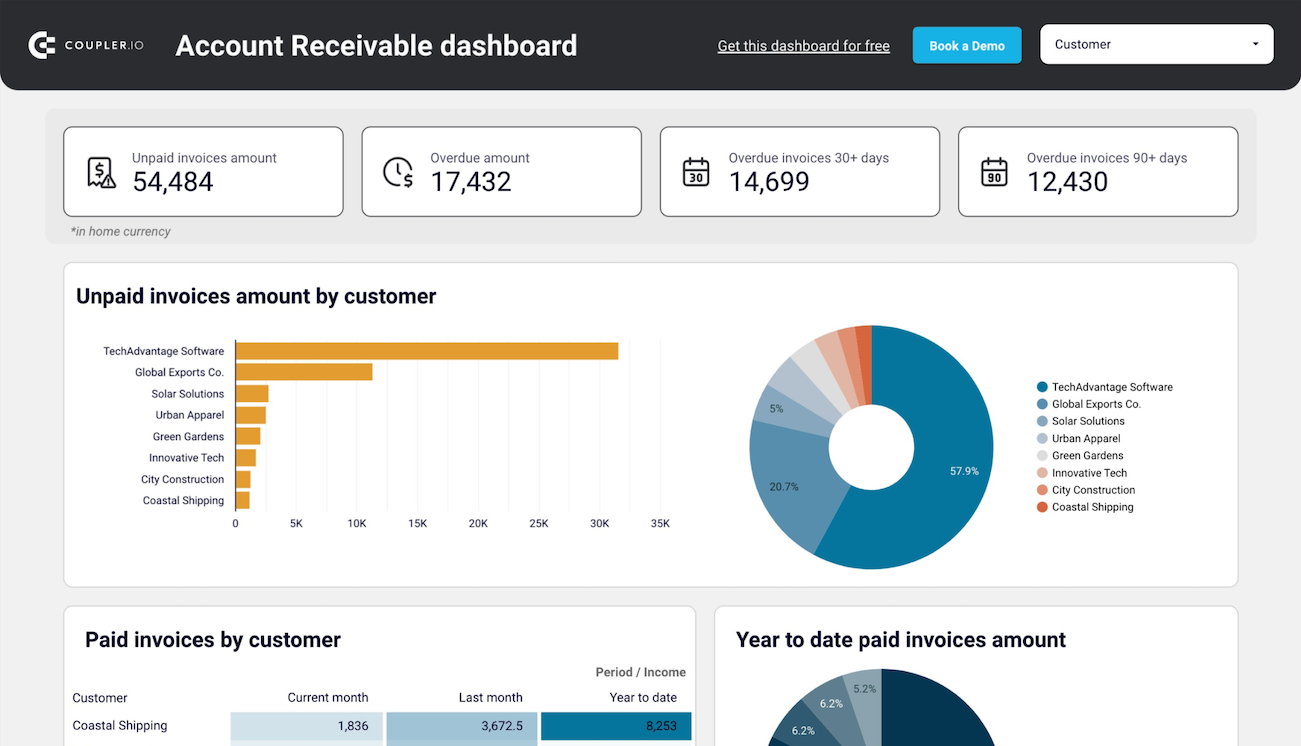
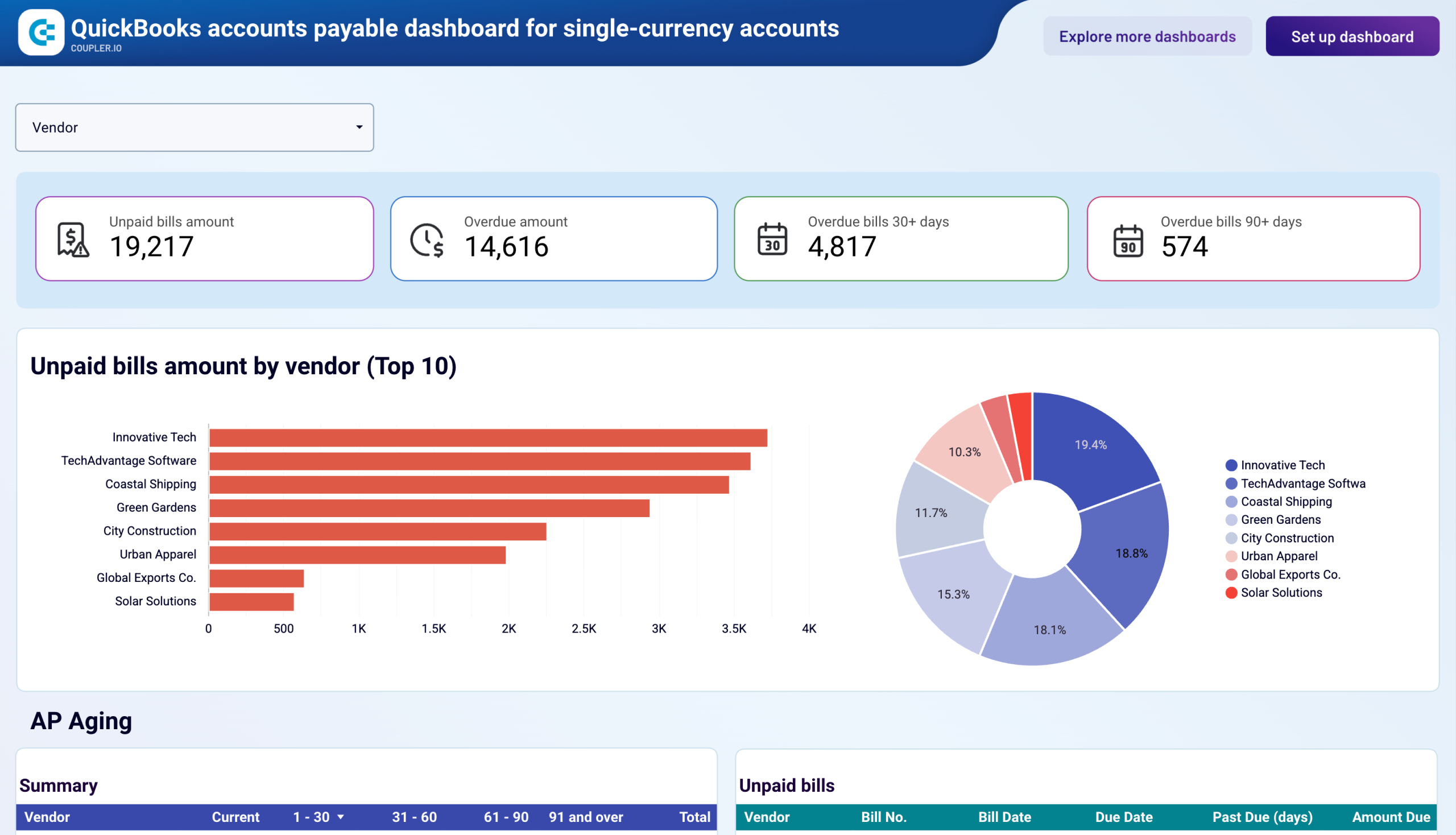
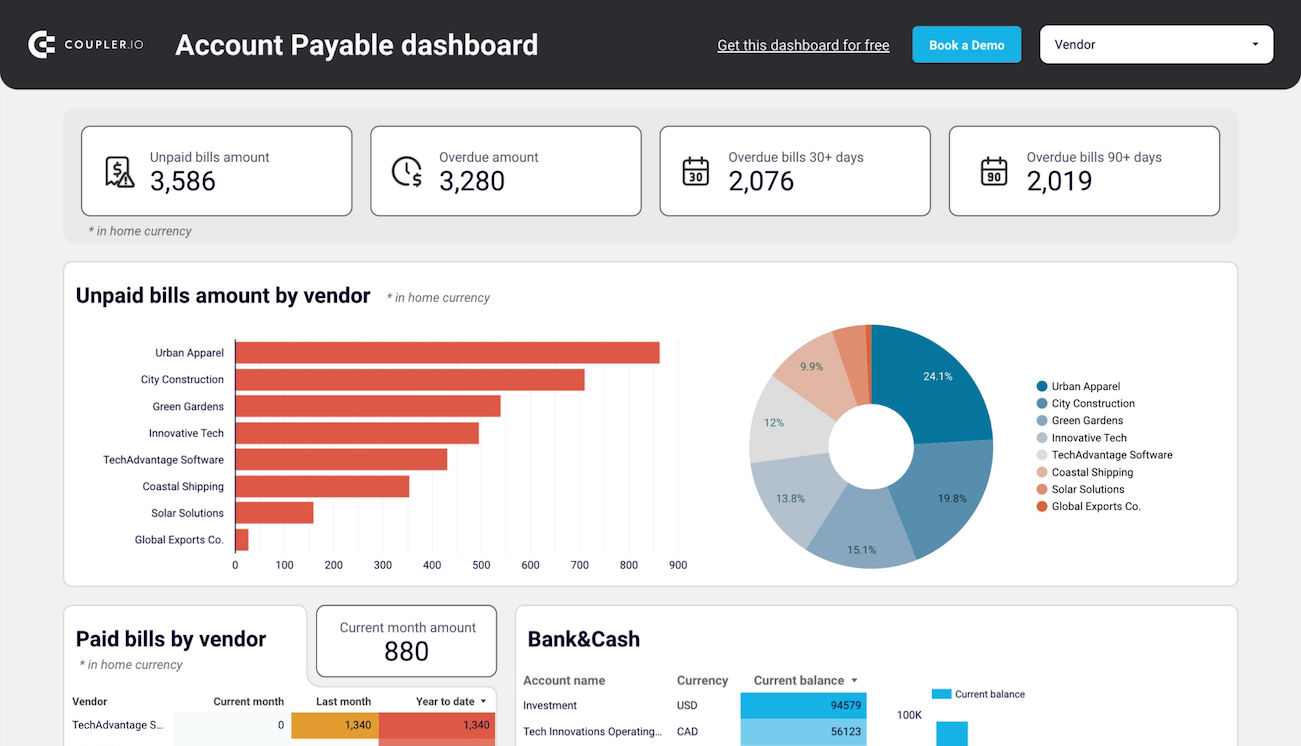
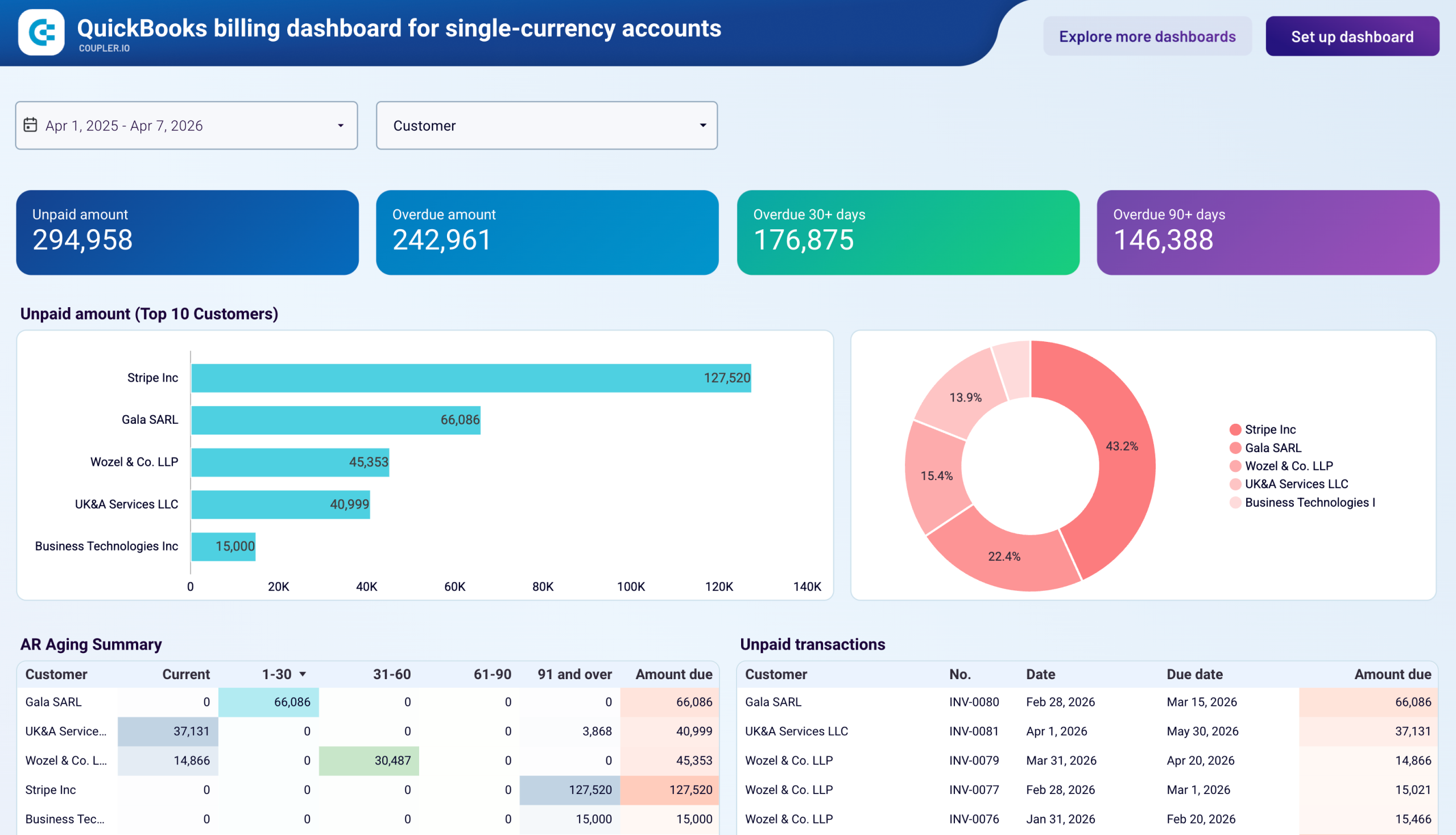
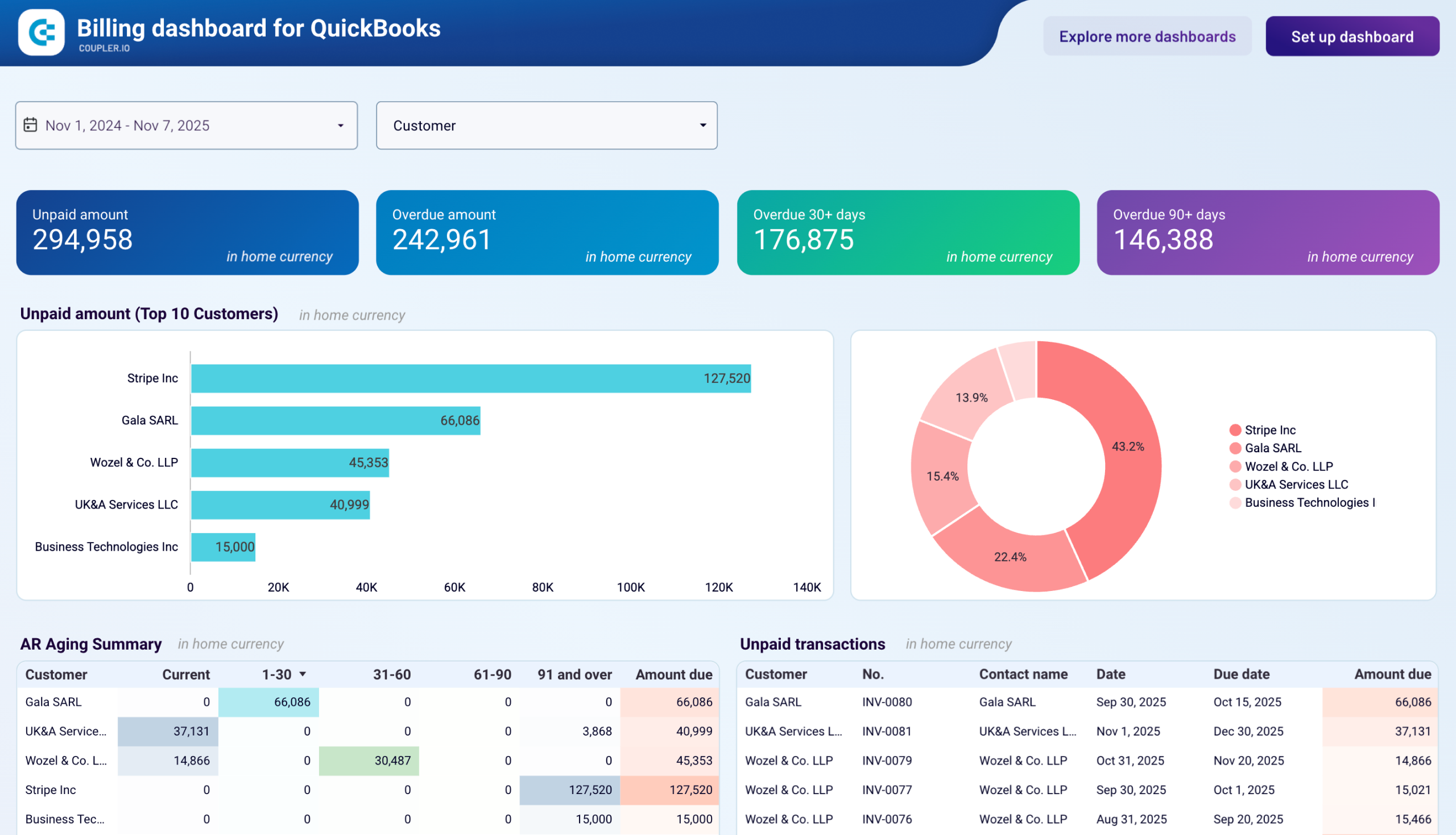
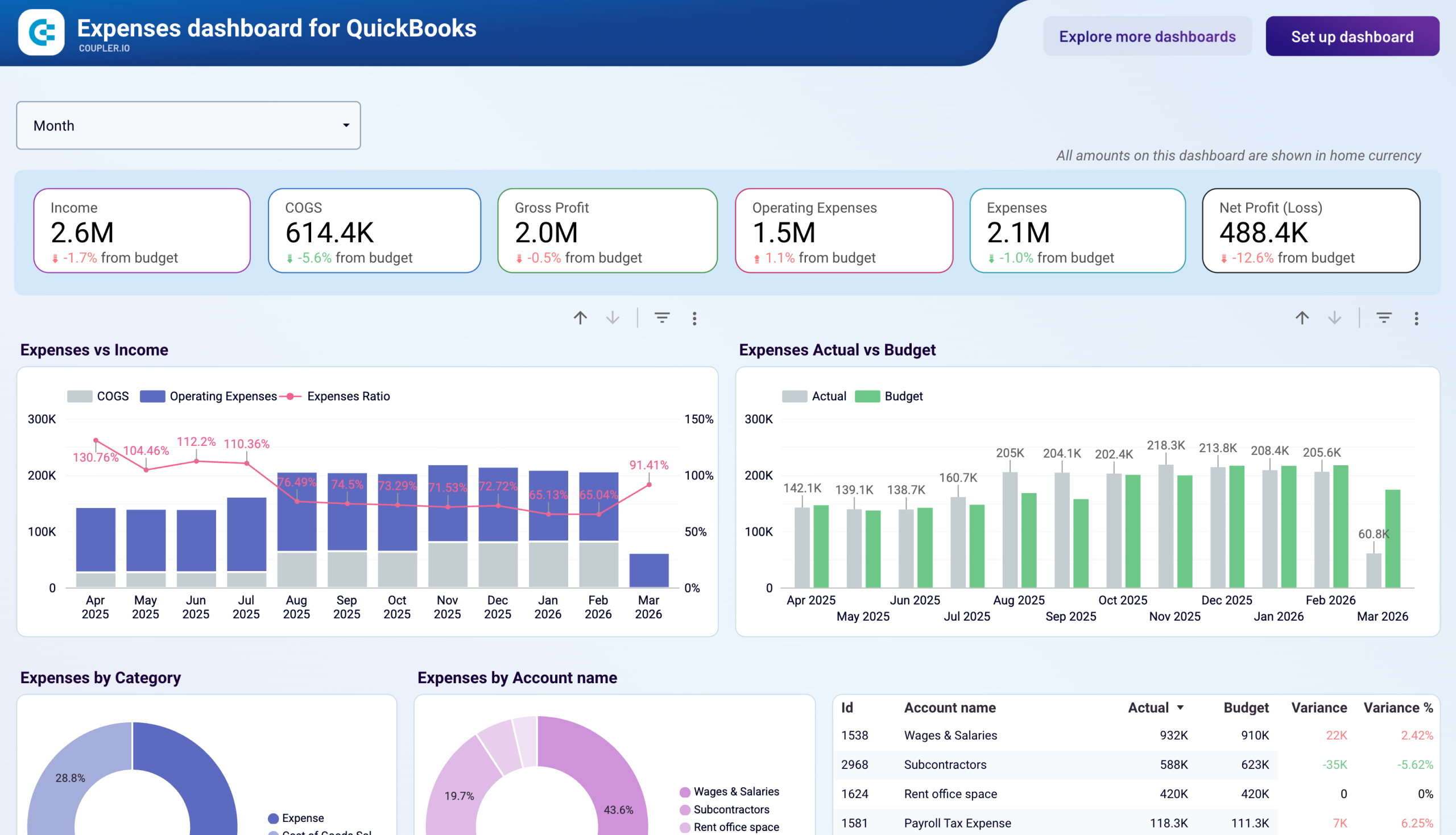
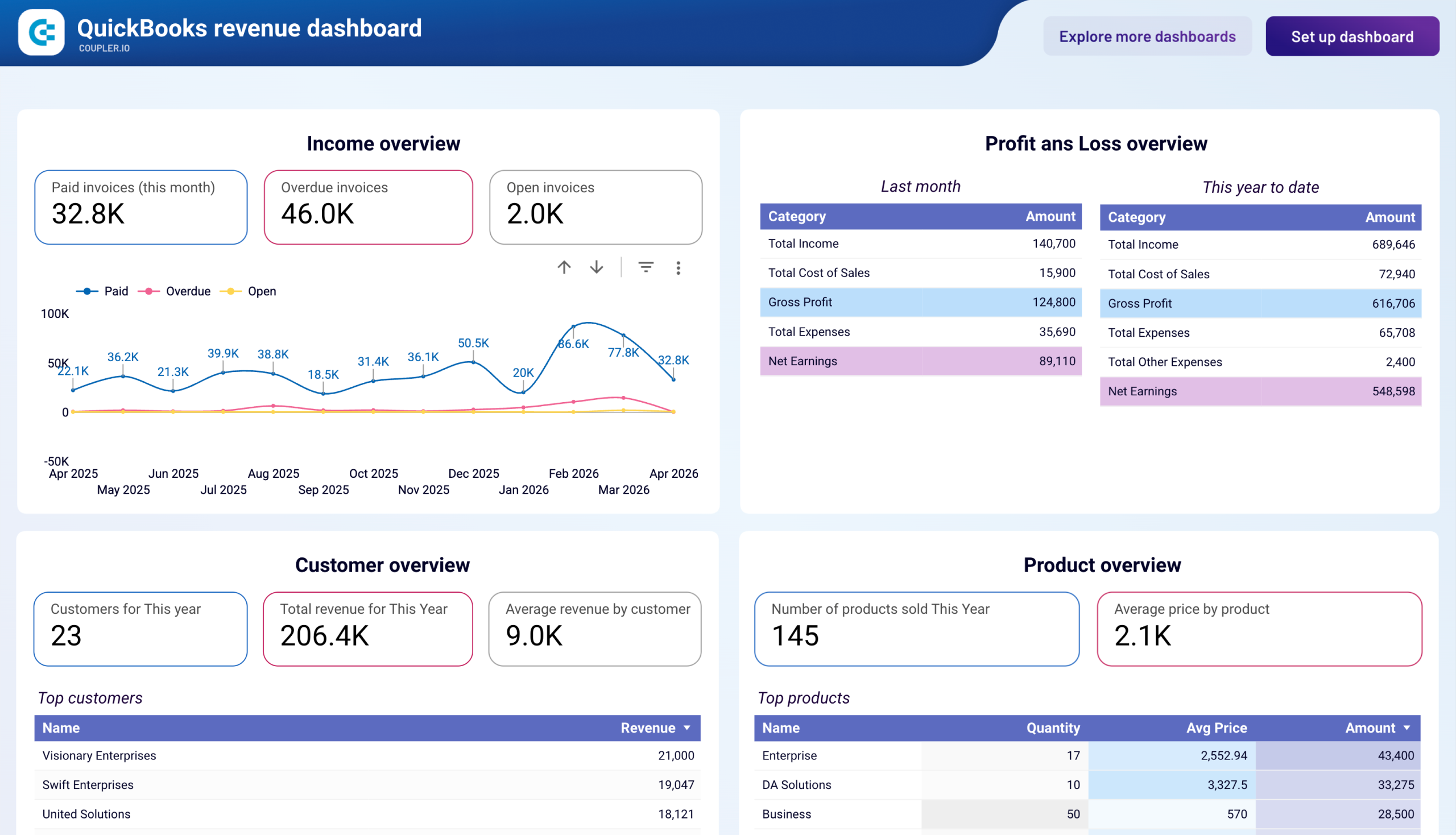
Financial performance reporting templates transform accounting data into executive-level insights. Revenue dashboards for QuickBooks and Xero track income trends across 12 months, analyze customer contribution patterns, and identify top-performing products. Accounts receivable templates monitor unpaid customer invoices by aging periods, which helps prioritize collection efforts and forecast cash inflows. Accounts payable dashboards display vendor payment obligations with aging breakdowns for strategic payment timing that maintains supplier relationships while optimizing cash position. The billing dashboard combines receivables and payables perspectives and compares overdue amounts on both sides to predict cash crunches before they materialize.
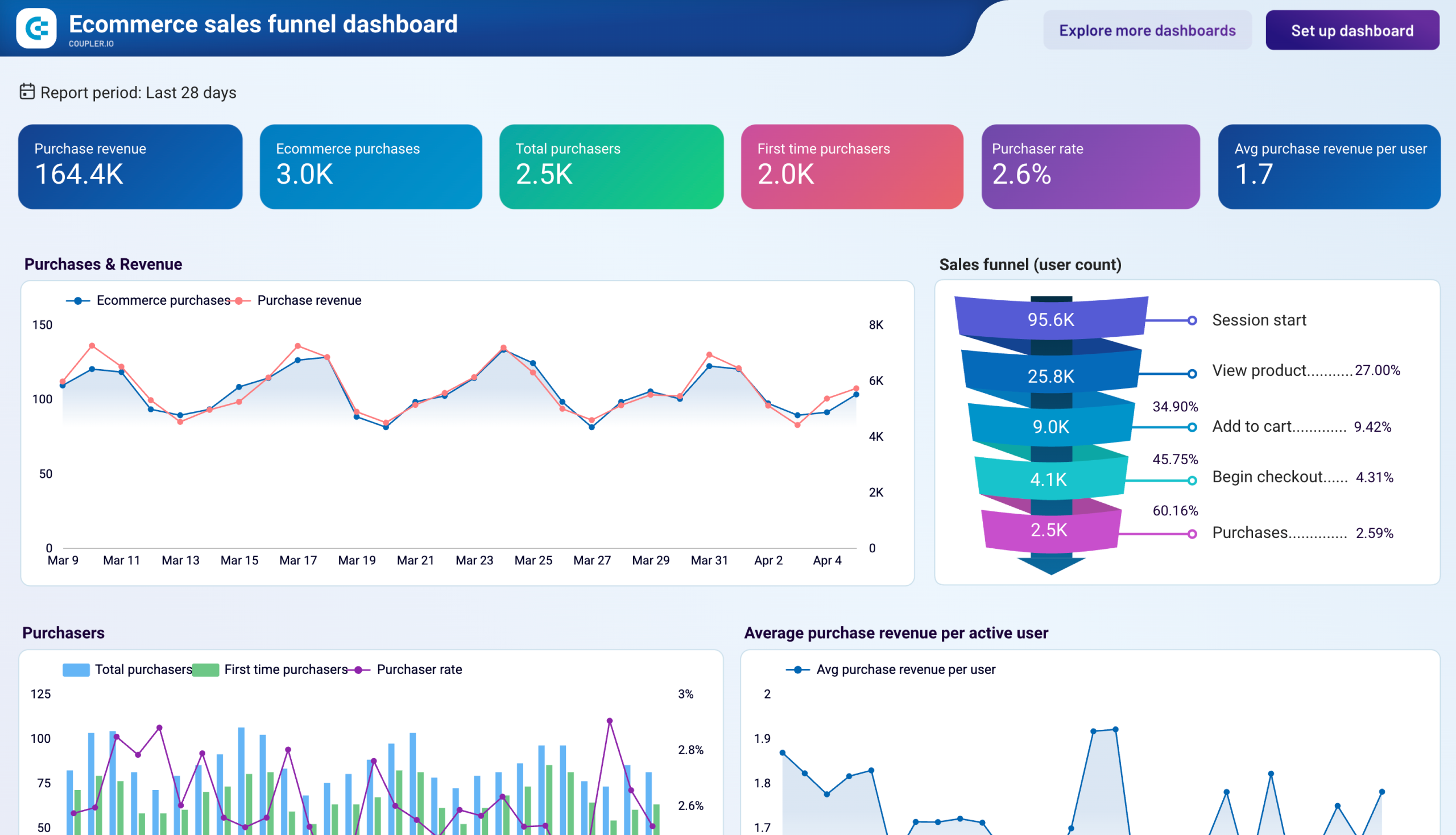
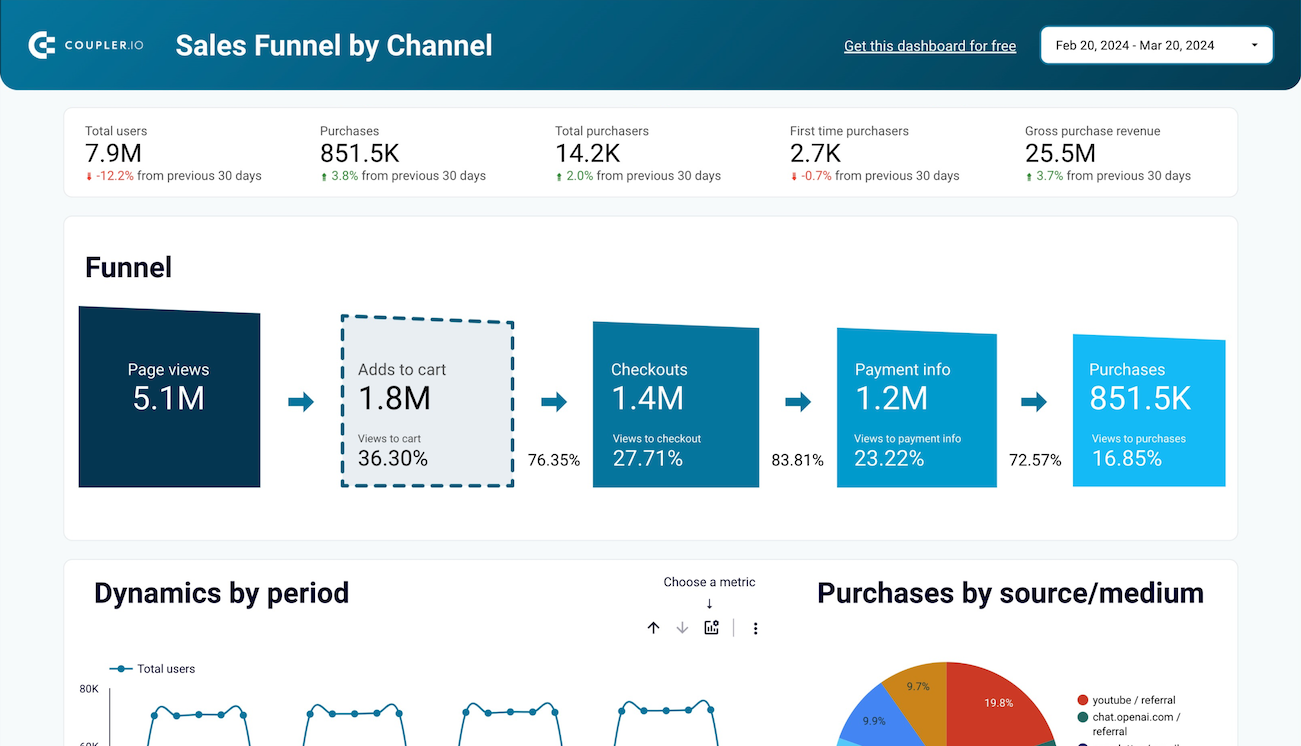
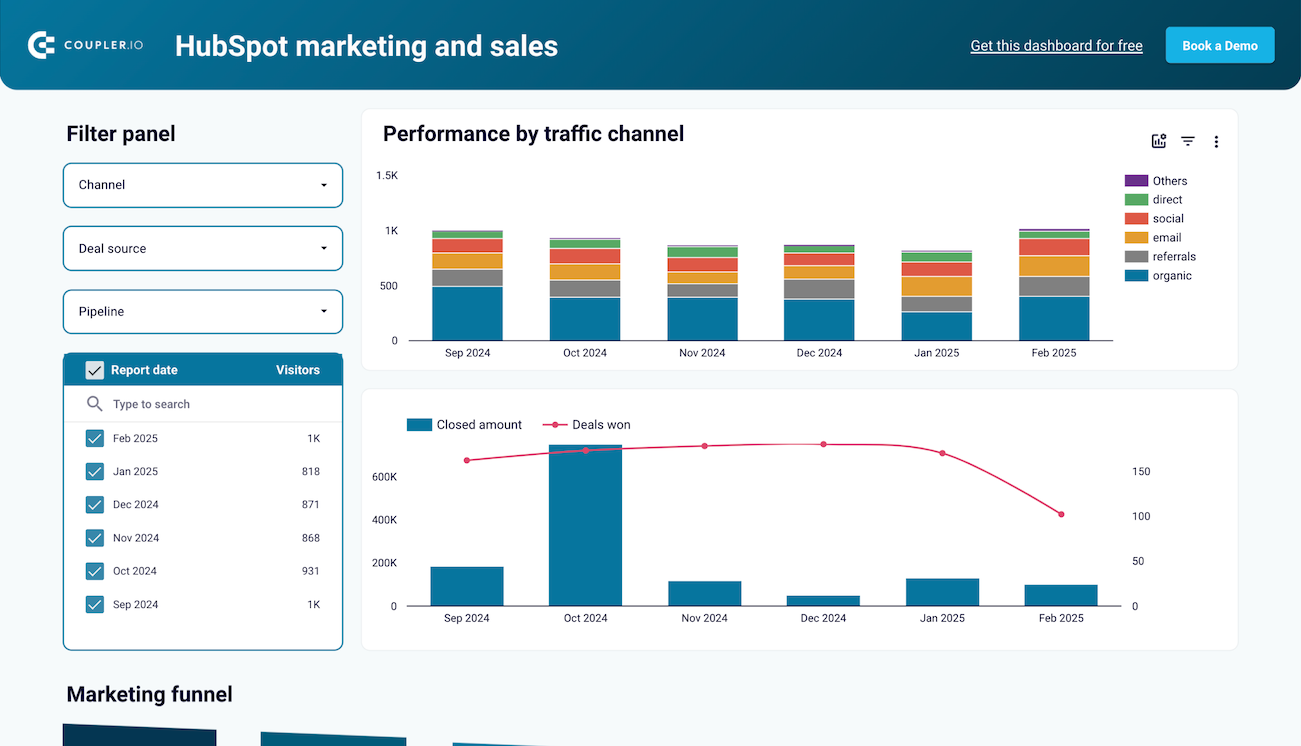
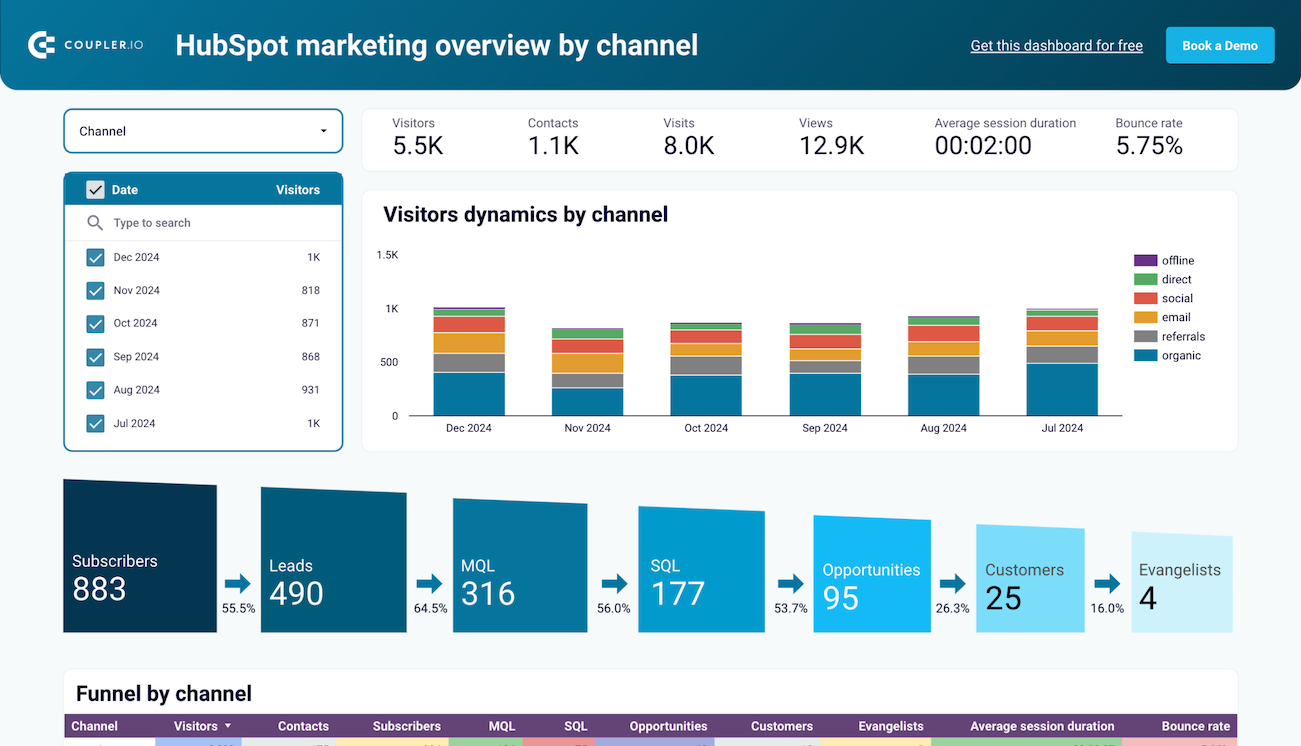
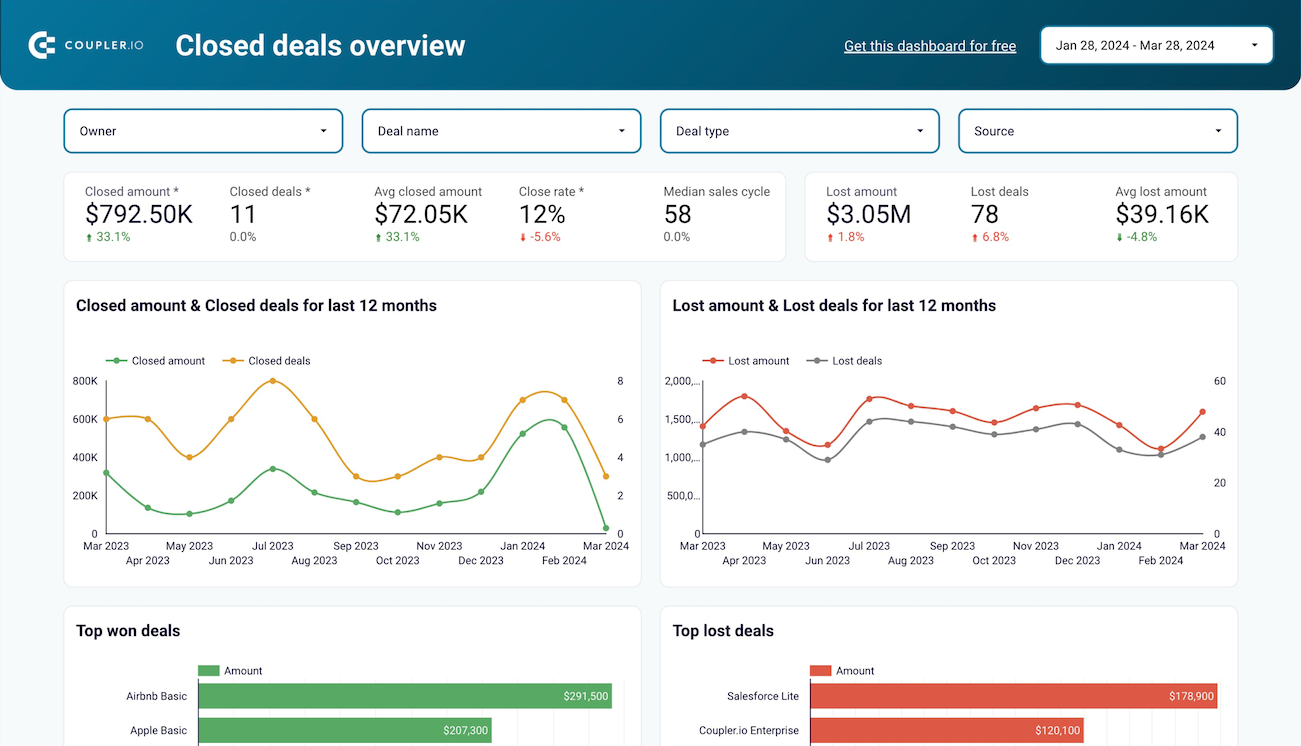
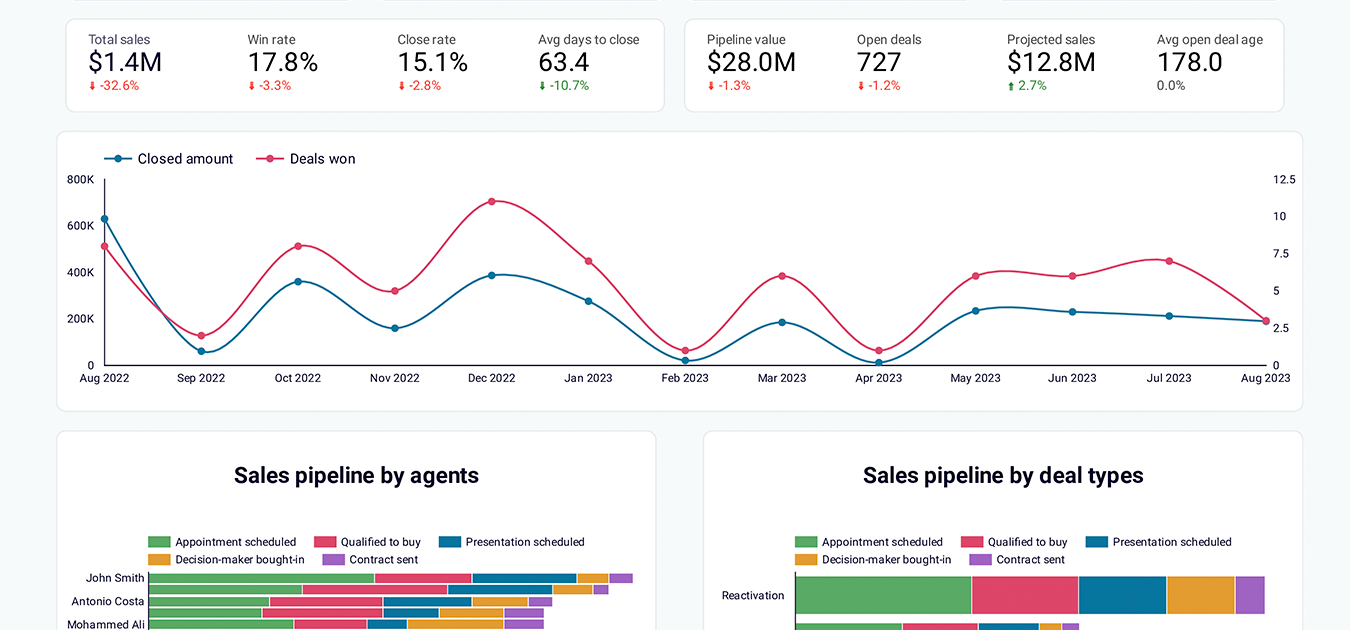
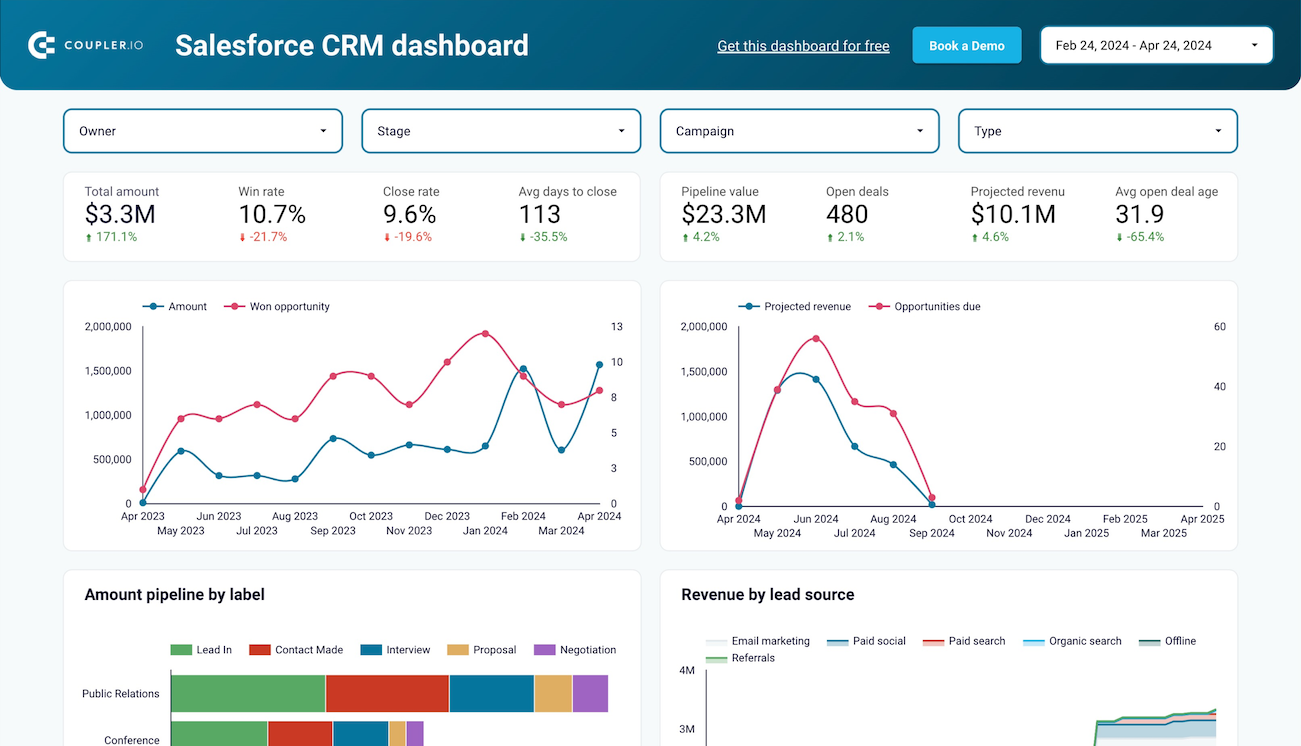
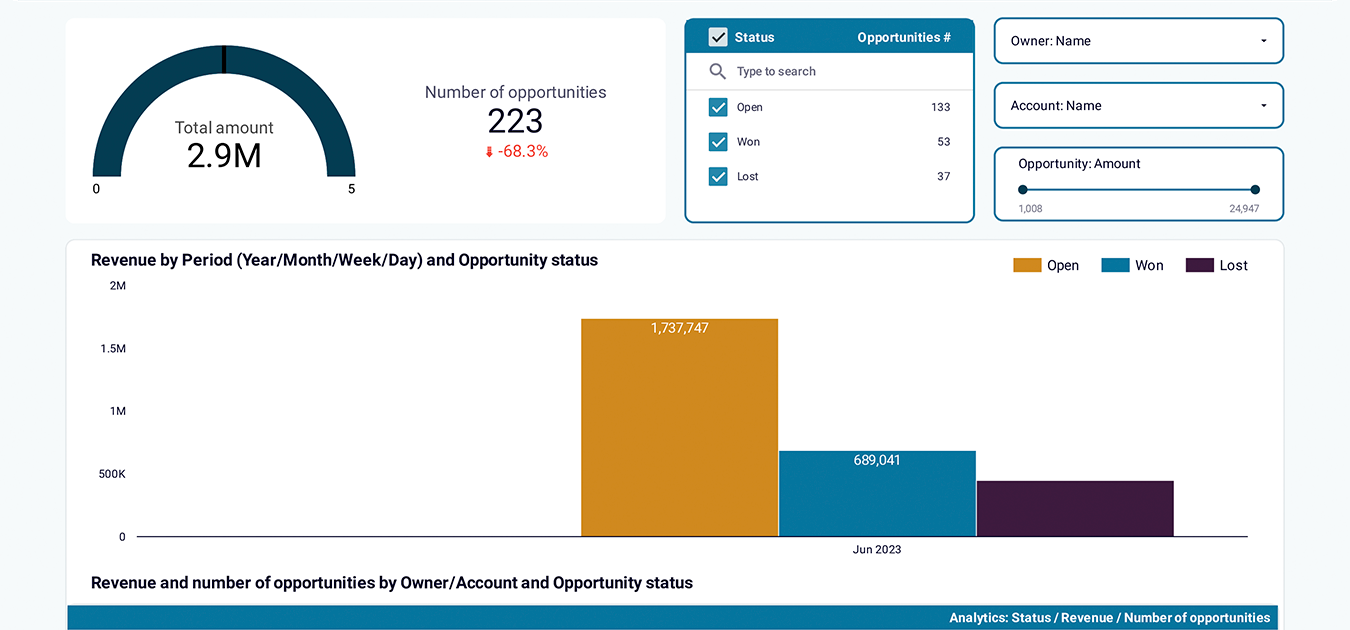
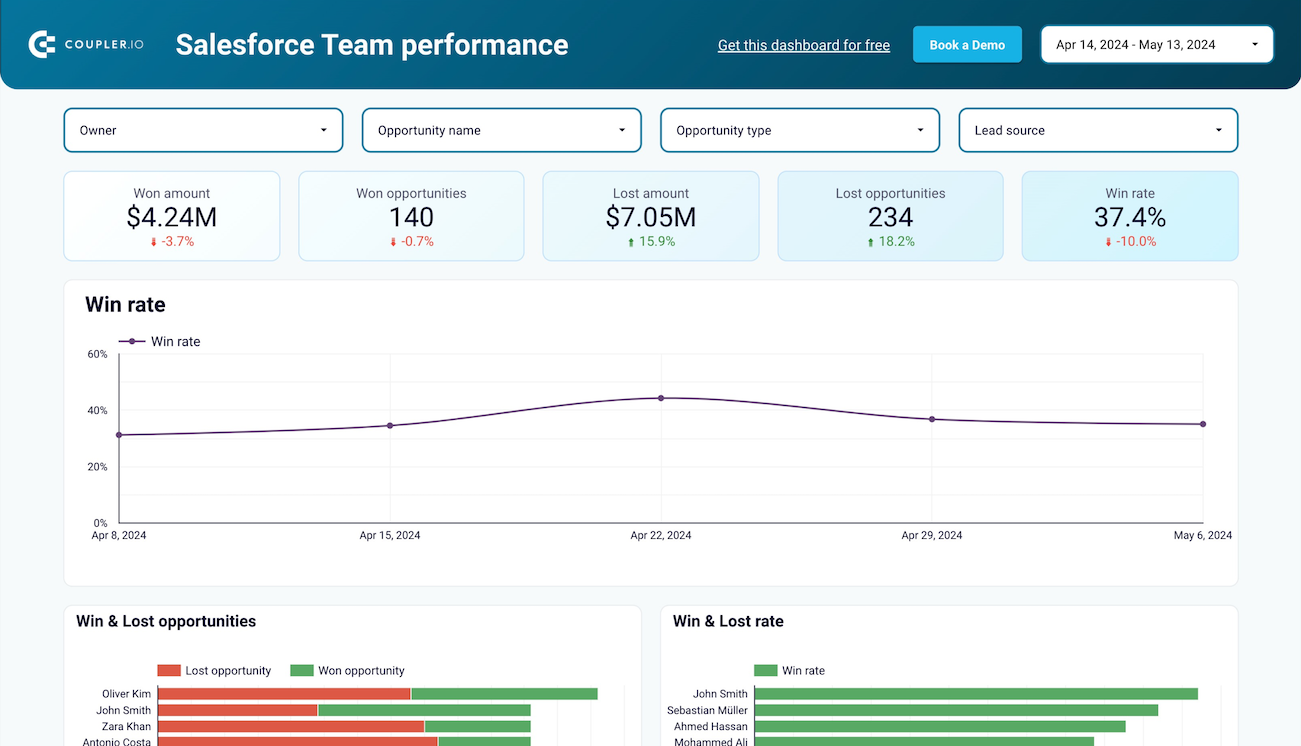
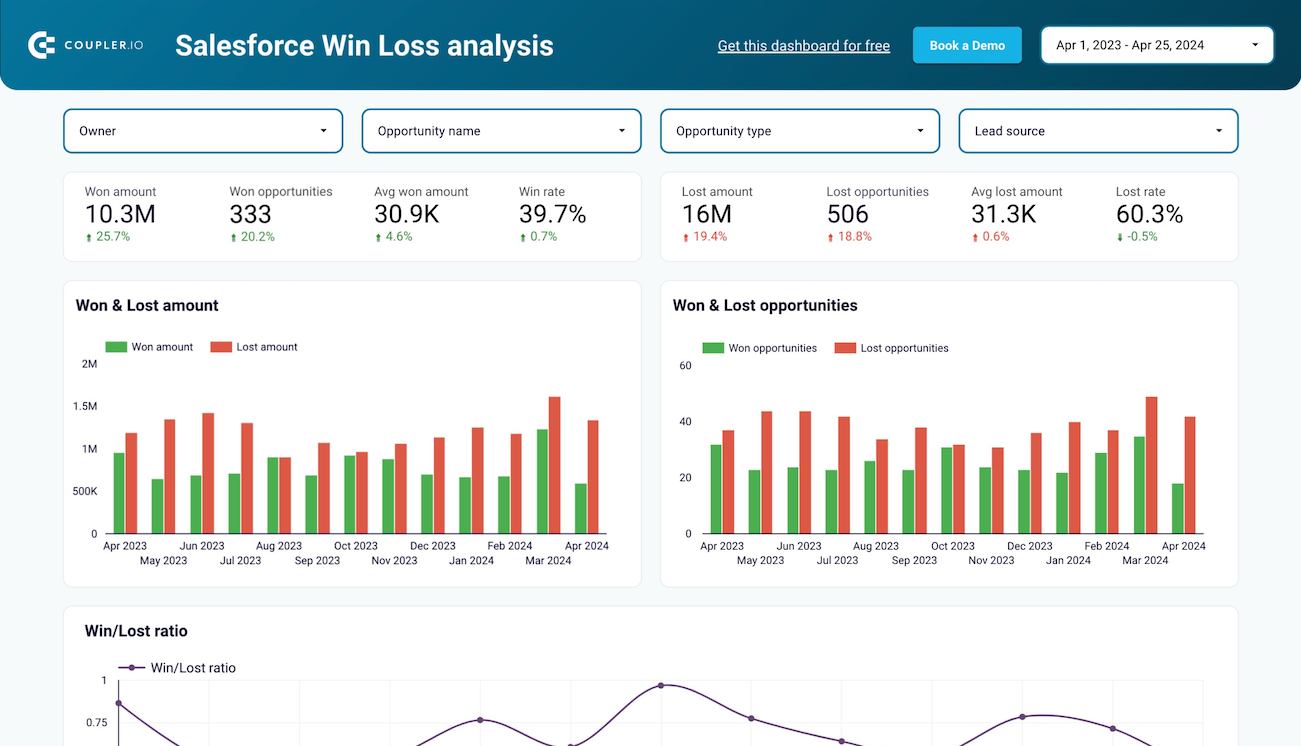
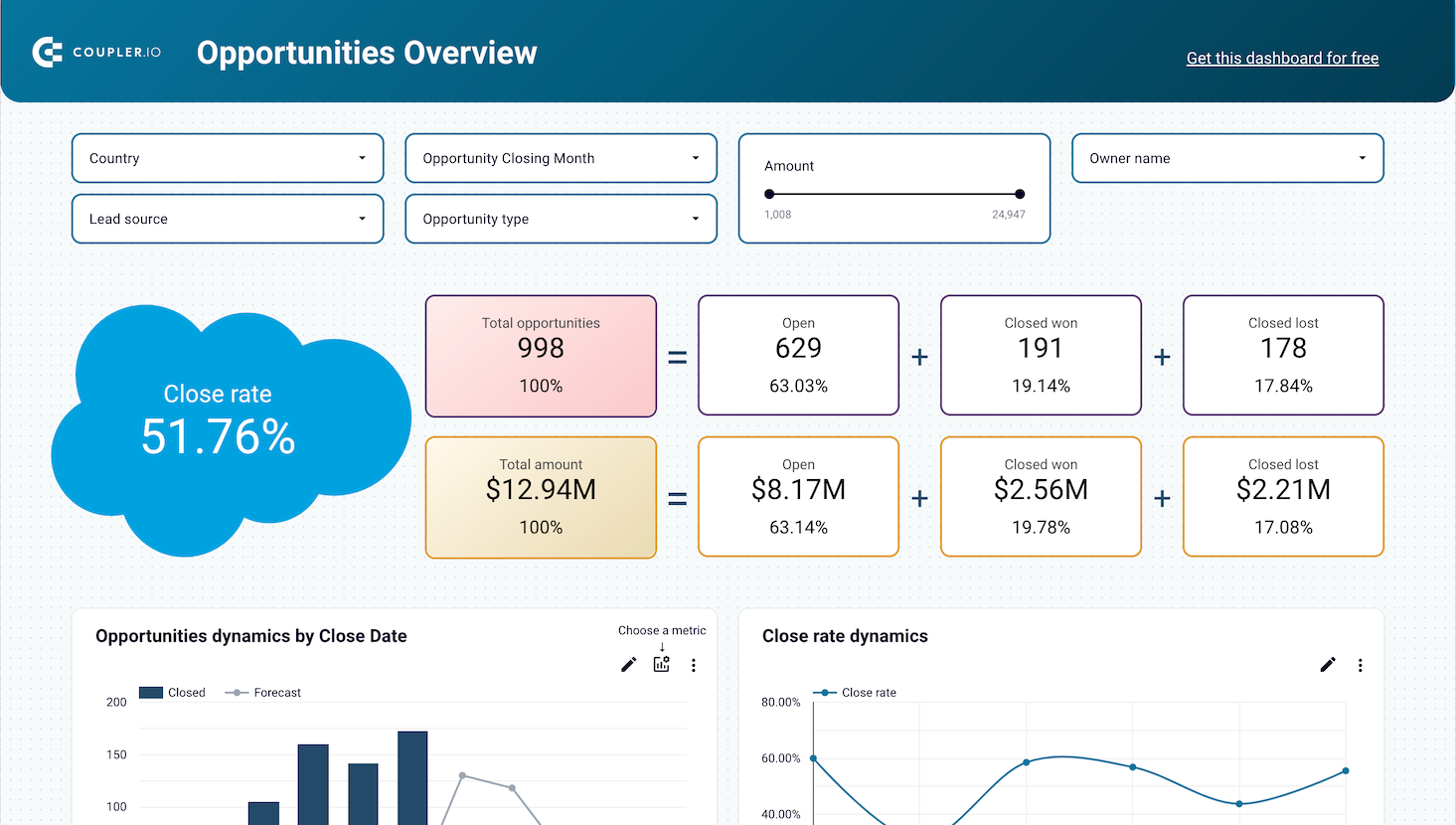
Sales and CRM templates provide visibility into pipeline health and deal progression. The Salesforce CRM template breaks down opportunities across deal stages, compares sales rep performance through win rates and close times, and identifies stalled opportunities that require intervention. HubSpot marketing dashboards combine website visitor data with sales funnel metrics, tracking the complete journey from initial page view through subscriber, lead, and customer stages with channel attribution. Win-loss analysis templates segment deals by industry, owner, and lead source to identify the most productive acquisition patterns.
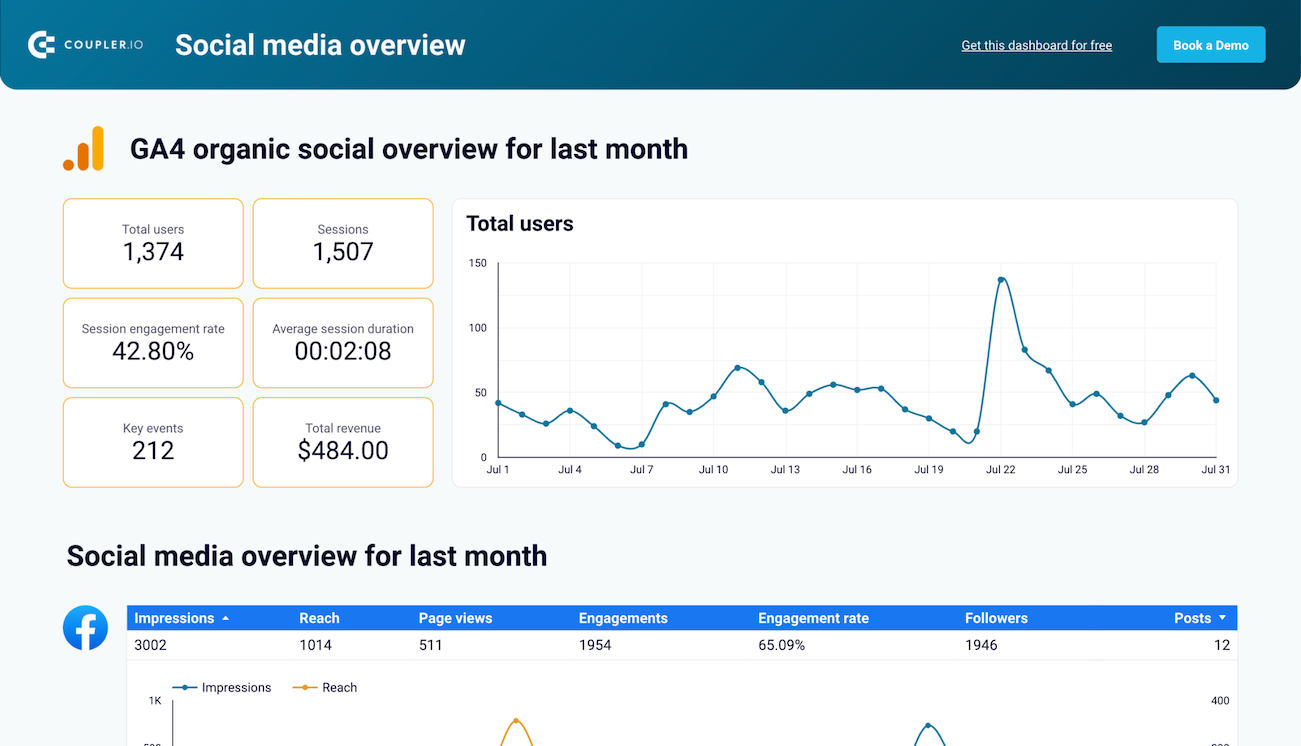
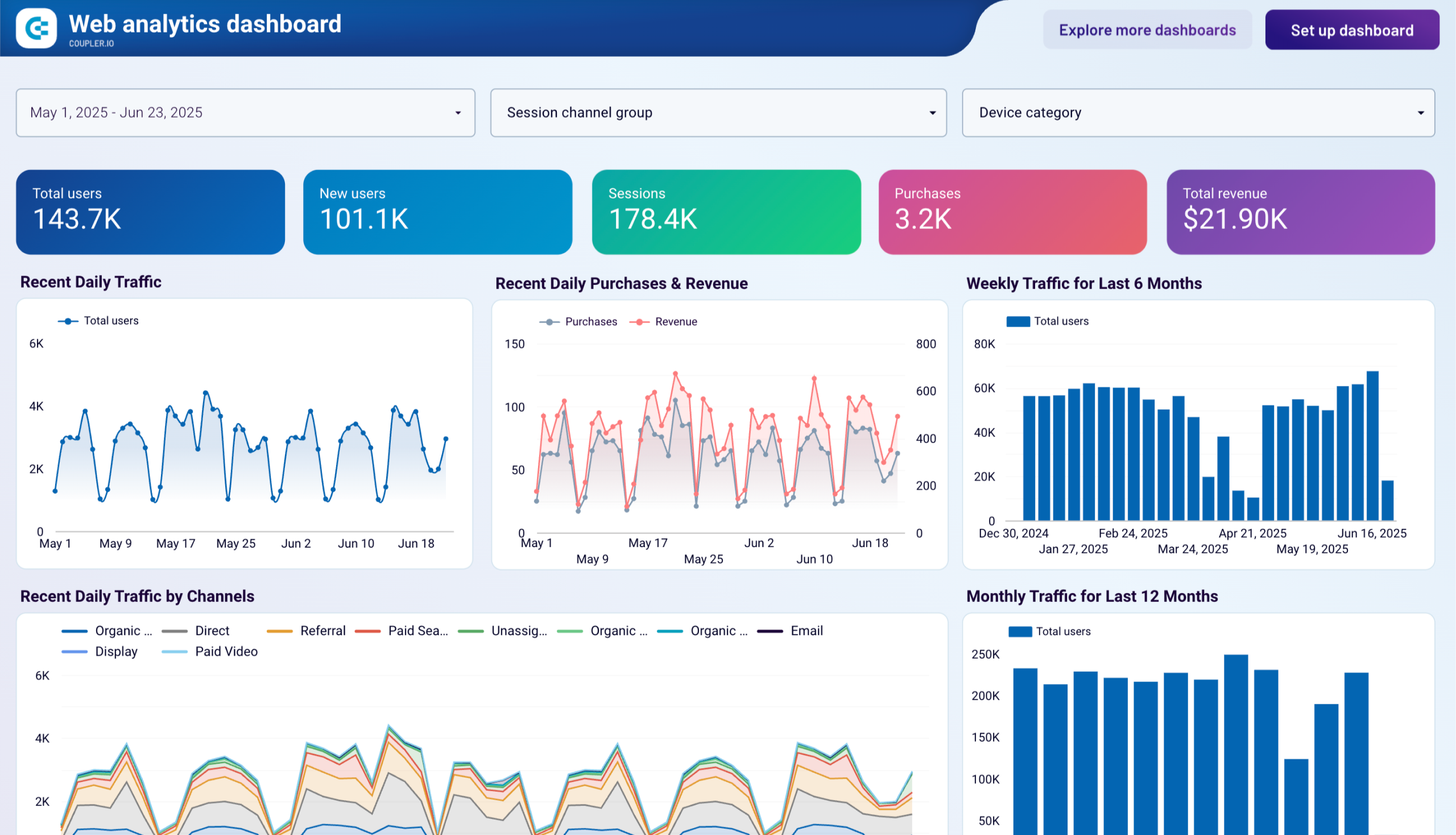
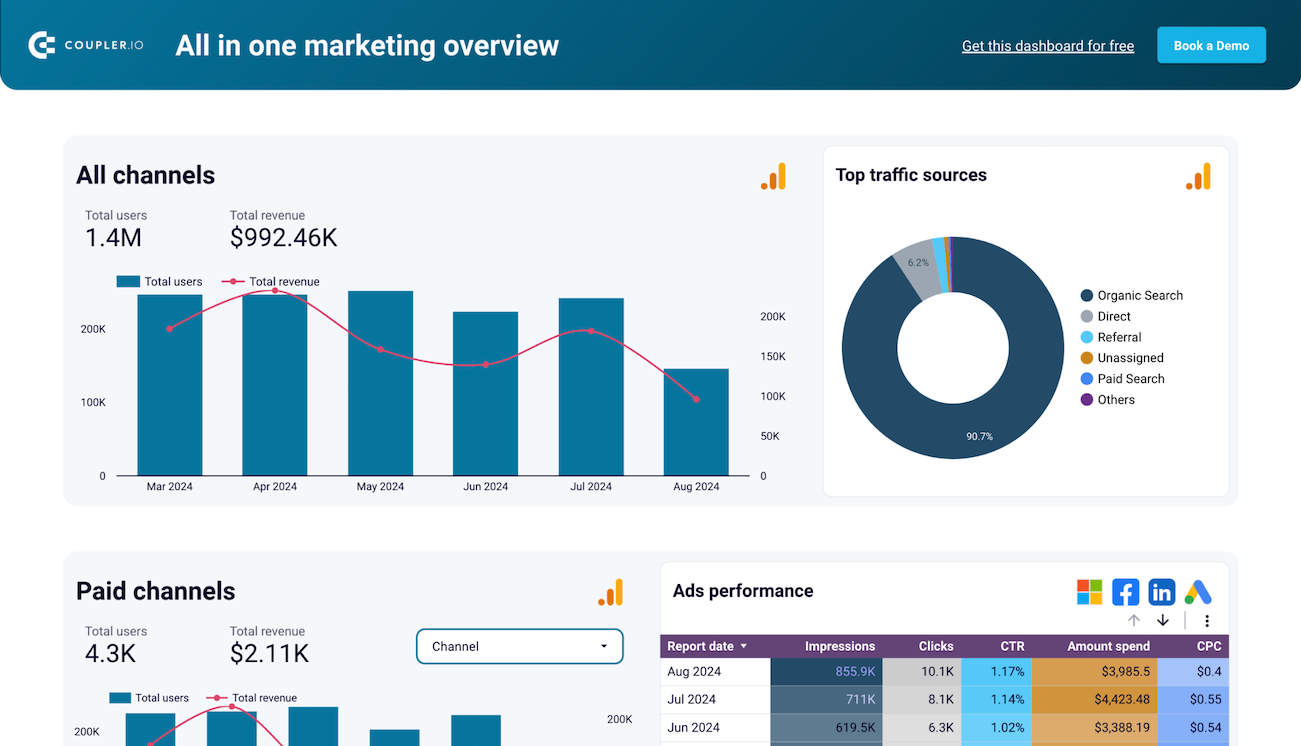
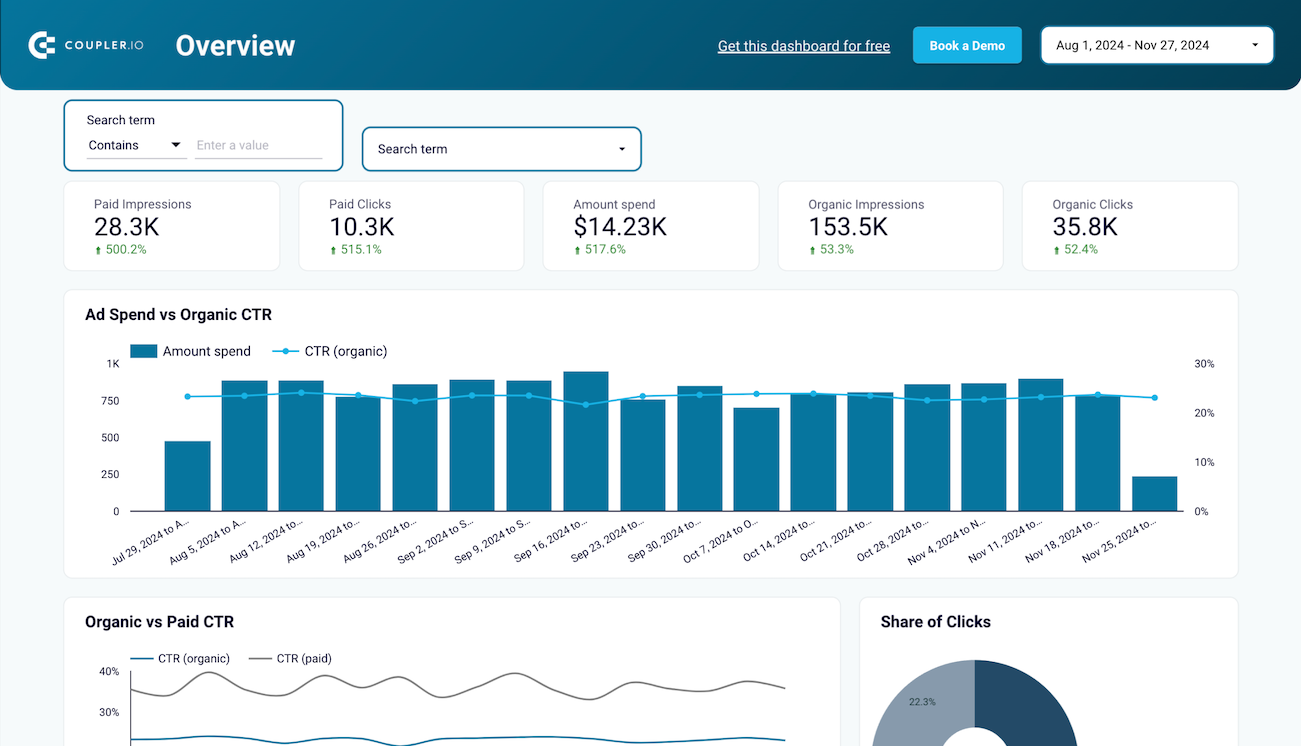
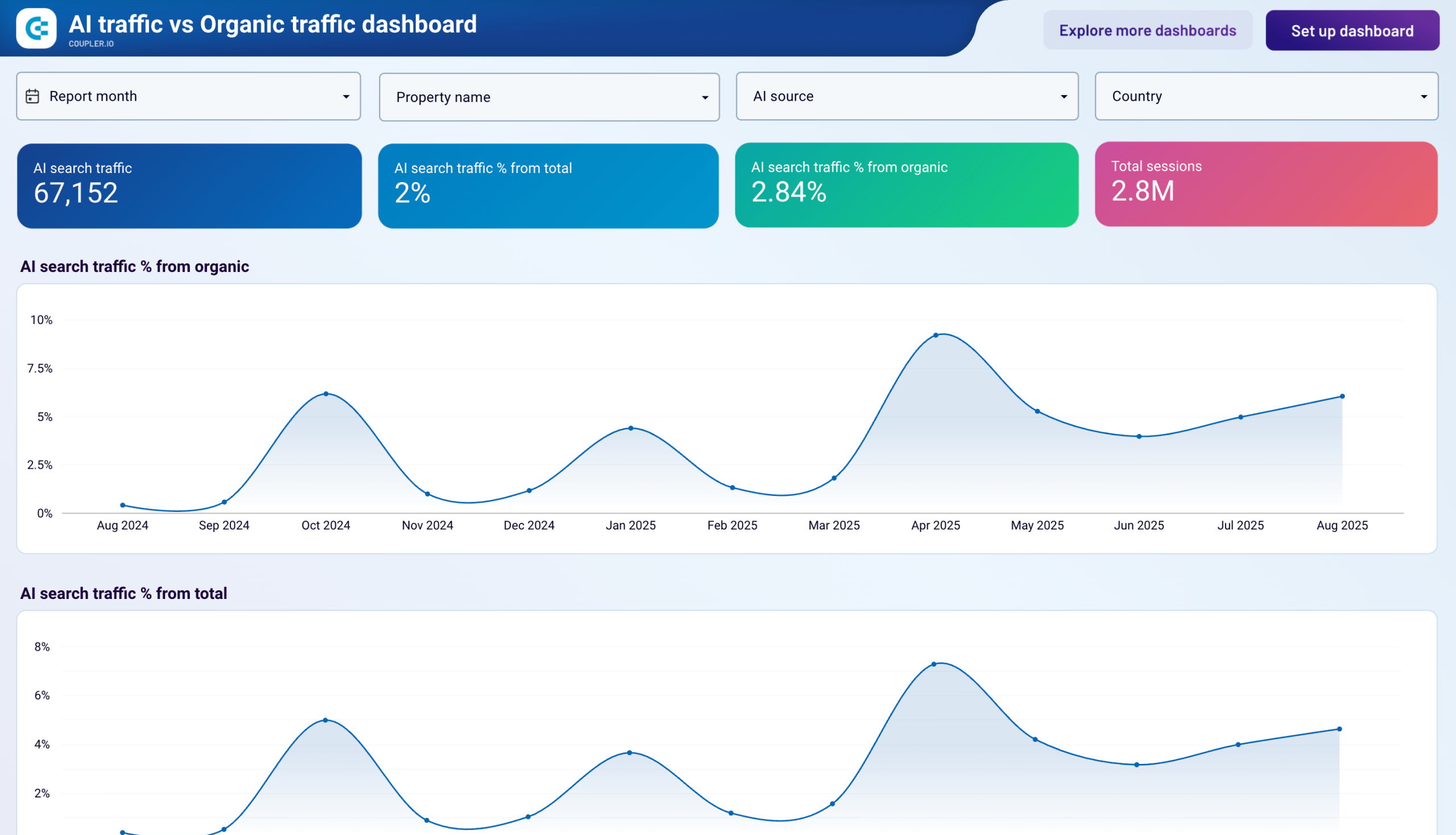
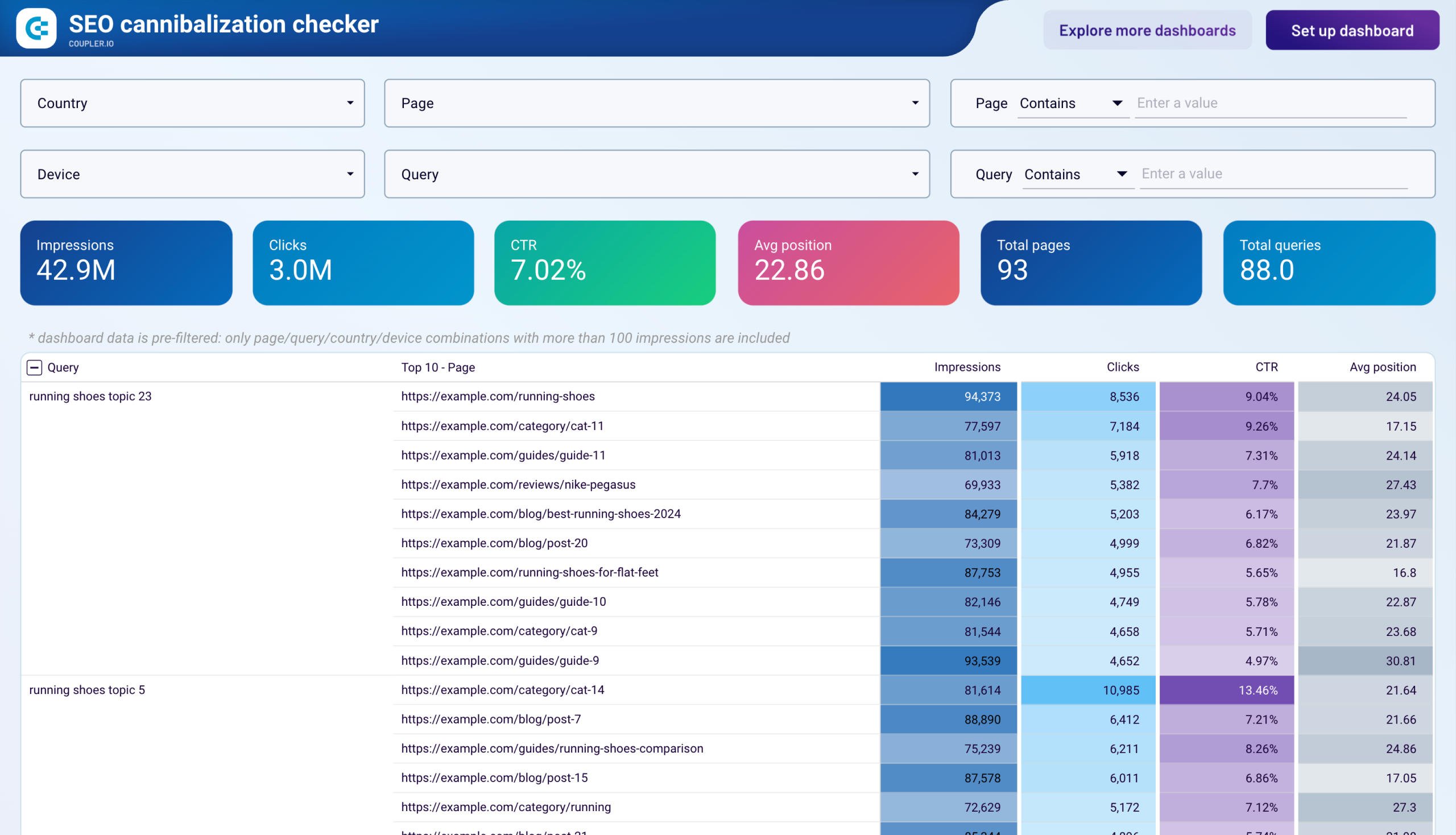
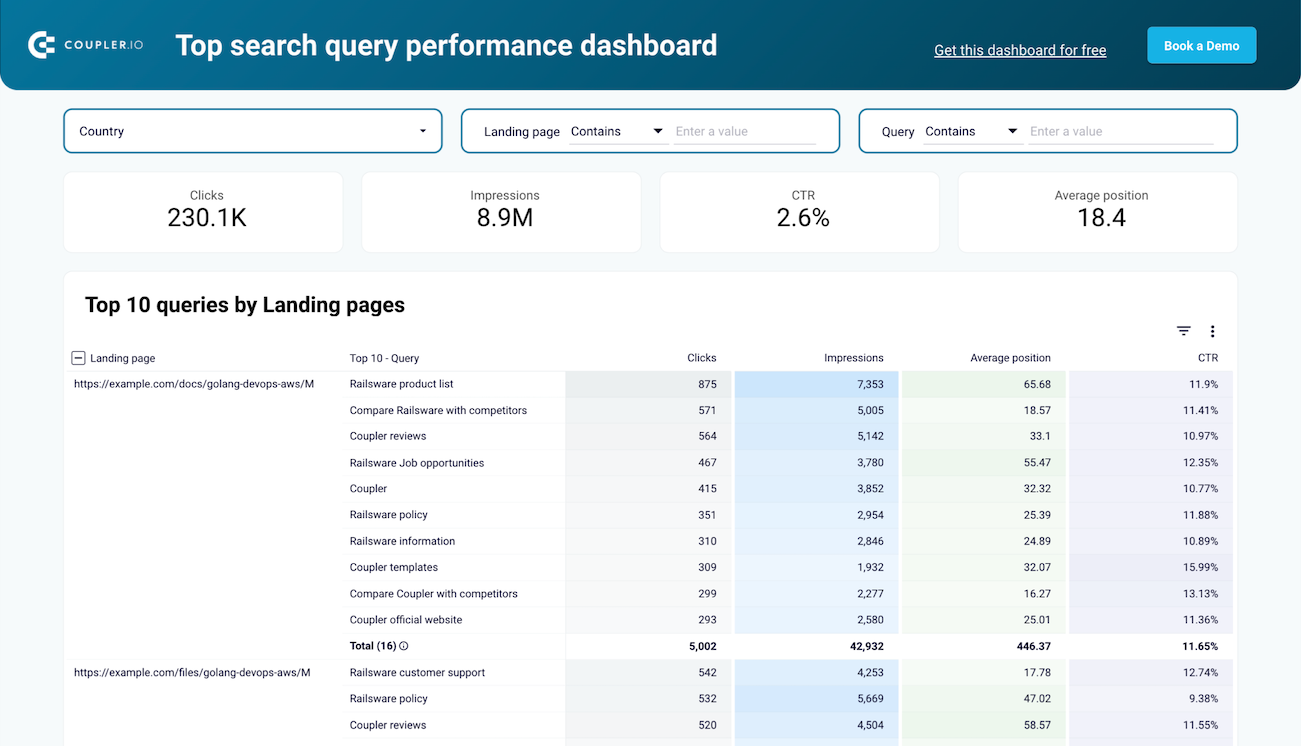
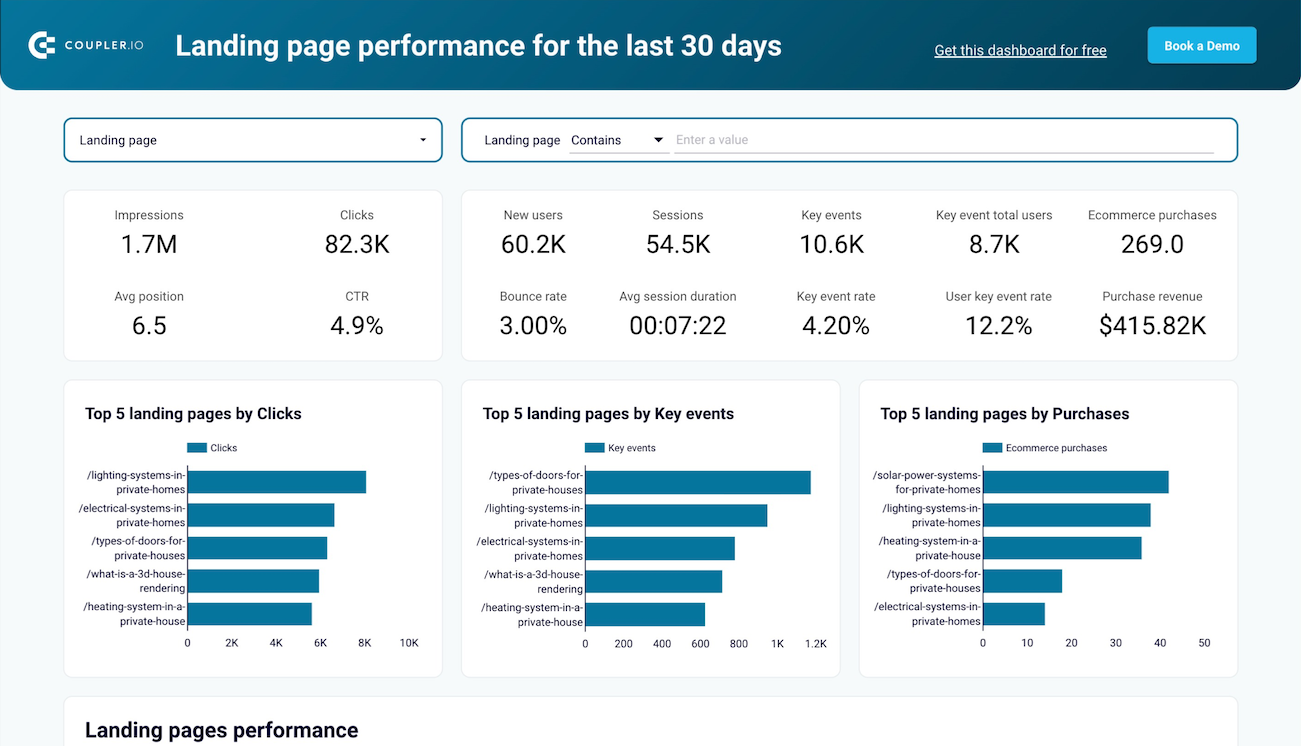
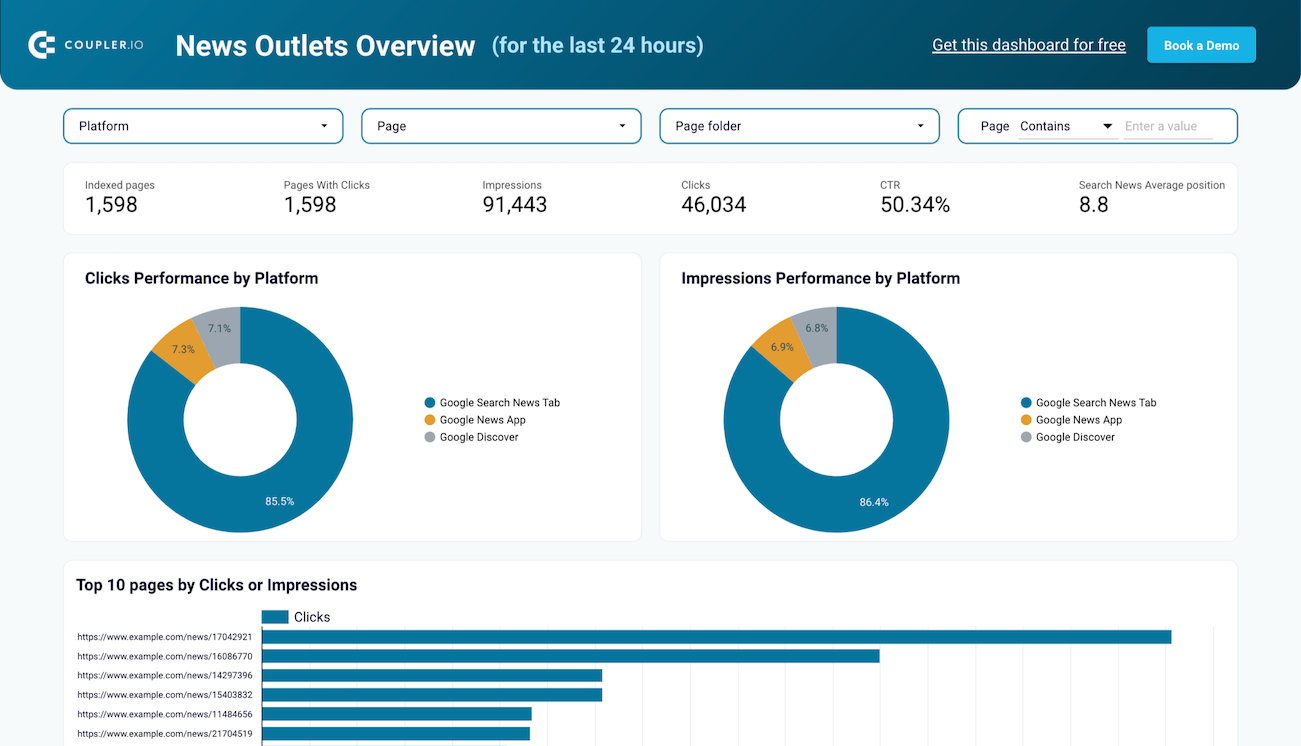
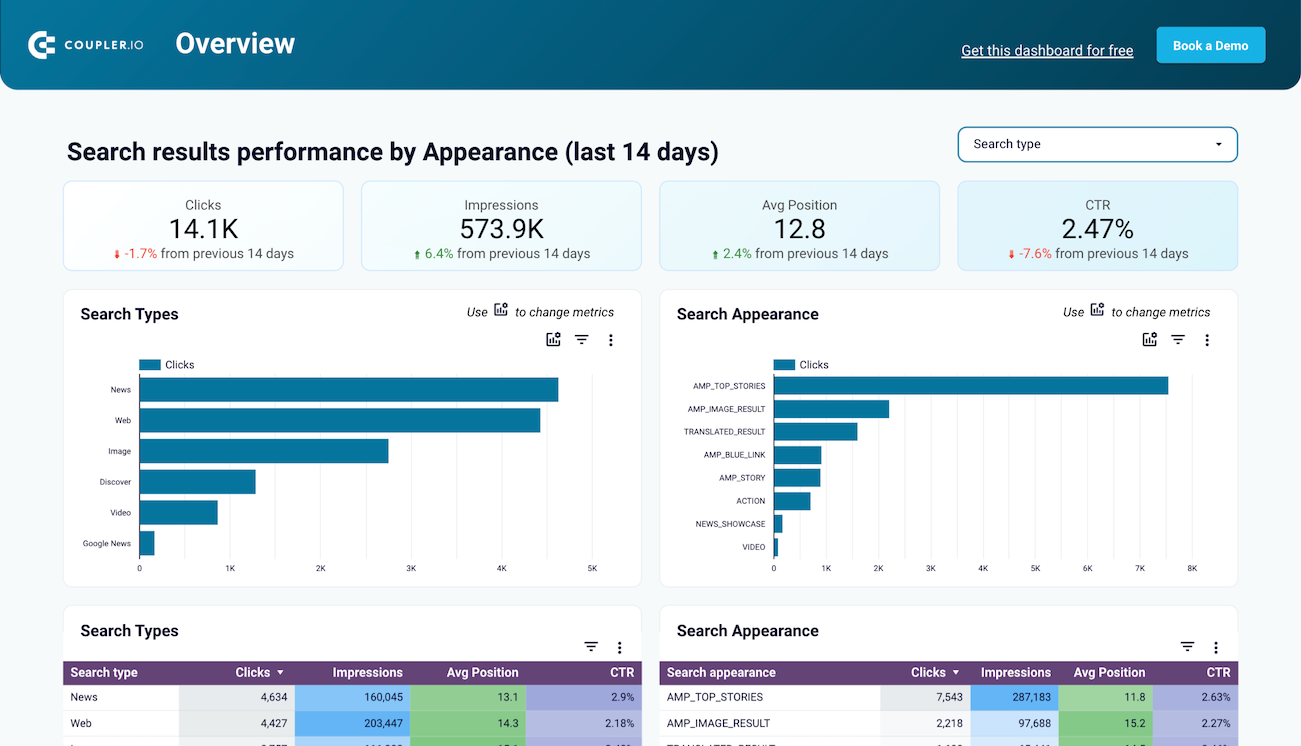
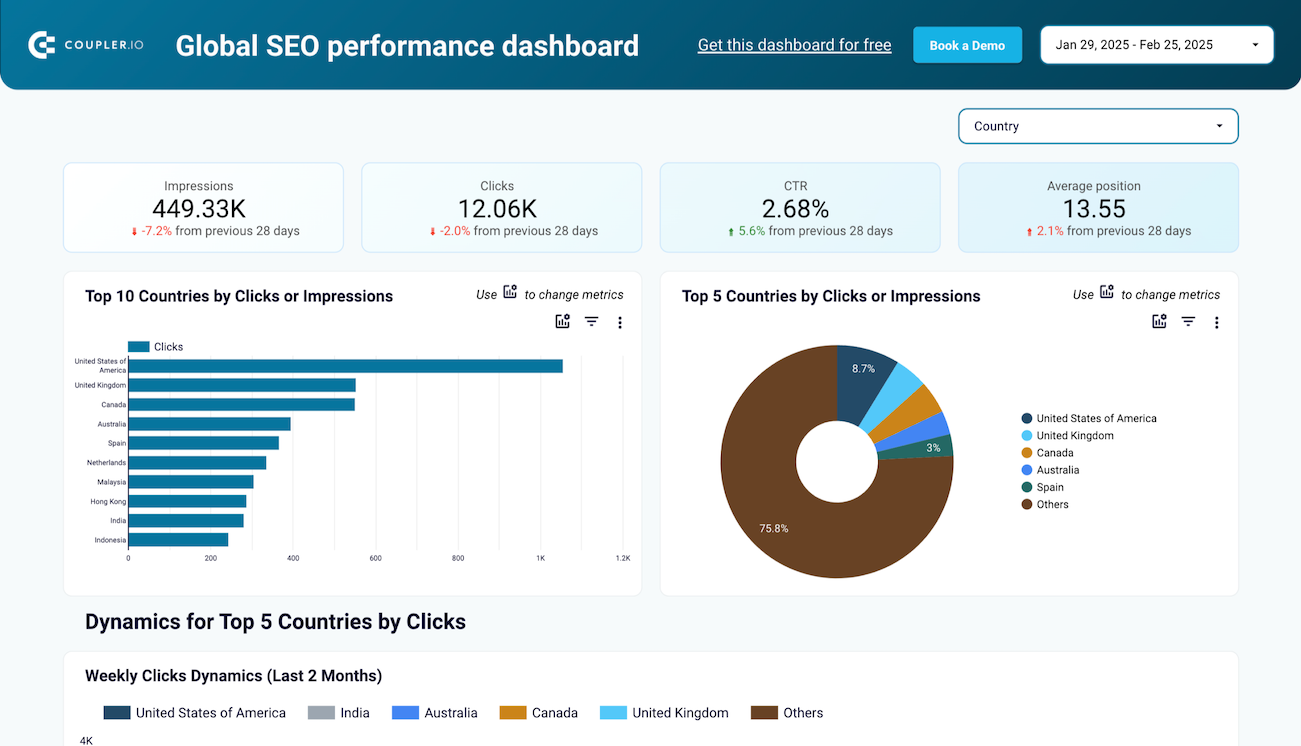
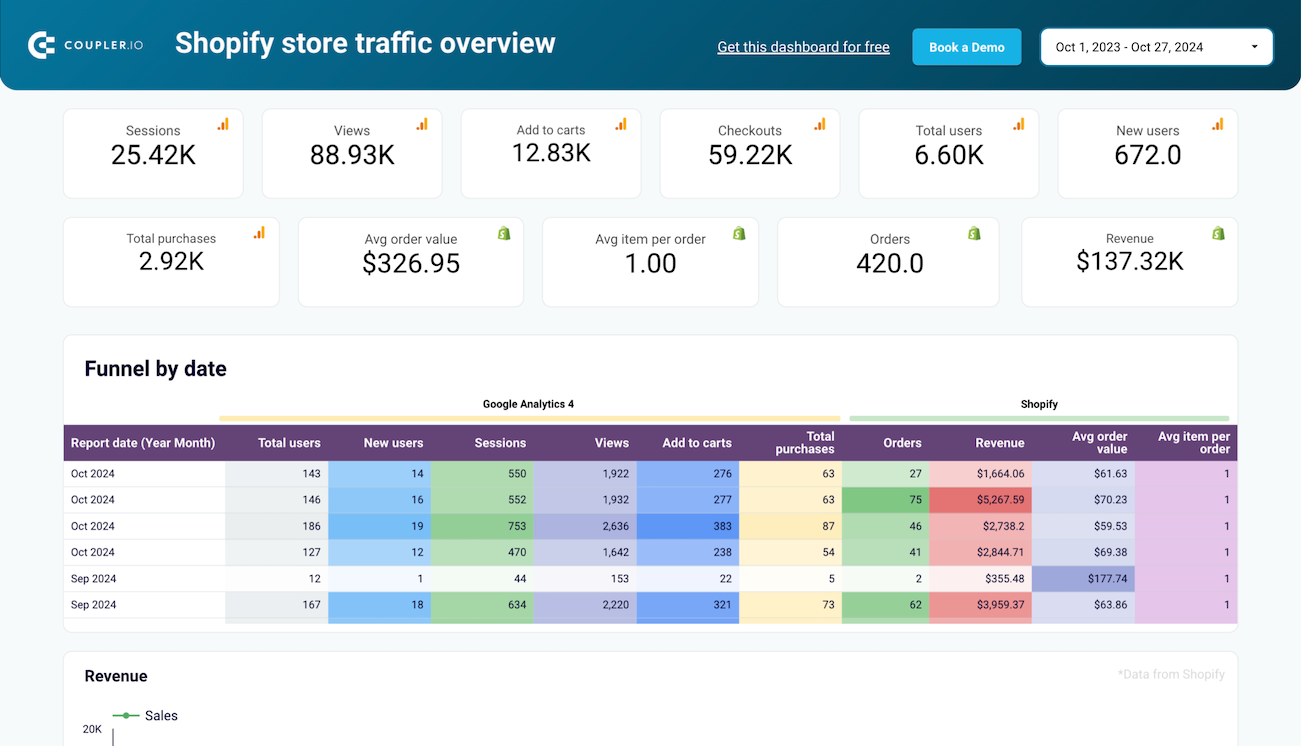
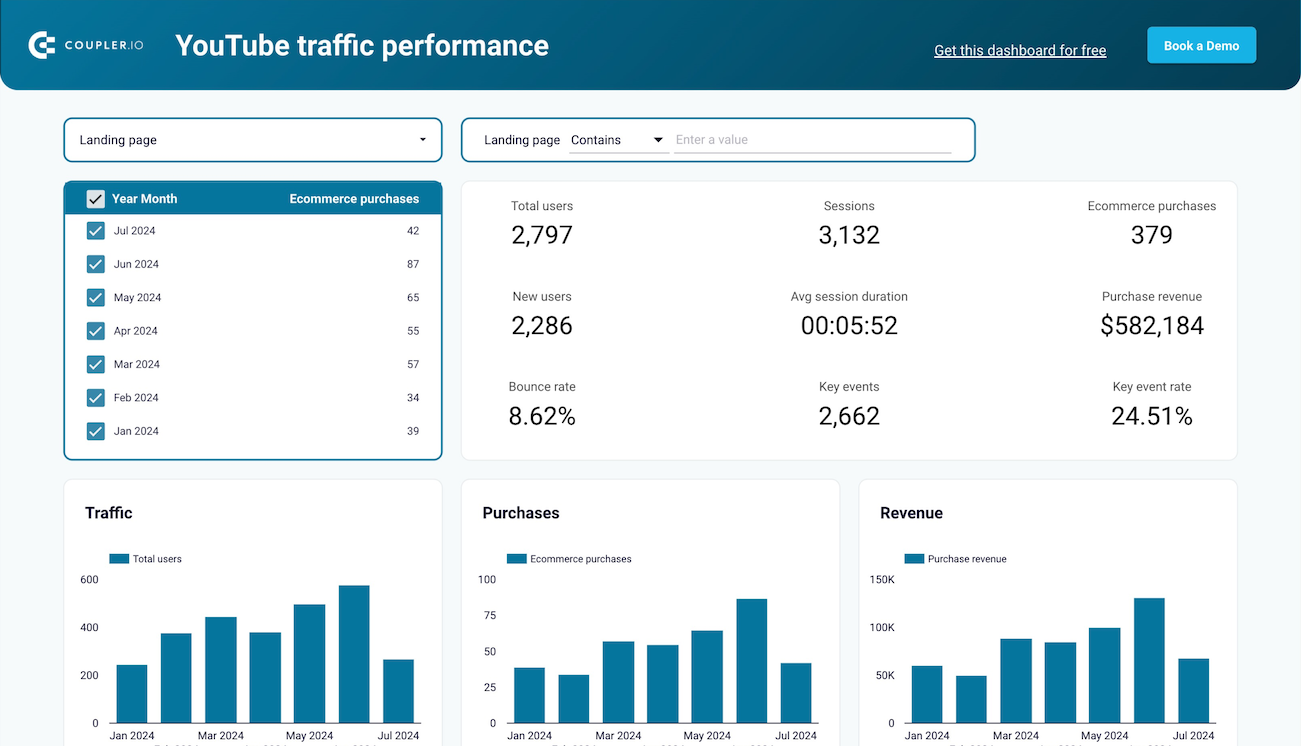
Web analytics and content performance reports evaluate digital property effectiveness. The web analytics template built on Google Analytics 4 data tracks user acquisition, engagement metrics, and conversion performance with daily updates on traffic growth. Landing page performance dashboards merge Google Search Console data with GA4 metrics to analyze how pages drive traffic, engage visitors, and convert them into customers. These templates identify optimization opportunities by revealing pages with high impressions but low click-through rates or strong traffic but weak conversion performance.
What insights you can get with the Data Studio templates examples
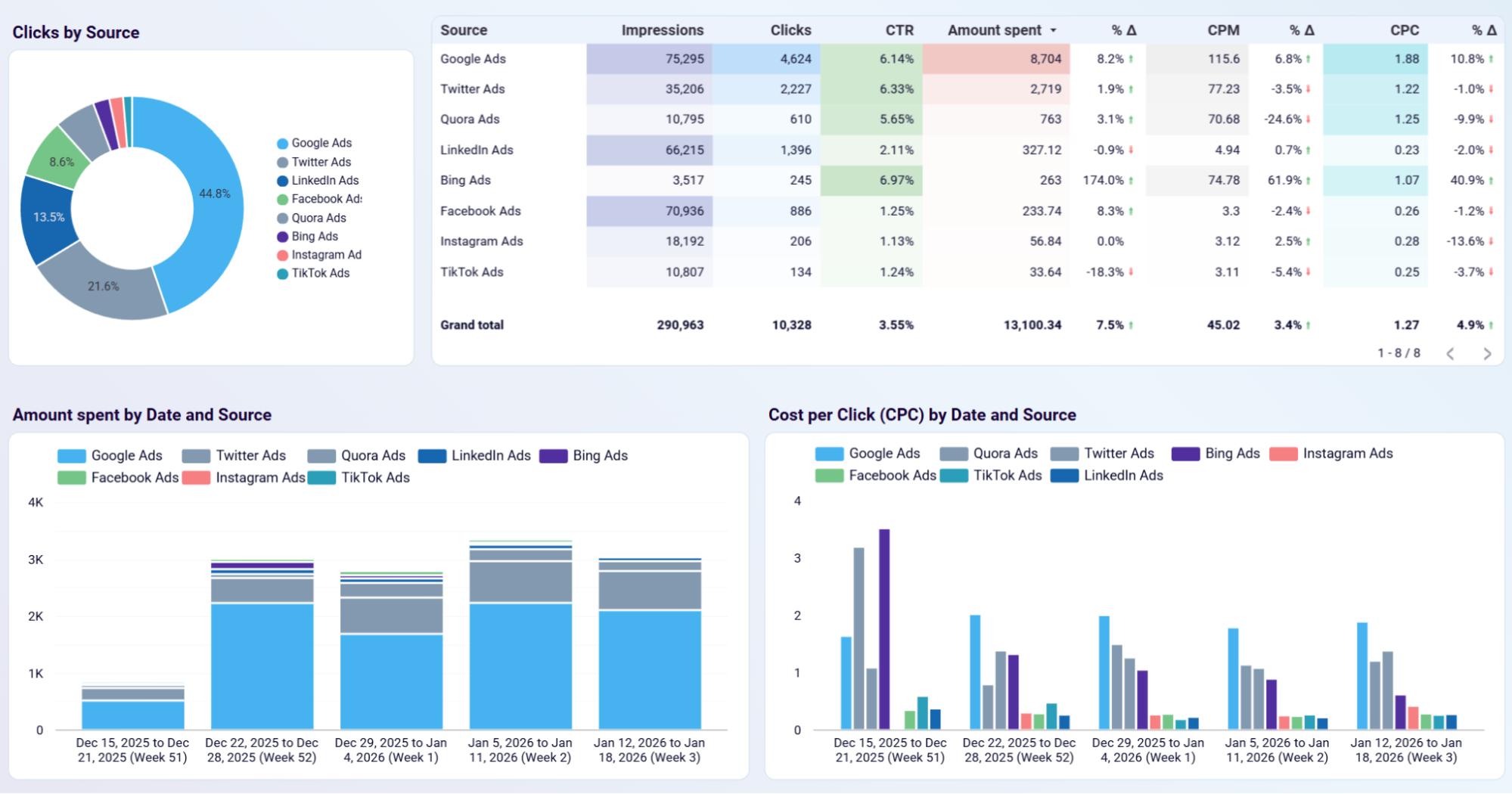
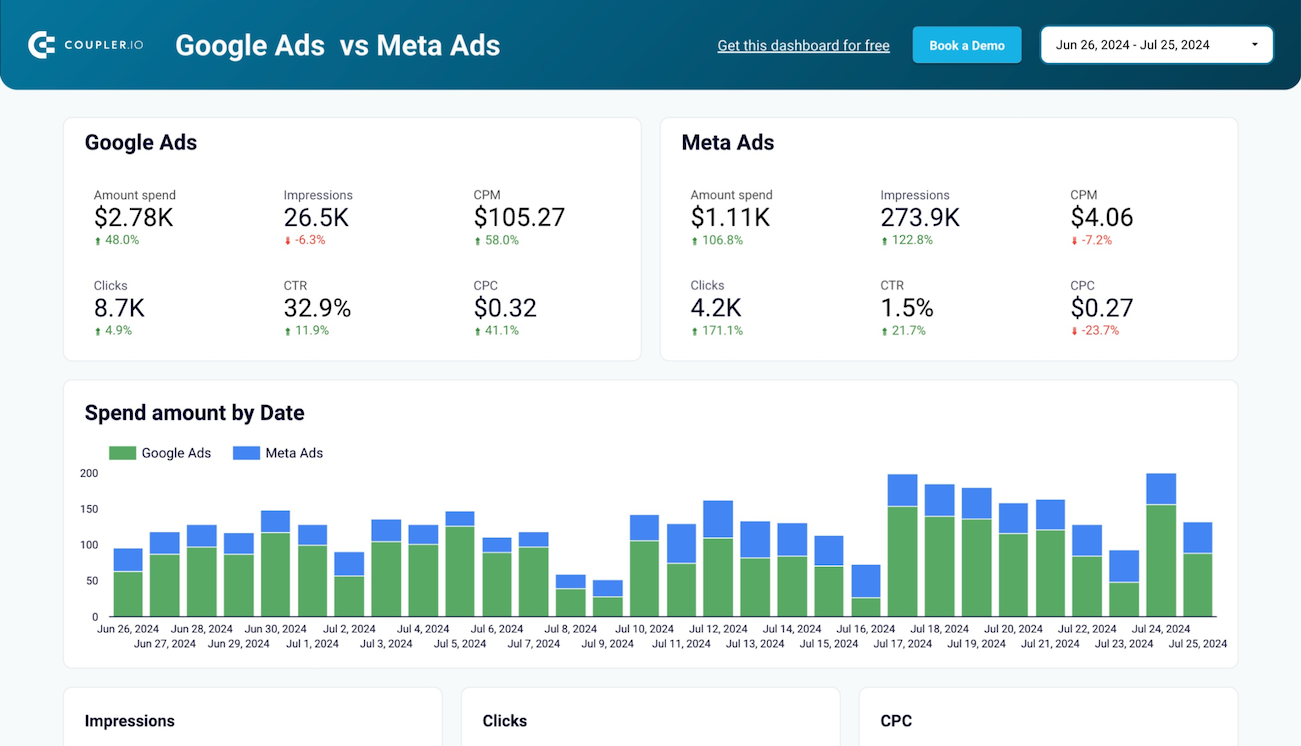
The ad performance comparison template displays campaign metrics from multiple platforms (e.g., Facebook Ads, TikTok Ads, LinkedIn Ads, Google Ads, etc.) side-by-side, with indicators showing performance direction compared to previous periods. Key metrics appear in separate blocks for each platform. It’s straightforward to assess which channel currently delivers stronger results for your investment. Performance dynamics charts track advertising expenses, impressions, clicks, and cost per click by day, which reveals correlations between costs and campaign outcomes. Detailed campaign comparison tables can be filtered to isolate specific initiatives and evaluate individual campaign performance across both platforms. This visibility supports informed decisions about where to concentrate advertising budget based on actual return on investment data rather than assumptions about platform effectiveness.
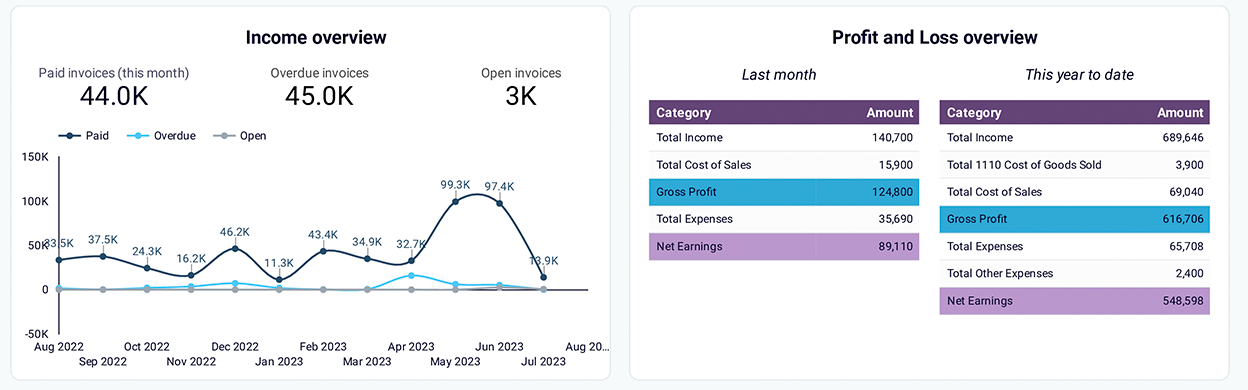
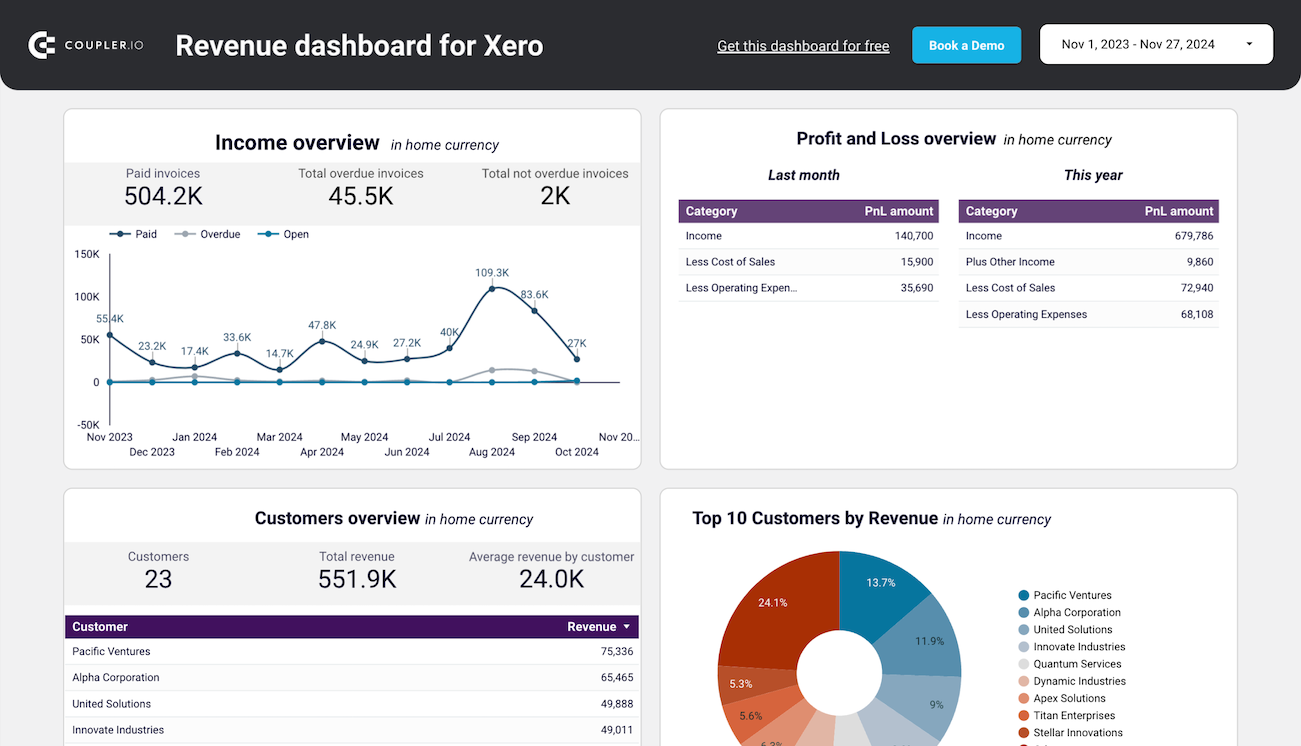
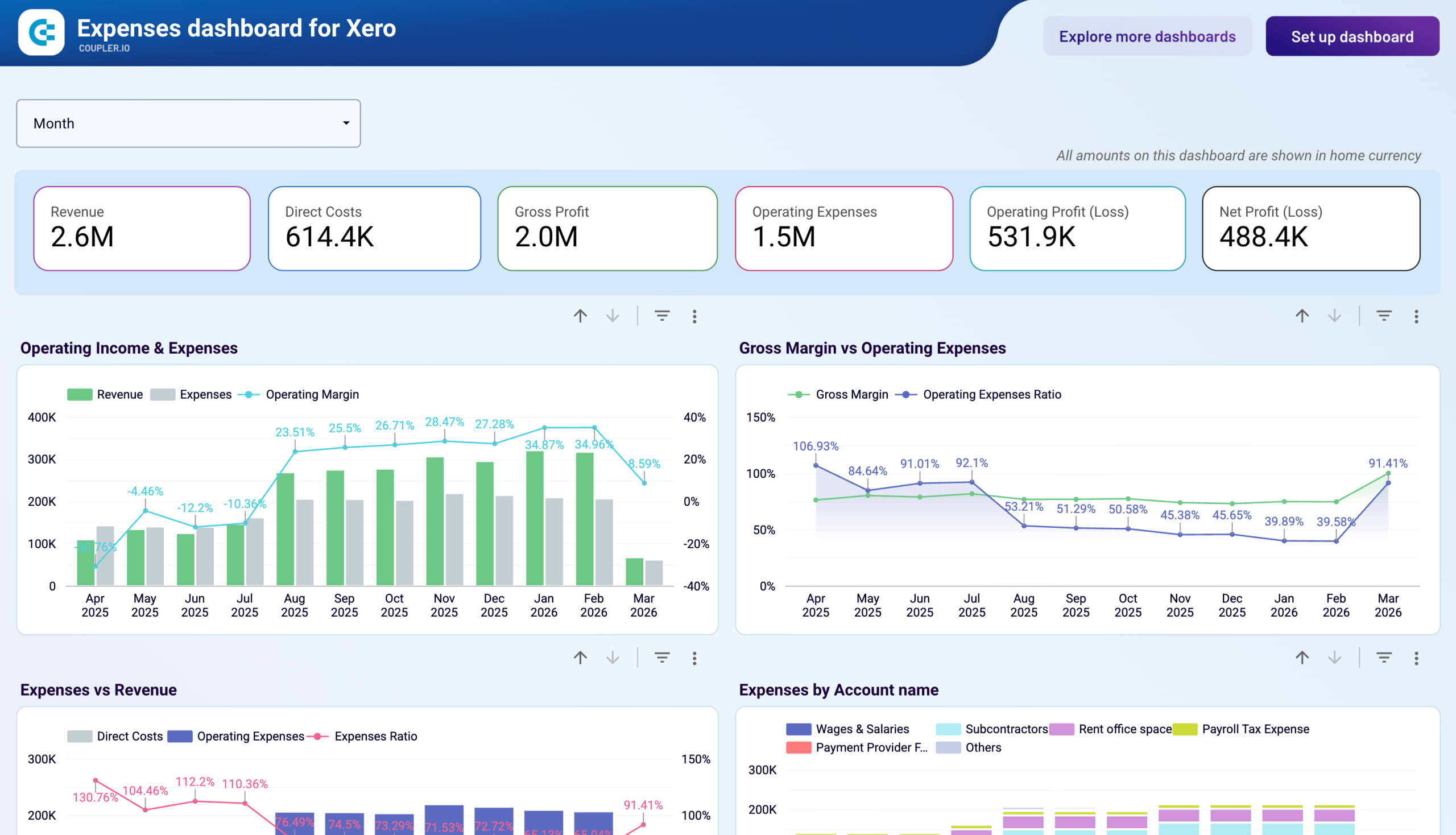
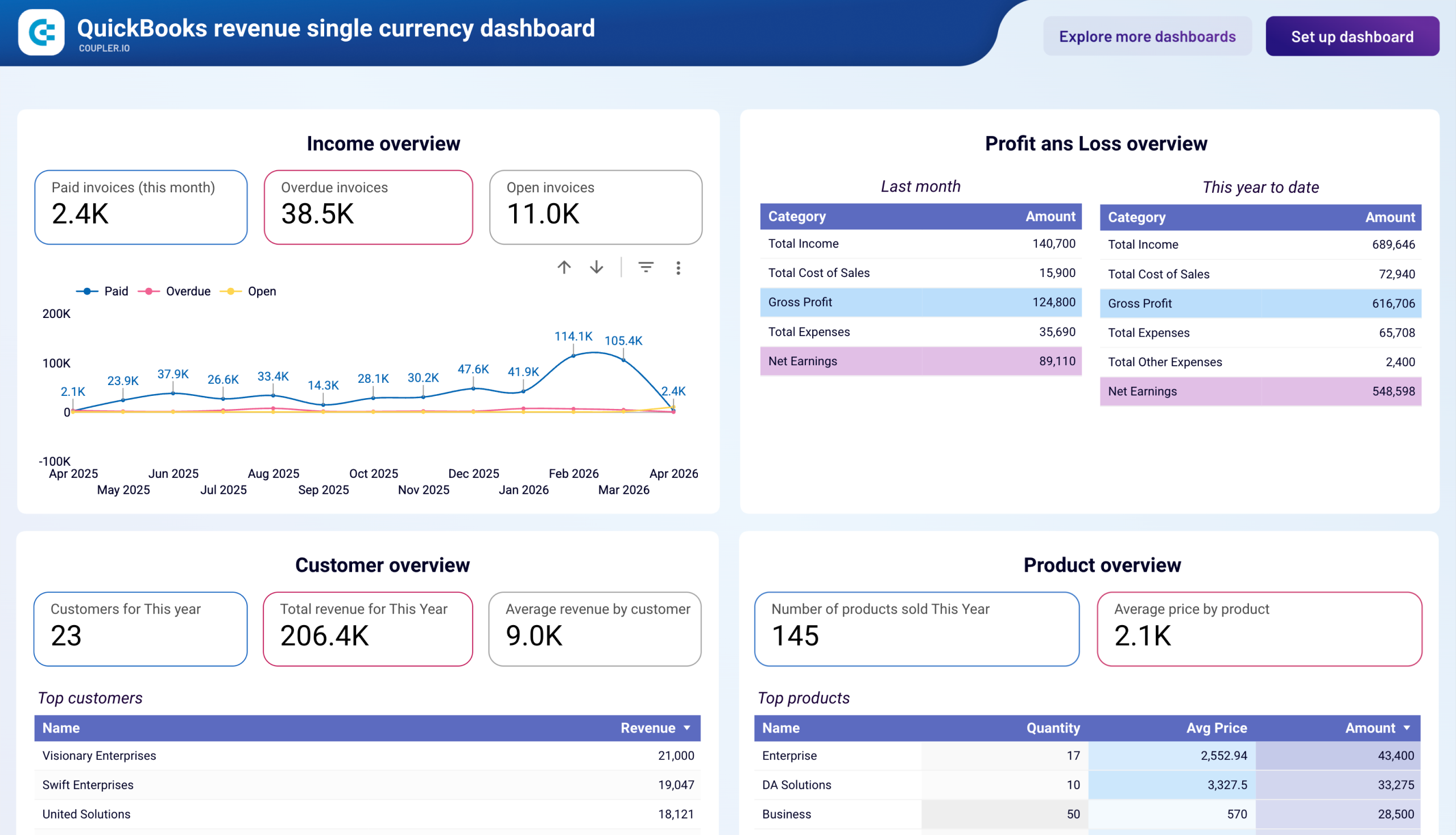
The revenue dashboard for QuickBooks or Xero presents income overviews and tracks revenue trends over 12 months to identify seasonal fluctuations and peak periods. Customer analysis displays top clients by revenue contribution, while product performance metrics highlight your most profitable offerings. The profit and loss overview compares revenue against expenses across multiple time periods with clear visualizations of net income trends. This combination of perspectives (temporal trends, customer segments, and product mix) provides the context needed to understand what drives revenue growth and where opportunities exist to improve profitability through customer focus or product strategy adjustments.
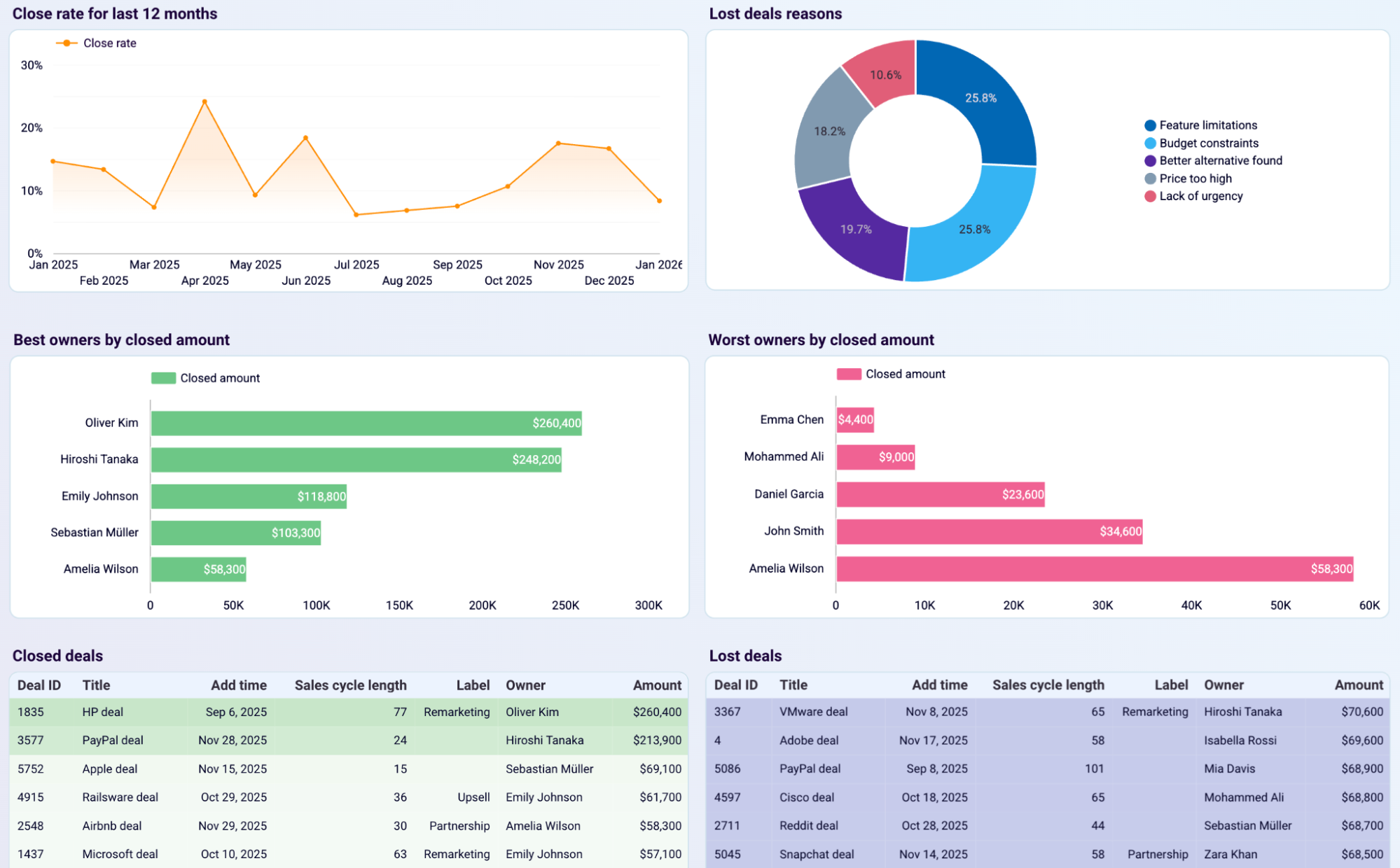
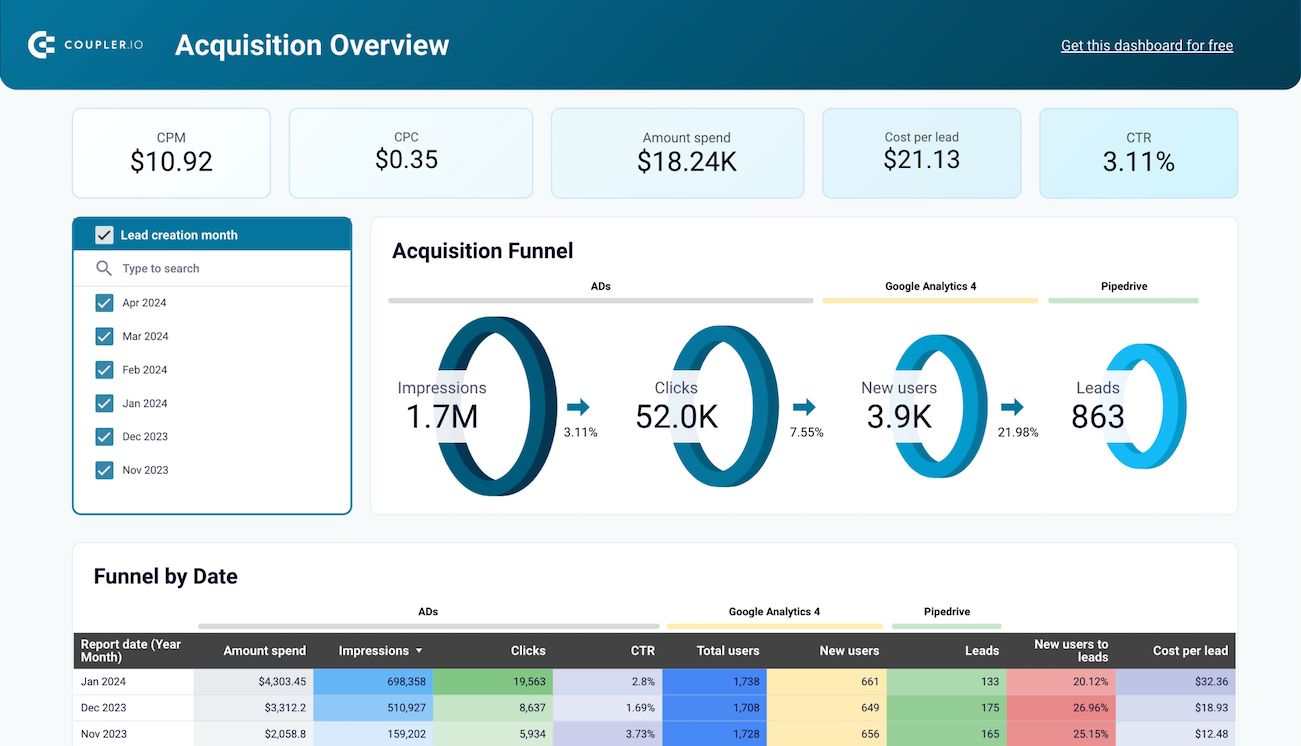
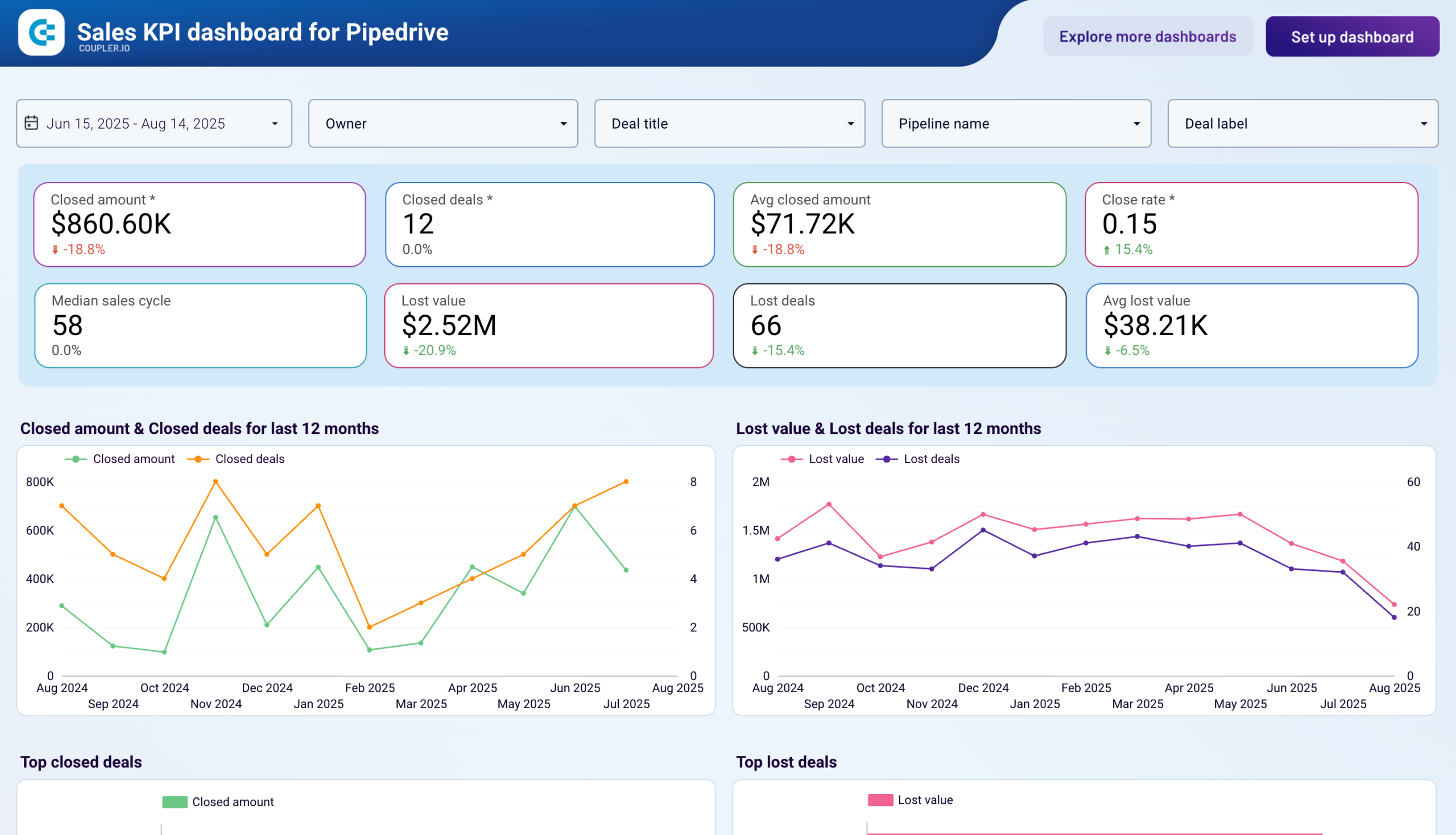
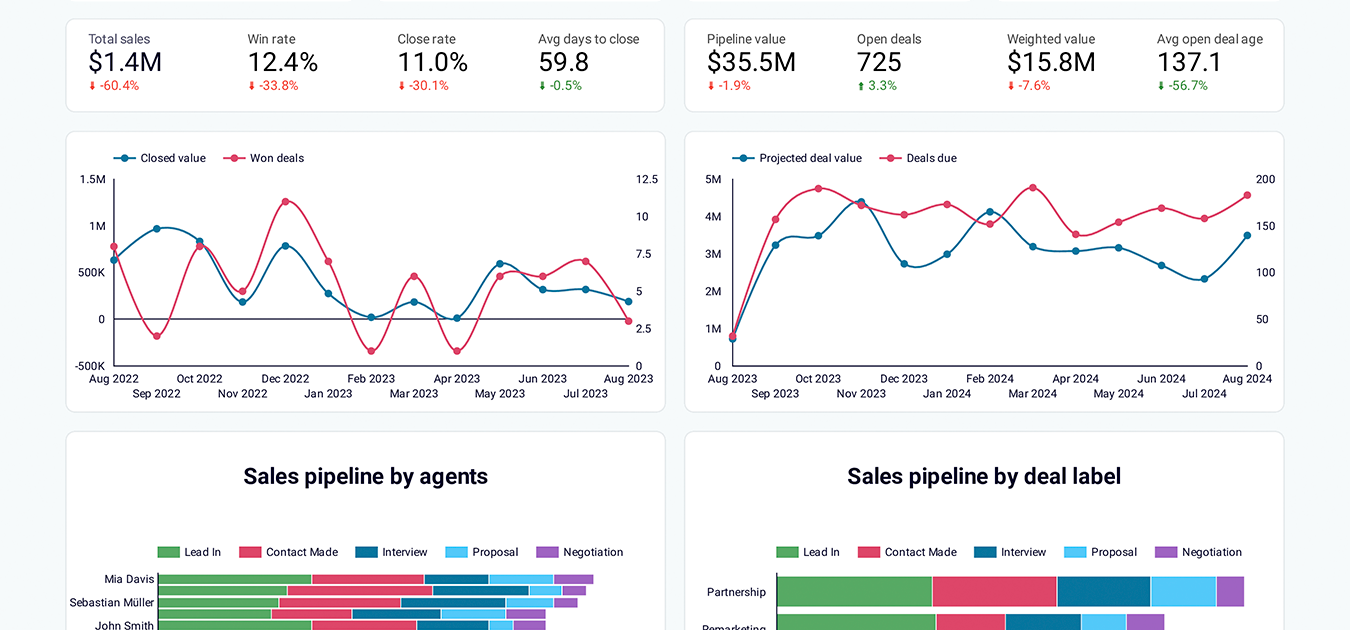
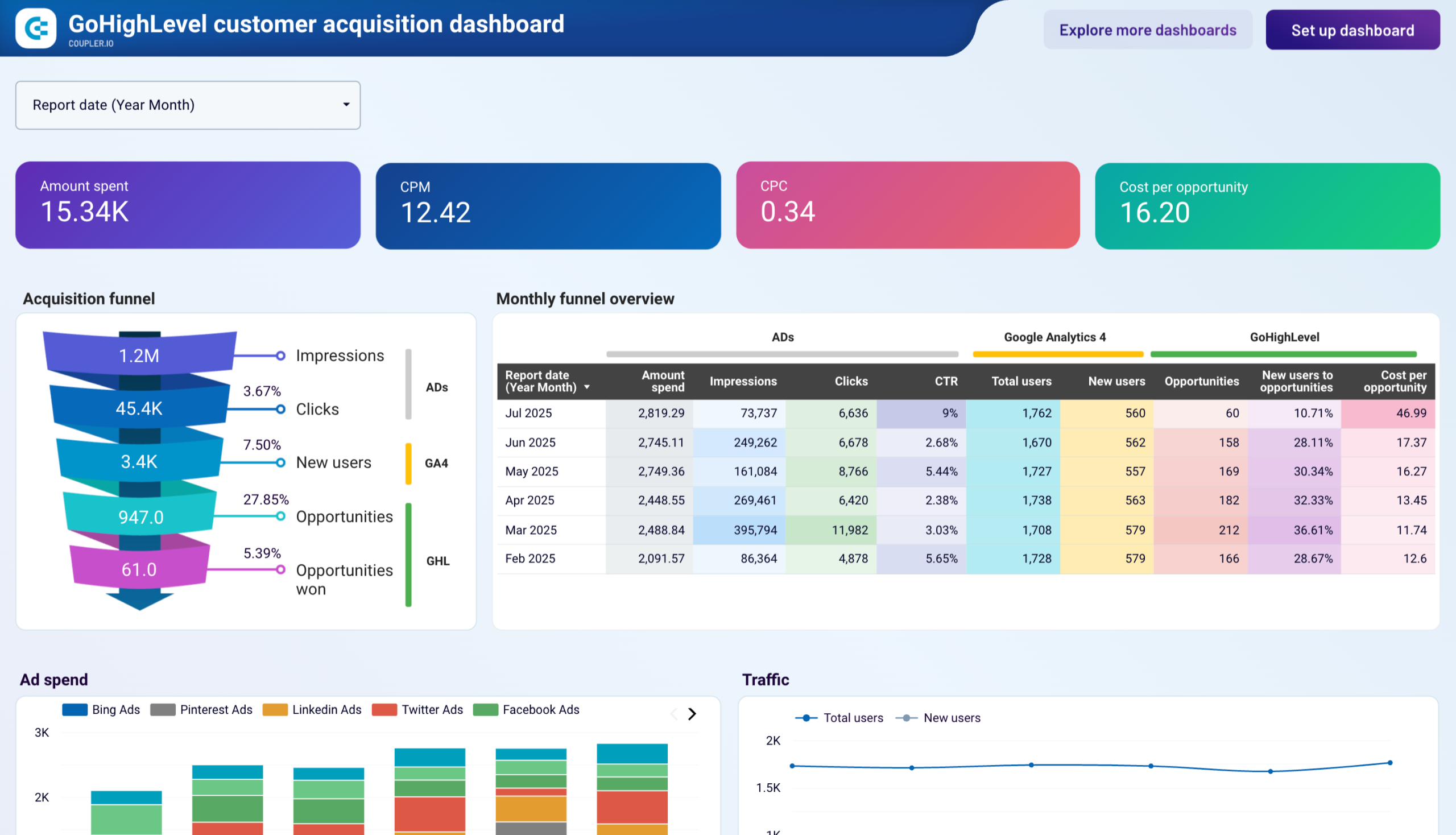
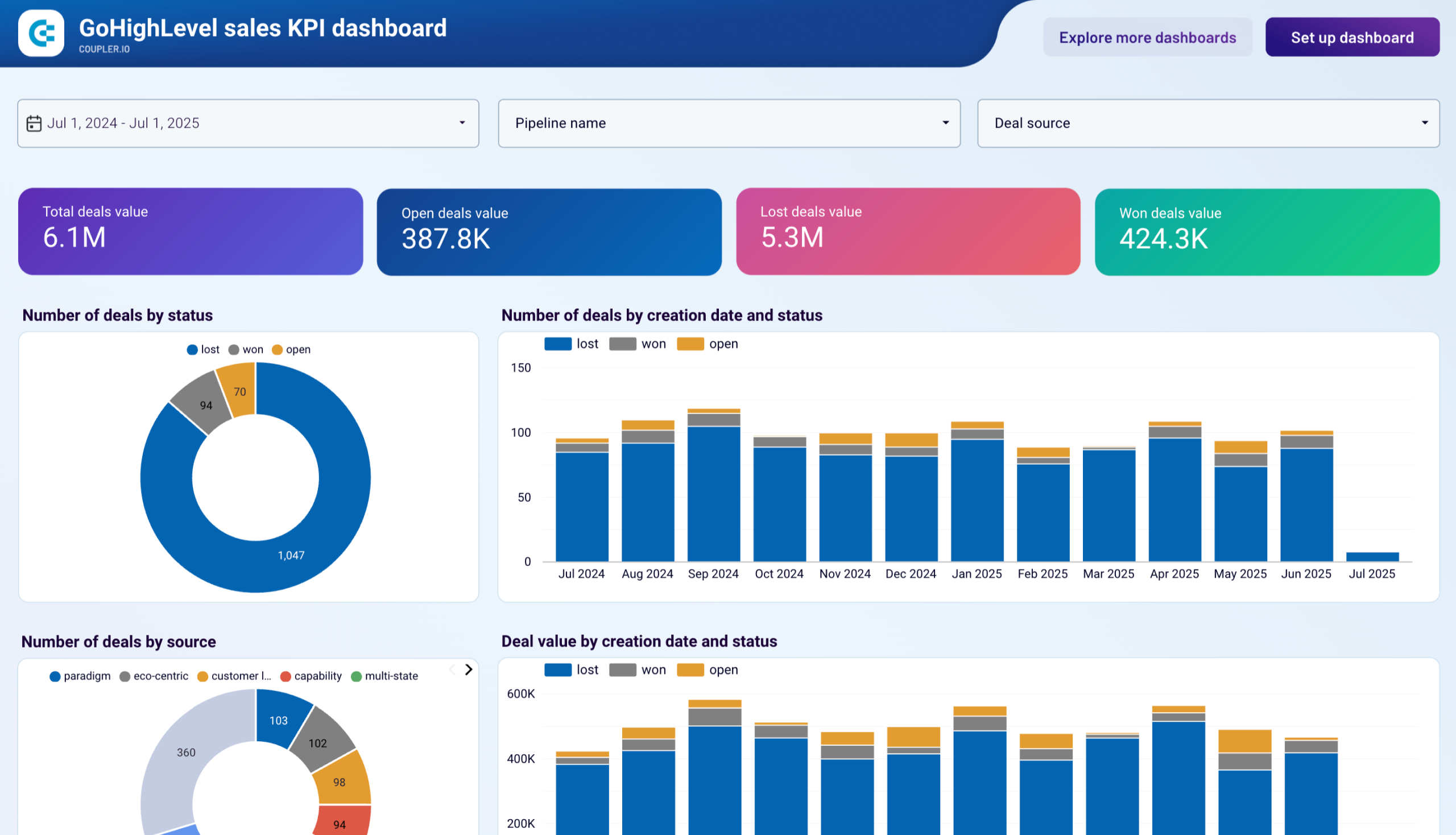
The dashboard templates for Pipedrive, GoHighLevel, Salesforce, and other CRM tools provide detailed breakdowns of opportunities by deal stage to assess pipeline distribution and movement. The dashboard reveals where deals concentrate in your sales process and where bottlenecks prevent progression to closed-won status. Owner comparison tables monitor individual sales rep performance through win rates, close rates, and time-to-close metrics, supporting informed decisions about deal assignment and coaching priorities. Trend visualizations correlate generated revenue with won opportunity counts and project future revenue based on opportunities in the pipeline. This comprehensive view helps sales leaders identify both process improvements and individual development needs that will accelerate revenue generation.
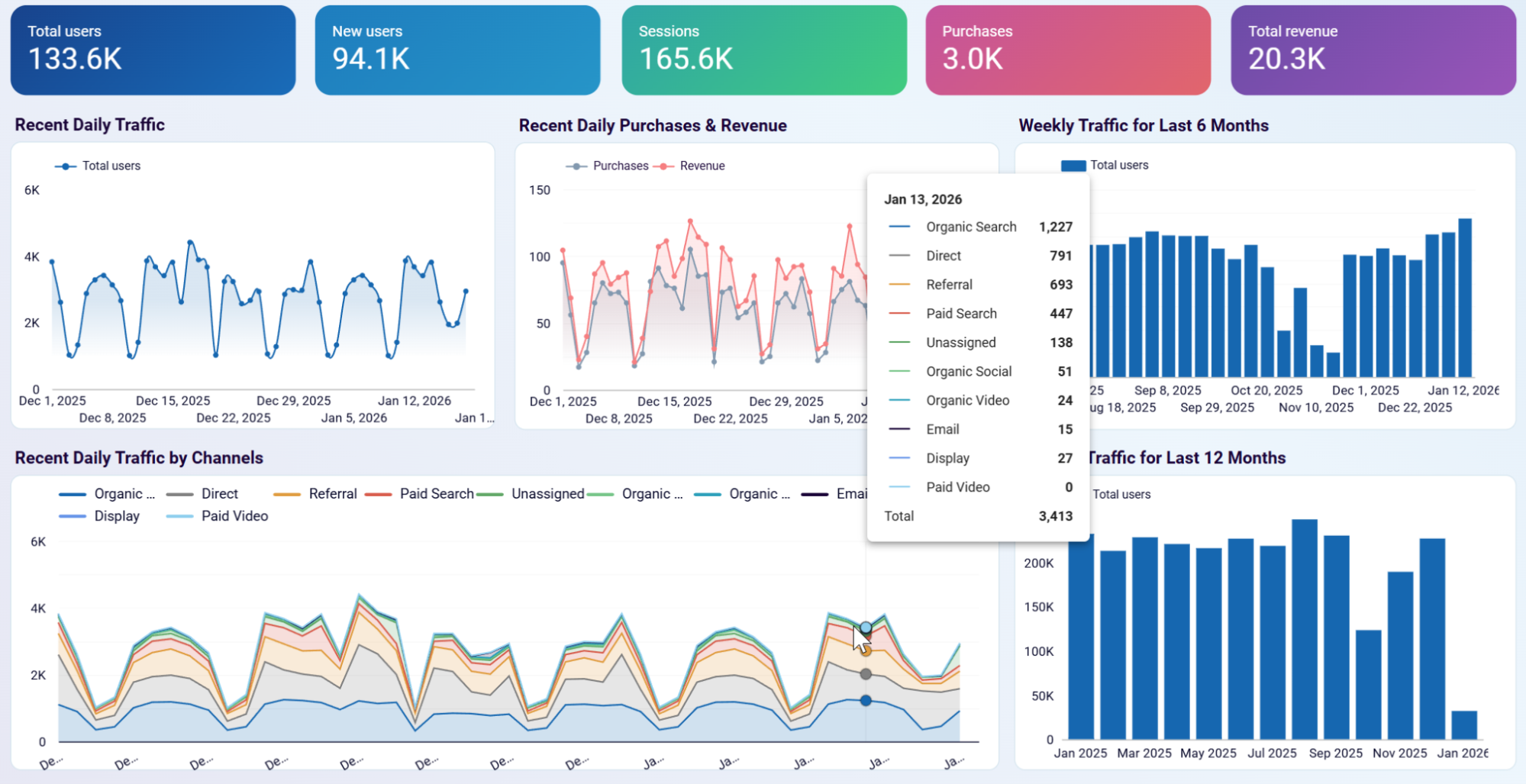
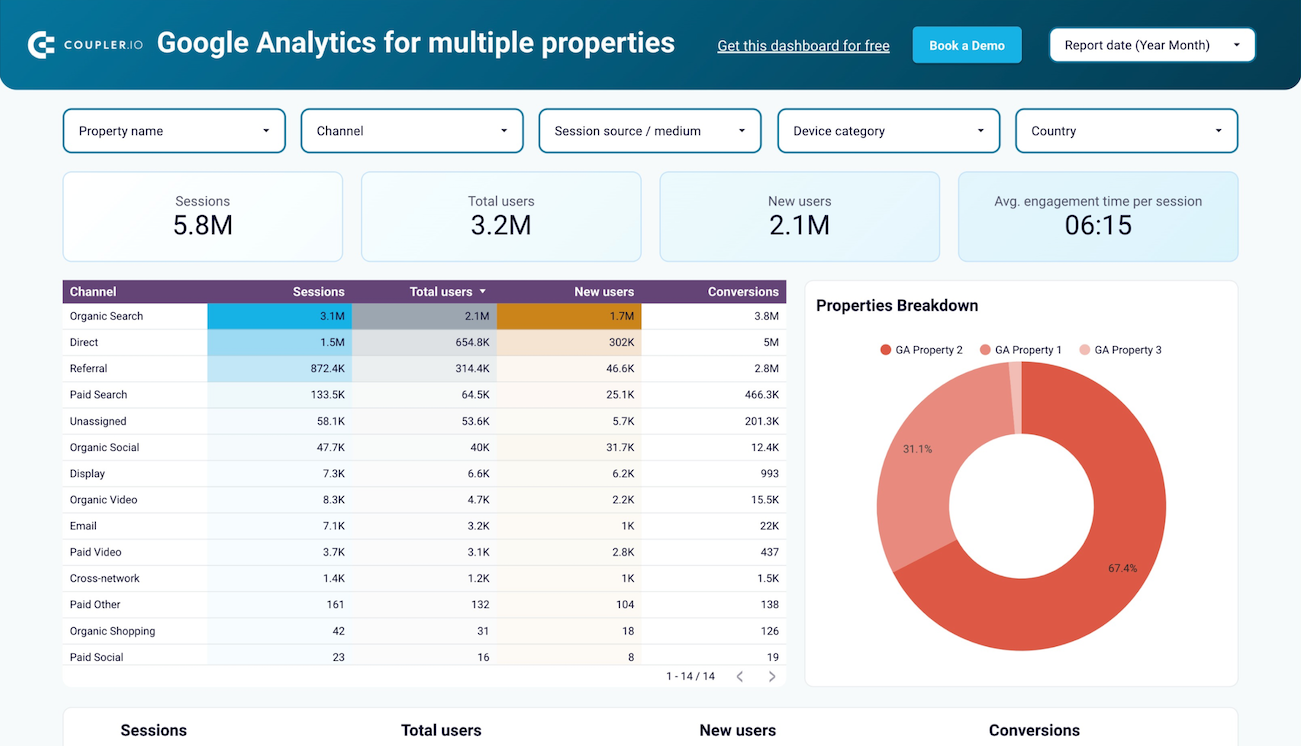
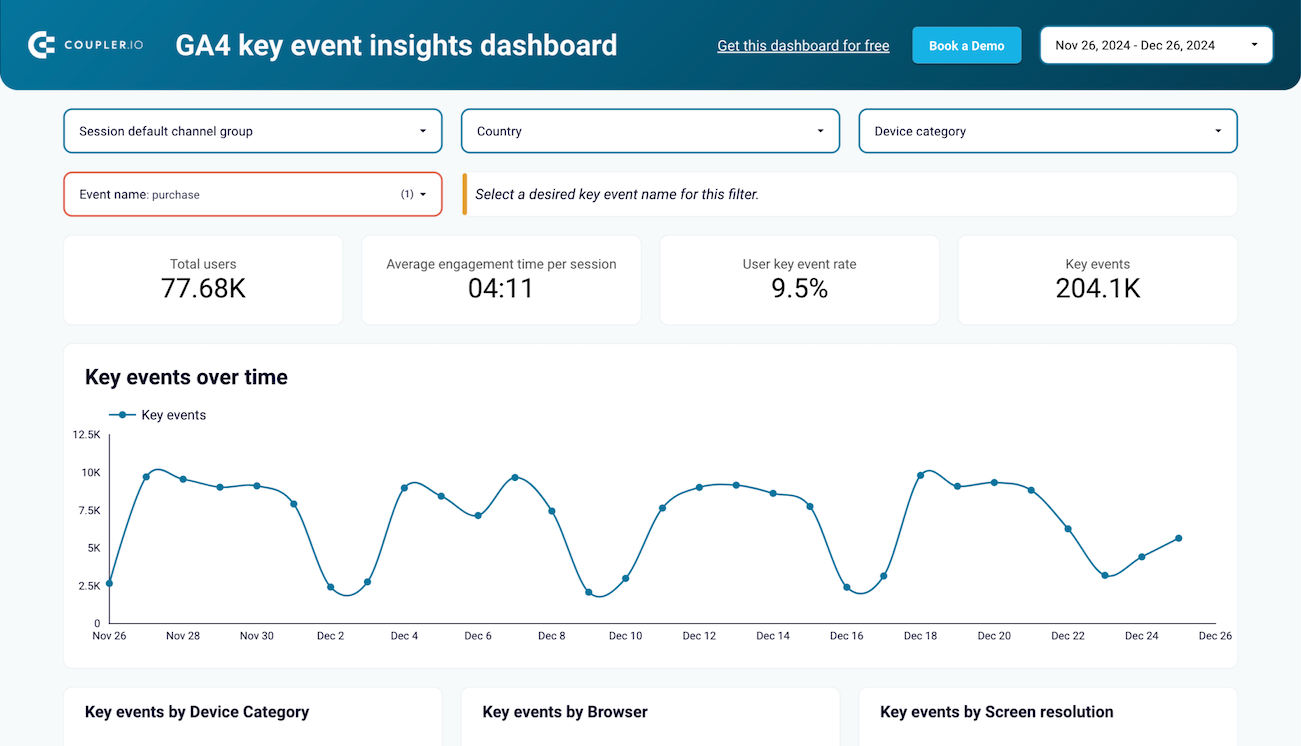
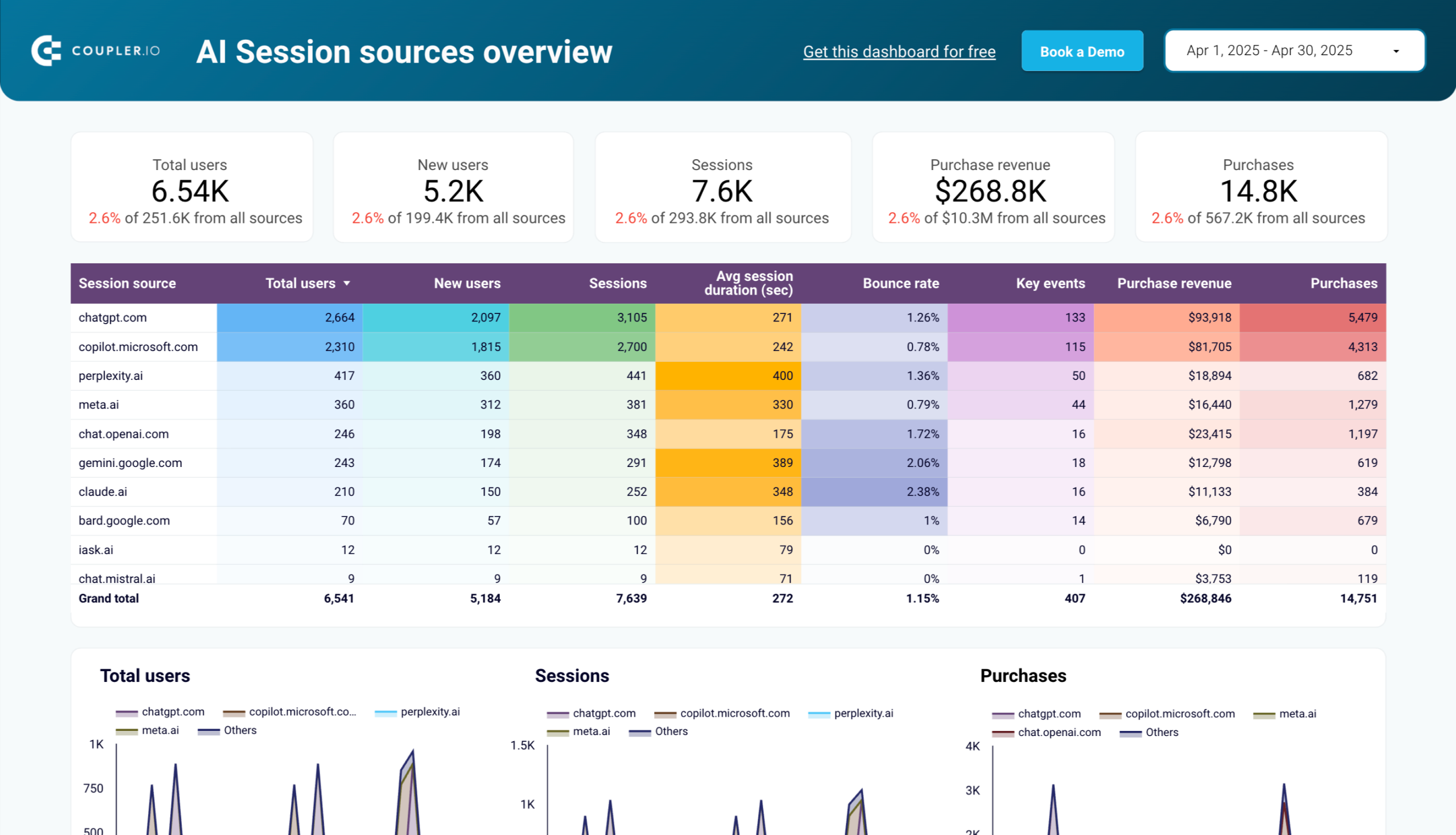
The web analytics template based on Google Analytics 4 provides daily updates on traffic growth, user acquisition sources, and engagement patterns. Acquisition reports identify which channels (organic search, social media, paid advertising, referral traffic) drive the most valuable visitors to your properties. Behavior analysis tracks engagement time per session, event counts, and views per user to understand how effectively your content holds attention. Conversion reports detail how users progress from initial visits to completed actions like purchases or form submissions. This integrated view of traffic sources, engagement quality, and conversion outcomes enables data-driven decisions about where to invest in customer acquisition and how to optimize the on-site experience for better results..
How to use a Data Studio report template?

Metrics you can track with the Data Studio templates
Impressions
Click-through rate (CTR)
Cost per click (CPC)
Conversion rate
Return on ad spend (ROAS)
Accounts receivable aging
Revenue by customer
Pipeline value by stage
Session duration
New user acquisition rate



