Google Calendar to ChatGPT

Export Google Calendar to ChatGPT

Integrate Google Calendar to ChatGPT with Coupler.io for accessible schedule analytics. Enable natural language exploration of meeting patterns, time allocation trends, and calendar efficiency through conversational AI that makes calendar intelligence available to everyone on your team without requiring analytics expertise or complex reporting tools.

🏆 Voted 4.9/5 on Capterra 🔒 SOC2 & GDPR compliant 🌍 Trusted by 1M+ users worldwide

What data you can export from Google Calendar?

... and many more

All-in-one tool for Google Calendar data exports and analytics

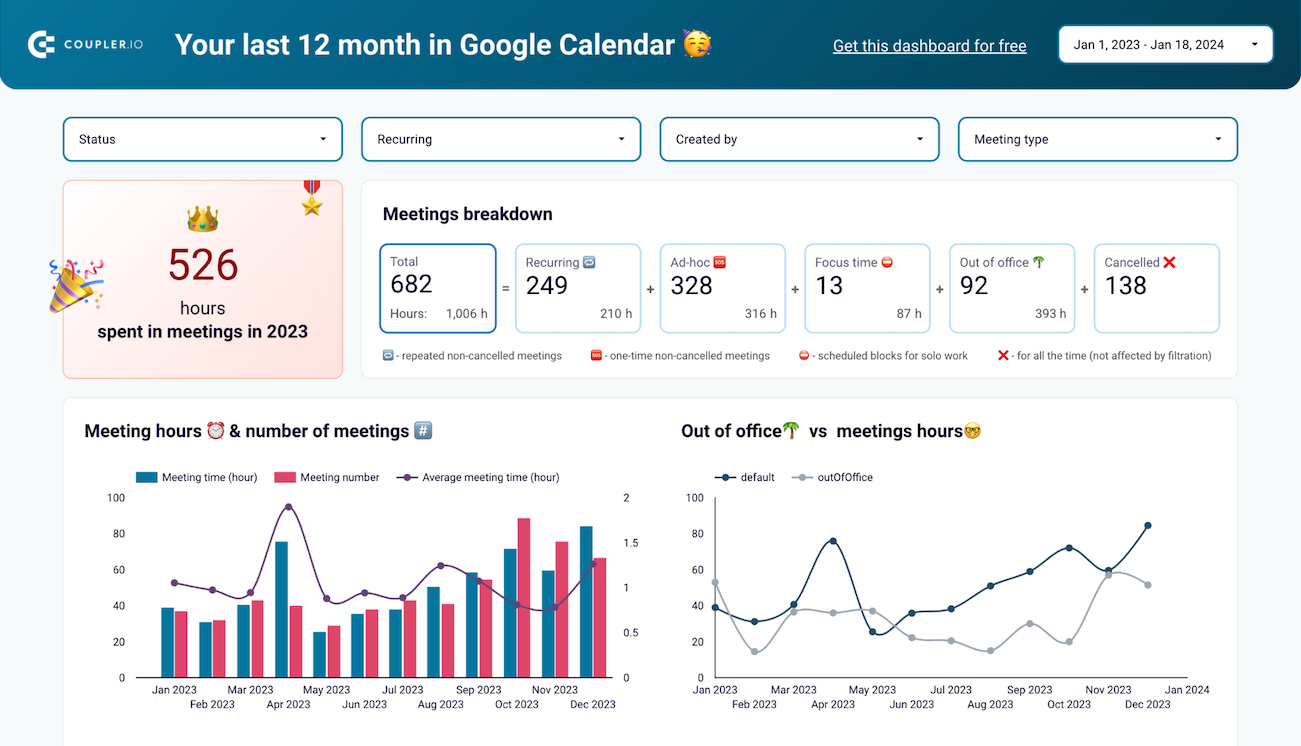
Gather calendar events, meeting participation, and availability data from Google Calendar, combining it with productivity metrics, project timelines, or team performance indicators for unified analysis across time allocation and business outcomes.

Collect data from Google Calendar and enrich it with information from other sources image

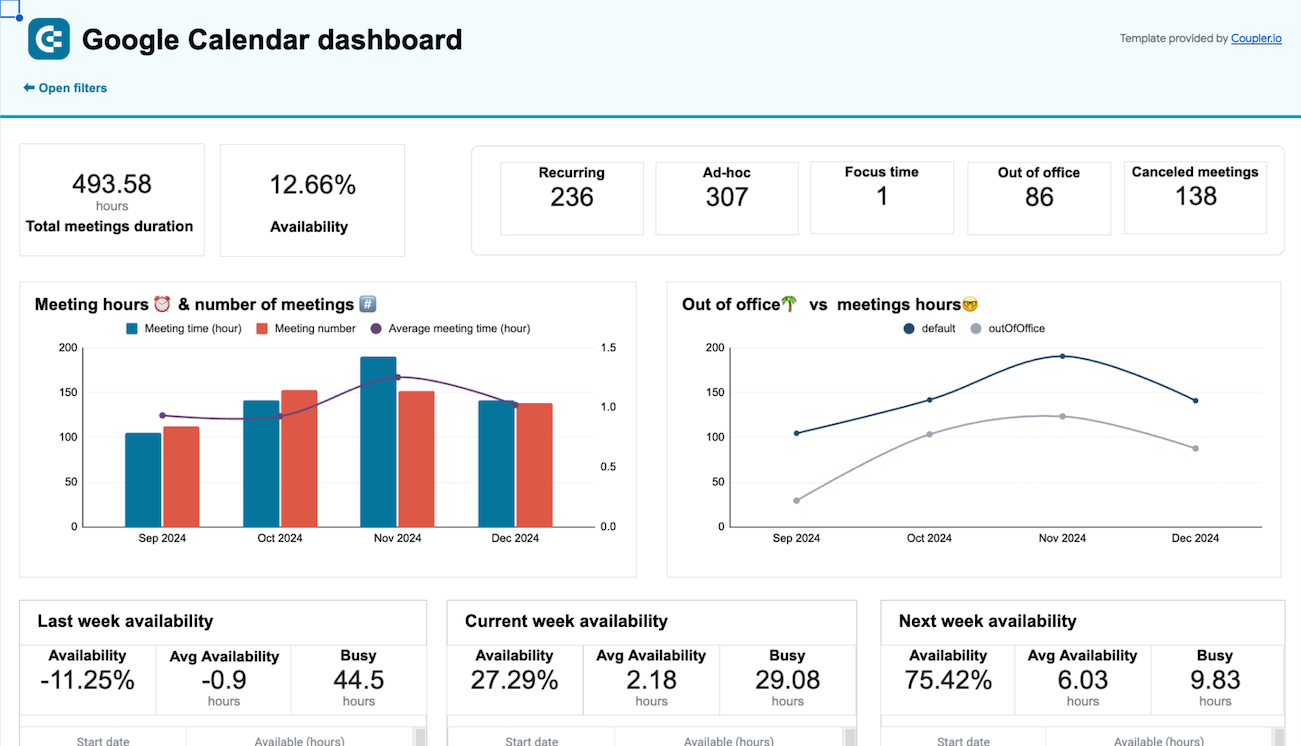
Convert calendar information into clean, analysis-ready formats with standardized event categories, proper duration calculations, and clear attendee relationships that support intuitive ChatGPT conversations about your schedule patterns.

Organize raw Google Calendar data in the form of a ready-to-use data set image

Maintain up-to-date calendar analytics with automated synchronization from monthly updates to 15-minute refresh cycles, ensuring conversational insights stay aligned with your team's evolving meeting schedules and calendar modifications.

Automate data refresh on a custom schedule image

Access ChatGPT's conversational interface for calendar exploration. Ask questions about your schedule in plain language and receive immediate insights about meeting efficiency, time allocation, and calendar optimization without building reports or learning analytics tools.

Connect Google Calendar data to AI to query and analyze data using natural language conversations image
Collect data from Google Calendar and enrich it with information from other sources image
Organize raw Google Calendar data in the form of a ready-to-use data set image
Automate data refresh on a custom schedule image
Connect Google Calendar data to AI to query and analyze data using natural language conversations image

Why export Google Calendar to ChatGPT - real life cases

Personal productivity optimization icon

Personal productivity optimization

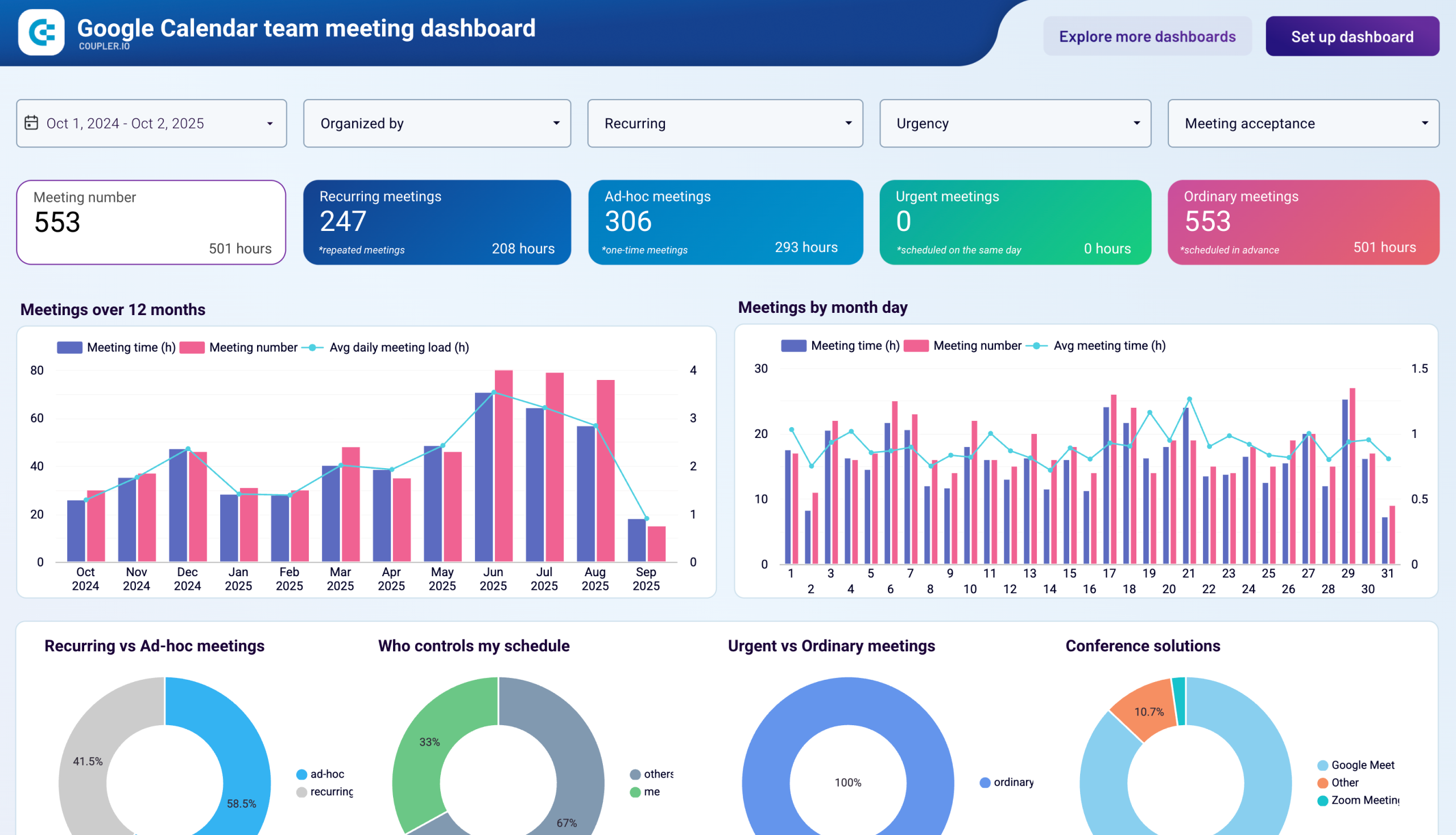
Examine individual calendar patterns to understand how meetings fragment focus time, identify schedule inefficiencies, and discover opportunities for better time management. ChatGPT analyzes your event data to suggest specific changes like meeting-free blocks, back-to-back session consolidation, or recurring meeting audits that can reclaim hours weekly for deep work.
Team meeting efficiency monitoring icon

Team meeting efficiency monitoring

Track collective meeting behavior across departments including average duration, attendance patterns, recurring meeting proliferation, and schedule coordination challenges. Ask ChatGPT quick questions about team calendar health, get instant visibility into meeting culture issues, and receive practical suggestions for improving collaboration efficiency without sacrificing connection.
Work-life balance tracking icon

Work-life balance tracking

Monitor calendar boundaries between professional commitments and personal time, analyzing after-hours meeting frequency, weekend schedule encroachment, and vacation coverage patterns. ChatGPT helps managers and HR teams identify burnout risks, evaluate meeting equity across time zones, and ensure organizational respect for work boundaries through simple conversational queries.
Client-facing time analysis icon

Client-facing time analysis

Measure time investment across customer accounts, analyzing meeting frequency with key clients, support session patterns, and account team allocation. Teams can quickly ask ChatGPT which clients consume the most meeting time, whether allocation matches account value, and how schedule patterns reflect relationship health or service delivery efficiency.

How to export Google Calendar to ChatGPT

Step 1. Connect to your Google Calendar account and select the data to export
time icon 30 seconds
Step 2. Organize data using transformation options such as filters, column management, aggregation, etc.
time icon 30 seconds
Step 3. Select ChatGPT as a destination and configure it as per the instructions
time icon 30 seconds
Step 4. Schedule data refresh to automate data flow from Google Calendar to ChatGPT
time icon 10 seconds

Automate data exports with the no-code Google Calendar ChatGPT integration

Quick start with Project Management dashboard templates

No such template is available yet.
No worries. Our team will create a template that fits your needs, just tell us more
about your case. It doesn't cost you a penny 😉
Request a custom report

Talk to AI about your Google Calendar data

Understanding how you and your team spend time requires digging through calendar views, manually counting meetings, or exporting data to spreadsheets for analysis—barriers that prevent most people from gaining calendar insights. ChatGPT integration through Coupler.io removes these obstacles completely. Your Google Calendar data becomes conversational, letting anyone ask questions about schedule patterns without technical skills. Managers can check team meeting loads through quick queries, individuals can assess their own time allocation without complex tracking, and executives can understand organizational calendar health through natural conversation—democratizing access to schedule intelligence that was previously locked behind analytics expertise.

Examples of questions you can ask ChatGPT about your Google Calendar data:
  • "How many hours did I spend in meetings last month compared to the month before, and which types of meetings increased most significantly?"
  • "Show me which team members have the heaviest meeting schedules this week and identify anyone who might be overcommitted or need support."
  • "What percentage of my calendar consists of recurring meetings versus one-time events, and are there recurring meetings I haven't attended in over a month?"
  • "Find all meetings scheduled outside standard business hours in the past quarter and tell me which involve the same participants repeatedly, suggesting potential timezone coordination issues."
connect-ai-integrations image google-calendar.svg

Keep your data safe

Coupler.io safeguards your shared information and data transfers from breaches, leaks, and unauthorized disclosures.

Google Cloud Platform icon SOC2 icon Hipaa icon GDPR Compliance icon
Learn more about security

Ready to connect Google Calendar to ChatGPT and automate your reporting?