
Export Recurly to Power BI
Build automated financial reporting pipelines by connecting Recurly to Power BI with Coupler.io. Replace manual CSV exports with direct data feeds to power complex DAX calculations, advanced revenue modeling, and reliable cash flow dashboards.


What data you can export from Recurly?
-
Accounts
-
Account coupon redemptions
-
Account notes
-
Add ons
-
Billing infos
-
Coupons
-
Credit payments
-
Export dates
-
Invoices
-
Line items
-
Measured units
-
Plans
-
Shipping addresses
-
Shipping methods
-
Subscriptions
-
Transactions
-
Unique coupons
-
Unique coupons parents
All-in-one tool for Recurly data exports and analytics
Merge Recurly invoices and credit payments with accounting software records and CRM platforms. Feed this consolidated financial data into Power BI to build advanced data models, enabling deep profitability analysis across all your business operations.

Format raw billing infos and account coupon redemptions into structured tables optimized for Power BI. Cleanse currency formats and align date fields to ensure your DAX calculations process accurate metrics for executive financial reporting.

Schedule automatic dataset updates from monthly, daily, hourly, 30-minute, 15-minute intervals to maintain accurate financial pipelines. Keep your Power BI cash flow dashboards and P&L reports continuously updated without relying on manual spreadsheet uploads.

Connect your Recurly line items to Claude or ChatGPT using Coupler.io AI integrations. Ask natural language questions to analyze revenue trends and billing patterns without writing complex SQL queries or building complicated DAX formulas.

Why export Recurly to Power BI - real life cases

Advanced subscription revenue modeling

Automated payment reconciliation workflows

Promotional discount impact analysis

Unified customer billing consolidation
How to export Recurly to Power BI
 30 seconds
30 seconds
10 seconds
30 seconds
30 seconds
30 seconds
10 seconds
Automate data exports with the no-code Recurly Power BI integration
Connect similar Ecommerce apps and get data in minutes



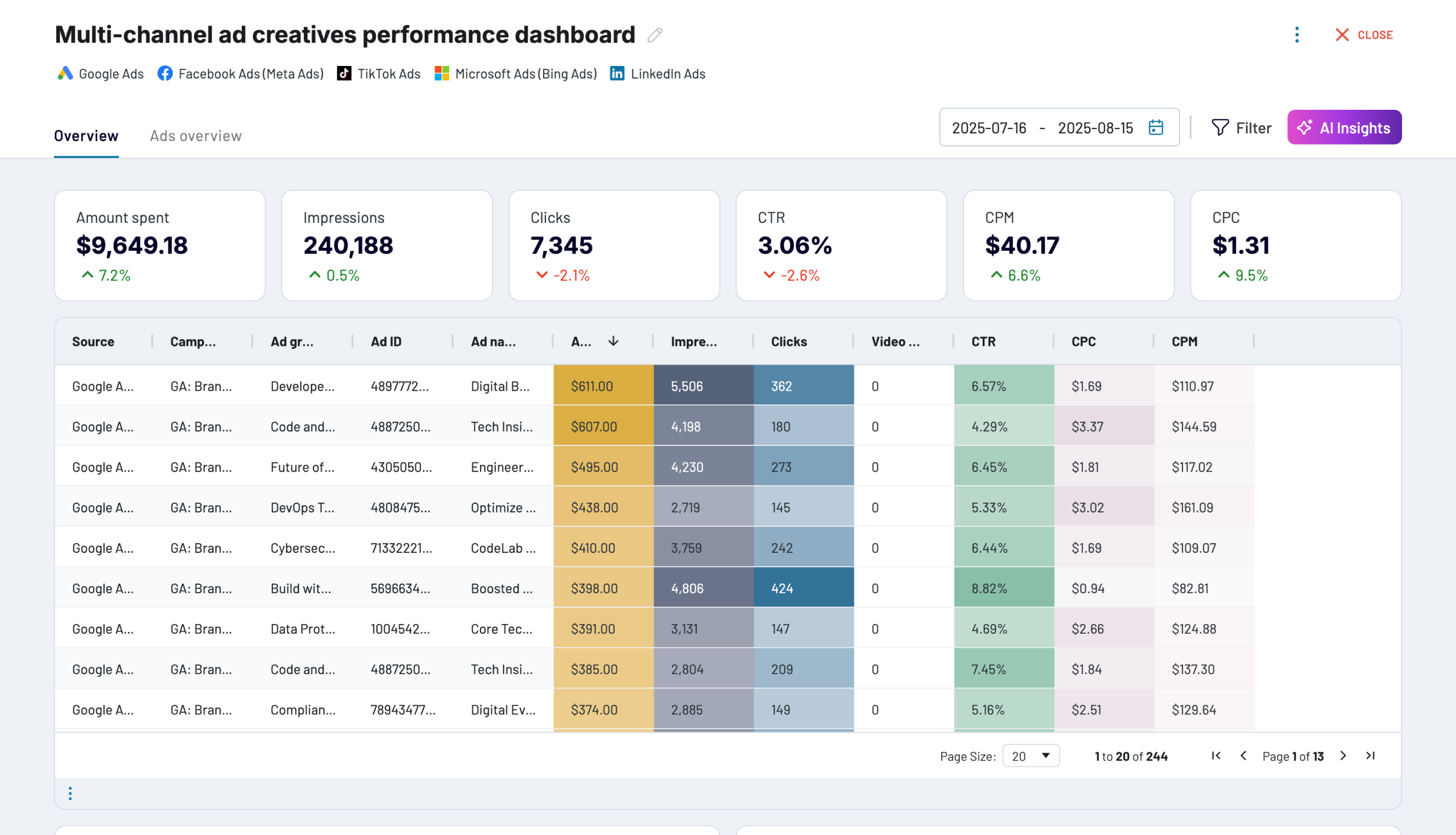
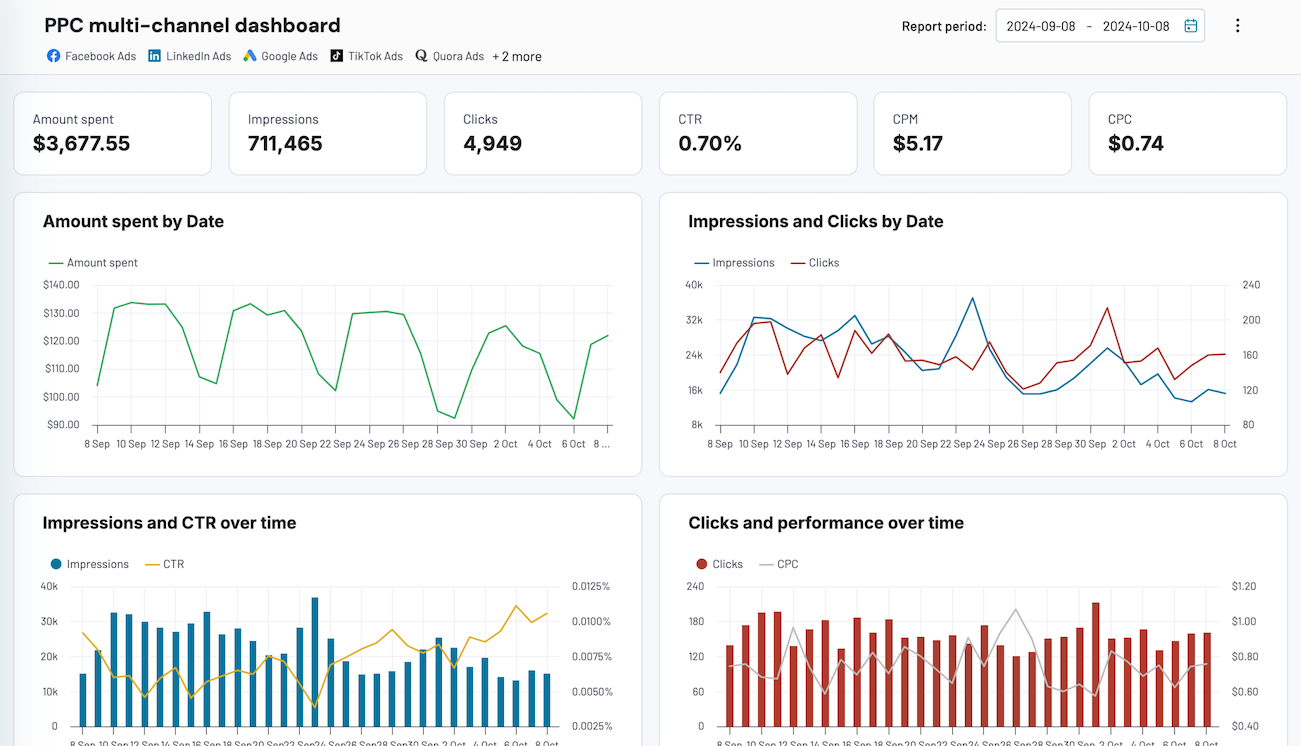
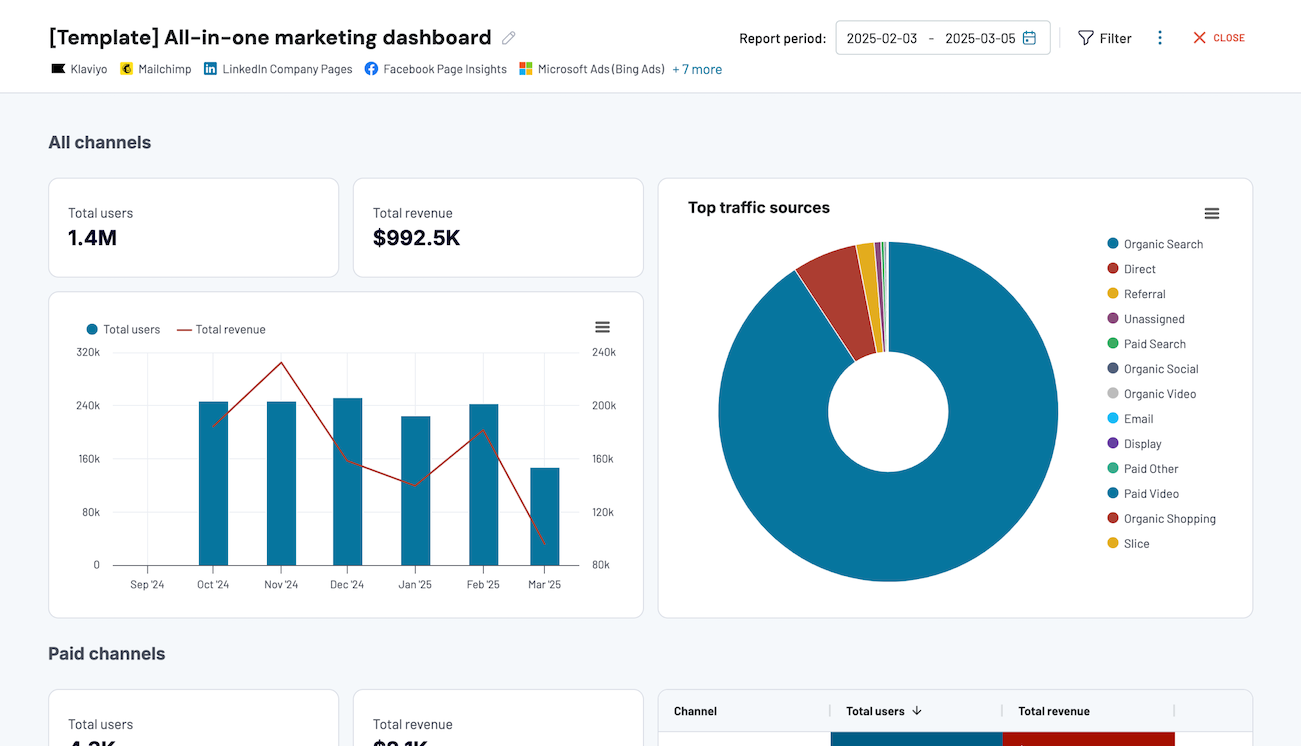
Quick start with dashboard templates


 +0
+0




 +4
+4


 +7
+7
about your case. It doesn't cost you a penny 😉
Talk to AI about your Recurly data
For a fully built-in experience, the Coupler.io AI Agent uses the Coupler.io Analytical Engine to deliver verified insights directly from your regularly refreshed financial datasets. Ask questions in plain language and get accurate calculations without leaving the platform.
Examples of questions you can ask about Recurly data:
"How have monthly totals for Recurly line items trended over the past year, and are there specific seasonal peaks?"
"Compare the average value of invoices between accounts located in North America versus those in Europe."
"Based on historical credit payments and active subscriptions, what is our forecasted cash collection for the upcoming quarter?"
"Which account coupon redemptions led to the longest average subscription duration, and how does that compare to full-price signups?"





Your data is secured by industry standards
 SOC 2 Type II
Certified
 Google Cloud
Certified
 GDPR
GDPRCompliant
 HIPAA
HIPAACompliant
Export data from Recurly to alternative destinations





