
Export Recurly to Excel
Send Recurly to Excel using Coupler.io to feed advanced financial models, replacing manual CSV downloads with automated data pipelines. Build offline pivot tables and complex formulas backed by reliable, scheduled synchronization across your entire billing stack.


What data you can export from Recurly?
-
Accounts
-
Account coupon redemptions
-
Account notes
-
Add ons
-
Billing infos
-
Coupons
-
Credit payments
-
Export dates
-
Invoices
-
Line items
-
Measured units
-
Plans
-
Shipping addresses
-
Shipping methods
-
Subscriptions
-
Transactions
-
Unique coupons
-
Unique coupons parents
All-in-one tool for Recurly data exports and analytics
Merge Recurly invoices and line items with accounting software records directly inside your spreadsheets. Feed this combined billing data into Excel pivot tables to analyze revenue trends, track cash flow, and build complex financial models.

Cleanse raw billing information before it reaches your workbook. Filter out empty fields, rename columns for clarity, and format dates so your Excel formulas and macros process subscription data accurately without manual formatting steps.

Schedule automatic updates to keep your financial workbooks accurate. Choose from monthly, daily, hourly, 30-minute, 15-minute refresh cycles to ensure your offline Excel cash flow reports always reflect the latest subscription payments and account balances.

Connect Coupler.io AI integrations to analyze your credit payments using Claude or ChatGPT. Ask plain-language questions about subscription revenue trends and billing anomalies directly, getting instant insights without writing complex Excel formulas or SQL queries.

Why export Recurly to Excel - real life cases

Subscription revenue performance reporting

Financial audit and compliance tracking

Cash flow forecasting in Excel

Promotional campaign impact analysis
How to export Recurly to Excel
 30 seconds
30 seconds
10 seconds
30 seconds
30 seconds
30 seconds
10 seconds
Automate data exports with the no-code Recurly Excel integration
Connect similar Ecommerce apps and get data in minutes



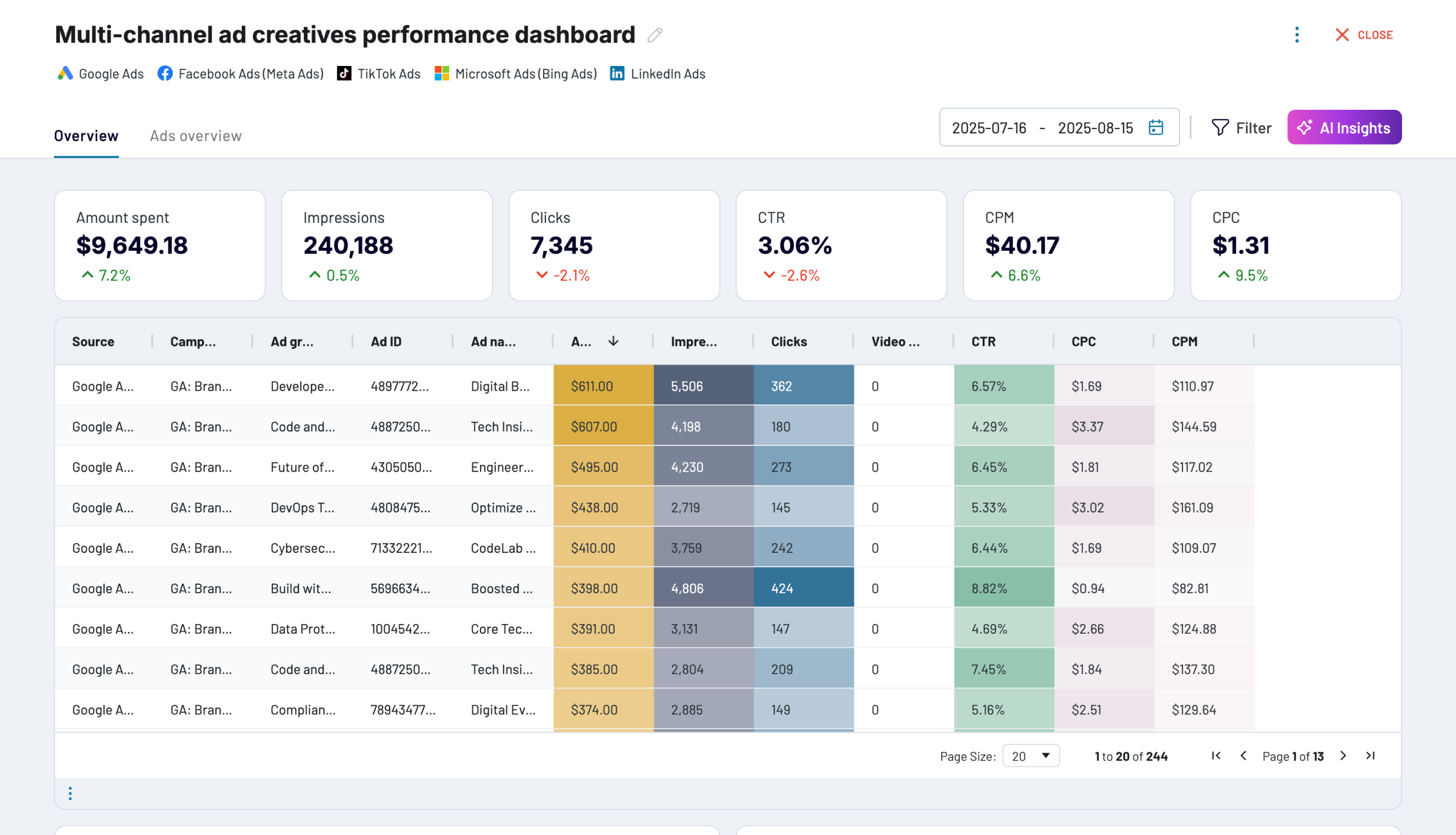
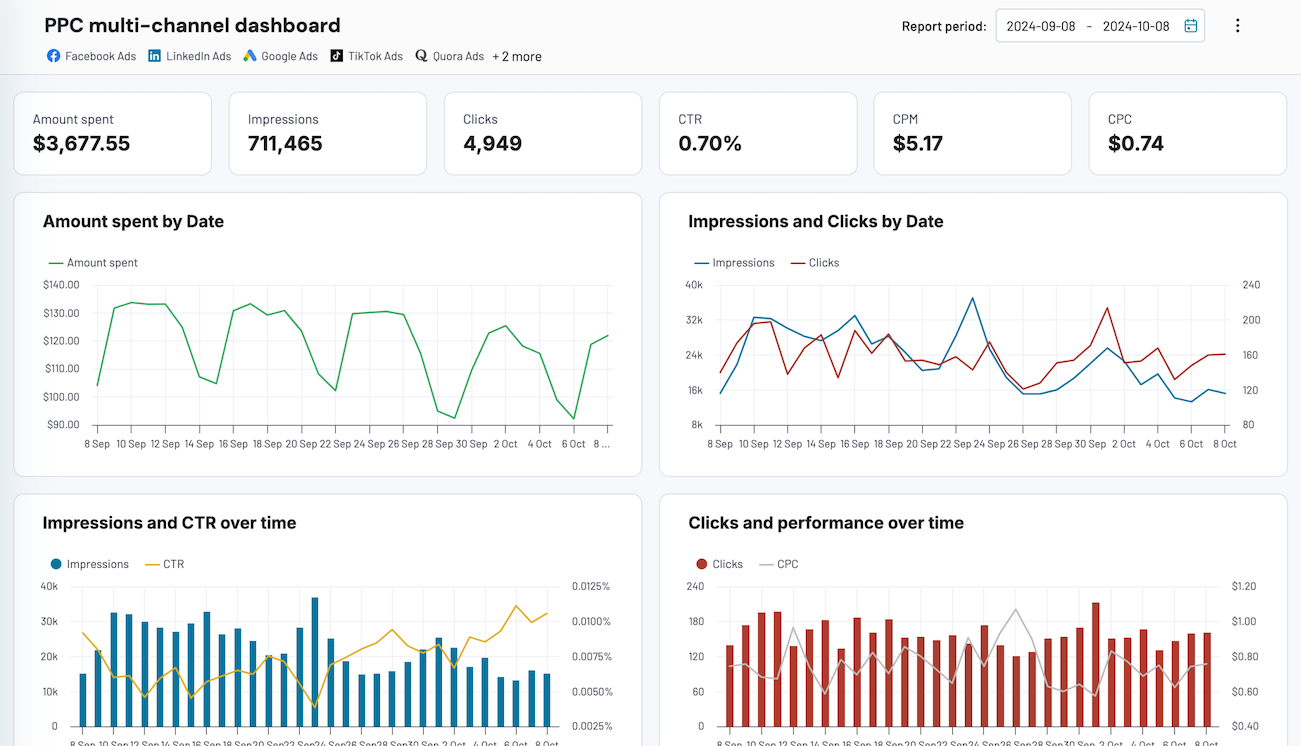
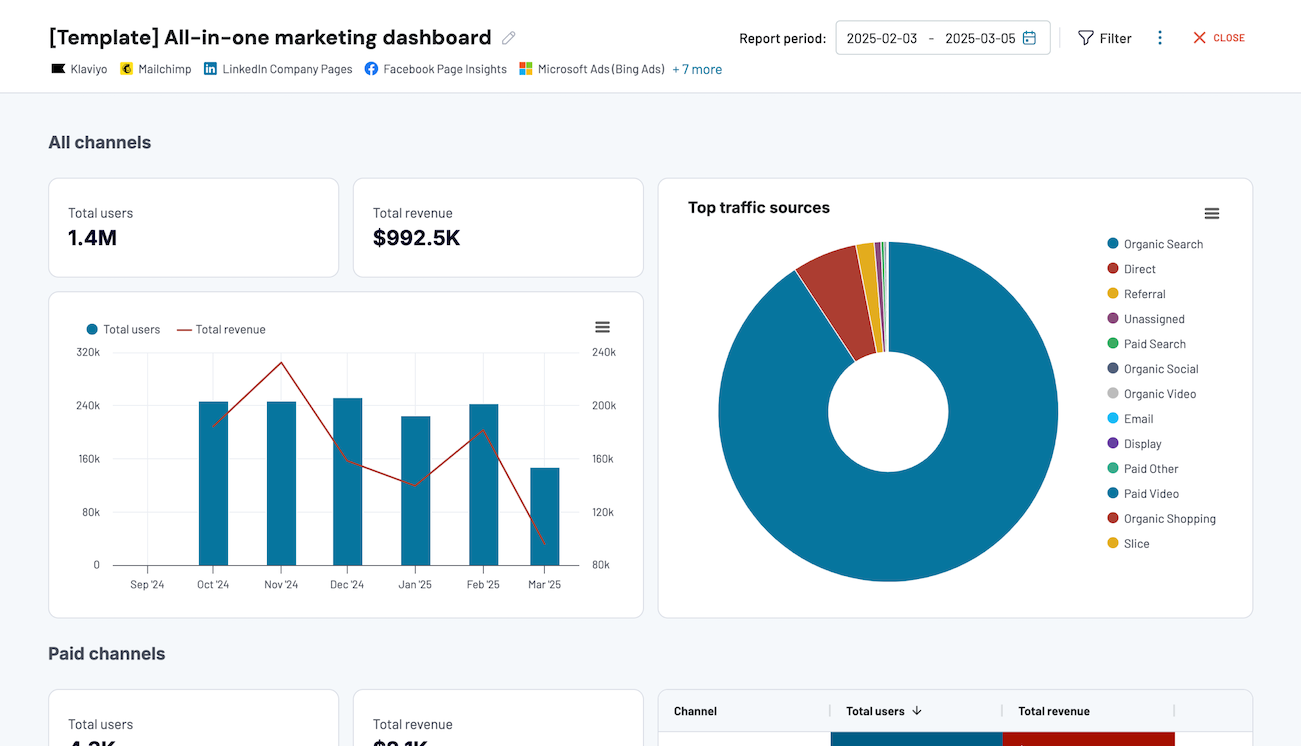
Quick start with dashboard templates


 +0
+0




 +4
+4


 +7
+7
about your case. It doesn't cost you a penny 😉
Talk to AI about your Recurly data
Alternatively, use the built-in Coupler.io AI Agent powered by the Coupler.io Analytical Engine. Ask natural language questions about your billing metrics and receive verified answers directly within your data integration workflow. No external tool setup needed.
Examples of questions you can ask about Recurly data:
"How has the volume of Recurly invoices changed over the past twelve months across different subscription tiers?"
"Compare the retention rates of accounts using specific coupons versus those paying full price during the holiday promotion."
"Based on historical credit payments and active accounts, what is the projected recurring revenue for the next quarter?"
"Which add ons generate the highest average revenue per user, and has that ranking shifted over the past six months?"





Your data is secured by industry standards
 SOC 2 Type II
Certified
 Google Cloud
Certified
 GDPR
GDPRCompliant
 HIPAA
HIPAACompliant
Export data from Recurly to alternative destinations





