
Export Recurly to JSON
Send Recurly to JSON with Coupler.io to feed custom web applications, combine billing metrics with product usage events, and build automated revenue dashboards without writing API scripts or maintaining complex data engineering pipelines.


What data you can export from Recurly?
-
Accounts
-
Account coupon redemptions
-
Account notes
-
Add ons
-
Billing infos
-
Coupons
-
Credit payments
-
Export dates
-
Invoices
-
Line items
-
Measured units
-
Plans
-
Shipping addresses
-
Shipping methods
-
Subscriptions
-
Transactions
-
Unique coupons
-
Unique coupons parents
All-in-one tool for Recurly data exports and analytics
Unify Recurly subscriptions, transactions, and unique coupons with CRM contact records and marketing ad spend data. Your custom internal tools receive a single structured JSON export covering full-funnel revenue analytics without separate API calls to each platform.

Restructure raw Recurly billing outputs into clean, nested JSON arrays. Filter out empty fields, rename account parameters, and format currency values so your development team can instantly parse the data into custom reporting interfaces.

Update your JSON endpoints automatically on a custom schedule, choosing from monthly, daily, hourly, 30-minute, or 15-minute intervals. Keep your custom web applications and internal revenue dashboards populated with the latest subscription and payment metrics.

Coupler.io AI integrations let you connect Recurly data to Claude or ChatGPT. Ask natural language questions about specific plans or account coupon redemptions to analyze subscription trends instantly, entirely without writing SQL queries or formulas.

Why export Recurly to JSON - real life cases

Recurly billing data consolidation

Promotional campaign attribution tracking

Automated customer provisioning workflows

Usage-based revenue forecasting models
How to export Recurly to JSON
 30 seconds
30 seconds
10 seconds
30 seconds
30 seconds
30 seconds
10 seconds
Automate data exports with the no-code Recurly JSON integration
Connect similar Ecommerce apps and get data in minutes



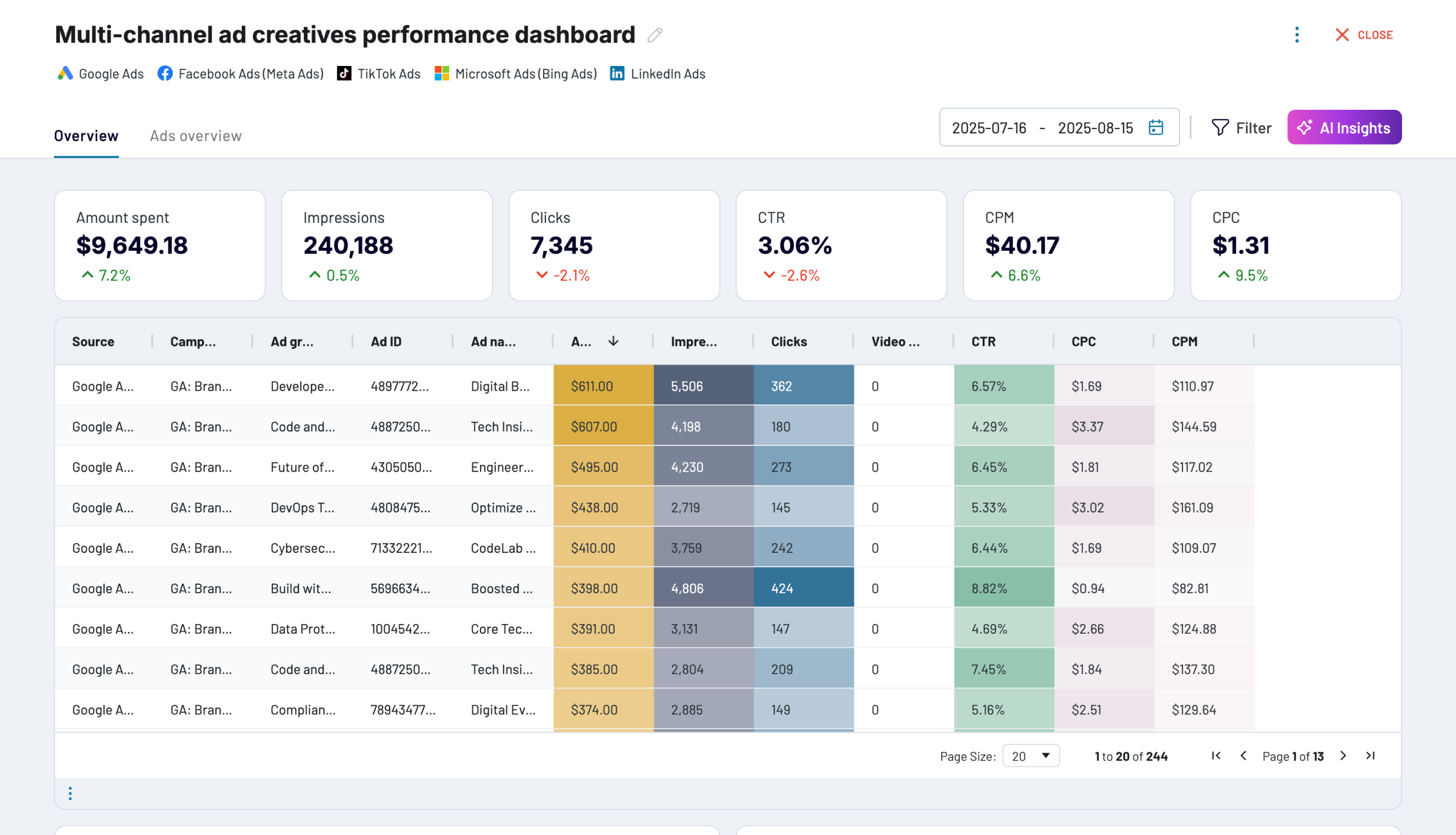
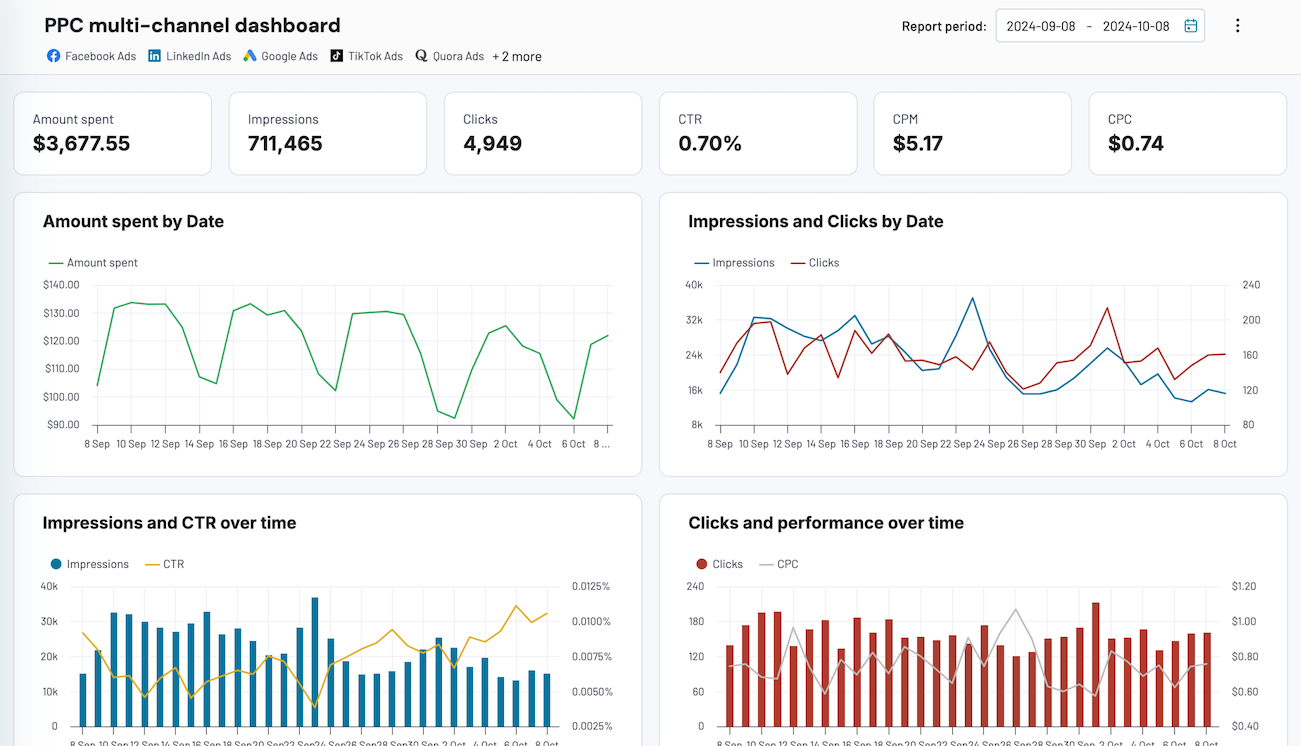
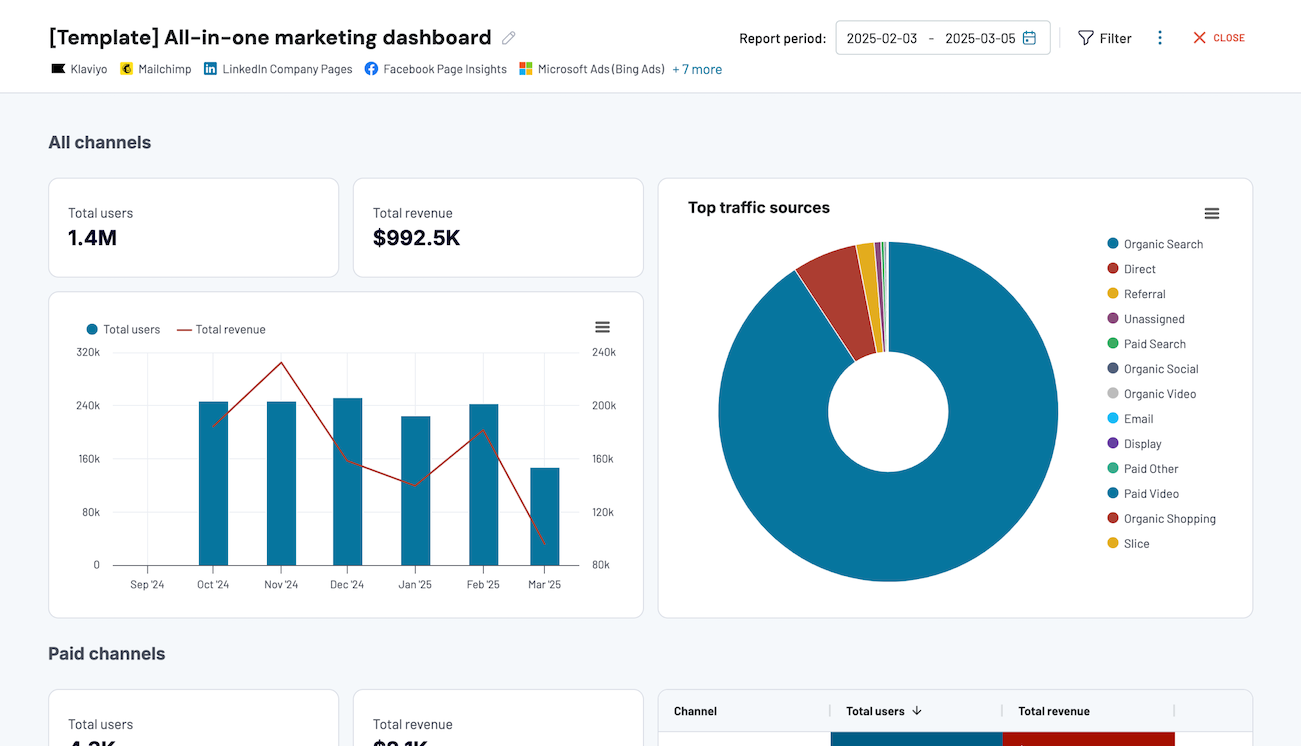
Quick start with dashboard templates


 +0
+0




 +4
+4


 +7
+7
about your case. It doesn't cost you a penny 😉
Talk to AI about your Recurly data
When you want insights without leaving the platform, use the built-in Coupler.io AI Agent. Powered by the Coupler.io Analytical Engine, it processes your billing metrics, runs calculations, and delivers verified answers directly inside Coupler.io.
Examples of questions you can ask about Recurly data:
"How has the average duration of active subscriptions changed month over month during the last two fiscal years?"
"Compare the distribution of shipping methods selected by customers on annual plans versus those on monthly billing cycles."
"Based on historical transactions and upcoming renewal dates, what is our expected cash collection for the next quarter?"
"Which unique coupons generated the highest conversion rate from trial to paid subscription over the past year?"





Your data is secured by industry standards
 SOC 2 Type II
Certified
 Google Cloud
Certified
 GDPR
GDPRCompliant
 HIPAA
HIPAACompliant
Export data from Recurly to alternative destinations





