
Export ClickUp to BigQuery
Transform your ClickUp project management data into powerful analytics insights with automated BigQuery integration. Coupler.io enables seamless data pipeline creation, turning project metrics into actionable business intelligence for data-driven decision making.


What data you can export from ClickUp
-
UsersTeam member profiles with roles, permissions, and activity metrics for workforce analysis and capacity planning across project portfolios.
-
TeamsOrganizational structures and collaboration patterns to optimize team composition and identify cross-functional workflow opportunities.
-
ListsProject categorization and task organization frameworks to standardize project management methodologies and reporting structures.
-
SpacesHigh-level project groupings and portfolio management data for executive-level visibility into departmental performance and resource allocation.
-
FoldersProject hierarchy and organizational containers to maintain data governance and enable filtered analytics by business unit or project type.
-
TasksComprehensive task metadata including status progression, effort estimation, dependencies, and completion metrics for detailed project performance analysis.
-
Time trackingGranular time allocation data per task, user, and project for accurate billing, productivity measurement, and resource optimization insights.
-
Time tracking tagsCategorized time entries enabling detailed cost analysis, billing verification, and project profitability assessment across different work types.
-
Custom fieldsProject-specific data points and business rules configured at various levels for tailored analytics that match organizational processes.
-
Team goalsStrategic objective tracking and progress measurement for aligning project outcomes with broader business objectives and OKR frameworks.
-
CommentsCommunication history and collaboration insights for analyzing decision-making patterns and project communication effectiveness.
All-in-one tool for ClickUp data exports and analytics
Merge ClickUp project data with CRM records, financial systems, or HR platforms to create unified data warehouses that provide complete visibility into business operations and project profitability.

Transform task hierarchies, time logs, and project metadata into structured BigQuery tables with proper schema design, making complex project data queryable through SQL for advanced analytics.

Configure automatic data synchronization from every month to every 15 minutes intervals, ensuring your BigQuery warehouse maintains current project status for real-time business intelligence and reporting needs.

Leverage natural language processing to extract insights from project data through conversational queries, eliminating the need for complex SQL knowledge while maintaining analytical depth.

Why export ClickUp to BigQuery - real life cases

Enterprise data warehousing

Advanced project analytics

Business intelligence integration

Predictive project modeling
How to export ClickUp to BigQuery
 30 seconds
30 seconds
10 seconds
30 seconds
30 seconds
30 seconds
10 seconds
Automate data exports with the no-code ClickUp BigQuery integration
Connect similar Project Management apps and get data in minutes


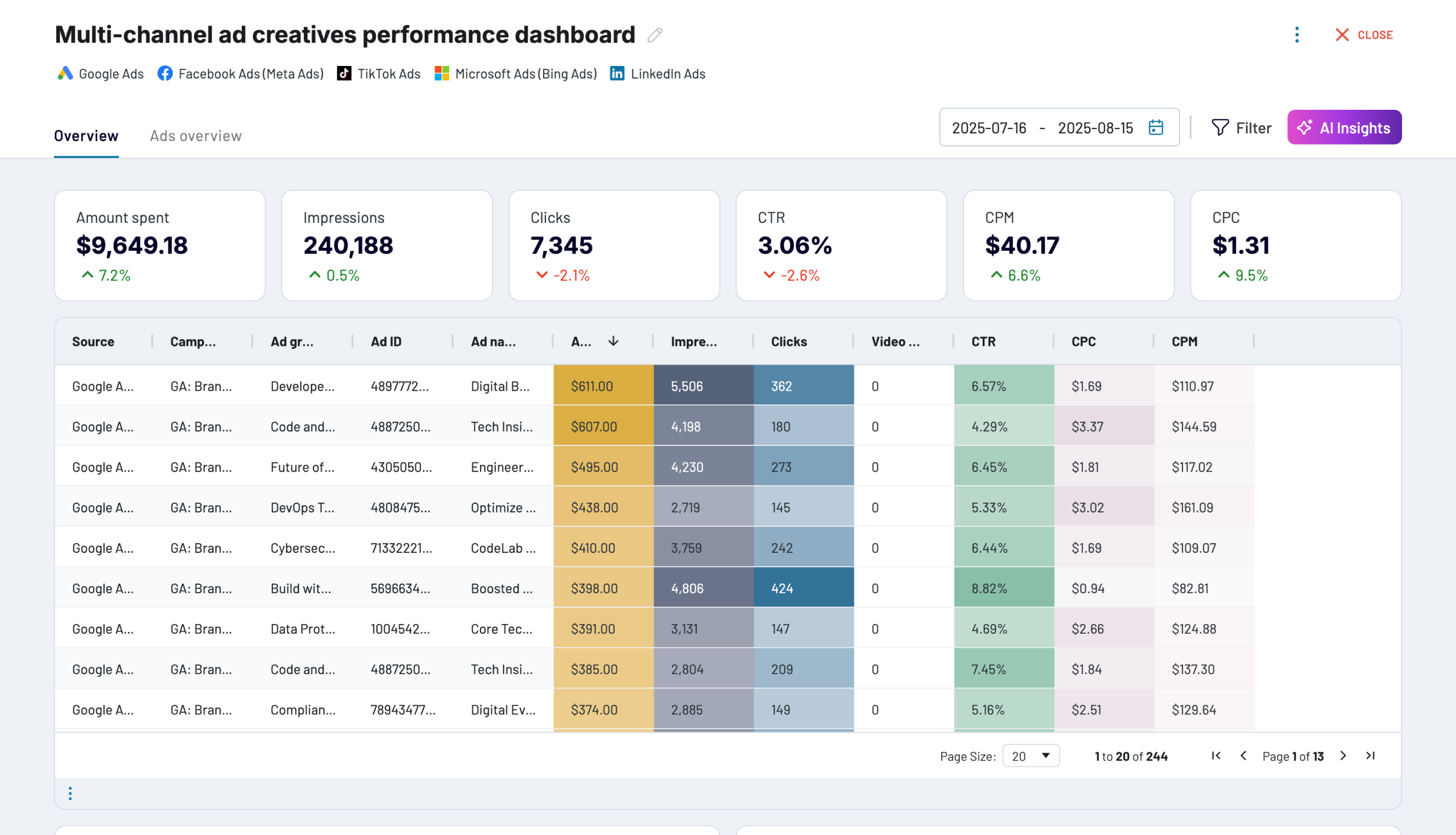
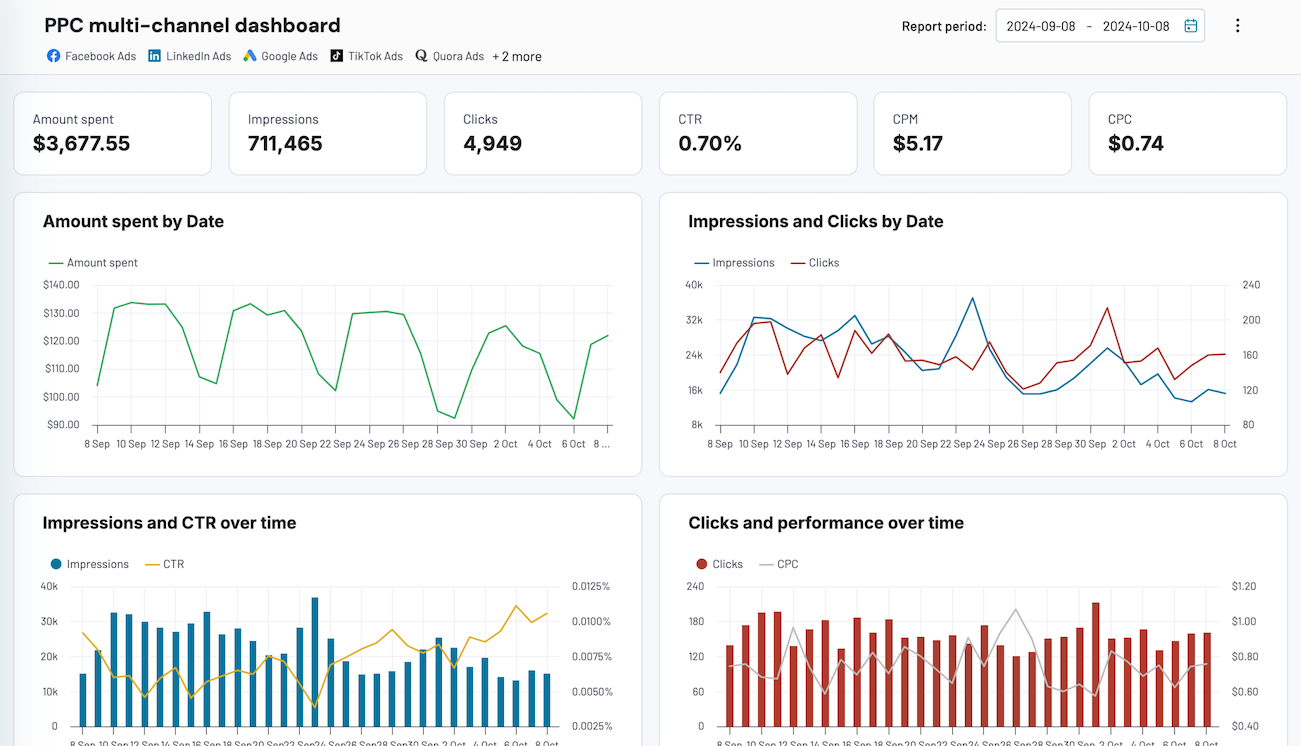
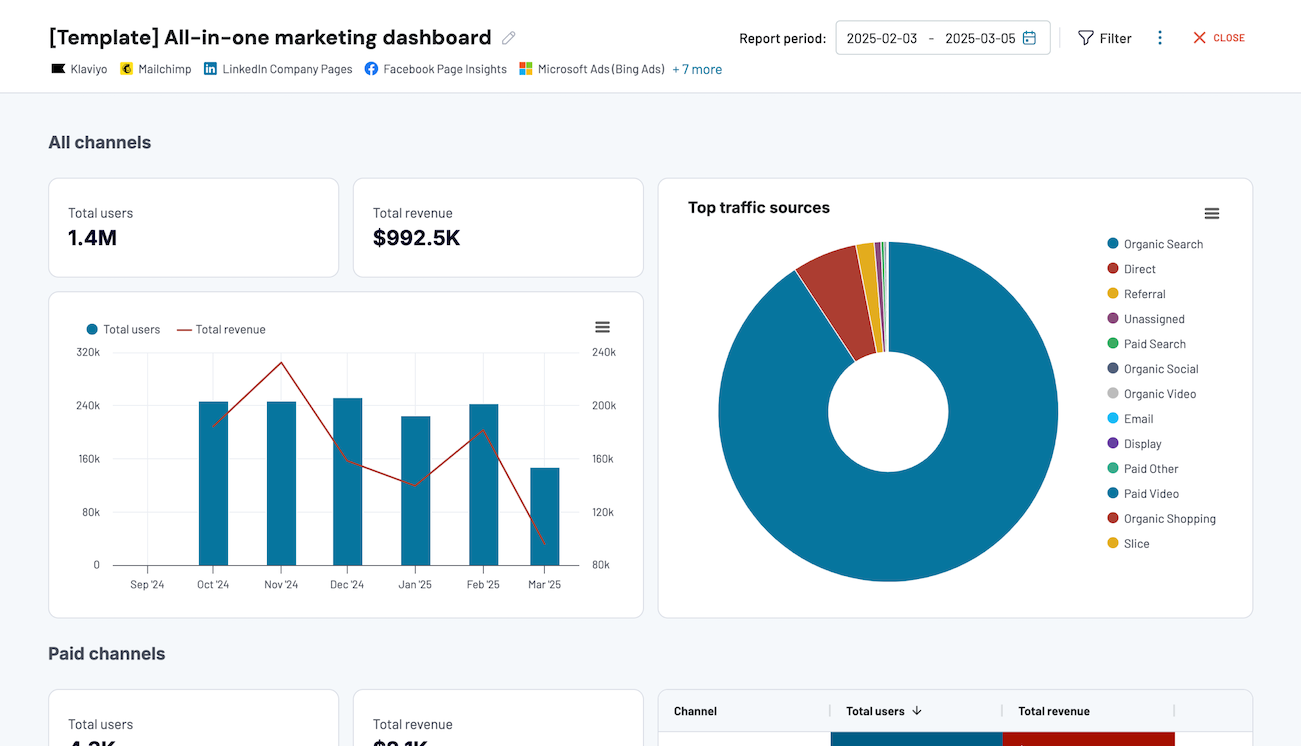
Quick start with dashboard templates


 +0
+0




 +3
+3


 +6
+6
about your case. It doesn't cost you a penny 😉
Talk to AI about your ClickUp data
Ask questions like: "What's the average sprint velocity for our development teams?", "Which project types consistently exceed budget estimates?", "Show me resource utilization patterns across Q4 projects", or "Identify teams with the highest task completion variance". Get instant insights that combine project management data with business context.

Your data is secured by industry standards
 Google Cloud
Certified
 SOC 2 Type II
Certified
 GDPR
GDPRCompliant
 HIPAA
HIPAACompliant
Export data from ClickUp to alternative destinations





