
Export Google Search Console to ChatGPT
Connect Google Search Console to ChatGPT with Coupler.io to get immediate answers about your organic search performance without navigating reports or exporting spreadsheets. Ask questions about ranking changes, traffic patterns, or indexing problems using normal conversation to understand what's working in SEO and what needs attention.


What data you can export from Google Search Console?
-
Search results performance
-
Search results performance by appearance
-
Discover performance
-
Google News performance
-
URLs index performance
All-in-one tool for Google Search Console data exports and analytics
Merge organic search data from Search Console with page analytics from your website, backlink profiles from SEO tools, or content calendars from your CMS using Coupler.io's 330+ source connections. ChatGPT then answers questions spanning your entire SEO strategy, not just isolated search performance numbers.

Coupler.io structures your query data, page performance, and index coverage so ChatGPT grasps the relationships between search terms, landing pages, and visibility without you building custom aggregations. Your Search Console exports become instantly queryable through conversational AI.

Choose synchronization timing that matches your SEO workflow: 15-minute, 30-minute, hourly, daily, and monthly refresh intervals mean ChatGPT always works with organic search data reflecting your site's actual performance in Google's index, not outdated snapshots from previous weeks.

Transform ChatGPT into your SEO analyst by connecting Search Console. Describe what you want to understand about your organic visibility using whatever words feel natural, and ChatGPT retrieves relevant data, performs analysis, and explains what actions could improve your search performance.

Why export Google Search Console to ChatGPT - real life cases

Ranking volatility investigation

Low-hanging fruit prioritization

Mobile versus desktop analysis

Seasonal trend planning
How to export Google Search Console to ChatGPT
 30 seconds
30 seconds
10 seconds
30 seconds
30 seconds
30 seconds
10 seconds
Automate data exports with the no-code Google Search Console ChatGPT integration
Connect similar Marketing apps and get data in minutes








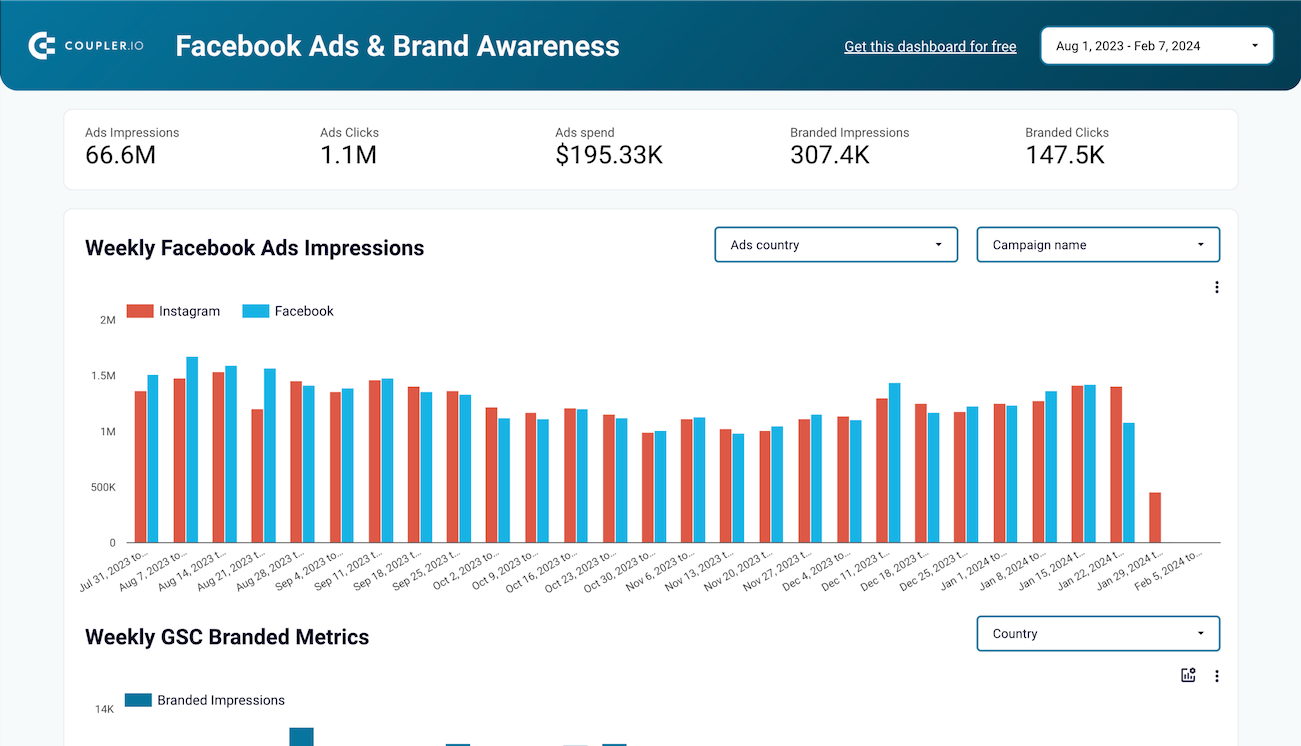
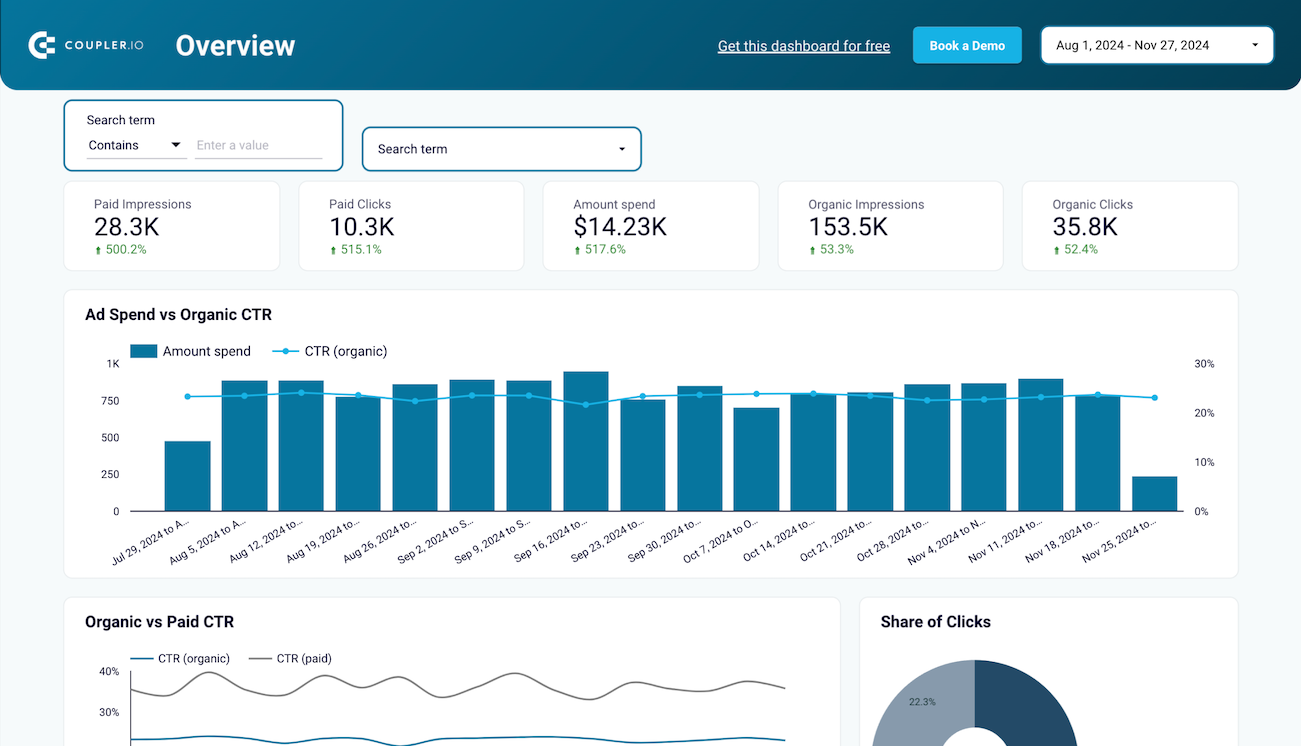
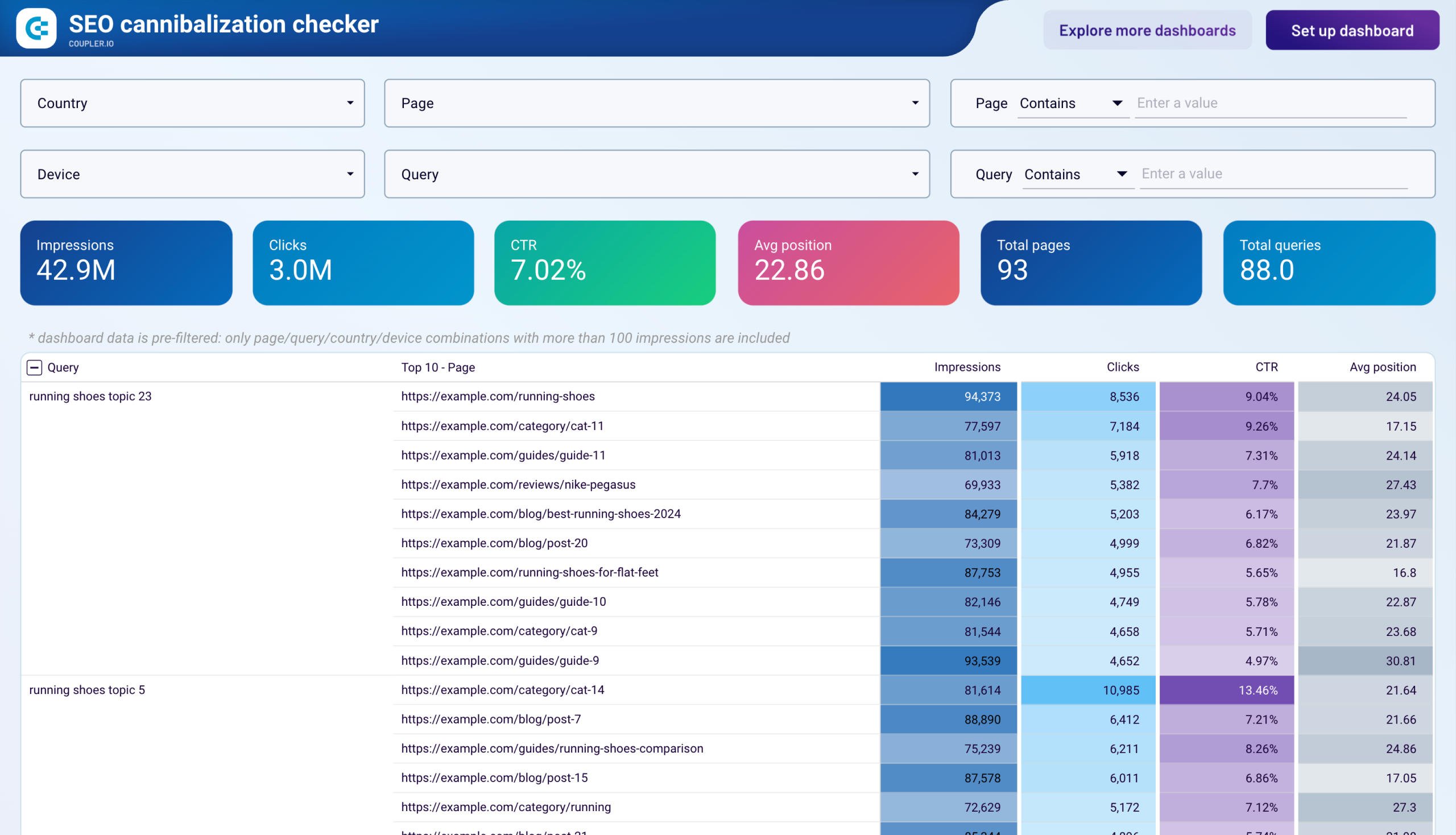
Quick start with Marketing dashboard templates
 +0
+0


 +0
+0
 +0
+0
about your case. It doesn't cost you a penny 😉
Talk to AI about your Google Search Console data
Example questions you can ask ChatGPT:
- "List all queries generating more than 1,000 impressions per month where our average position is worse than 10 so I can build a prioritized optimization roadmap."
- "Which of our top 50 pages by clicks has the lowest click-through rate compared to their average position, indicating title tag improvements could drive more traffic?"
- "Show me all indexing errors affecting more than 10 URLs and explain what each error type means so I can brief our development team on fixes needed."
- "Compare this quarter's organic clicks to the same quarter last year and break down which query categories drove the growth or decline."

Your data is secured by industry standards
 Google Cloud
Certified
 SOC 2 Type II
Certified
 GDPR
GDPRCompliant
 HIPAA
HIPAACompliant
Export data from Google Search Console to alternative destinations





