
Export Calendly to ChatGPT
Transform your Calendly scheduling data into conversational insights with ChatGPT through Coupler.io for intuitive booking analysis. Ask questions about meeting patterns, event performance, and team availability in plain language without navigating complex reports or building custom dashboards.


What data you can export from Calendly?
-
Available time for user
-
Busy time for user
-
Event types for organization
-
Event types for user
-
List of users for organization
-
Routing forms
-
Scheduled events for organization
-
Scheduled events for user
-
Report: Events
-
Report: Events without teams
-
Report: Events with invitees
-
Report: Questions and answers
-
Report: User availability
All-in-one tool for Calendly data exports and analytics
Bring together scheduled meetings, event configurations, and availability records from Calendly alongside customer information from your CRM, communication logs from email platforms, or productivity metrics from time-tracking systems for complete scheduling intelligence.

Focus on specific booking statuses through filtering, highlight the metrics that matter by selecting key columns, and group scheduling information by relevant time windows to create datasets optimized for natural language exploration.

Keep your conversational insights current with synchronization that runs monthly, daily, hourly, every 30 minutes, or every 15 minutes, maintaining alignment between your ChatGPT analysis and actual booking activity.

Transform scheduling metrics into conversational knowledge where anyone can discover patterns, understand trends, and find opportunities by asking questions in everyday language rather than learning complex analytics tools.

Why export Calendly to ChatGPT - real life cases

Meeting efficiency assessment

Availability configuration optimization

Invitee behavior analysis

Event type utilization tracking
How to export Calendly to ChatGPT
 30 seconds
30 seconds
10 seconds
30 seconds
30 seconds
30 seconds
10 seconds
Automate data exports with the no-code Calendly ChatGPT integration
Connect similar Sales apps and get data in minutes


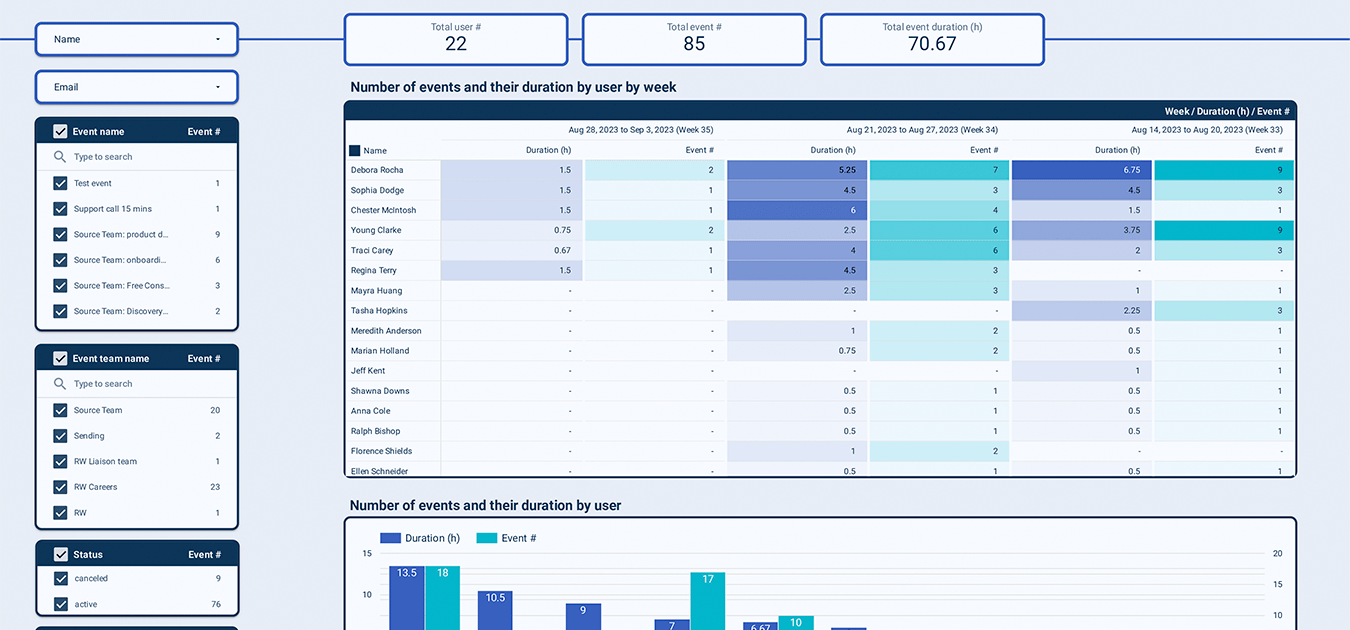
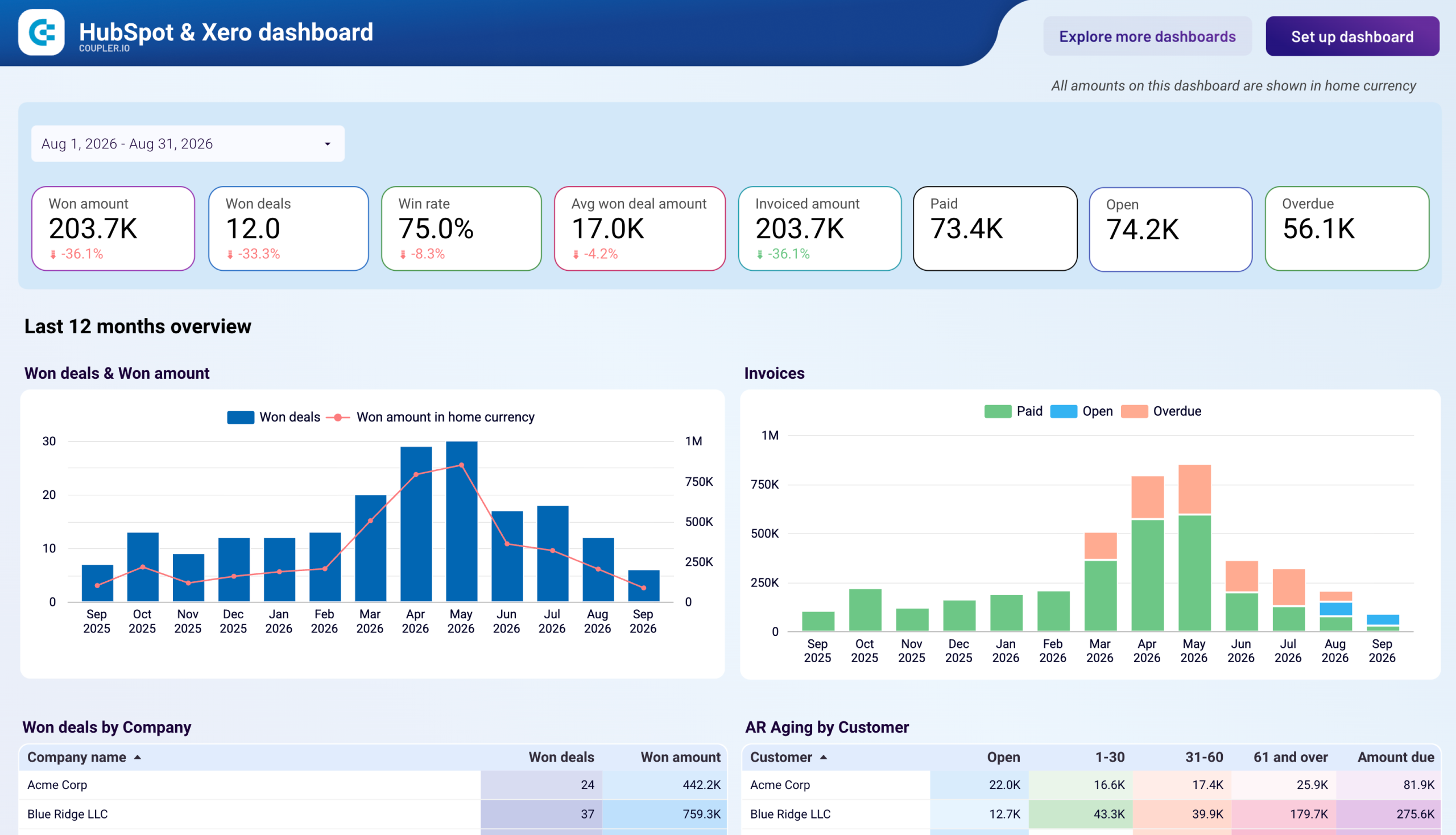
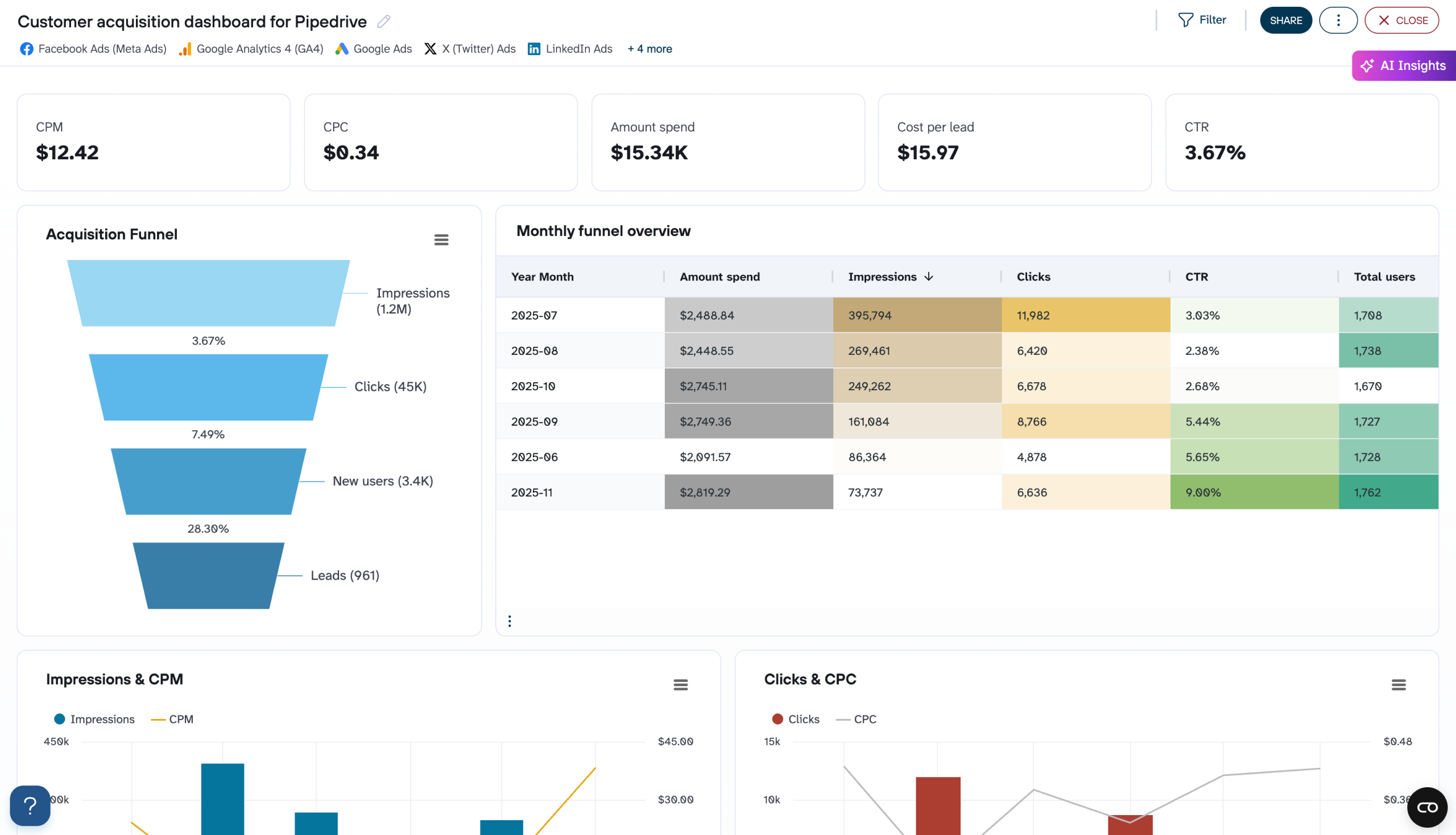
Quick start with Sales dashboard templates
 +0
+0



 +0
+0


 +1
+1

about your case. It doesn't cost you a penny 😉
Talk to AI about your Calendly data
Examples of questions you can ask ChatGPT about your Calendly data:
- "Show me which days of the week generate the most bookings and explain how time zone distributions affect our scheduling patterns across different regions."
- "Compare our event types by average lead time between link sharing and booking completion to identify which meeting formats prospects schedule most quickly."
- "Walk through our routing form performance to find questions that effectively segment visitors and recommend improvements to our qualification logic for better team assignments."
- "Analyze our cancellation data by event type and booking lead time to reveal patterns in no-shows and suggest policy changes that could reduce last-minute cancellations."

Your data is secured by industry standards
 Google Cloud
Certified
 SOC 2 Type II
Certified
 GDPR
GDPRCompliant
 HIPAA
HIPAACompliant
Export data from Calendly to alternative destinations





