LinkedIn Ads to BigQuery

Export LinkedIn Ads to BigQuery

Connect LinkedIn Ads to BigQuery with Coupler.io to unlock deep campaign intelligence. Enable cross-platform ad performance modeling with automated data pipelines and flexible scheduling. Warehouse your LinkedIn advertising data at scale with powerful SQL analytics and machine learning capabilities.

πŸ† Voted 4.9/5 on Capterra πŸ”’ SOC2 & GDPR compliant 🌍 Trusted by 1M+ users worldwide

What data you can export from LinkedIn Ads?

Group:
... and many more

All-in-one tool for LinkedIn Ads data exports and analytics

Load LinkedIn Ads campaign metrics into BigQuery and join with data from Google Ads, Facebook Ads, or CRM platforms. Build unified advertising datasets that support multi-touch attribution modeling and cross-platform spend analysis at warehouse scale.

Collect data from LinkedIn Ads and enrich it with information from other sources image

Structure LinkedIn Ads data with optimized BigQuery schemas, proper partitioning by date ranges, and clustering by campaign dimensions. Prepare high-performance tables ready for complex SQL queries and analytical workloads across large advertising datasets.

Organize raw LinkedIn Ads data in the form of a ready-to-use data set image

Keep your BigQuery tables synchronized with the latest LinkedIn Ads performance data. Support batch analytical workflows through automated pipelines running on 15-minute, 30-minute, hourly, daily, or monthly intervals.

Automate data refresh on a custom schedule image

Leverage Coupler.io AI integrations to connect your LinkedIn Ads datasets to AI tools. Ask natural language questions about campaign performance, audience engagement, and ad spend efficiency without writing complex SQL queries.

Connect LinkedIn Ads data to AI to query and analyze data using natural language conversations image
Collect data from LinkedIn Ads and enrich it with information from other sources image
Organize raw LinkedIn Ads data in the form of a ready-to-use data set image
Automate data refresh on a custom schedule image
Connect LinkedIn Ads data to AI to query and analyze data using natural language conversations image

Why export LinkedIn Ads to BigQuery - real life cases

Multi-channel advertising data warehouse icon

Multi-channel advertising data warehouse

Consolidate LinkedIn Ads metrics alongside Google Ads, Facebook Ads, and other paid channels in BigQuery for unified advertising analytics. Run complex SQL queries across millions of data points to compare cost per lead, conversion rates, and audience overlap. Enable marketing teams to identify the most cost-effective channels and optimize budget allocation using BigQuery's built-in ML capabilities.
Campaign performance trend analysis at scale icon

Campaign performance trend analysis at scale

Store historical LinkedIn Ads analytics data in BigQuery for long-term performance modeling and seasonality detection. Apply statistical methods to identify patterns in impression delivery, click-through rates, and conversion trends across campaign groups and time periods. Use these insights to forecast future campaign outcomes and adjust bidding strategies proactively.
Lead generation funnel analytics icon

Lead generation funnel analytics

Combine sponsored leads data with CRM pipeline information in BigQuery to measure full-funnel marketing effectiveness. Track the journey from LinkedIn ad impression through lead capture to closed deal, calculating true return on ad spend with granular attribution models that account for multi-touch engagement across campaigns and creatives.
Video ad engagement and content intelligence icon

Video ad engagement and content intelligence

Aggregate video ad performance data in BigQuery to analyze viewer behavior patterns across different content formats and audience segments. Build predictive models that identify which video creative elements, lengths, and messaging approaches generate the highest completion rates and downstream conversions for informed content strategy decisions.

How to export LinkedIn Ads to BigQuery

Step 1. Connect to your LinkedIn Ads account and select the data to export
time icon 30 seconds
Step 2. Organize data using transformation options such as filters, column management, aggregation, etc.
time icon 30 seconds
Step 3. Connect your BigQuery project and specify where to load your data
time icon 30 seconds
Step 4. Schedule data refresh to automate data flow from LinkedIn Ads to BigQuery
time icon 10 seconds

Automate data exports with the no-code LinkedIn Ads BigQuery integration

Quick start with PPC dashboard templates
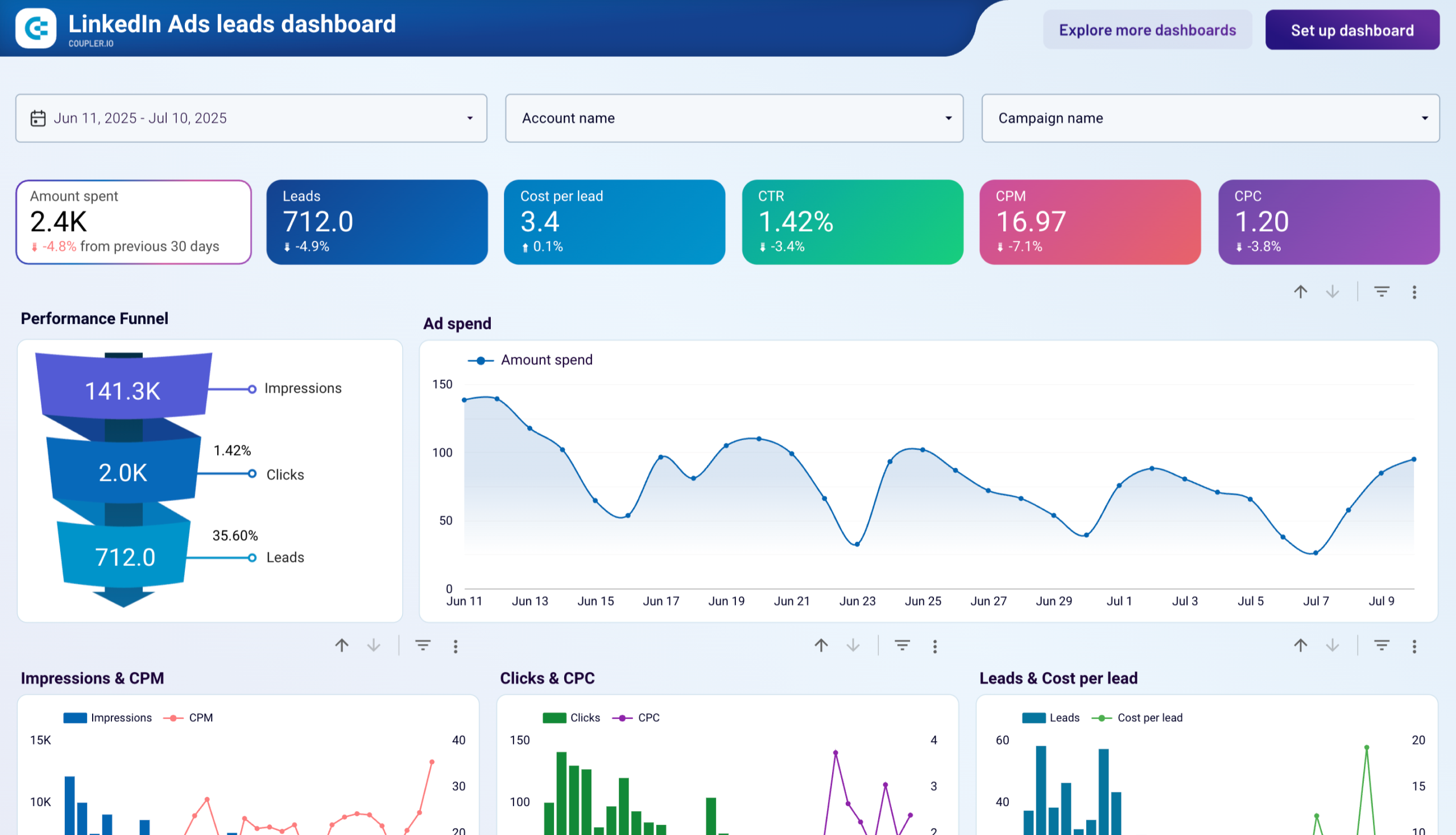
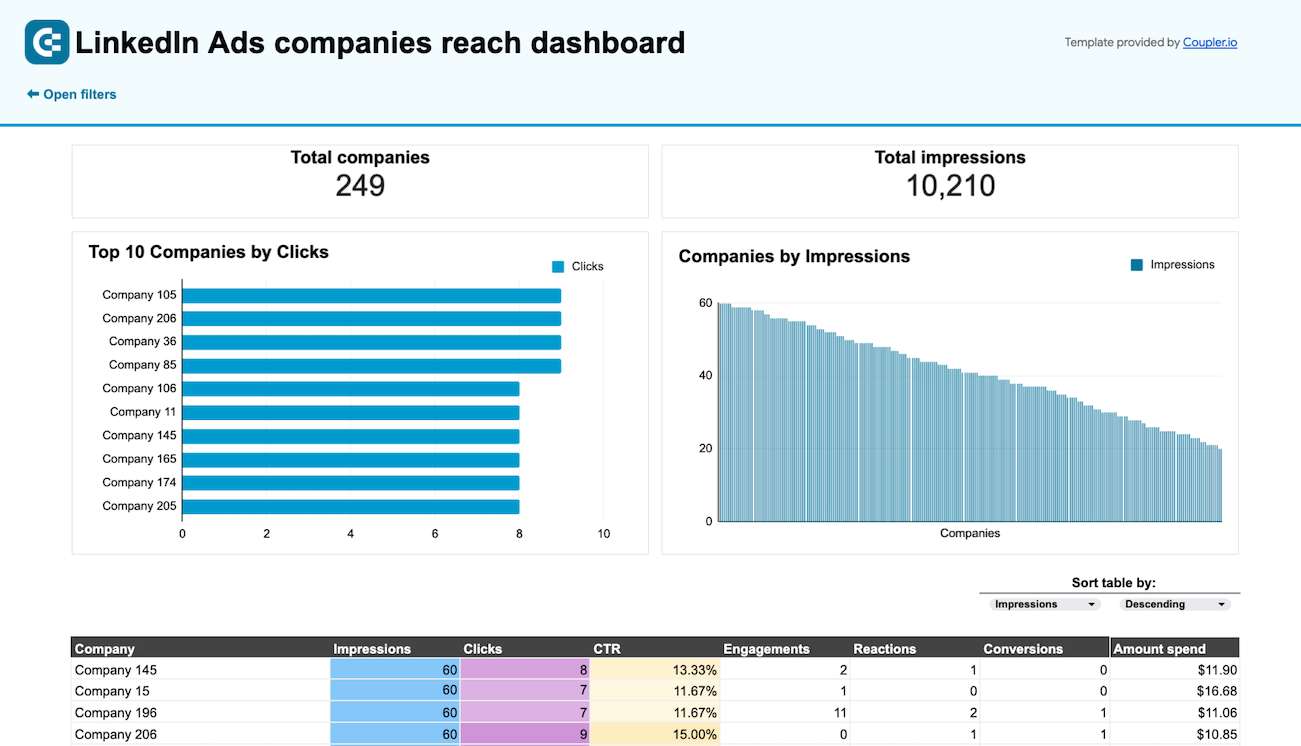
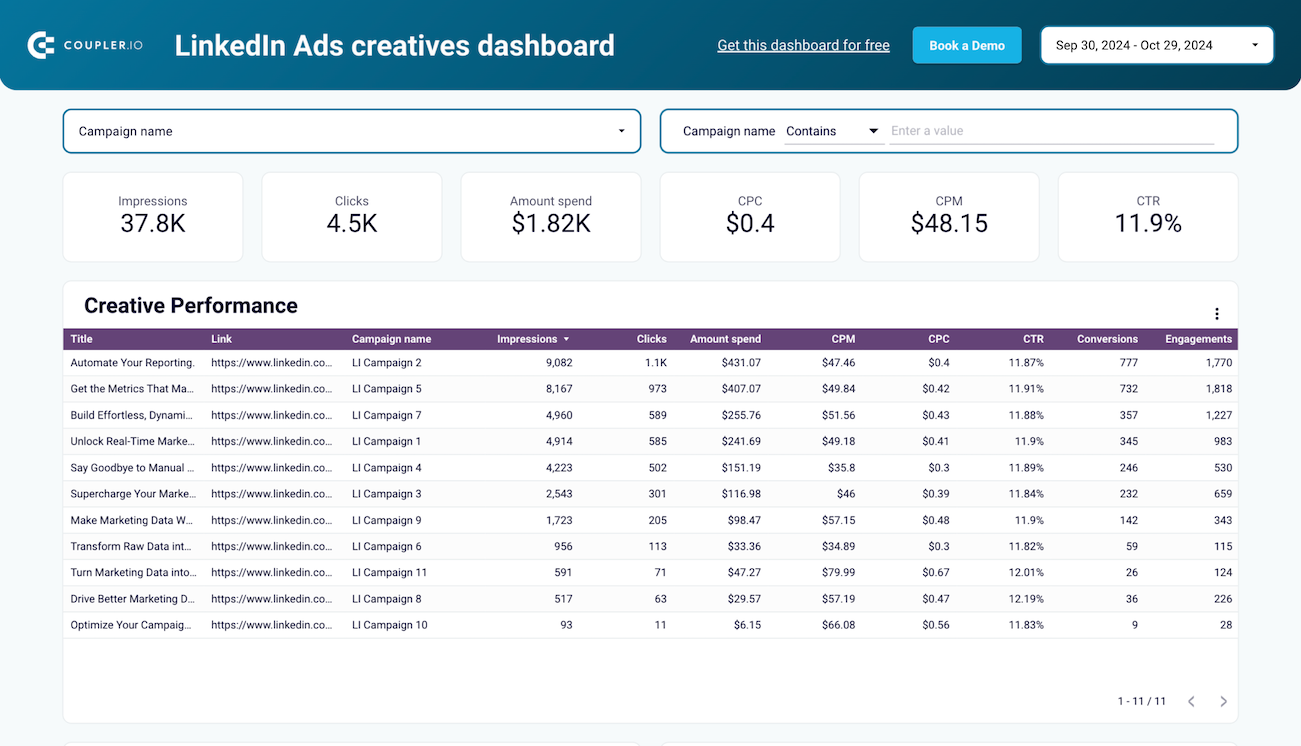
No such template is available yet.
No worries. Our team will create a template that fits your needs, just tell us more
about your case. It doesn't cost you a penny πŸ˜‰
Request a custom report

Talk to AI about your LinkedIn Ads data

BigQuery gives you the power to warehouse and query massive advertising datasets, but sometimes you want quick answers without writing SQL. Coupler.io AI integrations let you connect your LinkedIn Ads data to AI tools and explore campaign performance through plain-language conversations. Ask questions, spot anomalies, and uncover optimization opportunities without switching between analytics interfaces.

Examples of questions you can ask about LinkedIn Ads data:
"Which campaign groups delivered the lowest cost per lead over the past quarter and what targeting did they use?"
"Compare video ad completion rates across different audience segments and identify the top-performing creatives"
"What patterns exist in our conversion data that could help predict which campaigns will exceed their ROI targets?"
"Analyze our sponsored leads quality by campaign and tell me which lead gen forms generate the highest-value prospects"
connect-ai-integrations image linkedin.svg

Customer success stories

At Coupler.io, our mission is simple: to help our customers succeed by unlocking the full potential of their data. Check out how using Coupler.io has helped businesses like yours scale and achieve better ROI.

Ready to connect LinkedIn Ads to BigQuery and automate your reporting?