MailerLite to Microsoft Excel

Export MailerLite to Excel

Automate email marketing data exports from MailerLite to Excel with Coupler.io for in-depth subscriber analysis and campaign reporting. Leverage Excel's robust analytical features including pivot tables, advanced formulas, and custom charts to transform raw email data into actionable marketing insights.

πŸ† Voted 4.9/5 on Capterra πŸ”’ SOC2 & GDPR compliant 🌍 Trusted by 1M+ users worldwide

What data you can export from MailerLite?

... and many more

All-in-one tool for MailerLite data exports and analytics

Pull subscriber information, campaign results, and automation metrics from MailerLite, then combine with sales data, customer service records, or web analytics to create comprehensive Excel workbooks for integrated marketing analysis.

Collect data from MailerLite and enrich it with information from other sources image

Transform MailerLite exports into Excel-ready formats with properly structured tables, formatted date fields, and pivot-table-optimized layouts that enable immediate analysis using Excel's powerful calculation and visualization capabilities.

Organize raw MailerLite data in the form of a ready-to-use data set image

Keep Excel reports up-to-date with automated refresh cycles ranging from monthly to 15-minute intervals. Ensure your email marketing dashboards and analysis worksheets always reflect the latest MailerLite subscriber activity and campaign performance without manual downloads.

Automate data refresh on a custom schedule image

Beyond Excel's analytical capabilities, Coupler.io AI integrations let you connect MailerLite data to AI tools for conversational insights, enabling natural language exploration of subscriber trends and campaign patterns without complex formula development.

Connect MailerLite data to AI to query and analyze data using natural language conversations image
Collect data from MailerLite and enrich it with information from other sources image
Organize raw MailerLite data in the form of a ready-to-use data set image
Automate data refresh on a custom schedule image
Connect MailerLite data to AI to query and analyze data using natural language conversations image

Why export MailerLite to Excel - real life cases

Campaign performance deep-dive analysis icon

Campaign performance deep-dive analysis

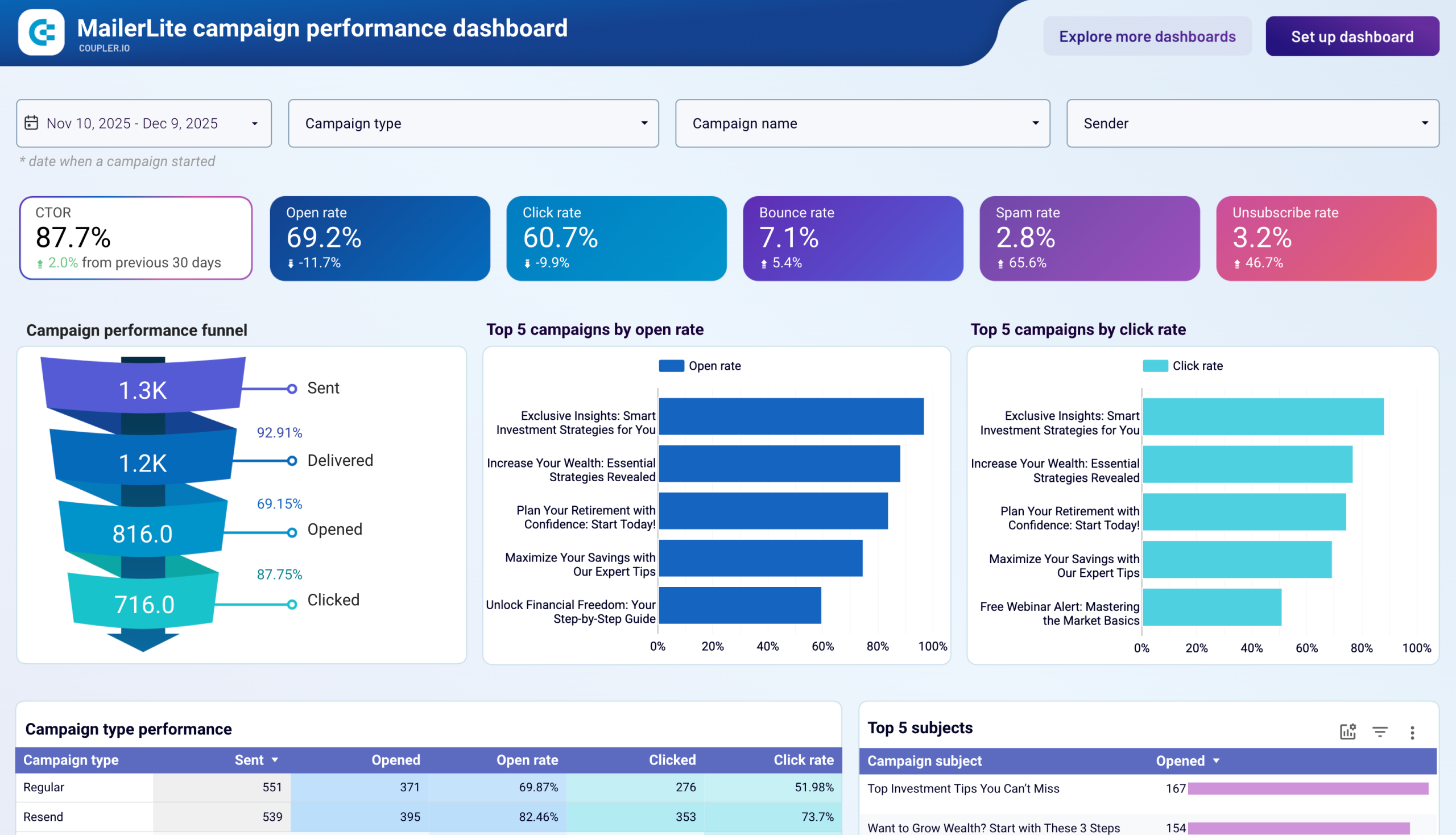
Export MailerLite campaign metrics to Excel for detailed performance examination using pivot tables and conditional formatting. Build custom dashboards tracking open rates, click-through patterns, and conversion metrics across different subscriber segments, time periods, and content types with Excel's familiar analytical tools for data-driven campaign optimization.
Subscriber list hygiene and segmentation icon

Subscriber list hygiene and segmentation

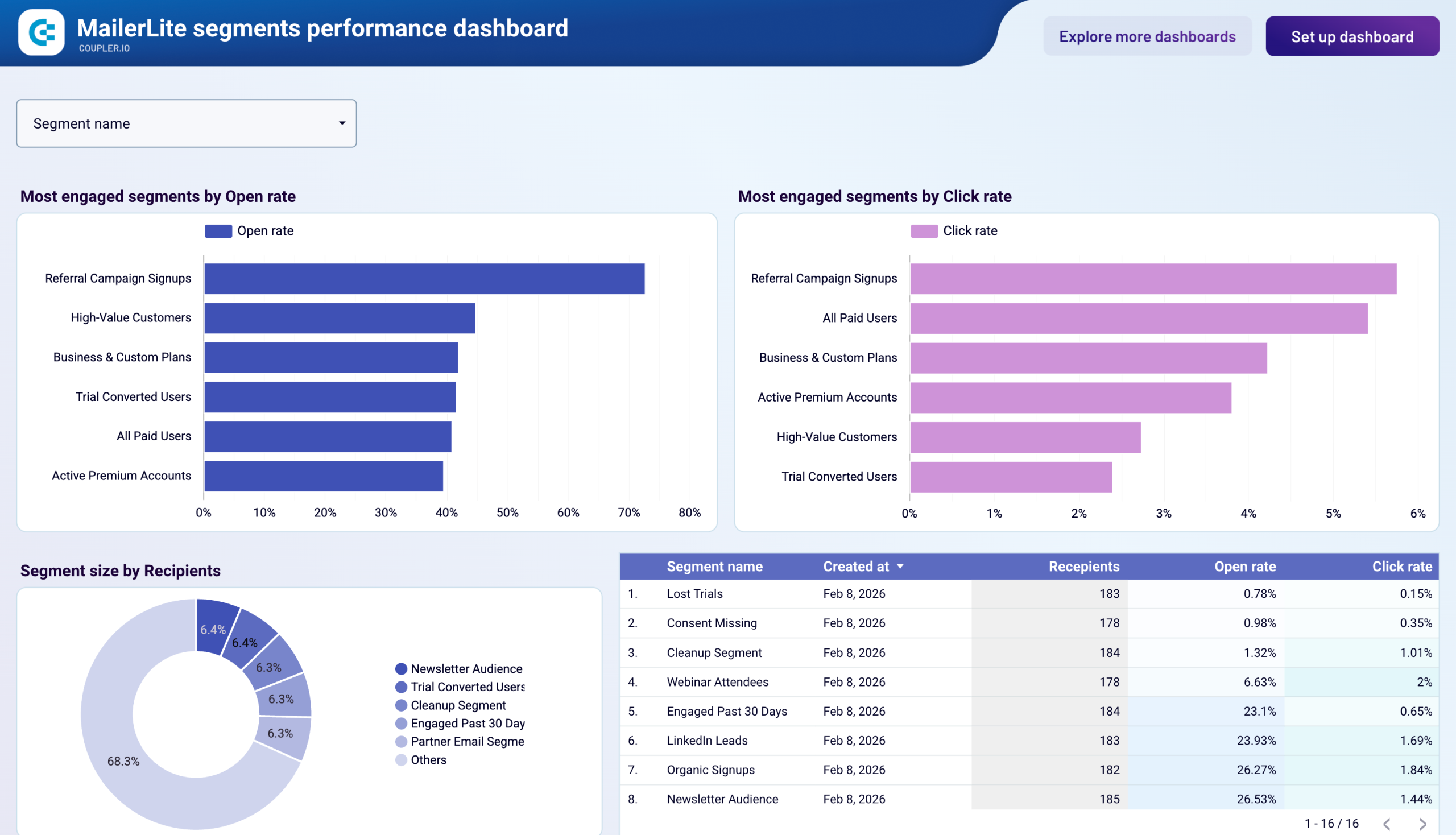
Import MailerLite subscriber data into Excel for sophisticated list cleaning and segment refinement. Apply Excel's filtering, deduplication, and formula capabilities to identify inactive subscribers, validate email addresses, and create advanced segmentation rules based on engagement history, custom fields, and behavioral patterns.
Email ROI calculation and reporting icon

Email ROI calculation and reporting

Combine MailerLite campaign costs with revenue data in Excel for precise email marketing ROI calculations. Utilize Excel's financial functions and custom formulas to track customer acquisition costs, lifetime value by email segment, and campaign profitability across different product lines or service offerings.
Automation workflow effectiveness tracking icon

Automation workflow effectiveness tracking

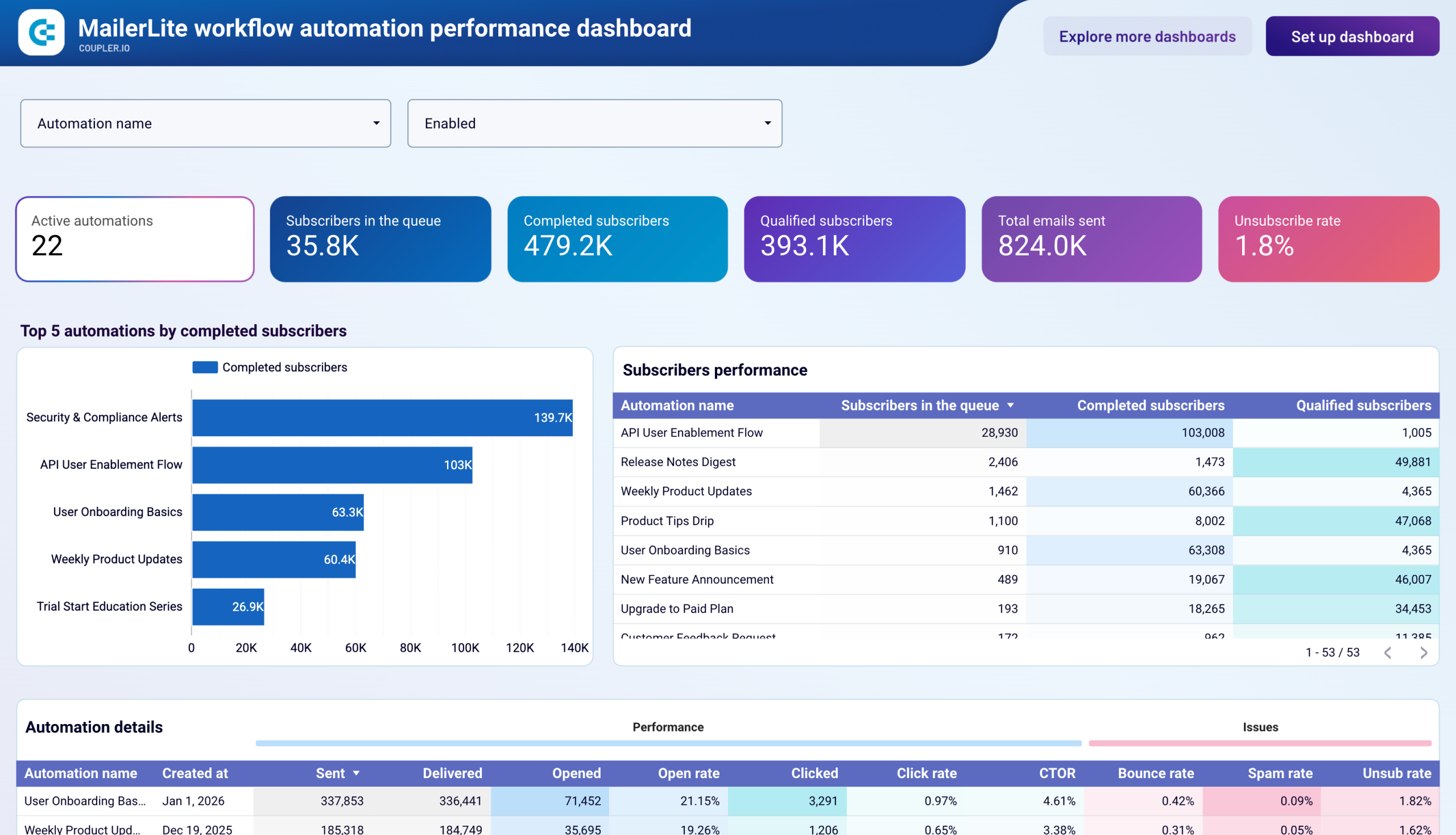
Analyze MailerLite automation performance in Excel with detailed workflow metrics including trigger rates, completion percentages, and goal achievements. Build Excel-based reports comparing different automation sequences, identifying optimization opportunities, and demonstrating the impact of automated email nurturing on conversion outcomes.

How to export MailerLite to Excel

Step 1. Connect to your MailerLite account and select the data to export
time icon 30 seconds
Step 2. Organize data using transformation options such as filters, column management, aggregation, etc.
time icon 30 seconds
Step 3. Connect your Excel account and specify where to load your data
time icon 30 seconds
Step 4. Schedule data refresh to automate data flow from MailerLite to Excel
time icon 10 seconds

Automate data exports with the no-code MailerLite Excel integration

Quick start with dashboard templates

No such template is available yet.
No worries. Our team will create a template that fits your needs, just tell us more
about your case. It doesn't cost you a penny πŸ˜‰
Request a custom report

Talk to AI about your MailerLite data

Excel excels at detailed analysis and custom calculations, but interpreting complex email marketing patterns often requires additional analytical perspective. Coupler.io enables you to load MailerLite data to AI tools that complement your Excel work by providing strategic recommendations, identifying hidden trends, and suggesting optimization approaches through conversational interaction.

Examples of questions you can ask about MailerLite data:
"Compare engagement patterns between our product newsletter and promotional campaigns"
"Which subscriber cohorts show declining engagement and what intervention strategies would work?"
"Create a retention analysis for subscribers acquired through different form types"
"Identify the optimal email frequency for each segment based on historical performance"
connect-ai-integrations image mailerlite.svg

Customer success stories

At Coupler.io, our mission is simple: to help our customers succeed by unlocking the full potential of their data. Check out how using Coupler.io has helped businesses like yours scale and achieve better ROI.

Keep your data safe

Coupler.io safeguards your shared information and data transfers from breaches, leaks, and unauthorized disclosures.

Google Cloud Platform icon SOC2 icon Hipaa icon GDPR Compliance icon
Learn more about security

Ready to connect MailerLite to Excel and automate your reporting?