Coupler.io API for your dashboards, scripts and AI agents
Coupler.io automatically collects and blends data from 400+ apps and keeps it up to date for your reports and AI. With the API, your dashboards, scripts and agents query that data with SQL and run data flows directly. No LLM in the middle.


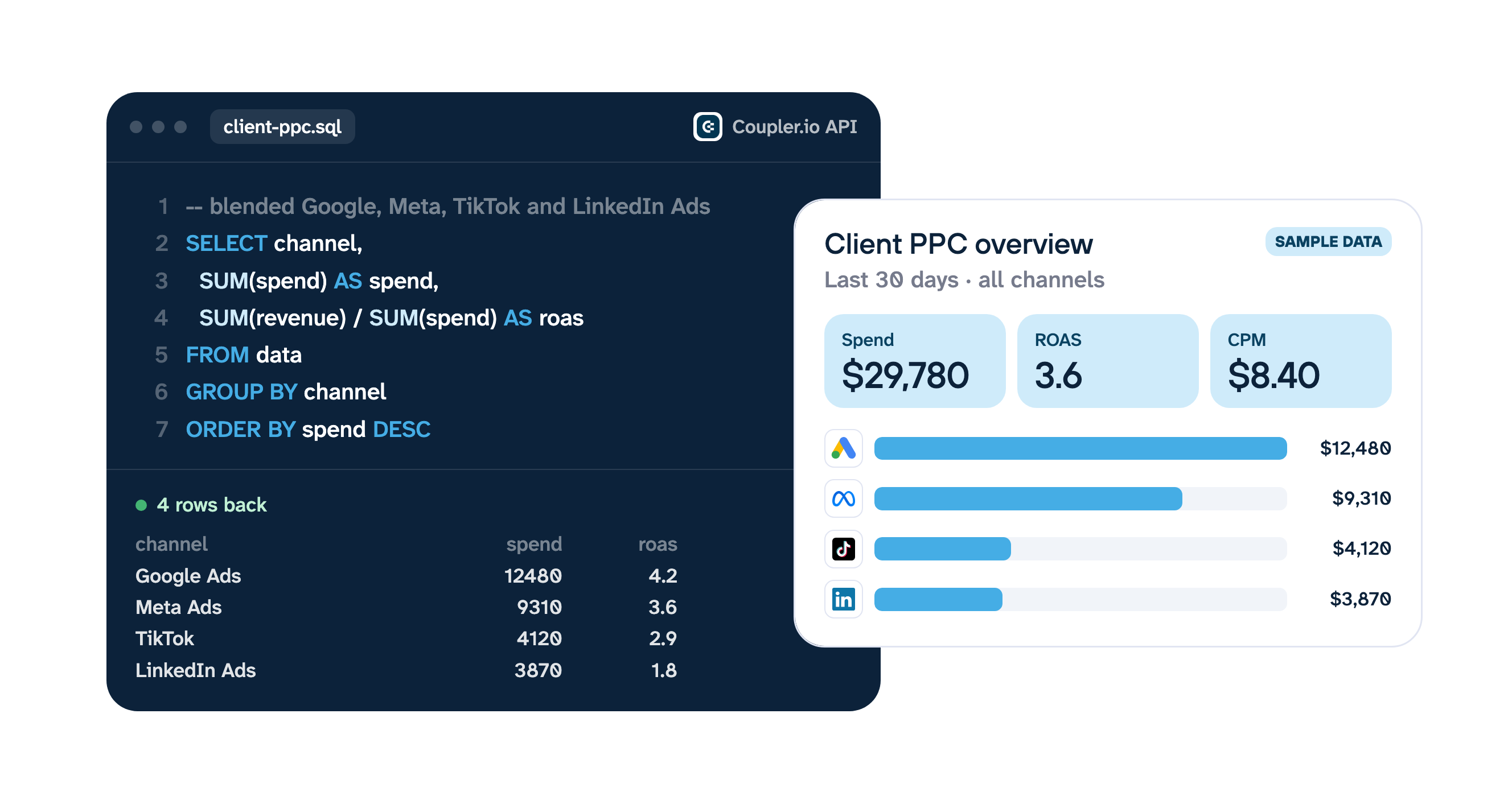
Workspace owners and admins generate a personal access token in their profile, then pass it with each request.
One API for your data and your data flows
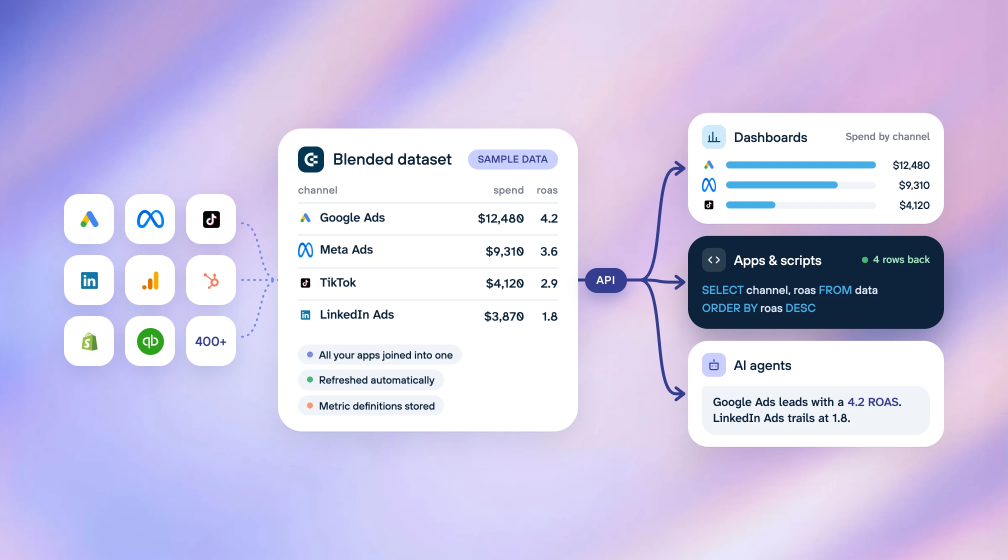
Get exactly the rows your dashboard needs
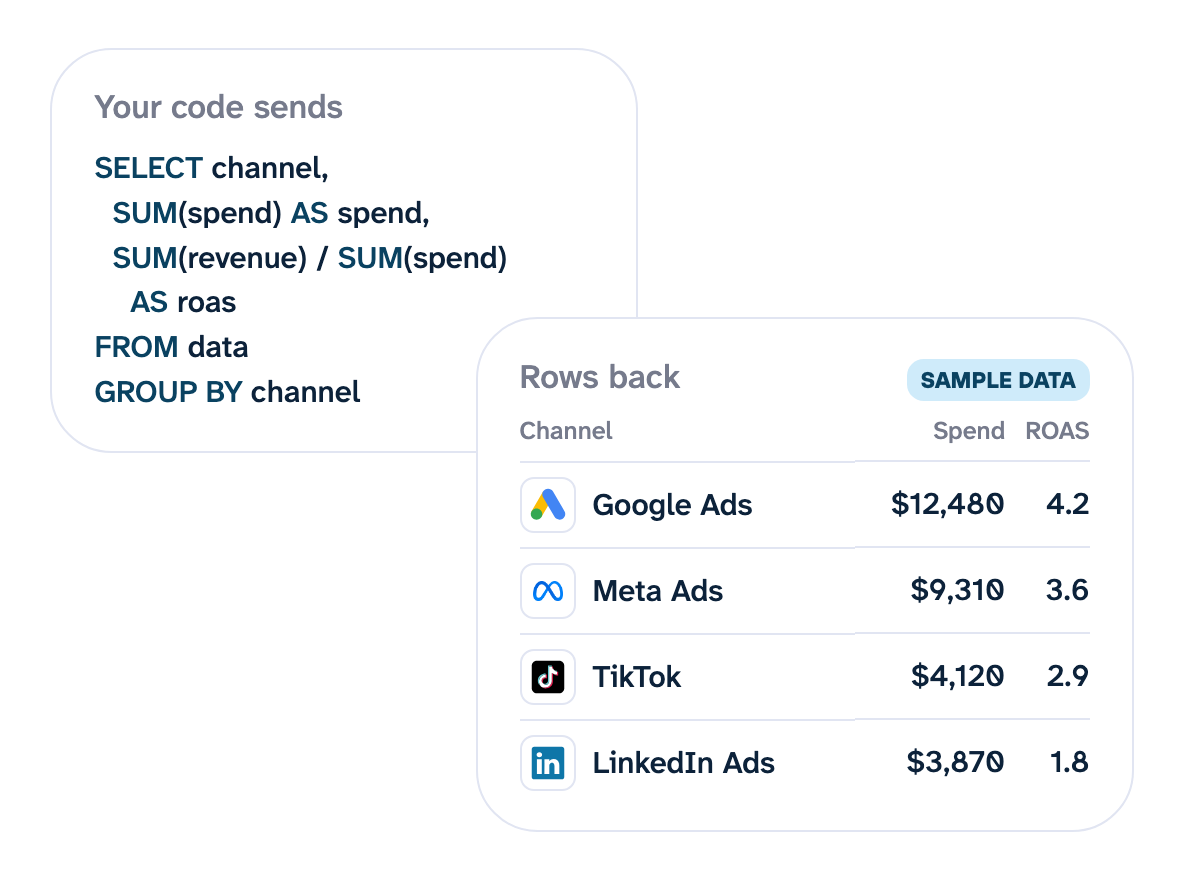
- Run SELECT statements on any dataset’s latest refresh.
- Get back rows and aggregates, not raw platform API responses.
- Blends and metric definitions stay in Coupler.io, so every app reads the same numbers.
Set up reporting without opening the UI
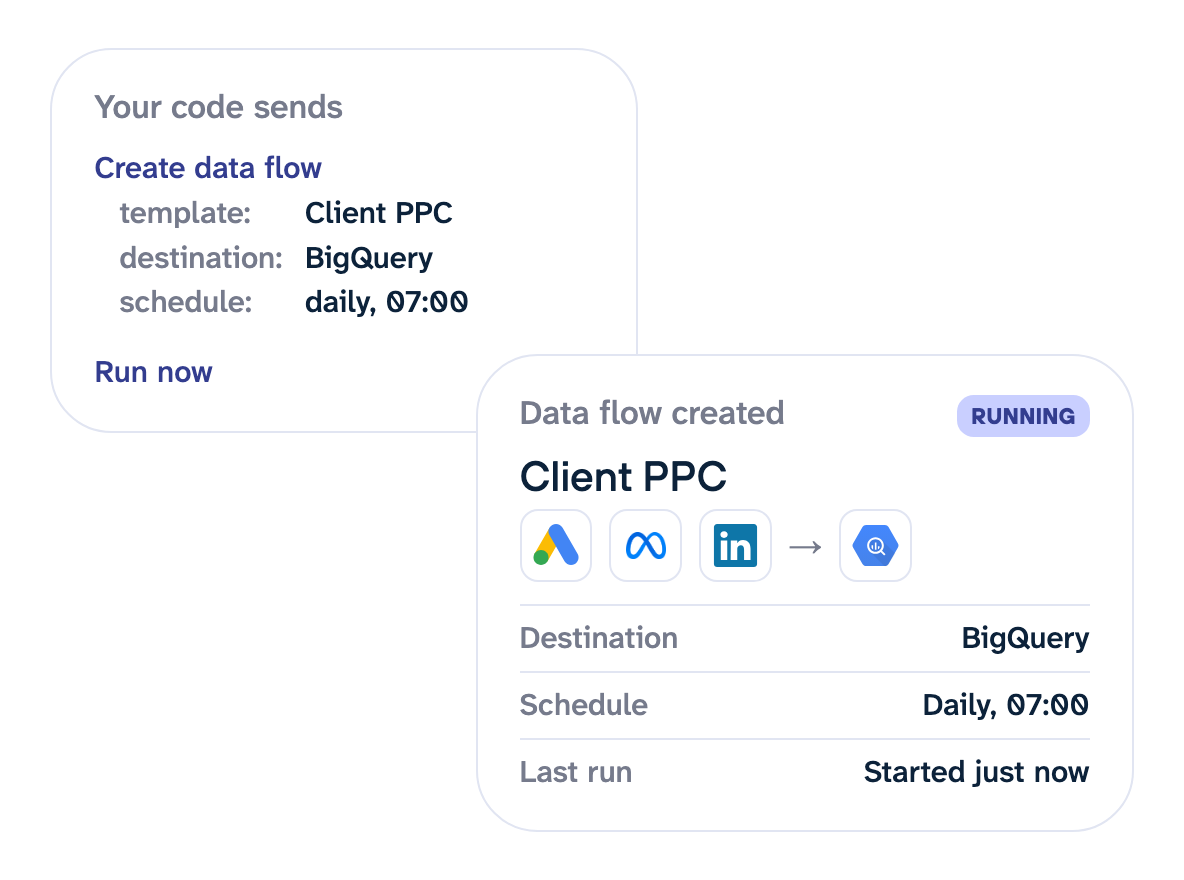
- Create data flows from any of 400+ apps.
- Add SQL datasets that blend your data, then connect destinations.
- Set schedules, or trigger runs from your code or a webhook whenever your process needs fresh data.
Prototype with AI, then run it the same way every time
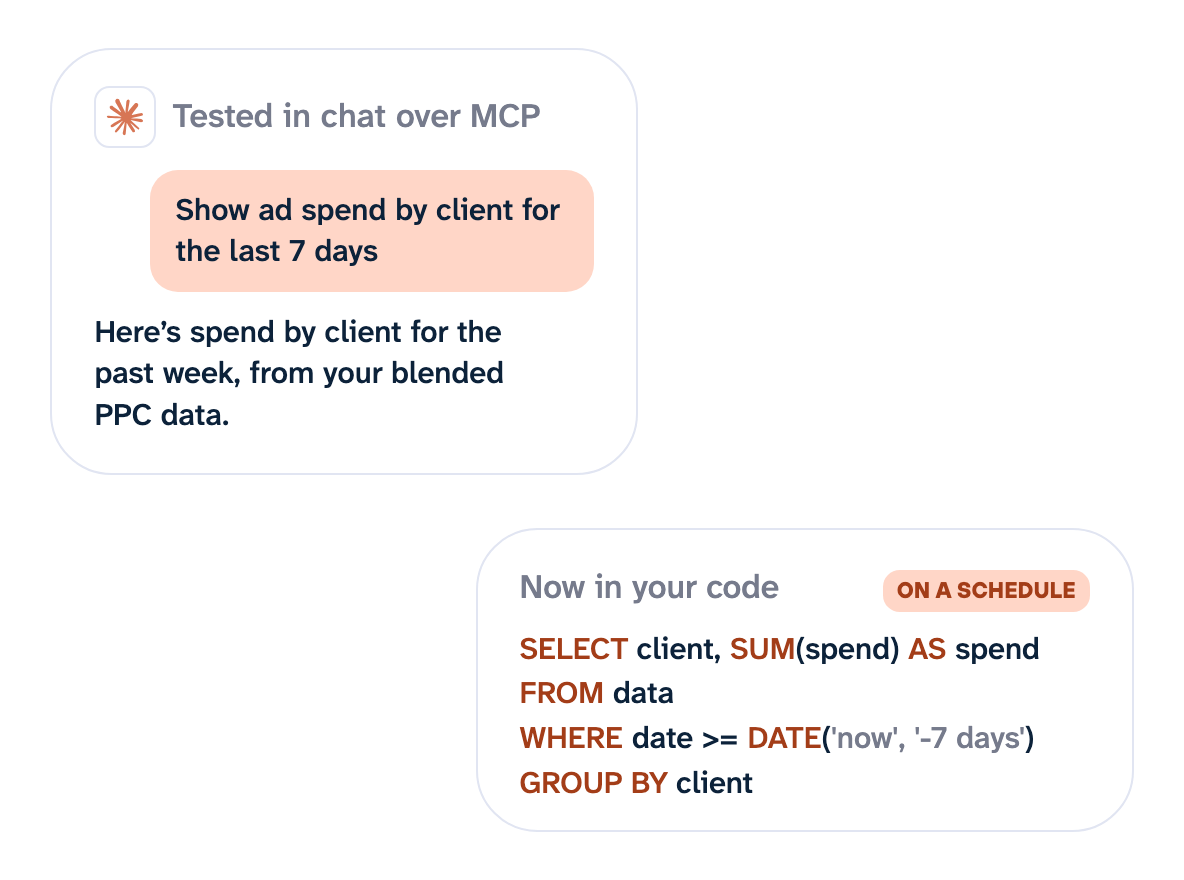
- Build and test a workflow with Claude or ChatGPT over the Coupler.io MCP server.
- Move it to the API once you know what it should do.
- Keep the same dataset context and AI skills, without rebuilding anything.
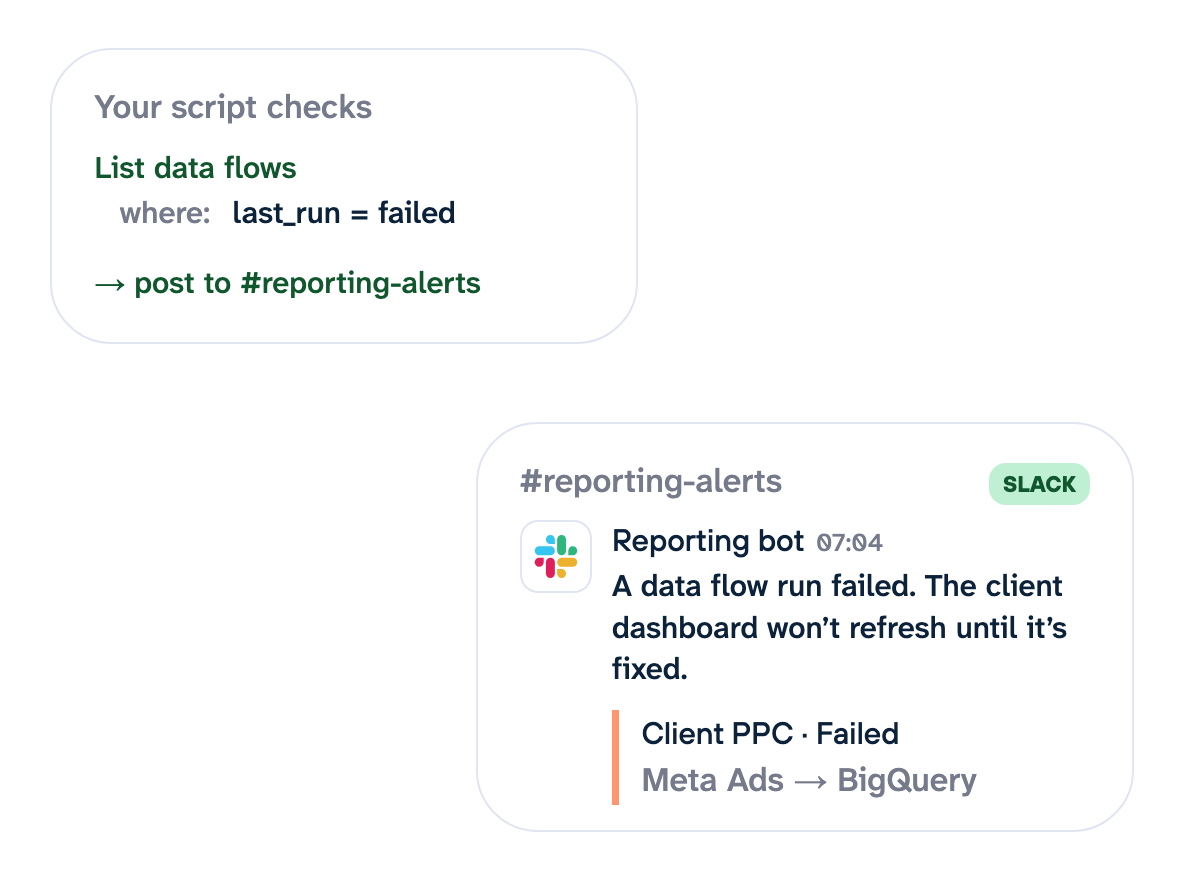
See failures where your team already looks
- Poll data flow statuses, or get an outgoing webhook as soon as each run finishes.
- Send failed runs to Slack, PagerDuty or your ticketing system.
- Keep reporting inside your existing ops workflow, not in a separate tab.
Coupler.io prepares the data. Now you can do even more with it in code
Connect Google Ads, Meta Ads, GA4, HubSpot, Shopify, QuickBooks and 400+ other apps. Coupler.io blends them into one dataset, refreshes it on a schedule and stores your metric definitions with the data. Your dashboards, scripts and agents call the API and get computed results back.
MCP is for asking. The API is for doing it every day
Both work from the same Coupler.io data. Explore with your AI assistant over MCP, then automate what works with the API.
 Yes. Same query, same answer
 No
Yes
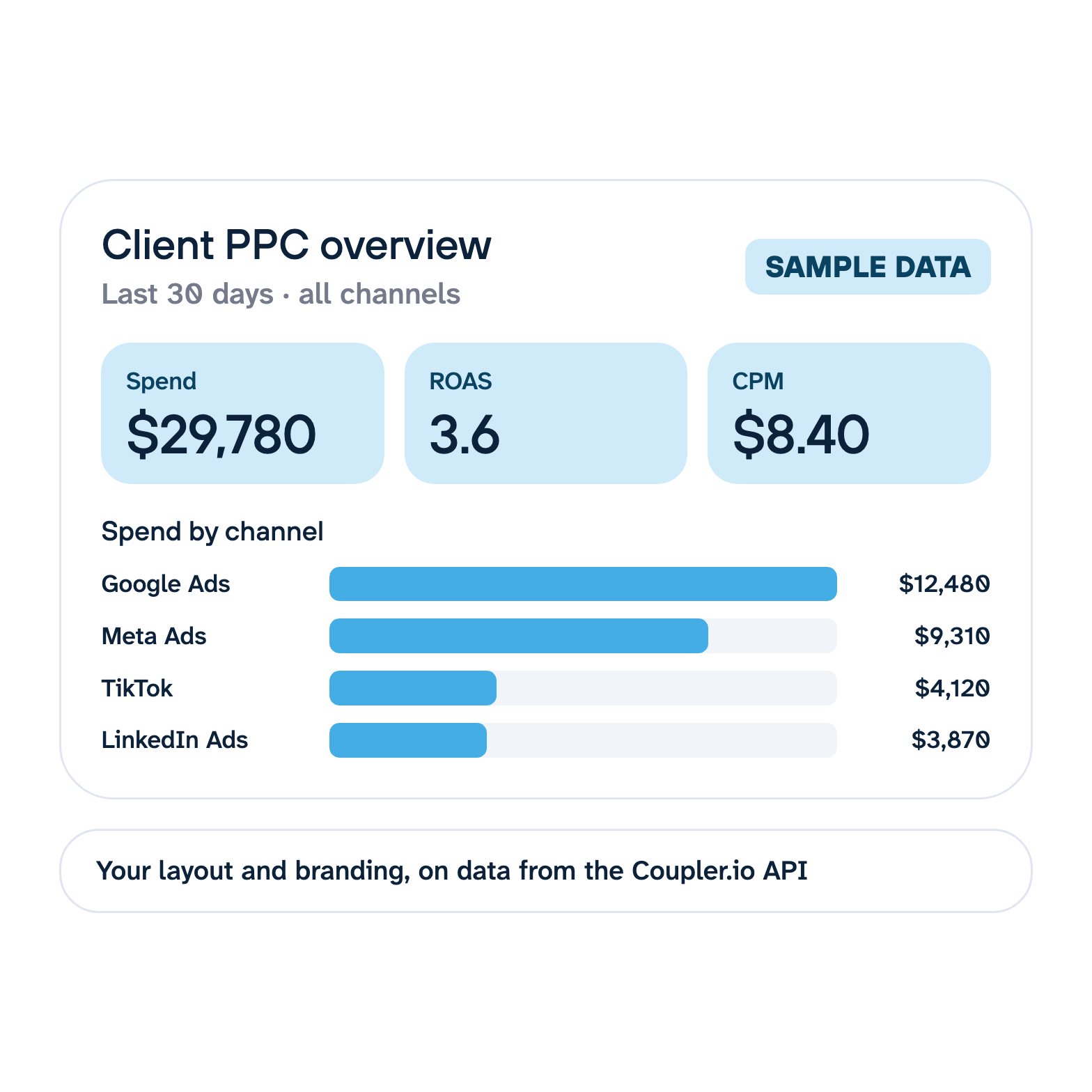
Dashboards in your own design, on data Coupler.io keeps fresh
- Any layout or palette a client asks for
- Dashboards as code, in version control
- Evidence, Lovable, v0, React or Vue
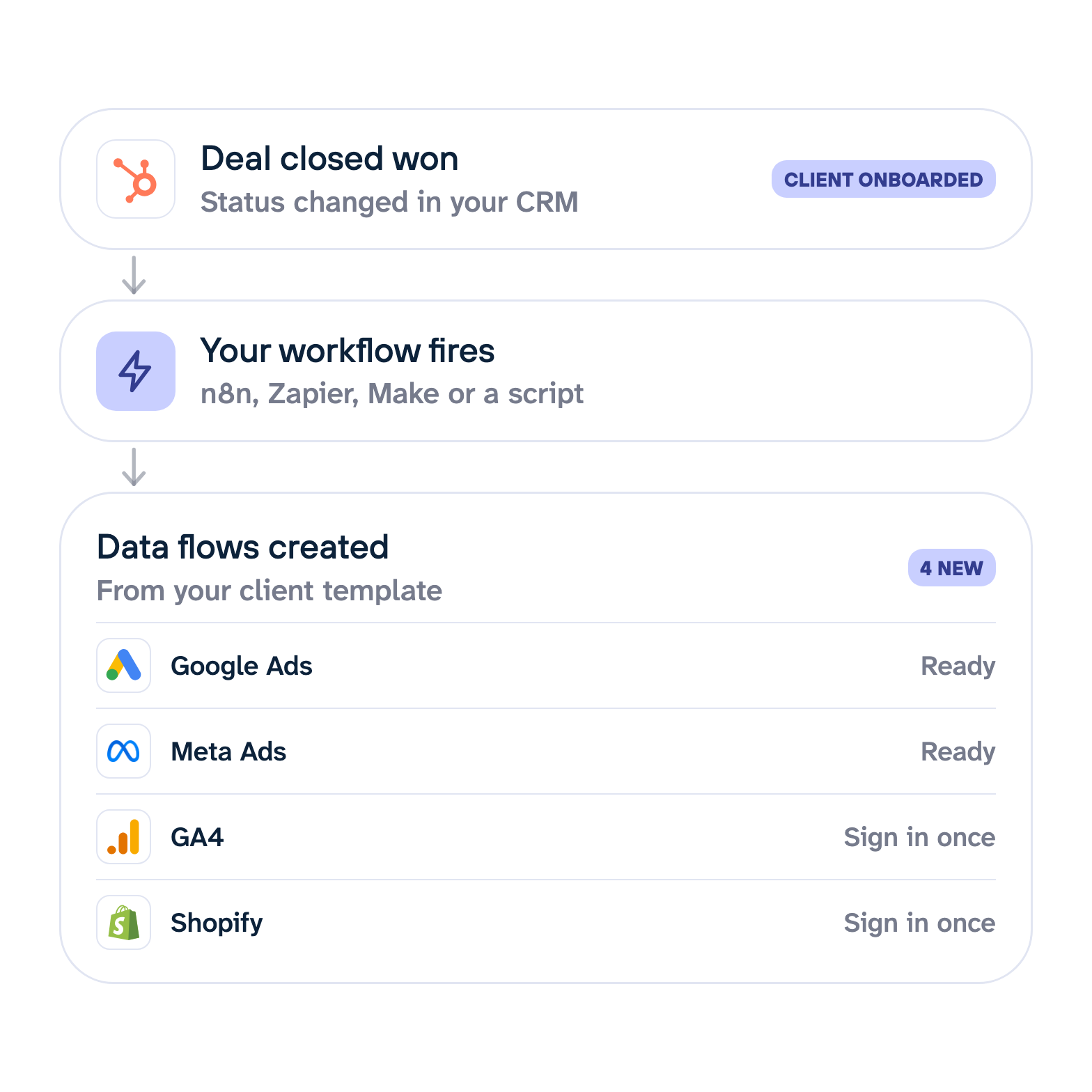
Reporting setup starts when the deal closes
- Trigger from n8n, Zapier, Make, scripts or webhooks
- Same templates for every new client
- No more rebuilding setups by hand
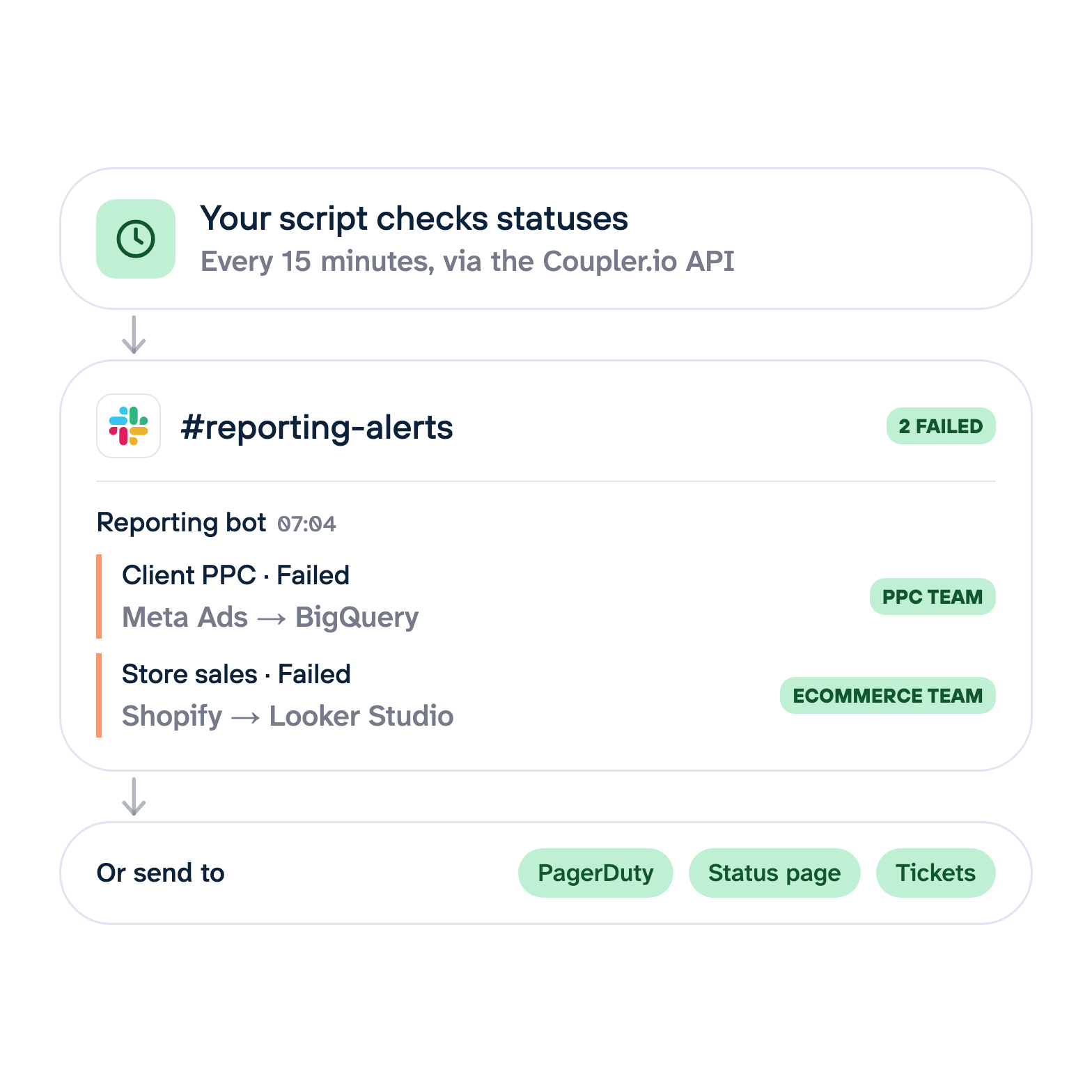
Reporting alerts in the tools your team already checks
- Catch a broken refresh before a client does
- Route alerts by data flow, client or owner
- No separate tab to remember to check
Make your first call in minutes
-
Generate a token
Workspace owners and admins open their profile in Coupler.io and create a personal access token.
-
Point your code at your data
Pick a dataset or data flow you already have, or create one through the API.
-
Send your first request
Pass the token with the request and get rows back. Or let Claude Code, Codex or Cursor write the integration for you.
SELECT channel,
       SUM(spend)                AS spend,
       SUM(revenue) / SUM(spend) AS roas
FROM   data
GROUP  BY channel
Access you control
- Token-based access: Only workspace owners and admins can create API tokens.
- No direct access to your source systems: Your code talks to Coupler.io, with no write-back into your ad, CRM or accounting accounts.
- Sources stay human-approved: Connecting a new source account always needs a person to finish the OAuth sign-in.
 SOC 2 Type II
Certified
 ISO 27001
Certified
 Google Cloud
Certified
 GDPR
Compliant
 HIPAA
Compliant

Build on data that’s already blended and fresh
Reporting automation platform for business teams. Coupler.io collects and blends data from 400+ apps. The API puts it in your dashboards, scripts and agents.